

Best overall
Pangram
View Pricing Visit Website →Free plan; paid from $20/month
- Separates AI-written and AI-assisted text
- False positive rate around 0.0041%
- Chrome extension, LMS integrations, plagiarism checks
Best for publishers
Originality.ai
View Pricing Visit Website →Free plan; paid from $14.95/month
- Full website scans in one go
- Writing Replay to prove authorship
- Plagiarism, readability and fact checks
Best for multilingual content
Copyleaks
View Pricing Visit Website →From $16.99/month
- AI detection in about 30 languages
- Plagiarism checks in 100 languages
- AI Logic explanations, LMS and API
I’ve shared a lot of opinions about a lot of different AI detectors in the last year alone, and most of the time I end up reaching the same conclusion: some of these tools are definitely better than others, and none of them are completely perfect.
I still don’t trust any option on this particular list entirely, but I know how difficult it’s becoming for many of us to properly distinguish between what’s human and machine-generated, so I’m pretty happy that I’ve ended up with seven tools I can genuinely recommend here.
Pangram’s still my favorite, which will be no surprise if you’ve seen my AI detector reviews before, but we’ll get back to why I think it’s the best option overall in a minute; for now, let’s look at the complete list, and how I ran the test.
How I Tested the Best ChatGPT Checkers (and a Quick Overview)
I run the same relatively simple test every time I use a new AI detector, and it’s the same experiment I ran here: give the system the same samples of content and see what it comes back with.
The samples I use include one definitely human piece of content (usually an essay produced before ChatGPT existed or something I know I’ve written painstakingly myself). Then I have a series of AI-generated samples, hybrid samples (blending AI and human text), and humanized samples, where I’ve either run text through a commercial humanizer, or manually rewrote what the GPT generated myself.
What I’m always looking for is an accurate result that’s actually explained (ideally not just a percentage score, but insights into where and how AI was really used), the lowest possible false-positive score, even on complicated content, and overall ease of use.
From about 30 different detectors capable of spotting ChatGPT signatures, I narrowed my recommended list to these seven:
| ChatGPT Checker | Best For | Starting Price | Biggest Issue |
|---|---|---|---|
| Pangram | Best overall | Free or $20 per month | Limited free scans |
| Originality.ai | Best for publishers | Free or $14.95 per month | Advanced scans are expensive |
| Copyleaks | Best for multilingual content | $16.99 per month | Limited credit allowances |
| Winston AI | Best for scanned docs | Free trial or $18 per month | Struggles with humanized text |
| QuillBot | Best free | Free | Variable accuracy |
| Scribbr | Best for students | Free | Word limit for every check |
| Hive | Best for images and text | Free Chrome extension, paid API | Not great for text detection |
1. Pangram: Best Overall ChatGPT Checker
Starting price: Free plan; paid plans starting at $20 per month.
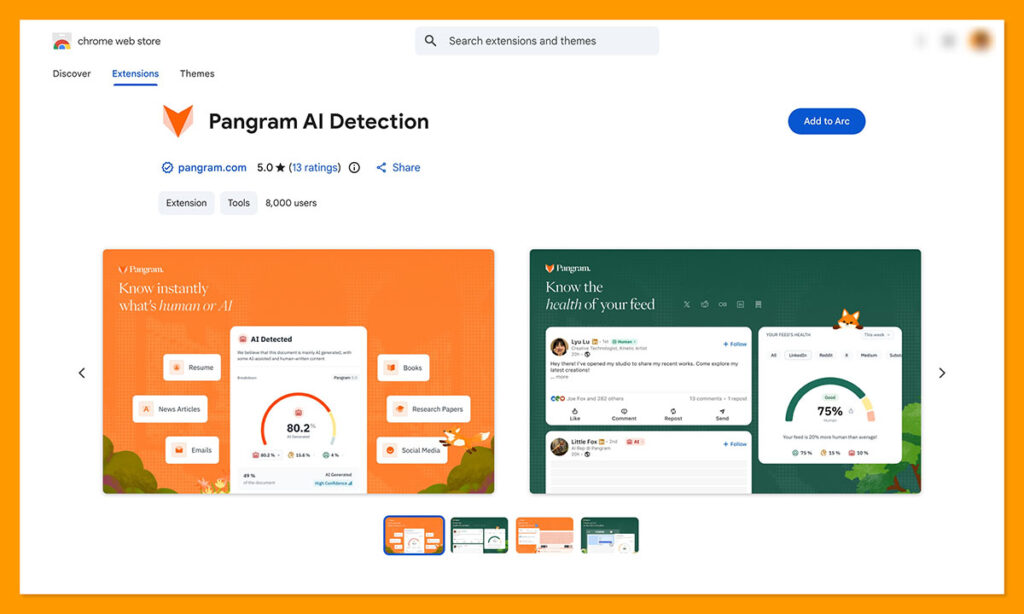
Pangram is one of the few AI detectors that publicly shares their research and has an open model, smaller version of Pangram. If someone uses AI to get help with research and checking their spelling or grammar, that’s not exactly the same as using AI to generate an entire essay from scratch.
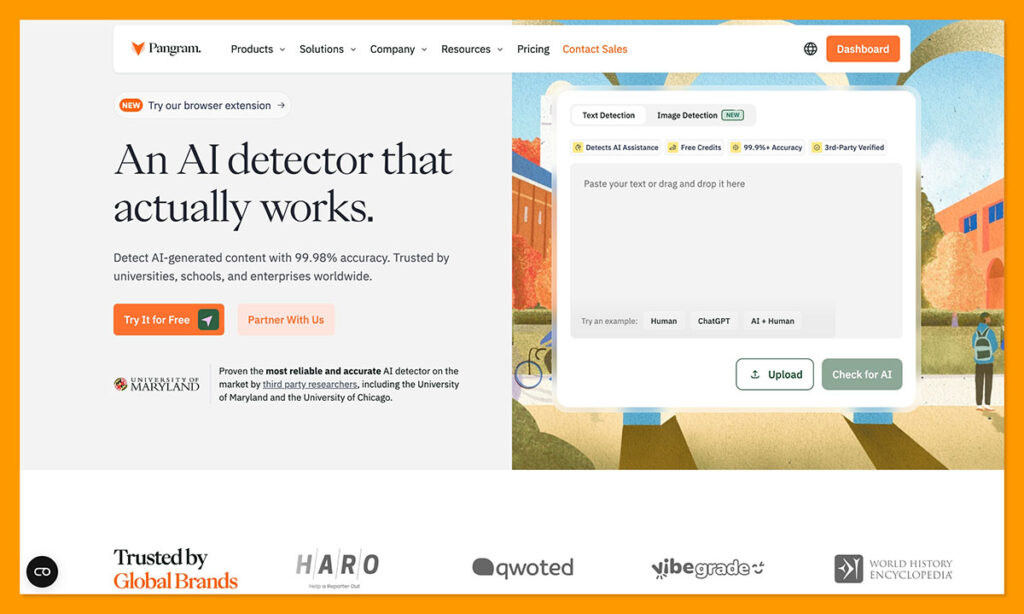
Pangram knows that, which is why it shows you exactly where AI had an impact on content, and what kind of impact that might have been. It can tell the difference between AI-written and AI-assisted content, spot issues in hybrid content surprisingly well, and it does a better job than most other tools at detecting when someone just rewrote a machine-generated passage.
It also gives users incredibly accurate results without falling victim to the same high false-positive rates that seem to plague other systems. Right now, the false-positive rate is somewhere around 0.0041% based on recent tests, which actually makes this tool a lot more trustworthy in my eyes.
It also has some other benefits too, like a Chrome extension, LMS integrations, and tools for plagiarism checking and AI image analysis (although Pangram Image is still in its early stages).
Pros:
- Very high accuracy with low false-positive rates
- Replay in Google Docs and AI checks for web pages in browser
- Useful reports that show how AI might have been used
- Better at finding humanized content than other tools
- Integrated within Google Chrome and various LMS tools
- Plagiarism checks and image checks also available
Cons:
- Pretty limited free plan (2,000 words and 3 image checks)
- Harder to detect AI under 200 words
2. Originality.ai: Best ChatGPT Checker for Publishers
Starting price: Free plan, paid plans from $14.95 per month
Originality.ai was my go-to before I discovered Pangram, because I work in the publishing world, and this platform has pretty much become the go-to standard there, for a pretty good reason.
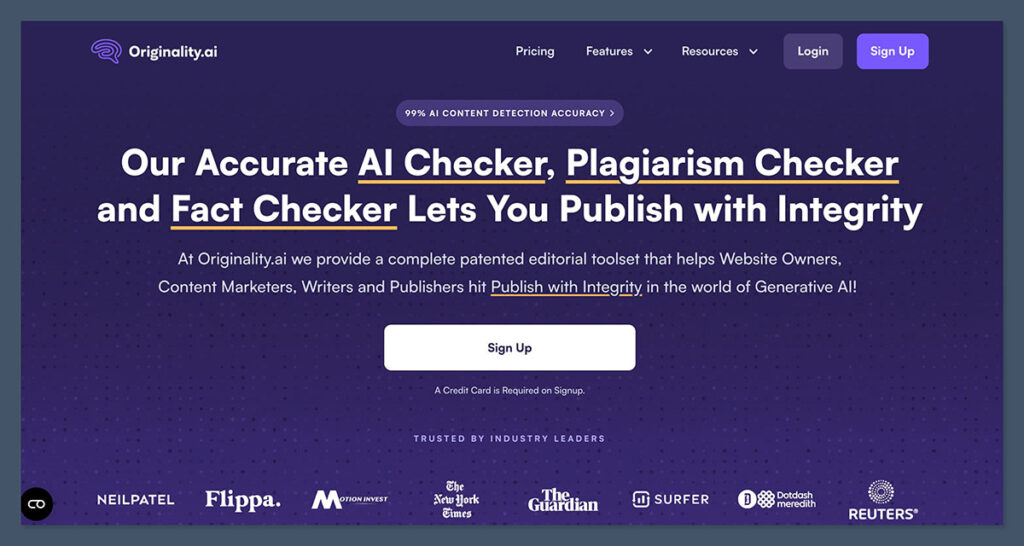
It’s one of the best tools to use if you need an easy way to scan entire websites at once, checking for AI evidence, plagiarism, citation problems, or even readability issues. There’s also a very helpful Writing Replay feature which I think comes in handy if you want your writers to be able to prove that they went through the process of producing something themselves.
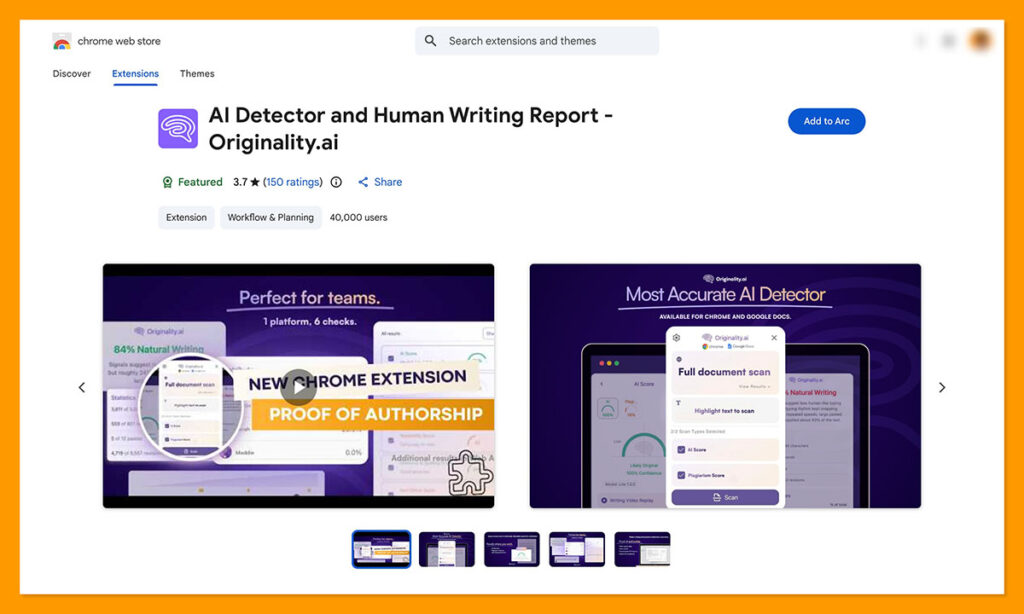
In my checks, Originality wasn’t quite as good as Pangram at noticing when someone had simply rewritten something produced by AI, but it is getting better, and it’s a lot more effective at distinguishing between AI and human snippets in hybrid documents too.
The biggest gripe I have with it is pricing, even though on the surface it looks like a pretty affordable tool. Each plan gives you a certain number of credits, but you use five credits per 100 words every time you want to run a deep scan, and 50 credits per 100 words for every Max scan.
Pros:
- Great tools for bulk content checking
- Collaboration features already built-in
- High accuracy rates, especially for pure AI
- Extra tools for checking plagiarism, readability, and facts
- Straightforward for beginners
Cons:
- Still a higher false positive rate than Pangram
- Not as great at detecting humanized or mixed text
- Can be expensive to run deeper scans
3. Copyleaks: Best ChatGPT Checker for Multilingual Text
Starting price: From $16.99 per month.
I’ve noticed most AI detector companies are starting to branch out into languages other than English now, but Copyleaks is still one of the better options for multilingual projects. It can detect AI involvement in about 30 languages, and plagiarism in 100. I will say, though, that the AI Logic explanations (deeper reports) still only work in six languages so far.
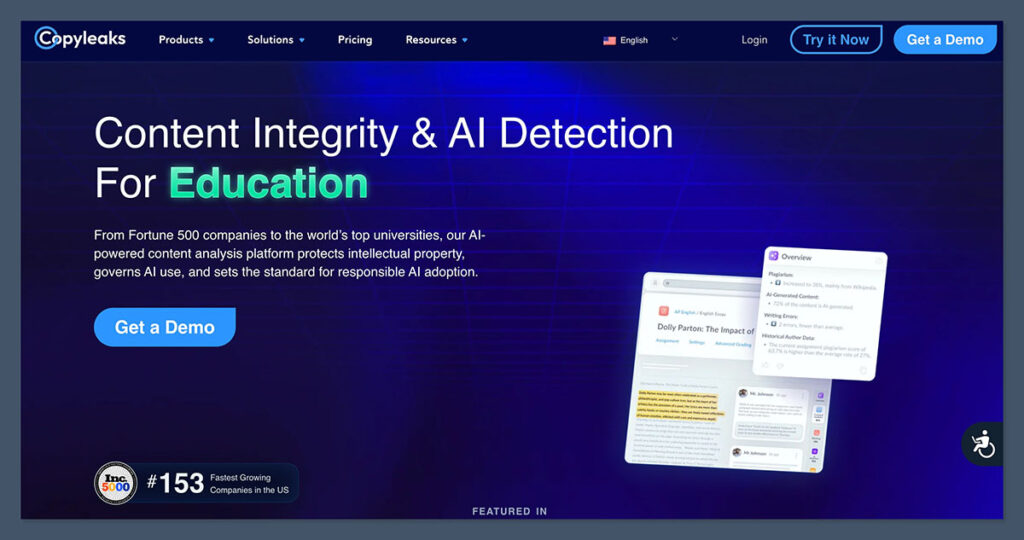
Like virtually every other tool here, Copyleaks has earned high accuracy scores for detecting pure AI-generated content, and I like how the AI Logic functionality can give you an explanation behind a score, rather than just assuming you know what’s causing problems.
Copyleaks’ ability to integrate with LMS tools, Google Docs, and even your browser is helpful too, and there’s API support if you need to plug it into a more specific workflow. The main issues are the common ones most ChatGPT checkers have: Copyleaks isn’t great at understanding when text has been “humanized”, and it’s a little blind to signs of mixed content.
It also comes with a higher risk of false positives than something like Pangram, especially for non-native English writing, which puts a dampener on one of its main benefits.
Pros:
- Looks for plagiarism and AI content at the same time
- Better support for multiple languages than most checkers
- Lots of integration options, and an API
- Easy to use and fast at generating reports
- Helpful AI Logic insights
Cons:
- Can’t detect humanized writing very well
- Higher risk of false positives on certain types of content
- Not the best with hybrid content
4. Winston AI: Best for Scanned Documents
Starting price: Free for 14 days, plans starting at $18 per month
I’ve recommended Winston AI before for the exact same reason I’m going to suggest using it today: it’s very good at dealing with less conventional inputs.
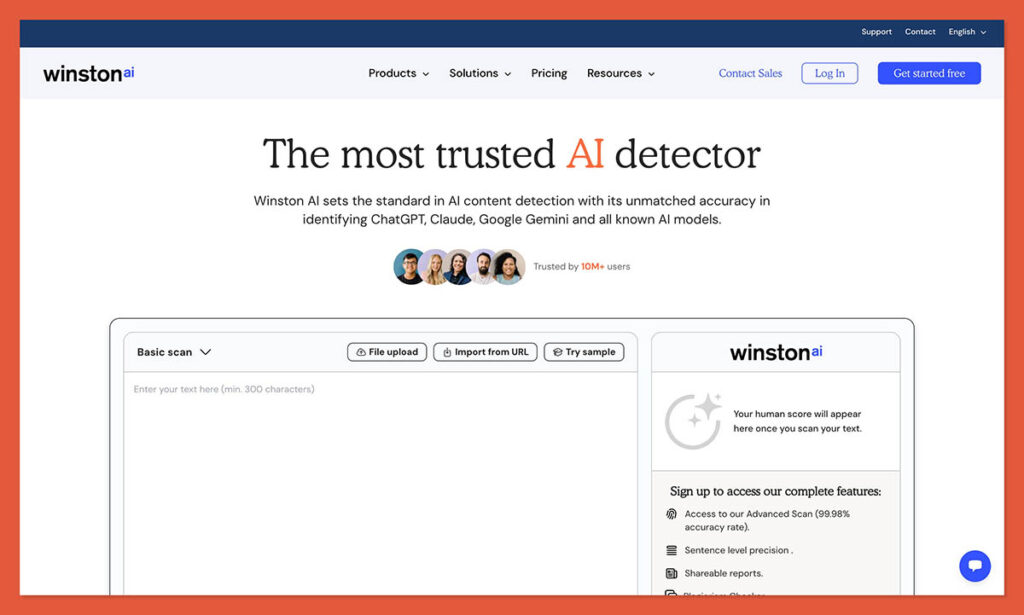
It has built-in OCR functionality so you can send it scanned documents and PDFs, or even handwriting (yes, people can copy what they see produced by an AI bot by hand) and still get a good read on how that content was produced. There’s also an image detector, and plagiarism detection, though extra checks will cost you more.
Winston’s getting better at reducing its false positive score, according to a recent study where it showed zero false positives after checking 25,996 student essays. However, I still find it has a hard time with humanized text and mixed content.
On the plus side, I like how straightforward this platform is to use, and the fact that you don’t need to buy different tools for scanning documents or checking plagiarism and readability if you already have it in your kit.
Pros:
- Better at handling scanned documents and images than most
- Good accuracy claims, and better false positive rates lately
- Offers tools for readability analysis and plagiarism checking
- Reasonably intuitive reports
- Supports around 16 languages
Cons:
- Struggles quite a lot with humanized content
- Can be expensive with credit-based pricing
- Occasionally makes OCR mistakes
5. QuillBot AI Detector: Best Free ChatGPT Checker
Starting price: Free
I’ve had a hard time recommending QuillBot in the past, because it feels a little weird to me that a company would give you a tool to help detect AI (presumably to cut down on the amount in your content), and then also give you a “humanizer” tool to rewrite anything that flags.
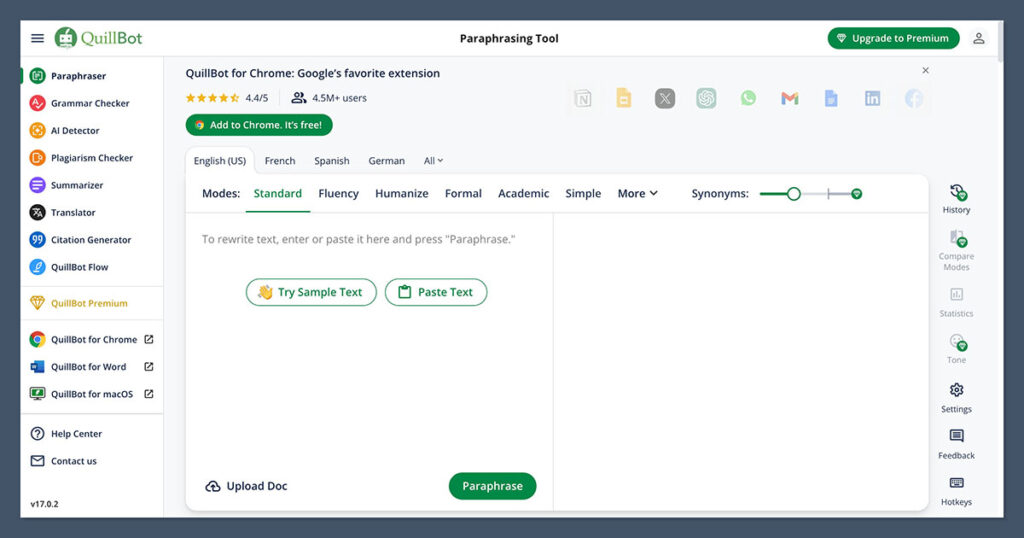
Still, it’s an easy-to-use tool if you want a quick view of how much AI might have been involved in a piece of content, and you don’t like the idea of signing up for an account to get started. It’s free to use for up to six scans a day (capped at 1,200 words each), although you don’t get explanations of why the content flagged until you upgrade to premium.
As you might expect from a free tool, accuracy is pretty variable, and QuillBot does regularly have problems with false negatives and false positives. It’s particularly bad at identifying humanized text, so you might need a separate tool if you suspect something’s been paraphrased.
But, for a basic starting point, QuillBot isn’t bad, and it also gives users some additional handy tools, like a grammar checker and a summarizer.
Pros:
- Free checks with no signup required
- Useful integrated writing suite
- Sentence-level highlights and reports (though only on the paid plan)
- Easy for beginners to get their heads round
- Decent at detecting fully AI-written text
Cons:
- Pretty restrictive daily limits
- Not the best accuracy
- Has a very hard time with humanized text
6. Scribbr AI Detector: Best Checker for Students
Starting price: Free
I arguably could have given Scribbr the title of the best free ChatGPT checker here, because you can run as many free checks as you like, as long as you cut your content down into 1,200-word chunks. Still, I like it better for students because it gives you more detail you can use to fix anything that might be wrong with content you genuinely worked hard on.
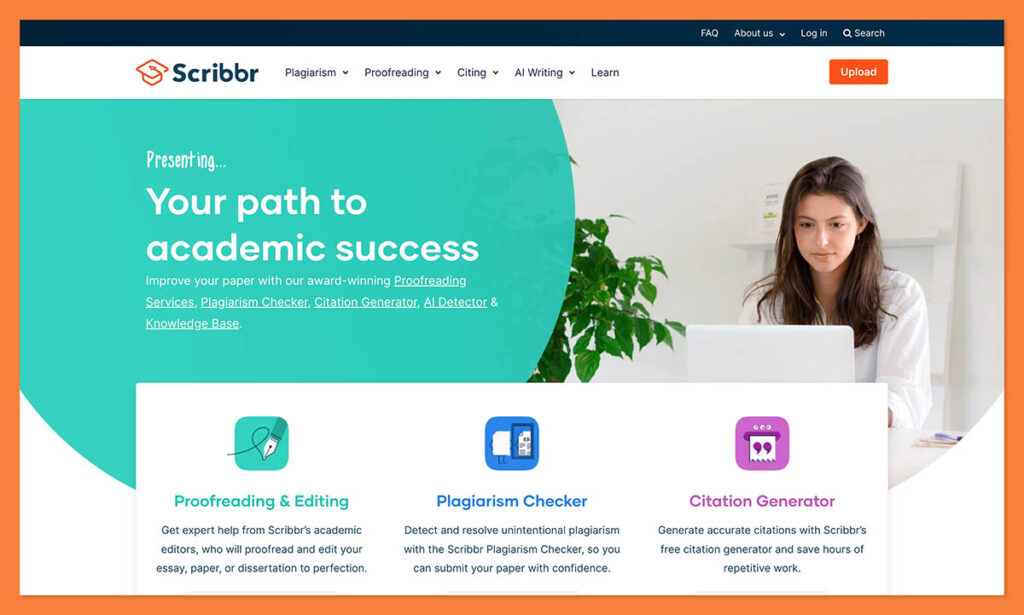
Scribbr can differentiate between AI-generated and AI-refined content, and it can give you insights into why it found specific sentences or paragraphs problematic. The overall reports are similar to what you’d get from QuillBot, which makes sense since they now belong to the same family.
Another plus is that nothing you paste into Scribbr is stored or shared with any third parties, which might reassure some more privacy-conscious students. Unfortunately, like QuillBot, the accuracy rates leave something to be desired, and false positive issues are common.
You also won’t get much extra information if you decide to use QuillBot and Scribbr at the same time (for a second pair of eyes), since I’ve found they give identical results.
Pros:
- Unlimited free checks within the submission caps
- Paragraph-level feedback and suggestions
- Academic writing resources available
- Easy to use with no account setup
- Flags pure AI pretty well
Cons:
- Same accuracy issues as QuillBot
- False positives are common
- Word limit per check can be annoying
7. Hive AI Detector: Best for Multimedia
Starting price: Free Chrome extension or custom API pricing.
Finally, we have Hive, which I’ll say straight away I wouldn’t recommend for checking text-based content, but I’d definitely use it if you’re suspicious of something visual. Unlike most other detectors, Hive can scan text, images, audio, and video at the same time.
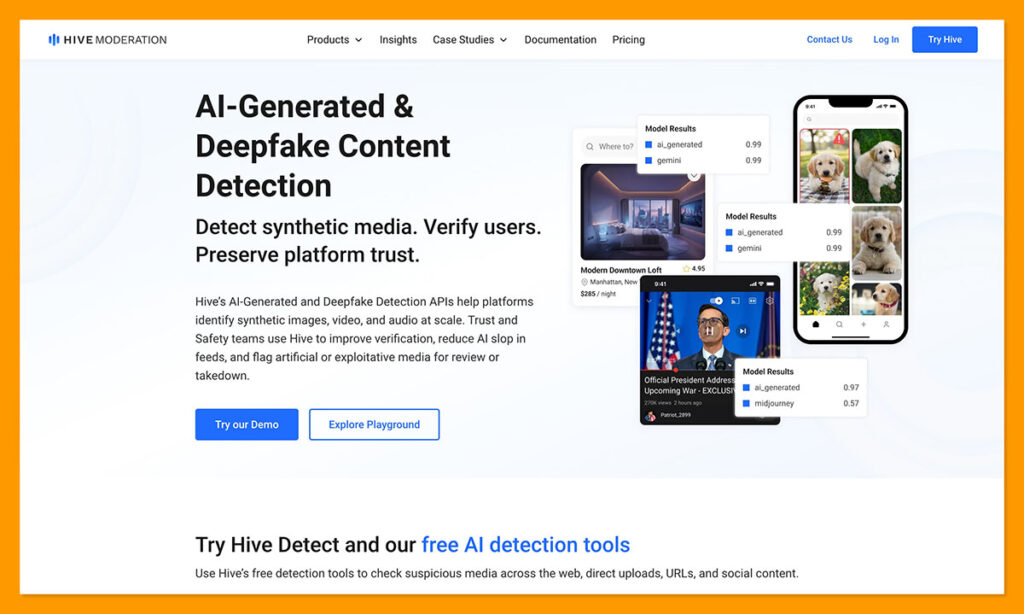
For images in particular, its results are usually very accurate, and the University of Chicago even gave it an average accuracy score of 98%. The Chrome extension, which you can use for free, lets you right-click on a piece of content anywhere and check for AI influence, which is great if you’re getting a little bit more skeptical of what you see posted online these days.
There’s also the API which businesses can use to find instances of deepfakes in videos or images, or synthetic audio. The main problem, as I mentioned, is the text analysis, because really, that’s not Hive’s primary focus. Accuracy rates vary, and the reports you get don’t really tell you much about how AI was involved, or why something’s flagging.
Pros:
- Free multimedia AI detection through an extension
- Good API capabilities for developers
- High-speed processing with the API
- Enterprise security available for businesses
- Strong accuracy rates (outside of text)
Cons:
- Not ideal for text analysis
- Expensive pricing for the API
- Very minimal feedback
Which ChatGPT Checker Is Really the Best?
Again, I’d probably end up using all of these checkers for different things. QuillBot and Scribbr are both good if you need a quick second pair of eyes on something and you don’t want to pay anything. Originality.ai still makes sense for publishers, while Copyleaks storms ahead of most alternatives if you need to check content in multiple languages.
Winston is brilliant for scanned documents, and I’d definitely consider using Hive AI if you’re looking into images, videos, and audio. I chose Pangram as my favorite mostly because it gives me the reassurance I’m really looking for from an AI detector.
It can tell me whether AI was involved (and when it wasn’t), and how it might have been used, so I know what kind of issue I really have to address.

Comments 0 Responses