

I think most people would argue that I’m pretty harsh when I review AI detectors. I’m less interested in what they do right, and more concerned about what they get wrong.
The biggest issue I have is how “black and white” most of these models are. Either they say content is machine-generated, or it isn’t, and when they’re not entirely sure, they tend to err on the side of “AI”. Nobody wants to be the company with an AI detector that can’t spot machine-made copy. Fewer care about being the company that accuses real human writers of producing AI workslop.
That bothers me, because these tool have a real impact on people’s reputations and futures.
So when I’m asked to write a review like this one, I’m looking at more than just high AI detection accuracy scores. I’m looking for something people can really trust.
The 5 Best AI Detectors I Tried in 2026
At this point I’ve tried about 30 AI detectors personally, so I think the fact that only five actually made the cut for this article says something. Obviously, I don’t have a lab where I can run fancy tests, but I do have my own strategy for testing these things out.
It involves feeding a few different pieces of text written by me, or another human (generally before things like ChatGPT existed) into a system, and comparing the results to what I get when I feed an AI-generated version from something like Claude, Gemini, and ChatGPT into the same model.
I’m still looking at things like ease of use, file-support, cross-model compatibility, integrations and special features. But beyond all that I’m really looking at which tools can accurately detect both machine-generated content and human-produced text.
Here’s the quick comparison:
| Tool | Best for | Starting price | What I liked most | Biggest drawback |
|---|---|---|---|---|
| Pangram | Teachers, publishers, moderation teams | $20/month | Best balance of accuracy and restraint. It doesn’t seem obsessed with accusing people. Strong independent backing on false positives. | Free usage is limited, and very short text is still harder to judge. |
| Originality.AI | Content teams, agencies, publishers | $14.95/month | Strong all-in-one workflow. AI detection, plagiarism, readability, site scans. Good fit for scale. | More likely to feel harsh on polished human writing. |
| Winston AI | People who want OCR, uploads, reports | $18/month | Easy to use. Good dashboard. Helpful if you’re scanning files, screenshots, or messy source material. | The independent evidence is thinner than I’d like. |
| Copyleaks | Institutions, multilingual teams, recruiters | $16.99/month | Big language coverage and solid LMS integrations. Easy to justify in education settings. | Can get twitchy with formal, rigid writing. |
| Turnitin | Universities and school systems already using it | Quote only | Built into existing academic workflows, which is why it keeps showing up. | You’re mostly buying the ecosystem, not a clean standalone detector. Trust is still mixed. |
1. Pangram: Best AI Detector Overall
Starting price: Free trial, paid plans from $20/month
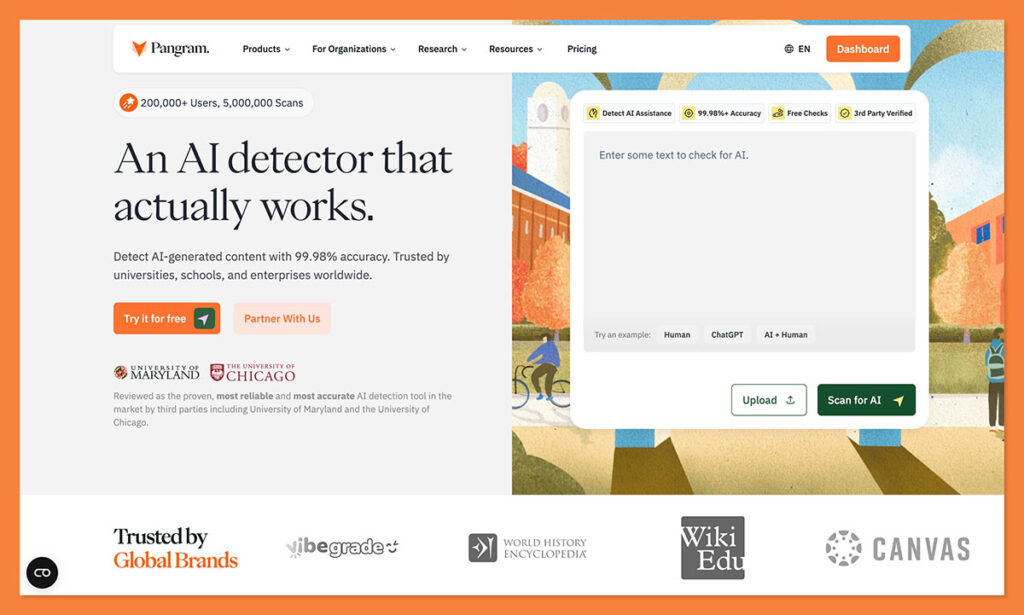
Frankly, Pangram is the only AI detector tool I’ve tried that makes me hopeful these systems could really be useful in the years to come. That sounds harsh, but I really do think a lot of these tools are built with the assumption that users will trust them more if they approach every piece of content with the “guilty until proven innocent” mindset.
Pangram is great at detecting machine-generated pieces. I tried it on my pieces from Claude and Gemini, and it had no problem seeing the bot’s influence. Interestingly, it also did a good job of picking out “bits” of AI-generated content from a piece where I’d mixed in human writing.
It can even tell you where AI might have assisted with the writing, and picks on “humanized” text better than most of the other tools I tried. The best part though is the consistently low rate of false positives.
Pangram doesn’t just flag content because it’s too neat or consistent, it really searches for genuine human influence. It even held up in a comparison conducted by the University of Chicago, as the only detector that worked well when the false-positive cap was pushed down to 0.5%.
Oh, it also has its own Chrome extension, integrates with Google Docs and LMS tools, and has a bult-in plagiarism detector too.
Pros
- Strongest independent evidence in this roundup
- Very low false-positive profile
- Good on rewritten or humanized AI text
- Useful in education and moderation workflows
- Chrome extension and Google Docs support
Cons
- Free use is limited
- Very short text is still trickier
2. Originality.AI: Best for Professional Content Teams
Starting price: $14.95/month
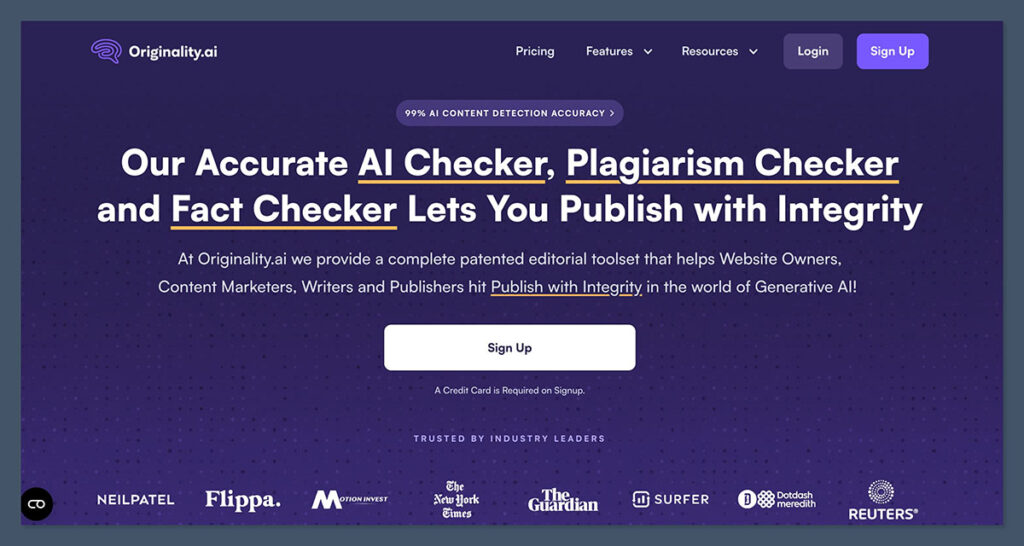
Originality.AI was one of the first AI detectors I ever used, because a lot of publishers were insistent on it. I get the appeal. The accuracy scores are fantastic, and you get more than just “AI detection” in the toolkit. There are also features that help you check for plagiarism and readability problems, the kind of stuff you’d expect to see from something like Grammarly.
What I really like it for is it’s scale. You can work together with colleagues in the same account, thanks to built-in collaboration tools. You can also use the “Site Scan” feature to evaluate an entire website in one go, rather than copy-pasting everything. Definitely makes a lot of sense for agencies, publishers, and larger teams.
You also get decent reports, showing you highlighted sections where AI might have influenced the text. I do think, though, that it’s a bit too eager to “prove” everything is machine-written. Even the poem my colleague wrote back in 2017 was marked with a 30% likelihood of being AI. On the other hand, Originality seemed to struggle to detect when I just “rewrote” something an LLM produced.
Generally, I still like Orginality.ai, I just don’t think publishers should overlook how much it tends to struggle with false positives.
Pros
- Very good fit for publishers, SEO teams, and agencies
- Site Scan is a genuinely useful feature
- AI detection, plagiarism, and readability in one workflow
- Good reporting and team-friendly setup
Cons
- Can feel harsher on polished human writing
- Better for content operations than high-stakes academic review
- Easy to overvalue the score if you’re not careful
3. Winston AI: Best for Flexible Inputs
Starting price: Free trial, paid plans from $10/month
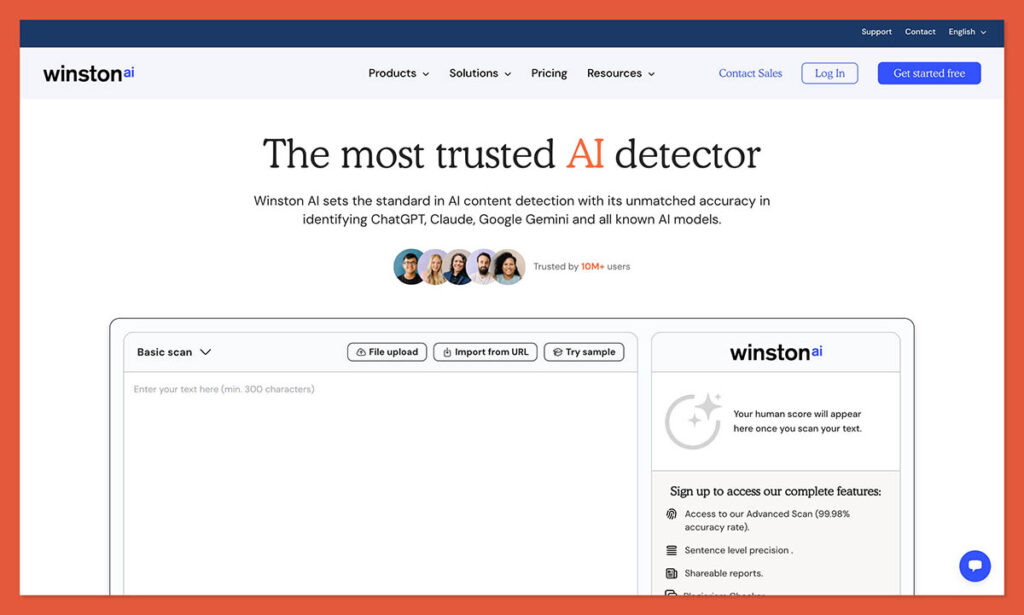
Winston is another one I felt pretty positive about at first. It’s considered one of the most accurate detectors out there, and does surprisingly well at identifying “humanized” text (when someone just rewrites what an LLM spits out).
Compared to some alternatives, like Originality, and GPTZero, Winston is also better at reducing false positives, though in my tests it wasn’t quite as consistent as Pangram. Still, you do get some interesting extra features built in. Plagiarism detection is included, and there’s an OCR feature, so you can check for AI-generated content in images.
That might sound like an odd feature, but people can still scribble AI sentences onto paper, or paste them into PDFs. Plus, you can use Winston for deepfake detection, which could be handy for companies producing a lot of visual content.
Still, the free plan is very limited, there’s only five language supported, and Winston can be fooled by heavily edited text. Also, there isn’t quite as much “third-party” evidence backing Winston’s claims about accuracy as there is for something like Pangram.
Pros
- Very easy to use
- OCR is genuinely helpful
- Good dashboard and report workflow
- Useful for files, screenshots, and awkward source material
- Broader feature set than a lot of rivals
Cons
- Not much independent testing
- Fewer language options than some alternatives
- Not ideal with humanized text
4. Copyleaks: Best for Multilingual Teams
Starting price: $16.99/month
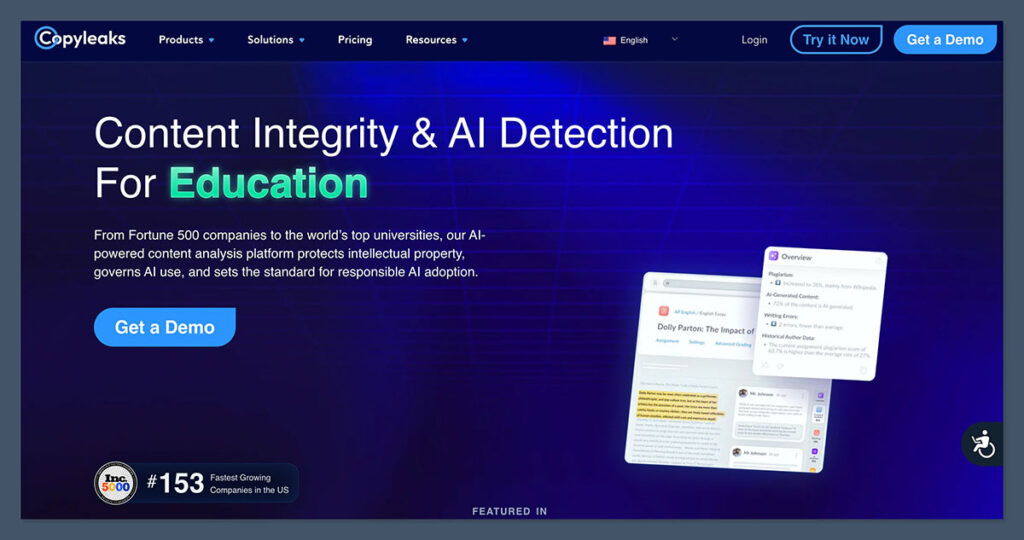
I actually knew Copyleaks back when it was just a plagiarism detection tool, so using it for AI detection felt pretty natural. Like most of the options I tested here, Copyleaks has some pretty impressive claims behind it, such as accuracy rates as high as 99%, although some users says it doesn’t work well with heavily rewritten text.
What’s great is the amount of coverage you get. The plagiarism detection is comprehensive (and very reliable). AI detection is available in more than 30 languages (way more than most tools can manage). You also get detailed reports with color-coded highlights for different text problems.
I also like the mobile app, and the fact that it plugs into other tools like Canvas and Moodle. The big issue, aside from the fact that it doesn’t always notice “AI-influenced” or rewritten text, is the high degree of false positives.
Anything simple, neat, or overly formal seems to flag no matter what. I think that kind of thing is problematic, as it teaches people to write to “avoid detection” rather than teaching them to write in a way that actually helps their reader.
Overall, though, Copyleaks is a very capable institutional checker, not something I’d want treated like gospel.
Pros
- Excellent language coverage
- Strong LMS integration story
- Easy to imagine at scale
- Useful when plagiarism and AI checks need to sit together
Cons
- Can get jumpy with formal human writing
- More useful as part of a review process than a final verdict
- Better for institutions than for someone who wants careful, nuanced calls
5. Turnitin: Best for Institutions Already Using It
Starting price: Institutional pricing only
I kept this one in the list because it tends to be the tool that most educational institutions try first, if only because it already slots into the systems they’re using to check and grade papers. Students are already submitting work through the portal, so using the AI checker that’s built-in generally makes more sense than paying for a different tool.
Plus, you get other features for tracking plagiarism, and other issues. Most recently, Turnitin also added a feature that they say can help educators see when a student has written something with AI, then used a “AI bypasser” or humanizer.
There isn’t a lot of evidence showing how accurate that tool is yet, but it’s nice to see a company paying attention to how some people are trying to dupe the system.
Unfortunately, Turnitin still has the same problems that make other AI detectors less trustworthy. It can generate a lot of false positives (which is disastrous for students), and it doesn’t really work on text shorter than about 500 words. It’s also not the cheapest tool of the bunch, nor the most versatile if you’re teaching non-English students.
Pros
- Already used in academic workflows
- Can potentially detect humanized AI content
- Very comprehensive plagiarism database
- Makes practical sense if your university is already committed to Turnitin
Cons
- Expensive for some institutions
- High false positives
- Not great at examining shorter text
My Final Verdict: Which Detector Wins?
I’m a little reluctant to back any AI detector 100% at this point, mostly because none of them are guaranteed to be perfect. They’re all getting very good at identifying obviously machine-generated text, but most still struggle with false positives, and figuring out when a writer has just “tweaked” something an LLM produced.
Still, overall, Pangram would be the one I’d recommend to most people for a few obvious reasons. It’s more direct about reducing false positives than most of the other options on this list, without just allowing AI workslop to slip through the cracks.
It’s also got some of the best backing from independent tests that I’ve seen, from major universities that have proved just how accurate and helpful it can be. Plus, it’s one of the few tools that does genuinely well at detecting AI influence, rather than just pure machine generated content.
I still recommend taking any score you get from an AI detector with a pinch of scrutiny, but if you’re looking for a system that you can trust to keep you on the right track, Pangram is the most reliable option I’ve tried so far.

Comments 0 Responses