

Based on hands-on testing of a dozen AI detector Chrome extensions across human-written, AI-generated, and humanized content samples, Pangram is the best AI detector Chrome extension because it consistently catches AI content (even when humanized or AI-assisted) while maintaining the strongest false-positive track record in the category, validated independently by researchers at the University of Chicago and University of Maryland.
In this guide, you’ll see exactly how each of the top five Chrome extensions performed, what they’re best at, where they fall short, and which one fits your specific use case, whether you’re a teacher grading essays, a publisher reviewing submissions, or just a reader trying to figure out what’s real on your feed.
I get the point of AI detectors. I really do. AI is useful, but if you’re paying a writer for content, supporting a publisher, or grading a student on something they’re supposed to produce from scratch, you need to know whether they’ve been cutting corners.
AI detectors with Chrome extensions are particularly useful because you don’t have to copy/paste huge snippets of text into a tool to use them; you can just scan what you already have.
The only problem I have is with how unreliable most of these tools really are. I’ve pasted the exact same content into ten different tools claiming to do the exact same thing before, and ended up with ten different scores.
If you were just trying to figure out if a piece of content might have been influenced by AI, that would probably be fine. If you’re judging a student’s work, and a false accusation could affect their whole future, it’s a lot more worrying.
So when I started looking for the best AI detector Chrome extension, I decided to focus on trustworthy, defendable scores, not just accuracy claims.
The Best AI Detector Chrome Extensions
To make this fair, I tested about a dozen tools in the exact same way. First, I checked that there actually was a Chrome extension available, then I downloaded it, and used it to score a handful of different writing samples.
The first bunch was entirely human-written (usually produced before 2018), the second bunch was the versions of those pieces written by LLMs, and the third was a mix-up of AI and human-written content, combined with a few pieces I’d tried to “humanize”.
Here’s the shortlist I ended up with.
1. Pangram: Best Overall
Starting price: Free 7-day trial
Best for: Anyone who can’t afford bad false positives
We’ll start with the tool I liked the most, and honestly, the one I wish everyone would use. What really appeals to me about Pangram is that it’s not quite as “eager” as most tools.
What I mean is that a lot of AI detectors seem determined to track down any hint of AI, to the point where they tend to flag anything formal or “expected” as machine-generated.
Pangram is more restrained; it actively fights back against false positives by searching for genuine AI signals, and even detecting when AI might have influenced, rather than written, a whole piece of text. That doesn’t mean it misses machine-generated content, by the way. It’s still extremely accurate, even when I asked it to evaluate a piece of text I’d written with an LLM, then tried to humanize.
It just feels less like it’s trying to catch someone out. That’s backed up by the fact that professional institutions like the University of Chicago have confirmed just how high its accuracy rate is, and how good it is at avoiding false positives.
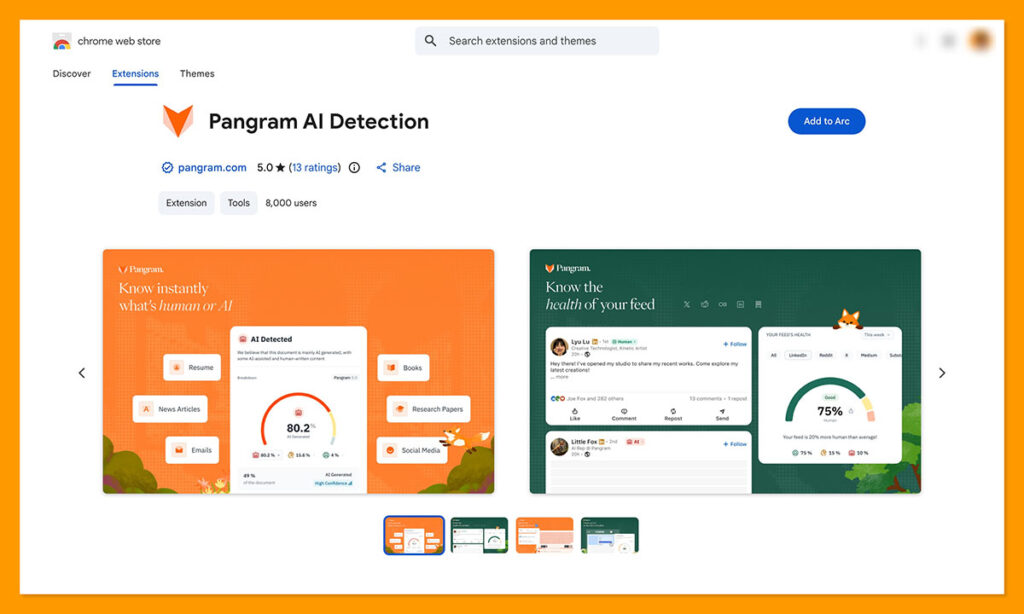
Plus, I really think Pangram’s Chrome extension is one of the best out there. You can use it in so many ways. On a web page, you can highlight a chunk of text, click “Check for AI content” and get a full analysis without switching tabs. On social media, across X, LinkedIn, Substack, Medium, and Reddit, it can label content as “human” “AI-assisted” or “AI” in real-time as you scroll.
It also gives you a feed health check when you click on a badge, showing you the exact percentage of human to AI content.
Even in Google Docs, Pangram can show you total edits, pasted blocks, and even a live replay of writing history when you click the “Scan for AI” button.
Pros
- Strongest false-positive story here
- Good fit real-time, reliable reviews
- Easy to use across X, LinkedIn, Substack, Medium, Reddit, Google Docs and more
- Better than most on rewritten or AI-assisted text
- Useful free trial option
Cons
- Free use is limited
- Short samples are still harder to judge
2. Originality.ai
Starting price: $14.95/month or $30 pay as you go
Best for: Publishers, agencies, and content teams
Originality.ai and I go back a while now. This is one of the first tools that a lot of publishers asked me to use to check my work, and most people do find that it’s extremely accurate. It’s also pretty efficient. You can check entire websites at once with Site Scan, and you can collaborate on documents with other team members without having to use a separate app.
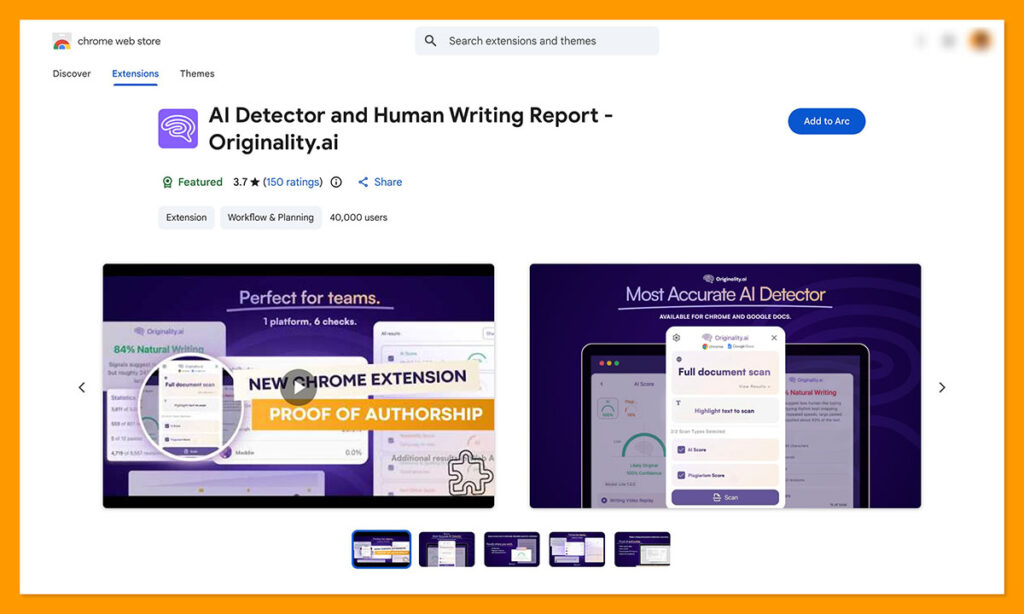
Plus, the Chrome extension bundles AI detection in with things like plagiarism detection, multilingual detection, shareable reports, and readability insights. There’s even a handy “Writer Replay” option, so you can ask whoever produces the content to track them actually writing it (for proof).
I like a lot of things about Originality, especially the reports you get that can actually help you understand why certain bits of text are flagged. The big issue is the false positive rate. One report found Originality could even have false positive rates of up to 78% with some models.
That actually tracks with my own tests, where Originality claimed an old article written in 2018 had a 40% probability of being AI-generated. Doesn’t make much sense when ChatGPT wasn’t even a thing back then.
Pros
- Strong feature depth
- Great for editorial and publishing workflows
- Writer Replay is genuinely useful
- AI and plagiarism tools in one place
Cons
- High false positive rates
- Pricing adds up faster at scale
3. Sapling.ai
Starting price: Free 1-month Pro trial
Best for: Quick browser-based checks
I have a bit of a weird attitude towards tools like Sapling.ai, because they promise to help you detect AI-written content and produce it at the same time. It feels a little hypocritical. Still, it does get a lot of praise for being easy to use, and it includes grammar checking alongside AI detection.
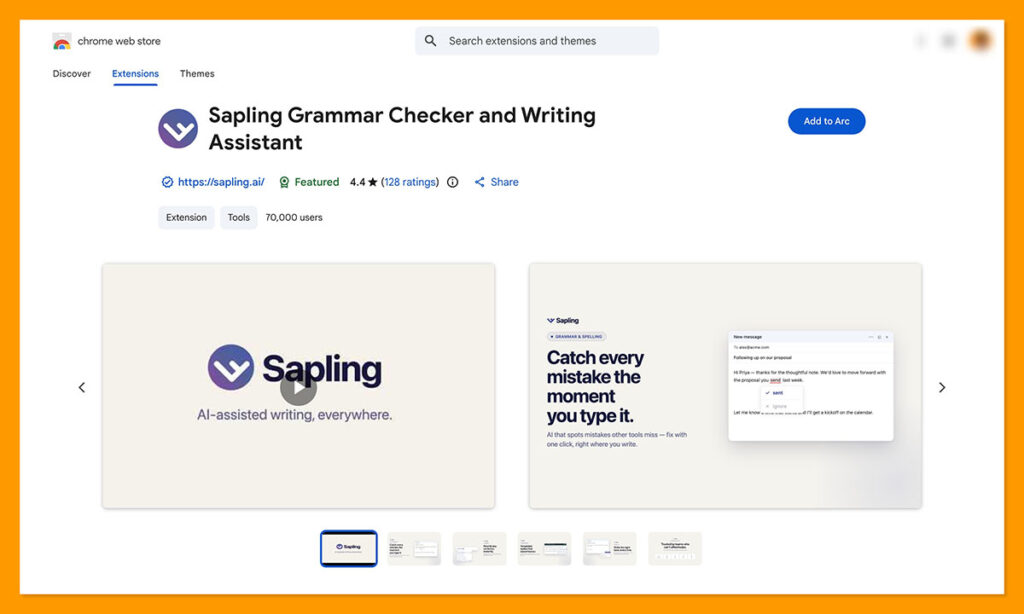
The Chrome extension is convenient, and there’s a free version if you’re just getting started. Plus, you can get a free trial that lasts for a month when you sign up. You can even use this tool to check for machine content in really short snippets of content, like social media posts. A lot of other tools have trouble with anything smaller than 300 words.
Of course, there are a few problems. This tool doesn’t work well with languages other than English, and the interface occasionally suffers from a few bugs. Plus, like with most detectors (Aside from Pangram), it does generate a lot of false positives, particularly when you’re checking niche or formal content. It’s a good “starter” tool, but that’s about it.
Pros:
- Very easy to use
- Fast highlight-and-check workflow
- Good fit for live browsing
- Strong recent third-party mention for accuracy
Cons
- Lighter reporting
- Less suited to higher-stakes review
- Fewer workflow extras than the top two
4. GPTZero
Starting price: Free extension; paid plans available
Best for: Schools, Google Docs workflows, writing transparency
GPTZero is one of the most obvious options worth mentioning here. I’m pretty sure everyone is familiar with it at this point. There’s a pretty generous free version (which is great if you’re just starting to test these tools out). The Chrome extension is easy to use, and the accuracy scores are usually pretty good.
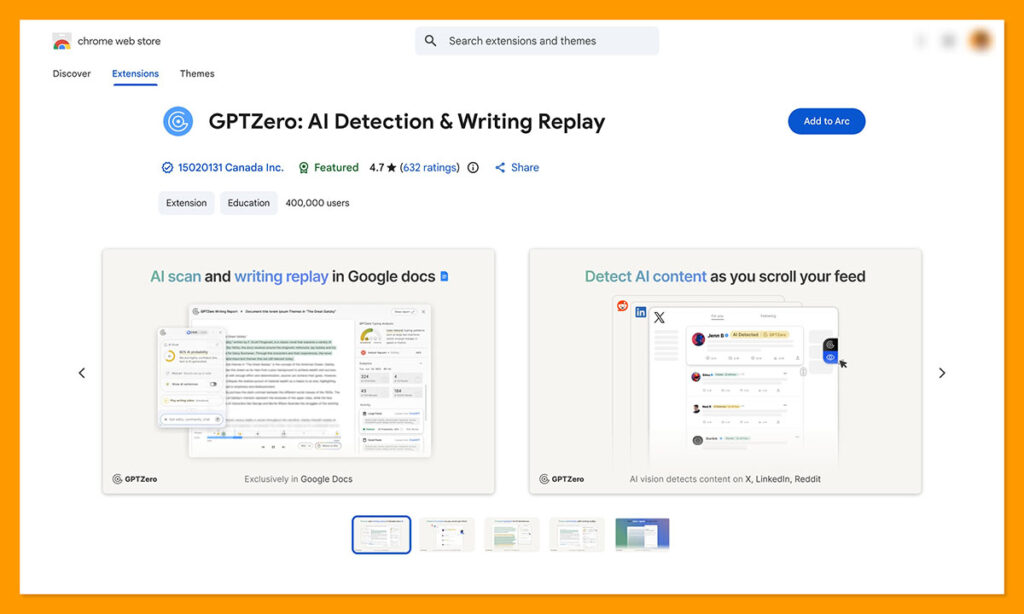
I particularly like the detailed highlights in the reports you get, showing you which sections of a document are most likely to be AI-generated and why. In terms of false positives, GPTZero tends to perform better than Originality, but it still doesn’t match Pangram. It particularly struggles with niche and formal content, as well as shorter snippets of text.
It also doesn’t do very well at detecting humanized or heavily edited text, and the integrations don’t go very far. You can use the Chrome extension and try the tool with Google Docs, but it doesn’t work with a lot of learning management systems.
Pros
- Strong Google Docs workflow
- Reports are pretty useful
- Big presence in education
- More transparent than a basic detector
Cons
- Less convincing on paraphrased AI
- Still struggles with false positives
- Not a lot of integrations
5. Winston AI
Starting price: Free 14-day trial / 2,000 credits
Best for: Teams that want OCR, reports, and more than a basic text scan
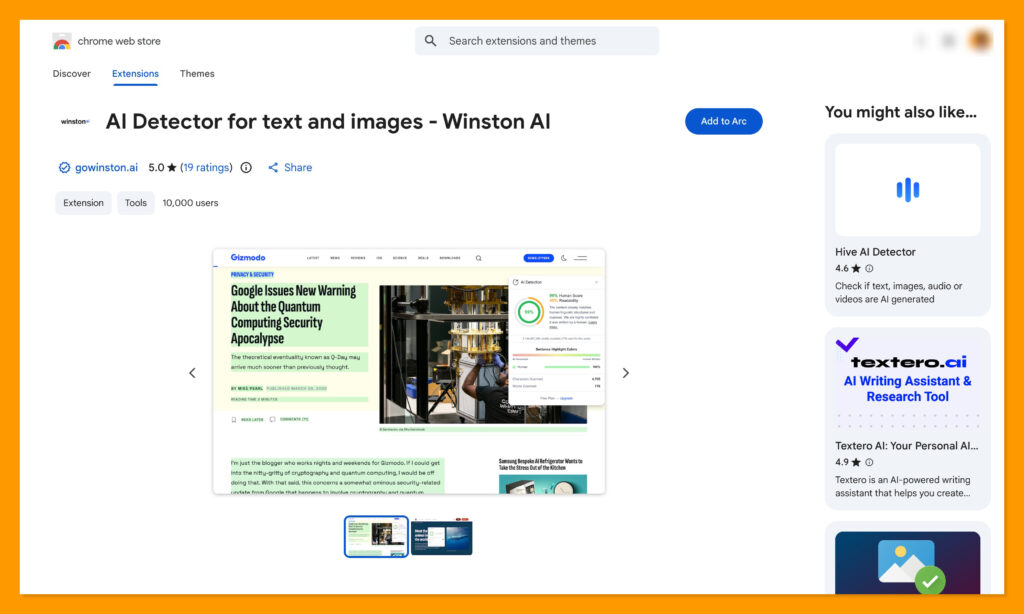
Winston seems to be getting a lot more attention lately, which is probably a good thing. It’s not just leaning on its “high accuracy” scores, like most other tools. It distinguishes itself with tools that can detect humanized and paraphrased writing, as well as tools for checking images and PDFs (OCR).
The Chrome extension is convenient and easy to use, and it still works with both text and images. Although I will say it doesn’t give you a lot of insights into why certain pieces of text flag. It also has a real problem with false positives, like most other tools these days. If writing looks highly “structured” or has a lot of bullet points, it’ll probably trigger a bad score.
On the plus side, it is pretty good at detecting AI content produced by models that tend to bypass other tools, like Deepseek. It also feels like it’d be particularly useful for scanning social media content (with the extension) since it can detect AI-generated images at the same time as text.
Pros
- Broad feature set
- OCR and PDF reporting are useful
- Good fit for document-heavy review
- Stronger than average workflow options
Cons
- Not the most accurate tool
- Can struggle with false positives
Which AI Detector Chrome Extension Is Best?
I’d love to finish this article with a recommendation of one tool you can absolutely trust 100% with AI detection. Unfortunately, I’m not sure we’ll ever get to that point. Any AI detection tool is still just software, and software can make mistakes. What I will say, though, is that Pangram was the most trustworthy tool for me overall.
It’s the only one I tried that consistently detected AI content, even when I tried humanizing it or mixed it in with true human-written text. It’s also the one that seems most committed to reducing false positive flags, which means a lot when a person’s reputation is on the line.
Pangram was also the tool with the best overall Chrome extension experience. The Google Docs insights are incredibly useful, scanning for AI text on any web page is fast and simple, and the useful labels you get for social media content (plus the feed health check) are amazing if you’re questioning what you can really trust online.
I still think anyone using one of these tools should apply their own human judgment to any score they give. Still, I believe Pangram is more likely to give you an accurate reading you can trust than anything else I’ve used.

Comments 0 Responses