

I’ve been using AI detectors for a while now, checking my own work for any annoying GPTisms I might have picked up, and reviewing the content of the people around me. Honestly, I’ve found that with most free AI detectors, you get what you pay for.
Every free tool is limited in some way; I think we all expect that. Still, I’m happier to be limited in credits and words than I am to be restricted to lower accuracy scores, or higher false positive rates just because I want to test a product before I pay for it.
So that’s the perspective I’m taking with this list of free AI detectors: which ones can you still trust when you’re using the free plan, and which ones aren’t really worth the first trial.
The Best Free AI Detectors: My Picks
The great thing about comparing free AI detectors is that I could actually use all of them without whipping out a credit card. I’ve put each of these tools through the ropes, looking at how they respond to different kinds of content, and different levels of AI influence.
I ended up with seven tools I’d recommend using for pretty different things.
| Rank | Tool | Best for | Free version |
|---|---|---|---|
| 1 | Pangram | Serious checks where false positives would cause drama | 4 checks per day, up to 1,000 words each |
| 2 | Copyleaks | Big one-off scans | Up to 25,000 characters per scan |
| 3 | Scribbr | Quick checks for drafts and academic-style writing | Unlimited checks, 1,200 words each |
| 4 | QuillBot | Lowest-effort checking | Free under 1,200 words |
| 5 | GPTZero | Education-style workflows and Google Docs checks | 10,000 words per month |
| 6 | ZeroGPT | Fast second opinions | Free basic checks |
| 7 | Sapling | Short business snippets | 2,000 characters per query |
1. Pangram: Best Free AI Detector Overall
Free plan: 4 credits (1 credit = 1,000 words) per day
Best for: Low false positive rates and exceptional accuracy, even with rewritten AI text
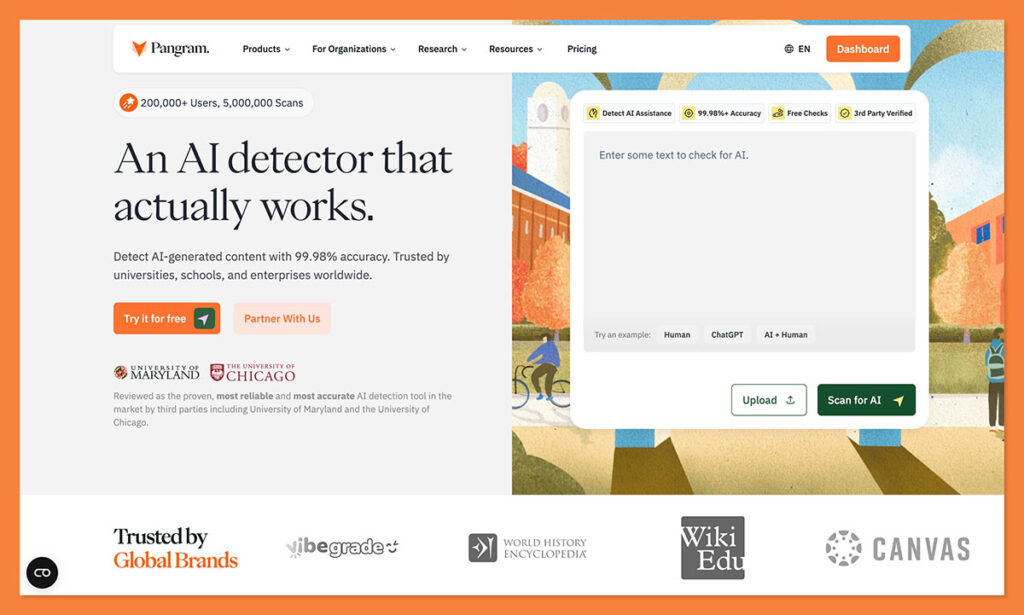
I know Pangram isn’t completely free, you only get credits for about 4,000 words per day on the free plan, but that’s pretty normal. Most AI detectors give you limits if you’re not willing to pay. Still, this is the first one I actually wanted to spend money on.
Pangram is one of the most accurate tools I’ve tried, capable of easily spotting AI-generated slop, as well as AI-assisted writing, and even paraphrased AI content. You also get one-click Google Docs detection, a browser extension for checking out content on the web, plus plagiarism checks.
Also, there’s API access, LMS support, and you even get support for over 20 languages, so you’re not limited to English only (like you are with most free tools).
What I love most of all, though, is the extremely low false positive rate, about 1 in 10,000, verified by actual experts like the University of Chicago and University of Maryland. That’s important when you want a trustworthy read on AI fingerprints in content, without automatically assuming everyone is putting their name on bot-built work.
Pros
- Lowest false positive score of any tool I’ve used
- Excellent for detecting AI-assisted and humanized text
- Chrome, LMS, Google Docs, and API support
- Helpful labels and analysis insights
- 20+ languages
Cons
- Free checks run out pretty fast
- Struggles with very small snippets of content
2. Copyleaks: Best Free AI Detector for Big One-Off Scans
Free version: Up to 25,000 characters per scan
Best for: Longer pasted checks, multilingual content, institutional review, and teams that already care about plagiarism
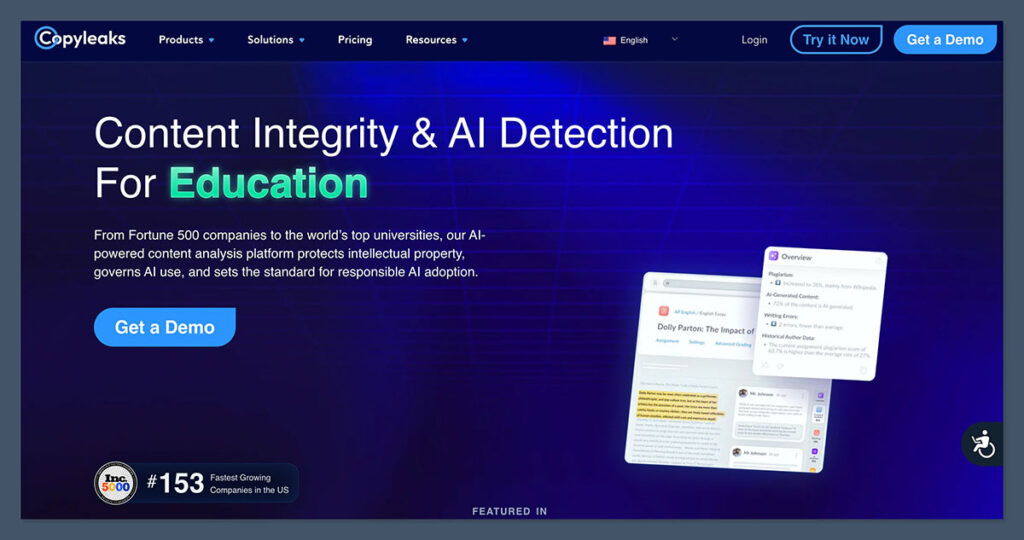
I’ve honestly used Copyleaks more for plagiarism checks than I have for AI detection, it’s really good at identifying stuff that’s been copy-pasted from web pages, academic papers, or journals. Still, it’s decent for AI detection too, specifically if you’re checking for raw, unedited GPTisms.
Although it claims an accuracy rate of 99%, there’s not as much backing behind those claims as you’d get from something like Pangram. Still, you do get support for more than 30 languages, making it great for global teams. Plus, you’ve got fantastic integrations with quite a few LMS and CMS platforms, as well as an API connector.
The free plan gives you up to 25,000 characters per scan, and you don’t even need an account, but full access to all the features, plus “advanced detection”, is locked into paid plans.
There are two big problems. First, it really struggles with edited AI content, so if someone’s used a humanizer tool, you’re probably not going to spot it. Plus, the false positive rate can be pretty high, particularly for non-native English writing, or structured text.
Pros
- Large free scan allowance without an account
- Decent accuracy, especially for longer documents
- Good integrations with CMS and LMS
- Multilingual support for over 30 languages
- Strong plagiarism detection
Cons
- Advanced detection is locked into paid plans
- False positives are common, alongside false negatives for edited text
- You can’t run plagiarism and AI checks at the same time
3. Scribbr: Best Free AI Detector for Fast Draft Checks
Free version: No word limit per submission
Best for: Drafts, reports, essays, and quick checks before a more serious review
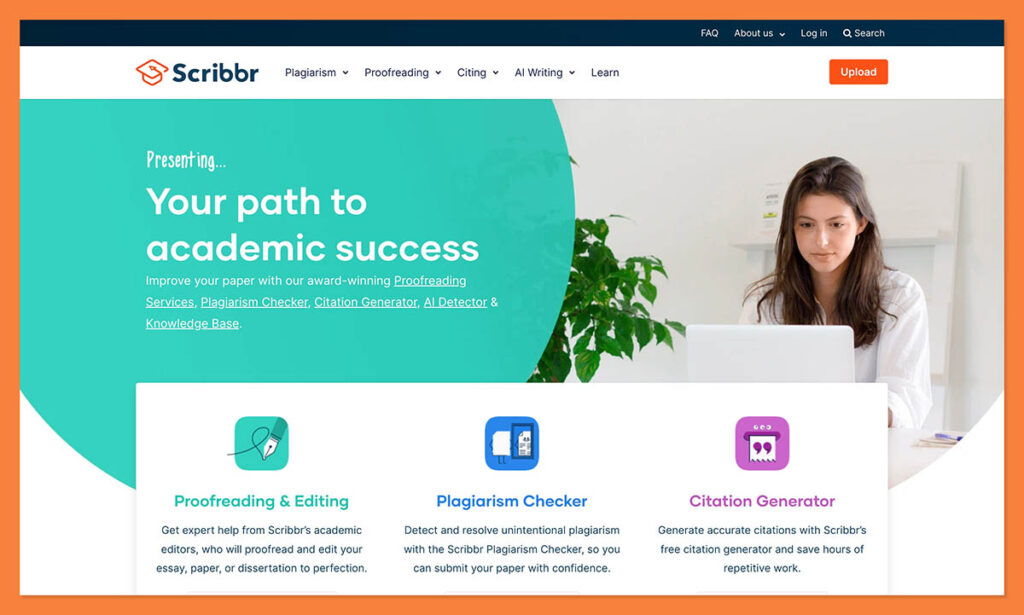
I know quite a few students who use Scribbr, because it gives you unlimited access to specific tools, from the basic AI detector, to the paraphrasing, grammar and spell check, and citation generation tools. Very handy for someone taking a course.
Unfortunately, the overall accuracy of this detector is a lot lower, you can expect something like an 84% rate, according to tests, and it struggles a lot with both false positives, and heavily edited or paraphrased AI copy.
Still, it’s trained to catch patterns in student essays and research papers, and uses strong Turnitin tech for screening. It’s also very user-friendly, and the clear percentage-based scores are easy enough to understand, even if you don’t get line-by-line detail.
It’s not the tool I’d recommend for a final check. It’s more the kind of thing you’d run a draft through quickly to get an idea of how much work you need to do before you submit anything.
Pros
- Free tools for students, and unlimited free AI checks
- Academically focused training materials
- Very easy to use
- Helpful percentage scores delivered fast
- Good data protection
Cons
- Struggles with accuracy
- Basic reports, no real feedback
- Higher false positive scores than some alternatives
4. QuillBot: Best Free AI Detector for Lowest-Friction Checks
Free version: Around 1,200 words per check
Best for: Writers, marketers, editors, students, and anyone using QuillBot for paraphrasing
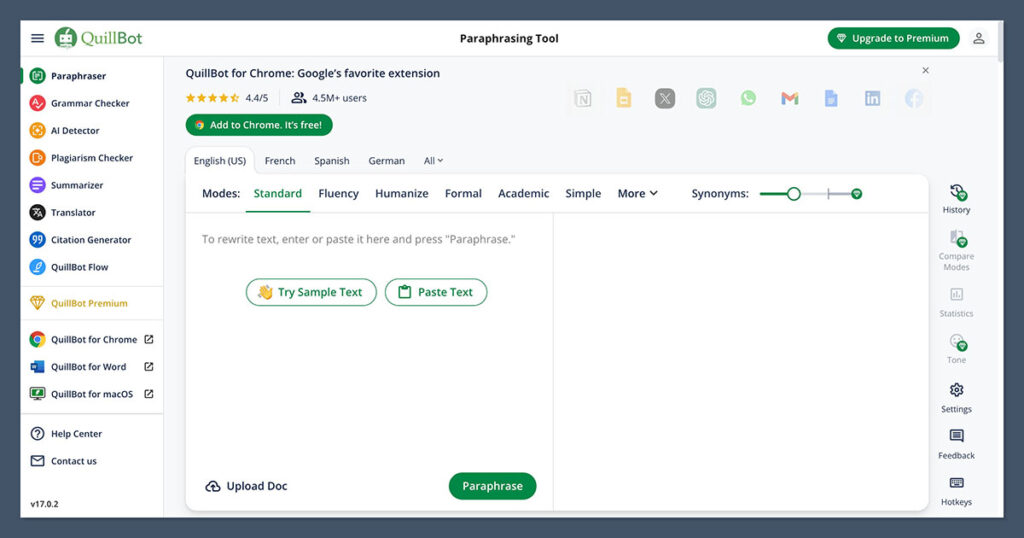
I find it harder to trust AI detection tools that also offer tools designed to rewrite AI text and trick other systems. Still, QuillBot has value to offer, if you’re looking for a quick first check on something you suspect might be a bit too machine-written.
You can start scanning content without setting up an account, and you do get some sentence-level highlights, which can show you exactly what kind of language the system’s responding to. I will say it works best for simpler AI models than more advanced, or newer LLMs, though.
It’s also not the best option if you’re looking for insights into where someone might have gotten AI assistance, or where someone might have edited GPT copy. Anything that’s been mixed up or paraphrased by another tool usually gets overlooked.
Also, the free tier does include word limits for every scan, so you’ll have to break larger documents down into chunks. Overall, this is a decent tool for a quick review, but the inconsistent accuracy means I’d probably end up using something else alongside it for a second pair of eyes.
Pros
- Fully free plan with no account required
- Helpful sentence-level highlights
- User friendly if you’ve never used a tool like this before
- Almost instant results
- Paraphrasing tools also available
Cons
- Often misses humanized text
- Not great at detecting copy written by newer LLMs
- High false positive rate
5. GPTZero: Best Free AI Detector for Education Workflows
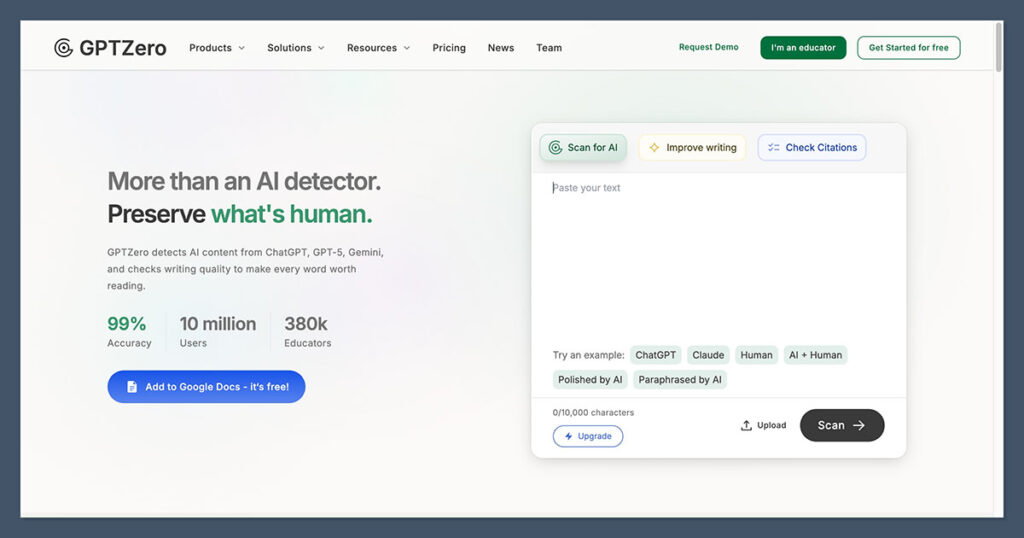
Free version: 10,000 words per month
Best for: Teachers, students, Google Docs checks, draft reviews, and anyone who wants writing-process evidence
This is the one most people I work with already know. It’s one of the more obvious picks when you’re choosing a free AI detector, because it scores high numbers for its overall accuracy, and the free plan gives you 10,000 words per month. That plan also includes multilingual detection and writing feedback. Plus, you get a Chrome extension, Google Docs checks with writing replay and typing pattern reports, and fact checking.
In terms of accuracy, I will say that it’s better at finding “unedited” AI text than it is at spotting when something’s been AI-assisted or rewritten. Even a bit of light editing on a ChatGPT paragraph can trick the tool. The accuracy also drops quite a bit with non-English text.
On the plus side, it does integrate with learning management systems, which makes it handy for academic checking. Plus, the sentence-level highlights are quite useful when you’re trying to give a reader some genuine feedback.
Do be careful with false positive rates here, too, as GPTZero has a habit of defining anything overly structured or formatted as AI.
Pros
- Very generous free plan (10,000 words per month)
- Integrations with Google Docs, Chrome, and LMS
- Writing replay insights for more context
- Plagiarism detection also included
- Sentence level insights on obvious AI copy
Cons
- High false positive score
- Struggles with edited AI text
- Some language bias towards English
6. ZeroGPT: Best Unlimited Free AI Detector for a Second Opinion
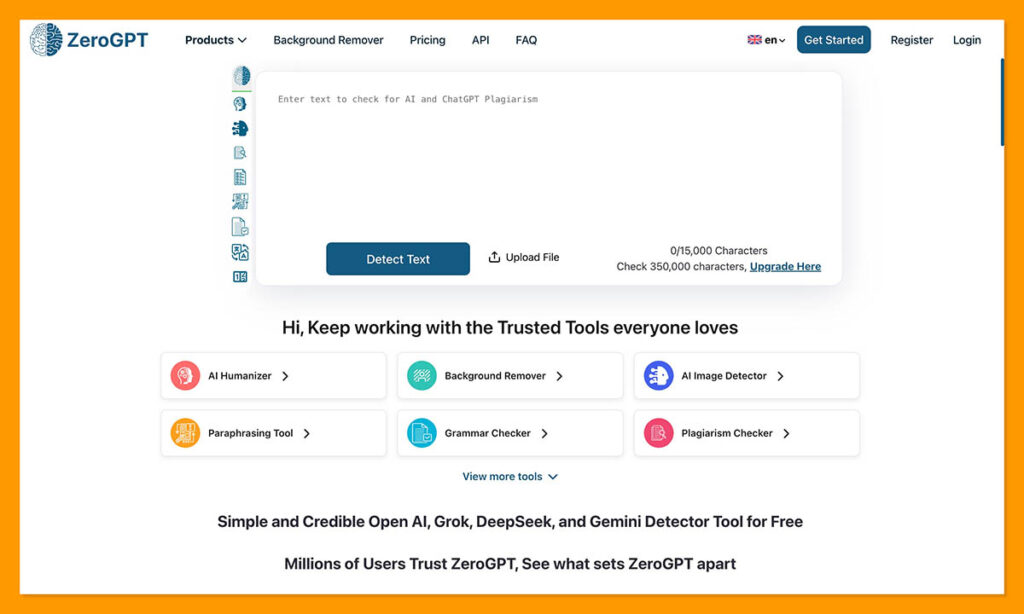
Free version: Free basic checks, no signup on some versions
Best for: Fast gut checks, quick cross-checks, and people who want a simple percentage
ZeroGPT is easily one of the most generous options here, because you can check as much text as you want without spending a penny. It’s incredibly easy to use, too. Once you paste in your text, the tool automatically highlights anything that might look suspiciously machine-like. Unfortunately, it doesn’t give you the “why” behind that highlight.
There are also some additional free tools offered by the same system, you can check grammar issues, use paraphrasing tools, and there’s even a summarizer, too. Unfortunately, this tool has the same problem as many almost limitless AI detectors.
The accuracy rate isn’t great, usually hovering between 70% and 85%, and the false positive rate is huge, somewhere between 14% and 33%. So it’s not a tool you can trust completely to give you a comprehensive read, more something you use for a quick check.
It also struggles a lot with anything lightly edited, so if someone gets a paragraph highlighted as AI, then tweaks a couple of words, they can trick the detector into thinking that same paragraph was entirely human written.
Pros
- Fast and easy to use for beginners
- Unlimited free basic checks
- Sentence level highlighting plus a percentage
- Additional AI tools also available
- No account needed
Cons
- Not the best accuracy score overall
- High false positive rates
- Can’t always detect edited AI
7. Sapling: Best Free AI Detector for Short Business Text
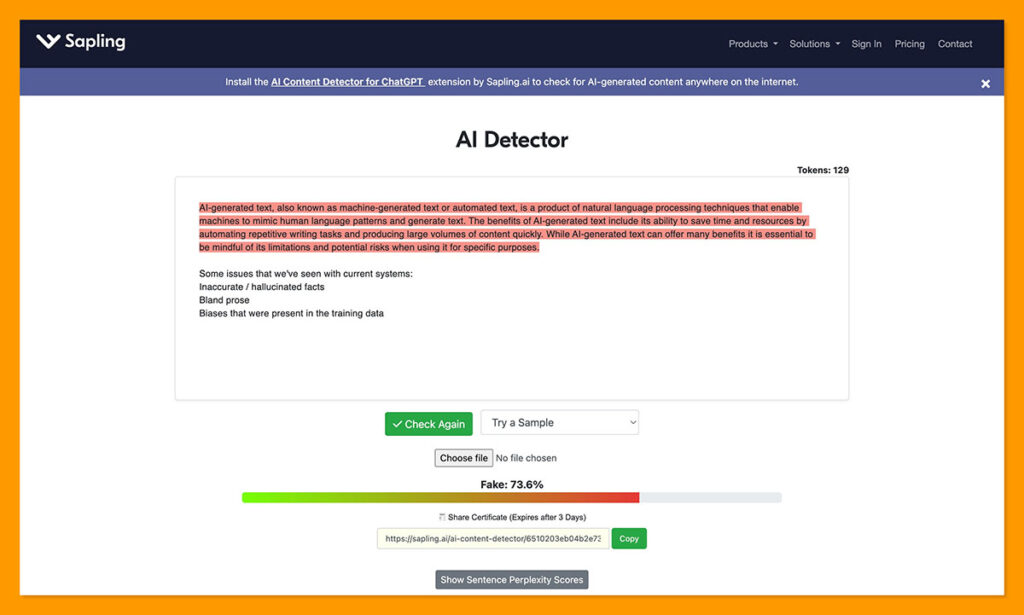
Free version: 2,000 characters per query
Best for: Short emails, LinkedIn snippets, product copy, support macros, and quick business checks
Sapling is interesting because it does well in an area that a lot of other detectors struggle with. It scans through text token by token, rather than word by word, which makes it a lot more accurate at finding GPTisms in smaller snippets of copy.
The free plan gives you instant access to a web-based tool that you can use as much as you want, although each scan is restricted to 2,000 characters. There’s also a browser integration, so it can work straight away with something like Google Docs and Gmail. Plus, it does offer useful feedback, pinpointing which phrases exactly sound the most like AI slop.
I like how fast and convenient this tool is, especially when I just want a quick read on something I already feel suspicious about. I don’t like it so much for absolute clarity. The false positive rate is far too high at around 15%, and it’s easily bypassed by edited AI writing.
Plus, the lack of reporting and history tools can be a bit of a problem for teams who want to share insights on a piece of content.
Pros
- Instant insights into AI probabilities
- Useful sentence and word highlights
- Browser integration for web-based checks
- Good at detecting obvious AI copy
- Covers a few newer model families
Cons
- High false positive rate
- No downloadable reports
- Easily bypassed by humanized content
Which Free AI Detector Should You Use?
Like I said, most of these tools have benefits. Copyleaks and GPTZero give you decent accuracy and a lot of room for scanning large pieces of text. ZeroGPT, Sapling, or QuillBot are almost limitless in the amount of content you can check, even if you have to break copy into chunks. I also like Scribbr for quick checks, and student support.
Overall, though, Pangram is the best for me, even if its free plan is limited. When the result actually matters, Pangram doesn’t trade accuracy for access. You still get exceptional insights into AI-written and AI assisted text, a system that can actually catch paraphrased AI copy, Chrome checks, Google Docs support, and plagiarism detection.
Plus, you get the lowest false positive rate of any AI detector I’ve used, which is helpful when you need to avoid making accusations at random. Yes, you’ll probably have to upgrade quickly, but in my opinion, Pangram is the kind of tool that makes you feel like it’s actually worth paying for.

Comments 0 Responses