

It’s a little funny how hyper-suspicious we all are of content these days. Every time I see an em-dash or a phrase like “in today’s fast-paced…blah blah” it’s like an alarm goes off in my head. I know I’m not the only one. We’re all sick of seeing the same regurgitated junk in content, whether it’s in an essay from a student, an article, or in a job application.
Still, you can’t just go around accusing everyone of delegating all their work to ChatGPT, as tempting as that might sound. You need some kind of “proof”, which is why most people rely on AI detectors.
Unfortunately, most of those aren’t 100% reliable either. So really, if you want to detect ChatGPT in someone’s “robotic-sounding” work, you need two things: a detector, and a bit of judgment.
Why AI Content Detection Matters Now
I’ve said it before, but I am a little sick of AI detectors in general, mostly because a lot of them still take the “guilty until proven innocent” approach and mark anything that sounds a little too clean as possibly AI. What happened to just writing well?
Still, I know why we need these tools. Over-reliance on AI is a real problem. It makes it harder for all of us to trust anything we read, and harder to judge the value of that content.
The truth is, we’re all using AI. ChatGPT, especially (with its 900 million weekly active users). What matters is how much we’re using, and how much it hurts. For instance:
- Education: The issue isn’t whether students have touched AI. Of course they have, it’s probably already on their smartphone. The real question is whether the work still shows their thinking, their judgment, their mistakes, their actual brain at work.
- Publishing and creator work: This is where I feel the damage most. The web is full of copy that looks and feels exactly the same. No extra value, no insight beyond what you can get in fifty other articles.
- SEO: Google’s position is a lot less dramatic than the internet’s. It doesn’t actually ban content because AI was involved. But it still punishes scaled, low-value content with nothing useful to share.
- Hiring and freelance review: It’s crazy how many cover letters, writing tests, ghostwritten samples, and portfolio pieces are AI-generated these days. That makes it impossible to get a real sense of a person’s skills before you hire them.
So, yes, I see exactly why people need AI content detection, but I’m about to explain why a strategy for actually defining machine-made content matters too.
How to Detect ChatGPT AI Content: The Tools You Can Use
I can spot a lot of ChatGPT writing automatically these days. Every time I see a specific phrase or a word, I think “that’s totally AI”. Still, not everything’s that easy to detect, particularly now that a lot of the same companies selling AI detection tools are also giving you tools that can paraphrase and “humanize” content for you.
That’s why detectors are still helpful, if you pick the right ones.
The main three I’ve found worth using:
1. Pangram
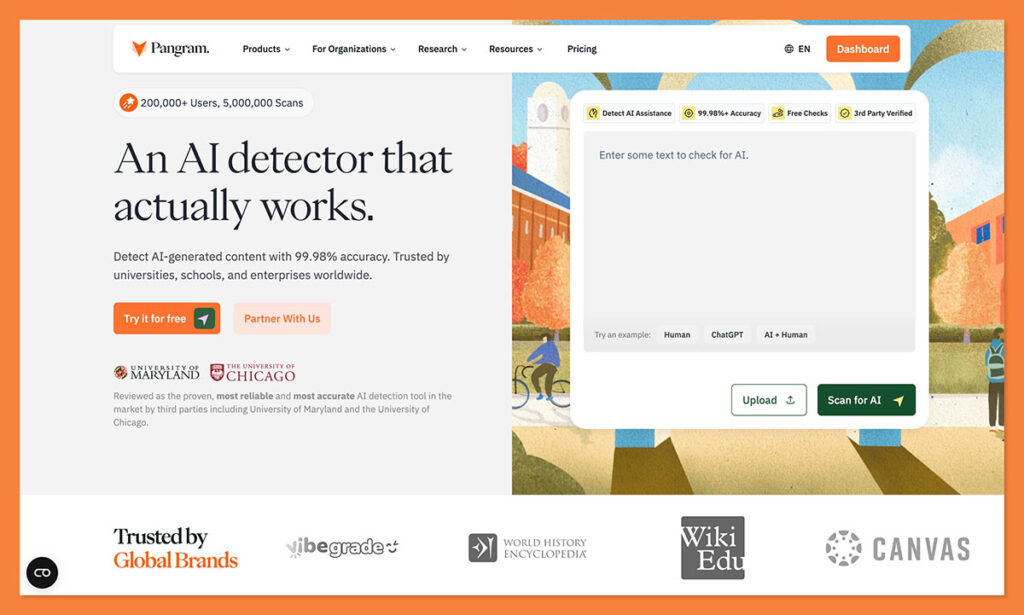
This is the one I’m going to be showing you how to use for your own ChatGPT content detection process, because it’s the one I trust the most.
It feels like Pangram is the only detector that’s entire job wasn’t just to “catch people using AI”. That doesn’t mean it misses any AI-generated content though, it’s still very good at picking up on GPT-isms, even when someone just got a bit of assistance from a bot.
The difference is that it has the lowest false positive score of any tool I’ve seen, even with that high detection accuracy. It also explains things a lot better. You’ve got segment-level analysis, AI assistance detection, and even added plagiarism checks built in.
Pros
- Best fit for mixed and AI-assisted writing
- Stronger on false positives than most rivals
- Segment analysis is much more useful than one overall score
- Good fit for creators, publishers, and higher-stakes review
Cons
- Free use is limited
- Short snippets are still harder to judge
- More useful if you actually review the report, not just glance at the score
2. Originality.ai
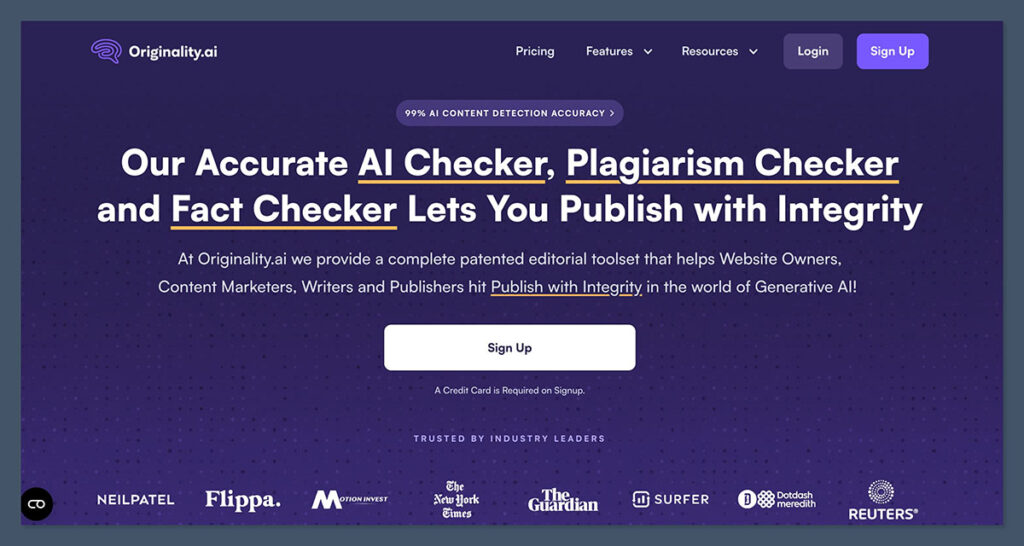
This is pretty much the go-to tool for every publisher I’ve worked with. The accuracy scores are excellent (for the most part), and you can scan a lot of content at once without copy-pasting everything. You can even just give the tool a link to check through.
I understand why agencies and publishers like it. It’s built for operational use. It’s simple, collaborative, fast-paced, and convenient. It’s also a bit aggressive. It’s incredibly easy to get an “AI detected score” with Originality.ai, even when you’re checking content that never came near ChatGPT. I still like the tool overall, I just don’t think people should trust it too much.
Pros
- Good for publishers and agencies handling lots of content
- Strong workflow features
- Useful for larger editorial operations
- Easy to slot into team processes
Cons
- More aggressive than I’d like
- Higher risk of false positives on polished human writing
- Better for bulk review than careful one-by-one judgment
3. GPTZero
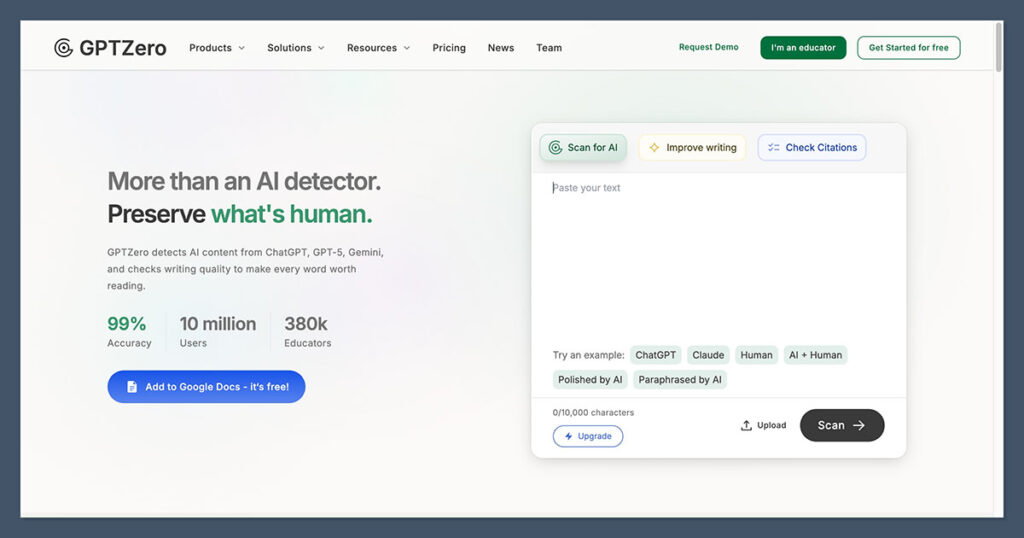
GPTZero is another one that I’ve seen plenty of people using, and tried myself quite a few times. It’s accessible, familiar, and easy to test with a generous free trial. It also boasts some pretty high accuracy scores, although its false positive rates, again, can be quite high too.
GPTZero has a lot of the same benefits of Originality, and I like the fact that you can get sentence-level highlights to show you where the humanity has leaked out of a bit of text. Still, it’s not the best. It definitely struggles with humanized or paraphrased text, or anything too “formal.”
Pros
- Easy to try
- Free entry-level plan
- Good starting point for quick checks
- Decent sentence-level highlights and analytics
Cons
- Less convincing on mixed or rewritten text
- Not my first choice for creator review
- Feels more basic once you move beyond simple scans
How to Detect ChatGPT AI Content with Pangram
Pangram can help you flag everything from something that’s been totally written by ChatGPT, to a piece of content where an LLM has obviously had a heavier hand in shaping the writing than it probably should have. You still need a strategy for how you’re going to use it though.
To get started, head to Pangram’s website, click the “Try it for Free” button, and sign up. You can choose your plan at that point, but if you’re just trying it out, the free plan gives you four credits to work with, which is about enough for around 4,000 words of content.
Step 1: Enter the Content and Run the AI Check
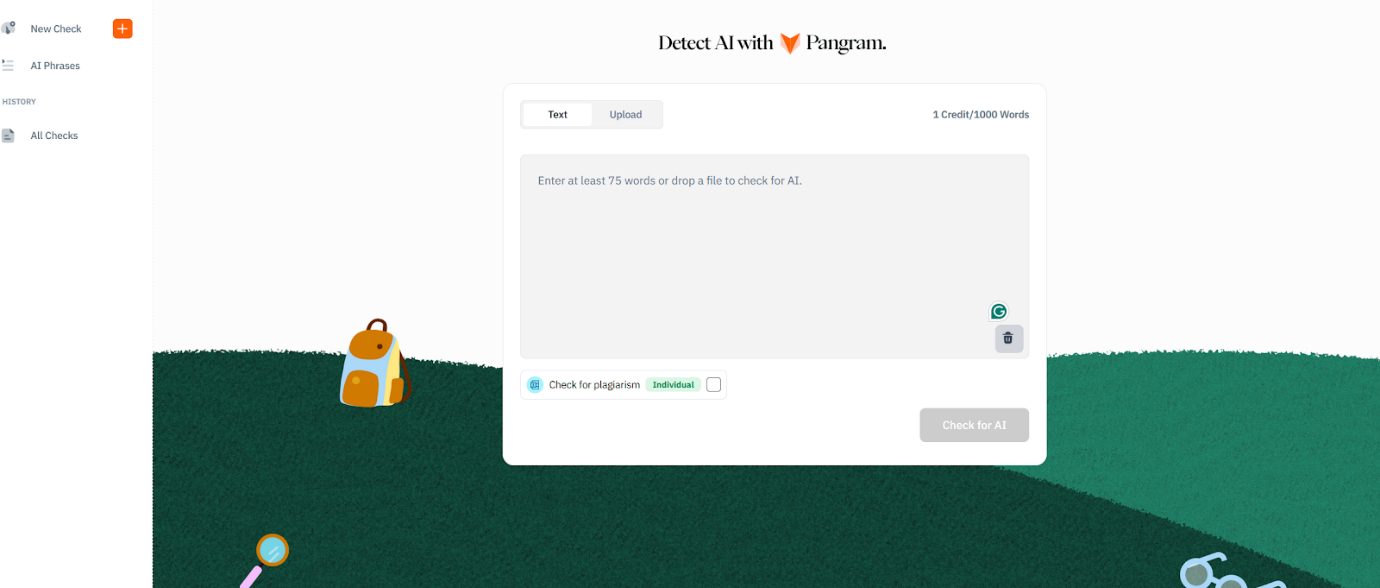
Once you hit Pangram’s dashboard, you can either upload a file, or copy-paste the text you want to check. There are integrations for LMS tools too, or you can use the Chrome Extension if you want to check content on an existing site or page.
After you’ve entered your content, you can choose whether you want to check for plagiarism at the same time. Since we’re looking for ChatGPT influence here, I skipped that part.
Click on “Check for AI” and it’ll show you a score. When I tested this article, I got 100% human, which isn’t too helpful, so I tried mixing some human-written content with ChatGPT to see what I got instead.
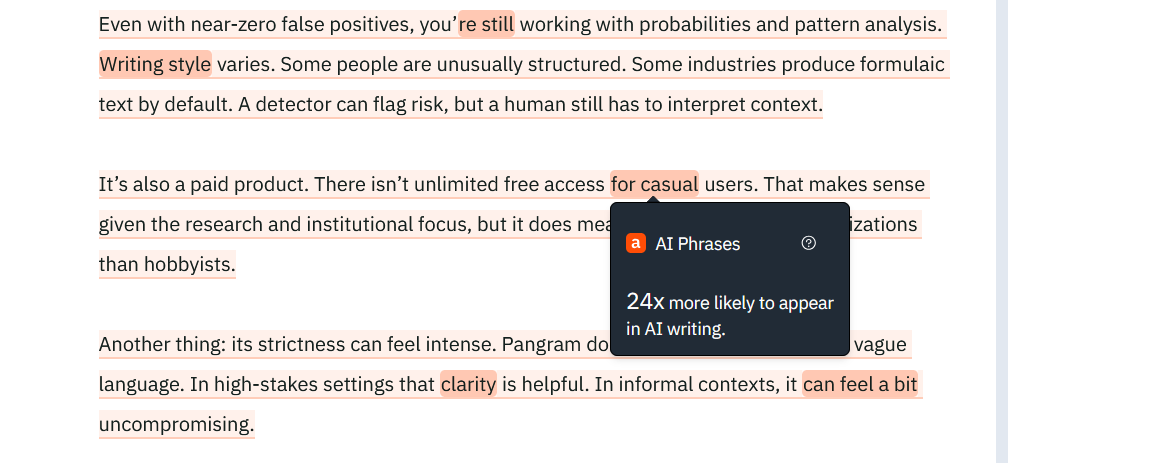
When you do that, Pangram will show you which phrases are flagging as “potentially” AI, and you can look at them segment by segment:
Step 2: Analyzing the Results
At this stage, you’re still looking at what your AI detector is telling you.
Pangram’s AI Phrases feature is useful if you handle it properly.
It runs a pass to show you phrases that show up much more often in machine-generated text than human writing, using large internal datasets and N-gram analysis. That gives you another layer of evidence, especially when a section already looks suspicious.
You can scan through the little highlighted sections on Pangram’s dashboard, and start building a case for whether the text is ChatGPT or not. If you see quite a few of these things, it probably is:
- Overly polite, consistent, or neutral (not opinionated) tone
- Constantly overused phrases like “unlock” or “magic” or “dive into”
- No real difference between sentence length.
- Excessive structure (way too many bullet points, for instance)
- No evidence of personal experience
- Random formatting (weird bolding or italics)
- Facts or statistics that you can’t find any sources for
Step 3: Using Your Own Judgement
This is the most important step, really, because even if something has all the “hallmarks” of AI, that doesn’t mean it is AI, or at least, it doesn’t mean that a human wasn’t involved.
Pangram helps by showing you when something is more likely to be AI-assisted than AI-written, but it’s up to you to use a bit of personal judgment.
Don’t just point to one “red-highlighted” section on a report and say that’s evidence someone didn’t do the work, and don’t stop at the top-line AI score.
Read the patterns across the whole document. Ask yourself whether the writing matches what you’d expect from this person, if you know them. Question whether the results might be skewed by something, like the topic, the required style of writing, or the use of another language.
If you’re not completely sure, ask for a bit of proof from the writer. Get them to show you your planning, or explain why they chose certain terms. Don’t just jump straight to accusations.
How to Detect ChatGPT AI Content (Safely)
I think the main point to make here is that anyone can show you how to use an AI detector tool, it takes a lot more work to make sure you’re actually detecting GPT content in a way that’s not exposing everyone to the same false accusations.
Pangram will help you get a lot further than most of the other AI-generated content detection tools I’ve used (without false positives), but you still need to use your own instinct and judgment. Without those things, you’re just relying on a machine to tell you if a machine was involved in writing.
We all know machines aren’t totally reliable, not yet.
FAQs
Can ChatGPT detectors be 100% accurate?
No. They can’t. Tell anyone who starts waving a score in your face. These tools just read patterns in text. They’re not mind readers. They don’t know who used ChatGPT for research and then wrote the piece themselves, or who rewrote something that an LLM generated. They’re just making educated guesses.
Does Google penalize AI content?
No, not for the simple fact that AI was involved. Google doesn’t have an anti-ChatGPT alarm. It uses AI itself. However, it does go after junk content. Thin, copied, and barely useful pages that mean nothing to anyone. That’s mainly what it’s looking for.
Can you detect AI content that’s been paraphrased?
Sometimes, yes, but a lot of detectors still struggle with that. At least for now. Pangram is a lot better at detecting AI-assisted copy and when content includes both human and machine text. Still, I think you have to rely on your own judgment for this part too.
What’s the best free AI detector?
If you want the easiest free option, GPTZero is probably where most people start. It’s familiar, it has a free plan, and you can get a quick read without much friction. I still wouldn’t call it my first choice overall. Free is convenient. It isn’t the same thing as reliable. If I cared more about the quality of the judgment than the price tag, I’d still start with Pangram.

Comments 0 Responses