

Best for AI detection

Pangram
View Pricing Visit Website →Free plan; Individual from $20/month
- Separates AI-assisted, mixed and humanized text
- 0.0041% false positive rate (Pangram 4)
- Plagiarism checks and Chrome extension
Best for plagiarism checks

Turnitin
Visit Website →Custom quote for institutions
- Similarity Reports against academic sources
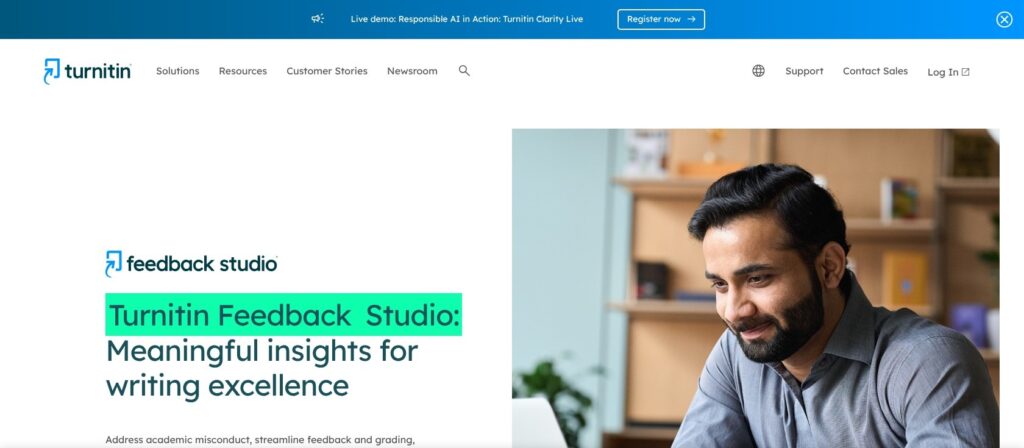
- Feedback Studio for grading and feedback
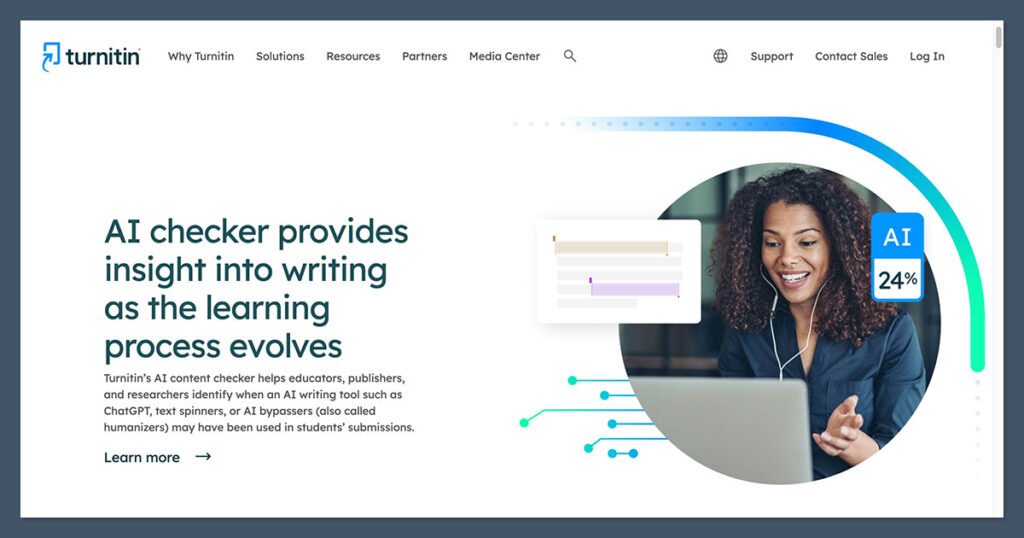
- Clarity writing-process playback
I’ve lost count of the amount of times I’ve said this now, but here we go again: No AI detector is a hundred percent accurate, and the fact that every single one tends to give you a different score on the same content should probably tell you something about how important it is to make your own call.
Still, I do use these tools every day, since they’re still useful as a starting point. People are getting a lot better at avoiding typical GPTisms these days, and sometimes you need a little help figuring out which pieces you should be a little more suspicious of.
For me, Pangram is the better tool overall on that front, since it far surpasses any other tool I’ve used when it comes to things like minimizing false positives, and recognizing paraphrased or hybrid AI text. Still, I can see the appeal of Turnitin for certain users, especially those already using the same tool for academic submissions and plagiarism checks.
If you’re not sure which to start with, here’s what I’d recommend.
Pangram vs Turnitin: My Quick Verdict
Pangram wins for me as the best AI detector overall, because it gives you a better picture of how AI was actually involved in producing something, the false positive rates are extremely low, and it’s incredibly good at catching humanized text.
Turnitin might still win for you, though, if you’re already using it for checking papers, and you just want a basic insight into whether AI might have been involved in something, while you’re looking for obvious incidents of plagiarism.
| Factor | Pangram | Turnitin |
|---|---|---|
| Best for | Excellent AI detection | Academic groups (mostly checking for plagiarism) |
| Starting price | Free option, prices start at $20 per month | Custom quoted cost |
| AI detection accuracy | Higher detection accuracy according to independent tests | Good, but struggles with mixed or humanized content |
| False positive rate | Currently 0.0041% | Under 1% |
| Language coverage | 20+ | 7 |
| Plagiarism detection | Included | Included |
| Integrations | Canvas, Blackboard, Google Classroom, Google Docs, Chrome Extension | Most common LMS tools |
What Are Pangram and Turnitin?
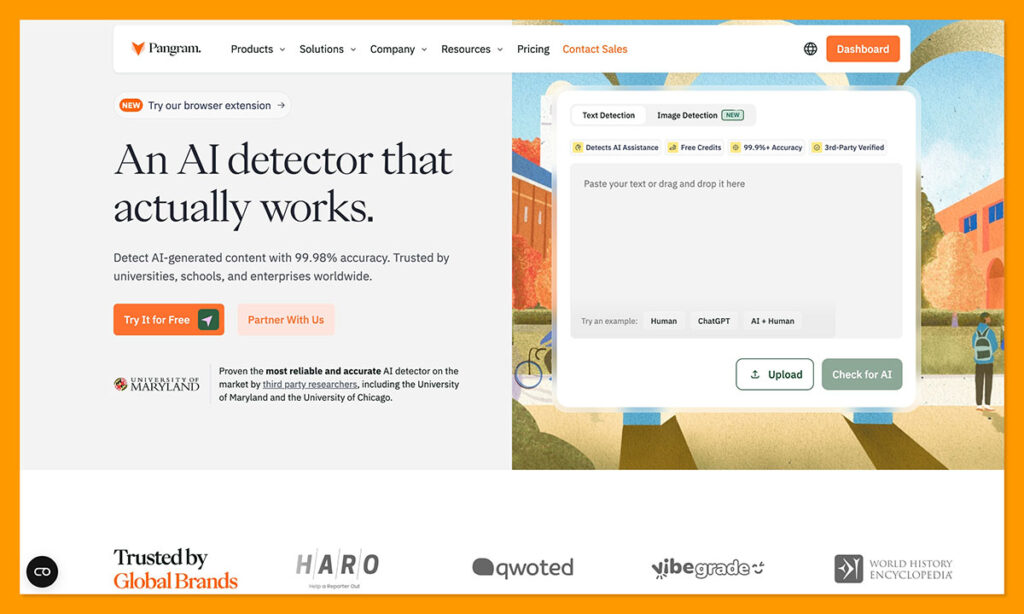
Oddly enough, a lot of people still seem to assume Pangram and Turnitin are pretty much the same thing: AI detection tools. Really, Pangram is an AI detection suite first, focusing on finding AI-generated content, AI-assisted edits, and even suspicious text that might have been humanized with those not-so-reliable paraphrasing tools.
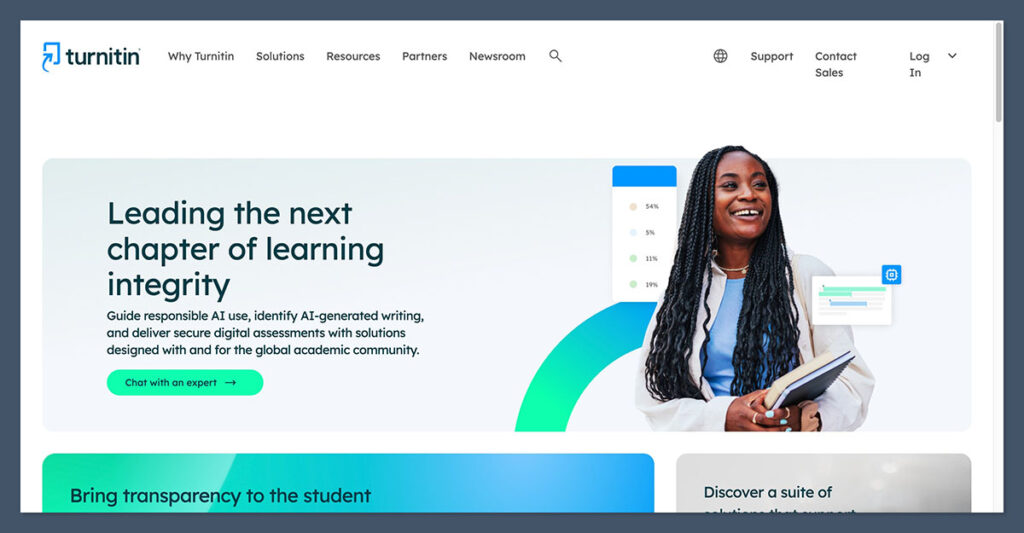
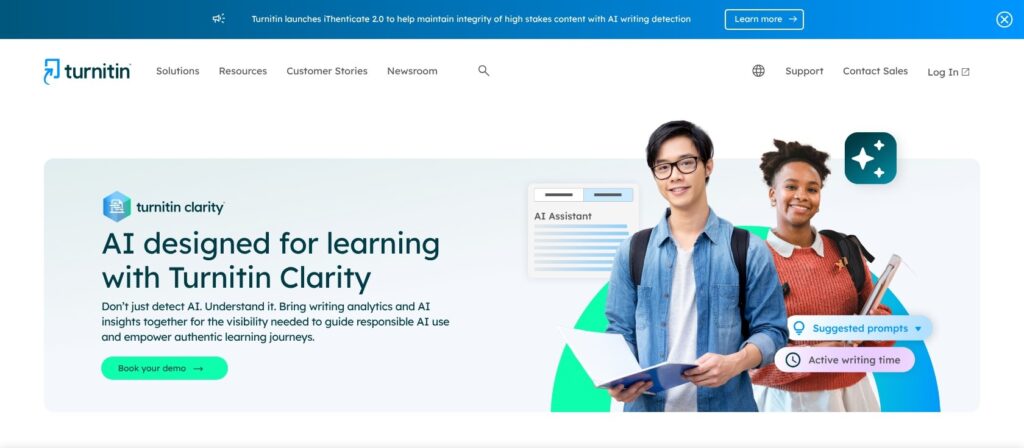
Turnitin includes AI detection features, but it’s actually academic integrity software, originally created to help educators collect student submissions, and check them for things like plagiarism and missing citations. It also has tools for grading and peer reviews.
So yes, there’s a big difference between the two right off the bat, even though they can do some similar things, and connect with similar tools.
I’ve already used both of them several times before coming into this comparison, but since platforms like these update pretty regularly, I ran them through another quick experiment, checking AI detection, false positive rates, plagiarism, and how integrations tend to work.
Pangram vs Turnitin Pricing: Which Is the Best Value?
Before we get into the things that I think matter most of all (accuracy, for instance), let’s talk about the pricing. For me, Pangram wins straight away on this front, and not because it’s the cheapest AI detector out there. The costs are just easier to understand.
There’s the free plan, which lets you scan three images and 2,000 words a day, then the Individual plan, which I’m subscribed to for $20 per month, that gives you scans for up to 300,000 words, plus 100 images. Plagiarism checks are included too.
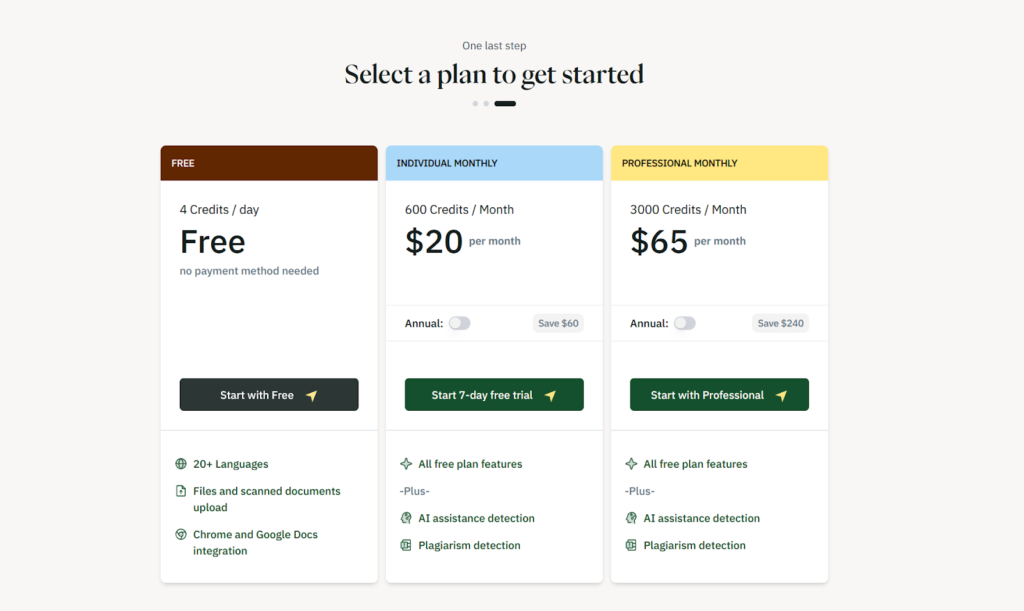
Teams plans start at $20 per month too, though you need a minimum of two users, while the Professional plan costs $65 per month and lets you scan up to 1.5 million words, and 500 images, while giving you $200 per month in API credits. You can also pay for API access separately, starting at $0.05 per 100 words, and you can request custom packages for enterprise or education teams.
Turnitin doesn’t give you any clear subscription prices on its website, although I’ve read a few reviews that suggest you can end up spending between $1.80 and $6.50 per student, per year, which doesn’t sound too bad. Still, the actual cost is probably going to depend on quite a few different things, including whether you’re using add-ons like Turnitin Clarity.
Turnitin may well be good value for money, but if you need a good idea of what you’re going to be spending upfront, Pangram seems easier.
Pangram vs Turnitin: Best Features Compared
Like I said before, these two platforms do have some similar tools, but one is definitely more focused on AI detection and the other is more academic workflow concentrated.
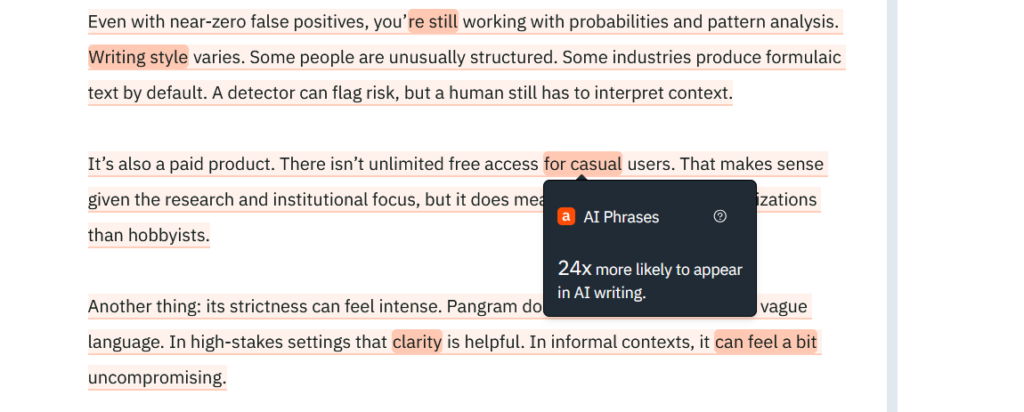
Pangram is by far the best AI detector I’ve used at this stage, simply because it tells you more about the different ways AI might have been involved in a piece of content than most competitors. You still get the standard “score”, but Pangram 4 can distinguish between AI-assisted edits, mixed human and AI passages, and even AI content that’s been rewritten by a human.
There are plenty of other things I like too. It gives you:
- AI detection in 24 languages, with support for document uploads, too.
- Chrome and Google Docs connections.
- Plagiarism detection also included on paid plans
- API access and LMS connections
- Pangram Image for finding AI involvement in visuals (still in research preview)
Turnitin has better educational tools. The Similarity Reports are excellent for finding even accidental plagiarism issues, and Feedback Studio also helps teachers out with grading and feedback. It can check text for AI, too, but it doesn’t go nearly as far as Pangram in telling you what a student might have used AI for. Still, there are great features like:
- Turnitin Clarity for a kind of Writing Replay experience recording writing sessions and pasted passages in docs.
- Guided AI chat to let instructors choose how much help a student should get from AI with revision or brainstorming.
- Draft Coach for automated citation and writing feedback.
- LMS and administration tools for submissions and assessments.
Pangram vs Turnitin Accuracy: Which Detects AI Writing Better?
I will say that Turnitin seems to have gotten a lot better at detecting AI lately. Back in 2024, it was scoring an average accuracy rate of around 76.8% compared to 99.9% on GPT-4 for Pangram. Now it claims an average accuracy of around 98%, while Pangram’s still somewhere between 99.5 and 99.9%, depending on the model.
A 2026 study did seem a little embarrassing for Turnitin, though. When testing the two tools against 160 academic papers, the experiment showed Pangram got a 65% score on pure AI content, and 92.5% on hybrid and humanized writing. Turnitin got a 0% score for pure AI content, 60% on hybrid, and 50% on humanized.
Still, it’s worth saying that these tests can be tricky to rely on entirely, since they tend to look for different things in what a system can do, so the results vary pretty drastically from one to the next.
I do think it helps to look at how much third-party evidence companies offering AI detectors actually share online though. Pangram seems to have far more peer-reviewed studies behind its claims than Turnitin does at this stage.
Pangram vs Turnitin False Positives
Unfortunately, I’ll have to embarrass Turnitin a little again in this section, mostly because it doesn’t seem to have any recent evidence suggesting it’s improved its false positive rate since 2024, and the score it got back then wasn’t great. A technical paper reported about a 0.51% false positive rate, and another found that Turnitin has a higher ESL bias rate for false positives too.
Turnitin scored around 1.4% compared to Pangram’s 0.02% for L2 English, and 1.3% compared to Pangram’s 0.00% score for L1 English.
Pangram has pretty much had the best false positive score of just about any AI detector since day one, as that’s one of the main issues it’s been trying to crack down on in the category. Pangram 3’s overall false positive rate was around 1 in 10,000 in 2025. In 2026, they’ve managed to bring that all the way down to 0.0041% with Pangram 4.
Obviously, false positives can still happen with Pangram, especially with certain kinds of writing, like poetry, or highly structured academic writing, but I still trust it more overall.
Pangram vs Turnitin: Plagiarism Checking
I want to give Turnitin at least one chance to shine by mentioning its value as a plagiarism checker. Remember, Turnitin doesn’t just check content for AI influence. Turnitin’s database includes literally billions of web pages, academic publications, as well as submitted papers from other students, and it’s far more effective at flagging potential plagiarism and missing citation issues in academic text.
I also appreciate that it groups “matches” according to the use of quotations and citations, so you know which passages you should really be worrying about.
Pangram does support plagiarism checks too, although you have to tell it to run one while you’re giving it the content you want to review for AI (or you can click “Check Similarity” afterwards). I like that it highlights possibly problematic passages in the AI detection report, and gives you links to original sources, but Pangram doesn’t have the same academic content database as Turnitin.
Which Is Easier to Use? Pangram or Turnitin?
I’d say this is obvious, but Pangram is probably going to be a little easier if you’re looking for a simple AI and plagiarism detection tool. You sign up, paste in the text you want to check (or upload an image or document), and get a report in seconds with highlighted passages. You can also immediately see the difference between “humanized” AI writing, and obvious GPT paragraphs.
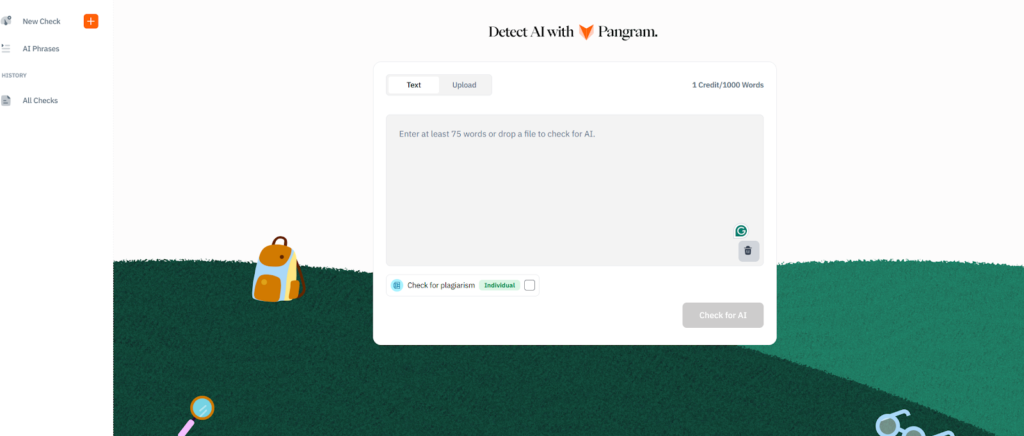
The tool immediately connects with things like Canvas, Blackboard, Moodle, or Google Classroom, and there’s an API if you’re going to be dealing with large numbers of submissions on specific tools.
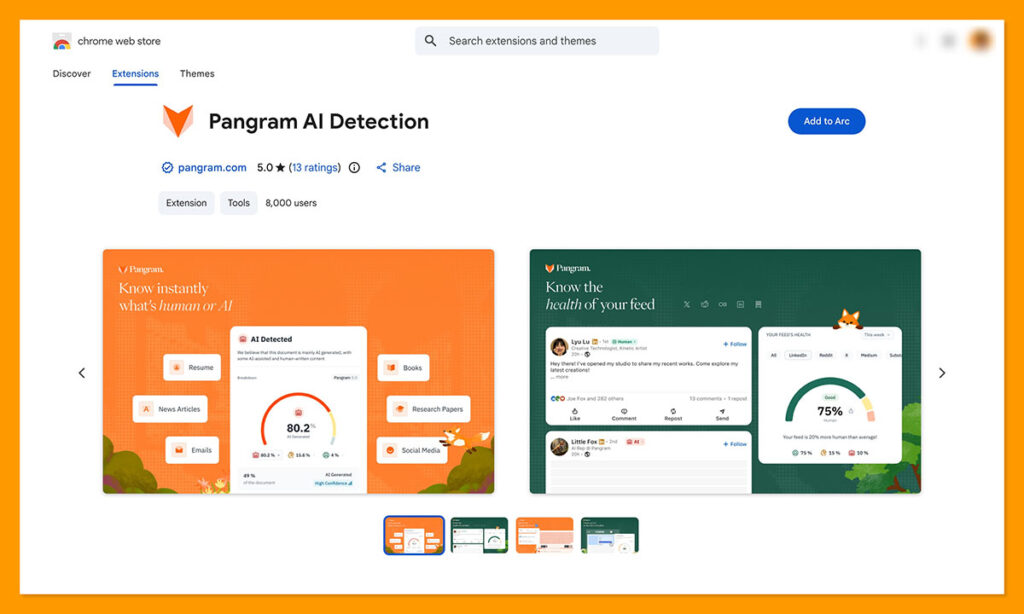
I haven’t personally used the API, but I do enjoy the Chrome extension that lets you check Google Docs and highlight text to test on any webpage without copy/pasting everything.
Turnitin isn’t difficult to use, particularly if your institution’s already using it for submissions anyway, but it’s a bit more complicated to set up from scratch. I do like that it connects easily to LMS tools, and some of the more recent tools make workflows a bit easier too, like the Canvas SpeedGrader, and the Clarity writing history reports.
Pangram vs Turnitin: Privacy and Data Handling
I was a little surprised to discover most other comparisons looking at these two tools don’t actually pay much attention to privacy or security. After all, you’re probably going to be uploading some confidential content from time to time, and you don’t want to risk it getting into the wrong hands.
Fortunately, both platforms are pretty transparent about how they handle submissions. Pangram never trains models on submitted content, it’s SOC 2 Type II compliant, encrypts any documents stored on your account, and it lets you delete individual scans too. There’s also a zero-retention option for enterprises, custom regional hosting options, and role-based permissions.
Turnitin gives institutions a few options, including general, institution-only and no repository storage. It did admit in 2026 that some anonymized student submissions might be used to train its AI detection tool, as long as the institution actually allows that. Also, it’s worth saying that Turnitin Clarity does record writing activity, so it’s a good idea to double-check that anything being recorded is actually safe to store in whatever systems you’re using.
Final Grade: Should You Choose Pangram or Turnitin?
I still think it makes sense to use Turnitin for plagiarism checks, grading, and managing student submissions. It’s also fine for a quick AI influence test if all you want is a good idea of whether you should look at a specific bit of writing a bit more closely. It’s not the better AI detection tool, though.
Pangram is the obvious winner if what you want is a closer look at how AI might have been used to influence a piece of content, even if that just means finding out whether someone might have had a little extra AI help when they were writing something themselves.
It’s not quite as advanced from a plagiarism detection perspective, and it obviously doesn’t have grading tools, although you can always use integrations for that. Still, it’s the most trustworthy option if what you’re worried about, more than anything else, is people relying on AI too heavily, and you don’t want to risk too many false accusations.

Comments 0 Responses