

Best overall

Pecan AI
View Pricing Visit Website →Quote-based (Starter, Team, and Business plans)
- Predictive AI agent builds and validates models
- Predictions written back to Snowflake and BigQuery
- Shows the signals driving each prediction
Best for visual analytics

Tableau
View Pricing Visit Website →Free Desktop edition; Standard from $15/user/month
- Tableau Pulse flags metric changes and drivers
- Tableau Agent for natural-language exploration
- Explain Data surfaces likely causes
Best for Microsoft users
Power BI + Copilot
View Pricing Visit Website →Free account; Pro from $14/user/month
- Copilot answers data questions and summarizes reports
- AI data schemas, instructions, and verified answers
- Searches semantic models, reports, and data agents
The term “AI data analysis tool” can be surprisingly complicated these days, as it’s used to describe everything from dashboard copilots and conversational analytics tools to predictive AI platforms.
Many AI analytics tools focus primarily on helping you understand what has already happened. Copilots can summarize your dashboards into a helpful report, while chat interfaces query data in real-time, and BI assistants help you get your head around things like a spike in churn.
Those insights are incredibly useful, but they’re not always what teams are really looking for. Most companies I speak to want to understand their data, then use it to help prevent future problems or support growth.
That makes it a bit easier to compare the best AI data analysis tools, because for this list, the highest rankings go to solutions that help change what happens next.
How to Choose the Best AI Data Analysis Tools
I’ve already partially explained my thinking for this particular list, but if you’re creating a shortlist on your own, or with your team, there are a few things I’d pay close attention to. Before you start narrowing down your options, ask:
- What does the AI deliver? Is it a summary of your data, an explanation, a forecast, a prediction, or an output your team can actually use to make a decision?
- Can you verify it? Can you understand where the answer, insight, or prediction came from and evaluate how reliable it is?
- How easy is it to set up? How much of the work does the platform handle for you, from preparing and connecting data to configuring the AI or building models?
- Where does the result go? Are you restricted to a dashboard or chat interface, or can outputs be delivered to your CRM, data warehouse, or other systems?
- How much control do you keep? Can you manage permissions, governance, and other controls appropriate to how your organization uses its data?
- What does it really cost? Beyond the base subscription, are there additional costs for compute, implementation, support, or integrations?
The Best AI Tools for Data Analysis
As I said, the phrase “data analysis tool” covers quite a big range, so I’ve tried to preserve a bit of variety here. All of these tools are fantastic in their own way, and you’ll see why in a moment, for now, here’s the quick overview.
| Tool | Ideal for | AI approach |
|---|---|---|
| Pecan AI | Predicting business outcomes | Predictive AI / AutoML |
| Tableau | Visual analysis of data points | BI + Tableau Agent |
| Power BI + Copilot | Microsoft business intelligence insights | Generative BI |
| ThoughtSpot | Conversational analysis of data and insights | Agentic/statistical analytics |
| DataRobot | Enterprise-level predictive AI and insights | AutoML + MLOps |
| Databricks | Comprehensive data and AI stack | BI + ML |
| Julius AI | Quick, self-service analytics | AI data agent |
| Looker + Vertex AI | Deep dives into Google data | Semantic BI + ML |
| Amazon Quick Sight + Q | Convenient insights into AWS data | Generative BI |
| Alteryx | Data preparation and analysis | Low-code analytics + AI |
1. Pecan AI: Best Overall for Business-Led Predictive Analytics
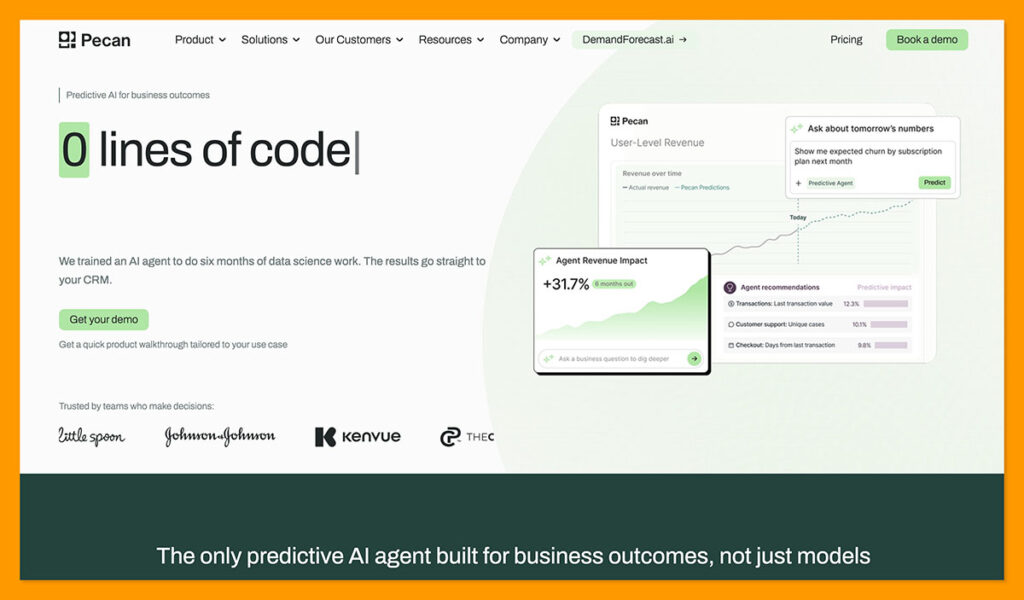
I’ve chosen Pecan first here because it’s designed to help you predict what happens next, rather than simply explain what happened to your business in the past.
With Pecan, business teams start with a specific question about something like churn, LTV, campaign ROAS, or demand. The Predictive AI agent then handles the work of preparing the data, creating training sets, engineering features, building and validating the model, and producing predictions. Those predictions can then be written back to systems you already use, including Snowflake and BigQuery.
One of the useful things about Pecan is that model performance is measurable. Models are validated against data they haven’t seen during training, so you can evaluate how well they perform before putting their predictions to work. Pecan also provides insights into the signals influencing the model, helping teams understand what’s driving its predictions.
The whole point is to get validated predictions that help you anticipate what’s likely to happen next and act on it, rather than stopping at summaries of what happened before. Whistle Express, for example, used Pecan to identify customers at risk of churning and act earlier with targeted retention campaigns, reducing churn by 30% in new and highly competitive markets.
Pros 👍
- Builds custom prediction models based on your data
- Tests and validates models on data kept out of training
- Provides insights into what’s driving predictions
- Sends predictions into the working systems you use
- Much shorter deployment time than most alternatives
Cons 👎
- Does need quality historical data
- Less manual control for experienced data scientists
2. Tableau: Best for Visual AI Analytics
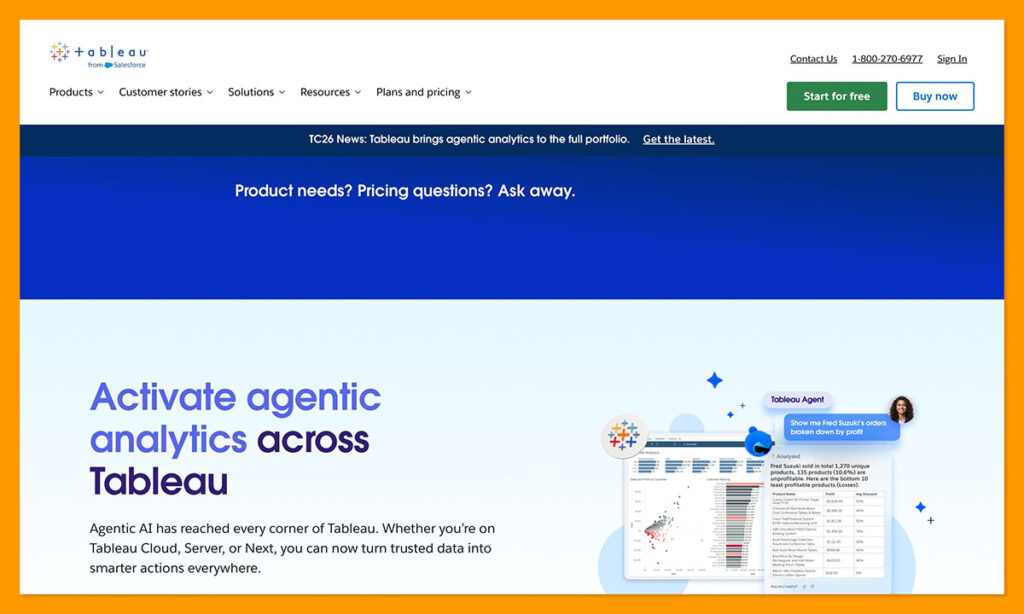
Tableau is easy to recommend to teams that want to turn large amounts of data into visual insights people can understand and explore. It’s brilliant at making analytics easier to consume. Tableau Pulse tracks governed metrics and automatically highlights changes, drivers, or unusual movements in the data without forcing teams to spend hours searching.
There’s the Tableau Agent, which can help you explore the data you already have, create new calculations, and chat about KPIs. Explain Data is another particularly useful feature because it uses machine learning to surface possible explanations behind insights.
Some of the smaller features are surprisingly useful too, like the “Point in Time” metrics, which let you keep a close eye on snapshot figures like inventory levels. You also get a “metric change history” that shows when someone on your team changes a metric’s definition.
The main drawback is the steeper learning curve and the amount of setup required to get the most from the platform. As a broader analytics environment, Tableau can also be more complex than teams need for a focused AI analytics use case.
Pros 👍
- Fantastic for creating data visualizations quickly
- Proactive insights into metrics through Pulse
- Natural-language exploration with Tableau Agent
- Contextual explanations through “Explain Data”
- Integrates with Salesforce and other tools to help teams act on insights
Cons 👎
- Expensive and time-consuming to implement
- Conversational tools work best in English
- Doesn’t help much with data preparation
3. Microsoft Power BI + Copilot: Best for Microsoft-Centric Analytics
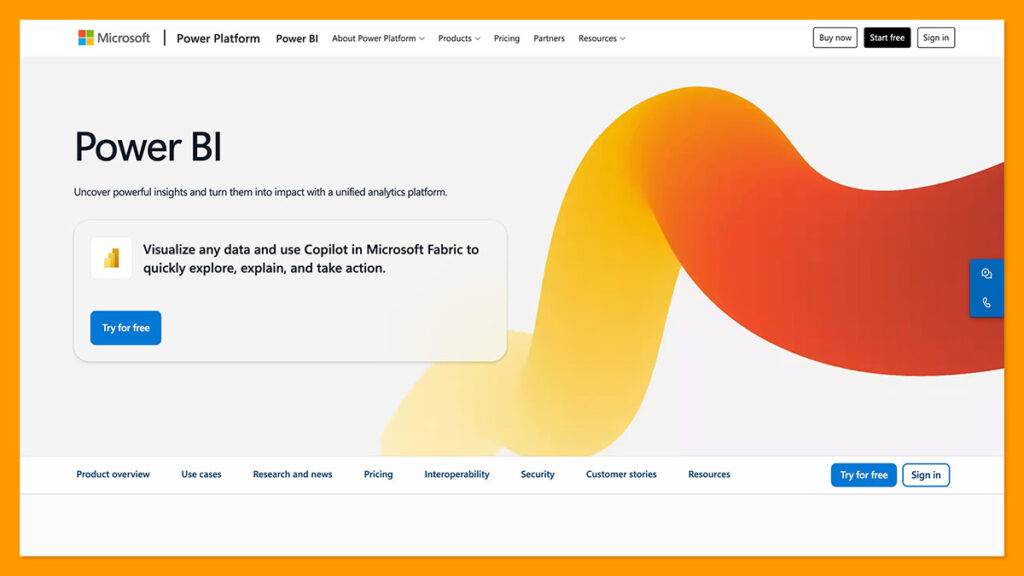
If you’ve already got a lot of Microsoft technology in your business, Power BI, combined with Copilot can give you one of the best AI data analysis tools on this list. Really, what it gives you is a complete business intelligence system with an assistant that can answer questions about your data in straightforward language, and summarize reports.
Copilot can actually use quite a lot of data to help you understand what’s happening in your business. It can search across semantic models, reports, and fabric data agents (provided the user has permission to access them), then help identify the most relevant source for a question.
There are also helpful “Prep data for AI” tools, which let authors create AI data schemas that determine which fields Copilot should use. Microsoft also supports AI instructions and verified answers, so you can give the system extra context about company-specific terminology and business logic before users start asking questions about things like net revenue.
Notably, Copilot doesn’t replace the need for a well-designed semantic model. Microsoft recommends preparing your data and model carefully to improve the accuracy and relevance of its answers. There are also limitations to some of Copilot’s report creation and editing capabilities, and additional Power BI or Fabric capacity can add to the overall cost.
Pros 👍
- Works brilliantly with Microsoft’s existing data tools
- Comprehensive controls for Copilot responses
- Excellent DAX assistance for developers
- Fast report and narrative drafts
- Easy to use for conversational data exploration
Cons 👎
- You still need to do your own semantic modelling
- License costs can add up quickly depending on what you need
- Basic visual output compared to something like Tableau
4. ThoughtSpot: Best for Conversational and Agentic Analytics
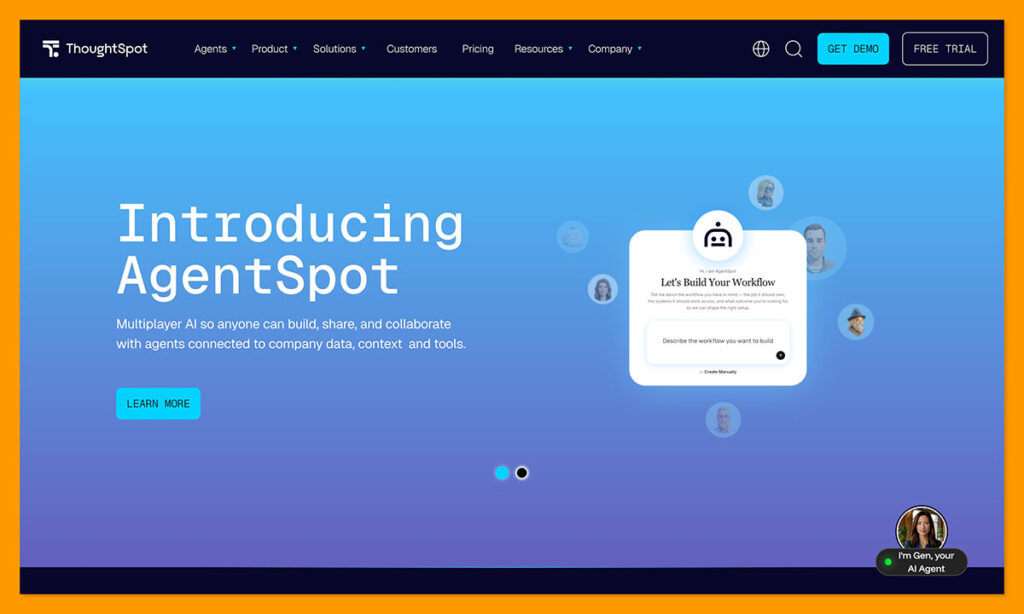
ThoughtSpot almost seems like a version of Google Search designed specifically for business intelligence, though it does go a lot further than that. The main focus is on helping team members query their data warehouses with conversational AI, so it’s great if you’re looking for fast, self-service access to immediate insights.
The system can connect easily to cloud data platforms like Google BigQuery and Snowflake, with enterprise-grade governance built in. There are a lot of additional tools worth mentioning too. Spotter can generate Python as part of an analysis, forecast outcomes, and run clustering or regression tasks. Spotter Semantics can turn company definitions and relationships into context for AI agents.
There’s also SpotIQ, which can automatically run in the background to let you know when hidden trends, changes, or anomalies start to appear in your data. All of that helps reduce work for data teams. One company, Matillion, even reported an 80% reduction in report requests alongside over £75,000 in annual savings.
The challenge is that getting the most reliable answers still depends on having well-governed data and business definitions behind the AI. And while ThoughtSpot has extensive visualization capabilities, teams looking for a more visualization-focused analytics platform may still prefer something like Tableau.
Pros 👍
- Excellent for quick natural-language search
- Easily integrates with existing cloud warehouses
- Spotter can support statistical and predictive work
- Governed semantics can help give AI answers more context
- Strong enterprise-grade governance
Cons 👎
- Requires governed data and business definitions for the best results
- Limited visualization options for data
- Higher learning curve than some alternatives
5. DataRobot: Best for Enterprise Predictive AI and Governance
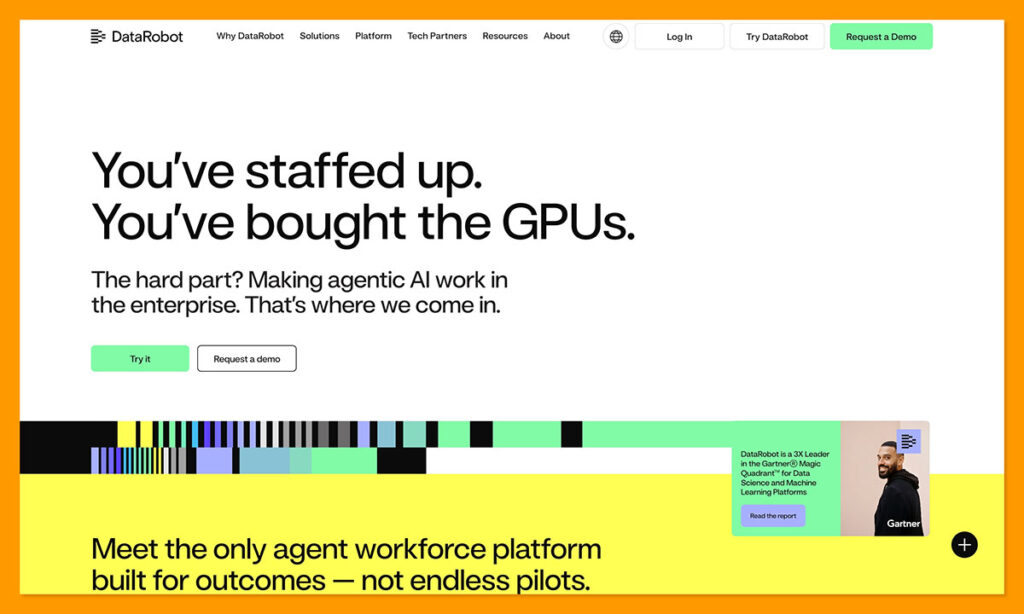
While Pecan is still the tool I’d select if I wanted fast value from predictions, DataRobot can be an appealing alternative for enterprise-level predictive insights. It’s an all-in-one tool with an AutoML engine that can reduce a lot of data scientist work. The system can engineer features, test algorithms, tune parameters, or compare models. It also covers classification, regression, anomaly detection and time-series forecasting.
Plus, when you have a model up and running, DataRobot can watch for drift and performance issues, sharing health metrics with your team. The platform can handle various inputs and gives teams comprehensive governance support, allowing you to manage compliance audits and run bias tests.
Explainability is fantastic too, with Shapley values, LIME explanations, prediction-level diagnostics, feature effects, as well as lift charts. Plus, DataRobot has some great success stories, including one from Financiera Effective which managed to reduce model lifecycle time by four times.
The big issue for most companies is how expensive this system can be. It’s primarily built for larger enterprises, which can put it out of reach for teams with smaller budgets. There’s also a significant learning curve if you want to tap into API integrations and advanced diagnostics.
Pros 👍
- Can speed up model creation for data scientist teams
- Automated feature engineering and drift monitoring
- Strong governance and MLOps features, including bias testing
- Handles a wide range of predictive workloads
- External holdout testing for challenging model performance
Cons 👎
- Can be expensive for teams with smaller budgets
- Advanced features can be difficult to implement
- Depends on good data quality
6. Databricks: Best for Building the Whole Data and AI Stack
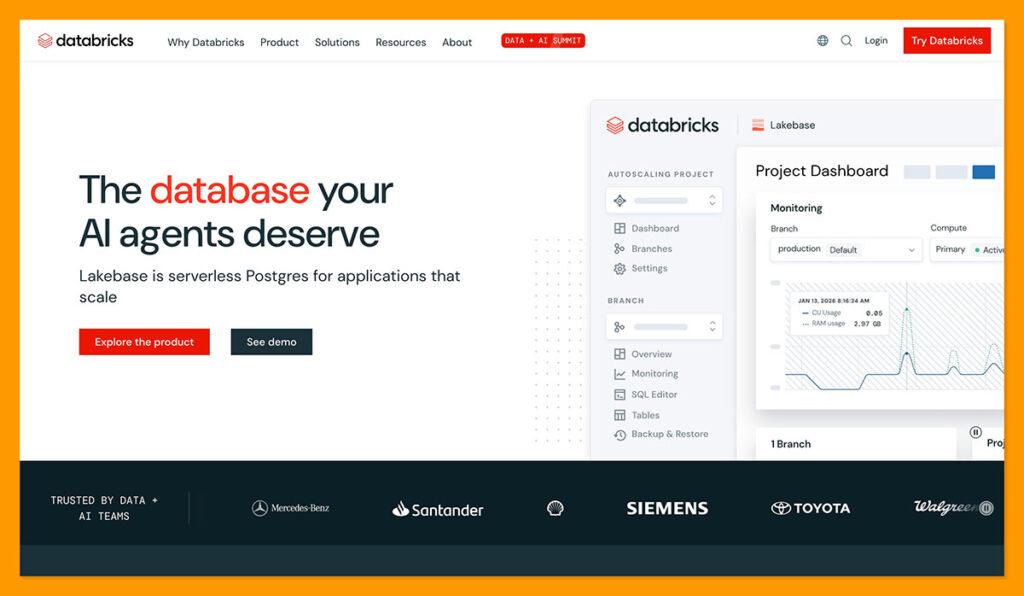
Databricks is one of the most comprehensive AI data analysis tools in this list, which makes it ideal for complex companies, but potentially overwhelming for smaller teams looking for quick predictions. Using the platform is simpler than it used to be, thanks to new tools like the Databricks Genie that lets users ask questions about data with everyday conversational prompts.
Still, overall, this is a more advanced platform for deeper dives into your data. The unified lakehouse architecture helps you bring your data together, both structured and unstructured, while scalable performance engines give teams the compute they need for demanding workloads.
Databricks also integrates with business intelligence tools companies might already be using, like Tableau or Power BI, so you don’t have to get rid of your existing tools. The governance is fantastic too, with the Unity Catalog centralizing auditing, security, and governance testing for teams.
Really, the biggest problem is the complexity. Databricks has made its analytics more accessible to business users, but getting the most from the broader platform still requires technical expertise. The consumption-based pricing can catch you off guard too if you’re not careful.
Pros 👍
- Comprehensive control over data, analytics, and ML
- Scalable performance for larger businesses
- Full connections with lakehouses and business intelligence tools
- Unity catalog for AI governance management
- Genie for less technical conversations about data
Cons 👎
- Intended for engineers and developers, not everyday business teams
- Consumption-based pricing can get expensive quickly
- Takes time and resources to set up properly
7. Julius AI: Best for Fast, Low-Friction Data Analysis
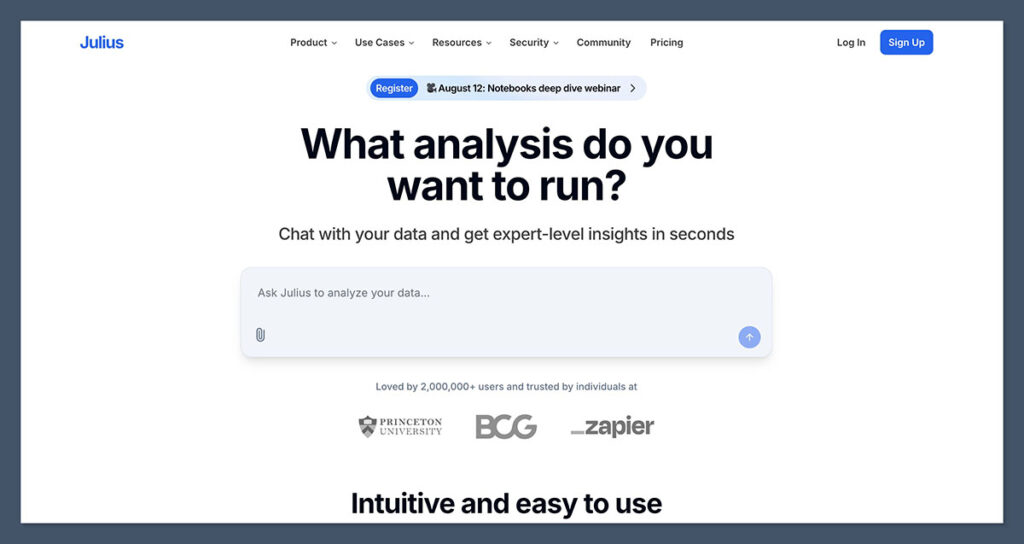
Julius AI is closer to something like Pecan or ThoughtSpot than Databricks. It’s one of the few AI analytics tools on this list that doesn’t require any coding knowledge to use. You can upload spreadsheets or connect databases and ask the model questions just like talking to a regular chatbot.
Although its visualizations aren’t quite as strong as the ones you get from Tableau, they’re still impressive, with more than 40 options for interactive charts and graphs. The system is also very fast at summarizing complicated data, whether you’re working with uploaded files or pulling information from cloud data warehouses like BigQuery and Snowflake.
Julius supports modelling and predictive forecasting, so it’s not just there to describe what’s happening in your data. However, it still struggles with highly customized models, and there’s not as many governance and control features here as you’d get on other tools if you’re worried about compliance.
It’s also worth saying that although Julius does offer free trials and limited tiers, you can end up spending quite a lot if you need to expand your file limits, get multiple people collaborating on the same data, or use complex processing capabilities.
Pros 👍
- Doesn’t require any coding knowledge to use
- Good selection of visualization options for data
- Modelling and basic predictive forecasting supported
- Integrations with various data sources
- Can show the code work behind an analysis
Cons 👎
- More focused on conversational analysis than operational predictive modelling
- Can become expensive when you need to scale
- Advanced governance and security controls require higher-tier plans
8. Google Looker + Vertex AI: Best for Google Cloud Analytics and ML
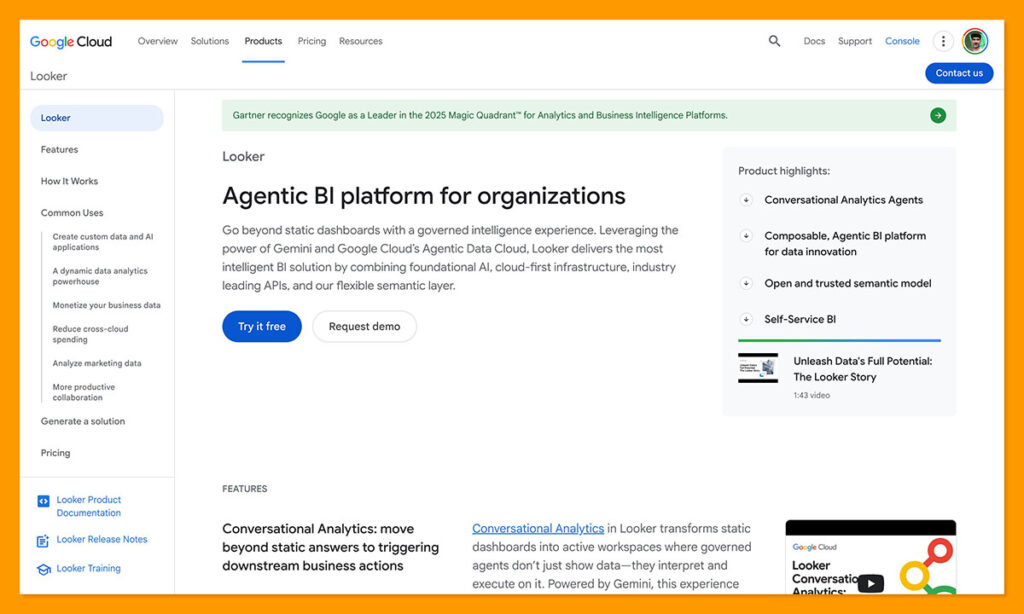
Google Looker and Vertex AI are really focused on two different kinds of data needs. The Looker system is built for business intelligence, while Vertex AI helps with machine learning projects and generative AI modelling. Brought together, though, they can help companies get a lot more value out of the data they collect.
Conversational Analytics in Looker uses Gemini to answer natural-language questions about your data, using LookML and the semantic model for grounding. When that alone isn’t enough, Vertex AI gives you an end-to-end AutoML solution you can use to train classification and regression models. Companies can apply their own controls for feature engineering, training, or data splitting.
Vertex also gives teams comprehensive ways to evaluate model performance, with measures like AUC ROC and log loss for classification, and MAE and RMSE for regression. New Google Cloud customers can also use free credits to experiment with Vertex AI before committing to larger workloads.
The issue with this combination is the steep learning curve for both tools, combined with the potential pricing. You need to pay for Looker, then account for the different usage, training, deployment, and other costs associated with Vertex AI.
Pros 👍
- Looker is genuinely useful for conversational data insights
- Vertex gives companies a straightforward route into model training
- Vertex models are highly explainable and governable
- The system works well with BigQuery and Google Cloud
- Embeddable analytics are available for existing tools
Cons 👎
- Both tools can have a high learning curve
- Combined pricing can get expensive fast, depending on usage
- Requires more setup and technical expertise than more focused AI analytics tools
9. Amazon Quick Sight + Q: Best for AWS-Native AI Analytics
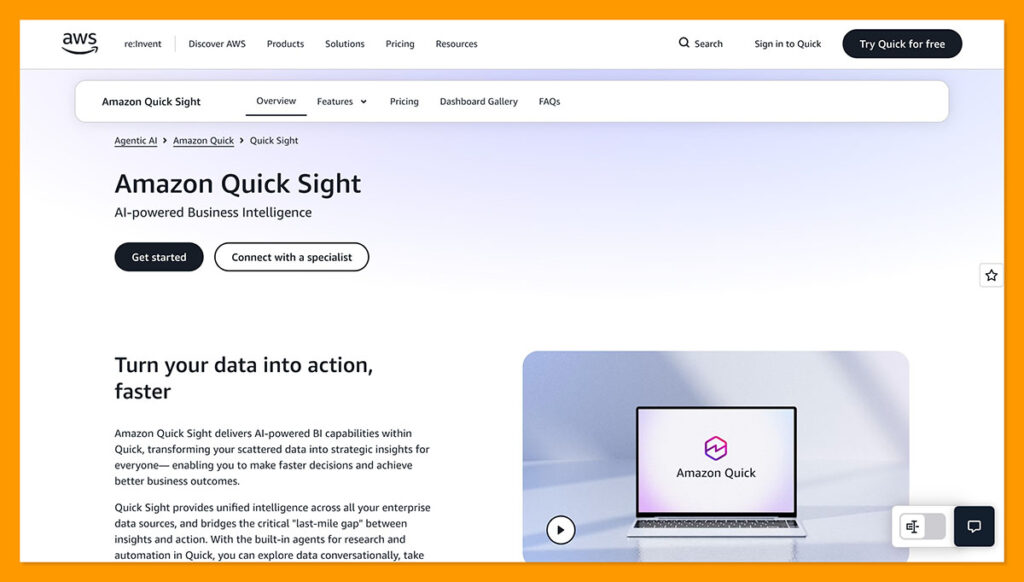
If Looker and Vertex are the tools that Google fans would naturally use for data analysis, Amazon Quick Sight and Q make the same case for AWS enthusiasts. Quick Sight is the business intelligence service, although it’s now part of the broader Amazon Quick experience alongside custom AI agents and automation.
When you’re already gathering data inside of AWS, Quick Sight makes it much simpler to dive deeper into your discoveries. It can connect with Redshift, Athena, RDS, and S3, plus teams can import data into SPICE for faster repeated analytics.
The natural language querying features here are excellent, and Dataset Q&A makes it easier for someone to interrogate an existing dataset without building a new dashboard. There’s also Author Pro for natural-language dashboard creation, scenario analysis, executive summaries, and automated data stories. Governance is pretty impressive, too. Enterprise customers can use row-level security to stop specific team members from seeing data they’re not supposed to see.
Still, the upfront development requirements are pretty significant with Amazon Q, as you need to carefully configure and retain Q topics, and there are data modelling limits which can make complex relationship handling a problem. Plus, accessing advanced features like “Author Pro” usually means paying for an extra subscription.
Pros 👍
- Excellent for teams who already keep their data in AWS
- Agentic scenario analysis tools for exploration
- Automated narratives and storytelling
- Strong governance controls for enterprise teams
- Fast analytics with the SPICE in-memory engine
Cons 👎
- Predictive model building isn’t included in the Quick Sight experience
- Can require additional setup to get the most from its AI capabilities
- Additional costs can add up for extra tools
10. Alteryx: Best for Data Preparation and Analytics Workflows
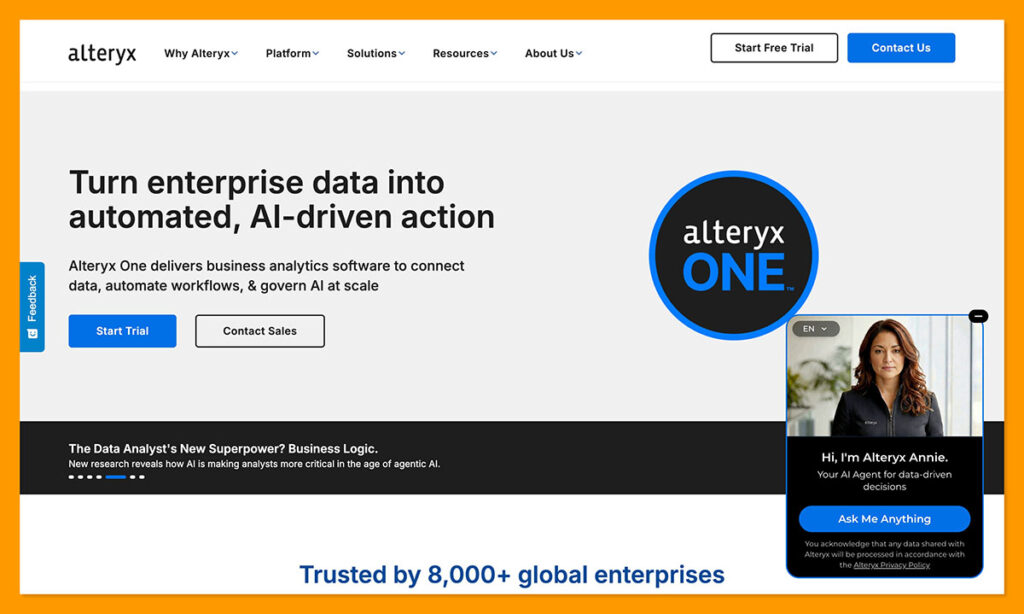
Alteryx is more likely to be one of the best AI data analysis tools for your team if you know that the data you want to analyze needs a little work first. The platform gives teams drag-and-drop tools for cleaning, joining, reshaping, or automating data work that might never get finished manually.
You can connect to a wide range of data sources, including tools like Databricks and Snowflake. The AI tools are useful too. Ask Alteryx can help users work through workflows, understand unfamiliar tools, and troubleshoot issues, while Agent Studio lets teams create specific agents and set up datasets, workflows, and apps for use with AI.
You’ll also have tools like Auto Insights to automatically surface changes, patterns, and exceptions in your data. Alteryx supports predictive analytics and automated machine learning too, so its capabilities go well beyond simply preparing data.
The main issue is that Alteryx is a broad platform, which can make it more complex than teams need for a focused AI analytics use case. Even though many of its workflows are visual and code-free, you’ll still need some technical skills to master its more advanced capabilities.
Pros 👍
- Excellent at preparing and cleaning data
- Connects to a wide range of data sources
- AI assistants help with a range of analytics tasks
- Visual drag-and-drop workflows
- Supports predictive analytics and automated machine learning
Cons 👎
- Can be very expensive for individual and server licenses
- Still has a learning curve for advanced features
- More about preparing data than predictions
Which AI Data Analysis Tools Should You Use?
Really, the tool you pick depends on what you’re trying to do with your data. Some companies primarily want a system that can help them understand and explore the information they’re gathering a little better, and something like Tableau is brilliant for that.
Others want a broader platform for building and managing their own data and AI infrastructure, which makes Databricks a more appealing choice, while DataRobot offers extensive AutoML, governance, and MLOps capabilities. Then there are tools that make particular sense if you’re already using the surrounding ecosystem, like Power BI for Microsoft, Looker for Google Cloud, or Quick Sight for AWS.
Pecan is still my first choice, though, for teams that want to go from understanding what happened to predicting what’s likely to happen next. Instead of requiring you to prepare training datasets, engineer features, and manage the modeling workflow yourself, the Predictive AI Agent handles that work and turns a business question into validated predictions that can be put to work in the systems your team already uses.
FAQs
What are AI tools for data analysis?
AI tools for data analysis use a combination of generative AI and machine learning to help teams prepare, explore, explain, visualize, or make predictions from data. There are a lot of different options out there, from assistants that answer questions about the data in an existing BI system to full platforms that help you build models.
What’s the difference between AI analytics and predictive analytics?
AI analytics is the broader category because it covers everything from conversational queries and data summaries to visualization, anomaly detection, forecasting, and predictive modeling. Predictive analytics focuses specifically on using historical data to estimate what’s likely to happen next, whether that’s churn, demand, customer value, or something else.
Can AI analyze data without a data scientist?
Yes. Many AI analytics tools are specifically designed to let business and data teams analyze data without relying on a data scientist for every question. Some platforms can even automate much of the work involved in building predictive models, including data preparation, feature engineering, model training, and validation. A data scientist may still be useful for highly specialized models or cases where teams want more control over the underlying machine learning process.
What is the best AI tool for analyzing business data?
It depends on what you’re trying to do, but my pick is Pecan AI if you want to use your existing business data to predict outcomes like churn, demand, customer value, or campaign performance. It’s designed to take teams from a business question to validated predictions without requiring a dedicated data science team or a traditional model-building workflow.
Do AI data analysis tools work with existing data warehouses?
Many do. AI data analysis tools can connect to major data warehouses and cloud data platforms like Snowflake, BigQuery, Databricks, Redshift, and Microsoft Fabric. Exactly how they connect, and whether they read from, write back to, or operate directly on warehouse data, varies by platform.

Comments 0 Responses