

Educators have honestly always been under quite a lot of pressure when it comes to grading assignments and student work. Even before AI, people found ways to “cheat” their way to a better grade. That’s why tools like Google Classroom tend to come with things like originality reports to check for plagiarism or copied text.
Now that AI’s part of the standard student toolkit, it’s even easier for learners to hand their homework off to an LLM. It’s no wonder institutions are looking for AI detectors that work with the tools they already use, to help them decide whether students are relying a bit too much on GPT assistance.
Still, it’s worth being careful. Just because an AI detector works with something like Google Classroom, doesn’t mean it was really made for educators, or that it can distinguish between AI support, and AI taking over an assignment.
So for this guide I’m looking at tools that are actually educator-focused, reliable, and not too quick to jump to a high “AI-generated” score.
The Best AI Detectors for Google Classroom
I’ve personally used a couple of dozen AI detectors at this point, but there’s only a small number that really work with Google Classroom, and an even smaller number I’d recommend to educators.
I’ve narrowed it down to this group:
Best overall

Pangram
View Pricing Read Review →Free checks; paid from $20/month
- Google Classroom and Docs support
- AI-assisted and rewritten text detection
- Work audits in Google Docs
Best for multilingual
Copyleaks
View Pricing Read Review →Credit-based; institutional plans
- AI detection in 30+ languages
- Google Classroom and Docs support
- Plagiarism and AI checks
Best for existing users

Turnitin
View Pricing Visit Website →Institutional pricing
- Google Classroom add-on
- Feedback Studio workflow
- Similarity and plagiarism reports
| Tool | Best for | Google Classroom compatibility | Standout strength | Main caution |
|---|---|---|---|---|
| Pangram | Best overall | Google Classroom integration plus Docs and Chrome extension, and API | High accuracy (even for rewritten AI text), low false positive rate | You’ll probably need a paid plan |
| Copyleaks | Multilingual schools | Classroom, Docs, and Chrome add-on plus API | 30-language AI detection, plus plagiarism in 100+ languages | Can struggle with false positives |
| Turnitin | Schools already using it for submissions | Classroom add-on, Feedback Studio | Straightforward to use, good for plagiarism | Institutional pricing only |
| Winston AI | PDFs, scans, OCR | Google Classroom support | OCR for pictures, scans, handwriting, and reports | Not the most evidence behind accuracy claims |
| Originality.ai | External second checks | No Classroom integration, but Chrome and Docs supported | Writer Replay, plagiarism, readability, site scans | Less designed for teachers than the alternatives |
| Proofademic | Academic sentence-level review | No direct integration with Classroom | Sentence-level analysis, batch scanning and paraphrase checking | Newer, so less proof than bigger tools |
| GPTZero | Free starting tool | Works with Google Classroom and Docs, plus API access | Writing replay, useful reports, generous free plan | Can miss rewritten AI text |
1. Pangram: Best AI Detector for Google Classroom
Starting price: Free checks available, paid plans from $20/month
AI and plagiarism detection: Yes
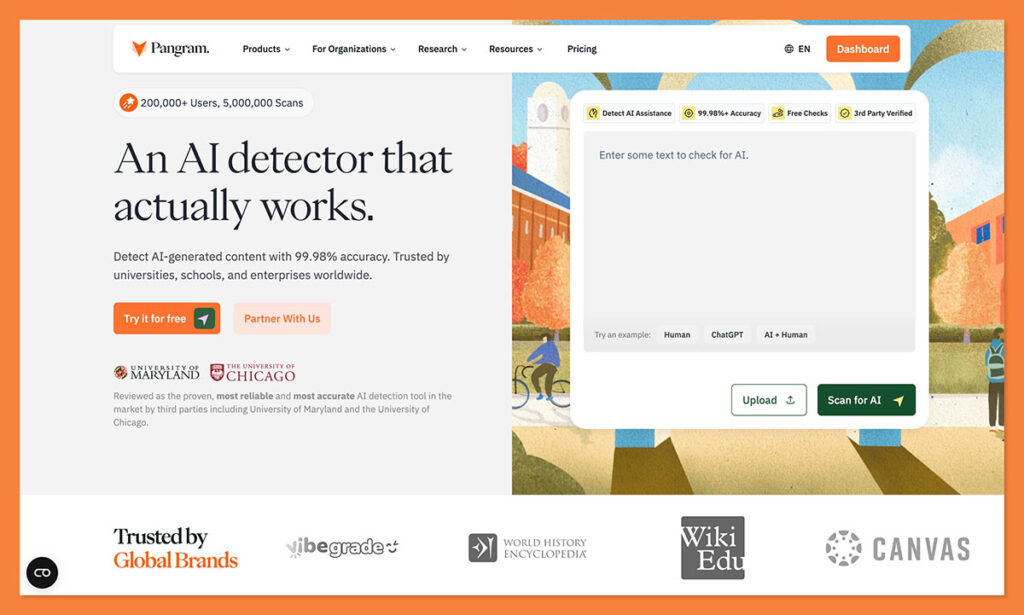
Pangram has become the first tool I recommend to any educator (plus quite a few publishers and enterprise teams too). It’s incredibly accurate, and can even pick up on instances where students just rewrite whatever a GPT has given them. It can also distinguish between purely AI-written text, and AI-assisted text.
Pangram works seamlessly with Google Classroom (plus Google Chrome, Google Docs, and other LMS offerings). It even has API options for custom integrations. I particularly love the Google Docs integration that includes work audits, so you can see how a student got to a final submission.
The best part about Pangram, though, is the low false positive rate, about 1 in 10,000 on average, and academic essay tests have shown a tiny false-positive rate of just 0.004%. That’s really useful when you know accusing a student of being too GPT-dependent (without proof), could have a terrible impact on their future.
Pros
- Lowest false positive rate of all these tools
- Google Classroom, Chrome, and Docs support (plus API)
- Detects AI assistance and rewritten AI text
- Gives useful scores and insights in reports
- Easy to use for students and teachers
- Privacy-first (no training on student data)
Cons
- You’ll probably need a paid plan
- Short samples don’t always give the best results
2. Copyleaks: Best for Multilingual Google Classroom Workflows
Starting price: Credit-based, plus institutional plans
AI and plagiarism detection: Yes
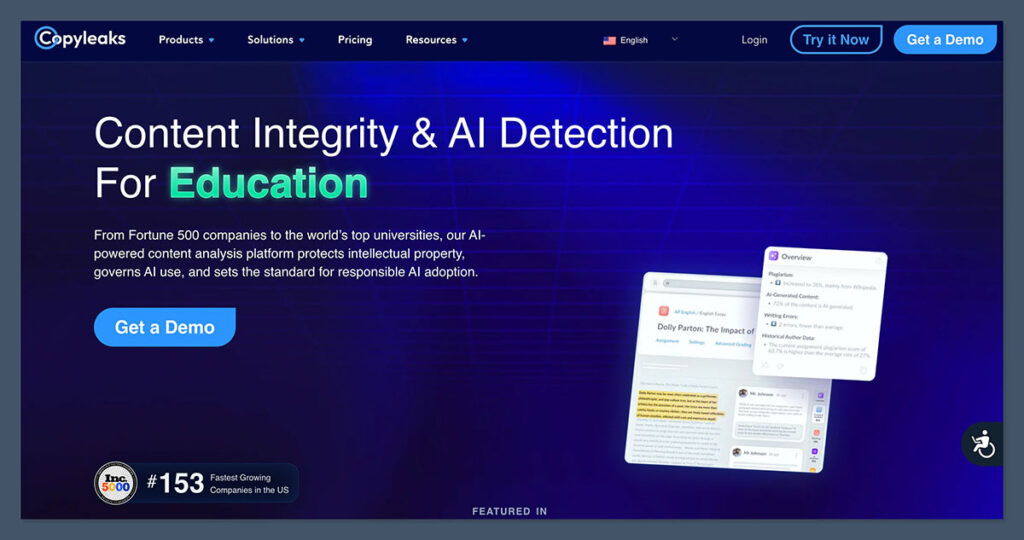
If a school has a student body that speaks and writes in a lot of different languages, then Copyleaks is a good pick. It can detect plagiarism in over 100 languages, and find AI fingerprints in more than 30 languages. Plus, it’s fantastic for checking content for issues in bulk.
Overall, Copyleaks has a good accuracy score (according to the tests I’ve seen), but it does have issues with paraphrased GPT text, and it still has a higher false positive rate than something like Pangram, particularly when checking formal content.
Still, the Google Classroom fit is good, and there are browser extensions, Google Docs and LMS integrations, plus an API. It’s also worth saying that Copyleaks checks for plagiarism and writing errors while it’s searching for GPTisms. It can even search for AI evidence in images or code, which might make it more appealing to higher education groups.
Pros
- Best multilingual coverage on this list
- AI, grammar, code, and writing error checks
- Scan history and useful classroom reporting
- Works very well with Google Classroom and Docs
- Can work with images too
Cons
- Credit-based pricing can quickly add up
- Doesn’t always detect edited AI text
- Not the best for reducing false positives
3. Turnitin: Best for Schools Already Using Turnitin
Starting price: Institutional pricing
AI and plagiarism detection: Yes
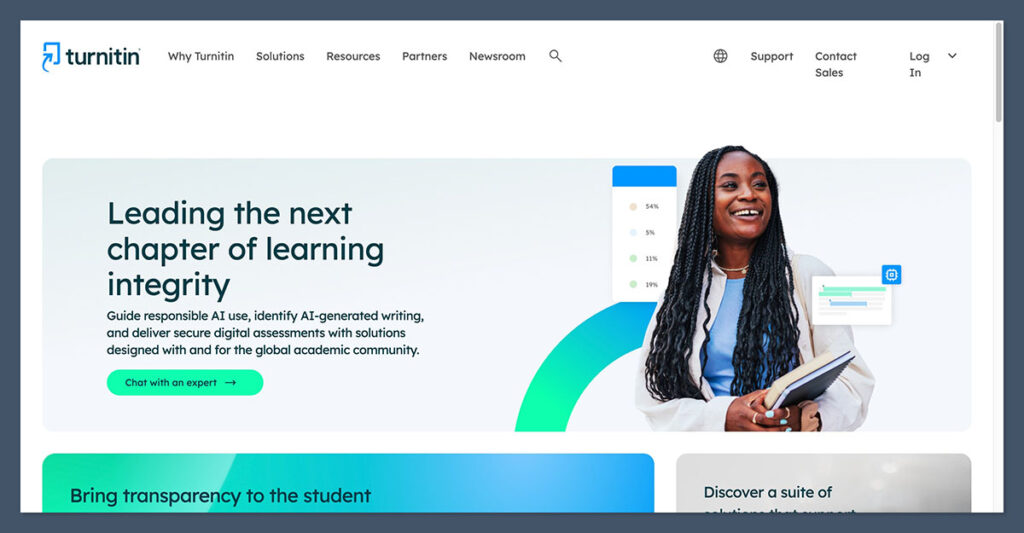
A lot of schools today are already using Turnitin to accept assignments from students over the web, so it just makes sense for those groups to use it for AI detection too. I don’t find this tool quite as straightforward as some of the other ones I’ve used, but I can see how it’d work in education.
Turnitin linked Feedback Studio to Google Classroom in May 2026, so teachers can access integrity checks, feedback tools, grading tools, and AI writing insights in the same space. Students can even use the same tool to check their drafts for accuracy or fix plagiarism problems.
The bulk uploads are great, letting you examine up to 30,000 words at once, and it also stopped showing full percentage scores for AI under 20%, because it recognized just how common false positives actually are, which is helpful.
Still, false positives do happen, and Turnitin has the same problem as a lot of other detectors with lower accuracy on shorter pieces of text.
Pros
- Already installed for many schools
- Good similarity and plagiarism reports
- Excellent Google Classroom add-on
- AI paraphrasing and bypasser detection included
- Great for long-form submissions
Cons
- Institutional pricing can be hard
- Struggles with shorter text
- Not the simplest tool around
4. Winston AI: Best for PDFs, Scans, OCR, and Shareable Reports
Starting price: 14-day trial, paid plans from around $10/month annually
AI and plagiarism detection: Yes
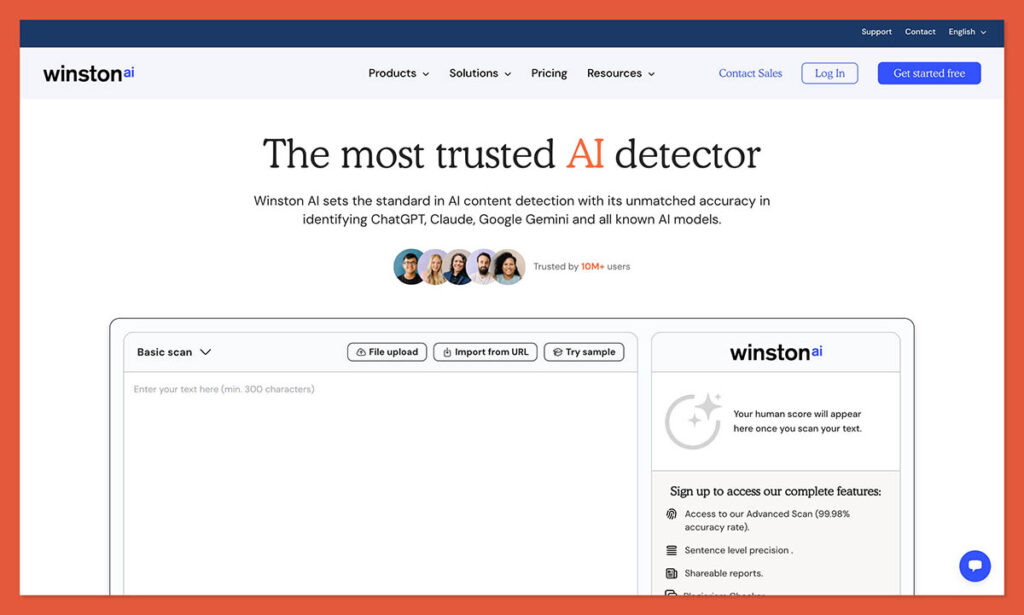
If your students submit assignments that include more than just plain text, Winston is probably going to be a good choice. It’s capable of looking for issues in PDFs, copied handouts, or scanned worksheets and photos. It also has a fantastic accuracy score, at about 99.98%, though I will say that that accuracy rate depends on the length of the text, and the style.
Winston gives you sentence-level analysis with a color-coded prediction map, and it includes plagiarism detection at the same time. For educators, it works with Google Classroom, and other LMS tools, and it generates detailed reports you can share with your colleagues or students.
The problems are what you’d probably expect. It’s less reliable on short text, the subscriptions can be costly thanks to the credit-based system, and like a lot of AI detectors, it can sometimes mis-identify well-written or formal human text as AI.
Pros
- Good accuracy score for purely AI-written text
- Sentence-level analysis and downloadable reports
- Plagiarism and AI detection in one
- Works with PDFs and images
- Connects directly to Google Classroom
Cons
- Accuracy rates vary depending on the length and type of text
- Costly subscription with the credit-based system
- False positives are still common
5. Originality.ai: Best External Checker
Starting price: $14.95/month or pay-as-you-go options
AI and plagiarism detection: Yes
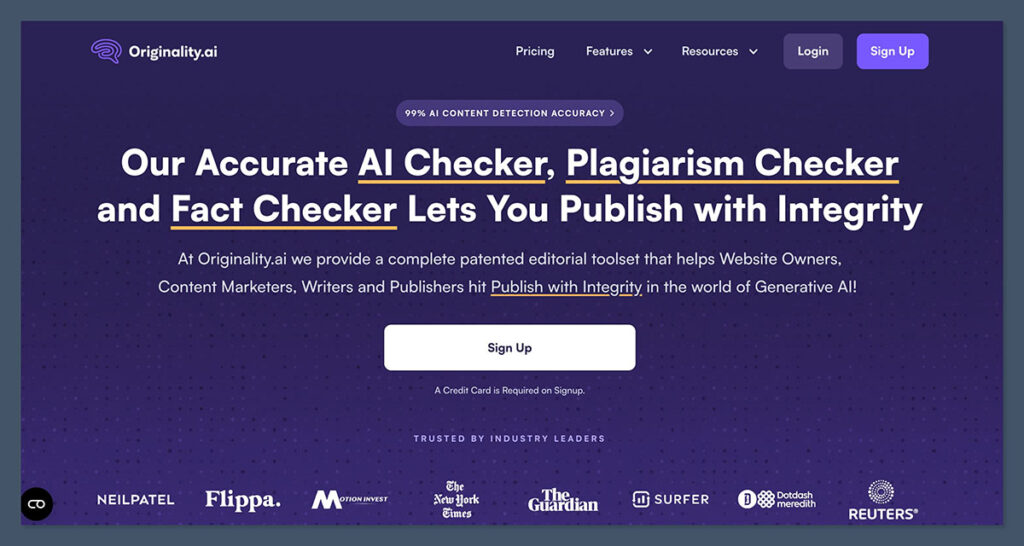
I wasn’t totally sure if I’d include Originality.ai here because it doesn’t have a Google Classroom integration, and it’s really more designed for publishers and marketers than teachers. Still, it’s a reliable tool, that’s easy to use, and comes with some very useful features.
First, it combines plagiarism and AI detection with readability scores, which is great for educators. You get site-wide scanning, and a Google Chrome extension, too. Plus, there’s a Google Docs add-on which also checks facts, and shows you writer replay insights so you can see evidence of how a document was actually created.
I like it for students and teachers that want more in-depth evidence from an AI scan than just a standard percentage score. I also think it’s a great tool if you’re examining less common assignments. For instance, you might use it to check an IT student’s content on a website. It’s just obviously less directed at teachers than most of these tools.
Pros
- Excellent for Chrome and Google Docs checks
- Useful Writer Replay for process evidence
- Plagiarism and readability insights included
- Excellent for bulk-checking documents
- Good accuracy levels for obvious GPTisms
Cons
- Not really made for academics
- No Google Classroom integration
- False positives are a problem
6. Proofademic: Best Academic-First Sentence-Level AI Checker
Starting price: First 1,000 words free
AI and plagiarism detection: Yes
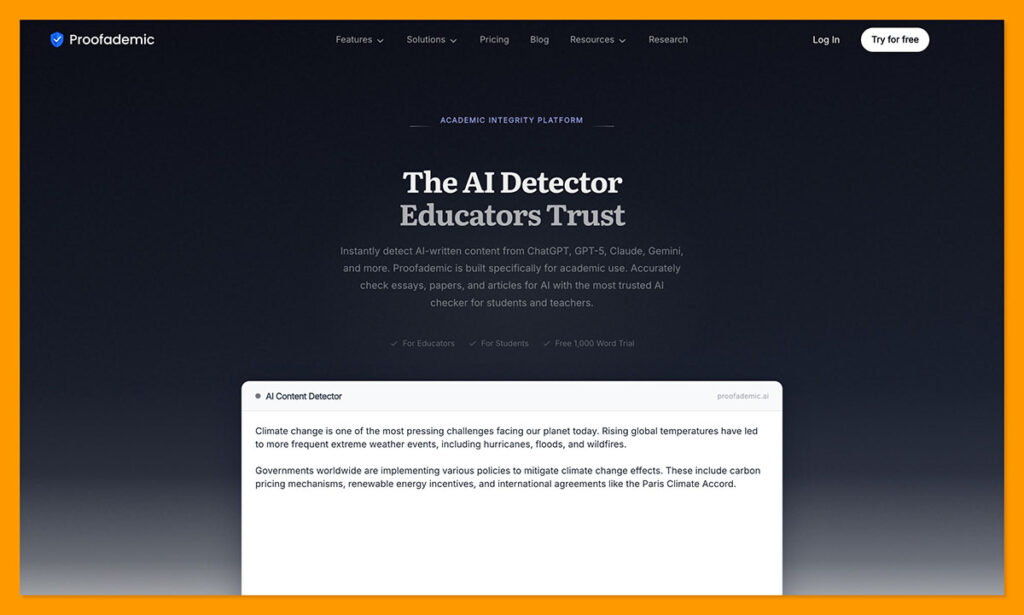
Like Originality.ai, Proofademic doesn’t have a direct Google Classroom integration, but it’s definitely more focused on educational institutions. This web-based AI and plagiarism tool is really good if you’re looking for sentence-level heat maps that give you a closer look at the difference between pure AI copy, and AI assistance.
The tool supports more than 23 languages, and some recent tests have shown that it’s still good at catching GPT text when students use rewriting or paraphrasing tools. It also distinguishes very well between human-written ESL and AI copy.
Students can also check their first 1,000 words for free, which might be helpful during initial drafting stages. Still, you need to copy-paste text into the tool to use it, and the false positive rates are higher for very polished human writing. On top of that, the cost can be quite expensive, it’s not really intended for casual use.
Pros
- Sentence level analysis and heat maps
- Excellent at catching rewritten AI text
- Supports 23 languages and works well on ESL text
- Reasonably easy to use for beginners
- Plagiarism checks also included
Cons
- Not as well-established as other tools
- No Google Classroom integration
- Still has issues with false positives
7. GPTZero: Best Free Starting Point for Teachers and Students
Starting price: Free plan available
AI and plagiarism detection: Yes
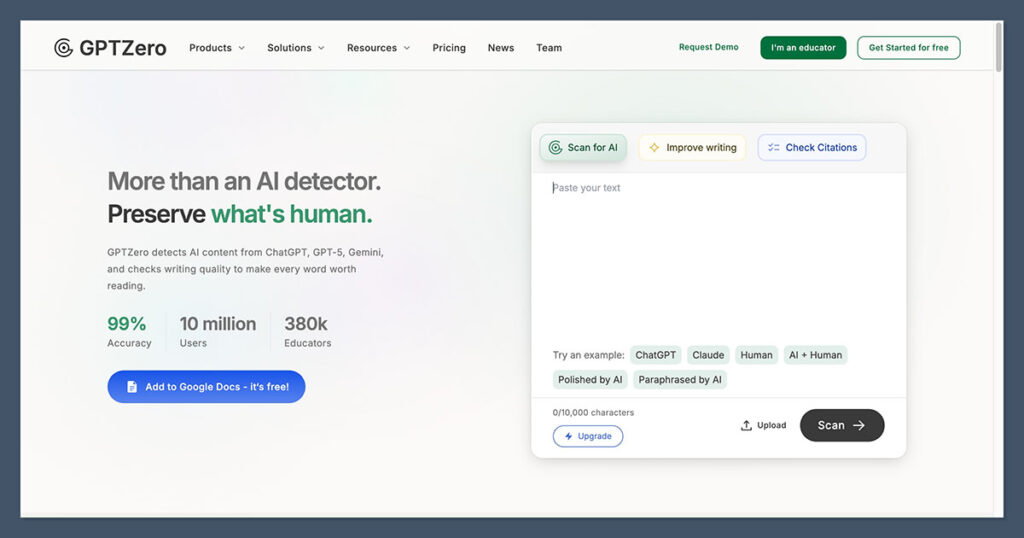
GPTZero might not have the best accuracy on this list, but it’s still one of the most popular options for students and educators. In fact, nearly 400,000 teachers are already using this platform. It’s affordable and accessible, and the free plan is generous, letting you scan up to 10,000 words per month.
GPTZero can catch obvious AI phrasing produced by ChatGPT, Gemini, or Claude, among others, and it has both Google Docs and Chrome support, plus an integration for Google Classroom or Canvas. There’s also an API option for custom integrations.
The features are great for the education industry too, you can get writing video replays, Google Docs feedback, live AI checks, typing pattern insights, bibliography and citation checks, and fact checking in one package. Batch uploads are supported, too.
Still, it can miss paraphrased AI text sometimes, and its false positive score is a lot higher than Pangram’s, so it’s worth being careful.
Pros
- Generous free plan with 10,000 words per month
- Good for Chrome, Google Docs, and Google Classroom
- Writing replay and useful insights for teachers
- Helpful fact and citation checks
- Very easy to use for teachers and students
Cons
- Higher false positive scores than some
- Struggles with edited AI text
- Could be better at plagiarism detection
The Best AI Detector for Google Classroom
I’m always careful recommending AI detectors to educators, because there really isn’t a tool out there that you should be relying on one hundred percent.
I like all of these tools for different things. GPTZero is a good free starter, while Copyleaks is great for multilingual schools. Winston is useful for scans and visual files, and Originality.ai is great for web checks and Google Docs submissions. Turnitin obviously makes sense if you’re already using it, and Proofademic gives you a great sentence-level review.
Still, Pangram is the one I’d trust most here. Its accuracy levels are extremely high, even when students submit edited AI text. It works well with Google Classroom, Chrome, or Docs, not to mention other useful tools. Plus, its false positive rate is the lowest of the bunch, so you’re less likely to throw out dangerous accusations.
It’s still just a starting point, but Pangram is the tool I’d trust to tell me whether I needed to give a student’s assignment a little extra attention.

Comments 0 Responses