

I have an odd relationship with any tool that claims to detect AI. I get the appeal of these systems, particularly now that the world seems to be overflowing with GPT-generated slop. I just find it hard to trust tools that claim to do the exact same thing as all of their competitors, but usually give you different results. That’s awkward enough when you’re analyzing text. It’s even worse for code.
Right now, a lot of people are turning to AI to help with coding tasks, about 84% of developers admit to using AI. That’s not really a bad thing, if they’re using it ethically.
Still, relying on AI too much for anything is dangerous. We should all know that by now. It’s also a bit problematic if you’re using AI for things like coding tests when someone’s trying to assess your skills, not how well you can use a bot.
AI code detectors can help pinpoint some of the potential risks, but they’re not always as trustworthy as they seem, since finding AI signatures in code isn’t quite as easy as looking for obvious GPTisms in a blog or essay. So I started this experiment, looking for AI detectors that engineers, developers, and the people around them can actually trust.
The Best AI Detectors for ML Engineers and Developers
We’re focusing on four AI detectors here, partially because not every detector on the market actually accommodates code, and partially because many of the ones that do aren’t as accurate as they seem.
I was judging these tools based on the things most devs actually care about, things like source code detection, API access, false positives, language support, and overall accuracy. I tested each one with different snippets of code with varying levels of AI influence.
| Tool | Best for | Starting price | Biggest strength |
|---|---|---|---|
| Pangram | Best overall for developers, hiring, IP audits, and AI-heavy PR checks | Free trial, paid usage-based plans | Purpose-built code detection, low false-positive profile, API and Python SDK support, repo and PR audit use cases |
| Span span-detect-1 | Engineering leaders tracking AI use across an org | Demo/API access | PR, file, module, and repo-level AI code ratio reporting, with 95% claimed accuracy at 3,000-character chunks |
| AICodeDetector | Quick standalone checks, education, lightweight audits | Free, Premium available | 90%+ claimed accuracy, free scans, code-style analysis, Compare Two Codes, Premium SBOM and CVE features |
| CodeSpy | Developers who want checks closer to the IDE and PR workflow | Free tier, paid plans available | VS Code and GitHub-style workflow support, visual highlighting, broad common-language coverage |
1. Pangram: Best AI Code Detector Overall
Starting price: Free trial, paid plans vary by usage
Best for: ML engineers, hiring teams, IP audits, PR checks, AI-heavy commit review
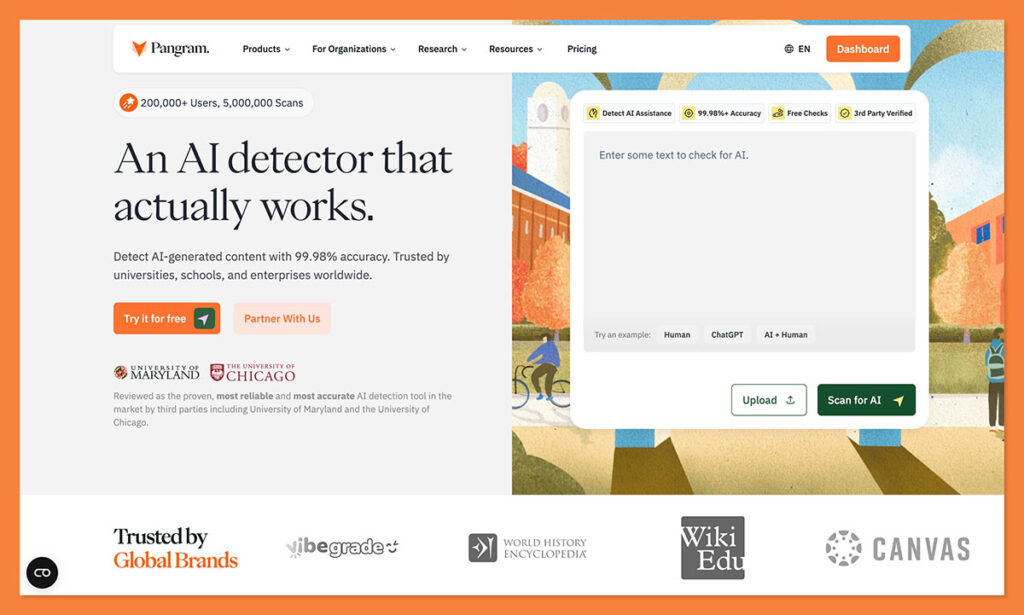
Pangram is an incredibly versatile AI detector, one I’ve used for checking everything from blogs to student essays, resumes, and code. It’s one of the only tools that’s actually purpose-built for code analysis, so you’re not just getting a system repurposed from text detection.
It can accurately identify AI-generated snippets whether they were produced by something like Claude or ChatGPT, or they were generated by a specific coding tool like GitHub Copilot, across Python, Java, C++ and other languages. It also supports developer workflows perfectly through a Python SDK and an API.
What’s really great about Pangram is its conservative by design. Rather than automatically assuming everything that looks “neat” is machine generated, it looks carefully for AI tell-tales, and actually shows you which parts of the code are flagging and why. It can even tell you if code has been generated with AI assistance, rather than being entirely produced by a machine.
With a 0.3% false-positive rate, it’s one of the best tools you can use if you want to avoid accusing every dev of being AI dependent.
Pros:
- Actually built for AI code detection
- Extremely low false-positive rate
- Perfect for hiring, PR checks, and IP audits
- API and Python SDK support
- Can detect AI-assisted code too
Cons:
- Works best on longer snippets (40 lines or so)
- Can occasionally miss some GPT markers
2. Span span-detect-1: Best for Enterprise AI Adoption Tracking
Starting price: Demo/API access
Best for: CTOs, DevEx teams, platform teams, engineering leaders
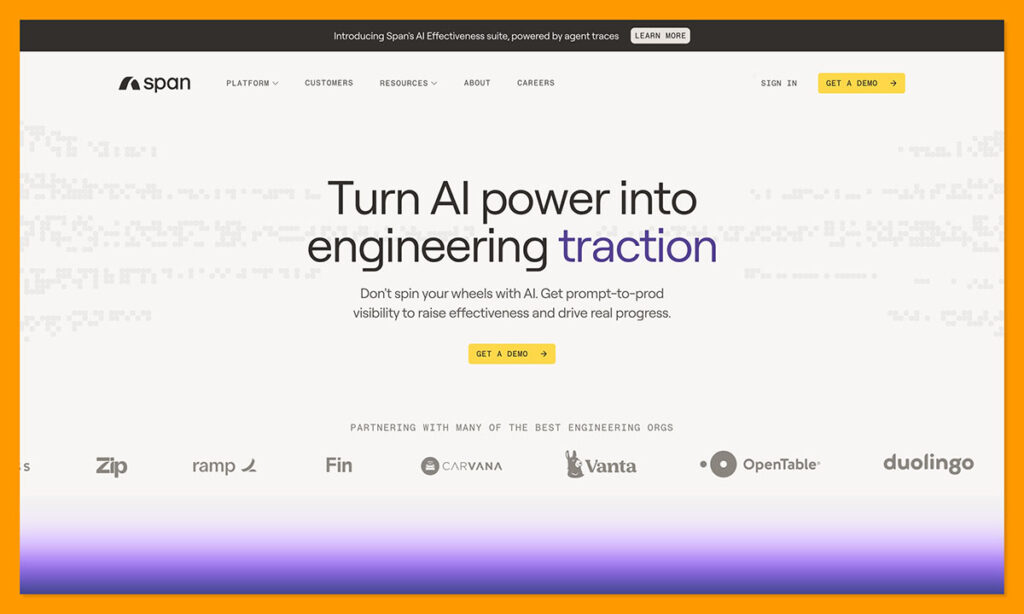
Span is less of the kind of tool you’d use once if you were suspicious about a single Python assignment. It’s more the system you stick to when you’re running an engineering team, and you need to know how deeply AI gets involved in the business.
It was the first tool to effectively distinguish between AI assisted and human-written code with an accuracy score of over 95%. That’s across all of the AI coding tools in the market. Span’s powered by a proprietary model, tuned for coders, and trained on millions of examples.
When you run a file or PR diff through the system, it splits the code into semantic chunk, and then classifies each of those chunks as either AI-generated, human-authored, or “abstain”. The abstain tag is interesting, because some code doesn’t give you enough evidence to be confidently labelled as either entirely human, or GPT.
The only significant downside is that this tool can’t pinpoint which specific lines within a PR are AI generated, so you’ll need to use your own judgement. It’s not for line-by-line attribution, but more for an overall view of AI impact.
Pros:
- Excellent for enterprise-level analysis
- Trained on millions of code examples
- 95% accuracy (although requires larger chunk samples)
- Abstain label helps to avoid overconfident calls
- Useful for tracking AI adoption as well as GPTisms
Cons:
- Not intended for line-by-line attribution
- Doesn’t assess code security
- Can be too complex for smaller checks
3. AICodeDetector: Best Free Standalone AI Code Detector
Starting price: Free, Premium available
Best for: Students, educators, hiring managers, freelancers, quick code checks
For me, someone who’s more used to using AI detectors for text analysis, AICodeDetector is the “code-focused” version of something like GPTZero. It’s the tool I’d recommend if you’re looking for a fast second opinion after reading something that seems to have AI mess all over it.
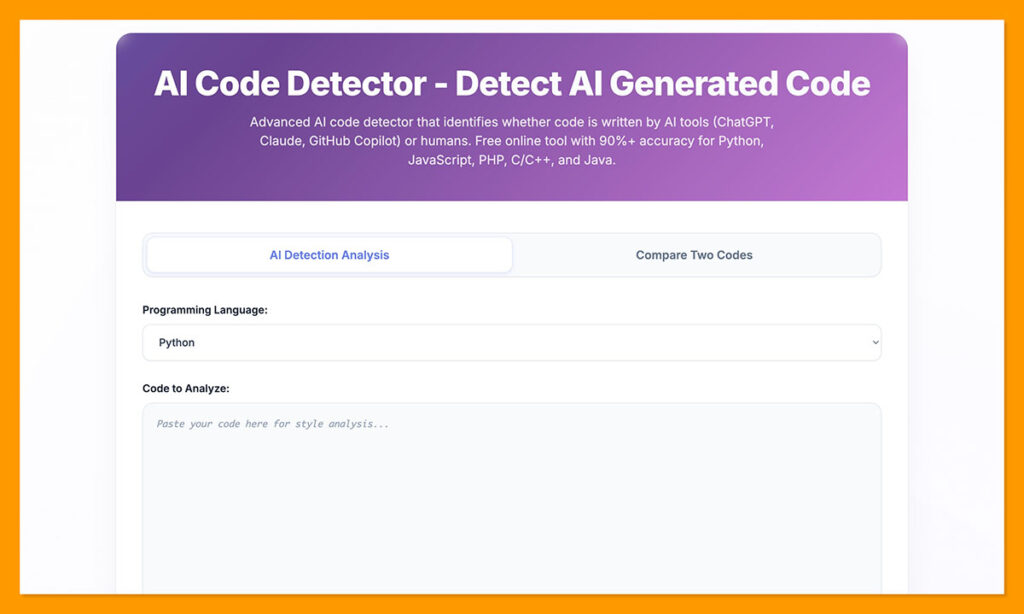
The tool is very easy to use. Just paste in your code, pick the language, and run the check. The system will give you an immediate analysis of just how much “machine inspiration” a snippet has. It even helps you figure out whether projects and proprietary algorithms pulled a bit too heavily from external code examples, which is great for IP protection.
One of the more impressive features gives you the option to compare two codes. You can paste a known-human snippet alongside a suspicious one and get a side-by-side overview. I think that’s very useful for hiring teams, freelance clients, and teachers. There’s also a premium plan with support for API access, repo uploads, SBOM exports, and PDF/JSON reports.
Still, it’s not the most accurate option here, with a 90% accuracy rate on average, and a reputation for occasionally dishing out false positives. It also can’t define whether someone just used AI for assistance, or copy and pasted code from a bot directly.
Pros:
- Free to try and easy to use
- Excellent code comparison feature
- Premium features are genuinely helpful
- Useful for IP protection and academic integrity
- Very quick scores
Cons:
- Lower accuracy level than some alternatives
- High false positive rate
- Not as suited to engineering workflows
4. CodeSpy / AI Detector Pro Code: Best IDE-Integrated AI Code Detector
Starting price: Free tier, paid plans available
Best for: Developers, consultants, small teams, VS Code and GitHub users
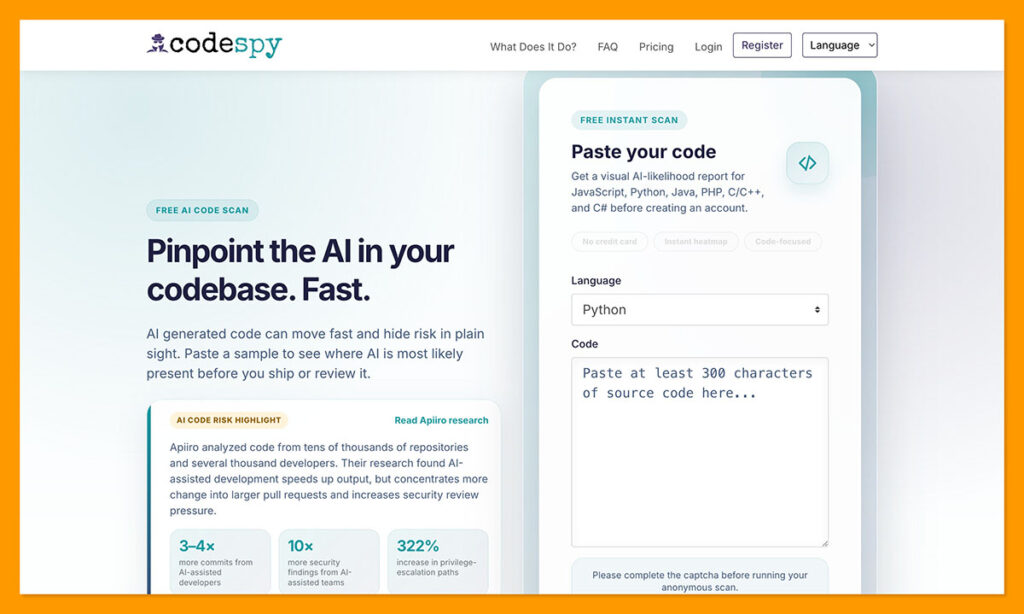
If you’re looking for an AI code detector that just slots easily into a standard engineering or development workflow, CodeSpy is one of the better picks. It doesn’t ask users to open a new browser tab and paste everything into a box. It can scan entire code repositories in seconds, and it integrates with IDEs like GitHub.
Plus, the multi-language support is excellent. You’ve got C#, C++, Python, Java, JavaScript, and PHP options. You also get some excellent insights beyond just basic percentage codes. The color-coded highlighting system shows you which sections might not be human written, and which probably deserve a second human review. Still, those reports don’t tell you anything. You don’t get a full line-by-line analysis, for instance.
Unfortunately, the accuracy claims are a bit uncertain with this tool, and a lot of users have claimed that it can regularly misclassify human code as AI, or vice versa. There’s also no real-time scanning option, and the premium pricing can deter a few teams.
There is a basic free plan which gives you three scans per month, but that’s not going to be enough for serious code analysis. Unlimited professional plans can cost between $28 and $70 per month. That might be worth it for some businesses, but I personally think Pangram is the more affordable, and more reliable option.
Pros:
- Designed to integrate with developer workflows
- Supports all the major coding languages
- GitHub app for scanning pushes and PRs
- Good for small teams, consultants, and PR review
- Useful highlighting
Cons:
- Limited accuracy claims
- Free use is restricted, and paid plans are pricey
- False positives and negatives happen regularly
My Verdict: The Best AI Detector for ML Engineers
AI-generated code isn’t going to disappear any time soon, and I don’t really think that’s a bad thing, a lot of businesses are actually encouraging developer teams to get help from bots here and there. That doesn’t mean you should lot AI slop run rampant through your organization, though.
AI code detectors give you a better insight into just how dependent your teams really are on LLMs. They’re great for hiring teams, review teams, and anyone who needs to know whether AI has left its fingerprints all over a project.
None of these tools should be trusted outright, or used to accuse someone, of course, I’ve haven’t found a 100% accurate AI detector yet.
Still, I do think Pangram is the safest option all around. It has the best accuracy scores combined with low false positive rates. It’s easy to use, and reasonably affordable (even with the paid plan). It’s also one of the few systems actually designed for code analysis.
That’s what I’d pick if I wanted the detector that gave me the most confidence.

Comments 0 Responses