

Best overall

LiveChat
Visit Website →From $19/user/month (billed annually)
14-day free trial, no card
- AI Agent qualifies and hands off with full history
- Live Shopify catalog product cards
- Sales from chats tracked in reports
Best for HubSpot teams
HubSpot Breeze
Visit Website →Sales Hub from $7/seat/month
Prospecting Agent: Professional $90/seat plus credits
- Prospecting Agent drafts outreach from CRM data
- Customer Agent answers chat and email
- Credit spending controls
Best budget outbound

Apollo.io
Visit Website →Free plan
Paid from $49/seat/month (billed annually)
- Free plan with 240M+ contacts
- AI research, scoring and email writing
- Sequences and dialer in one tool
Based on our testing of 23 AI sales agents, LiveChat is the best AI sales agent for converting website visitors because it answers and qualifies inquiries, recommends products from a live Shopify catalog, and transfers interested buyers to a human with their conversation history.
This category covers different jobs: inbound agents convert existing visitors, outbound AI SDRs find and contact prospects, and CRM agents work inside your sales database. Our ranking prioritizes converting the buyers you already have, then names the strongest alternatives for other sales tasks.
Below, I explain what each agent does, how its pricing works, and which limitations should rule it out for your business.
Key Takeaways
We tested 23 AI sales agents with sales impact and handoff at the center of our scoring: sales impact and handoff 30%, fit for your sales motion and CRM 20%, and pricing and real cost 20%.
We also assessed the work between setup and customer contact: setup effort 15%, deliverability and guardrails 10%, and reputation 5%. I focused on approval controls, escalation, and the costs of expanding usage.
See Our Best AI Sales Agents
Choose by the sales job you need done, then jump to the matching recommendation:
- LiveChat: Best Overall for website conversion
- HubSpot Breeze: Best for HubSpot Teams using CRM prospecting
- Apollo.io: Best Budget Outbound for data and sequences
- Salesforce Agentforce: Best for Salesforce Orgs automating CRM work
- 11x: Best Autonomous AI SDR for researched outreach
- Qualified: Best for Inbound Pipeline and meeting booking
- Reply.io: Best Multichannel AI SDR for coordinated outreach
- Artisan: Best All-in-One AI BDR with built-in contacts
- Instantly: Best for Cold Email across sending accounts
- Retell AI: Best Voice Sales Agent for phone qualification
- Lindy: Best No-Code Custom Agents for connected workflows
- Gong: Best Revenue Intelligence for existing pipeline
Compare entry prices and agent access below.
AI Sales Agent Comparison Table
Check agent type before price: an outbound AI SDR won’t answer shoppers waiting on your website. A free CRM or inexpensive email subscription doesn’t necessarily include its sales agent, either. HubSpot’s Prospecting Agent and Reply.io’s Jason require higher-priced packages.
| Tool | Best for | Agent type | Starting price | Pricing model | Free plan or trial |
|---|---|---|---|---|---|
| LiveChat | Best overall | Inbound website chat | $19/user/month, billed annually | Seats plus AI resolutions | 14-day trial, no card |
| HubSpot Breeze | HubSpot teams | CRM, inbound and outbound | Professional $90/seat/month, plus credits | Seats plus credits | Free CRM, not free Prospecting Agent |
| Apollo.io | Budget outbound | Outbound and data | Free; paid $49/seat/month, billed annually | Seats with credits | Free plan; 14-day trial |
| Salesforce Agentforce | Salesforce orgs | CRM, inbound and outbound | Sales add-on $125/user/month; usage options | Seats or consumption | Free Foundations tier |
| 11x | Autonomous AI SDR | Outbound, plus voice | Custom quote | Annual contract | Demo only |
| Qualified | Inbound pipeline | Inbound B2B | Custom quote | Sessions and email contacts | Demo only |
| Reply.io | Multichannel AI SDR | Outbound | Email $59/month; Jason $500/month | Account and contact tiers | 14-day trial |
| Artisan | All-in-one AI BDR | Outbound | Custom quote | Lead volume; dialer extra | Demo only |
| Instantly | Cold email | Outbound | Bundles $85/month, billed annually | Flat subscription plus credits | Free sign-up; check limits |
| Retell AI | Phone qualification | Voice | $0.07/minute | Usage, model and voice dependent | Free sign-up |
| Lindy | Custom agents | Builder | $49.99/user/month | Seats plus shared credits | $50 trial credits for 7 days |
| Gong | Existing pipeline | Revenue intelligence | Custom quote | Users plus platform fee | No free trial |
1. LiveChat: Best Overall
- Best for: Businesses and stores converting website visitors
- AI agent: AI Agent answers questions, qualifies leads, recommends products and transfers chats
- Starting price: $19/user/month annually; $25 monthly
- Pricing model: Seats plus AI resolution packs
- Free plan or trial: 14 days, no credit card
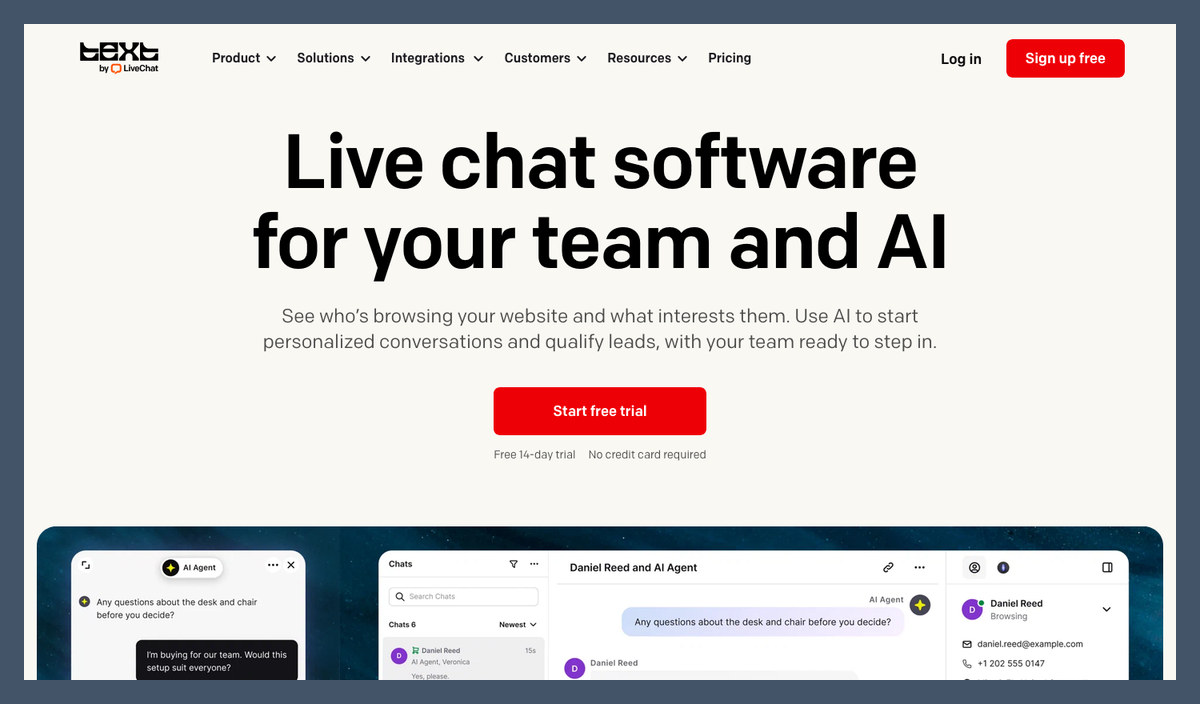
LiveChat takes our overall crown because it works on buyers already showing interest. Its AI Agent asks qualification questions and shows Shopify products with add-to-cart buttons, while sales reports connect conversations with attributed orders.
But it doesn’t generate outbound pipeline. Apollo.io is better for finding prospects, and every teammate answering LiveChat conversations adds a seat charge.
Pros
- Qualification and handoff with full chat history
- Live Shopify catalog and product cards
- Sales and lead-source reporting
Cons
- No outbound prospecting or email sequences
- Only 10 monthly AI resolutions on Essential
- Per-seat costs as your team grows
What’s new with LiveChat?
New customers now get Text by LiveChat, combining live chat with a shared inbox, ticketing and AI Agent. Existing customers keep their LiveChat plan, price and login; Text features aren’t automatically added to legacy subscriptions.
Text also includes Conversion Radar, which identifies visitors comparing products or returning to their cart. Expect Text branding during signup, and compare features rather than matching plans by name.
Why use LiveChat in 2026?
A shipping question can become a buying conversation without moving the shopper between tools. Live catalog access supports recommendations, while human handoff keeps complicated decisions with your team. If you only need support answers, our best AI chatbots guide covers alternatives.
My LiveChat testing notes
When I set up LiveChat’s AI Agent, I used the preview widget to try website content before installing anything on the site. I added a website URL and product files as learning sources, and found that human handoff included the full transcript. Essential’s AI resolution allowance is tight, so make sure you check resolution consumption and transcript handoff before committing annually.
How Much Does LiveChat Cost?
AI allowances are account-level: adding seats doesn’t multiply included resolutions.
| Plan | Per user/month, annual billing | Per user/month, monthly billing | AI Agents | Monthly AI resolutions | Live visitors tracked |
|---|---|---|---|---|---|
| Essential | $19 | $25 | 1 | 10 | 50 |
| Growth | $79 | $99 | 10 | 200 | 400 |
| Enterprise | Custom quote | Custom quote | Custom | Custom | Custom |
Extra resolutions cost $49.50 per 50. Growth adds unlimited history and multilingual support; Essential keeps history for 60 days.
Best for: Website conversion. Skip if: You need new prospects.
2. HubSpot Breeze: Best for HubSpot Teams
- Best for: Sales teams already using HubSpot
- AI agent: Prospecting Agent researches leads and drafts outreach; Customer Agent handles inbound questions
- Starting price: Professional $90/seat/month for prospecting
- Pricing model: Seats plus shared HubSpot Credits
- Free plan or trial: Free CRM tools; prospecting requires a paid plan
- Read our guide: HubSpot AI features
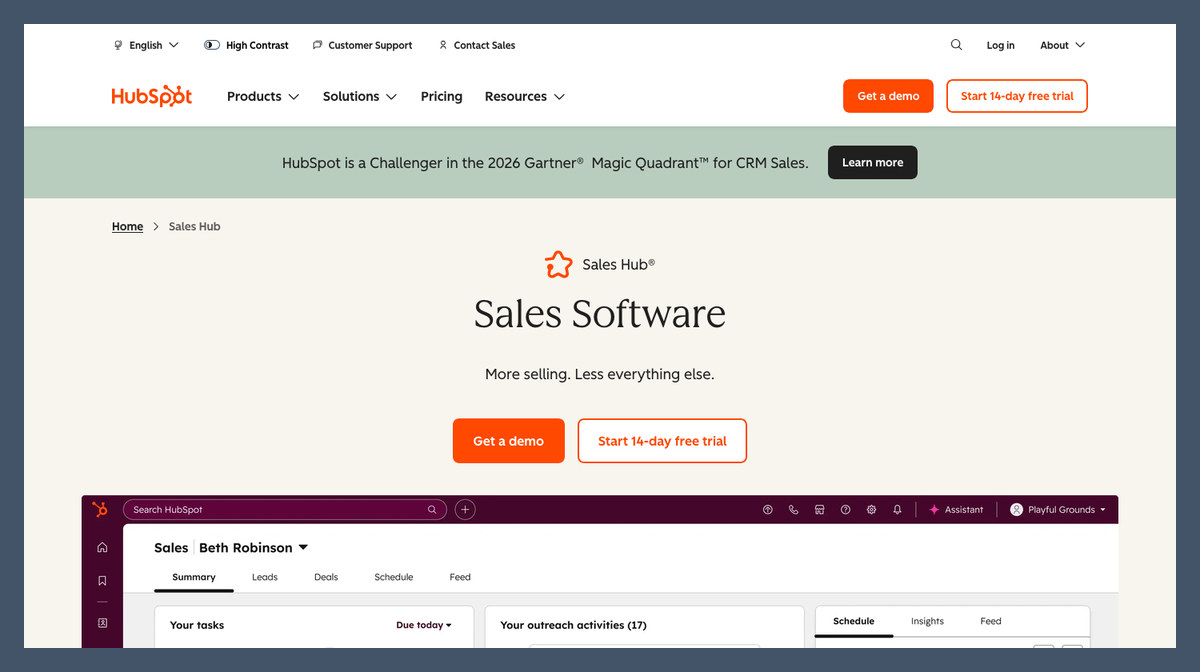
HubSpot Breeze is my recommendation for HubSpot teams because its agents use existing CRM records. Prospecting plays connect research with outreach drafts, while Customer Agent escalates inbound conversations to people.
The catch is Professional or Enterprise access for prospecting, plus credits. Salesforce teams should start with Agentforce instead; LiveChat is more focused on website conversations.
Pros
- CRM-based prospect research and outreach
- Customer Agent across chat and email
- Credit spending controls
Cons
- Professional or Enterprise requirement for prospecting
- Shared credits across agents
- Selling-profile setup and ongoing tuning
What’s new with HubSpot Breeze?
Prospecting Agent became credit-billed on April 14, 2026, with charges attached to recommended leads. That makes seat pricing only part of your budget. Set spending controls around the agent’s activity rather than assuming the subscription covers unlimited prospecting.
Why use HubSpot Breeze in 2026?
I prefer CRM-native context when your team already maintains useful contact and deal records. Breeze avoids rebuilding that context in another outbound platform. However, stale records still weaken targeting, so assign someone to maintain the data feeding your agent.
My HubSpot Breeze testing notes
When I set up Breeze, I started with the selling profile, then moved into prospecting plays and email review before enrollment. I made the product claims and ideal-customer criteria explicit in the profile rather than leaving those details to the generated outreach. Credits are shared across agents and sit alongside seat costs, so make sure you set a monthly cap before broadening prospecting.
How Much Does HubSpot Breeze Cost?
Credits sit above seat fees. Confirm the billing commitment and onboarding charges for your subscription.
| Plan | Price per seat/month | Prospecting Agent |
|---|---|---|
| Free tools | $0 | No |
| Sales Hub Starter | $7 | No |
| Sales Hub Professional | $90 | Yes, credits required |
| Sales Hub Enterprise | $150 | Yes, credits required |
| Agent usage | Credit-based | Confirm current rates and included allowance |
I recommend Breeze for existing HubSpot teams, not as a reason to migrate a functioning Salesforce operation.
3. Apollo.io: Best Budget Outbound
- Best for: Founders and small outbound teams
- AI agent: Apollo AI assistants support research, scoring, email writing and sequences
- Starting price: Free; paid $49/seat/month, billed annually
- Pricing model: Seats with data and AI credits
- Free plan or trial: Free plan; 14-day Basic and Professional trials
- Read our: Apollo AI review
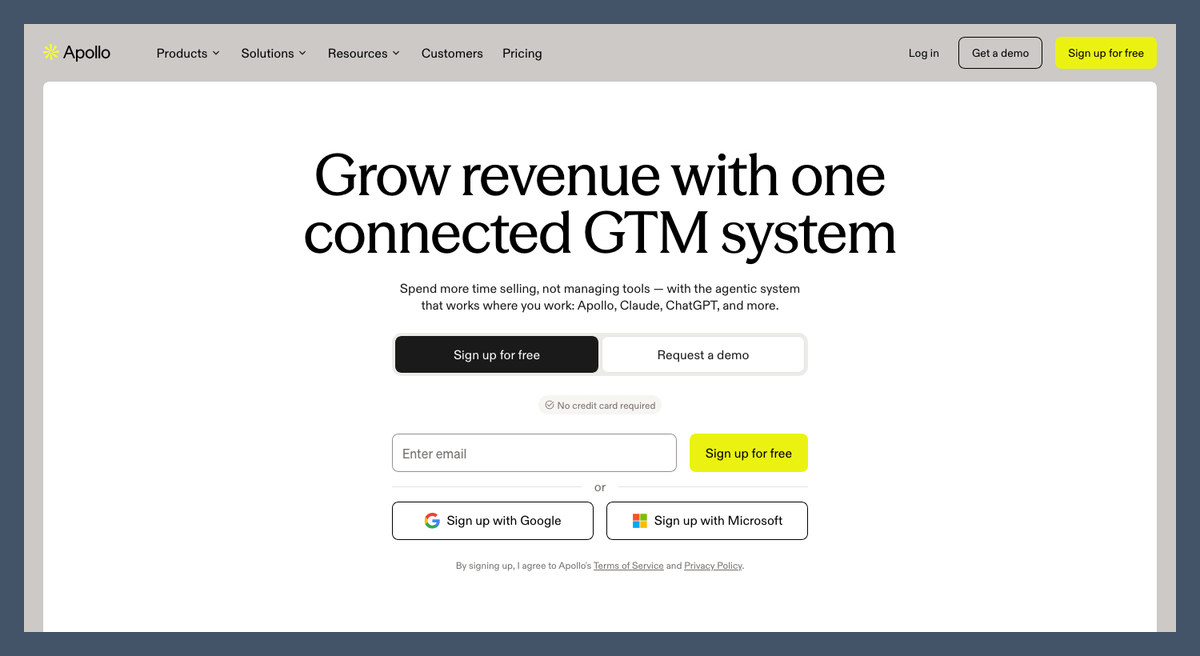
Apollo.io wins for budget outbound because contact data and sales engagement share one subscription. You can prepare outreach without starting with an annual AI SDR contract.
That said, Apollo is closer to a copilot than a managed SDR. It requires more direction than 11x or Artisan, and contact quality varies by market.
Pros
- Free plan and 240M+ contact database
- AI research, scoring and email writing
- Sequences and dialer together
Cons
- Credits limit data and AI usage
- Annual billing for listed paid prices
- Contact accuracy varies by market
What’s new with Apollo.io?
Apollo announced its Pocus acquisition in March 2026, expanding its focus on revenue signals and intelligence. AI assistance spans research and engagement rather than only email composition. I recommend buying for available workflows, not an acquisition roadmap.
Why use Apollo.io in 2026?
The free plan provides a low-risk coverage check before you pay for outbound capacity. Search for your actual buyers rather than judging the database by its headline size. If sourcing matters more than sequencing, compare our AI lead generation software recommendations.
My Apollo.io testing notes
I used Apollo’s plain-language searches and company research to prepare outreach, then put contact details ahead of generated openers when reviewing the list. I found the assistant useful for preparation, but polished personalization wasn’t evidence that a recipient’s title or email was current. Data and AI usage also draw on credits, so make sure you verify and deduplicate each list before launching a sequence.
How Much Does Apollo.io Cost?
Organization adds a minimum seat commitment alongside higher credit allowances.
| Plan | Per seat/month, billed annually | Credits per seat/year | Trial |
|---|---|---|---|
| Free | $0 | 900 | Free plan |
| Basic | $49 | 30,000 | 14 days |
| Professional | $79 | 48,000 | 14 days |
| Organization | $119, minimum 3 seats | 72,000 | Ask sales |
Start with Free, then upgrade once coverage and workflow fit justify the seat cost.
4. Salesforce Agentforce: Best for Salesforce Orgs
- Best for: Established Salesforce sales organizations
- AI agent: Prospecting, engagement and pipeline agents, plus Hunter
- Starting price: Sales add-on $125/user/month; consumption options available
- Pricing model: Seats or usage, alongside CRM licensing
- Free plan or trial: Free Foundations tier; Sales Cloud trials
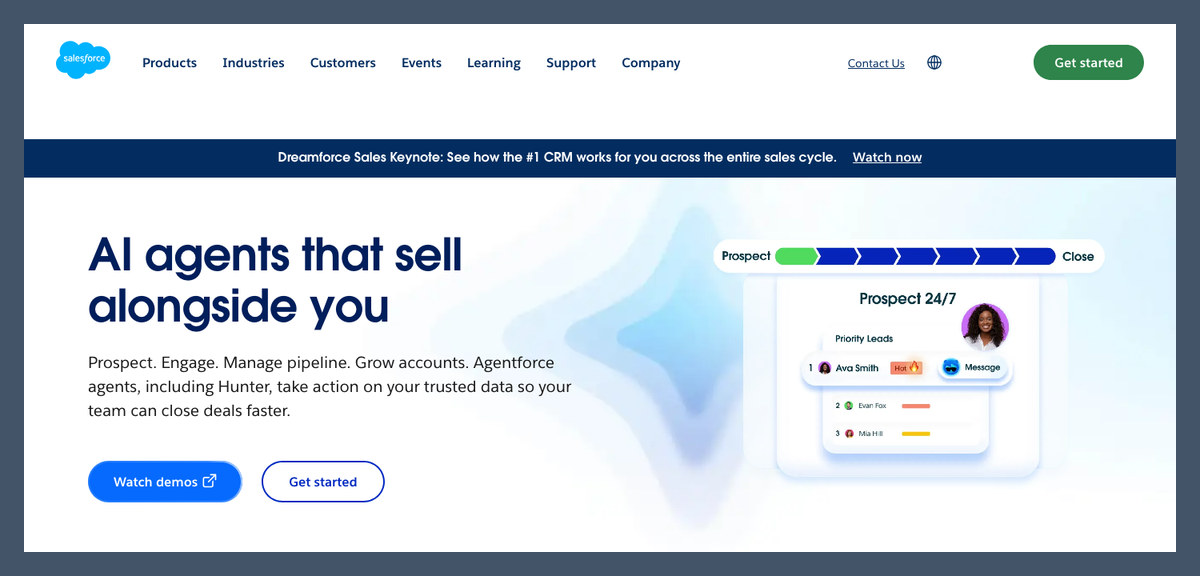
Salesforce Agentforce is the native choice because its agents use Salesforce records and permissions. Prospect engagement and pipeline actions stay connected to your existing customer database.
However, configuration and layered pricing need an owner. Our HubSpot AI vs Salesforce Agentforce comparison explains why Breeze is a simpler starting point for smaller teams choosing a CRM.
Pros
- Native Salesforce data and permissions
- Prospecting, engagement and pipeline actions
- Seat-based and consumption options
Cons
- Layered CRM and agent charges
- Salesforce dependency
- Admin work on actions and access
What’s new with Salesforce Agentforce?
Salesforce promotes Hunter alongside its other sales agents, while Sales Cloud Max bundles Agentforce for Sales. Its completed Qualified acquisition also expands the inbound offering. Check the agents your edition includes rather than assuming every announced capability comes with your subscription.
Why use Salesforce Agentforce in 2026?
Existing routing rules and record permissions give Salesforce teams a foundation for controlled automation. That advantage weakens when records are incomplete or ownership is unclear. I recommend correcting those problems before enabling agents to change customer records or contact leads.
My Salesforce Agentforce testing notes
In Agentforce Builder, I focused on the actions the agent could execute, rather than judging it by its generated answers alone. Working with prebuilt agents still meant choosing topics and reviewing access to Sales Cloud objects. I found that configuration was a substantial part of setup, so make sure you budget admin time and review permissions before expanding the agent’s responsibilities.
How Much Does Salesforce Agentforce Cost?
These are purchasing options, not charges that necessarily apply together.
| Option | Price | What to check |
|---|---|---|
| Foundations | $0 | Starter features and eligibility |
| Flex Credits | $500 per 100,000 | Example actions cost $0.10; usage varies |
| Conversations | $2/conversation | Applicable customer-facing use cases |
| Sales add-on | $125/user/month | Unmetered employee usage scope |
| Sales Cloud Pro Suite | $100/user/month, billed annually | Agent availability and extra costs |
| Sales Cloud Max | $550/user/month, billed annually | Agentforce for Sales; 2.75M annual organization credits |
Choose Agentforce when Salesforce already holds your data and someone owns its configuration.
5. 11x: Best Autonomous AI SDR
- Best for: B2B teams delegating researched outbound
- AI agent: Alice, now branded 11x Outbound; Julian for voice
- Starting price: Custom quote
- Pricing model: Annual contract
- Free plan or trial: Demo only
- Read our: 11x AI review
11x takes the autonomous AI SDR crown because research and personalized outreach drive its workflow. It combines contact data with account signals and email or social messaging.
The counterweight is annual commitment without a self-serve trial. Reply.io offers a more accessible route to trying an AI SDR before committing substantial budget.
Pros
- Account research and personalized outreach
- Built-in contact data and signals
- Voice and chat options alongside outbound
Cons
- Quote-only annual contracts
- No self-serve free trial
- Targeting and CRM-sync supervision
What’s new with 11x?
The offering now emphasizes 11x Outbound rather than Alice alone, alongside inbound voice and messaging agents. That broader scope matters when consolidating workflows. It doesn’t mean every channel belongs in your contract, so price only the jobs you need.
Why use 11x in 2026?
11x makes sense when your target market and offer are already defined. Delegating research and first contact leaves reps to handle live conversations. But autonomous outreach won’t establish product-market fit, and automation can repeat weak targeting faster than a person.
My 11x testing notes
When I worked through 11x’s outbound setup, I focused on the path from targeting to the final message, including approval controls and customer exclusions. I treated CRM synchronization as another checkpoint, rather than assuming a polished sample email meant the campaign was ready. The annual contract makes that preparation especially important, so make sure you negotiate a pilot or exit clause and review early sends.
How Much Does 11x Cost?
Annual commitment is the deciding cost risk. Compare the total contract value, not just its monthly equivalent.
| Plan | Price | Billing | Trial |
|---|---|---|---|
| All plans | Custom quote | Annual contract | Demo only |
Get included prospects and data allowances in writing. Clarify sending-domain ownership and whether you can export campaign data after cancellation; those terms affect the cost of switching.
Best for: Proven outbound programs. Skip if: You need a low-risk experiment.
6. Qualified: Best for Inbound Pipeline
- Best for: B2B websites connected to Salesforce
- AI agent: Piper converses with visitors, qualifies leads and books meetings
- Starting price: Custom quote
- Pricing model: Web-session and active-email-contact tiers
- Free plan or trial: Demo only
Qualified wins for B2B inbound pipeline because Piper connects visitor conversations with meeting booking. It engages through text, voice or video and follows up by email.
But LiveChat is easier to price for smaller websites and stores. Intercom customers should also consider Intercom Fin before introducing another conversation platform.
Pros
- Website text, voice and video conversations
- Qualification and calendar booking
- Deep Salesforce integration
Cons
- Custom quotes across every tier
- Salesforce-first positioning
- Qualification and routing configuration
What’s new with Qualified?
Salesforce completed its Qualified acquisition on April 1, 2026, bringing Piper into its broader Agentforce direction. Current packages scale through Premier, Enterprise and Ultimate. Separate capabilities you can buy now from future integration promises when discussing a contract.
Why use Qualified in 2026?
A pricing-page visitor needs a different response from someone on a cold prospect list. Piper’s qualification and routing suit that existing intent. However, you need enough relevant traffic and meeting value to justify its enterprise-oriented packaging.
My Qualified testing notes
When I worked through Piper’s qualification and meeting-booking flow, I put calendar routing ahead of conversational polish. I focused on how qualification answers matched visitors to reps and checked the fallback for an unavailable rep. Quote-only pricing and the Salesforce acquisition added purchasing questions beyond setup, so make sure you clarify Piper’s Agentforce packaging and routing requirements before signing a long-term agreement.
How Much Does Qualified Cost?
Traffic and email contacts determine capacity, rather than a simple seat count.
| Plan | Price | Monthly web sessions | Active email contacts | Notable extras |
|---|---|---|---|---|
| Premier | Custom quote | 250,000 | 2,500 | 1 SDR profile |
| Enterprise | Custom quote | 2 million | 10,000 | Agent handoff, MCP and API |
| Ultimate | Custom quote | 5 million | 25,000 | Multiple profiles, dedicated IP |
Ask whether traffic overages and implementation are included. A large session allowance doesn’t establish what qualified meetings will cost.
For me, Qualified suits complex B2B routing; LiveChat is the clearer starting point for ecommerce.
7. Reply.io: Best Multichannel AI SDR
- Best for: Outbound teams coordinating several channels
- AI agent: Jason AI SDR researches prospects, prepares outreach and handles replies
- Starting price: Email $59/month; Jason $500/month
- Pricing model: Account and contact tiers, plus channel add-ons
- Free plan or trial: 14-day trial
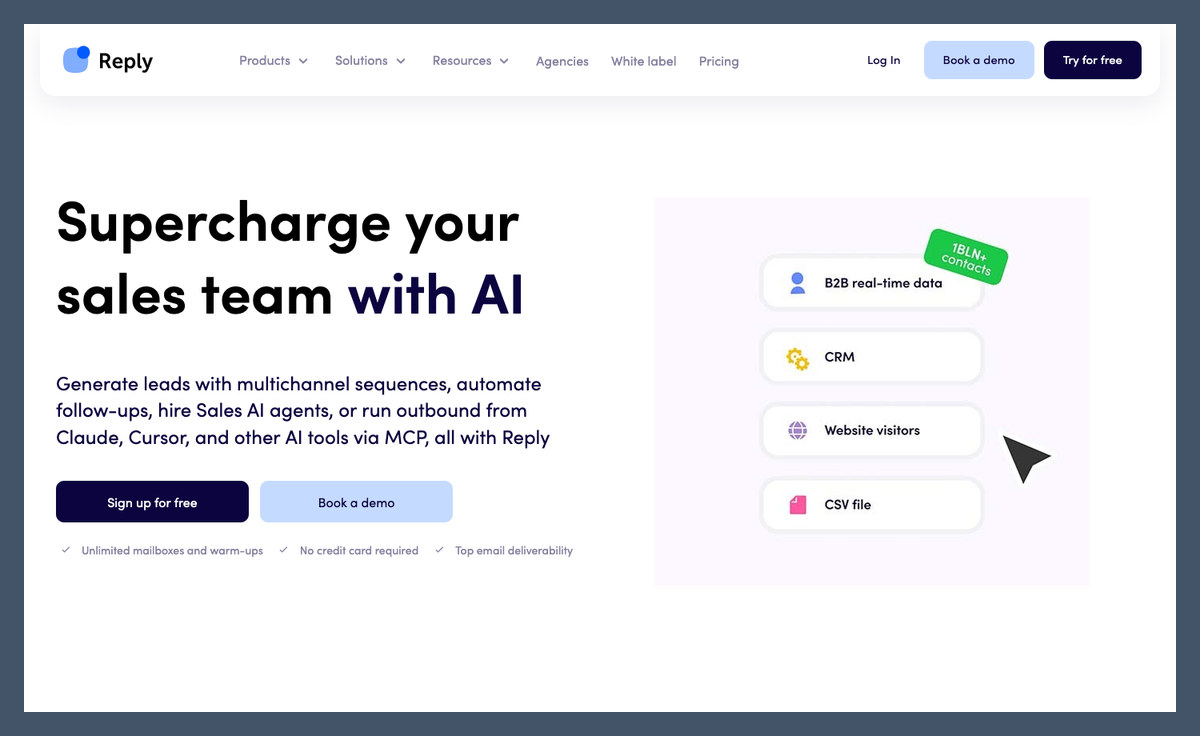
Reply.io is our multichannel pick because Jason sits inside a broader sales engagement platform. You can coordinate email with LinkedIn and calling rather than managing separate follow-up systems.
However, Jason costs considerably more than the entry email plan. Instantly is more focused if email is your only outbound channel.
Pros
- Multichannel engagement workflows
- AI prospecting and reply handling
- Unlimited mailboxes under fair-use rules
Cons
- Higher-priced Jason AI SDR tier
- LinkedIn and calling add-ons
- Separate AI and live-data credits
What’s new with Reply.io?
Jason has a separate AI SDR pricing tier, distinct from Email Volume and Multichannel. That distinction matters when comparing older descriptions of Reply’s AI features. An email engagement subscription doesn’t automatically include the autonomous prospecting package.
Why use Reply.io in 2026?
I recommend Reply when reps already use several outreach channels and need coordinated follow-up. An unanswered email can lead to a different channel rather than another identical message. Still, channel variety doesn’t excuse irrelevant outreach or override platform restrictions.
My Reply.io testing notes
When I worked through Jason’s outreach flow, I reviewed sequence steps and reply behavior before polishing the generated copy. I focused on whether a response stopped inappropriate follow-ups and reached the responsible rep, including what happened across the other channels. LinkedIn, calling, and extra AI or live-data credits complicate the base price, so make sure you include those add-ons when budgeting for Jason.
How Much Does Reply.io Cost?
These are starting monthly figures. Confirm the billing period and commitment for your contact tier.
| Plan or add-on | Starting price | Scope |
|---|---|---|
| Email Volume | $59/month | Email, from 1,000 active contacts |
| Multichannel | $99/month | Multichannel workflows; add-ons apply |
| Jason AI SDR | $500/month | AI SDR; annual commitment on upper tiers |
| $69/account/month | Channel add-on | |
| Calls and SMS | $29/user/month | Channel add-on |
| Extra mailbox | $29/month | Additional mailbox |
Use the trial to check a complete outreach workflow, including handoff, rather than judging Jason by its opening email.
8. Artisan: Best All-in-One AI BDR
- Best for: B2B teams combining data and outbound
- AI agent: Ava finds leads, runs campaigns, handles replies and books meetings
- Starting price: Custom quote
- Pricing model: Lead-volume packages; dialer seats extra
- Free plan or trial: Demo only
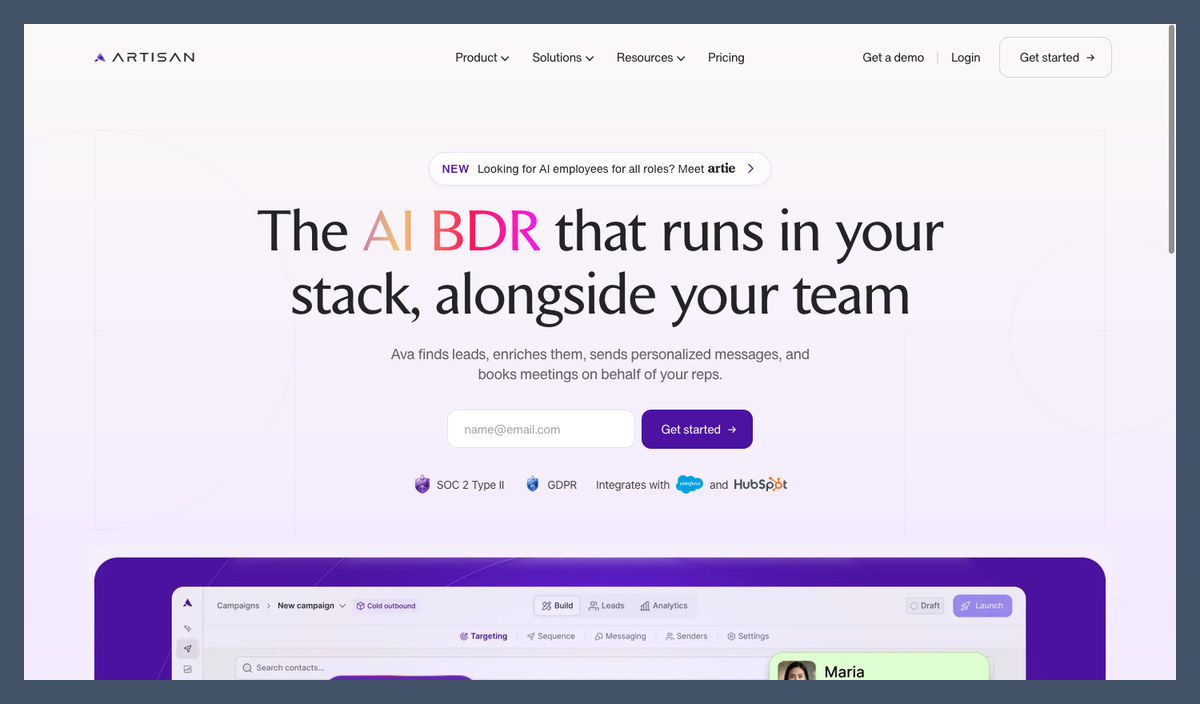
Artisan earns the all-in-one AI BDR crown because Ava combines contacts with campaign execution. Approval and tone controls help restrict what reaches prospects.
But Apollo.io provides a lower-risk starting point for data and AI-assisted outreach. Artisan requires a sales conversation before you can assess subscription pricing.
Pros
- 250M+ built-in B2B contacts
- Approve-before-send and tone controls
- Salesforce and HubSpot synchronization
Cons
- No published subscription prices
- Seat-based dialer add-on
- Demo-gated access without a self-serve trial
What’s new with Artisan?
Artisan introduced Ava 2.0 in May 2026, expanding its autonomous BDR offering. It later retired the “Stop Hiring Humans” slogan and repositioned Ava alongside reps. I prefer that approach because meeting quality and complex objections still need human judgment.
Why use Artisan in 2026?
Combining contact sourcing with first-touch outreach reduces handoffs between separate tools. Our AI B2B lead generation tools guide covers alternatives when data is your main requirement. Choose Artisan for the combined workflow, not simply its database size.
My Artisan testing notes
When I set up Ava, I gave approve-before-send and banned-phrase controls more attention than the autonomy label. I reviewed targeting and customer exclusions before letting campaign activity reach connected CRM records or inboxes. I still had to take responsibility for sender reputation, and pricing required a quote, so make sure you retain approval initially and get cancellation terms in writing.
How Much Does Artisan Cost?
Lead volume shapes the quote, while dialer seats can add charges. Confirm the usage definition and contract length.
| Plan | Price | Leads contacted/month | Notes |
|---|---|---|---|
| Team | Custom quote | About 2,500 | Campaigns and autonomous replies |
| Scale | Custom quote | About 6,000 | Expanded mailbox and dialer capacity |
| Enterprise | Custom quote | Custom | SSO/SAML and custom limits |
Ask how repeat contact and enrichment affect allowances. A lead-volume package needs a clear definition of what consumes capacity.
Best for: Consolidating an established outbound stack. Skip if: You need transparent pricing or self-serve access.
9. Instantly: Best for Cold Email
- Best for: Agencies and email-focused outbound teams
- AI agent: AI Sales Agent supports sourcing and outreach; AI Reply Agent handles responses
- Starting price: Bundles $85/month annually; $94 monthly
- Pricing model: Flat subscription with credits
- Free plan or trial: Free sign-up; check limits
- Read our: Instantly AI review
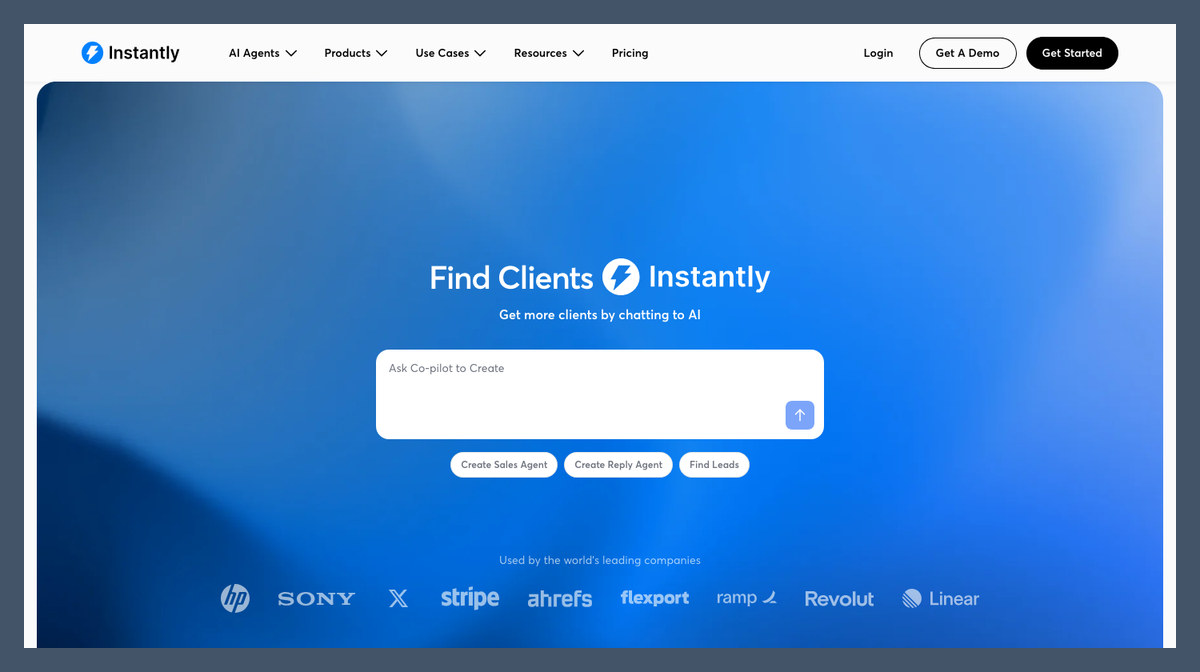
Instantly is my cold-email recommendation because sending infrastructure and AI outreach share flat-priced bundles. Unlimited connected accounts avoid a seat charge for every sending inbox.
That said, AI Reply Agent requires Scale or above. Reply.io is better when LinkedIn and calling also matter.
Pros
- Unlimited email accounts and warmup
- Bundled 450M+ lead database access
- Flat rather than per-seat pricing
Cons
- Scale requirement for AI Reply Agent
- Data-related credit limits
- Spam-complaint risk at high volume
What’s new with Instantly?
Instantly’s bundles combine outreach, lead access and credits, with AI Sales Agent on Starter. Scale adds AI Reply Agent. Compare bundles separately from outreach-only subscriptions, since the cheapest sending plan isn’t the same product as an AI sales workflow.
Why use Instantly in 2026?
For email-focused teams, mailbox management matters alongside writing assistance. Instantly brings sending accounts and warmup into the campaign platform. However, warmup cannot guarantee inbox placement or compensate for unwanted messages, so relevant targeting remains your responsibility.
My Instantly testing notes
When I reviewed Instantly’s generated sequences, I checked the product claims and put list quality ahead of sending limits. I also focused on where replies went, rather than treating a larger email allowance as a complete outreach workflow. The reply agent sits on Scale, and credits still constrain usage, so make sure you check your plan, verify lists, and authenticate secondary sending domains before expanding.
How Much Does Instantly Cost?
Email capacity and agent access vary by bundle. Don’t choose Agency solely for its lower cost per permitted email.
| Bundle | Monthly price, annual billing | Monthly price, monthly billing | Emails/month | AI agent access |
|---|---|---|---|---|
| Starter | $85 | $94 | 5,000 | AI Sales Agent |
| Scale | $175 | $194 | 100,000 | Adds AI Reply Agent |
| Agency | $500 | $555 | 500,000 | All agents |
I recommend Scale when reply handling creates a real workload. Starter is the more restrained way to assess the combined sourcing and sending workflow.
10. Retell AI: Best Voice Sales Agent
- Best for: Phone-based qualification and follow-up
- AI agent: Custom voice agents answer calls, qualify leads and transfer callers
- Starting price: $0.07/minute
- Pricing model: Usage, with model and voice affecting cost
- Free plan or trial: Free sign-up
- Read our: Retell AI review
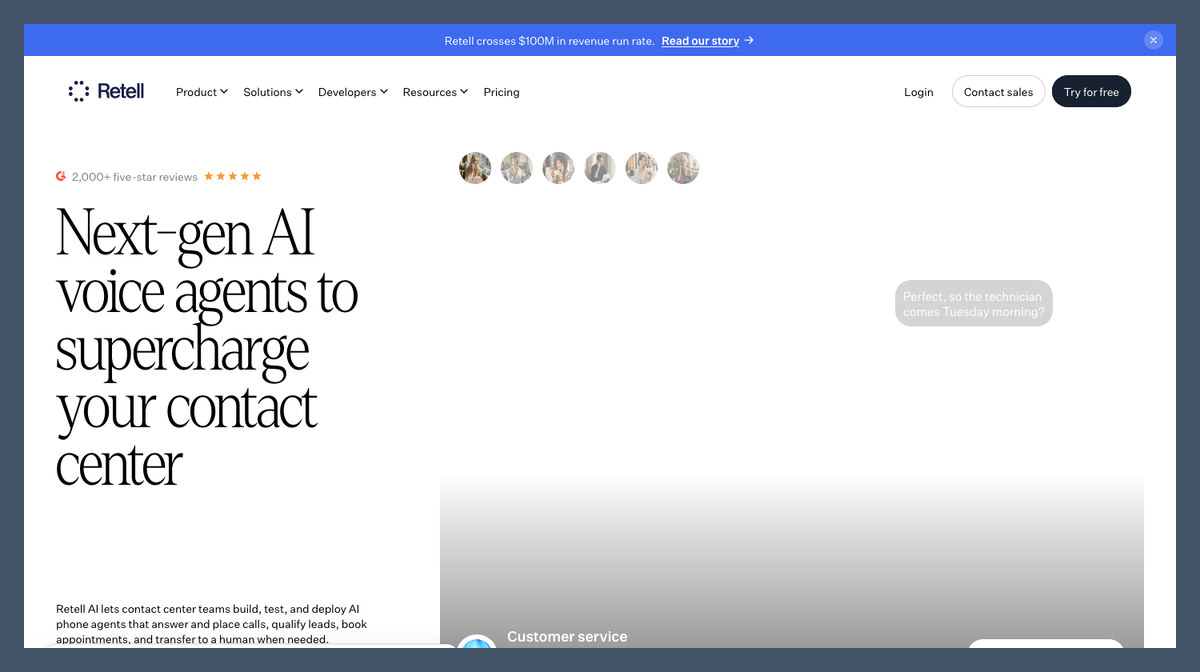
Retell AI is our voice pick because qualification can happen inside a phone conversation, followed by a transfer to a rep. Usage pricing offers an alternative to an annual SDR package.
But you build and maintain the agent. LiveChat is more direct if your buyers prefer website conversations.
Pros
- Published per-minute pricing
- Warm transfers and IVR navigation
- Choice of models and voices
Cons
- Variable cost by configuration
- Prompt and workflow maintenance
- Pay-as-you-go concurrency limits
What’s new with Retell AI?
Retell’s current platform includes voice configuration and transfer workflows, not just generated spoken responses. Those controls determine how qualification ends and escalation begins. I recommend assessing transfer behavior before choosing a voice, since sounding natural doesn’t complete a sales handoff.
Why use Retell AI in 2026?
Voice agents can cover inbound calls and consented callbacks outside a rep’s availability. That suits businesses needing a conversation before booking or quoting. However, automated calling introduces consent and disclosure obligations that differ from those for a website widget.
My Retell AI testing notes
When I built a voice agent in Retell, I worked through the model and voice choices, then focused the prompt on when to stop qualifying. I paid particular attention to interruptions and failed transfers, rather than just the expected conversation path. This is a builder, and model choices affect cost, so make sure you exercise your actual script and check local consent rules before automating calls.
How Much Does Retell AI Cost?
The lowest rate isn’t a universal all-in price. Confirm model, voice and telephony charges for your configuration.
| Plan | Price | Concurrent calls | Billing |
|---|---|---|---|
| Pay as you go | $0.07 to $0.31/minute | 20 included | Usage |
| Enterprise | Custom quote | Custom | Negotiated |
Compare cost per useful conversation, including unsuccessful calls and transfers. A cheaper minute doesn’t necessarily produce a cheaper qualified lead.
I recommend Retell when phone qualification already works and someone can maintain the agent.
11. Lindy: Best No-Code Custom Agents
- Best for: Custom lead follow-up and sales administration
- AI agent: Lindy Teammate connects inquiries with scheduling and CRM actions
- Starting price: $49.99/user/month, billed monthly
- Pricing model: Seats plus shared credits
- Free plan or trial: $50 in credits for 7 days
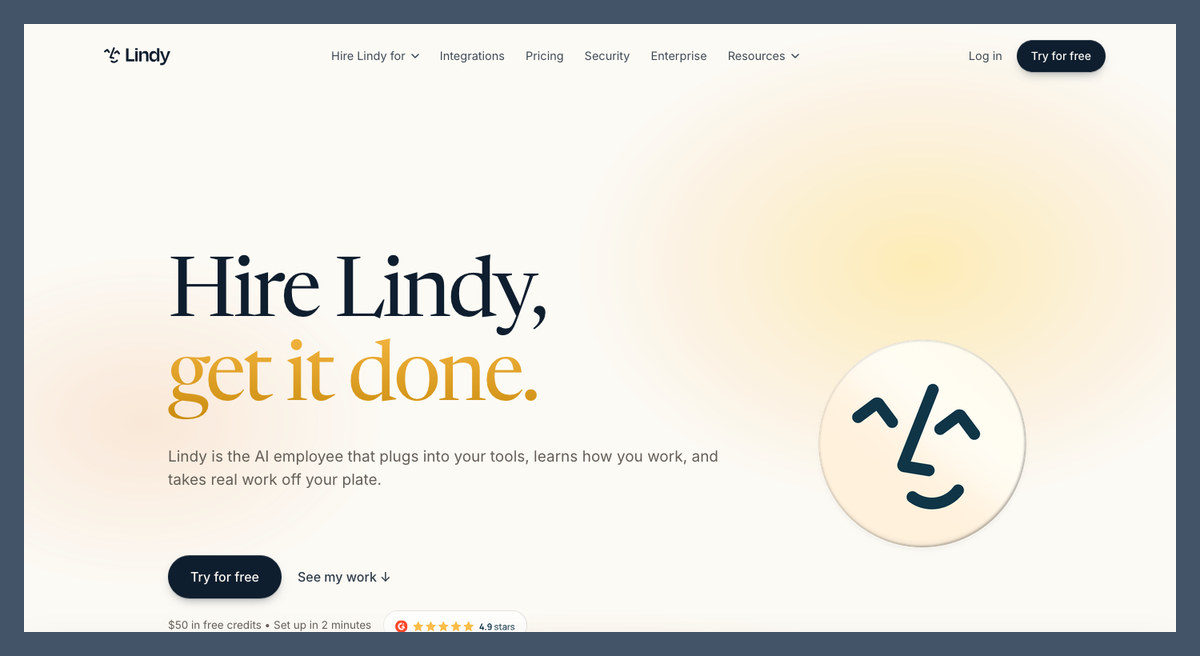
Lindy is my no-code choice because it connects sales tasks across existing apps. An inquiry can lead to a reviewed reply and calendar action without becoming a separate SDR campaign.
However, Lindy isn’t a prospect database like Apollo.io. Our AI agent builders guide covers alternatives for custom automation.
Pros
- Plain-language agent setup
- 3,000+ integrations and MCP support
- Shared team credit pool
Cons
- No dedicated prospecting database
- Billed users across the workspace
- Expiring credits without rollover
What’s new with Lindy?
Lindy has moved toward per-seat Teammate pricing, with work spanning Slack and connected business tools. That changes the cost calculation from a standalone automation subscription. Inviting colleagues increases seat costs before you account for actions consuming credits.
Why use Lindy in 2026?
I recommend Lindy for the steps between sales tools, such as turning an inquiry into a reviewed reply and CRM update. Packaged AI SDRs don’t focus on these administrative connections. But each connected app adds permissions and potential failure points to maintain.
My Lindy testing notes
When I set up Lindy, I started with approval-gated replies before adding calendar and CRM actions to the workflow. I reviewed what information crossed between apps and how the flow handled a failed action, rather than judging it only by the reply text. Complex flows consume more credits, so make sure you monitor trial usage and retain approval for customer-facing messages.
How Much Does Lindy Cost?
Seats and shared credits both affect the bill. Unused credits don’t roll over.
| Plan | Price | Credits | Notes |
|---|---|---|---|
| Free | $0 | $50 for 7 days | Trial credits |
| Team | $49.99/user/month | 5,000/month, shared pool | Extra credits $10 per 1,000 |
| Enterprise | Custom quote | Custom | Enterprise controls; HIPAA option |
Check workspace membership before inviting colleagues, and estimate consumption after each added action.
Compared with packaged SDRs, Lindy gives you more flexibility and more responsibility. Buy it for a defined process, not a vague instruction to generate sales.
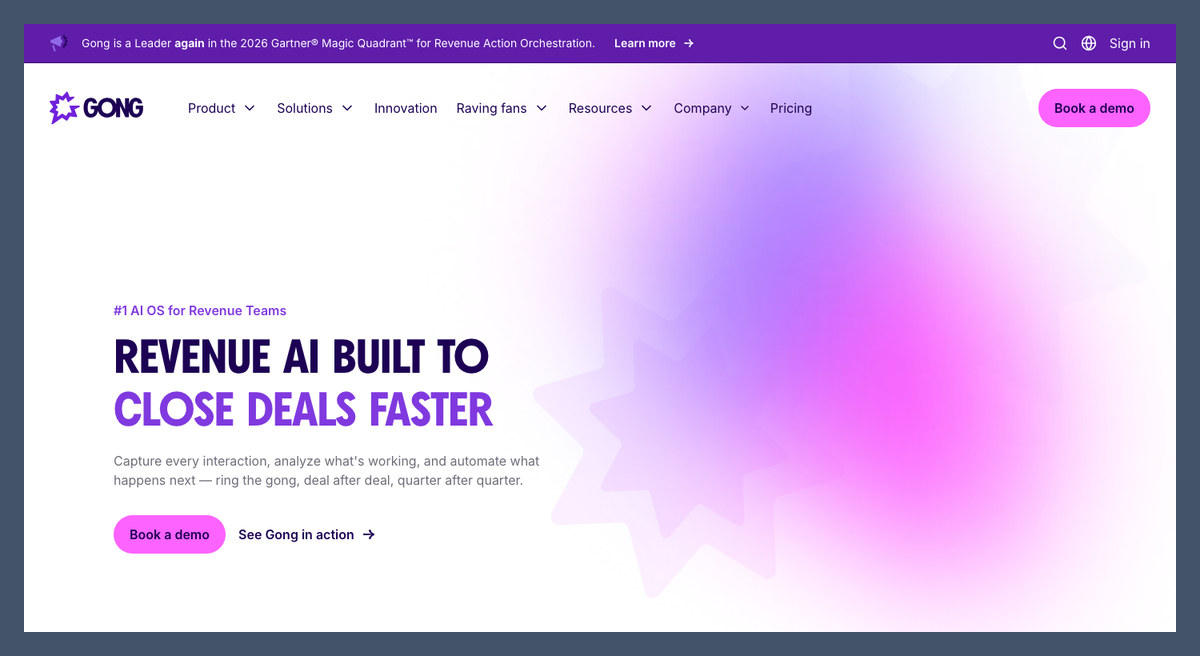
12. Gong: Best Revenue Intelligence
- Best for: Established teams improving existing pipeline
- AI agent: Data Extractor, Briefer, Trainer, Theme Spotter and custom agents
- Starting price: Custom quote
- Pricing model: Users plus platform fee; annual contracts
- Free plan or trial: None
- Read our: Gong AI review
Gong wins for revenue intelligence because its agents turn conversations into usable deal context. CRM updates and meeting briefs help reps work existing opportunities.
It doesn’t replace LiveChat’s visitor conversations or Apollo’s prospecting. I recommend Gong over an established sales process, not as your first lead-generation purchase.
Pros
- Conversation-grounded agent workflows
- Natural-language custom agent building
- CRM extraction and meeting briefs
- Support for 70+ languages
Cons
- Platform fee above user licensing
- No self-serve free trial
- Dependence on useful conversation data
What’s new with Gong?
Gong’s Agent Builder lets teams create agents using natural language and trigger them through events or conditions. Prebuilt agents cover CRM extraction and coaching alongside deal preparation. Someone still needs to define when an agent should act and which records it can change.
Why use Gong in 2026?
I recommend Gong when missing deal context costs more than missing contacts. A meeting brief or CRM update helps a rep prepare the next conversation. However, Gong can’t recover information that never entered your connected conversations or records.
My Gong testing notes
When I worked with Gong’s agents, I focused on the source conversation behind a CRM update, rather than treating a generated summary as the finished result. In Agent Builder, I paid attention to triggers and permissions alongside the instructions for the custom agent. Value still depends on recording coverage, so make sure you have useful call data and the necessary consent in place before deployment.
How Much Does Gong Cost?
User licensing is only part of the quote. Request the platform fee and implementation costs separately.
| Fee | Price | Billing |
|---|---|---|
| User licenses | Custom quote | Annual |
| Platform fee | Custom quote | Based on supported team |
| Additional products and onboarding | Confirm in proposal | Contract-specific |
| Free trial | None | Request a demo |
Ask which agent capabilities your proposal includes rather than assuming every Gong product comes with conversation intelligence.
Best for: Substantial deal activity. Skip if: You primarily need more prospects.
How Do I Choose the Right AI Sales Agent?
Start with where you lose deals, not the broadest feature list. An AI sales agent applies agentic AI to selling: it takes actions rather than only suggesting text. Decide which actions deserve that autonomy.
- Are leads reaching my website, or do I need new ones?
- Does it work inside my existing CRM?
- How does it charge for access and usage?
- Can I review messages before sending?
- What context reaches the human taking over?
- Can I export my data and leave?
Inbound, Outbound or CRM Agent: Which Do You Need First?
- Inbound: Choose LiveChat, Qualified or Retell AI when inquiries wait for answers
- Outbound: Compare Apollo.io, Reply.io or Instantly before committing to an autonomous SDR contract
- CRM-native: Start with Breeze or Agentforce when your team maintains reliable records in that platform
Our AI CRM software guide covers the underlying systems. Fix missing ownership and stale records first: a native agent inherits those weaknesses.
Top Tip: Pilot one job with one success metric, such as accepted qualified meetings, before adding another agent.
What Will It Cost for 3 Reps vs 10?
Compare base subscriptions separately from usage. These are monthly equivalents; LiveChat and Apollo figures require annual billing.
| Tool and plan | 3 users | 10 users | Additional cost driver |
|---|---|---|---|
| LiveChat Growth | $237 | $790 | Resolutions above shared 200/month allowance |
| Apollo.io Basic | $147 | $490 | Data and AI usage |
| HubSpot Sales Hub Professional | $270 plus credits | $900 plus credits | Agent actions; confirm billing commitment |
| Lindy Team | $149.97 | $499.90 | Shared-credit consumption |
| 11x, Artisan, Qualified | Custom quote | Custom quote | Contract scope and usage |
Small teams don’t automatically receive small quotes. Ask for total contract value and a pilot before buying an autonomous SDR.
Will an Outbound AI Agent Hurt My Email Domain?
Yes, irrelevant or duplicated outreach damages sender reputation. Gmail and Yahoo bulk-sender requirements include authentication and easy unsubscribe; keep complaint rates well below 0.3%. Secondary domains reduce exposure to your main domain, but don’t make unwanted messages safe.
- Authenticate domains: Configure SPF, DKIM and DMARC
- Clean contact lists: Verify addresses and exclude customers and opted-out recipients
- Review early sends: Check personalization claims before enabling autonomy
Can I Switch AI Sales Agents?
Yes, but contract terms and portability determine the difficulty. Export conversations and lead records before canceling, then revoke integrations. Rebuild and check routing in the replacement tool before ending the original workflow.
Drift customers should plan their migration now. Clari and Salesloft announced its gradual phaseout on March 6, 2026 and referred customers to 1mind. No firm public end date is established, so obtain your timeline in writing and export conversations before comparing replacements.
How We Test and Rank the Best AI Sales Agents
Our framework puts sales impact and handoff above feature count. We tested 23 tools across different sales jobs, rather than treating every AI writing assistant as an autonomous SDR.
We rank the best AI sales agents using weighted buying criteria:
- Sales impact and handoff (30%): Qualification, meeting booking and transfer of buyer context
- Fit for your sales motion and CRM (20%): Inbound or outbound suitability and existing-system connections
- Pricing and real cost (20%): Seat fees, usage allowances, contracts and team-size costs
- Setup effort (15%): Configuration, data preparation and ongoing ownership
- Deliverability and guardrails (10%): Message approval, sending controls and permissions
- Reputation (5%): User feedback on reliability, contracts and support
I give handoff controls more weight than polished sample responses. An agent that produces persuasive text but loses context when a rep takes over doesn’t solve the complete sales task.
Competing rankings often come from vendors selling an agent and placing themselves first. Fritz.ai doesn’t sell a sales agent, and every recommendation here includes a reason to choose something else, including LiveChat.
Prices current as of November 2026.
Final Verdict: Which AI Sales Agent Do I Recommend?
LiveChat is my recommendation for businesses with existing website traffic because it combines answers and qualification with product recommendations and human handoff. Choose HubSpot Breeze or Salesforce Agentforce for your existing CRM, or Apollo.io when affordable outbound is the priority.
The right agent still needs clear targeting and someone responsible for follow-up. I recommend starting with a trial rather than an annual SDR commitment, then checking whether useful buyer context reaches your team. Begin with LiveChat’s 14-day free trial for website sales or Apollo.io’s free plan for outbound. Test the complete journey from initial inquiry or outreach through human takeover before expanding access, and budget usage charges alongside the subscription.
FAQs
What’s the best AI sales agent for a small business?
LiveChat is my top pick for businesses with existing website visitors because it answers buying questions and routes qualified conversations to your team. Essential starts at $19 per user per month, billed annually, but its AI allowance is tight. Use the trial to assess demand; for outbound, Apollo.io’s free plan is the lower-risk starting point.
Can AI sales agents replace human SDRs?
Not completely: agents handle research and initial outreach, while people remain responsible for judgment and complex objections. Artisan’s move away from its “Stop Hiring Humans” slogan reflects an agent-plus-rep approach. Assign someone to supervise targeting and take over qualified conversations rather than assuming an autonomous subscription removes the sales role.
How much does an AI sales agent cost?
The billing model matters as much as the starting price. LiveChat starts at $19 per user per month with annual billing, while Retell AI starts at $0.07 per minute. Apollo.io offers a free plan; 11x requires a custom contract. Include setup and supervision in your budget, and request a pilot before an annual commitment.
What’s the difference between an AI SDR and an AI sales assistant?
An AI SDR executes prospecting tasks; an assistant supports a rep’s work. Tools such as 11x and Artisan emphasize autonomous outreach, while Apollo’s assistants help with research and writing. Gong focuses on conversation context and deal work. Product labels overlap, so inspect the available actions and approval controls before deciding how much autonomy to allow.
Is Salesforce Agentforce or HubSpot Breeze better?
Choose the agent that matches your CRM. Agentforce suits Salesforce organizations with administrative capacity for configuration and permissions. Breeze is the more direct choice for HubSpot Professional or Enterprise teams wanting CRM-based prospecting. Both add costs beyond basic CRM access, so compare the complete package; switching CRMs solely to obtain an agent is rarely the sensible first move.

Comments 0 Responses