

Best Overall
nexos.ai
See pricing Visit nexos.ai →$39/month; $19.50/month billed annually
- 200+ models in one workspace
- No-code agent setup
- Shared agents and governance
Best Visual Builder

Gumloop
See pricing Visit Gumloop →$37/month; 20,000 credits
- Visual workflow builder
- Unlimited seats and agents
- Scheduling and integrations
Best for Admin

Lindy
See pricing Visit Lindy →$49.99/month; two connected inboxes
- Inbox and admin automation
- Ready-made templates
- Human approval controls
If you’re done with generic bots, and you’re getting more excited about the idea of creating your own AI agents this year, you’re in good company. Gartner even expects that task-specific agents will be working in about 40% of enterprise applications by the end of this year.
The most complicated part of getting started is finding the right platform to build on. Some are obviously intended for anyone to use (even someone like me with no developer knowledge), while others are obviously intended for people with more technical skills, or more control needs.
I’m covering a range in this particular list, since people will probably come to this article with different resources and starting points.
What to Look for in an AI Agent Builder
If you didn’t already know, an AI agent builder gives companies a way to move on from simply using bots like ChatGPT, and start designing their own virtual staff members that work towards specific goals. They come in different styles, from self-hosted platforms, to no-code tools.
For most companies, I’d recommend checking for:
- Ease of use: If you’ve already got developers on your team, you can probably manage something a little more complicated, but no code builders are better if you want to make sure anyone can create their own agent.
- Model choice: Different models are better at different things. The better the range, the more tasks you can build your agents to do. It’s also helpful if users can switch models during conversations, too.
- Integrations: Ideally, the agents you build should be able to access the tools you already use through MCP servers, APIs, or direct integrations. Make sure permissions carry through those connections as well.
- Templates: Templates give you a slightly easier starting point, with things like instructions, and output formats you can tweak. That can speed up setup time.
- Security and governance: Controls, guardrails, plus specific policy requirements are all crucial, especially if you’re building agents responsible for more sensitive tasks.
- Collaboration: Check for things like shared agents, usage reports so you can monitor budgets, and aligned libraries.
Also, of course, it’s worth checking the pricing, too. Credits, model fees, overage, plus setup work and other extra fees can quickly add up.
The Best AI Agent Builders: 8 Options
| Platform | Best for | Starting price |
|---|---|---|
| nexos.ai | No-code Agents with 200+ models | $39 a month |
| Gumloop | Visual building | $37 a month |
| Lindy | Email and admin work | $49.99 a month |
| Dust | Internal knowledge Agents | Free plan |
| Glean | Enterprise search and Agents | Custom price |
| CrewAI | Developer frameworks | Free plan for open-source, or starts at $99 per month |
| n8n | Self-hosted agents | Free plan for self-hosting |
| Kore.ai | CX and contact center | Custom price |
1. nexos.ai: Best Overall for No-Code Multi-Modal Agents
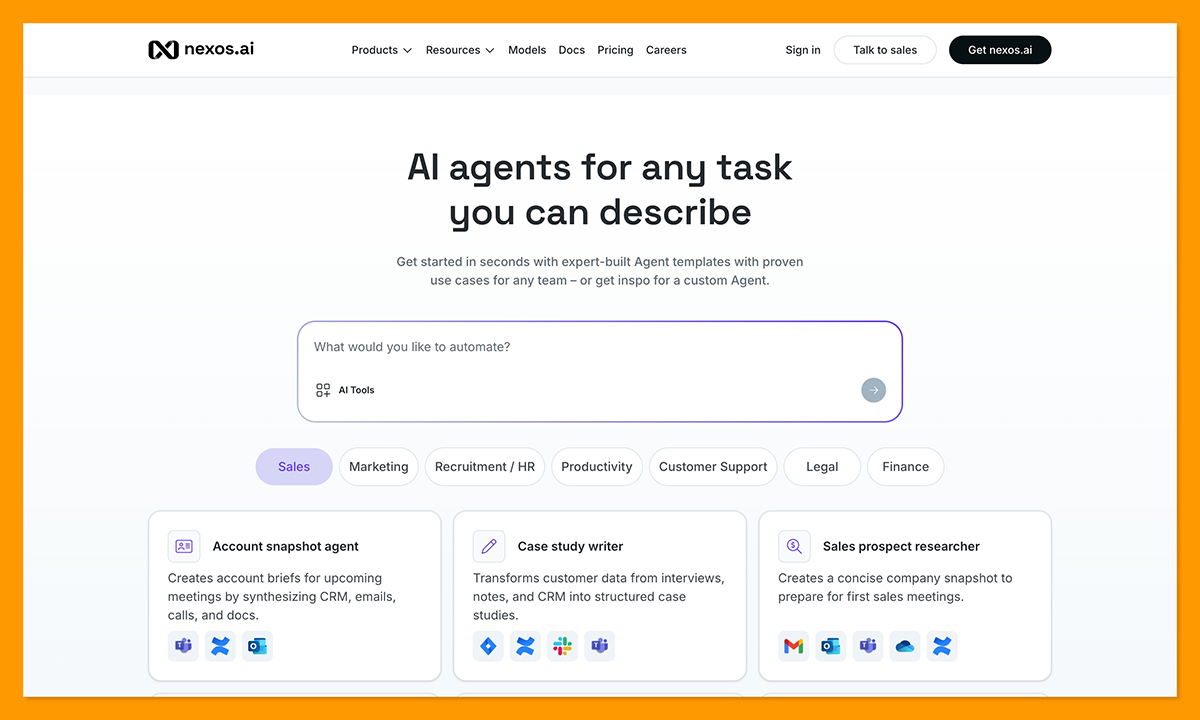
Pricing: Starting at $39 per month, or $19.50 per month annually, unlimited agents.
The agent builder from nexos.ai is inside of the bigger Workspace offering from the company, where people can already connect with over 200 models and compare their outputs. It’s one of the easiest builders to use that I’ve tried. All you do is describe the task you want your agent to do, answer a few questions, then the system gets to work.
The tool will create instructions, connect internal sources, then share the output. You can even share the agents you create with team members, and administrators can set controls for access or model use.
There are also expert-built templates for agents covering tasks related to sales, marketing, HR, legal, finance, recruitment, customer service, or whatever else you need, so you can start fast and customize. Plus, all of those agents connect to real work tools, and can research, summarize, generate content, or automate repetitive workflows.
All the while, nexos.ai keeps security central with no training on customer data, zero data retention options, plus SOC 2 Type 2, ISO 27001, and GDPR certificates. Even major security leaders like Nord Security have used nexos.ai to save teams 10+ hours a week on recruitment.
Pros
- More than 200 model options
- Integrations with existing work tools
- Expert-built templates for various tasks
- No-code setup
- Built-in collaboration and administration features
- One workspace to replace several subscriptions
Cons
- Only 1,000 credits on the free plan
- Slightly less technical control than some alternatives
2. Gumloop: Best for Visual Automation Flows
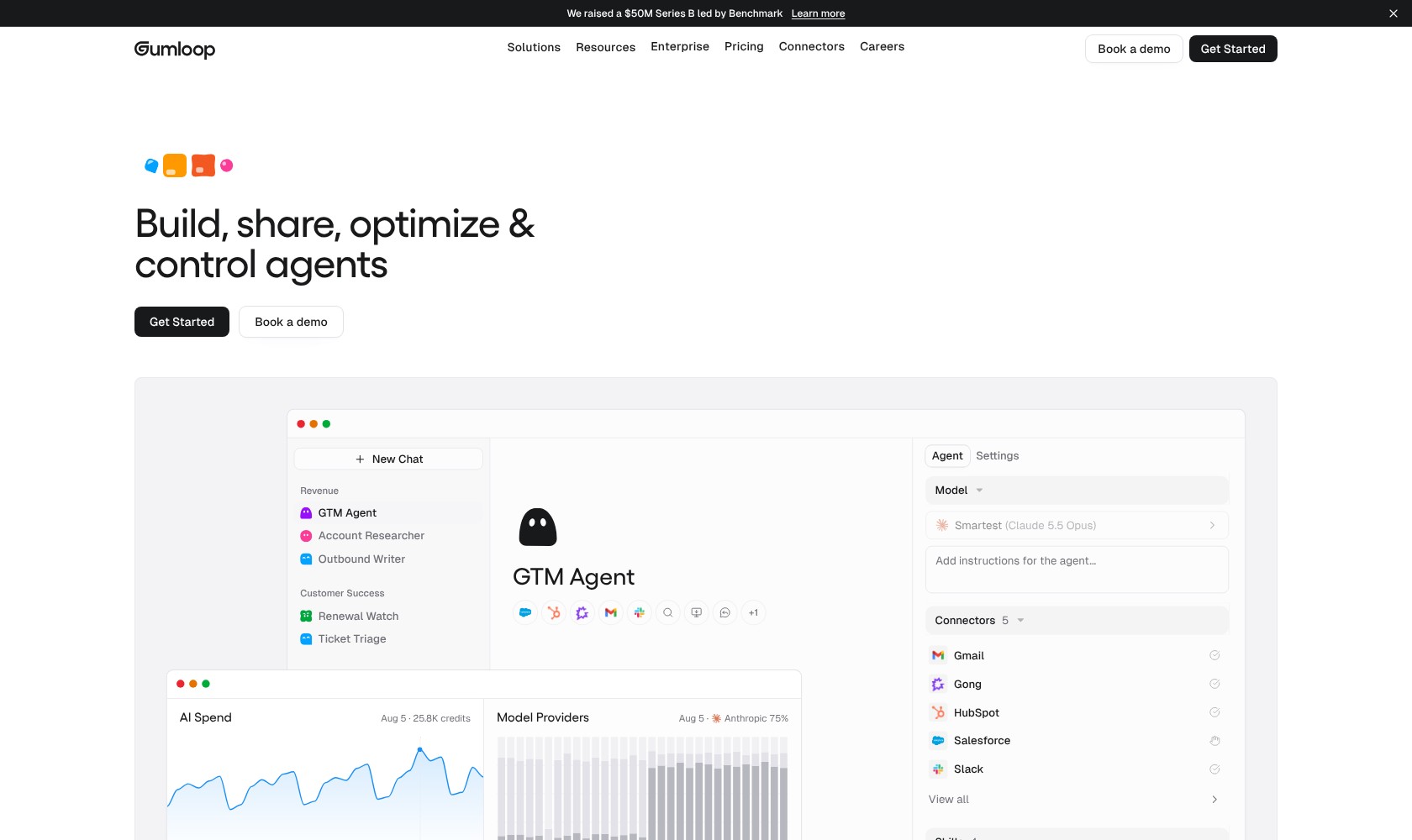
Pricing: Starting at $37 per month with 20,000 credits, and unlimited agents
Gumloop is a good option for visual building, with a drag-and-drop canvas, modular blocks, plus useful batch and scraping operations. There’s also a built-in assistant that can help you out when you’re building and debugging your own tools.
Whatever you build with Gumloop can connect to over 100 apps and data sources. You can schedule recurring tasks and let agents call on other AI agents for help, too. There’s also some fantastic enterprise-grade security, like SOC 2 Type 2 compliance.
Still, it’s not the easiest no-code agent builder, because you need to think systems, rather than linear automation strategies. There’s also very little built-in guidance from things like templates, and credit costs can spike pretty quickly if you don’t know how to optimize flows.
Pros
- Reliable visual builder for agents
- Unlimited seats and unlimited agents
- Good security settings and audit logs
- Helpful assistant for building and debugging
- Useful scheduling options
Cons
- Unpredictable credit-based pricing
- Not the easiest set-up option
- Integrations can be challenging
3. Lindy: Best for Inbox and Admin Management
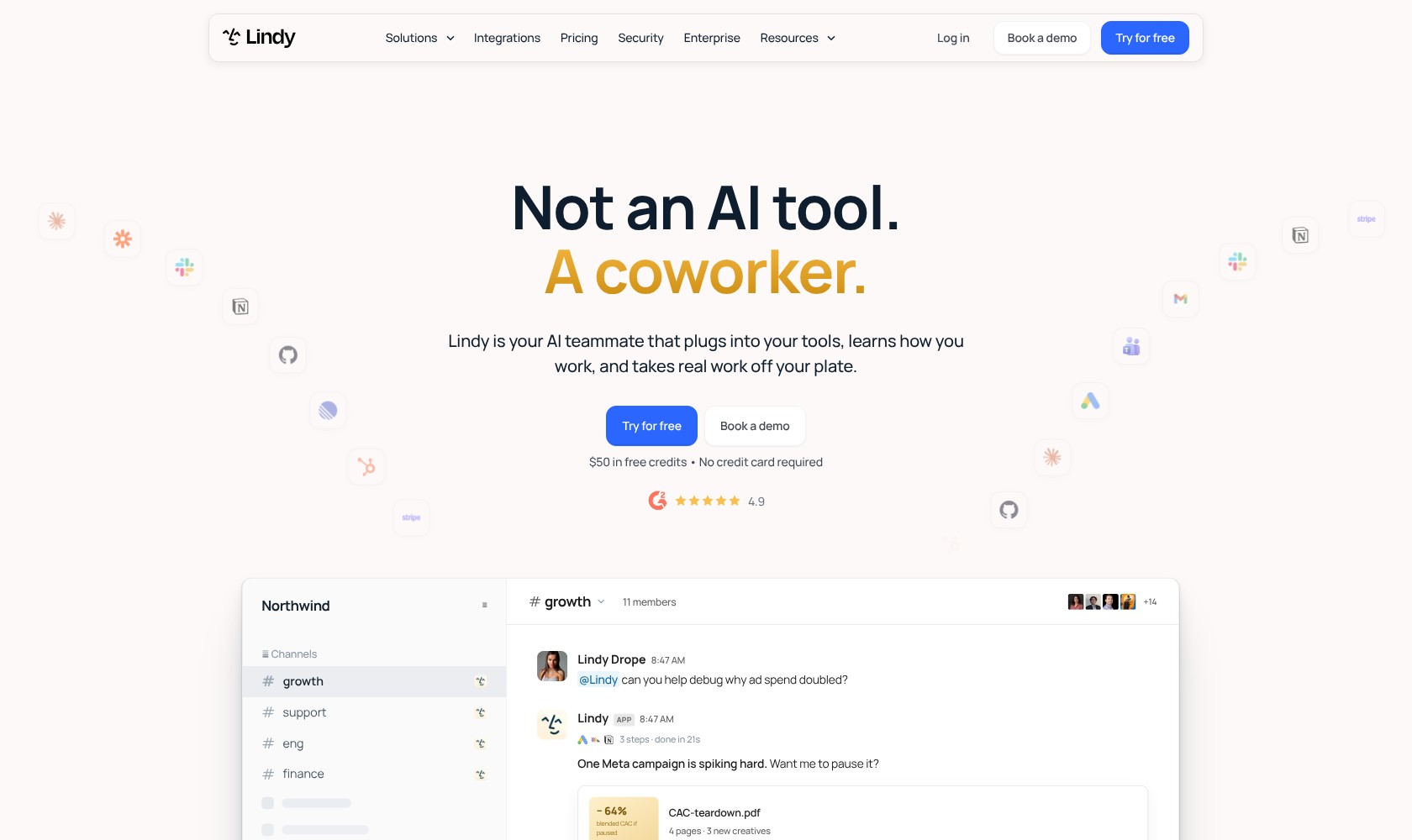
Pricing: Starts at $49.99 per month for two connected inboxes.
Lindy is more focused on producing agents to help with admin work than anything else. You can create tools that handle things like inbox triage, CRM updates, or scheduling. There’s also a pretty decent template library that can include options for things like sales prep and customer support.
Lindy connects with thousands of external tools, plus it has stronger reasoning capabilities than you’d get from the standard “if-then” automation options on the web. You also maintain complete control over what your agents do, because Lindy prepares outputs and then waits for your approval.
The builder offers a no-code setup, and there are enterprise-level controls on higher tiers if you’re worried about things like privacy and encryption. Still, there aren’t a lot of model options, and Lindy definitely isn’t the most advanced platform for cross-system agent management.
Pros
- No-code builder for beginners
- Lots of integrations with existing business tools
- Strong reasoning capabilities
- Approval options remain in control of leaders
- Ready-made templates for admin tasks
Cons
- Fewer model choices than some alternatives
- Limitations on tasks that require lots of steps
- Costly credit system
4. Dust: Best for Internal Knowledge Agents
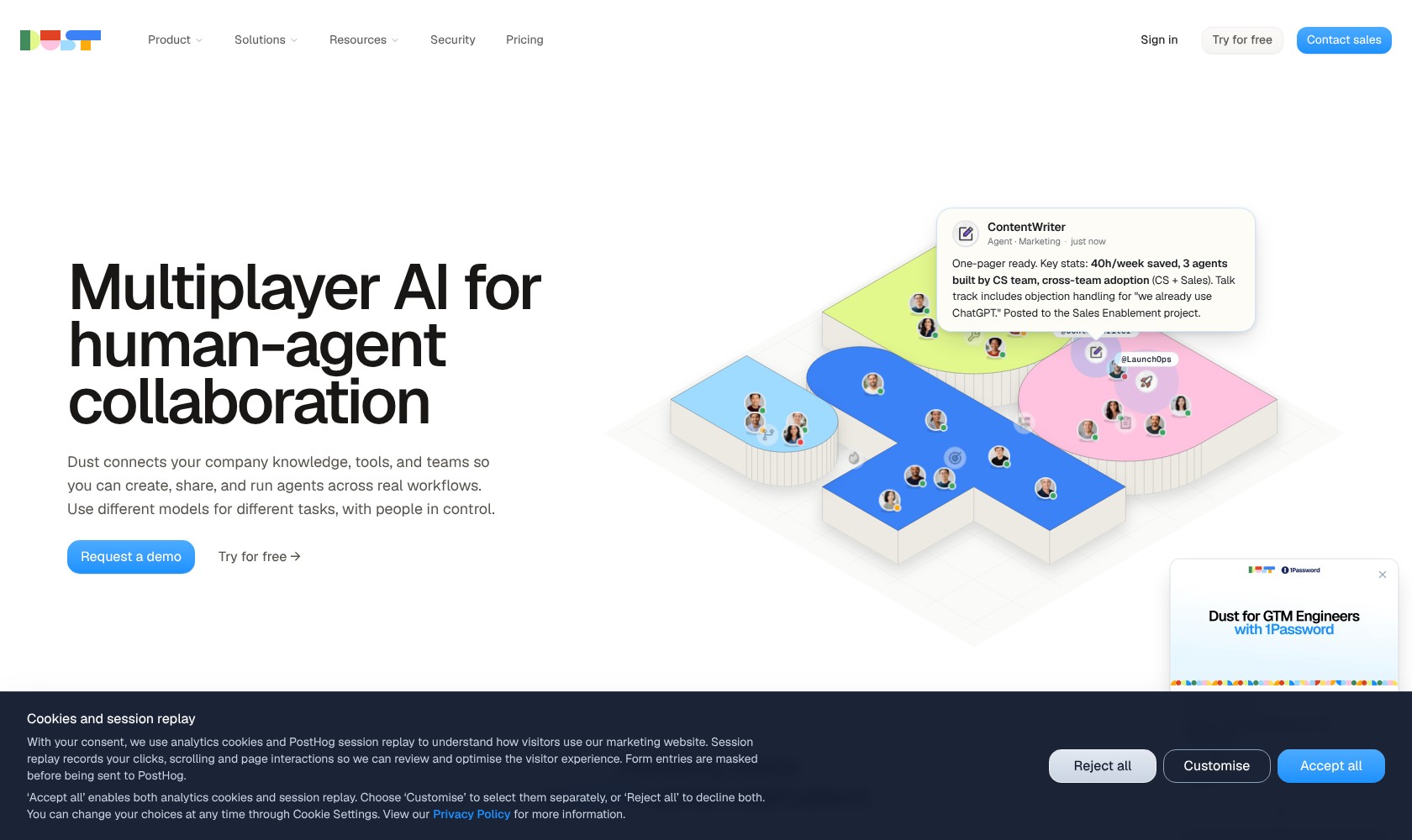
Pricing: Self-serve and custom tiers starting at $24 to $29 per month, free plan available.
Dust concentrates on collaborative knowledge management. If you need to build assistants and agents that already have all of your company data from tools like Notion or Google Drive plugged into them, this is a good choice. The Sidekick assistant can mostly build agents for you based on natural language prompts, and even suggests tools or skills to use.
You can also use the same tool to review existing data based on usage feedback and data. There are granular permission options, a handful of popular large language models to choose from, as well as strong security settings like GDPR certification. Probably the best thing about the tool is how collaborative it is, allowing technical and non-technical teams to work together on agent design.
Dust, however, isn’t meant for building agents that need to do something more complicated than help out with knowledge access or productivity. You’ll also need to make sure you’ve spent the time to get your data and documentation ready before you start building.
Pros
- Excellent for building agents grounded in company knowledge
- Collaborative and accessible to non-technical users
- In-depth permissions and security controls
- Strong range of LLM model options
- Sidekick for AI-assisted building
Cons
- Not intended for complicated tasks
- Slight learning curve, particularly for data prep
- Storage limitations of around 1GB on standard plans
5. Glean: Best for Enterprise Search-Grounded Agents
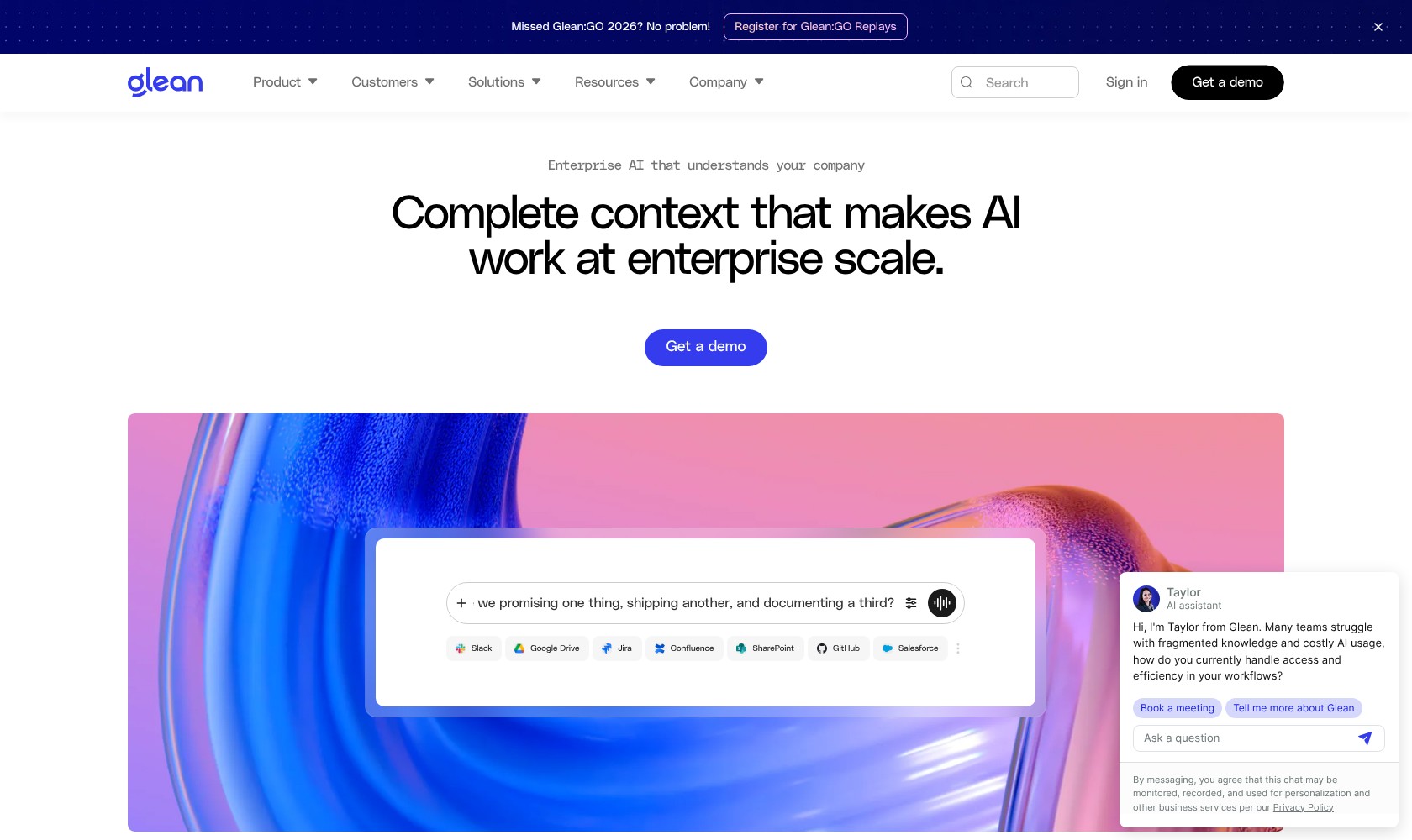
Pricing: Custom pricing for enterprises.
A little like Dust, Glean lets companies build custom assistants for work trained on their own knowledge. It connects immediately to hundreds of apps and corporate data sources, and can automatically enforce existing user-permissions and access controls.
The building process is a bit more complicated with Glean than with some other tools, but you can start with natural language building blocks. There’s also an “Auto mode” that can help with planning a route to a goal through allowed tools. Plus, the built-in library does have some specific templates for things like engineering, HR, marketing, sales, or IT support related tasks.
Still, you’ll need to manage conditions, loops, subagents, and actions yourself. There’s also the downside that Glean locks you into its central indexing structure as soon as you start using it, which makes it harder to migrate later.
Pros
- Excellent for building agents with enterprise context
- Inherited security and permission settings
- Conversational and visual building tools
- Multi-model support for multi-step workflows
- Hundreds of business app and data integrations
Cons
- Expensive enterprise pricing
- Complicated initial setup
- Ecosystem lock-in might be a problem
6. CrewAI: Best for Developer-Led Teams
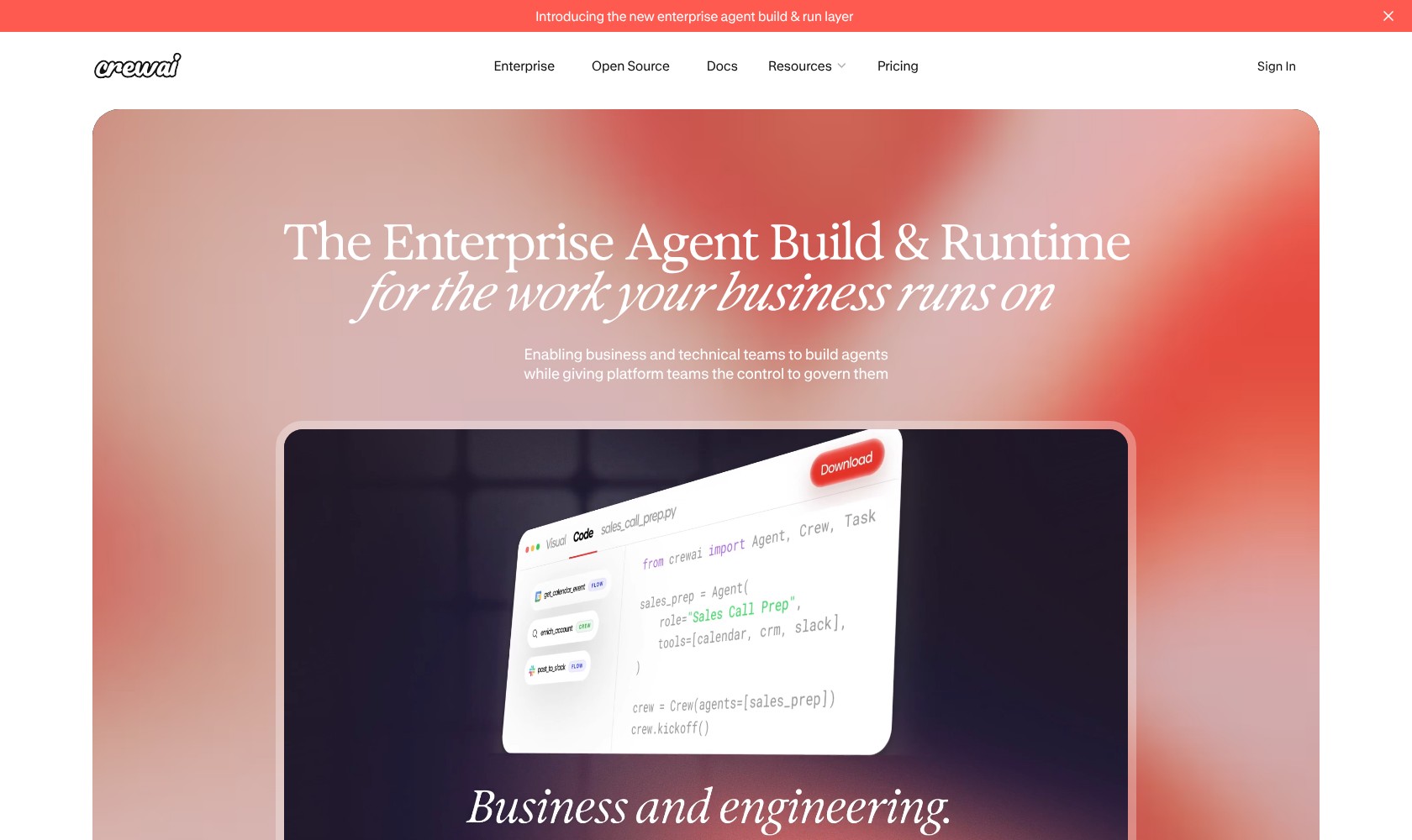
Pricing: Starts at $99 per month for smaller teams. Free open-source plan available
CrewAI is a multi-agent framework that lets companies build AI agents that each get their own specific role. For instance, you can create a “Crew” that includes a researcher, a writer, plus maybe something for quality assurance.
There are a lot of useful features built into the framework, including options for human review, guardrails, structured outputs, memory management, tracing, or resumable workflows. It’s also one of the quicker systems out there if you’re experimenting with proof-of-concept ideas.
Crew supports sequential workflows, and like nexos.ai, it’s LLM agnostic, so you can connect multiple models to the same workflows. Still, it does struggle from a debugging perspective, and although there are visual tools for building, you really need some basic Python skills to make the most of the system.
Pros
- Interesting role-based agents and teams
- Faster prototyping than some other frameworks
- Flexible collaboration models with human reviews
- Private deployment options and open-source functionality
- Provider agnostic performance
Cons
- Debugging and visibility limits
- Requires deep coding knowledge
- Token cost tends to add up fast
7. n8n: Best for Self-Hosted AI Workflows
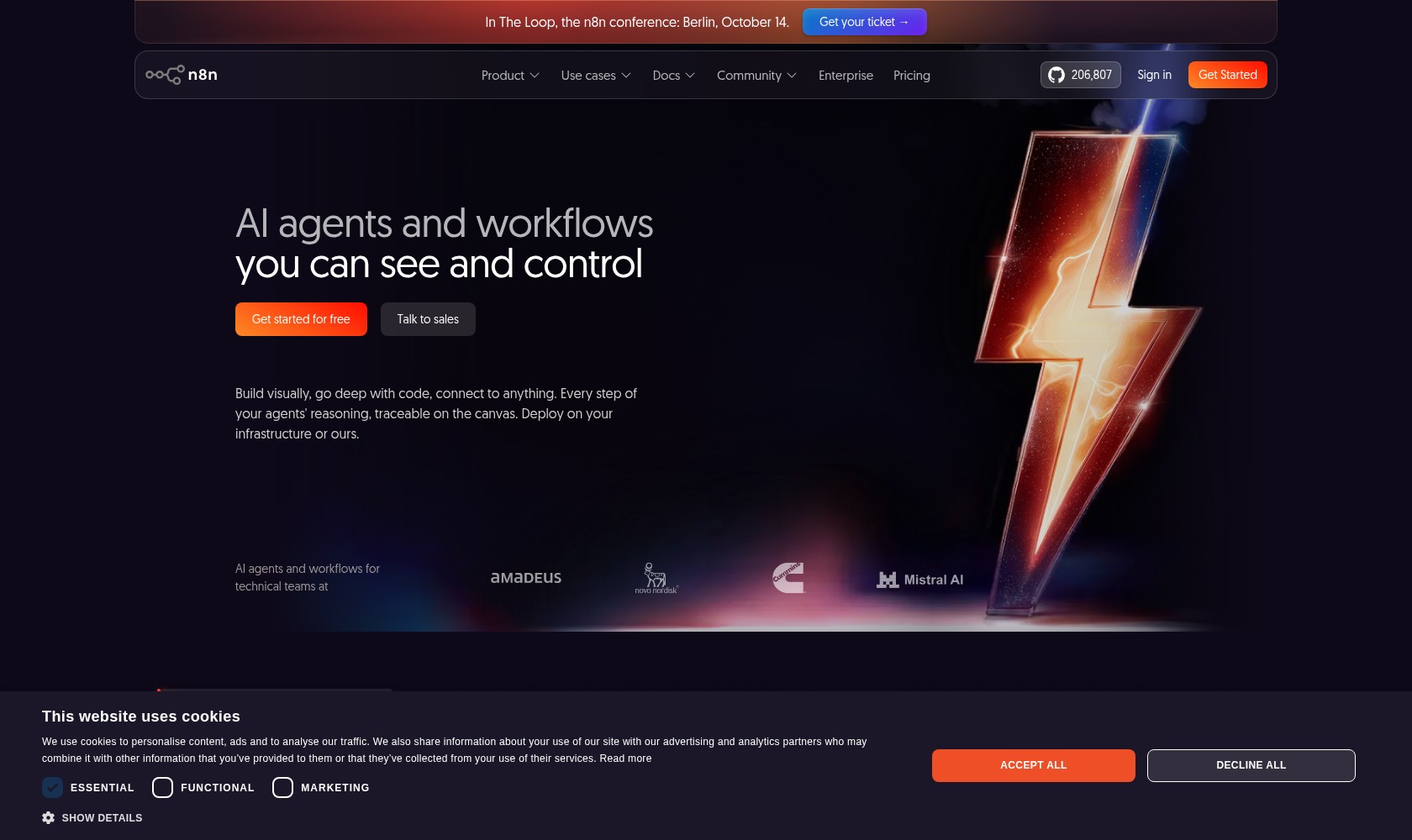
Pricing: Free plan, although you’ll still need to pay for hosting.
n8n is another AI agent building tool that lets you get started with a visual canvas, but it does expect you to go a lot further than that. You can add JavaScript and Python code, set up custom API calls, connect to over 500 services, plus build workflows with specific approval stages.
The enterprise plans add things like Git-based version controls, SSO, specific permissions, dedicated development environments, plus longer execution logs. This is one of the better tools for building complicated AI agents with LLM chains. It’s also pretty cost-effective at scale compared to task-metered platforms, if you have the right hosting setup.
The biggest problem is the steep learning curve, you really won’t be able to do much without development knowledge, and maintenance comes down to you, too. Plus, there’s no auto-save feature, so a browser crash can end up being a nightmare.
Pros
- Self-hosting can be cost-effective and ideal for control
- Lots of developer flexibility
- Advanced AI and multi LLM integration
- Stronger debugging tools than some alternatives
- Suitable for work with thousands of steps
Cons
- Much bigger learning curve than most
- You’re responsible for your own maintenance
- No auto-saving feature
8. Kore.ai: Best for CX and Contact Center Agents
Pricing: Custom priced enterprise contracts.
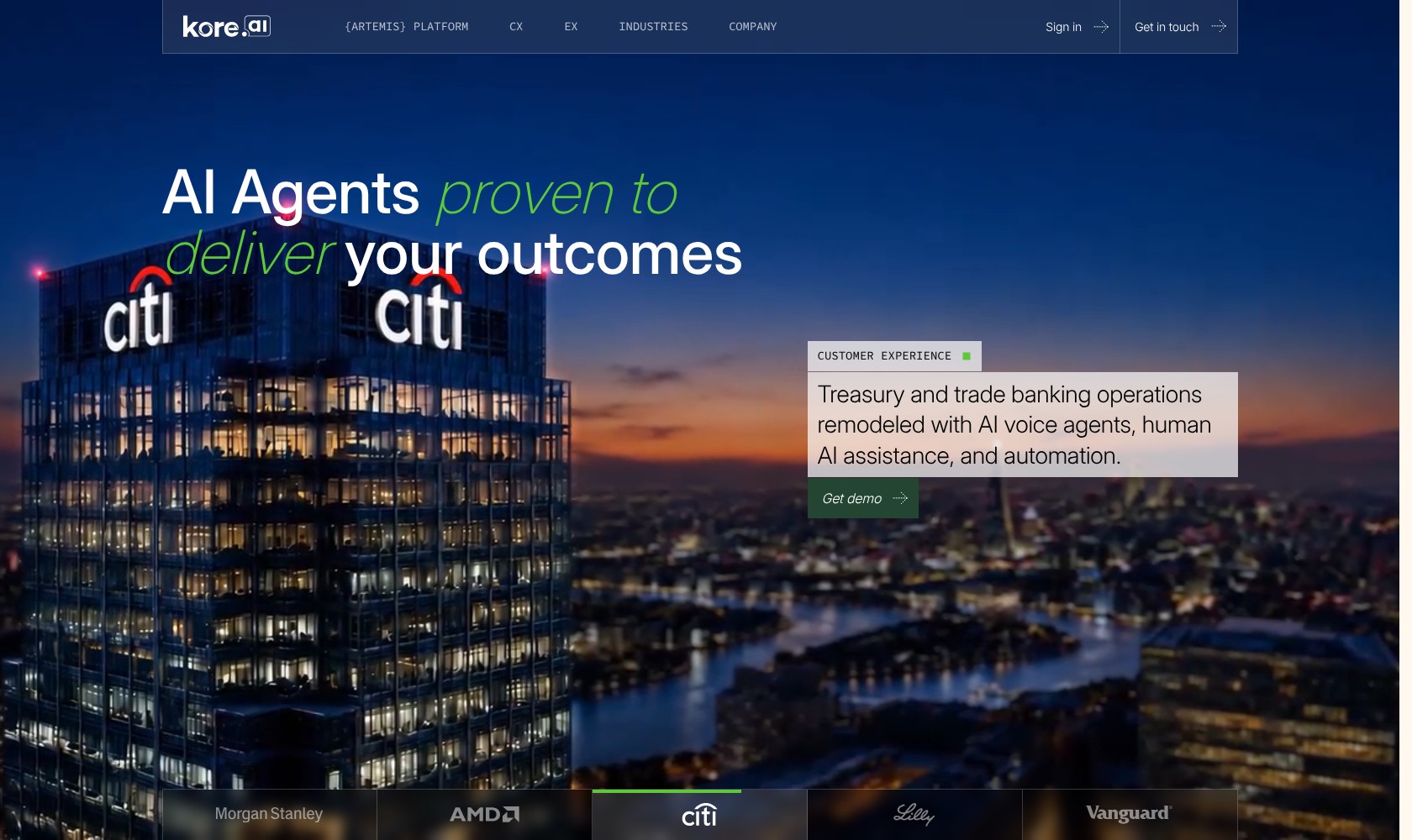
Kore is the more specialized platform for contact centers and customer experience leaders on this list. The XO platform lets you design text and voice agents, with integrated NLU, plus generative AI agents that can manage context, intent, or sentiment accurately.
One of the best parts about it is its omnichannel deployment structure which lets you build an agent once and deploy it anywhere, whether it’s Microsoft Teams, WhatsApp, or your Phone IVR. There’s also a fantastic integration ecosystem for links to contact center, CRM, and ERP tools. Kore also has some brilliant security features, including HIPAA options for healthcare.
Still, it’s not meant for absolute beginners, and getting everything set up can take months of configuration. On top of that, the costs are difficult to predict or scale, so you could end up spending a lot more on contact-heavy months than you’d expect.
Pros
- Advanced NLU and CX-focused AI agents
- Easy omnichannel deployment
- Lots of great integrations for business tools
- Excellent enterprise security and compliance
- Supports both chat and voice agents
Cons
- Pricing can be complicated
- Configuration and setup can take months
- Really only ideal for contact center workflows
Which AI Agent Builder Should You Choose?
I like all of these tools for different kinds of AI agents. Dust and Glean are both brilliant if you’re trying to find internal knowledge and improve productivity. Kore is excellent for customer service teams, while Gumloop helps a lot if you want to build visual flows.
CrewAI and n8n could be good options for teams with existing developers, and a need for a lot of control. Alternatively, Lindy is a good pick if you just want a simple solution to help you streamline standard admin work.
Overall, though, I think nexos.ai is the best option if you want a wider range of model choices, agents that can apply to just about any task, built in governance and collaboration features, plus a setup that works perfectly with an existing AI-focused workspace.

Comments 0 Responses