

Best for live transcripts
Otter
View Pricing Visit Website →Free Basic plan; Pro from $8.33/month billed annually
- Live transcription with speaker labels
- AI chat within and across meetings
- Autojoin for Zoom, Meet, and Teams
Best free option
Fathom
View Pricing Visit Website →Free unlimited recordings; Premium from $16/month billed annually
- Unlimited recordings and transcriptions on Free
- Instant summaries without a subscription
- Individual and team upgrade paths
Best without a bot

Granola
View Pricing Visit Website →Free Basic plan (30-day history); Business $14/user/month
- No meeting bot joins your call
- Combines your notes with the transcript
- Desktop and mobile apps
I recommend Fireflies.ai for cross-platform meeting notes and follow-up, and Fathom if you want a useful free option. Before paying for either, check whether your existing Zoom Workplace or Google Workspace subscription already includes the meeting assistance you need.
The right choice depends on what happens after the call. A searchable transcript, a customer record update, and a task scheduled into your calendar solve different problems, even when all three start with the same conversation.
This guide compares the best AI meeting tools by practical fit, capture method, and total cost. You’ll also find the limits that matter when choosing a plan, including recording allowances, retained history, AI credits, and minimum seat counts.
Key Takeaways
- Best free starting point: Fathom includes unlimited recordings and transcriptions, though advanced AI features are limited.
- Check native tools first: Zoom Workplace and eligible Google Workspace plans include meeting assistance; Microsoft’s paid Copilot meeting capabilities require additional licensing.
- Best bot-free fit: Granola combines your notes with a transcript, but bot-free does not mean local-only processing.
- Choose follow-up deliberately: Fireflies connects notes with other tools; Motion suggests tasks that you approve before scheduling.
- Read beyond “unlimited”: Transcription, AI usage, playback, storage, and retained history can have separate limits.
Compare the Best AI Meeting Tools
Choose by the job you need done, rather than the longest feature list. The table below separates general notetakers from tools built around sales, audio quality, and task scheduling.
Prices are USD per user or seat per month unless stated otherwise. Annual prices are monthly equivalents with a one-year commitment; payment schedules vary by provider. Granola’s prices are listed monthly rates.
| Tool | Best fit | Paid starting price | Free plan or trial | Capture method |
|---|---|---|---|---|
| Zoom Workplace / Copilot / Gemini | Built-in assistance | Zoom: eligible paid plans; Copilot: $21 annual add-on; Workspace Standard: $14 annual suite | Paid eligibility varies | Native platform |
| Otter | Live transcription and search | $8.33 annual; $16.99 monthly | Free plan | Autojoin assistant and apps |
| Fathom | Free meeting notes | Solo Premium: $16 annual; $20 monthly | Free plan | Bot; bot-free Mac beta |
| Granola | Notes without a bot | $14 listed monthly | Free plan | Device audio |
| tl;dv | Meeting insights and automation | $18 annual; $29 monthly | Free plan | Bot or desktop |
| Avoma | Sales coaching | $19 annual; $29 monthly, before coaching add-on | 14-day trial | Bot or botless native capture |
| Gong | Revenue intelligence | Custom licenses plus platform fee | No ongoing free plan listed | Connected customer interactions |
| Read AI | Search across meetings and work | $15 annual; $19.75 monthly | Free plan | Autojoin assistant, desktop, mobile |
| Krisp | Audio cleanup and notes | $8 annual; $16 monthly | 7-day trial | Bot-free capture |
| Motion | Notes connected to scheduled tasks | Solo: $29 annual/$49 monthly; team: $19 annual/$29 monthly | Free trial | Meeting bot |
| MeetGeek | Automated summaries and sharing | $9.99 annual; $15.99 monthly | Free plan | Bot, desktop, extension |
| Fireflies.ai | Cross-platform follow-up | $10 annual; $18 monthly | Free plan | Bot, extension, desktop |
1. Zoom Workplace, Microsoft 365 Copilot, and Gemini in Meet: Built-In Meeting Assistance
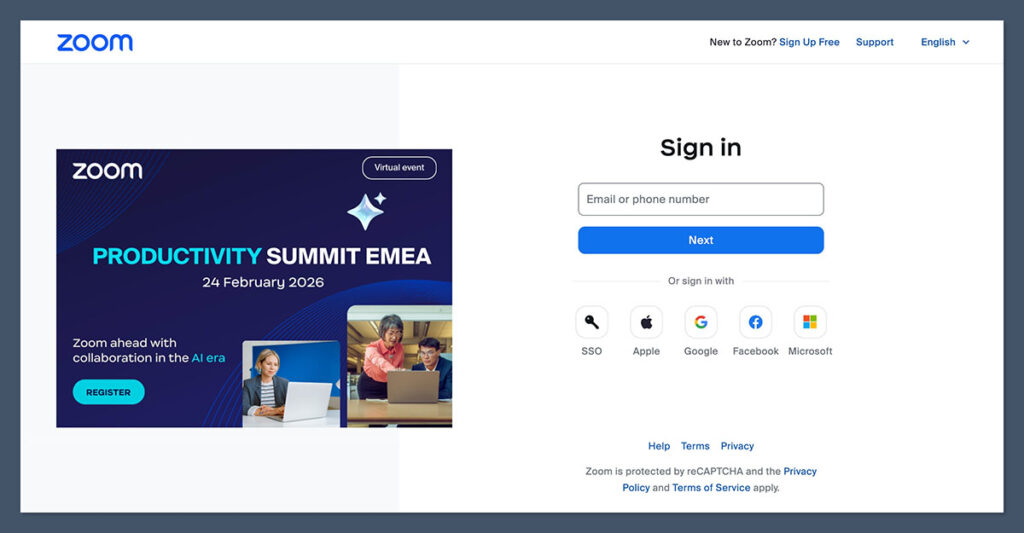
Pricing: Paid-plan eligibility applies. Zoom includes core summaries with eligible subscriptions; Copilot is an add-on; Gemini notes are included in eligible Workspace editions.
Start with native assistance if your meetings mostly happen on one platform. You may be able to solve your note-taking problem without adding another vendor, though that does not make every native option free.
Zoom’s former AI Companion features now sit within Zoom Workplace under functional names, including meeting summaries. ZoomMate is a separate agentic product, not simply a new name for the included summary feature.
Pros
- Can reduce the need for another meeting subscription.
- Keeps meeting assistance close to your existing workflow.
- Gemini meeting notes go into Google Docs.
Cons
- Subscription eligibility and administrator settings affect availability.
- Copilot’s meeting capabilities require an eligible underlying subscription and Teams licensing.
Why Choose Built-In Meeting Assistance?
Choose native tools when you need recaps in the software your team already uses. Don’t assume every capability is included or confined to a single app. Fireflies is worth comparing when you want a dedicated meeting library and follow-up integrations across Zoom, Meet, and Teams.
How Much Does Built-In Meeting Assistance Cost?
Compare the cost models, not just the headline prices. Google’s figure buys a suite subscription, while Microsoft’s figure is an additional charge.
| Tool | Cost model | What to check |
|---|---|---|
| Zoom Workplace | Core summaries included with eligible paid plans | Your subscription’s meeting features |
| Microsoft 365 Copilot Business | $21/user/month annually; $25.20 monthly add-on | Eligible Microsoft 365 business plan plus Teams licensing |
| Google Workspace Business Standard | $14/user/month with 1-year commitment; $16.80 flexible monthly | Suite subscription; note-taking must be enabled |
Free Copilot Chat is not equivalent to paid meeting assistance. Check your actual licenses before deciding that a standalone subscription duplicates something you already own.
2. Otter: Live Transcription and Meeting Search
Pricing: Basic is free; Pro costs $8.33/user/month annually or $16.99 monthly.
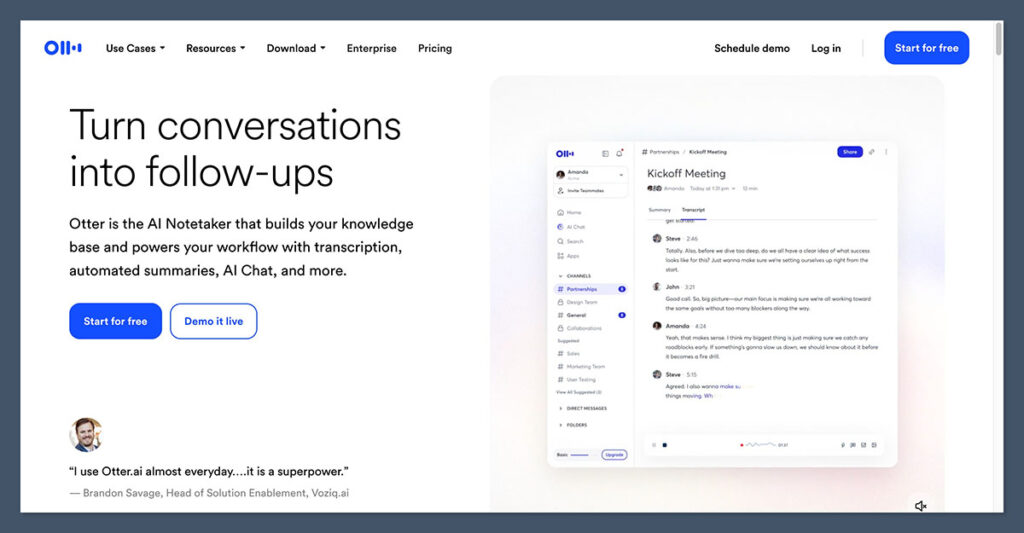
Choose Otter when reading the conversation matters as much as the summary. Live transcription, speaker labels, and AI chat make it a practical option for people who want to follow a discussion and revisit it later.
Otter also offers apps and an autojoin assistant for Zoom, Meet, and Teams. However, meeting-length limits matter here: the free plan’s 30-minute conversation cap can be restrictive even before you exhaust its monthly minutes.
Pros
- Live transcription with speaker labels.
- AI chat within and across meetings.
- Autojoin support for Zoom, Meet, and Teams.
Cons
- Basic limits conversations to 30 minutes and includes only 3 lifetime file imports.
- Chat and file-import allowances are separate from transcription limits.
Why Choose Otter?
Choose Pro if your meetings fit within its 90-minute cap and monthly allowance. Business is a better fit for heavier meeting capture, though its unlimited meeting and in-app transcription still has a 4-hour conversation cap.
Compared with Fathom, Otter gives you more reasons to focus on live transcription and chat. Fathom’s unlimited free recording and transcription are more attractive if avoiding minute limits is your priority. Our meeting transcription software guide covers more options if transcripts are your main priority.
How Much Does Otter Cost?
The Otter plan comparison distinguishes meeting capture from uploaded files. Count both sources if you regularly import existing recordings.
| Plan | Annual billing, per user/month | Monthly billing | Transcription allowance |
|---|---|---|---|
| Basic | $0 | $0 | 300 minutes/month; 30 minutes/conversation |
| Pro | $8.33 | $16.99 | 1,200 minutes/month; 90 minutes/conversation |
| Business | $19.99 | $30 | Unlimited meeting/in-app transcription; 4-hour cap |
Pro includes 10 monthly file imports; Business has a separate import allowance. Don’t treat unlimited meetings as unlimited uploads, particularly if you’re moving an existing recording archive.
3. Fathom: Free Meeting Notes
Pricing: Free unlimited recordings and transcriptions; solo Premium costs $16/user/month annually or $20 monthly.
Fathom is the free option I recommend first because it includes unlimited recordings, transcriptions, and instant summaries. You can establish whether meeting notes are useful before committing to a subscription.
The main qualification is that advanced AI features are limited on Free. Premium adds action items and a conversational assistant, while team-focused capabilities sit in separate plans.

Pros
- Unlimited recordings and transcriptions on Free.
- Instant summaries without a paid subscription.
- Individual and team upgrade paths.
Cons
- Advanced AI functionality is limited on Free.
- Team plans require at least 2 users; bot-free capture is a Mac beta.
Why Choose Fathom?
Choose Fathom if your first priority is keeping a meeting record without a recurring bill. Its free allowance is easier to accommodate than Otter’s monthly transcription budget if your meeting volume changes frequently.
However, recording volume is not the same as workflow depth. If you need CRM field synchronization or coaching, look at Business rather than assuming the free plan covers your whole sales process.
If bot-free capture is non-negotiable, compare Granola as well. Fathom’s Mac beta should not be treated as a universally available replacement for its meeting bot.
How Much Does Fathom Cost?
The Fathom pricing page separates solo and collaborative plans. Choose by seat requirements as well as features.
| Plan | Annual billing, per user/month | Monthly billing | Main condition |
|---|---|---|---|
| Free | $0 | $0 | Advanced AI limited |
| Premium | $16 | $20 | Individual upgrade |
| Team | $15 | $19 | Minimum 2 users |
| Business | $25 | $34 | Minimum 2 users; CRM field sync and coaching |
Team therefore starts at $30 per month equivalent in total, billed annually. Stay on Free until you can name the advanced feature that justifies upgrading.
4. Granola: Notes Without a Meeting Bot
Pricing: Basic is free with 30-day history; Business is listed at $14/user/month.
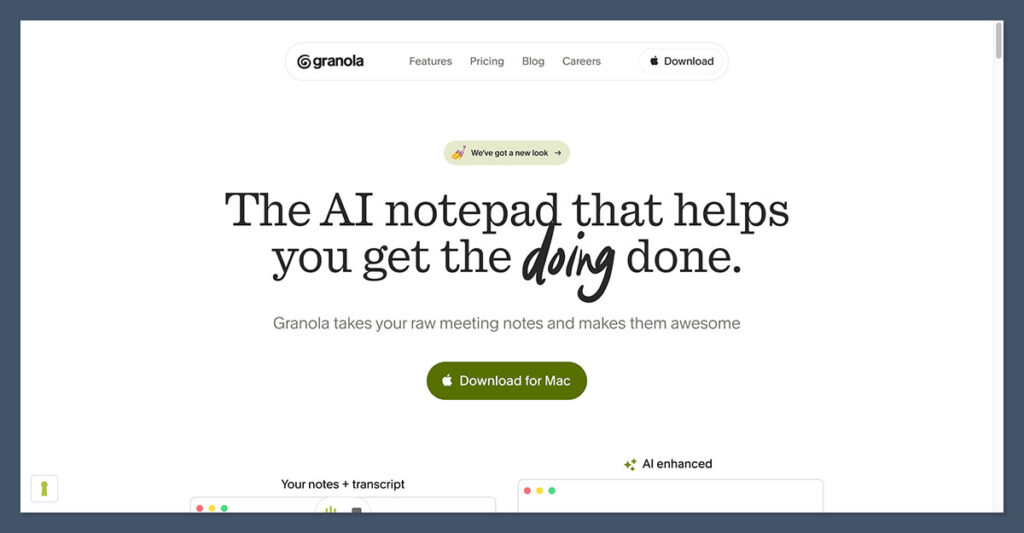
Granola is my recommendation if you want to take notes without adding a bot to the participant list. It captures device audio and combines your written notes with the transcript, giving your own observations a place in the finished record.
That is a different experience from simply outsourcing the summary. However, bot-free does not mean local-only: Granola uses cloud transcription, AI providers, and cloud storage.
Pros
- No extra bot joins your meeting.
- Combines your written notes with the transcript.
- Desktop and mobile options.
Cons
- Basic retains only 30 days of history.
- No retained audio for replay; cloud processing still applies.
Why Choose Granola?
Choose Granola when you want to stay involved in the notes while avoiding a meeting bot. You manually start capture, so it suits a deliberate note-taking habit rather than an entirely unattended workflow.
Granola stores notes and transcripts in US AWS cloud infrastructure, but does not keep audio for replay. If revisiting the original sound is essential, consider a recording-focused alternative such as Fathom.
Training settings also deserve attention. Third-party model providers may not train on your data, while Granola itself uses anonymized data for training unless you opt out; that training is off by default for Enterprise.
Those distinctions make Granola a practical bot-free choice, not an automatic privacy winner. Check the settings and processing arrangements against your organization’s requirements.
How Much Does Granola Cost?
Granola lists Business at $14 and Enterprise at $35 per user/month. Business is the practical upgrade for long-term history.
| Plan | Listed price, per user/month | Main distinction |
|---|---|---|
| Basic | $0 | AI notes and chat; 30-day history |
| Business | $14 | Unlimited history; advanced integrations |
| Enterprise | $35 | Single sign-on; organization-wide retention controls |
5. tl;dv: Meeting Insights and Automation
Pricing: Free plan available; Pro costs $18/seat/month annually or $29 monthly.
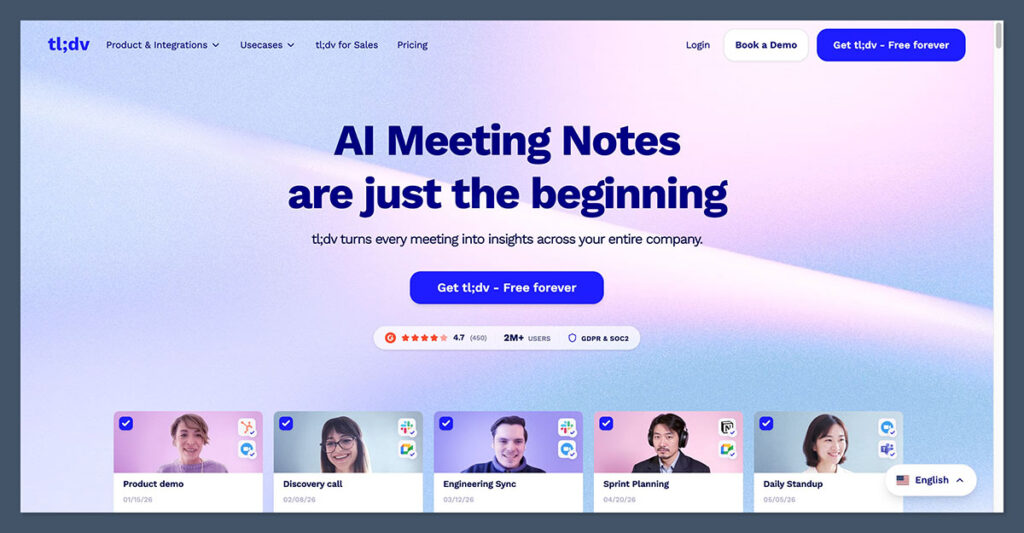
Choose tl;dv when you need to do more with a collection of meetings than store it. Paid plans add global transcript search, CRM integrations, follow-up drafts, and, at Business level, multi-meeting analysis.
The free plan includes unlimited recordings and transcription, but AI notes are limited and retention is 3 months. It is useful for trying the capture workflow, not a substitute for the paid analysis package.
Pros
- Unlimited free recordings and transcription.
- Pro adds search, CRM integrations, and follow-up drafts.
- Business supports multi-meeting reports and coaching.
Cons
- Free AI use and retained history are limited.
- Unlimited multi-meeting AI requires Business rather than Pro.
Why Choose tl;dv?
tl;dv is worth shortlisting if you want patterns across calls, not just a recap of the latest one. Business combines multi-meeting AI with reports, coaching, and playbooks.
That distinction matters when you’re choosing a plan. Someone who needs to find a past discussion and draft a follow-up may be well served by Pro; a manager looking across several sales conversations has a stronger reason to consider Business.
Compared with Fireflies, tl;dv deserves attention for its multi-meeting reporting package. Fireflies remains a strong alternative when your main concern is a cross-platform library connected to other software.
How Much Does tl;dv Cost?
The tl;dv plan breakdown makes the main buying decision Pro versus Business. Don’t pay for coaching if follow-up drafts are enough.
| Plan | Annual billing, per seat/month | Monthly billing | Main distinction |
|---|---|---|---|
| Free | $0 | $0 | Limited AI notes; 3-month retention |
| Pro | $18 | $29 | Global search; integrations; follow-up drafts |
| Business | $29 | $39 | Multi-meeting AI; reports; coaching |
| Enterprise | Custom | Custom | Enterprise package |
6. Avoma: Sales Coaching
Pricing: Startup costs $19/recorder/month annually or $29 monthly; 14-day trial, with no ongoing free recorder plan.
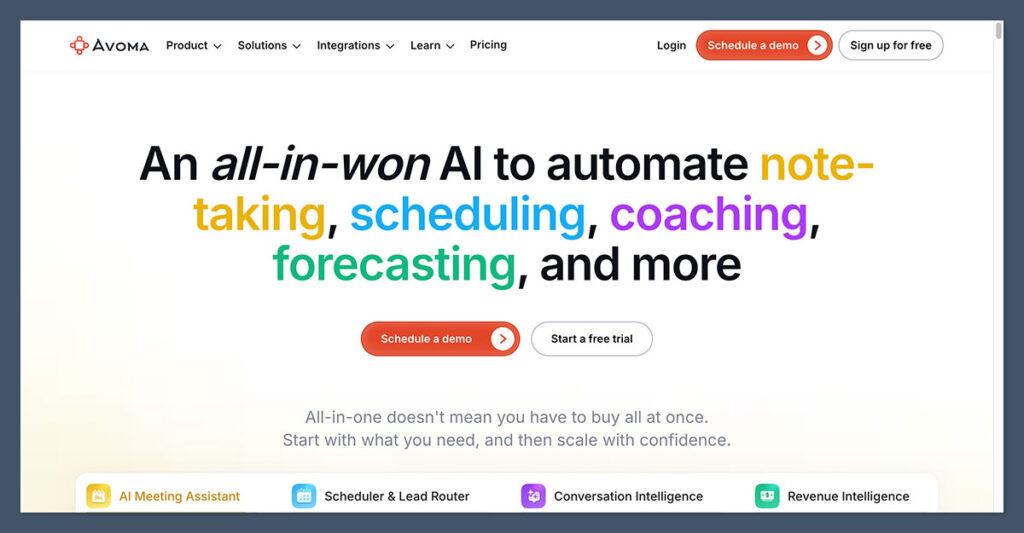
Avoma is a useful option for sales teams that want notes, follow-ups, and coaching in a connected workflow. Free viewer access also matters if managers or colleagues need to review conversations without recording their own.
The crucial pricing distinction is that AI coaching scorecards require the Conversation Intelligence add-on. The base notetaker price is not the price of the complete coaching setup.
Pros
- Meeting notes, follow-ups, and CRM saving.
- Free viewers alongside paid recorder seats.
- Bot and botless native capture options.
Cons
- Coaching adds a separate per-seat charge.
- Enterprise requires at least 10 recorder seats.
Why Choose Avoma?
Avoma’s modular pricing separates meeting capture from Conversation Intelligence and Revenue Intelligence. Choose it when sales coaching is a requirement.
That flexibility also creates budgeting work. Decide who needs to record, who only needs to view, and which users need the add-ons before comparing it with Gong.
Gong is the stronger comparison for a broader revenue-platform purchase, including pipeline and forecasting workflows. Avoma is easier to shortlist when you want published component prices, but that does not prove it will be cheaper for every organization.
How Much Does Avoma Cost?
The Avoma pricing structure charges for recorder seats and separate intelligence add-ons. Build the package before calculating your budget.
| Plan or add-on | Annual billing, per month | Monthly billing | Basis |
|---|---|---|---|
| Startup | $19 | $29 | Per recorder |
| Organization | $29 | $39 | Per recorder |
| Enterprise | $39 | Contact sales | Per recorder; minimum 10 |
| Conversation Intelligence | +$29 | +$35 | Per add-on seat |
Startup plus Conversation Intelligence totals $48 per person/month equivalent annually when the same user needs both. Revenue Intelligence is another separately priced add-on, not part of that total.
7. Gong: Enterprise Revenue Intelligence
Pricing: Custom per-user licenses plus a platform fee; no universal public starting price.
Choose Gong when meeting data needs to support a broader revenue operation. Its platform connects customer interactions with account and deal context, rep coaching, pipeline management, and forecasting.
That makes it a different purchase from a general-purpose notetaker. Gong is difficult to justify for transcripts alone, especially when Fathom and Fireflies offer clearer entry points for recording and summaries.
Pros
- Connects customer conversations with account and deal context.
- Combines coaching, pipeline, and forecasting workflows.
- Includes bidirectional Salesforce integration.
Cons
- Custom pricing makes early budget comparisons harder.
- The platform fee adds to per-user licensing costs.
Why Choose Gong?
Gong belongs on your shortlist if sales leaders need conversations connected to revenue decisions. For example, reviewing a customer discussion alongside its account and deal context is a different requirement from searching a folder of transcripts.
Its breadth can be valuable, but only if your team will use it. Identify which coaching, pipeline, and forecasting workflows you want before entering a pricing conversation.
Compare Avoma if you prefer a modular purchase with public base and add-on prices. Compare Fireflies if your real requirement is simply meeting capture plus CRM integrations, rather than a wider revenue platform.
How Much Does Gong Cost?
Gong’s pricing is customized. Ask for the complete platform and license total, rather than trying to compare an isolated seat price.
| Package | Pricing model | Buying implication |
|---|---|---|
| Gong revenue platform | Custom per-user licenses plus platform fee | Request a quote covering your required products and users |
Before committing, ask which capabilities are included in the proposed package and which users need licenses. A scoped quote is the only meaningful comparison with an Avoma configuration or another revenue platform.
8. Read AI: Search Across Meetings and Work
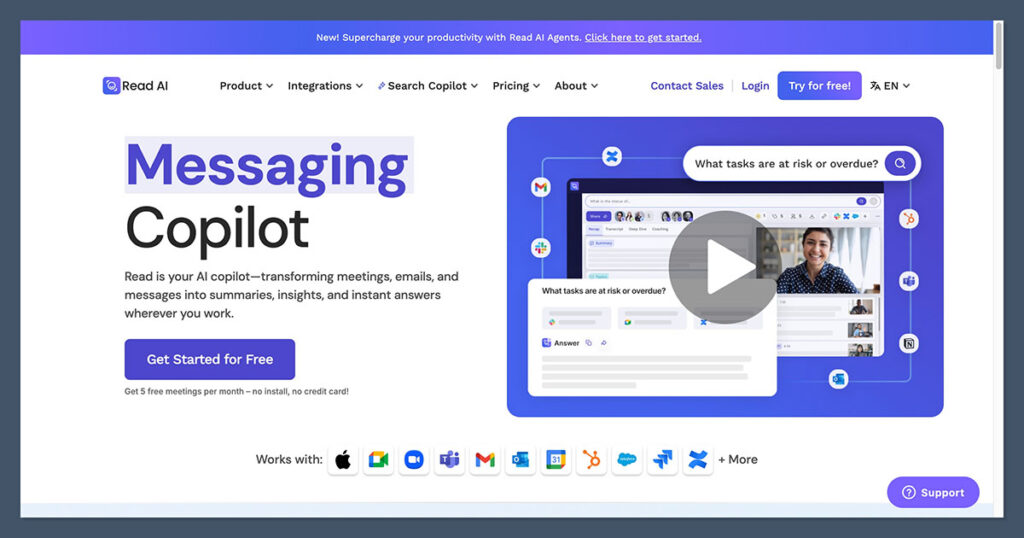
Pricing: Free plan includes 5 meeting transcripts/month; Pro costs $15/user/month annually or $19.75 monthly.
Read AI is worth choosing when the answer you need may be in a meeting, email, or message. Its search spans those sources, making it a useful alternative to a meeting-only archive.
However, audio and video playback require Enterprise. Pro’s unlimited transcripts do not mean you can replay the original recording, which is an important distinction if you regularly check wording or tone.
Pros
- Search across meetings, email, and messages.
- Pro includes unlimited transcripts and premium integrations.
- Autojoin, desktop, and mobile capture options.
Cons
- Free capture is limited to 5 meeting transcripts/month.
- Playback requires Enterprise; Enterprise+ requires 5 licenses.
Why Choose Read AI?
Choose Read AI if your work context is spread across several communication channels. A decision discussed in a call may have been revised in a message, so a broader search scope can matter more than another summary format.
Otter is the more focused comparison if live transcription and meeting chat are your priorities. Read AI deserves the closer look when you want to search beyond the meeting itself.
Before upgrading, decide whether text is enough for your review process. If you need to hear or watch the original conversation, budget for Enterprise from the start rather than treating playback as a minor extra.
How Much Does Read AI Cost?
The Read AI plans make playback the most important dividing line for many buyers. Pro is a transcript-first purchase.
| Plan | Annual billing, per user/month | Monthly billing | Main distinction |
|---|---|---|---|
| Free | $0 | $0 | 5 meeting transcripts/month |
| Pro | $15 | $19.75 | Unlimited transcripts; premium integrations |
| Enterprise | $22.50 | $29.75 | Adds audio/video playback |
| Enterprise+ | $29.75 | $39.75 | Minimum 5 licenses |
9. Krisp: Clearer Audio and Meeting Notes
Pricing: Core costs $8/user/month annually or $16 monthly; 7-day free trial, not an ongoing free plan.
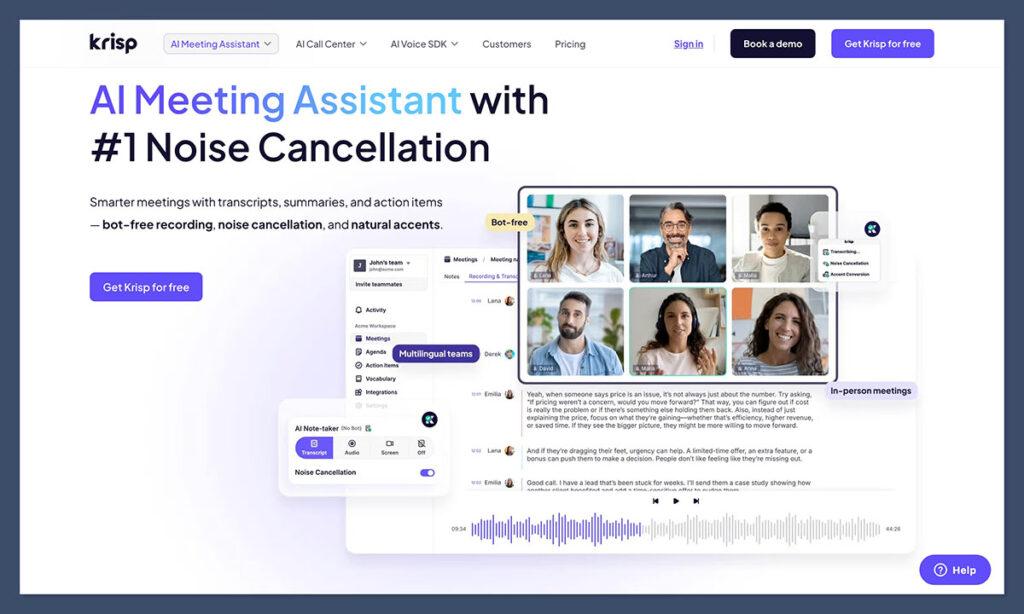
Krisp is the practical choice if you want noise cancellation and meeting notes in the same app. Its Core plan combines audio cleanup with bot-free capture, transcription, and notes.
That is a clear reason to choose it over a notes-only workflow. However, don’t assume every Krisp plan processes everything locally: on-device private transcription and recordings are Enterprise features.
Pros
- Noise cancellation alongside transcription and notes.
- Bot-free meeting capture.
- Core includes 10GB of storage.
Cons
- Only a 7-day trial, with no permanent free Meeting AI tier.
- On-device private transcription is reserved for Enterprise.
Why Choose Krisp?
Choose Krisp when audio cleanup is part of the problem you’re solving. If you work around background noise, it makes sense to evaluate that need together with your note-taking requirements rather than automatically buying separate products.
Krisp includes its own meeting notes and storage. Compare Fireflies if follow-up integrations matter more than audio cleanup.
Granola is the other useful bot-free comparison. Choose between them by workflow: Krisp emphasizes audio cleanup plus notes, while Granola combines your written notes with a transcript.
Use the trial to check the environments and devices you actually work with. A plan’s feature list cannot tell you whether its audio setup fits your particular calls.
How Much Does Krisp Cost?
The Krisp pricing plans make Core the natural starting point for individuals. Upgrade for specific controls or storage needs, not a general assumption of better privacy.
| Plan | Annual billing, per user/month | Monthly billing | Main distinction |
|---|---|---|---|
| Core | $8 | $16 | Noise cancellation, notes, 10GB storage |
| Advanced | $15 | $30 | Advanced controls/integrations; 60GB storage |
| Enterprise | Custom | Custom | On-device private transcription/recordings |
10. Motion: Connecting Notes With Scheduled Tasks
Pricing: Pro AI costs $29/month annually or $49 monthly for individuals; team rates start at $19/seat/month annually. Free trial available, with no permanent free plan.
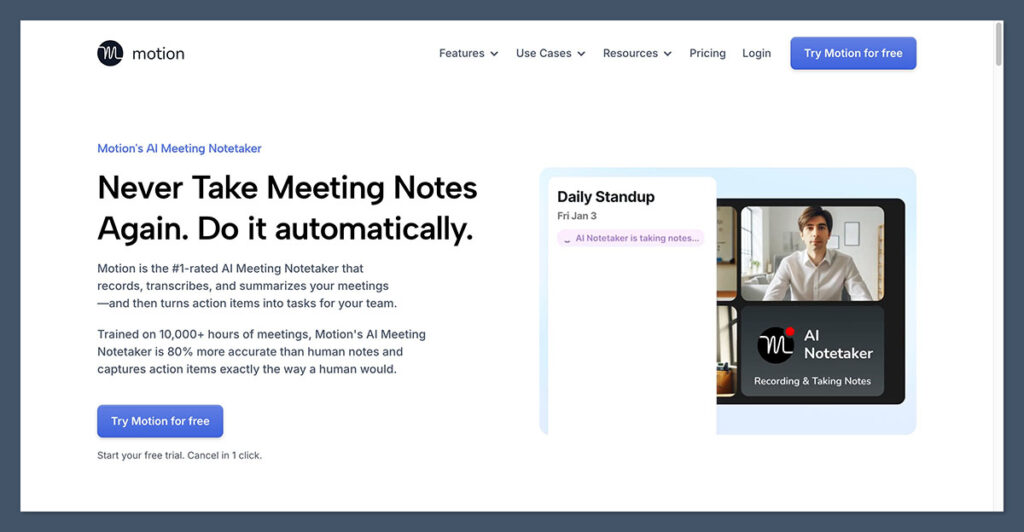
Choose Motion if your biggest problem is turning meeting decisions into scheduled work. Its AI Notetaker joins Zoom, Meet, or Teams, creates notes, and suggests tasks within Motion’s broader task and calendar product.
You approve suggestions before they become Motion tasks. Scheduling then uses the task settings, rather than silently placing every inferred action into your calendar.
Pros
- Connects meeting notes with tasks and scheduling.
- Approval step keeps suggested tasks under your control.
- Fits both existing Motion users and teams adopting its scheduler.
Cons
- A broader purchase than a standalone notetaker.
- Team starting prices are not individual checkout prices; AI credits apply.
Why Choose Motion?
Motion makes sense if follow-through is a scheduling problem. A summary records a commitment; the scheduler helps you make time for it.
The value is clearest if you already use Motion or want to adopt its calendar and task workflow.
If your team intends to keep another task system, Fireflies or MeetGeek may be a better starting point. Their integration-oriented workflows let you evaluate meeting notes without making Motion’s scheduler the center of the purchase.
How Much Does Motion Cost?
Motion’s plans have different individual and team rates. Compare the right configuration for your purchase.
| Plan | Individual: annual / monthly | Team per seat: annual / monthly | AI credits per seat/month |
|---|---|---|---|
| Pro AI | $29 / $49 | $19 / $29 | 7,500 |
| Business AI | $39 / $69 | $29 / $49 | 15,000 |
Annual figures are monthly equivalents billed yearly. Choose Motion for notes plus scheduling, rather than transcription alone.
11. MeetGeek: Automated Meeting Summaries and Sharing
Pricing: Basic is free; Pro costs $9.99/user/month annually or $15.99 monthly.
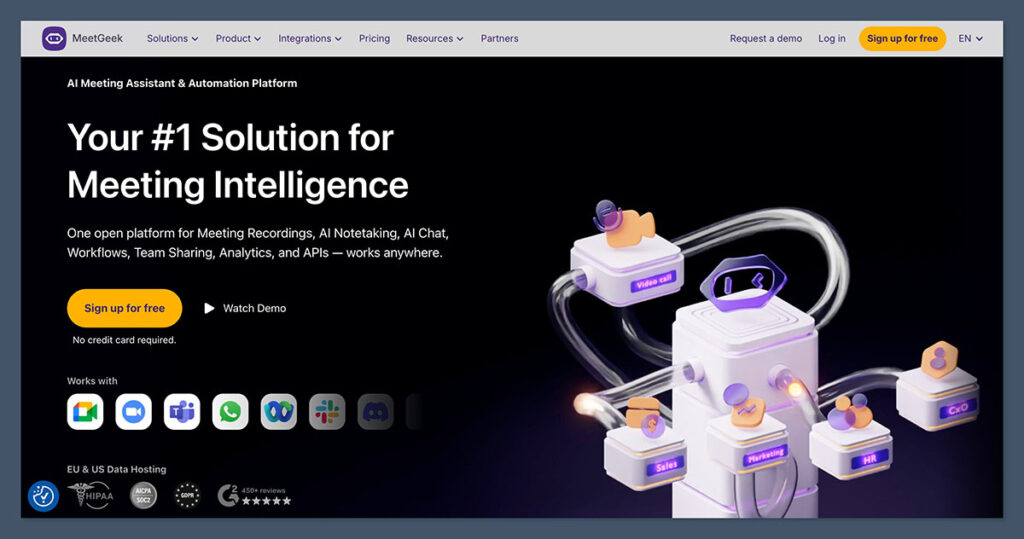
MeetGeek is a good option for teams that want repeatable summaries and sharing workflows. Pro adds integrations, templates, and workflow automation, while Business adds team analytics and sharing capabilities.
The main buying consideration is recording volume and retained history. Basic includes 3 transcription hours per month, but its audio and transcript retention periods differ.
Pros
- Free plan for light meeting capture.
- Pro includes templates, integrations, and workflow automation.
- Bot and bot-free desktop/extension options.
Cons
- Free audio retention is only 1 month.
- Pro has a 20-hour monthly allowance, with paid overage.
Why Choose MeetGeek?
Choose MeetGeek when a consistent meeting output matters more than a specialized sales platform. Templates and integrations make it worth considering for teams that want a repeatable way to handle recaps and follow-up.
Pro is the logical starting point for that workflow. Business becomes more relevant when team sharing, analytics, or unlimited transcription are part of your requirements.
Compared with Fathom, MeetGeek gives you a different reason to pay: structured workflows rather than simply removing recording limits. Compared with tl;dv, evaluate whether you need MeetGeek’s summary-sharing setup or tl;dv’s multi-meeting analysis.
How Much Does MeetGeek Cost?
The MeetGeek plans distinguish transcription allowances from retention. Check how long you need the original media, not just the written notes.
| Plan | Annual billing, per user/month | Monthly billing | Main allowance |
|---|---|---|---|
| Basic | $0 | $0 | 3 hours/month; 3-month transcripts, 1-month audio |
| Pro | $9.99 | $15.99 | 20 hours/month; 1-year transcripts, 6-month audio |
| Business | $17 | $27 | Unlimited transcription; 12-month video storage |
| Enterprise | Custom | Custom | Enterprise options, including custom voice agents |
Pro overage costs $0.50 per hour. Compare your expected volume with Business before assuming the lower subscription price gives you the lower total bill.
12. Fireflies.ai: Cross-Platform Follow-Up
Pricing: Free plan available; Pro starts at $10/seat/month annually or $18 monthly.
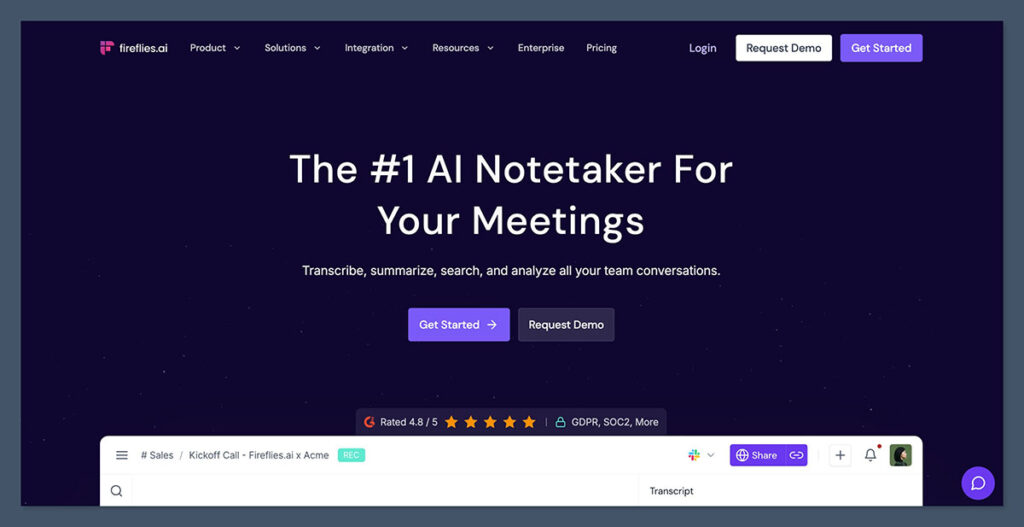
Fireflies is my strongest general recommendation for teams using several meeting platforms. It supports Zoom, Meet, and Teams, with AskFred search and integrations that connect meeting information to your other software.
Its appeal is broader than transcription: you can combine a meeting library with connections to customer relationship management (CRM) software and other tools. The tradeoff is that storage, summaries, and advanced AI usage have different limits.
Pros
- Supports major meeting platforms and follow-up integrations.
- AskFred helps you search meeting information.
- Offers bot and bot-free capture options.
Cons
- Free storage is only 400 minutes per team.
- Advanced AI features use credits, even when transcription is unlimited.
Why Choose Fireflies.ai?
Choose Fireflies when meetings need to feed another workflow. A team switching between customer calls in Zoom and internal discussions in Meet has a clearer reason to buy it than someone who only wants occasional summaries.
Pro is the sensible starting point for integrations and unlimited summaries. Business makes more sense for a growing archive, with unlimited storage and conversation intelligence.
Fathom is the better first stop if you mainly want free recording and transcription. Fireflies earns its place when the connections matter, but you should confirm that your intended integration performs the exact follow-up you need. If it doesn’t, compare our Fireflies alternatives.
How Much Does Fireflies.ai Cost?
The Fireflies pricing plans separate recording capacity from advanced AI consumption. Budget for your AI workflow, not merely the number of calls you record.
| Plan | Annual billing, per seat/month | Monthly billing | Main distinction |
|---|---|---|---|
| Free | $0 | $0 | 400 storage minutes/team; limited summaries |
| Pro | $10 | $18 | 8,000 storage minutes/seat; integrations |
| Business | $19 | $29 | Unlimited storage; conversation intelligence |
| Enterprise | $39 | Contact sales | Enterprise tier |
How to Choose the Right AI Meeting Tool
Start with the output you need, then work backward to the capture method and plan. A tool that produces good notes is still the wrong purchase if you need playable recordings or approved tasks on a calendar.
Use these 5 checks to narrow your shortlist:
- Check existing subscriptions. Look at Zoom Workplace, Microsoft licensing, or your Google Workspace edition before adding another service.
- Choose a capture method. Decide whether you want an autojoining assistant, native platform features, or manually started device capture. Check device availability, especially for beta features.
- Specify the follow-up. “Integrates with our CRM” is less useful than identifying the exact information you want saved and who should approve it.
- Calculate the whole bill. Include minimum seats, add-ons, platform fees, AI credits, and overages. Avoma’s coaching add-on and Fathom’s Team minimum illustrate why starting prices can mislead.
- Check history and access. Confirm how long transcripts, audio, and video remain available, who can see them, and what your chosen plan permits.
For sensitive conversations, separate capture from processing and storage. A missing bot in the participant list tells you little about cloud processing, model training, or retention.
For a distributed team, our guide to AI note takers for remote teams offers a more focused comparison. Finally, try a representative meeting before committing annually. Review the transcript, summary, action items, and destination of shared notes. The best fit is the workflow you can trust and maintain, not the largest feature bundle.
How We Compare AI Meeting Tools
This comparison considers capabilities, limits, total cost, and workflow fit. Recommendations distinguish general meeting notes from specialist requirements such as sales coaching, audio cleanup, and task scheduling.
The pricing comparisons account for billing basis, seat minimums, prerequisite subscriptions, and important add-ons. We also distinguish capture, processing, and retention, rather than treating bot-free tools as automatically local or private.
Prices current as of October 2026. Confirm your selected configuration before purchasing, particularly where a quote, credit allowance, or underlying subscription affects the total.
Which AI Meeting Tool Should You Choose?
Fireflies is the strongest general choice for cross-platform follow-up, while Fathom is the free option to try first. Neither needs to be your first purchase if your existing meeting platform already covers the basics.
Choose Granola for bot-free, user-guided notes, or Krisp if audio cleanup belongs in the same purchase. Remember that capture method does not determine where your data is processed.
For more specialized needs, shortlist tl;dv for multi-meeting insights, Avoma for modular sales coaching, and Gong for a connected revenue platform. Motion makes sense when you want approved action items to become scheduled work.
The simplest buying rule is to pay for the missing step in your workflow. Don’t upgrade just to collect more features when the free or native option already produces the result you need.
Frequently Asked Questions
What is the best free AI meeting tool?
Fathom is my first recommendation for free meeting notes because it includes unlimited recordings, transcriptions, and instant summaries. Advanced AI features remain limited.
Otter is worth considering for live transcription, while Granola suits bot-free notes with a 30-day history limit. Compare the restriction you are most likely to hit, rather than treating every free plan as equivalent.
Should I use built-in meeting AI or a standalone tool?
Start with built-in assistance if it covers your workflow and is included in your subscription. Check eligibility rather than assuming Zoom, Microsoft, and Google use the same pricing model.
A standalone tool becomes more useful when you need cross-platform capture, a dedicated searchable library, specialist coaching, or follow-up integrations. Name the gap before adding another subscription.
Does bot-free mean my meeting stays on my device?
No. Bot-free describes capture, not the full data journey. Granola, for example, captures without a meeting bot but uses cloud transcription and stores notes and transcripts in the cloud.
Check processing, storage, retention, access, and training settings separately. Those details can vary by plan, so a product-level privacy label is not enough.
Do AI meeting summaries still need human review?
Yes, especially before sharing decisions or creating follow-up work. Check names, numbers, commitments, owners, and deadlines against the conversation rather than treating a fluent summary as an approved record.
Motion explicitly requires approval before suggested actions become tasks. Apply that same habit more broadly: use AI to prepare the record, then confirm that it says what your team actually agreed.

Comments 0 Responses