

If you’re stepping beyond traditional business intelligence, and want to use your data to understand what might happen next, Qlik is a strong platform. Qlik Predict is a strong option for code-free predictive experimentation, particularly if you’re looking for a BI-native system.
Still, even with its powerful associative data engine, exceptional speed, and flexible deployment options, Qlik won’t be right for everyone. It’s often the default choice for anyone already using Qlik Cloud, definitely, but for those outside of that ecosystem, limited model customization options, and data restrictions can become a real problem.
Qlik Predict is an excellent choice for Qlik-standardized shops, and useful dashboards, but what about everyone else? Here’s my rundown of some of the most worthwhile competitors.
The Best Qlik Alternatives for Predictive Insights
It’s worth noting that none of the products on this shortlist replace every part of the Qlik platform. Instead, they excel in different areas, whether you’re looking for predictive analytics, reporting, or conversational analytics.
Here’s a quick look at the alternatives and what I’d consider using them for.
| Product | Best for | Tradeoffs | Starting price |
|---|---|---|---|
| Pecan AI | Predictive use cases like churn, LTV, lead scoring, campaign optimization, and demand forecasting | Doesn’t replace Qlik’s dashboards or BI tools | Quote-based (per prediction batch) |
| Microsoft Power BI | Reporting insights if you’re familiar with Microsoft tools | Extra costs for advanced features, limited customization | Pro starts $14/user/month |
| Tableau | Visual analysis and data storytelling | No associative in-memory engine, less customizable | Viewer starts at $15/user/month |
| ThoughtSpot | AI-powered search based analytics with natural language questions | No associative engine, limited modelling customization | Starting at $25/user/month |
| Looker | Single source of truth for enterprise data | Pre-engineered metrics, less suitable for visualization | Custom quote |
1. Pecan AI: Best for Business Focused Predictions
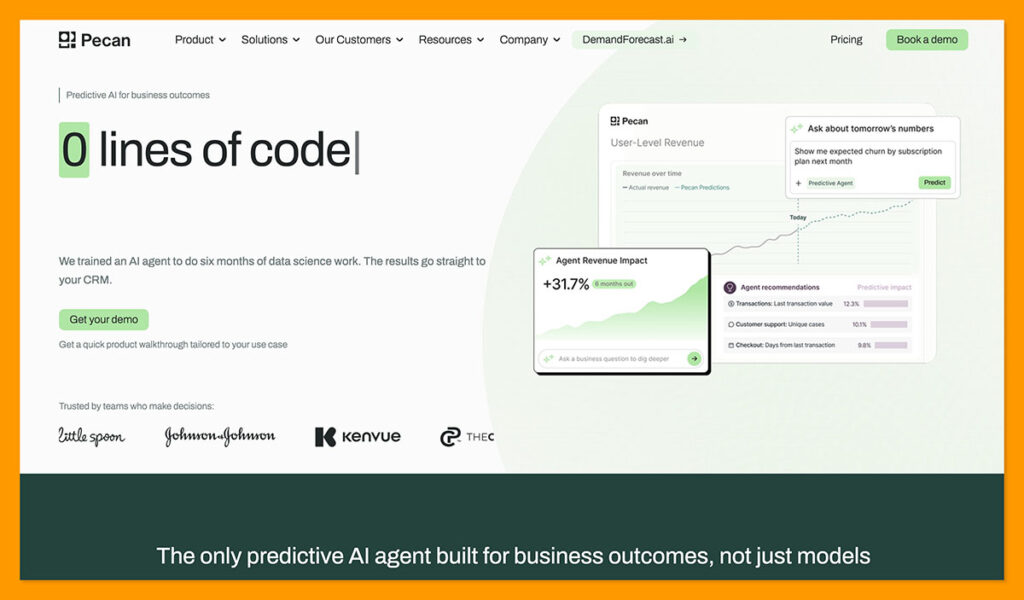
Pecan isn’t a Qlik replacement, and it isn’t trying to be. It’s what you add when you need production predictions fast, without hiring a data science team.
Still, it could be the better option if you’re not already relying on Qlik exclusively, and you need access to production predictions fast, without hiring a data science team.
Though it’s a little narrower than some full ML platforms, its value is in how quickly it can deliver results. The Predictive AI Agent simplifies the process, starting with a simple plain-English question you might have about churn, lifetime value, campaign ROAS, demand, or similar business cases.
Then, it handles the data preparation, feature engineering, model selection, plus validation parts of building your model, before sending predictions into tools you already use like Salesforce or HubSpot. As a standalone prediction specialist, it works with historical data as it already exists in your warehouse, so there’s no cleanup phase before you start, and it pushes scores into places where teams can actually use them, rather than relying on a single dashboard surface.
While it’s true that Qlik Predict is brilliant for no-code classification, regression, or forecasting, with prediction sitting beside all of its existing tools, Pecan makes more sense for teams that want quick predictions across a mixed stack, and a workflow built around a business problem.
For example, Whistle Express used Pecan to build a production churn model and cut churn by 30% in new markets.
Pros
- Delivers production-ready predictions without requiring a data science team
- Works alongside your existing BI platform
- Guided workflow for predictive use cases like churn, LTV, lead scoring, and demand forecasting
- Predictions can be embedded directly into operational workflows (e.g. Salesforce, HubSpot)
- Simple connectivity to existing cloud data warehouses
Cons
- Doesn’t replace a full BI and dashboarding platform
- Less control and customizability than some ML platforms
- Focused on predictive AI and operational decision-making rather than general-purpose analytics
2. Microsoft Power BI: Best for Microsoft-Heavy Organizations
Just like Qlik Predict makes a lot of sense if you’re already using Qlik tools, Power BI from Microsoft is a great choice if you’re already using various parts of the Microsoft stack. It’s not a fully-fledged ecosystem for building predictive models, but it gives you a series of useful features. Power Query can handle data preparation on your behalf, and there are semantic models for relationships. DAX handles in-depth calculations.
Your data can sit inside of VertiPAQ and remain in its source through DirectQuery, or you can choose to use the Direct Lake in Fabric. Plus, you can pull in various other Microsoft solutions from Copilot for insights delivered straight to employees, to SharePoint, Teams, and the Azure Active Directory.
One of the biggest differences to Qlik will appear when someone in your team asks a less common question. Power BI follows relationship paths built into the model, while Qlik’s associative engine keeps excluded and related values available, so analysts have more room to explore.
Still, Power BI is a good choice for repeatable management reporting, when you’re not too concerned about exploratory analysis. Also, the Copilot addition to web model view means you can use an AI system to inspect model structures, rename fields, create relationships, or build DAX measures, though it’s worth noting that it does cost extra.
That being said, Power BI is quite affordable, with a Pro licence starting at $14 per month, and a Premium licence starting at $24 per month (far below Qlik Premium’s entry point at around $2,750 per month, as of July 2026).
Pros
- Perfectly suited to teams running workflows in Microsoft tools
- Copilot integration can be genuinely useful for model development
- Flexible storage modes can help minimize costs
- Low starting price for beginners with limited requirements
- Large partner base for integrations
Cons
- Full authoring experience is Windows-only (Desktop)
- Licensing can be confusing when you add in Copilot, Fabric, etc
- Less free-ranging than Qlik
3. Tableau: Best for Visual Analysis
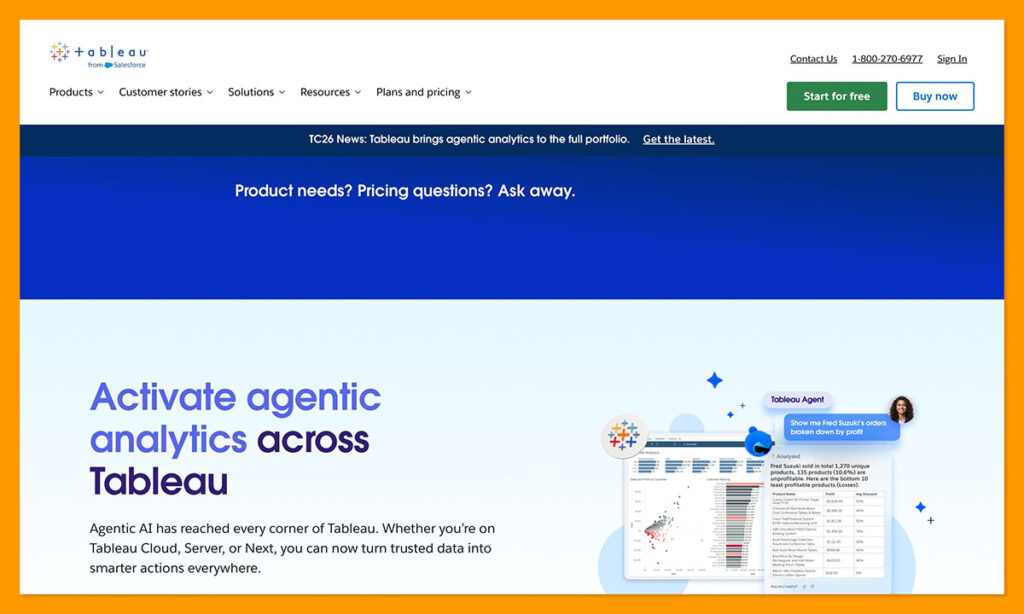
Tableau doesn’t beat Qlik with its data engine, few companies can compete with that associative in-memory solution, but it does work well for companies interested in visualizing their data more effectively. The system is renowned for its intuitive drag-and-drop interface, and a workspace that gives analysts comprehensive control over chart constructions and presentations.
You get a lot more room to play with visuals than you do with Qlik’s standard dashboard experience, and the Live connections are great for pulling in fresh source data, while Hyper extracts trade speed for better interactions. Tableau also tends to be a bit easier for beginners to pick up if you’re a non-technical user or analyst, if you don’t need heavy data cleansing and complex models.
Qlik still comes out ahead for exposing relationships and exclusions across a loaded model, because Tableau tends to follow the question an analyst has already started to form. Also, Tableau Prep exists as a distinct part of the workflow here, while Qlik brings transformation and scripting into the analytics space.
Tableau Agent is very useful, though. It can create visualizations for you, answer questions as you author, or assist with calculations. There’s also Pulse for tracking governed metrics with explanations into changes, outliers, or drivers. Plus, Tableau Next can also send answers through Slackbot and MCP connections too.
Additionally, like Power BI, Tableau is a little more cost effective, with pricing starting at $15, though it’s worth remembering that the lower-tier plans do limit what you can actually create. You need at least one Creator for every deployment, and those plans start at $75 per month.
Pros
- Exceptional data visualization capabilities
- Intuitive interface with drag-and-drop features for dashboards and reports
- Easier to use if you’re non-technical, or a business analyst
- Can be more affordable, depending on the functionality you need
Cons
- Creator licences increase the cost of deployment
- Not ideal for exposing relationships and exclusions
- Some features tie you into specific systems, like Salesforce for AI enhancements
4. ThoughtSpot: Best for Conversational Analytics
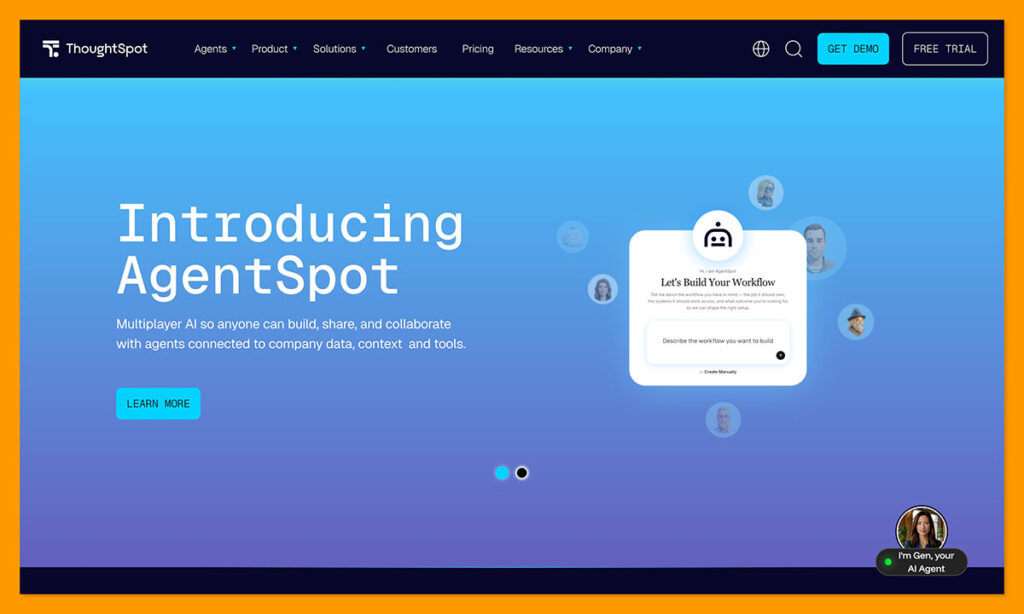
ThoughtSpot directs its attention towards AI-powered search-based analytics, helping users ask questions using natural language, and get useful answers quickly. It’s not the tool you need for complex ETL, data modelling, and dashboard-driven discovery (that’s still Qlik), however, for search-based self-service it’s difficult to beat.
Spotter accepts any ordinary language question, chooses an appropriate governed model for it, and carries the analysis through follow-ups. Plus, Spotter 3 can read query results directly, check its own work, plus re-run failed analysis.
Another great thing about ThoughtSpot is its cloud integration capabilities. It connects with Snowflake, DataBricks, or BigQuery, and the MCP release brings Spotter into tools like ChatGPT, or a custom AI application.
Qlik is still the more obvious choice if you need to reshape your data inside the product you’re building. The associative engine, loading tools, and scripting capabilities give analysts a lot more control throughout the exploration process. With ThoughtSpot, you need a governed semantic layer and clean warehouse already.
I’d still consider ThoughtSpot if the work is mostly quick analysis, while Qlik makes more sense if you’re going to be handling the full data lifecycle. Notably, while prices start at $25 for ThoughtSpot, you can only access Spotter on the $50 tier or above.
Pros
- Excellent for fast-paced conversational investigation
- Integrations with cloud systems, plus AI tools through MCP
- Fast time to insight as long as your data is already prepped
- Built-in tools can automatically scan data for correlations or issues
- Lower entry pricing, though usage costs can stack up
Cons
- Requires data to be prepared and cleaned in advance
- Limited for full predictive modelling
- Poor dashboard customization compared to something like Tableau
5. Looker: Best for Governed Metrics
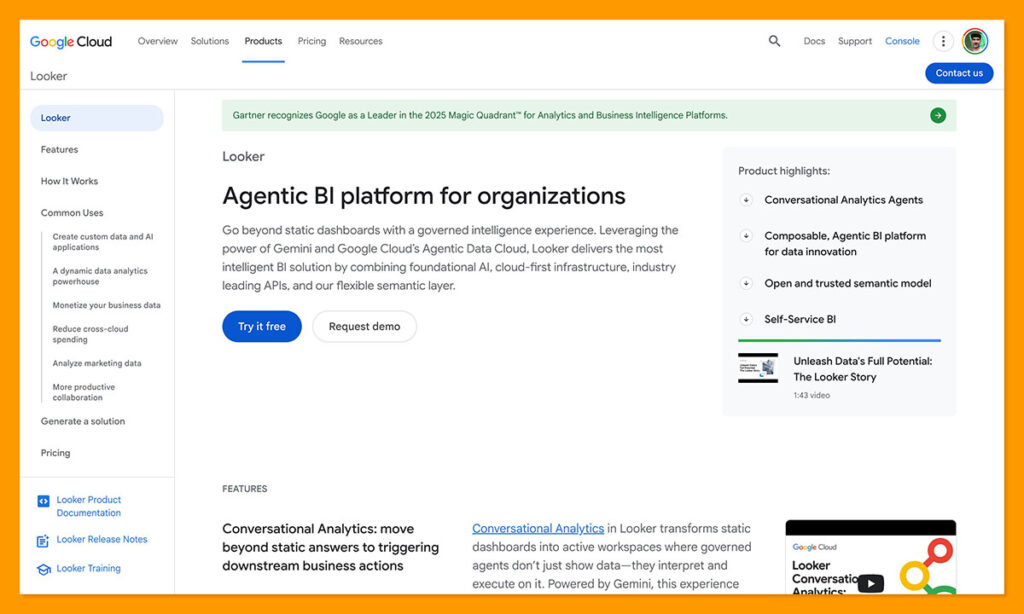
Looker competes more directly with Qlik on the business intelligence front. It’s a governance-first system that connects directly to various cloud databases, ensuring data always stays fresh. It also gives you a comprehensive amount of control over governance, with access controls, audit logs, plus row-level security.
Qlik’s associative engine still gives you more freedom, as Looker uses its centralized semantic layer (LookML) to empower business users to review pre-engineered metrics. On the plus side, Looker is deeply integrated into Google Cloud, and it’s totally cloud-based, so deployment can be simpler and less resource-heavy, but that also means you don’t have the options you get from Qlik for things like hybrid and on-premises deployment.
The Conversational Analytics features in Looker are genuinely good, with dashboard agents now rolling out to help companies get quicker answers to questions. Those agents still work alongside the dashboard’s existing model and permissions that you choose. Plus, you can add instructions that automatically map company terminology to the right calculations and fields.
Qlik does have an edge for analytics through its Mashup API and Qlik embed frameworks, though Looker still gives you embedded “Looks” through APIs. From a pricing perspective, Looker plans are quote-based, and there are extra fees for warehouse computing to consider.
Looker is the one I’d be more likely to choose if you have a centralized IT team that needs a single source of truth, real-time insights from a cloud warehouse, and governance, while Qlik makes more sense for exploratory discovery and decentralized teams.
Pros
- Real-time insights through live checks against cloud databases
- Centralized, code-based semantic layer with mature metrics
- Comprehensive governance and control elements
- AI agents automatically inherit business logic
- Cloud deployment can speed up setup
Cons
- Less exploratory than Qlik
- Higher costs with add-on tools and requirements
- Not the best for native visualizations
Which Qlik Alternative Should You Choose?
As I said, none of these tools replace Qlik completely. If you’re already using the Qlik ecosystem and need embedded analytics, exceptional BI and machine learning capabilities in one stack, and reliable dashboards, stick with Qlik Predict.
I’d likely choose Power BI if you’re already deep in Microsoft and you just need useful reports. Tableau is the better choice if you care deeply about intuitive visualizations. ThoughtSpot makes a lot of sense if you’re questioning governed data in plain English, while Looker is a stronger choice for teams with strong governance requirements.
Pecan AI is the tool I’d choose when you need fast, reliable predictions for business use cases like churn, demand forecasting, lead scoring, or campaign optimization. It doesn’t replace Qlik’s dashboards or BI capabilities, but it does stand out as a prediction specialist that works alongside your existing analytics stack.
Frequently Asked Questions
What is Qlik Predict actually best at?
Qlik Predict is strongest for code-free predictive experimentation inside an existing BI workflow. It handles no-code classification, regression, and forecasting, with prediction sitting right beside the dashboards and data models you already use. If your organization is already standardized on Qlik Cloud, that proximity is the whole argument for staying put. The friction shows up outside that ecosystem, where limited model customization and data restrictions start to matter more.
Can Pecan AI replace Qlik?
No, and it isn’t designed to. Pecan is a prediction specialist rather than a full BI and dashboarding platform, so it sits alongside your analytics stack rather than replacing it. What it does offer is production-ready predictions without a data science team, with the data preparation, feature engineering, model selection, and validation handled for you. Scores then get pushed into tools like Salesforce or HubSpot, so the output lands where teams act on it rather than in a single dashboard.
Which Qlik alternative is the cheapest to start with?
Power BI has the lowest entry point, with a Pro licence at $14 per user per month and Premium at $24. Tableau Viewer starts at $15 and ThoughtSpot at $25. It’s worth reading past the headline number though: Tableau requires at least one Creator licence per deployment at $75 per month, ThoughtSpot gates Spotter behind the $50 tier, and Looker is quote-based with additional warehouse compute fees. Power BI also adds cost once Copilot and Fabric enter the picture.
Does any alternative match Qlik’s associative engine?
None of the five do. That in-memory associative model is the single hardest part of Qlik to replicate, and it’s the reason Qlik keeps an edge for exploratory work. Power BI follows the relationship paths built into your model, Tableau tends to follow the question an analyst has already started forming, ThoughtSpot depends on a governed semantic layer, and Looker routes everything through LookML. If surfacing excluded and related values across a loaded model is central to how your analysts work, that’s an argument for staying with Qlik.
Which option is best for asking questions in plain English?
ThoughtSpot leads here. Spotter takes an ordinary language question, picks an appropriate governed model, and carries the analysis through follow-ups, with Spotter 3 able to read query results, check its own work, and re-run failed analysis. The MCP release also brings Spotter into tools like ChatGPT. Looker’s Conversational Analytics and dashboard agents are a solid alternative if you want the same style of access with inherited business logic and permissions.
Do I need clean, prepared data before switching?
It depends heavily on which tool you pick. ThoughtSpot expects a governed semantic layer and a clean warehouse before you get value from it, and Looker requires the semantic modelling work to happen in LookML first. Pecan sits at the other end, working with historical data as it already exists in your warehouse, so there’s no cleanup phase before you start. Power BI falls somewhere in between, with Power Query handling preparation on your behalf.
Should I run one of these alongside Qlik rather than replacing it?
For most teams, yes. These platforms excel in different areas rather than competing across the whole surface, so the practical move is usually to add the capability you’re missing. Pecan bolts predictive use cases onto an existing stack, ThoughtSpot adds fast conversational self-service, and Looker adds centralized governance. Full replacement makes more sense only when you’re moving away from the Qlik ecosystem entirely, for instance a Microsoft-heavy organization consolidating on Power BI.

Comments 0 Responses