

GPTZero is the better choice if you want to check writing independently. Turnitin is the stronger fit for schools that need academic source matching within an established assignment workflow.
The Turnitin vs GPTZero decision starts with what you need to do. Are you checking your own draft, reviewing a student’s sources, or investigating a flagged assignment?
Both tools can help, but their AI percentages mean different things. Neither can settle an authorship dispute by itself, so the winner depends on the evidence you need and the access you have.
Key takeaways
- Independent access: GPTZero wins, with self-service accounts and a free allowance.
- Academic similarity checking: Turnitin wins, with student-paper, publication, and web comparisons.
- AI detection accuracy: No proven overall winner, and the percentages are not interchangeable.
- Institutional workflows: Turnitin wins, especially for schools already using its assignment tools.
- Individual writing-process review: GPTZero wins, although Turnitin offers process playback through Clarity.
Jump to: Pricing · Accuracy · Similarity · Ease of use · Writing process · Institutional workflows
A Quick Comparison of Turnitin vs GPTZero
GPTZero makes more sense for a standalone purchase; Turnitin makes more sense as part of a school’s assessment system. That distinction matters more than counting how many features each product advertises.
| Comparison | Turnitin: institutional pick | GPTZero: individual pick |
|---|---|---|
| Best fit | Schools and academic assessment teams | Individual educators, writers, and teams |
| Purchasing | Institutional subscription | Self-service accounts and institutional options |
| Free individual access | No individual Feedback Studio or Similarity subscription | 10,000 AI-detection words per month |
| Pricing basis | Custom institutional quote | Free and paid plans |
| AI detection access | Originality add-on for Feedback Studio | Available through its scanning workflow |
| AI percentage meaning | Share of qualifying prose identified as likely AI-generated or modified | Model probability of an authorship classification |
| Similarity checking | Web pages, publications, and previous student submissions | Plagiarism checker with matching-source links |
| Writing-process evidence | Separately licensed Clarity | Authorship tools and writing replay |
| Learning platform connections | Broad institutional integration options | Canvas and Blackboard integrations |
The catch is licensing. “Our school has Turnitin” does not establish that it has Originality or Clarity, and a GPTZero AI word allowance should not be treated as a plagiarism-checking allowance.
Start by naming the job you need done. Reviewing a citation, estimating AI authorship, and examining revision history are different tasks, even when the tools appear in the same dashboard.
1. Best for Pricing and Access: GPTZero
GPTZero wins on purchasing accessibility because you can start independently and use a free allowance. Turnitin may still be the practical choice when your institution already provides the required access.
GPTZero: A clearer starting point for individuals
GPTZero Free includes 10,000 words per month. That gives you a way to explore its scanning workflow before committing to a subscription.
The paid figures below are indicative annual-billing prices, so confirm the current total and included allowances at checkout.
| GPTZero plan | Indicative price | AI word allowance | Main buying consideration |
|---|---|---|---|
| Free | $0 | 10,000 words/month | Occasional individual checks |
| Premium | $12.99/month, billed annually | 300,000 words/month | Higher-volume individual scanning |
| Professional | $24.99/month, billed annually | Confirm at checkout | Keep individual and team allowances separate |
These monthly equivalents require annual billing. They should not be read as month-to-month subscription prices.
GPTZero also has a Professional team offering with a minimum of 2 seats, 500,000 words per member per month, shared credits, unified billing, and seat management. Keep that team allowance separate from the individual Professional plan.
For a concrete budgeting example, 4 drafts of 2,000 words total 8,000 words. Scanning every draft twice would total 16,000 words, so repeated checks belong in your usage estimate, not just the length of your final document.
Turnitin: A school-level purchase
Turnitin Feedback Studio and Similarity use institutional subscriptions, with pricing based on the institution’s size and requirements. You cannot buy either as an individual subscription to compare directly with GPTZero Premium.
| Turnitin purchase | Pricing basis | What to establish |
|---|---|---|
| Feedback Studio or Similarity | Custom institutional quote | Product, users, and required workflow |
| Originality | Additional licensing for Feedback Studio | Whether AI detection is included in your agreement |
| Clarity | Separately paid Feedback Studio add-on | Whether you need writing-process review |
| Existing school access | Institution’s agreement | Which tools your account can actually use |
Ask for the cost of the complete workflow, rather than a Turnitin price in isolation. A school buying source comparison alone has different requirements from one buying AI reporting and process playback.
For an individual teacher, an existing school subscription may remove the need for another purchase. For an independent writer without that access, GPTZero is the more realistic starting point.
Budget tip: Estimate how often you will rescan drafts. A larger allowance is only valuable if you need it, and AI-scanning words do not establish separate plagiarism-checking entitlements.
2. Best for AI Detection Accuracy: No Proven Overall Winner
There is no proven overall accuracy winner between Turnitin and GPTZero. A higher percentage is not a reason to trust one more: you need to understand what each score measures and which documents it can assess.
Score meanings: These are different measurements
Turnitin’s AI figure estimates the share of qualifying prose likely generated or modified by AI. GPTZero’s AI percentage expresses model probability for an authorship classification, rather than the portion of the document written by AI.
That makes a direct percentage comparison misleading. A larger number from one product does not establish that it detected more AI writing or performed better.
GPTZero’s Advanced Scan highlights sentences that influence its overall result. Its API also distinguishes human-only, mixed, and AI-only classifications, with probabilities and a confidence category.
Those outputs can help you decide where to look. They cannot reconstruct the writer’s actual use of a tool.
Turnitin: Check whether the document qualifies
Turnitin requires:
- Length: 300 to 30,000 words of prose.
- File size and format: Under 100 MB; DOCX, PDF, TXT, or RTF.
- Languages: English, Spanish, Japanese, and Arabic.
- Content: Poetry, code, tables, bullets, and other non-prose material are not reliably supported.
English also covers AI paraphrasing and attempts to evade detection; capabilities vary by language.
For results from 1% to 19%, Turnitin shows an asterisk without a numerical percentage or highlights because false positives are more common in that range.
A short worksheet or code-heavy assignment needs a different review method.
GPTZero: Probability still needs context
GPTZero provides an accessible way to inspect an overall classification and relevant sentence highlights. However, easy access does not make its result conclusive.
Two errors matter when comparing GPTZero vs Turnitin accuracy:
- False positives: Human writing is classified as AI-generated.
- Missed AI: AI-generated writing is not identified.
Your priorities affect how you evaluate those errors. A teacher considering misconduct needs to weigh a mistaken accusation carefully; an editor screening incoming articles also needs a plan for material the detector misses.
Edited or mixed-authorship text adds another question: what behavior are you trying to identify? A generated paragraph, an AI-assisted revision, and a fully generated essay should not automatically trigger the same response.
A practical example: Disagreement is not a verdict
Hypothetical: A student writes an essay independently, pastes notes from another document, and revises the introduction. The 2 detectors return different results.
You cannot resolve that disagreement by averaging the percentages. Instead, review the relevant passages, ask about the drafting process, and compare available notes or revisions with the assignment’s rules.
The same principle applies to a low result: it is not proof that no AI assistance occurred. Neither product’s output should be the sole basis for an adverse academic decision.
I would prioritize a tool that helps you review a disputed result. Before choosing either, decide who will examine the flagged passages and what other evidence they will use.
3. Best for Academic Similarity Checks: Turnitin
Turnitin wins for academic similarity review because its comparisons include previous student submissions alongside web and publication sources. GPTZero remains useful for standalone source checking, but equivalent student-paper coverage is not established.
Turnitin: Better aligned with academic source review
Turnitin compares submissions against current and archived web pages, previously submitted student work, and publications or journals. That source mix is particularly relevant when you are reviewing coursework.
The benefit is not simply a similarity percentage. It is the ability to examine matching passages and determine whether the source use makes sense.
For example, a correctly quoted passage and an unattributed copied passage might both produce matches. Your decision depends on quotation marks, citation context, and the assignment requirements, not just the amount of overlap.
A useful review sequence is:
- Open the matching source.
- Read the surrounding passage in the submission.
- Check quotation and attribution.
- Decide whether the match warrants feedback or further investigation.
GPTZero: A separate tool for source matching
GPTZero also offers plagiarism checking. You can paste text or upload a file, then inspect a similarity score and matching-source links.
That makes it relevant for an independent writer checking source use before submission. However, do not assume your AI-detection subscription includes a particular plagiarism allowance; assess that feature’s access and quota separately.
The distinction between AI detection vs plagiarism detection is straightforward:
| Question | Appropriate evidence |
|---|---|
| Does this resemble AI-generated writing? | AI classification and passage-level signals |
| Does this wording match another source? | Similarity matches and source links |
| Is the source use acceptable? | Citation context, assignment rules, and human judgment |
An original AI-generated passage may have no matching source. Human-written material may still copy someone else’s words.
For schools, Turnitin’s academic comparison workflow earns the win. For a writer checking a document independently, GPTZero’s source links can still be useful, provided you treat similarity as a prompt to investigate rather than an automatic plagiarism finding.
4. Easiest to Start Using: GPTZero
GPTZero wins for first-time independent access because you can move directly to a paste-or-upload workflow. Turnitin can be the more convenient option once your school has already configured it.
GPTZero: Start with the document
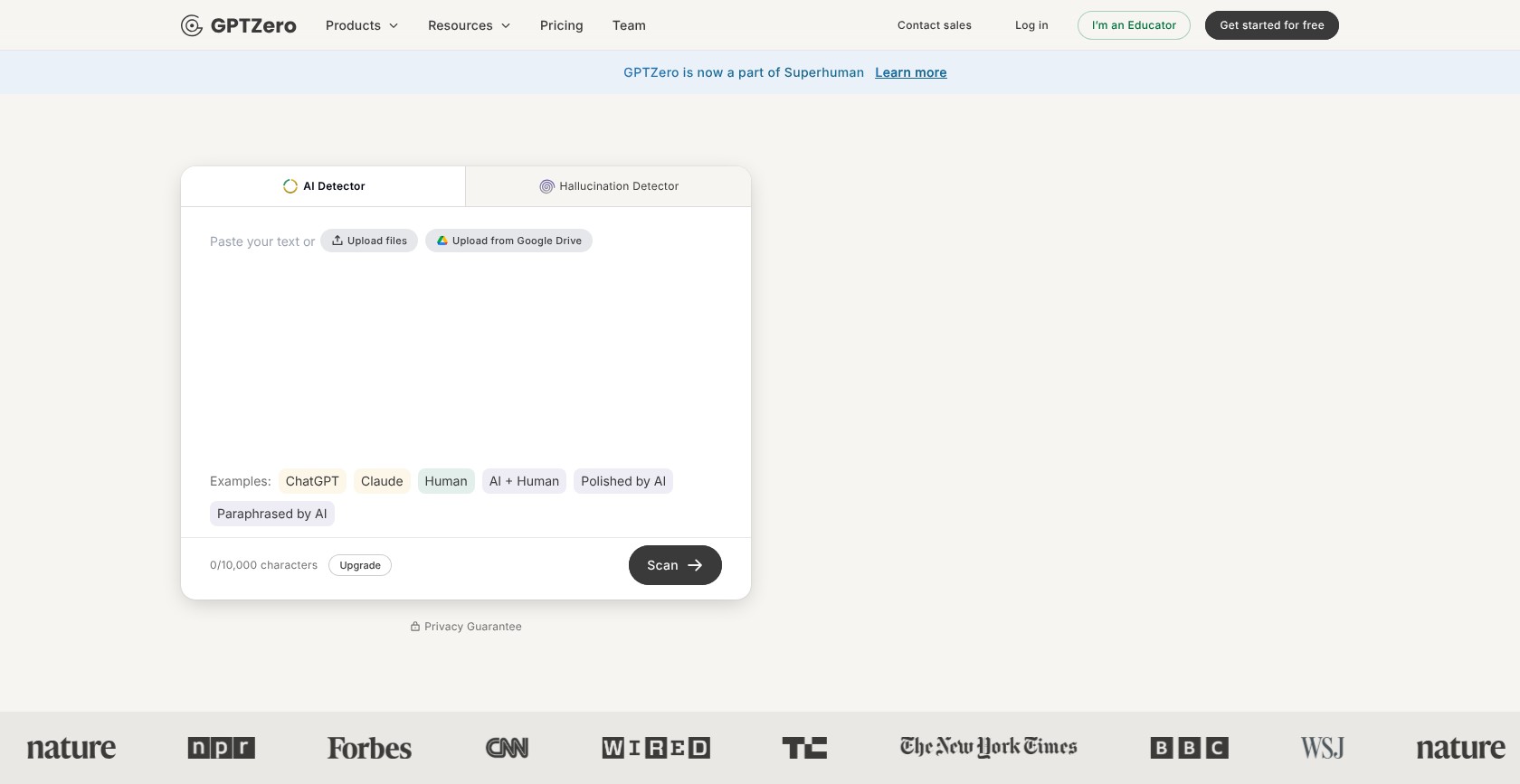
Getting started with GPTZero is straightforward:
- Paste your text or upload a file.
- Review the overall result.
- Inspect the sentence highlights.
- Use a dashboard account for larger texts or batches.
That suits a writer checking a single draft or a teacher exploring the tool outside an institution-wide rollout. You do not need to arrange a school purchase before starting.
The main usability challenge is interpretation. A highlighted sentence is a reason to examine that passage, not an instruction to rewrite it until the highlight disappears.
If you want a closer look at the product’s individual-user fit, our GPTZero review explores it beyond this head-to-head comparison.
Turnitin: Start with institutional access
Turnitin’s starting point is the school’s configured submission and reporting workflow. If your account has AI-report access, the route depends on the report interface:
- Open the submission’s report.
- Select the AI Writing tab in the new Similarity Report, or the AI percentage indicator in the classic report’s toolbar.
- Review the result alongside the submission and other evidence.
For an existing Turnitin user, staying within the assignment workflow can be more convenient than moving documents into another service. GPTZero’s independent access advantage matters less when the institution has already handled setup.
For someone outside that system, though, Turnitin is not a comparable self-service starting point.
Workflow tip: Decide who needs to see the result before choosing the tool. A private draft check and a school-managed assignment review have different handoff requirements.
GPTZero is the easier starting point when you are choosing a tool yourself. If Turnitin already fits your school’s workflow, though, there may be little reason to introduce another service.
5. Best for Reviewing the Writing Process: GPTZero for Individual Users
GPTZero wins for individual writing-process review because its Authorship tools support drafting evidence outside an institutional Turnitin setup. Turnitin Clarity offers a credible alternative when a school licenses it.
GPTZero: More context than a finished-text scan
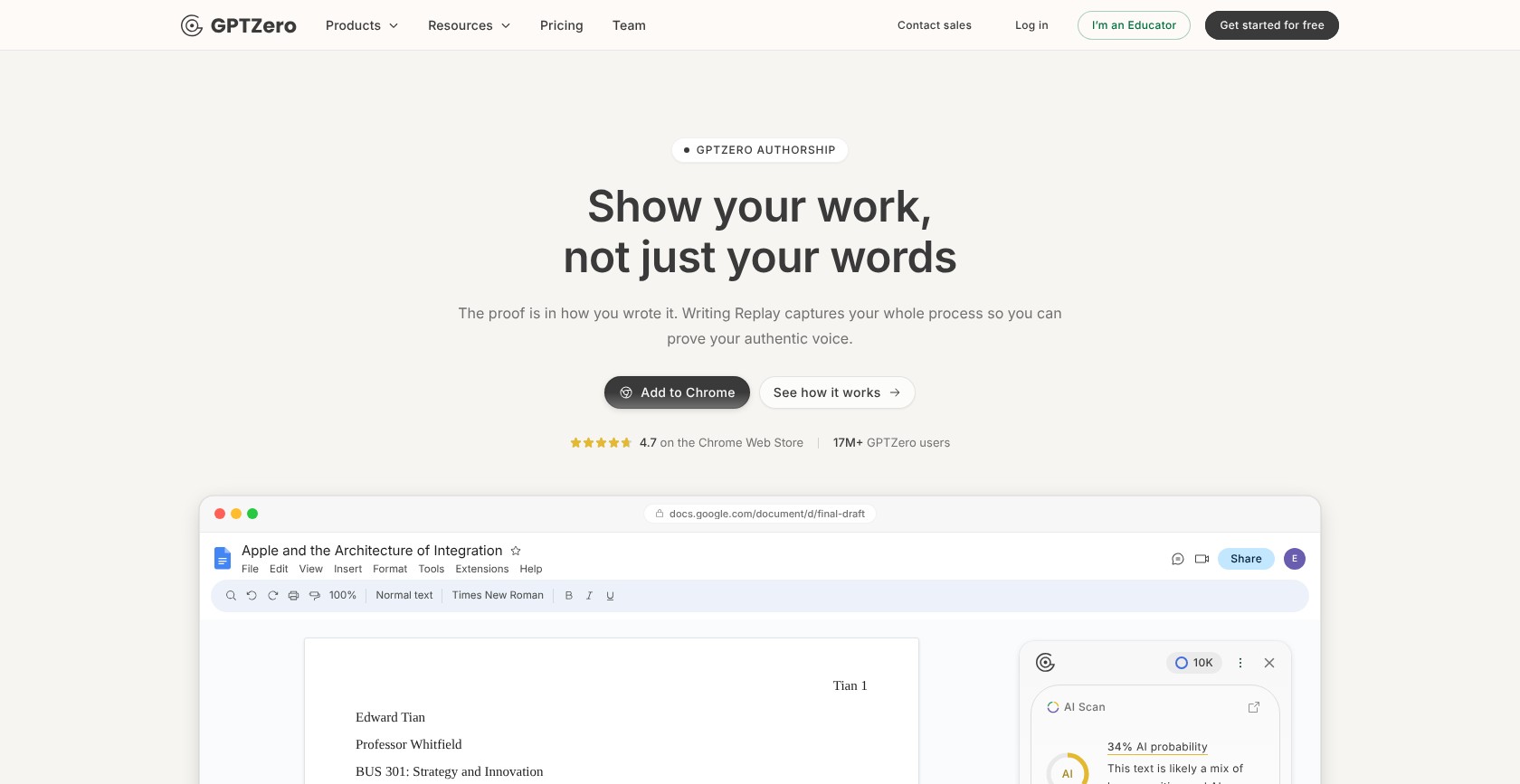
GPTZero Authorship includes writing replay, an editing timeline, paste events, typing analysis, and sharing controls. Its Google Docs extension uses revision history, while its dashboard can record drafting.
The Chrome extension also supports PDF writing-report exports and insights involving multiple editors. These features are useful when the question concerns how a document developed, rather than only how its final prose reads.
For a writer, I would favor preserving process evidence over repeatedly chasing a lower AI score. A sequence of drafts gives you something specific to discuss if questions arise.
Choose the drafting workflow before beginning an assignment where possible. A final-file scan and a writing-history record answer different questions, so one should not be mistaken for the other.
Turnitin: Clarity adds process playback
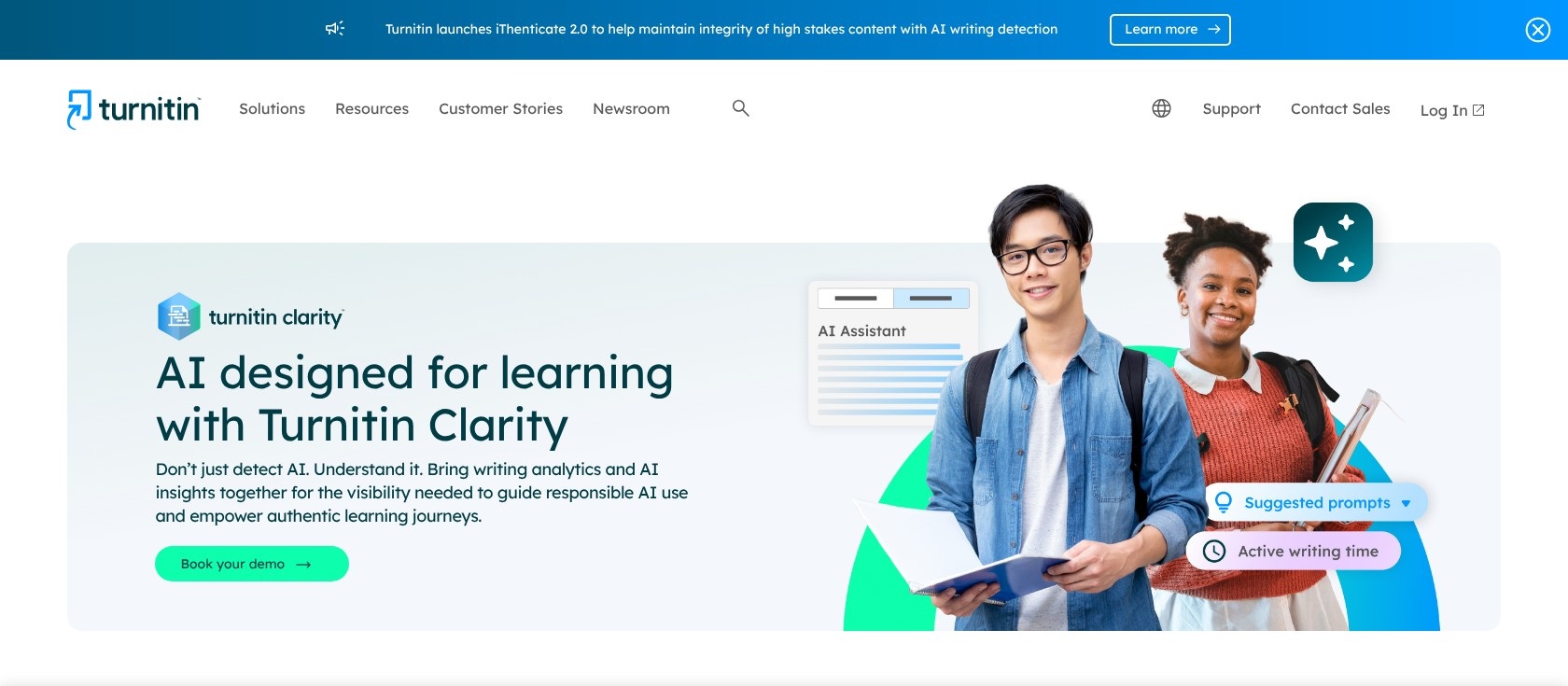
Turnitin offers writing replay through its separately paid Clarity add-on. Clarity includes process playback and insights into writing activity, such as paste events, active writing sessions, and AI chat logs within its writing environment.
Clarity sits within Feedback Studio. AI detection inside its reports also requires Originality licensing, so process review and AI classification are separate purchasing considerations.
For a school designing assignments around recorded drafting, that arrangement may be preferable to asking each student to adopt an independent tool. For an individual writer, it is less accessible.
What process evidence can and cannot tell you
A large paste event is ambiguous. It could represent generated text, a quotation, notes, or a paragraph written in another application.
Use the record to ask focused questions:
- Where did the pasted passage originate?
- What changed between the early and final drafts?
- Can the writer explain the reasoning behind a revision?
Process evidence makes those conversations more concrete; it does not establish authorship automatically. GPTZero wins on individual fit, while Clarity is better considered as part of a school-wide assignment design.
6. Best for Institutional Workflows: Turnitin
Turnitin wins for institutional academic workflows because its integration options support established submission and assessment systems. GPTZero remains a viable institutional candidate, particularly for teams wanting its API or authorship tools.
Turnitin: Stronger fit for an existing assessment system
Turnitin offers integrations across major learning management systems, including Canvas, Blackboard, D2L, and Moodle, as well as Google Classroom and Microsoft Teams. These connections make it a logical shortlist option when you want review to remain close to coursework.
Advantages
- ✔️ Assignment alignment: Suits schools already using Turnitin for submissions.
- ✔️ Integration breadth: Covers several widely used education platforms.
- ✔️ Expandable review: Originality and Clarity add different kinds of evidence.
Limitations
- ❌ Licensing complexity: The features you want may require additional purchases.
- ❌ Administrative involvement: Access and configuration depend on the institutional setup.
For Clarity deployments, Turnitin recommends LTI 1.3, a standard for connecting learning tools. Ask your administrator about compatibility before committing to a purchase.
GPTZero: Institutional options beyond self-service scanning
GPTZero offers Canvas and Blackboard integrations, an API, and institutional demos. Its team features include shared credits, billing, and seat management.
Advantages
- ✔️ Flexible access: Individual, team, and integration routes support different buyers.
- ✔️ Developer option: The API supports custom workflows.
- ✔️ Support routes: A support center and contact form provide help channels.
Limitations
- ❌ Allowance planning: Teams need to account for volume and seats.
- ❌ Workflow validation: Confirm that the integration supports your actual review process.
Before a demo, map one assignment from submission to follow-up. Ask who can access reports, how reviewers handle disputed results, and which licenses cover each step.
Turnitin earns the win for keeping academic review close to the assignment. However, GPTZero is worth a demo if your school uses Canvas or Blackboard and wants its authorship tools alongside AI scanning.
How We Compare Turnitin and GPTZero
Our recommendations weigh access, pricing, score interpretation, source matching, writing-process evidence, and institutional workflow. They are based on documented product capabilities and licensing, not hands-on product or support tests.
We have not established a current accuracy comparison using the same set of documents, so neither tool receives an accuracy crown. Category winners reflect reader fit rather than a numerical rating.
Product details were reviewed for October 2026. GPTZero’s indicative annual-billing prices come from its February 2026 pricing article and have not been verified against October checkout prices.
If institutional access is your main obstacle, our guide to Turnitin alternatives can help you broaden the shortlist.
Turnitin vs GPTZero: Our Recommendation
Choose GPTZero if you are buying for yourself. Its free allowance, direct scanning, and individual authorship tools make it the more accessible starting point for writers and independent educators.
Choose Turnitin if you are buying for a school and need academic source comparison within an established assignment workflow. Check whether the proposed agreement includes Originality, Clarity, or neither.
Start with your next real task: a private draft check, a citation review, or an institutional submission. Match the purchase to that task rather than an accuracy headline. Neither tool’s percentage replaces examining the writing, its sources, and the available drafting evidence.

Comments 0 Responses