

After spending more than 250 hours testing over 30 AI tools across research, sales, marketing, and automation workflows, our team has shortlisted the free platforms that actually earn a place in a B2B stack.
ChatGPT takes the top spot for the second year running, combining a capable free model, web browsing, and file uploads in a single tool that covers most everyday business tasks.
In this guide, I’ll walk through the free-tier limits, best use cases, and drawbacks of each tool, so you can figure out which ones deserve a seat in your workflow and which to skip.
Our Top Free B2B AI Tools
- ChatGPT – Best all-round free assistant
- Claude – Best for long documents and reasoning
- Perplexity – Best for web-grounded research with citations
- Google Gemini – Best for Google Workspace users
- NotebookLM – Best for working with your own sources
- n8n – Best free AI automation platform
I’ve updated this guide for 2026 to reflect new free-tier changes rolled out in the last quarter, including ChatGPT’s move to GPT-5.3, Claude’s expanded free tier with Projects and Artifacts, and Google’s clearer Gemini usage caps.
- 30+ free AI tools tested across B2B workflows
- 250+ hours of hands-on testing and comparison
- Six core categories evaluated, from research to automation
- Independent recommendations, not influenced by vendors
Free B2B AI Tools Comparison Table
Here’s a side-by-side look at the six tools to help you narrow down which fits your needs:
| Tool | Best for | Free-tier cap | Web search | File uploads |
|---|---|---|---|---|
| ChatGPT | General-purpose assistant | 10 messages per 5 hours (GPT-5.3) | Yes | Yes, limited |
| Claude | Long documents, analysis | ~15–40 messages per 5 hours (Sonnet) | Yes | Yes, 200K context |
| Perplexity | Research with citations | Unlimited basic, 5 Pro searches/day | Yes, native | Yes, limited |
| Gemini | Google Workspace workflows | ~5 Pro prompts/day, 5 Deep Research/month | Yes | Yes |
| NotebookLM | Source-grounded research | 100 notebooks, 50 sources each | No, uses your sources | Yes, core feature |
| n8n | AI workflow automation | Free self-hosted, unlimited | Via nodes | Via nodes |
#1. ChatGPT: Best All-Round Free Assistant
- Starting price: Free (Go plan from $8/mo)
- Free-tier model: GPT-5.3 Instant, with GPT-5.3 Mini fallback
- Web search: Included on free plan
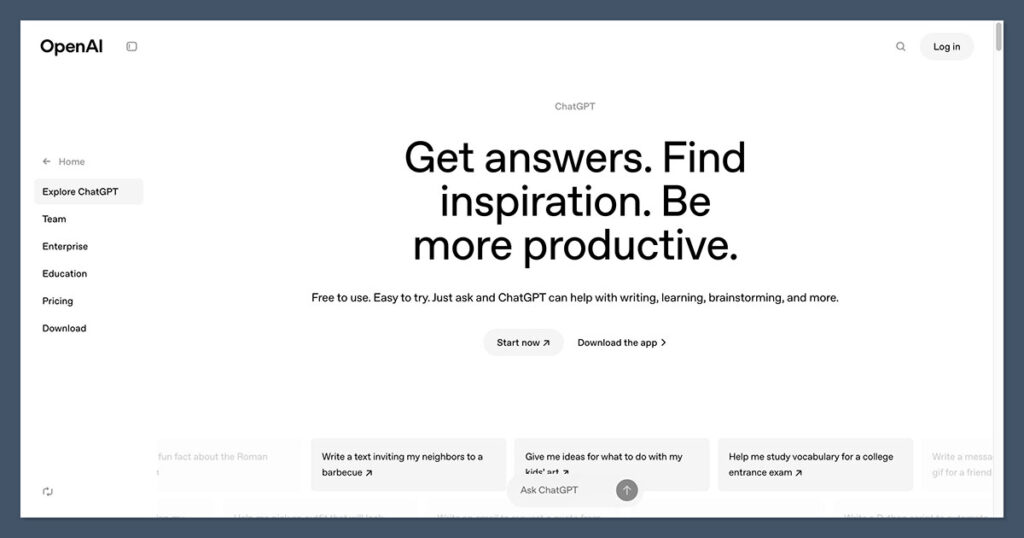
ChatGPT is the most versatile free B2B AI tool I’ve tested, and it keeps the top spot largely because the free tier is now genuinely useful rather than a teaser. Free users get GPT-5.3 Instant, the same standard model paid users get, along with web browsing and image uploads.
| Pros | Cons |
|---|---|
| Access to flagship GPT-5.3 model Web browsing included Handles file and image uploads Broad plugin and GPT Store ecosystem | Hard cap of 10 messages per 5 hours Falls back to weaker Mini model after cap Ads now appear on free tier in the US Tighter upload limits than paid plans |
What’s new: OpenAI retired older models including GPT-4o on February 13, 2026, and the free plan now runs on the GPT-5.3 family. Ads also rolled out to free accounts in the US in early 2026.
I use ChatGPT Free for most quick B2B tasks: drafting outreach emails, cleaning up meeting notes, summarizing uploaded PDFs, and running first-pass research.
The 10-message cap on GPT-5.3 Instant is the main limitation, but in practice I rarely hit it within a single work session. When you hit the cap, ChatGPT doesn’t stop working. It silently switches you to GPT-5.2 Mini, which is noticeably weaker but keeps you moving.
How Much Does ChatGPT Cost?
ChatGPT’s free plan is permanent, with no trial expiration. Paid tiers start at $8 per month for Go, $20 per month for Plus, and scale up to $200 per month for Pro.
Business plans start at around $25 per user per month. You only need to upgrade if you consistently hit the free cap or need Deep Research, Codex, or Agent Mode.
Why Use ChatGPT in 2026?
For most B2B teams, ChatGPT covers 80% of AI use cases in a single interface. It’s strong at drafting, summarizing, coding help, and light research, and the flagship model is genuinely good. The trade-off is that if your team needs heavy research or long context windows, you’ll hit the limits faster than you’d like.
| ChatGPT is suitable for: | ChatGPT isn’t suitable for: |
|---|---|
| Sales and marketing teams drafting outreach Founders doing light research and writing Anyone needing a solid default AI assistant | Heavy research workflows (Perplexity fits better) Long-document analysis (Claude handles this more comfortably) Privacy-sensitive work without a paid tier |
#2. Claude: Best for Long Documents and Reasoning
- Starting price: Free (Pro from $17/mo billed annually)
- Free-tier model: Claude Sonnet (latest version)
- Web search: Included on free plan
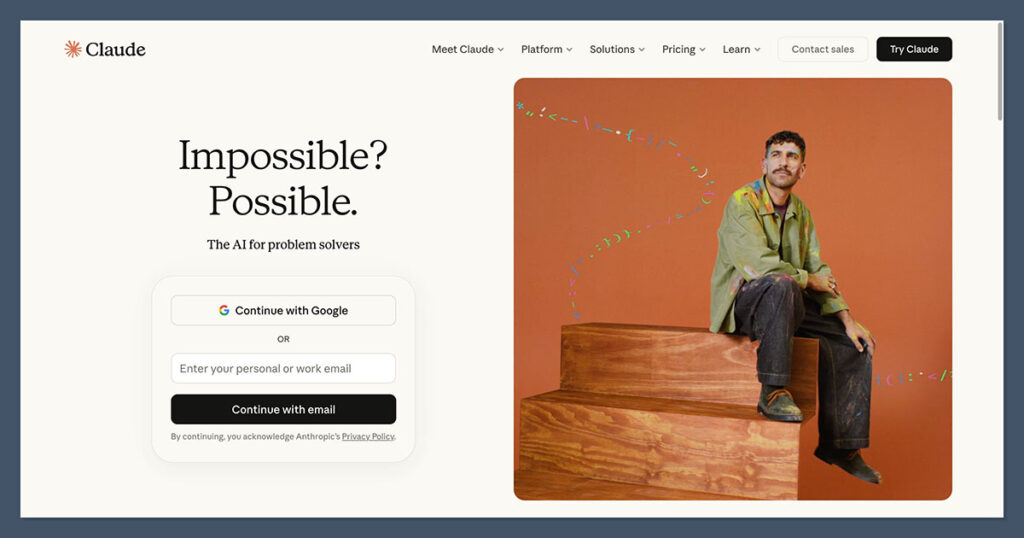
Claude, made by Anthropic, has quietly become the best free AI tool for knowledge work that involves long documents.
Its free tier runs on Claude Sonnet with a 200K-token context window, which means you can drop in entire contracts, research reports, or codebases without breaking them into chunks.
| Pros | Cons |
|---|---|
| 200K-token context window on free plan Access to Projects and Artifacts Memory across conversations Strong at structured reasoning and writing | No access to top-tier Opus model No Claude Code on free tier No Deep Research on free plan Peak-hour throttling hits free users first |
What’s new: In February 2026, Anthropic expanded the free tier significantly, giving non-paying users access to Projects, Artifacts, and app connectors. That closes a lot of the gap between free and Pro.
Claude’s free tier is where I go for anything involving large documents. Uploading a 60-page report and asking for a structured brief is genuinely reliable, and the writing quality is consistently strong.
The Claude free tier offers approximately 15–40 messages per 5-hour window. In my testing, that’s enough for several focused work sessions per day, though long documents burn through the quota faster because the chat history stays in context.
How Much Does Claude Cost?
Claude’s free plan has no expiration. Pro costs $17 per month (billed annually) or $20 per month billed monthly. Max plans cost $100 or $200 per month for heavy users.
Team plans start at around $30 per user per month. The free plan is genuinely useful for most knowledge workers; upgrade only when you regularly hit the rate limit.
Why Use Claude in 2026?
Claude is the free tool I recommend for B2B teams that read and produce a lot of written material. Contract review, competitive analysis from long PDFs, structured writing, and careful reasoning are all areas where it outperforms lighter free tools.
The 200K-token context window makes it uniquely suited for document-heavy work at the free tier.
| Claude is suitable for: | Claude isn’t suitable for: |
|---|---|
| Analysts and consultants working with long documents Content teams drafting and editing longer pieces Anyone who prioritizes reasoning over features | Teams that need generous daily message volume Users who want image generation Developers needing the Claude Code terminal agent |
#3. Perplexity: Best for Web-Grounded Research
- Starting price: Free (Pro from $20/mo)
- Free-tier model: Automatic model selection
- Web search: Native to the product
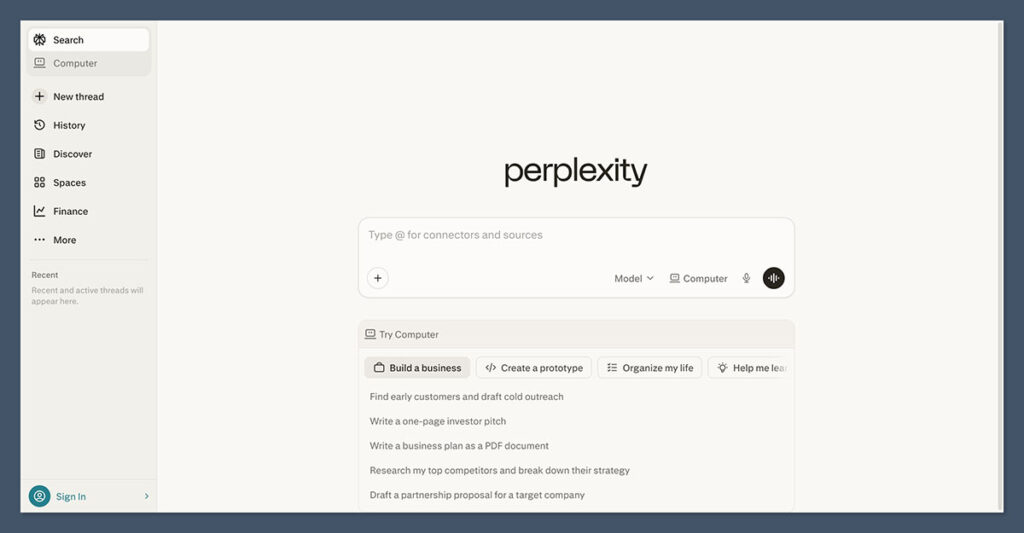
Perplexity is built around one idea: every answer should be sourced.
If your B2B workflow involves research, competitor mapping, benchmark stats, or any question where citations matter, Perplexity’s free tier is worth having open in a tab even if you pay for another assistant.
| Pros | Cons |
|---|---|
| Citations on every answer Unlimited basic searches Real-time web access by default No account required for basic use | Only ~5 Pro searches per day on free tier No access to frontier models on free File uploads are limited No Labs or video generation on free |
Worth knowing: The free plan provides unlimited basic searches but limits Pro Search queries to approximately 5 per day, with no access to advanced AI models. Deep Research is also capped for free users.
For B2B research, I use Perplexity to find current stats, benchmark numbers, and sources for articles or sales collateral. The fact that every answer comes with clickable references saves me from having to re-verify claims.
Free users can run unlimited basic queries and use advanced features only 3 times per day, though caps shift over time. The automatic model selection means you can’t force a frontier model, but for most lookups that’s fine.
How Much Does Perplexity Cost?
Perplexity’s free tier has no expiration. Pro costs $20 per month and unlocks unlimited Pro searches, access to frontier models, Labs, and Research mode. Max costs $200 per month for heavy research users and agentic workflows. Enterprise Pro starts at $40 per seat.
Why Use Perplexity in 2026?
Perplexity solves a real problem for B2B teams: generic chatbots make things up, and fact-checking every answer wastes time.
Perplexity’s sourced approach is faster to verify, and the free tier is generous enough to use daily for quick research without hitting limits. It’s not a replacement for a general assistant, but it’s the best free research tool on the market.
| Perplexity is suitable for: | Perplexity isn’t suitable for: |
|---|---|
| Marketing and content teams needing sourced stats Sales teams researching prospects and accounts Founders doing competitive analysis | Heavy writing and drafting work Long-document analysis (Claude is better) Users who only need a single AI assistant |
#4. Google Gemini: Best for Google Workspace Users
- Starting price: Free (AI Pro from $19.99/mo)
- Free-tier model: Gemini 3 Flash, limited Gemini 3 Pro
- Web search: Included, plus Deep Research
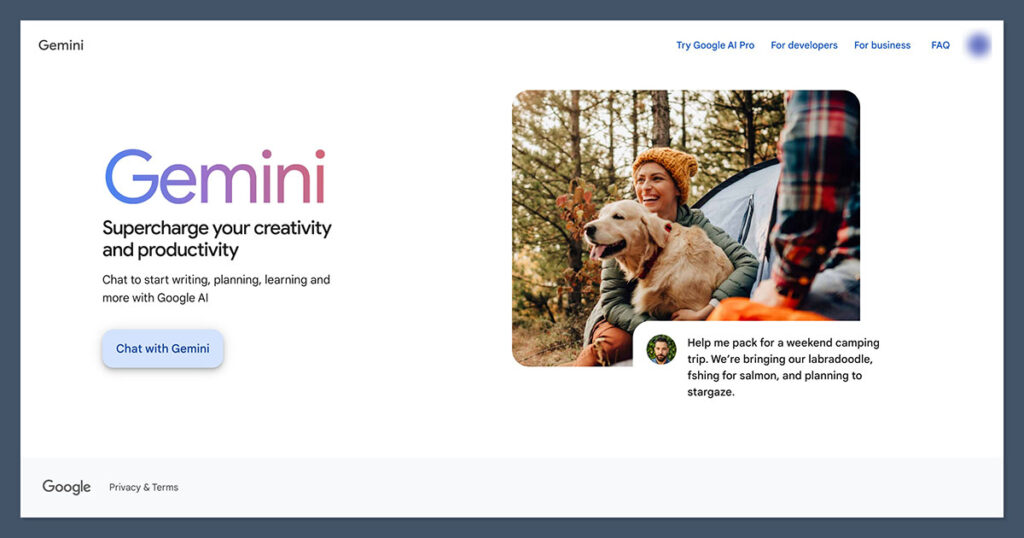
Gemini’s free tier is smaller on quotas than its competitors, but if your team runs on Google Workspace, the integration advantages are real.
You can invoke Gemini from inside Gmail, Docs, and Sheets, and the Deep Research feature still works on the free plan, just with monthly caps.
| Pros | Cons |
|---|---|
| Native Google Workspace integration Deep Research included, with monthly cap Image generation on free plan NotebookLM integration | Only ~5 advanced-model prompts per day 5 Deep Research reports per month Tighter context window than paid plans Several 2026 features are US-only |
Worth knowing: The main allowance is up to 30 prompts per day for core Gemini access. Deep Research is capped at 5 reports per month. Image generation and editing are capped at up to 20 images per day.
Gemini’s free tier is the most disciplined of the big three, with exactly five prompts per day with the advanced Gemini 2.5 Pro model, though caps have shifted as the product evolves.
For B2B teams that live in Gmail and Docs, that’s a reasonable trade-off because Gemini can act on your actual email and documents with your permission. For everyone else, ChatGPT or Claude give more messages for free.
How Much Does Gemini Cost?
Gemini’s free plan is permanent. Google AI Pro costs $19.99 per month and gives you higher caps, the 1M token context window, and Jules coding agent.
Ultra pricing sits at around $249.99 per month for heavy users. Teams on Workspace can get Gemini as part of bundled plans.
Why Use Gemini in 2026?
If you’re already on Google Workspace, Gemini is the path of least resistance. You don’t have to copy-paste between tools: Gemini can draft a reply in Gmail using context from Drive, or summarize a doc without leaving it. For B2B teams outside the Google ecosystem, the free tier’s tight quotas make it a weaker default than ChatGPT or Claude.
| Gemini is suitable for: | Gemini isn’t suitable for: |
|---|---|
| Teams already standardized on Google Workspace Users who want Deep Research at no cost B2B teams wanting AI in Docs and Sheets | Heavy daily users (caps are tight) Teams on Microsoft 365 Users in regions where premium features aren’t available |
#5. NotebookLM: Best for Source-Grounded Research
- Starting price: Free (NotebookLM Plus via Google AI Pro)
- Free-tier model: Gemini-powered, grounded in your sources
- Web search: No, uses only the sources you upload
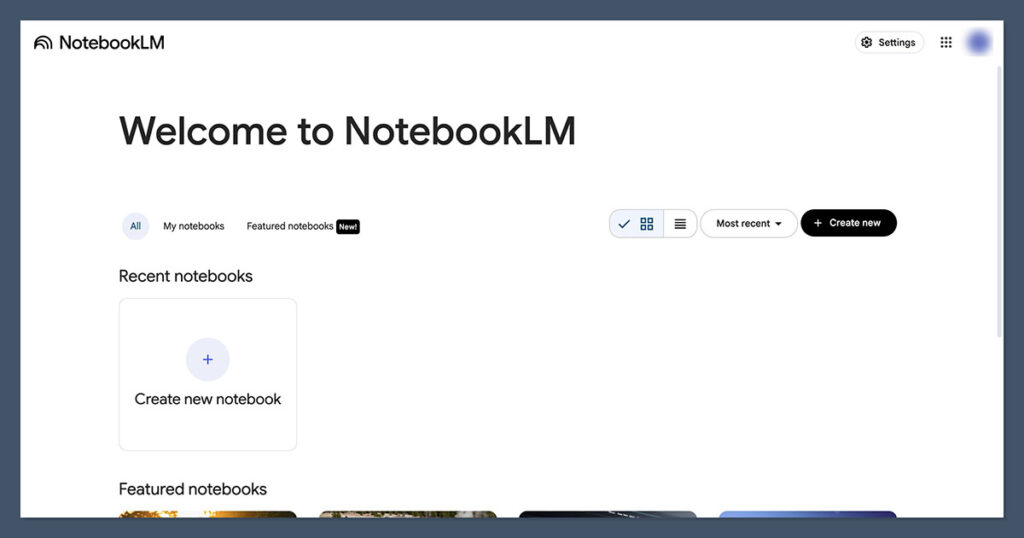
NotebookLM is Google’s free research notebook, and it solves a different problem from general chatbots. Instead of pulling answers from the wider web, it only uses the documents, PDFs, and links you upload.
For B2B workflows like turning internal product docs into FAQs, or white papers into sales briefs, it’s the cleanest free tool in this category.
| Pros | Cons |
|---|---|
| Grounded in your own sources only Excellent at generating briefs and FAQs Audio overview feature for summaries Free with a Google account | 100 notebooks and 50 sources per notebook on free No live web search Smaller free quota for chat queries Less flexible than general chatbots |
Worth knowing: Have up to 500 notebooks (vs. 100) Add 300 sources per notebook (vs. 50) Start 500 chat queries per day (vs. 50) is how Google describes the Plus upgrade, which clarifies the free-tier limits.
NotebookLM is best thought of as a single-purpose tool. If you need to turn 15 PDFs into a structured briefing document, or pull FAQs out of product documentation, it outperforms any general-purpose assistant because its answers are strictly grounded in what you give it.
That eliminates a lot of the “did the AI just make this up?” review time.
How Much Does NotebookLM Cost?
NotebookLM is free to use with any Google account. The Plus tier is included in Google AI Pro at $19.99 per month, which raises the notebook, source, and query limits significantly.
For most small B2B teams, the free tier is enough to experiment and build out research workflows.
Why Use NotebookLM in 2026?
Hallucination is still the main risk with AI in B2B work, and NotebookLM’s source-grounded approach sidesteps a lot of it. For teams producing content based on proprietary documents, like sales enablement, training materials, or knowledge-base articles, this is the most trustworthy free option I’ve tested.
| NotebookLM is suitable for: | NotebookLM isn’t suitable for: |
|---|---|
| Content teams working from internal docs Sales enablement and training teams Analysts turning reports into briefs | General-purpose chat and writing tasks Live market or news research Teams that need image or code generation |
#6. n8n: Best Free AI Automation Platform
- Starting price: Free (self-hosted), Cloud from ~$20/mo
- Free-tier model: Bring your own (OpenAI, Anthropic, local)
- Web search: Via nodes and integrations
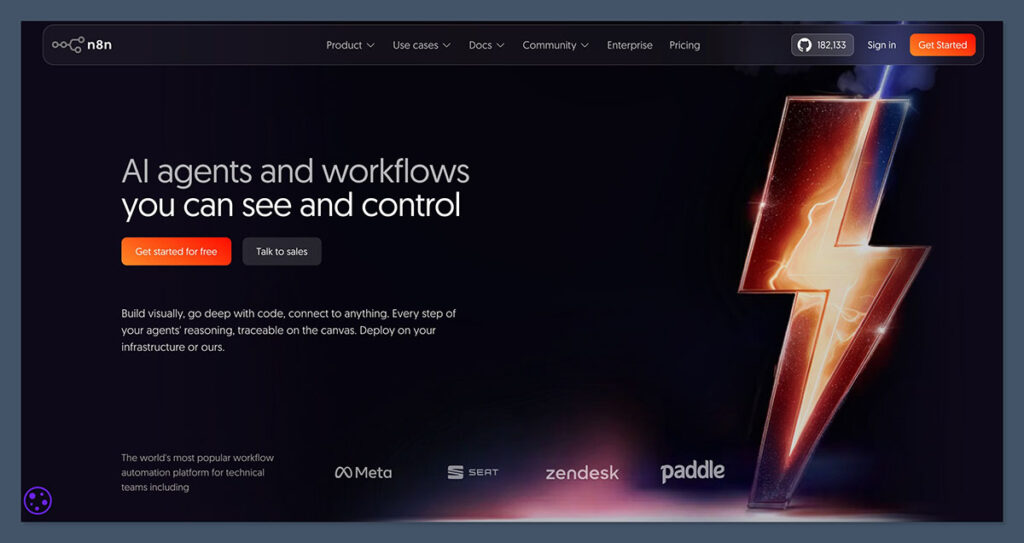
n8n is the tool I recommend to B2B teams that have outgrown copy-paste AI workflows. It’s an open-source workflow automation platform, similar to Zapier or Make, with AI nodes built in.
If you self-host, it’s free forever, with no cap on workflow runs.
| Pros | Cons |
|---|---|
| Fully free to self-host with no usage limits AI nodes for OpenAI, Anthropic, and more 400+ integrations available Open source and community-supported | Requires some technical setup to self-host Cloud plan is paid (from ~$20/mo) Learning curve for non-developers You pay model providers separately for AI usage |
n8n shines for B2B teams that want to automate real workflows without paying per-task fees. Common setups I’ve seen include lead enrichment pipelines that use AI to score inbound forms, support-ticket classifiers, and content repurposing flows that turn a blog post into social variants.
The free self-hosted option means you can build this without approval from finance.
How Much Does n8n Cost?
n8n is free if you self-host on your own server or a platform like Hetzner or DigitalOcean. The Cloud plans start at around $20 per month for a small team and go up based on executions and active workflows.
For most AI-powered workflows, you’ll also pay your chosen model provider (OpenAI, Anthropic) per token used.
Why Use n8n in 2026?
The honest answer: because Zapier’s AI usage becomes expensive fast. n8n gives you the same automation capability with a much better cost model if you’re willing to self-host. For B2B ops teams, it’s one of the highest-leverage free tools you can adopt in 2026.
| n8n is suitable for: | n8n isn’t suitable for: |
|---|---|
| Ops teams automating internal processes Technical founders building internal tools Teams wanting to avoid per-task Zapier fees | Non-technical users needing plug-and-play Teams without anyone to maintain the server Very small use cases (overkill) |
How Do I Choose the Right Free B2B AI Tool?
To pick the right free AI tool for your B2B workflow, evaluate these factors based on what your team actually does day-to-day. The right tool depends less on which model is “best” and more on how well the free tier matches your workflow.
Below is a checklist I use when recommending a stack to clients:
- Workflow fit: Are you writing, researching, analyzing documents, or automating tasks? Each tool has a different strength.
- Free-tier caps: Daily messages, research reports, and file uploads all have different limits. Match them to your realistic usage.
- Data sensitivity: Does the free tier train on your data by default? ChatGPT and Gemini do unless you opt out; Claude and Perplexity have different defaults.
- Integrations: If you live in Google Workspace, Gemini and NotebookLM fit natively. Microsoft 365 users often pair ChatGPT with Copilot.
- Citation and sourcing: If your work requires verifiable sources, Perplexity and NotebookLM are the clearest free choices.
- Context window: For long documents, Claude’s 200K-token free window is unmatched. For shorter tasks, any of the tools works.
- Team collaboration: Most free plans are single-user. Team features usually require a paid upgrade.
- Upgrade path: Consider what happens when you outgrow the free tier. Paid tiers range from $8 to $249 per month.
Stack Recommendations for Common B2B Setups
Rather than picking one tool, most teams benefit from combining two or three. Here are the setups I recommend most often:
Solo consultant or founder stack
ChatGPT Free for daily drafting and research, Perplexity Free for sourced research, and NotebookLM Free for client-specific document workflows. Total cost: $0 per month, and it covers 90% of everyday AI tasks.
SMB sales and marketing stack
Claude Free for long-form content and analysis, Perplexity Free for competitive research, and n8n self-hosted for enrichment and repurposing automations. Total cost: $0 per month if you self-host n8n, plus a small amount for the model API calls your automations make.
Google-first B2B team
Gemini Free for everyday work inside Gmail and Docs, NotebookLM Free for research from internal sources, and ChatGPT Free as a backup when you hit Gemini’s caps. Total cost: $0 per month.
Can I Combine Free AI Tools in One Workflow?
Yes, and most teams I advise end up doing exactly this. No single free tier covers every B2B task well, so combining tools based on their strengths is the most cost-effective approach.
A common setup is Perplexity for research, Claude for long-document analysis, ChatGPT for general tasks, and n8n to stitch automations together. You can switch between them as limits are hit without paying for anything.
The main thing to watch is context continuity. When you move work between tools, you’ll need to paste or re-upload relevant context. Claude Projects and ChatGPT’s memory feature both help with this on a per-tool basis, but there’s no seamless cross-tool memory at the free tier.
How We Test Free AI Tools
For this guide, we tested 30+ free AI tools across the categories most relevant to B2B teams. Our research team spent over 250 hours running the tools through real workflows: drafting outreach emails, summarizing 40-page reports, researching competitors, building automation workflows, and stress-testing the free-tier caps.
We focused on six categories, each weighted to reflect what matters most for B2B use:
| Category | Weighting | What we test |
|---|---|---|
| Output Quality | 30% | Accuracy, reasoning, and usefulness of answers across B2B tasks |
| Free-Tier Value | 25% | How much you can realistically do without paying, and for how long |
| Workflow Fit | 15% | How well each tool handles common B2B tasks like research and drafting |
| Ease of Use | 15% | Onboarding, UI clarity, and how quickly teams can adopt the tool |
| Data and Privacy | 10% | Default training policies, opt-out options, and enterprise controls |
| Reputation | 5% | User reviews, stability, and market momentum |
I ran hands-on testing with every tool in this guide, using the same set of B2B prompts and workflows across all of them to compare like-for-like.
Limits, caps, and features change quickly in this space, so I re-verify the free-tier details every quarter.
Key Takeaways
- ChatGPT is our top free all-rounder, running on GPT-5.3 Instant with web browsing and file uploads included at no cost
- Claude’s free tier is the strongest for long-document analysis, offering a 200K-token context window and access to Projects and Artifacts
- Perplexity is the best free tool when you need sourced answers and citations, with unlimited basic search
- Gemini’s free tier is tightest on quotas but integrates with Google Workspace in ways competitors can’t match
- NotebookLM is free from Google and built specifically for turning your own documents into briefs, summaries, and Q&A
- n8n is fully free to self-host and lets you build AI-powered automations without paying for Zapier or Make
Final Verdict: Which Free B2B AI Tool Do I Recommend?
For most B2B teams, ChatGPT is the best free AI tool to start with. It combines a strong model, web browsing, and file uploads in one interface, and covers the broadest range of tasks without needing to upgrade.
That said, no single tool does everything. I recommend pairing ChatGPT with Perplexity for research and Claude for long-document work, all on free tiers.
For automation, n8n self-hosted gives you enterprise-level capability at zero cost.
If you’re not sure where to start, open accounts on ChatGPT, Claude, and Perplexity, use each one for a week, and see which handles your real workload best. The free tiers make this essentially risk-free.
Comments 0 Responses