

The best facial expression changer for most people is Aragon AI, because its Facial Expression Editor works on any photo you upload, keeps the background, hair and clothing untouched, and can change one person’s expression inside a group shot without disturbing anyone else. That last capability is rare. Most tools in this category either regenerate the whole image or only work on photos they created themselves.
That distinction turns out to be the single most useful thing to understand before you pick a tool. Some products are true editors that modify a photo you already have. Others are generators that let you choose an expression at creation time, or adjust it afterwards on images the platform produced. Both are useful. They solve different problems, and the marketing language rarely makes the difference obvious.
In this guide, I’ll take a closer look at nine tools that can change a facial expression, what each one actually does under the hood, what it costs, and which situation each is genuinely suited to.
Key takeaways
- Aragon AI is the strongest all-round pick. Its expression editor accepts any uploaded photo, works on group shots, and is free to try.
- Secta AI is the better choice if you want dozens of expression variations to choose from rather than one edited file, though its Remix tools apply to photos Secta generated.
- HeadshotPro makes the most sense for teams, where expression consistency across a whole company directory matters more than editing a single existing photo.
- Adobe Photoshop still offers the most granular control through its Smart Portrait Neural Filter, with separate sliders for happiness, surprise and anger.
- Free options exist and they are not token. LightX, GoStudio and Dreamina all let you change an expression without paying, with limits on volume or resolution.
- Every tool in this category regenerates pixels rather than warping existing ones, so likeness drift is the recurring failure mode. Always compare against the original before you publish.
How this guide was put together. Pricing, feature claims and capability limits were checked against each vendor’s own product, pricing or help pages rather than third-party listings, which frequently carry stale figures in this category. Where sources disagreed on a number, I’ve said so in the text rather than picking the most flattering version. Where a vendor does not publish a figure, I’ve left it out instead of estimating.
Tools were assessed on four things: whether they edit an existing photo or only their own output, how much control you get over the expression, whether identity survives the edit, and what you pay to get a usable file without a watermark.
Quick list: the best facial expression changers
- Aragon AI is the best facial expression changer overall.
- Secta AI is best for generating a wide spread of expressions in one go.
- HeadshotPro is best for teams standardising expressions across a directory.
- Adobe Photoshop is best for precise, slider-level control.
- LightX is best for free, adjustable expression editing on mobile and web.
- OpenArt is best for prompt-driven expression edits with fine wording control.
- YouCam Enhance is best for phone-first editing.
- GoStudio.ai is best for preset expressions with no watermark.
- Dreamina by CapCut is best for free inpainting-style expression fixes.
Facial expression changers compared
| Tool | Edits any photo you upload? | How you control the expression | Price | Best for |
|---|---|---|---|---|
| Aragon AI | Yes | Preset expression choices, including happy, surprised, neutral and serious | Expression editor free to try; headshot packages $35, $45 or $75 one-time at list price | Best overall |
| Secta AI | No, works on photos Secta generates | Remix tools applied to generated images | Around $49 one-time | Volume and variety |
| HeadshotPro | No, works on photos it generates | Post-generation gallery edit, one credit per edit | $29 to $59 for individuals; team pricing per person | Teams |
| Adobe Photoshop | Yes | Happiness, surprise and anger sliders on a -50 to 50 scale | $22.99 per month single app, annual billed monthly | Precise control |
| LightX | Yes | Select a facial area, pick an expression, adjust intensity with a slider | Free tier with daily AI credits; paid subscription commonly listed at around $5.99 per month | Free adjustable editing |
| OpenArt | Yes | Free text prompt describing the expression | Free trial credits; paid plans from about $7 per month on annual billing | Prompt control |
| YouCam Enhance | Yes | AI Replace with a text prompt | Free tier with limits; Perfect Corp lists Standard at $9.99 and Pro at $14.99 per month | Mobile editing |
| GoStudio.ai | Yes | 20 named expression presets | Free to try, no watermark; credit-based paid usage | Quick preset swaps |
| Dreamina by CapCut | Yes | Inpaint the face area, then prompt the expression | Free daily credits; paid credits beyond that | Free targeted fixes |
A note on pricing: tools in this category reprice and rename plans often, and several run near-permanent promotional rates that sit well below list. Treat the figures above as a starting point and check the live pricing page before you buy.
1. Aragon AI: the best facial expression changer overall
What it is: An AI photo platform best known for headshots, with a standalone Facial Expression Editor.
Price: Expression editor free to try. Headshot packages are a one-time $35, $45 or $75 at list price, frequently discounted.
Works on: Any photo you upload, in JPG, JPEG or PNG.
Full review: Aragon AI review
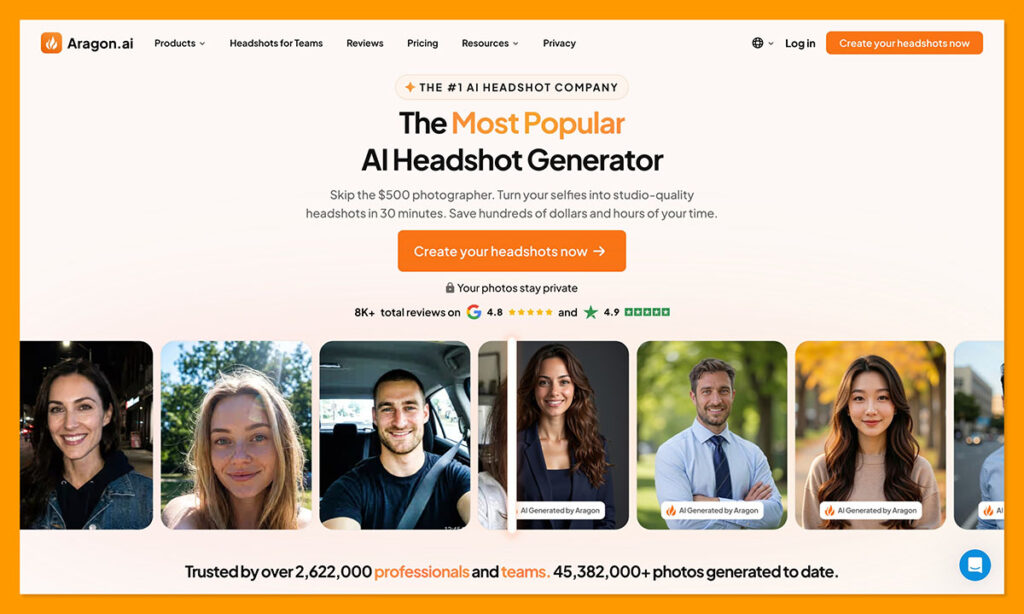
Aragon AI is the only one of the three headshot platforms in this guide that ships a real expression editor as a separate tool. You upload a photo, choose an expression, and the AI adjusts the face while leaving the rest of the frame alone. Aragon states plainly that the background, clothing, hair and body stay unchanged, and that only the chosen expression updates.
The group photo capability is the standout. If one person blinked or pulled an awkward face in a family or team shot, you can adjust that one person without touching anyone else. Very few consumer tools handle this cleanly, and it is the single most common real-world reason people go looking for an expression changer in the first place.
Expression options include happy, surprised, neutral and serious, plus more dramatic reactions like laughing, crying, frowning and scared. That range hints at the tool’s other main audience: creators building YouTube thumbnails, where an exaggerated reaction face is the whole point. Aragon’s own internal naming for the tool reflects that heritage.
The trade-off is that Aragon is a headshot business first. The expression editor sits inside a broader photo editing suite, and heavy use runs on a credit-based subscription rather than the one-time headshot packages. If you only need one expression fixed, the free tier covers it. If you need dozens a month, price the subscription carefully before committing.
What I like
- Works on any uploaded photo, not just images the platform generated.
- Handles group photos and adjusts a single face in isolation.
- Free to try without buying a headshot package first.
- Wide expression range covering both subtle professional looks and exaggerated reaction faces.
- Background, hair and clothing are explicitly preserved rather than regenerated.
What I dislike
- Sustained use pushes you toward a credit subscription, which is priced for ongoing photo editing rather than occasional fixes.
- Preset expressions give less granular control than Photoshop’s sliders.
- Aragon does not publish a source photo requirement anywhere on its site, which makes it hard to know what input quality is expected.
- Aragon’s own satisfaction and volume statistics are vendor claims and are not independently verifiable.
Why Aragon wins this category
Every other tool in this guide either forces you into a generation workflow or gives you less control over what stays untouched. Aragon does the one thing the category name promises: it changes the expression in a photo you already have, and leaves everything else where it was.
Suitable for: Fixing an existing photo, adjusting one face in a group shot, creators making thumbnails, and anyone who wants to test the concept before paying.
Not suitable for: Retouchers who need slider-level control over expression intensity, or anyone processing very high volumes on a tight budget.
For a fuller breakdown of the platform, see my Aragon AI review.
2. Secta AI: best for expression variety at scale
What it is: A high-volume AI headshot generator with post-generation Remix editing tools.
Price: Around $49 one-time.
Works on: Photos Secta generates from your uploaded selfies, not arbitrary images.
Full review: Secta AI review
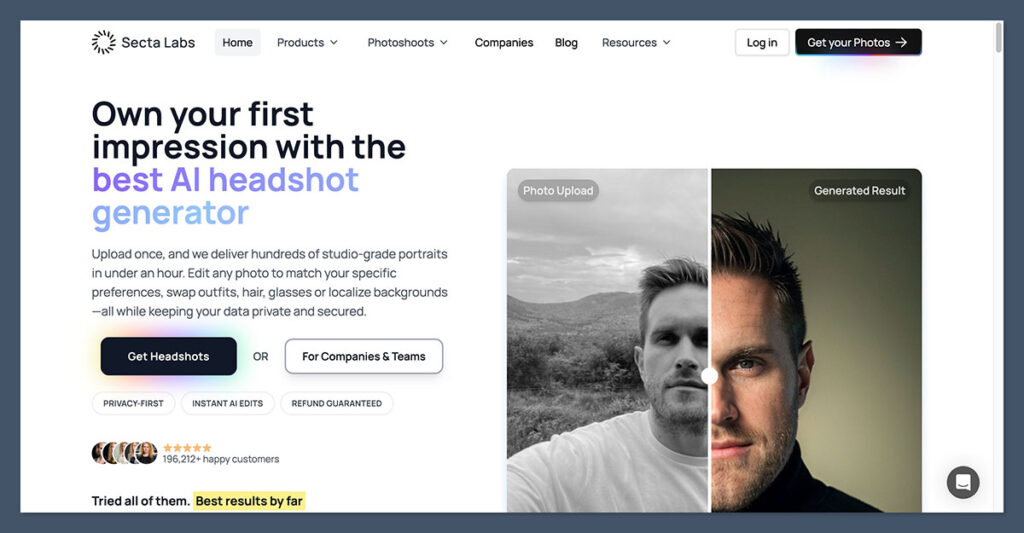
Secta AI approaches expressions from the opposite direction. Instead of editing one photo, it trains on a set of your selfies and returns a very large batch, then gives you Remix tools to change outfits, expressions and backgrounds on individual generated images without starting the process over.
The practical effect is that you end up choosing an expression rather than authoring one. Across a batch that can run into the hundreds of images, you will already have serious, warm, neutral and laughing versions of yourself. Remix is there for the cases where an image is nearly right and one element needs adjusting.
Be clear-eyed about the constraint: this is not a tool for fixing a photo you already own. If you have a wedding photo where someone blinked, Secta cannot help you. Its expression control only applies inside its own generation pipeline.
The input requirement is also the heaviest here. Secta asks for a substantial set of source photos, with reports ranging from around 20 upward, which is more than most competitors want. That is a real friction cost if you do not have a varied recent camera roll.
What I like
- Enormous output volume means you rarely need to edit an expression at all, because a suitable one already exists in the batch.
- Remix tools address the “almost perfect” problem by letting you adjust one element rather than regenerating.
- Single flat one-time price with no subscription.
- Strong style breadth across formal, casual and creative looks.
What I dislike
- Cannot edit expressions on photos you upload from outside the platform.
- High source photo requirement compared with rivals.
- Reviewers consistently report that a meaningful share of any batch needs deleting, with the model sometimes pushing face shape or colour grading too far.
- Volume can be a liability if you find large galleries paralysing rather than useful.
Why use Secta
If your underlying problem is “I do not have a photo of myself with the right expression,” generating three hundred is a more direct fix than editing one. Secta is built for that framing, and it is the cheapest route to genuine expression variety.
Suitable for: Anyone who needs multiple usable headshots across different tones, from warm and approachable to formal and serious, from a single purchase.
Not suitable for: Editing existing photos, group shots, or anyone without at least twenty varied recent photos of themselves.
More detail in my Secta AI review.
3. HeadshotPro: best for teams
What it is: A team-focused AI headshot generator with per-credit editing on generated images.
Price: $29 to $59 for individuals across three tiers. Team pricing runs per person with volume discounts.
Works on: Photos it generates, edited afterwards from your gallery.
Full review: HeadshotPro review
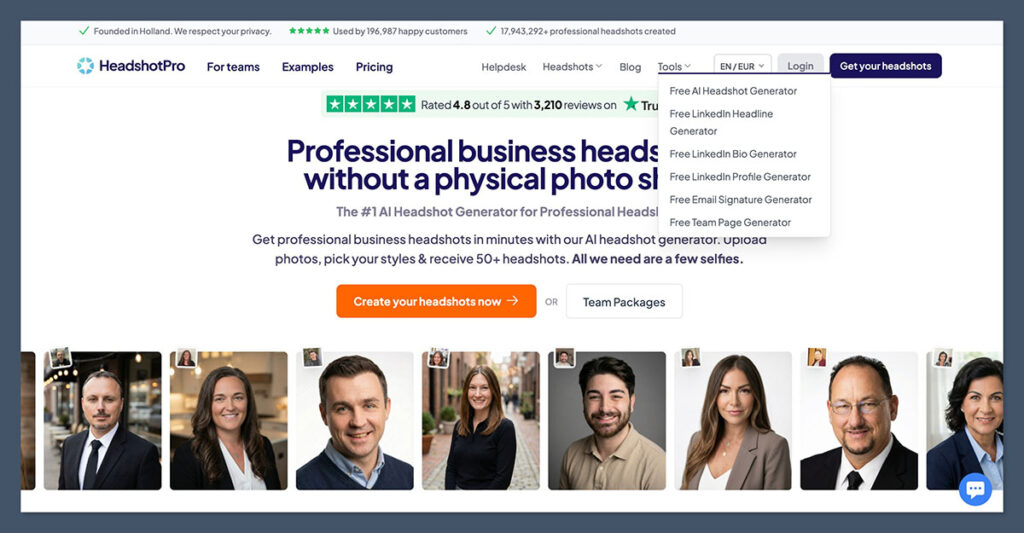
HeadshotPro lets you edit any generated headshot in your gallery after the fact: swap the background, change the outfit or expression, remove a blemish, add headroom or upscale to 4K. Each edit costs one credit, and credits do not expire.
What makes it a team tool rather than an individual one is the administrative layer. Admins set the styles, members upload their own selfies, and the output lands consistent across everyone. For a company standardising forty employee photos where half the team smiles and half does not, the expression control is doing organisational work, not creative work.
As an individual, you are paying for infrastructure you will not use. The underlying generator is the same one everyone gets, and it is not tuned to win a single-person likeness contest.
One point worth flagging: published tier details vary between sources. Some list the top individual tier at $49 and others at $59, with headshot counts differing too. HeadshotPro’s own pricing page describes the individual range as $29 to $59. Check the live page before you buy.
What I like
- Per-credit editing model is transparent, and credits never expire.
- Genuinely useful team administration for standardising a directory.
- Lowest entry price of the three headshot platforms here.
- Uploaded selfies and generated results auto-delete after 30 days.
- API and Zapier integrations allow headshot generation to be triggered from HR events.
What I dislike
- No expression editing on photos from outside the platform.
- Refund conditions are restrictive: the money-back guarantee requires that you have not downloaded any images, which closes the window for anyone who wants to evaluate before deciding.
- Reviewers report a portion of any batch containing artefacts or accuracy issues.
- Individual users pay for team-shaped features they do not need.
Why use HeadshotPro
Expression consistency across a group is a different problem from expression editing on one photo, and HeadshotPro is the only tool here built around it. If your goal is that every person on the About page looks like they were photographed on the same afternoon, this is the shortest path.
Suitable for: Companies standardising employee photos, HR teams automating onboarding imagery, and organisations that need a documented data deletion policy.
Not suitable for: Individuals editing one photo, anyone who wants to download and evaluate before committing, or anyone needing the best possible single likeness.
Full assessment in my HeadshotPro review.
4. Adobe Photoshop: best for precise control
What it is: Professional image editing software whose Smart Portrait Neural Filter adjusts expressions with sliders.
Price: $22.99 per month for the single app on annual billing paid monthly, or $34.49 per month with no commitment. The Photography plan bundles Photoshop with Lightroom at $19.99 per month.
Works on: Any image you open.
Smart Portrait sits in the Neural Filters panel and generates new elements for happiness, surprise, anger, facial age, gaze, hair thickness, head direction and light direction. The expression sliders run from -50 to 50, so you can push toward a smile or pull back toward a neutral or serious look, and the same applies to surprise and anger.
That numerical control is what nothing else here offers. Every web tool gives you a preset or a prompt. Photoshop gives you a dial, plus the filter outputs to a new layer with a mask, so you can paint the effect back off specific areas. Adjusted the whole face but only wanted the mouth changed? Mask the eyes back to the original.
The catch is that Smart Portrait remains a Beta filter, it processes in the cloud rather than locally, and it is widely described as heavy-handed. Push the happiness slider past a modest value and results tilt quickly from natural to unsettling. Adobe’s own guidance frames Beta filters as experimental with variable results.
What I like
- Slider control on a -50 to 50 scale for happiness, surprise and anger independently.
- Non-destructive output to a masked layer, so you can selectively remove the effect.
- Feather Mask blending helps the edited face sit properly against the neck and background.
- Retain Unique Details setting helps preserve core facial features.
- Sits inside a full editing pipeline rather than being a one-shot tool.
What I dislike
- Most expensive option here on an ongoing basis, and there is no one-time purchase.
- Smart Portrait is still labelled Beta and processes in the cloud, so it can be slow.
- The happiness slider is the weakest of the set and turns uncanny quickly at higher values.
- Annual plans paid monthly carry an early termination fee after the first 14 days.
- Steepest learning curve of anything in this guide.
Why use Photoshop
Preset expressions are a coarse instrument. If the difference between a usable portrait and a strange one is ten percent of a smile, you need a number you can dial, a layer you can mask, and a way to blend the result back into the original. Photoshop is the only tool here that gives you all three.
Suitable for: Retouchers, photographers, and anyone already paying for Creative Cloud who needs subtle rather than dramatic expression changes.
Not suitable for: One-off edits, anyone unwilling to commit to a subscription, or users who want a result in under a minute with no learning curve.
5. LightX: best free option with adjustable intensity
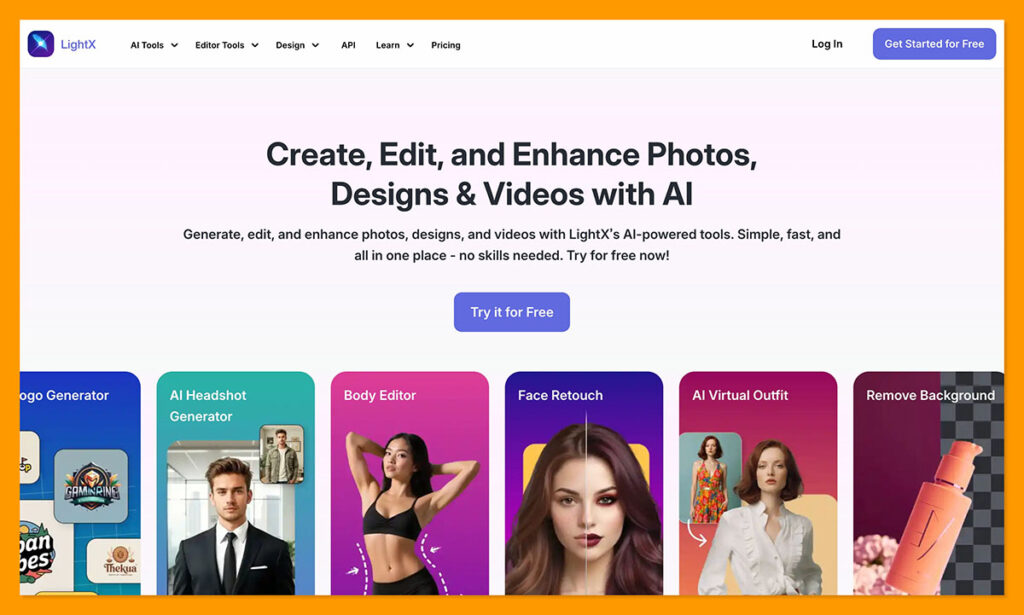
What it is: An all-in-one AI photo and video editor available on web, iOS and Android.
Price: Free tier with daily AI credits. Paid subscription is commonly listed at around $5.99 per month, with one-time credit packs also available.
Works on: Any photo you upload.
LightX is the closest thing to Photoshop’s slider approach in a free browser tool. You pick the facial area you want to change, whether that is the mouth, eyes or head, choose an expression type such as smile, blink or tilt, and then move a slider to set the intensity before applying.
Separating the facial area from the expression type is smarter than it sounds. Fixing a blink is a different job from adding a smile, and most tools bundle both into one “change the expression” action that touches the whole face. LightX lets you target just the eyes.
The free tier runs on a small daily credit allowance, which is enough to fix a photo or two but not to work through a shoot. Paid pricing is where I would urge caution: published figures vary considerably across sources and billing periods, including weekly, monthly, annual and lifetime options. Check the live pricing page rather than trusting any listing, including this one.
What I like
- Intensity slider gives more nuance than a simple preset.
- Lets you target a specific facial area rather than regenerating the whole face.
- Genuine free tier with daily credits rather than a watermarked teaser.
- Available on web, iPhone and Android with a shared account.
- Sits inside a broader editor, so you can finish other retouching in the same place.
What I dislike
- Published pricing is inconsistent across sources, which makes it hard to know what you will actually pay.
- Daily free credits run out quickly for anything beyond casual use.
- Output quality is a step below the dedicated portrait tools on difficult lighting.
- The wide feature set means the expression tool is not the primary focus of development.
Why use LightX
It is the only free tool here that gives you a dial instead of a switch. If you want to add ten percent of a smile rather than a full one, and you are not going to pay for Photoshop to do it, this is the pick.
Suitable for: Casual users, mobile-first editing, and anyone who wants fine control over intensity without paying a monthly subscription.
Not suitable for: High-volume work, commercial retouching, or anyone who needs predictable published pricing before committing.
6. OpenArt: best for prompt-driven expression edits
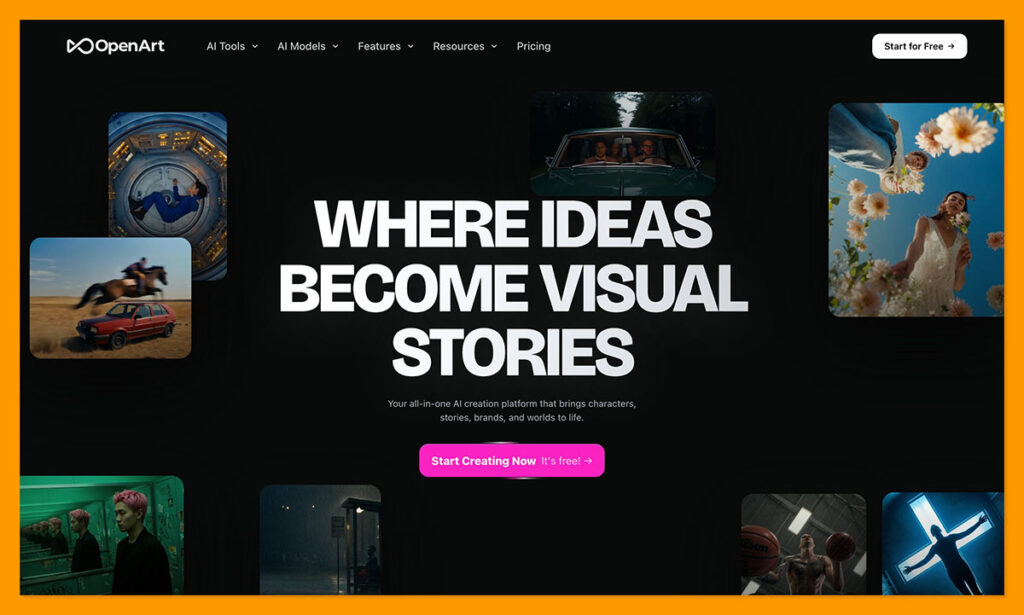
What it is: A broad AI image platform with a dedicated facial expression changer that works from text prompts.
Price: Free trial credits. Paid plans start around $7 per month on annual billing and run up to $240 per month at the top tier.
Works on: Any uploaded photo, plus AI-generated images and characters.
OpenArt takes the prompt route. You upload a photo, describe the expression you want, and the AI updates the face while identity, lighting, hair and background stay in place. In a group photo, you name which person to change.
The advantage of prompts over presets is specificity. OpenArt’s own guidance notes that a more precise description such as “warm genuine smile” produces a more dialled-in result than simply “smile”. You can reach for expressions no preset library carries: subtle smirk, annoyed eye roll, smug, embarrassed, side-eye, focused.
The complication is pricing. OpenArt runs a credit system across a plan structure that has been renamed more than once, and one credit does not reliably equal one image because different models draw different amounts. Sources disagree on both the plan names and the effective monthly cost. Work out your cost per accepted output on a small sample before scaling up.
What I like
- Free-text prompts unlock expressions that no preset library covers.
- Explicitly designed to preserve identity, lighting, skin tone and the rest of the scene.
- Handles group photos by naming the person to change.
- Works on AI-generated images and character libraries as well as real photos.
- Entry pricing on annual billing is competitive.
What I dislike
- Credit economics are opaque, and plan names have changed enough that older comparisons are unreliable.
- Prompt quality determines output quality, which is a skill rather than a setting.
- No intensity control, so refining a result means rewording and regenerating.
- The expression tool is one feature inside a much larger platform aimed at general image generation.
Why use OpenArt
Preset lists cap out at around twenty expressions. Human faces do considerably more than twenty things. If the look you need is specific enough that no dropdown contains it, a prompt is the only way to ask for it.
Suitable for: Creators who need unusual or precisely worded expressions, and anyone comfortable iterating on prompts.
Not suitable for: Users who want one click and a result, or anyone who needs predictable per-image costs.
7. YouCam Enhance: best for phone-first editing
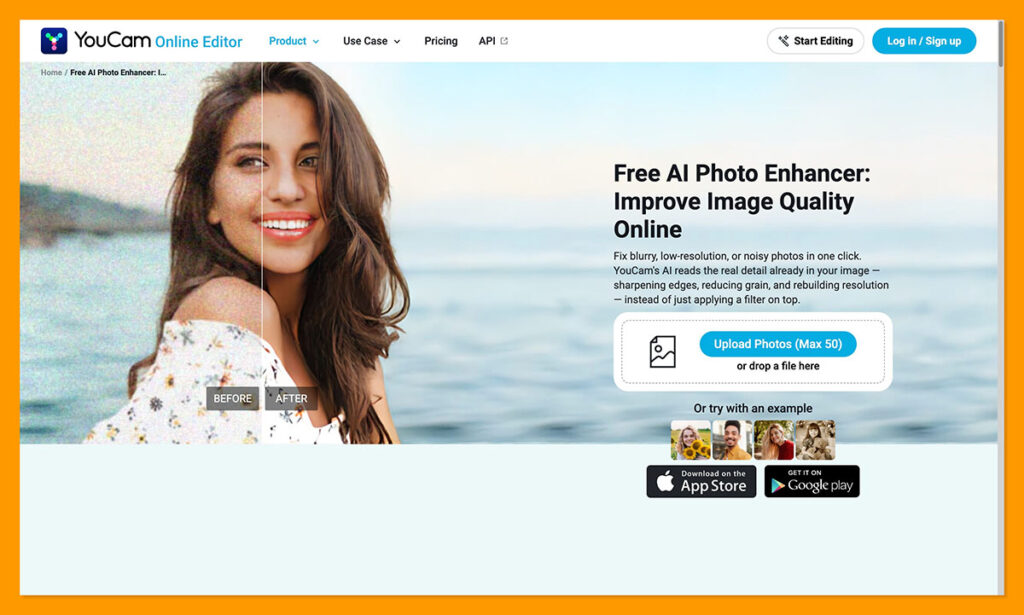
What it is: Perfect Corp’s AI photo enhancement app for iOS, Android and web, including an AI Replace tool.
Price: Free tier with limits. Perfect Corp lists a Standard plan at $9.99 per month and a Pro plan at $14.99 per month, though reported figures vary across app stores and regions.
Works on: Any photo you upload.
YouCam handles expressions through its AI Replace tool, which accepts prompts like smile, frown or surprise, and can also edit individual facial details such as an open mouth, a closed mouth or open eyes through simple text descriptions.
That granularity at the feature level is genuinely useful for the most common real-world repair job, which is not “make this person happier” but “make this person’s eyes open”. Being able to ask for exactly that, on a phone, minutes after taking the photo, covers a lot of ground.
Perfect Corp is a listed company with over a billion downloads across its YouCam app suite, so the product is not going anywhere. The pricing, however, is genuinely confusing. Published figures range from under $7 to nearly $20 per month depending on the source, the platform and whether you are buying a subscription or credits. App store reviews frequently cite unexpected charges. Read the terms before subscribing.
What I like
- True mobile-first workflow across iOS and Android.
- Can target specific facial details like open or closed eyes rather than the whole expression.
- Backed by an established company with a long track record in this space.
- Sits alongside enhancement, upscaling and restoration tools in one app.
What I dislike
- Pricing is the least transparent in this guide, with wide variation across sources and platforms.
- Free outputs are watermarked, so the free tier is really a preview.
- Credit consumption is easy to underestimate.
- Commercial use requires a higher tier.
- Independent testing has flagged visible artefacts on skin at higher output resolutions.
Why use YouCam Enhance
Most expression problems are discovered on a phone, minutes after the photo was taken. Being able to fix them on the same device, without moving files to a desktop, is worth something. YouCam is the most complete option for doing that.
Suitable for: Phone-first users, social content, and quick fixes to eyes and mouths shortly after shooting.
Not suitable for: Anyone who wants to know exactly what they will pay, or professional work requiring artefact-free output at high resolution.
8. GoStudio.ai: best preset library
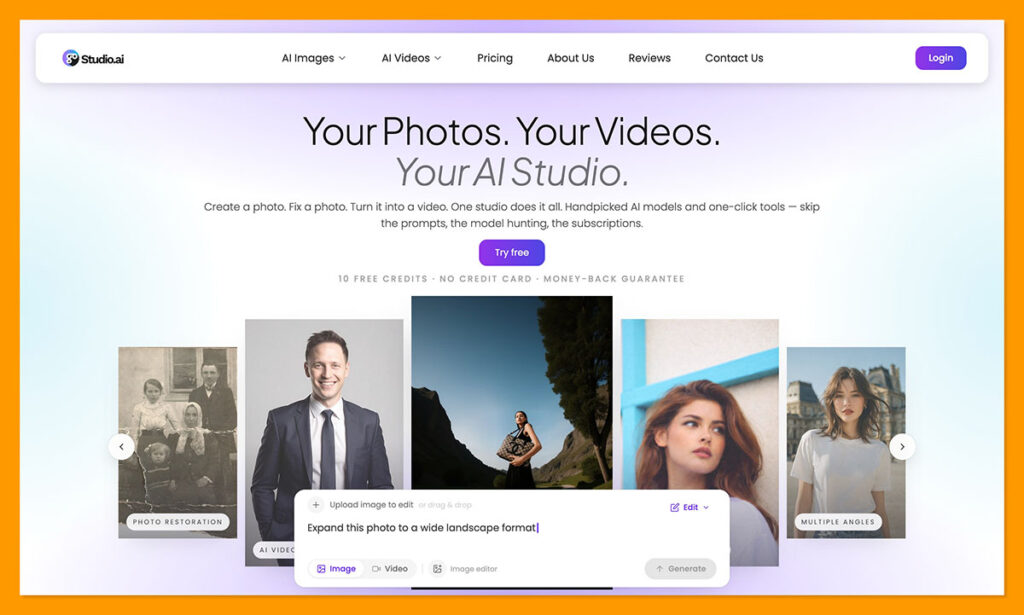
What it is: A focused face expression changer built around a fixed set of expression presets.
Price: Free to try, with no watermark on results. Paid usage is credit-based.
Works on: Any face photo you upload.
GoStudio does one thing. You upload a face photo, pick from twenty expressions, and download the result. The list spans smile, laugh, happy, excited, playful, confident, serious, focused, thoughtful, dreamy, mysterious, surprise, shocked, confused, sad, cry, angry, glare, panic and shyness. Each preset carries a custom prompt tuned to move the right facial muscles.
The pre-tuned prompt approach is the interesting part. It sits between OpenArt’s free-text flexibility and Aragon’s short preset list: someone has already done the prompt engineering for each of the twenty options, so you get prompt-quality results without writing prompts.
No watermark on the free tier is unusual in this category and worth noting. Most free expression tools either stamp the output or cap resolution.
What I like
- Twenty named expressions, considerably more than most preset-based tools.
- Each preset uses a purpose-built prompt rather than a generic one.
- No watermark, which most free competitors cannot claim.
- Genuinely simple: upload, pick, download.
What I dislike
- No intensity control, so each preset is take it or leave it.
- Pricing beyond the free tier is not clearly published, which makes budgeting difficult.
- Single-purpose tool with no surrounding editing features.
- Smaller and less established than the other options here, which is worth weighing if you are uploading photos of colleagues.
Why use GoStudio
Twenty tuned presets is the sweet spot for most people. It covers more ground than a four-option dropdown without asking you to become good at writing prompts, and it delivers a clean file at no cost.
Suitable for: Quick single-photo edits where one of twenty presets will do, especially for personal or social use.
Not suitable for: Subtle adjustments, high-volume work, or organisations with strict vendor due diligence requirements.
9. Dreamina by CapCut: best free targeted fix
What it is: ByteDance’s AI image tool, with an Inpaint feature that can be pointed at a face.
Price: Free daily credits, with paid credits beyond that.
Works on: Any uploaded photo.
Dreamina approaches this through inpainting rather than a dedicated expression feature. You select the area of the face you want to modify, enter a prompt, and the AI regenerates just that region. It handles turning frowns into smiles, fixing blinks and adjusting expressions, and works on group photos.
The manual selection step is the advantage and the drawback at once. You decide exactly what gets regenerated, so you can restrict the edit to a mouth and leave the eyes completely untouched. But you also have to make that selection yourself, and a sloppy mask produces a visible seam.
Multiple free daily credits mean you can experiment without paying, which matters given the iteration inpainting usually requires.
What I like
- You control exactly which pixels get regenerated.
- Multiple free daily credits allow real experimentation.
- Backed by CapCut’s infrastructure and part of a wider creative toolset.
- Works on group photos and character images.
What I dislike
- Not a purpose-built expression tool, so there are no presets or intensity controls.
- Manual masking is a skill, and poor masks produce visible seams.
- Usually needs several attempts to land a natural result.
- Data handling should be reviewed carefully before uploading photos of other people.
Why use Dreamina
Every automated expression tool decides for you how much of the face to touch. Inpainting hands that decision back. When a preset tool keeps changing something you wanted left alone, masking the region yourself is the fix.
Suitable for: Users comfortable with masking who want maximum control over the edit region at no cost.
Not suitable for: Anyone wanting a one-click result, or work where consistency across many images matters.
How to choose a facial expression changer
Start with whether you are editing or generating
This is the fork that determines everything else. If you have a photo and something is wrong with the face in it, you need an editor: Aragon, Photoshop, LightX, OpenArt, YouCam, GoStudio or Dreamina. If you do not have a suitable photo at all and the expression is one of several things you want to control, you need a generator: Secta or HeadshotPro. Picking the wrong side of this fork is the most common way people waste money in this category.
Decide how much control you actually need
Presets are fast and usually sufficient. Sliders give you intensity, which matters when the gap between usable and strange is small. Prompts give you range, which matters when the expression you want is specific. Masking gives you spatial control, which matters when a tool keeps changing something you wanted left alone. Most people need presets. Retouchers need sliders.
Check whether identity survives
Every tool here regenerates pixels rather than warping existing ones. Facial landmark detection maps the geometry, then the model synthesises new pixels for the affected region, including teeth and shadows that were not in the original. That process can drift the likeness, and the drift is easier to spot in the people who know you than in the mirror. Compare the result against the original at full size before you publish anything.
Think about group photos specifically
If your use case is a family or team shot where one person blinked, your options narrow sharply. Aragon, OpenArt and Dreamina all handle single-face edits within a group. Most other tools operate on the whole image.
Read the data policy before uploading other people
Uploading your own face is your decision. Uploading a colleague’s or a client’s is not, and several tools in this space publish thinner deletion terms than others. HeadshotPro states that uploads and generated results auto-delete after 30 days. Aragon holds SOC 2 Type II certification. Smaller tools often publish neither. If the photo contains someone who did not consent to the upload, that is a reason to pick differently.
Be honest about whether you should change the expression at all
Research on professional photos consistently points to competence, likability and influence as the traits that drive how a headshot is read, and expression is one of the levers that moves them. But the right expression varies by context. A warm smile suits client-facing roles in sales, coaching or healthcare. A composed, neutral look tends to serve legal and executive contexts better. Changing a serious face to a beaming one is not automatically an improvement.
Related reading: if a full headshot generator is closer to what you need than an expression editor, see my roundup of the best AI headshot generators, or the head-to-head breakdowns of HeadshotPro vs Secta AI and HeadshotPro vs Photo AI.
Methodology
| Criterion | What was assessed | Why it matters |
|---|---|---|
| Input flexibility | Whether the tool edits any uploaded photo or only images it generated | The single biggest determinant of whether a tool can solve your actual problem |
| Control mechanism | Presets, sliders, prompts or manual masking, and how much nuance each allows | Determines whether you can land a subtle result or only a dramatic one |
| Identity preservation | Vendor claims about what stays unchanged, plus reported likeness drift | An expression change that alters the face is worse than no change |
| Group photo handling | Whether one face can be edited without affecting others | The most common real-world use case for this category |
| Cost to a usable file | Price to get an unwatermarked, full-resolution result | Free tiers frequently stop short of a file you can actually use |
| Data handling | Published deletion timelines and security certifications | Necessary when uploading photos of anyone other than yourself |
| Pricing transparency | Whether published figures are consistent and current | Several tools in this category are difficult to price accurately in advance |
Figures were verified against vendor pricing and product pages. Where multiple credible sources disagreed, both readings appear in the relevant section rather than one being silently chosen. Vendor-supplied statistics that cannot be independently verified are identified as vendor claims where they appear.
Final verdict
Aragon AI is the best facial expression changer for most people. It is the only tool among the leading headshot platforms that offers a genuine standalone expression editor, it accepts any photo you upload rather than only its own output, it handles single faces inside group shots, and it is free to try. The preset expression list is less granular than Photoshop’s sliders, and sustained use pushes you toward a credit subscription, but for the job the category name describes it is the most direct fit.
Secta AI is the better purchase if your real problem is a lack of suitable photos rather than a flaw in one you have. For roughly $49 you get a batch large enough that the right expression almost certainly already exists in it, with Remix tools to adjust the near-misses. It cannot touch photos from outside its own pipeline, and it wants more source images than anything else here.
HeadshotPro earns its place on team workflows rather than individual editing. Per-credit gallery edits, admin-controlled styles and a documented 30 day deletion policy make it the sensible choice for standardising a company directory. As an individual you are buying infrastructure you will not use, and the refund conditions are tighter than they first appear.
If you need slider-level precision, Adobe Photoshop remains unmatched despite Smart Portrait still carrying a Beta label. If you want to spend nothing, LightX gives you intensity control and GoStudio gives you twenty tuned presets without a watermark. Whichever you pick, compare the output against the original at full size before it goes anywhere public. These tools synthesise new pixels rather than nudging existing ones, and the likeness drift that follows is the failure mode that catches people out.
Frequently asked questions
Can AI really change a facial expression in a photo without it looking fake?
Often, yes, though the result depends on how far you push it. These tools use facial landmark detection to map the geometry of the face, then generate new pixels for the affected region rather than stretching the existing ones. Small changes, such as softening a frown or opening closed eyes, tend to hold up well. Large changes, such as turning a neutral face into an open-mouthed laugh, require the model to invent teeth, gums and shadows, and that is where results start to look synthetic. Subtlety is your friend.
Is there a genuinely free facial expression changer?
Yes. LightX offers a free tier with daily AI credits and slider-based intensity control. GoStudio is free to try and does not watermark results. Dreamina provides multiple free daily credits. Aragon’s Facial Expression Editor is free to try as well. The usual limits are volume, output resolution or watermarking, so check which of those applies before you build a workflow around a free tier.
Can I change one person’s expression in a group photo?
With some tools. Aragon explicitly supports adjusting one person in a group shot without changing anyone else, which is useful for fixing closed eyes in family or team photos. OpenArt lets you name which person to change in your prompt. Dreamina achieves the same result by masking just that face. Most other tools operate on the whole image.
Do these tools work on old or low-quality photos?
Results degrade with input quality. The model needs clear facial landmarks to work from, so heavily blurred, low-resolution or badly lit faces produce weaker results. Some platforms bundle upscaling and restoration tools, and running those first sometimes improves the expression edit that follows. It is not a guarantee.
What is the difference between a facial expression changer and an AI headshot generator?
An expression changer edits a photo you already have and modifies the face while leaving everything else in place. A headshot generator trains on a set of your selfies and creates entirely new images, where expression is one of several things you can specify. Aragon offers both. Secta and HeadshotPro are generators that allow expression adjustments on the images they produce, not on photos you bring from elsewhere.
Should I smile in a professional headshot?
It depends on the context. A genuine smile reads as warm and approachable, which suits client-facing roles in sales, coaching, hospitality and healthcare. A composed, neutral expression tends to read as focused and authoritative, which often serves legal, financial and executive contexts better. Neither is universally correct, so match the expression to the audience rather than assuming a smile always helps.
Is it ethical to change someone’s expression in a photo?
For your own photos, it is a personal editing choice, no different in kind from adjusting lighting. It becomes more complicated with photos of other people, particularly in journalistic, evidential or professional contexts where the image is meant to document what happened. Editing a colleague’s expression without telling them is a reasonable thing to feel uneasy about. Uploading their photo to a third-party AI service without asking is a separate concern worth taking seriously.
Will changing the expression change how much I look like myself?
It can. Because these tools synthesise new pixels rather than warping existing ones, there is always some risk of the likeness drifting, and it tends to be more noticeable to people who know you than to you. Reviewers of AI portrait tools routinely report that a portion of any batch pushes face shape or colour grading too far. Always compare the edited version against the original at full size before publishing.

Comments 0 Responses