

OpenAI built an AI detector, tested it, and shut it down at 26% accuracy. Grammarly, one of the most popular writing tools on the planet, scored 0 out of 9 on AI-generated samples.
Finding the best AI detectors takes more than trusting marketing pages. Vendors claim 95% to 99.98% accuracy, but independent university studies paint a very different picture.
I tested and compared eight detectors using published research data, independent benchmarks, and real-world false positive rates. The ranking prioritizes three things: verified accuracy from third-party tests, false positive rates (because wrongly accusing a human writer carries real consequences), and resilience against humanizer bypass tools that students and content mills increasingly rely on.
Quick Verdict: Best for most users: GPTZero (99.6% accuracy, generous free tier)
Best for SEO teams: Originality.ai (site scanning, pay-as-you-go pricing)
Best free option: Scribbr (unlimited scans, no account needed)
How I tested these AI detectors
I compared eight detectors using published research data, independent benchmarks, and real-world false positive rates. The ranking prioritizes verified accuracy from third-party tests, false positive rates, and resilience against humanizer bypass tools. Read the full methodology below.
AI Detector Comparison Table
| Tool | Best For | Accuracy | False Positive Rate | Starting Price |
|---|---|---|---|---|
| GPTZero | Most users | 99.6% | 0.13% | Free (10K words/mo) |
| Originality.ai | SEO & content teams | 99%+ | Not published | $14.95/mo or $30 one-time |
| Copyleaks | Multilingual & enterprise | 100% (126-doc test) | <1% | Custom pricing |
| Turnitin | Universities | 98% | <1% (300+ words) | ~$3/student/year |
| Winston AI | Google Classroom | ~95% (independent) | Not published | $12/mo |
| Scribbr | Free student use | ~80% | Not published | Free |
| Grammarly | Casual check only | 0/9 detected | N/A | Free (with Grammarly sub) |
Key Takeaways
- GPTZero is the top-rated detector overall, combining 99.6% accuracy with a generous free tier of 10,000 words per month
- No detector is 100% reliable against humanizer bypass tools. GPTZero drops to 18% after three humanizer passes. Only Pangram (99.3%) and Originality.ai (97%) show meaningful resilience
- A Stanford study found mainstream detectors flagged 61.3% of TOEFL essays written by real ESL students as AI-generated. Copyleaks and Pangram have the lowest false positive rates for multilingual populations
- Free options exist but come with accuracy tradeoffs. Scribbr offers unlimited scans at ~80% accuracy; GPTZero’s free tier hits 99.6% but caps at 10,000 words
- No single AI detector should be treated as a verdict. Use two detectors minimum, and always pair automated results with human review
1. GPTZero: Most Affordable AI Detector for Most Users
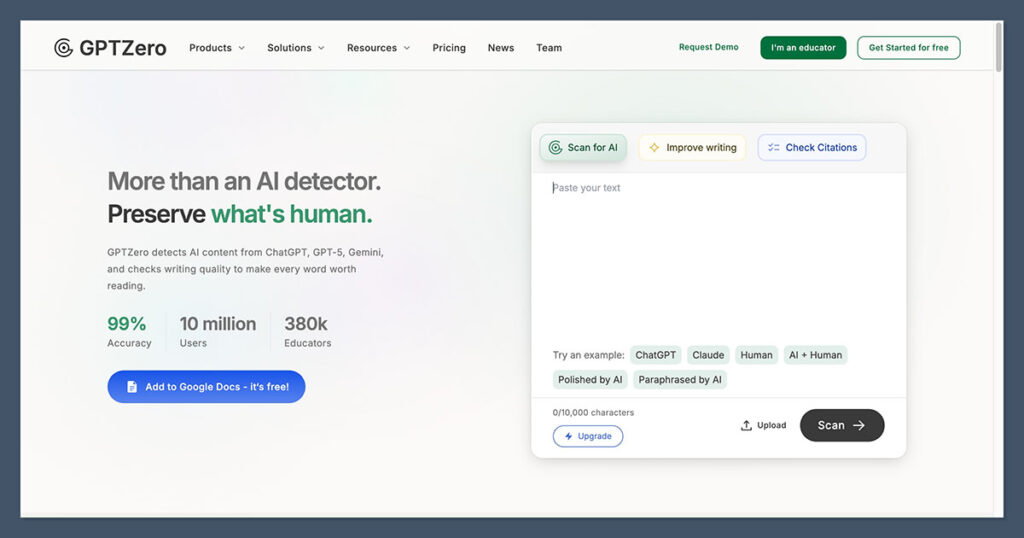
GPTZero is the only detector I found that hit 90% detection on GPT-5 generated text. It also offers 10,000 free words per month, more than most teachers or freelance writers need for routine checks. That combination of accuracy on the latest models and a genuinely useful free tier is why it sits at the top of this list.
✓ What we like about GPTZero
- 99.6% accuracy across benchmarks with a 0.13% false positive rate
- Seven-layer detection model analyzes perplexity, burstiness, and statistical patterns that single-method detectors miss
- 10,000 free words per month without entering a credit card
- Supports 8+ languages
- Confidence scoring with per-sentence highlights rather than a binary yes/no verdict
- Paraphraser Shield feature adds a dedicated layer targeting rewritten AI content
- Over 3 million users in education have adopted the platform
✗ What we don’t like about GPTZero
- Drops to 18% accuracy after just three humanizer passes
- Students using multi-tool workflows (ChatGPT to Claude to QuillBot) can slip past it with relative ease
- English remains its strongest performer; other languages are less reliable
How Much Does GPTZero Cost?
You get 10,000 words per month without entering a credit card. Paid plans start at $12.99 per month for higher volume needs.
On GPT-5 mini outputs, it still manages 94.9% detection. The seven-layer detection model analyzes perplexity, burstiness, and statistical patterns that single-method detectors miss entirely. The confidence scoring gives you a percentage breakdown rather than a binary yes/no verdict, and it highlights specific sentences flagged as AI-generated so you can see exactly which passages triggered the detection.
GPTZero is suitable for:
- Educators who need a reliable first-check tool
- Students doing self-checks before submission
- Freelance writers and editors who need routine detection
- Anyone who wants a strong free option
GPTZero is not suitable for:
- Users whose primary concern is detecting deliberately disguised (humanized) text
- High-stakes decisions without a second detector like Pangram
Bottom line: GPTZero is the best starting point for educators, students doing self-checks, and anyone who needs a reliable free detector. Skip it if humanizer bypass is your primary concern, and pair it with a second tool like Pangram for high-stakes decisions.
2. Originality.ai: Best AI Detector for SEO and Content Teams
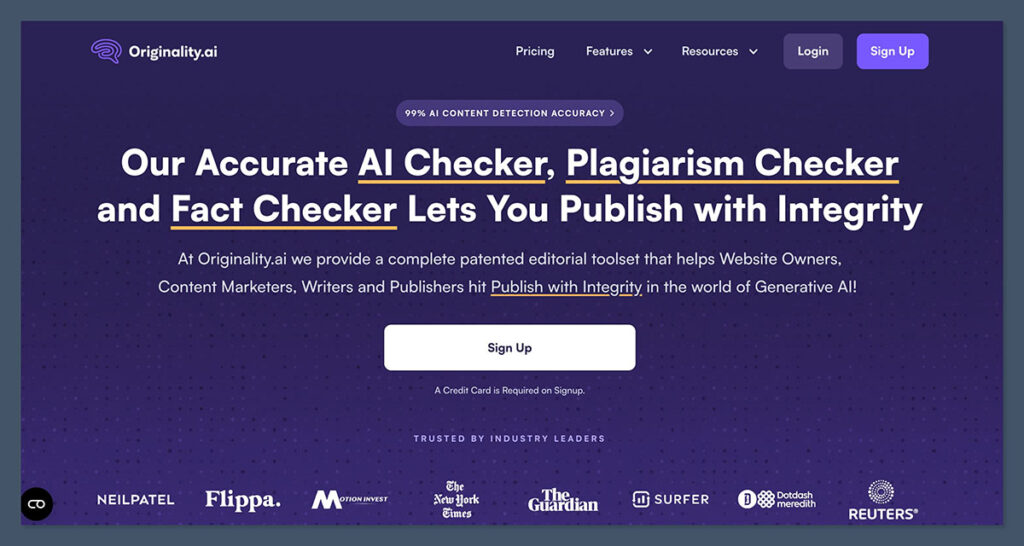
Browse r/ChatGPT or r/SEO on Reddit and ask which AI detector to use for professional content. Originality.ai comes up more than any other tool, with 15+ recommendation threads pointing to it as the go-to for agencies and content teams.
✓ What we like about Originality.ai
- Turbo detection mode scores 99%+ accuracy on flagship models including GPT-4o and Claude 3.5
- GPT-5 detection at 99.8% and Gemini 2.0 Flash hitting a perfect 100%
- Holds at 97% against bypass tools and paraphrasers (top performer on 9 out of 11 RAID attack categories)
- Site-scan feature lets you crawl an entire website and flag pages with AI-generated content
- Built-in fact-checking, readability scoring, and team management dashboards
- Team management lets you add multiple users, assign roles, and track scanning activity
- Pay-as-you-go option ($30 one-time for 300,000 words) alongside monthly plans
✗ What we don’t like about Originality.ai
- No free tier; casual users are better served by GPTZero
- Slightly lower raw accuracy on standard benchmarks compared to GPTZero
How Much Does Originality.ai Cost?
The Pro plan runs $14.95 per month for ongoing scanning needs. If you prefer pay-as-you-go, a one-time $30 purchase gives you 300,000 words of scanning credit with no subscription commitment. For agencies managing multiple clients, that flexibility matters.
What separates Originality.ai from academic-focused detectors is its workflow toolset. The site-scan feature lets you crawl an entire website and flag pages with AI-generated content. That alone saves SEO teams hours of manual checking. For an agency with five editors reviewing freelance submissions, the dashboard visibility prevents duplicate work and keeps everyone aligned on which content has been verified.
Originality.ai is suitable for:
- SEO agencies scanning content at volume
- Editorial teams managing freelance submissions
- Organizations that need site-wide AI content auditing
- Teams that prefer pay-as-you-go over monthly subscriptions
Originality.ai is not suitable for:
- Casual users or students (no free tier)
- Individual educators with low-volume needs
Bottom line: Originality.ai is purpose-built for content professionals. Best for SEO agencies, editorial teams, and anyone scanning content at volume. The $30 one-time option makes it easy to try without subscription pressure.
3. Copyleaks: Best for Multilingual and Enterprise AI Detection
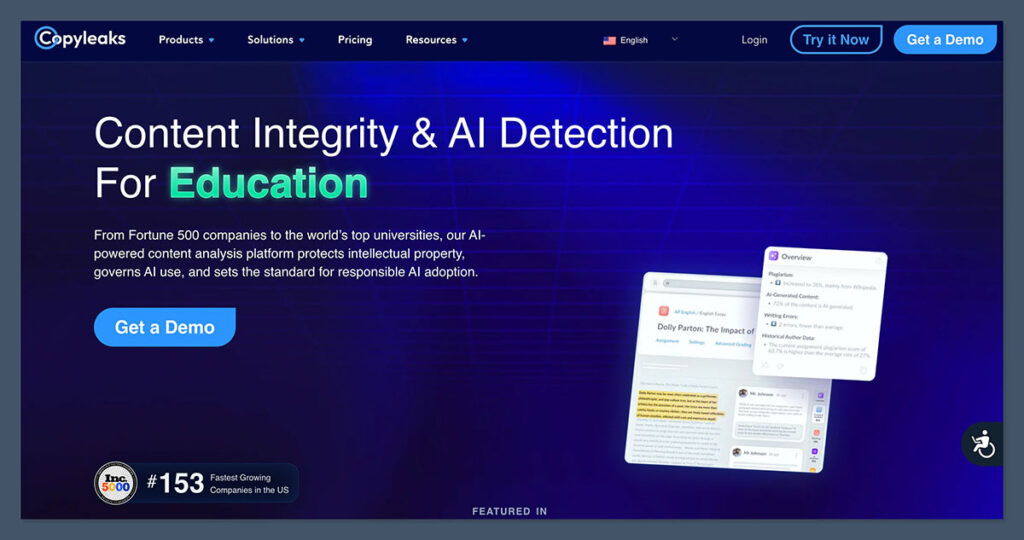
Copyleaks scored a perfect 100% on a 126-document benchmark test while reading content in over 30 languages. For global organizations, that combination of accuracy and language coverage is hard to match.
✓ What we like about Copyleaks
- 100% accuracy on a 126-document benchmark with less than 1% false positive rates
- Accuracy on non-native English datasets reaches 99.84%
- Reads content in over 30 languages
- Only major detector that can analyze source code for AI generation
- Robust API for custom workflows, plus direct LMS integrations with Canvas, Moodle, Blackboard
- Lower false positive rate than competitors on ESL writing (Stanford found mainstream detectors flagged TOEFL essays 61.3% of the time)
✗ What we don’t like about Copyleaks
- Drops to roughly 50% accuracy on text run through humanizer tools
- Enterprise pricing model with custom quotes; no simple monthly plan listed publicly
- Less accessible for individual users or small teams
How Much Does Copyleaks Cost?
Pricing follows an enterprise model with custom quotes based on volume and integration needs. There is no simple monthly plan listed publicly, which makes it less accessible for individual users or small teams.
Copyleaks is the only major detector that can analyze source code for AI generation. That makes it relevant for software companies, coding bootcamps, and computer science departments verifying original student work. For CS programs where students increasingly use Copilot and ChatGPT to generate code, this is not a niche feature. It is a core need that no other top detector addresses.
Copyleaks is suitable for:
- Global enterprises and multilingual academic institutions
- Development organizations that need source code analysis
- Institutions serving multilingual populations concerned about ESL bias
- Organizations already using Canvas, Moodle, or Blackboard
Copyleaks is not suitable for:
- English-only users who want a simple monthly plan
- Anyone who needs strong humanizer bypass detection
- Individual users or small teams on a budget
Bottom line: Best for global enterprises, multilingual academic institutions, and development organizations that need source code analysis. Skip it if you are English-only, want a simple monthly plan, or need strong humanizer bypass detection.
4. Turnitin: Best AI Detector for Universities (With Caveats)
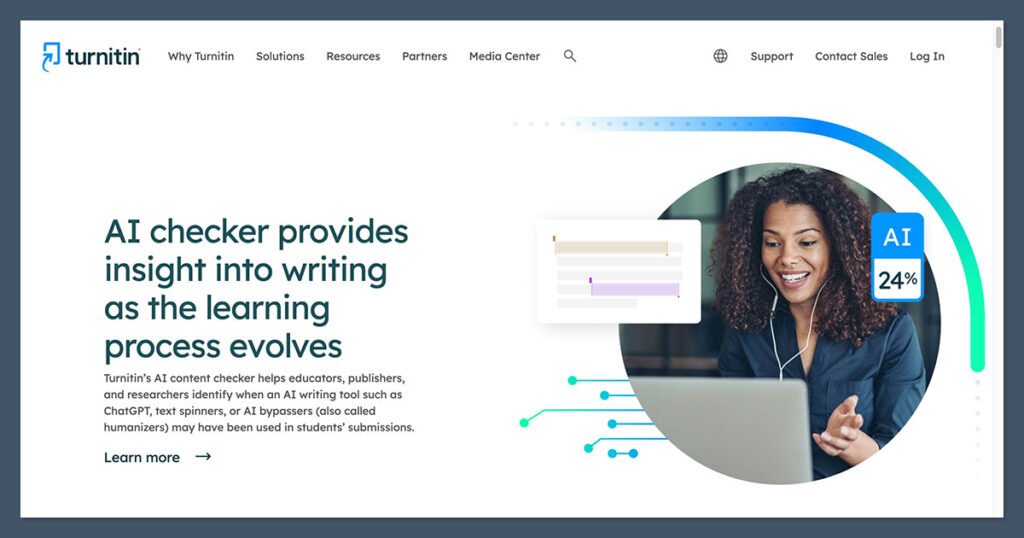
Turnitin is the most widely used AI detection tool in higher education. It is also the one that more than 12 universities have partially or fully disabled, and the subject of an active lawsuit from Yale EMBA students.
✓ What we like about Turnitin
- 98% accuracy with less than 1% false positive rates on texts exceeding 300 words
- Deep LMS integrations with Canvas, Blackboard, and other platforms
- Nearly invisible in the submission workflow; instructors do not need to learn a new tool
- Low per-unit cost at roughly $3 per student per year through institutional licensing
- Roughly 40% of four-year colleges currently use some form of AI detection, and Turnitin holds the largest market share
✗ What we don’t like about Turnitin
- 300-word minimum means short-answer responses, discussion posts, and brief assignments fall outside detection range
- Institutional-only; individual students and independent educators cannot purchase access
- Yale EMBA students filed a lawsuit after AI detection flags led to contested academic misconduct charges
- A University of Minnesota PhD student faced expulsion proceedings based partly on Turnitin results
- Vanderbilt, Johns Hopkins, portions of the UC system, and at least nine other institutions have disabled the AI detection feature
- Stanford study found a 61.3% false positive rate on TOEFL essays
How Much Does Turnitin Cost?
Turnitin costs roughly $3 per student per year through institutional licensing. It is institutional-only, so individual students and independent educators cannot purchase access.
Turnitin is suitable for:
- Higher education institutions already embedded in Canvas, Blackboard, or similar LMS platforms
- Universities with large student populations and existing Turnitin contracts
Turnitin is not suitable for:
- Institutions with diverse, multilingual student bodies (high ESL false positive risk)
- Any scenario where detection results serve as the sole basis for academic misconduct charges
- Individual educators, students, or freelancers
Bottom line: Turnitin remains the institutional standard and integrates seamlessly into existing LMS workflows. But it should never serve as the sole basis for academic misconduct charges. Pair it with a second detector, require minimum text lengths, and treat results as one data point among several.
5. Winston AI: Best for Google Classroom and Document Scanning
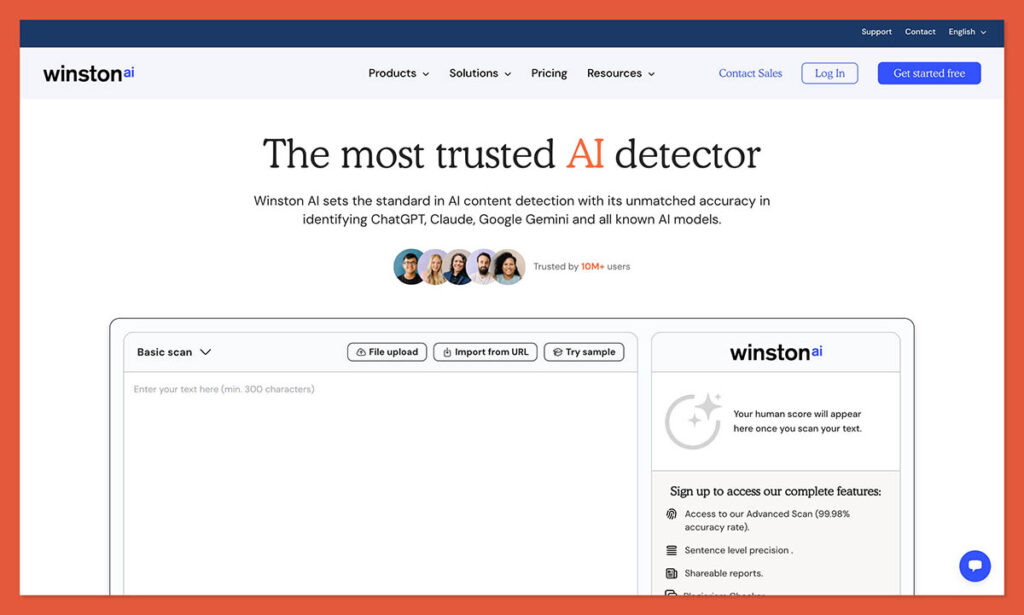
A teacher receives 30 student essays through Google Classroom. With most AI detectors, that means opening each document, copying the text, pasting it into a browser tool, and repeating 29 more times. Winston AI connects directly to Google Classroom and scans documents in place.
✓ What we like about Winston AI
- Google Classroom integration eliminates the copy-paste loop that eats up teacher time
- OCR scanning handles PDFs and images, so handwritten assignments and scanned documents can still be checked
- Independent testing places accuracy around 95%, outperforming free alternatives by a wide margin
- Holds HUMN1 certification, an emerging responsible-detection standard
✗ What we don’t like about Winston AI
- Claims 99.98% accuracy on its own benchmarks, but independent testing brings that closer to 95%
- Struggles with outputs from open-source AI models (Llama, Mistral), and this blind spot could widen
- Lacks the humanizer resilience of Pangram or Originality.ai
How Much Does Winston AI Cost?
The Essential plan costs $12 per month and covers 80,000 words. The Advanced plan at $19 per month increases the word cap and adds features. For K-12 teachers processing high volumes of student work, the Essential plan offers solid value relative to the time saved on manual scanning.
Winston AI is suitable for:
- K-12 educators working within Google Classroom
- Teachers who need bulk scanning of student submissions
- Institutions that need OCR scanning for handwritten or scanned assignments
Winston AI is not suitable for:
- Users who need top-tier accuracy or humanizer bypass detection
- Institutions concerned about open-source model detection
Bottom line: Winston AI is the best choice for K-12 educators working within Google Classroom. It is not the accuracy leader among the best AI detectors, but no other tool matches its classroom workflow integration. Teachers who want to save time on bulk scanning should start here.
6. Scribbr: Best Free AI Detector for Students
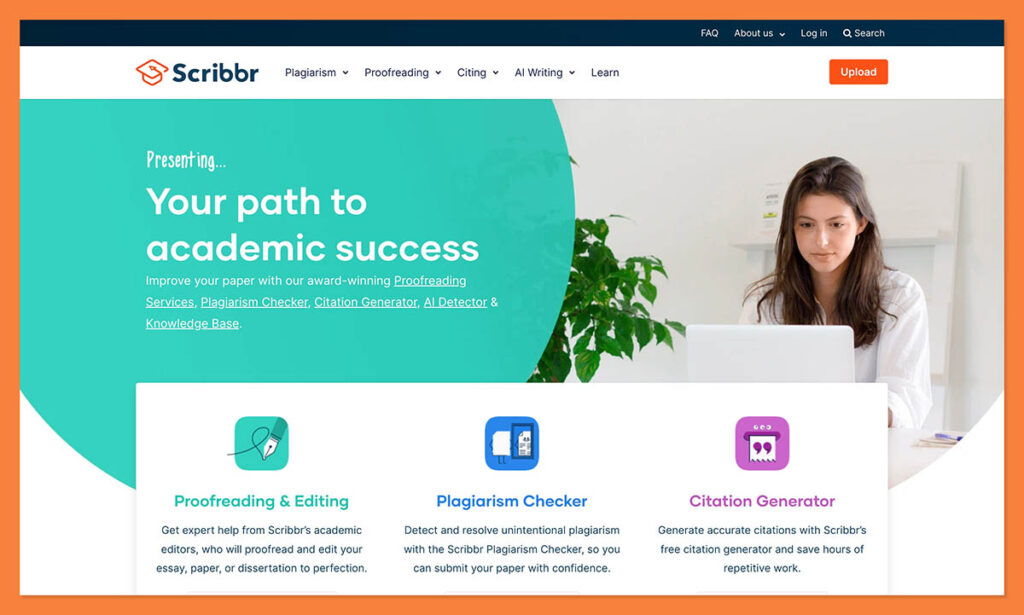
Scribbr offers unlimited free scans with no account required. Each scan handles up to 1,200 words. You open the page, paste your text, and get a result. No signup forms, no credit card prompts, no word-count countdown ticking toward a paywall.
✓ What we like about Scribbr
- Unlimited free scans with no account required
- Each scan handles up to 1,200 words
- Frictionless access: no signup forms, no credit card prompts
- Most practical free option for students who want to self-check before submitting
✗ What we don’t like about Scribbr
- Hovers around 80% accuracy in independent testing, well below paid alternatives
- One in five AI-generated passages may slip through
- False positives on human text are more common than with premium tools
- Premium tier at $8.33/mo via QuillBot is undercut by better options (GPTZero at $12.99, Pangram at $15)
How Much Does Scribbr Cost?
Scribbr’s core detection tool is completely free with no account required. Scribbr also offers a premium tier at $8.33 per month through QuillBot. At that price point, GPTZero’s $12.99 plan and Pangram’s $15 plan deliver meaningfully better detection for just a few dollars more.
Think of Scribbr as a smoke alarm, not a forensic investigation. It catches obvious AI-generated text and gives students a rough confidence check. It should not be the tool an instructor uses to make an academic integrity decision.
Scribbr is suitable for:
- Students self-checking their own work before submission
- Anyone who needs a quick, anonymous check without creating an account
Scribbr is not suitable for:
- Institutional decisions or academic integrity cases
- Professional content auditing
- High-stakes detection where accuracy matters
Bottom line: Best for students self-checking their own work before submission. Not reliable enough for institutional decisions or professional content auditing.
7. Grammarly AI Detection: Convenient but Not Reliable
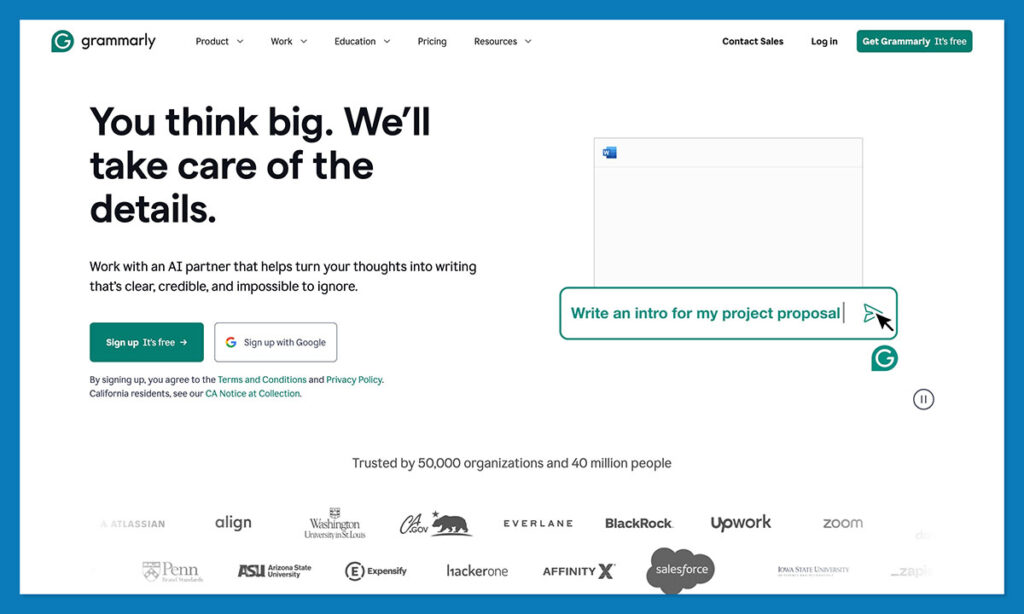
Grammarly is installed on over 500,000 apps and websites. Millions of people write with it daily. So when Grammarly added AI detection as a feature, it seemed like a natural fit. Then the test results came in.
Pangram Labs ran Grammarly’s AI detector against nine AI-generated text samples. It detected zero of them. That is a 0/9 detection rate.
✓ What we like about Grammarly
- Already integrated into a tool millions use daily for editing
- Marginally better than no check at all for low-stakes situations
✗ What we don’t like about Grammarly
- 0/9 detection rate on AI-generated text samples (Pangram Labs testing)
- F1 score of 0.364, which is below coin-flip territory
- Accuracy estimates range from 50% to 87% depending on test methodology
- AI detection is a side feature bolted onto an editing tool, not a purpose-built pipeline
How Much Does Grammarly AI Detection Cost?
AI detection is included with existing Grammarly subscriptions. There is no standalone purchase for the detection feature.
There is one scenario where it makes sense: you already use Grammarly for editing, you need a casual low-stakes check, and you do not want to open another tool. If the text is not going to affect anyone’s grade, career, or reputation, Grammarly is marginally better than no check at all. For anything beyond that, skip it entirely.
Grammarly is suitable for:
- Existing Grammarly subscribers who want a casual, low-stakes sanity check
Grammarly is not suitable for:
- Any real detection need where accuracy matters
- Academic integrity decisions
- Professional content auditing
Bottom line: Do not rely on Grammarly for AI detection. Use it as a casual sanity check only if you already subscribe. For any real detection need, start with GPTZero (free) or Pangram (paid).
How to Choose the Right AI Detector
To choose the right AI detector, you should evaluate five key factors: accuracy, false positive rates, humanizer resilience, workflow integration, and pricing model. While this guide ranks the top options, you need to determine which factors matter most for your specific use case.
Below is a checklist of key factors to consider when choosing an AI detector:
- Accuracy: What is the tool’s independently verified detection rate? Self-reported numbers often differ significantly from third-party test results. Look for university studies and independent benchmarks, not marketing claims.
- False positive rate: How often does the tool flag human-written text as AI-generated? This matters especially for ESL writers. A Stanford study found mainstream detectors flagged 61.3% of TOEFL essays as AI. Tools with lower FPR (Pangram at 0.004%, Copyleaks at sub-1%) are safer choices.
- Humanizer resilience: Can the tool detect text that has been run through paraphrasing and humanizer tools? GPTZero drops to 18% after three passes; Pangram maintains 99.3%. If catching deliberately disguised text matters, this is the deciding factor.
- Workflow integration: Does the tool fit how you actually work? Turnitin and Copyleaks integrate with LMS platforms. Winston AI connects to Google Classroom. Originality.ai offers site scanning for SEO teams. Copy-paste into a browser tool works for small volumes but does not scale.
- Pricing model: Do you need a free tier, a monthly subscription, pay-as-you-go credits, or institutional licensing? GPTZero and Scribbr offer free options. Originality.ai’s $30 one-time purchase avoids subscription pressure. Turnitin requires institutional contracts.
How I Tested and Ranked These AI Detectors
I tested and compared eight detectors using published research data, independent benchmarks, and real-world false positive rates. The ranking prioritizes three things: verified accuracy from third-party tests, false positive rates, and resilience against humanizer bypass tools.
| Testing Area | What I Evaluate | Weight |
|---|---|---|
| Accuracy | Independently verified detection rates from university studies and third-party benchmarks, not self-reported marketing claims. Tested across GPT-4o, GPT-5, Claude 3.5, Gemini 2.0 Flash, and open-source models. | 35% |
| False Positive Rate | How often the tool flags human-written text as AI-generated. Special attention to ESL bias, referencing the Stanford TOEFL study (61.3% false positive rate on mainstream detectors). | 25% |
| Humanizer Resilience | Detection accuracy after text has been run through paraphrasing tools and multi-tool workflows (ChatGPT to Claude to QuillBot). Benchmarked against the RAID adversarial dataset. | 20% |
| Workflow & Integration | LMS integrations, site scanning, API access, team management, Google Classroom support, and OCR capabilities. How well the tool fits into existing professional or educational workflows. | 10% |
| Pricing & Accessibility | Free tier availability, monthly plan costs, pay-as-you-go options, institutional licensing. Whether the pricing model matches the target audience. | 10% |
Final Verdict: Which AI Detector Do I Recommend?
GPTZero is the best AI detector for most users. Its 99.6% accuracy, 0.13% false positive rate, and generous free tier of 10,000 words per month make it the strongest starting point for educators, students, and freelance writers.
For SEO agencies and content teams, Originality.ai’s site scanning, team dashboards, and 97% humanizer resilience justify the paid investment. For global enterprises and multilingual institutions, Copyleaks’ 30+ language support and source code detection fill a gap no other tool covers.
No single AI detector should be treated as a verdict. Use two detectors minimum, and always pair automated results with human review. These tools remain decision-support instruments, not decision-makers.
FAQ
How accurate are AI detectors in 2026?
Accuracy ranges from 67% (ZeroGPT) to 99.6% (GPTZero) on standard benchmarks. Results depend heavily on text length, language, and whether humanizer tools were used. No detector is 100% reliable in all conditions. The top performers (GPTZero, Pangram, Originality.ai) cluster above 99%, while free tools and side features like Grammarly fall well below that threshold.
Can AI detectors be fooled by humanizer tools?
Yes. GPTZero drops from 99.6% to 18% after three humanizer passes. Free tools fail 73% to 92% of the time on paraphrased content. The exception is Pangram Labs, which maintains 99.3% on humanized text in University of Maryland testing. Only Pangram and Originality.ai (97%) show meaningful resilience against bypass workflows.
Do AI detectors have bias against ESL writers?
A Stanford study found mainstream detectors flagged 61.3% of TOEFL essays (written by real ESL students) as AI-generated. Detectors with lower false positive rates reduce this risk. Pangram’s 0.004% FPR and Copyleaks’ sub-1% FPR offer the most protection for multilingual populations.
Can you get sued for using AI detection results?
Lawsuits have already been filed. Yale EMBA students sued over misconduct charges based on AI detection flags. A University of Minnesota PhD student faced expulsion tied to detection results. Institutions should use at least two detectors and treat results as supporting evidence, not conclusive proof.
What is the best free AI detector?
Two options lead the free tier. Scribbr offers unlimited scans (1,200 words each) with no account required, but accuracy sits around 80%. GPTZero gives you 10,000 words per month at 99.6% accuracy, though you need an account. For convenience, Scribbr. For accuracy, GPTZero.
Do AI detectors work on code?
Copyleaks is the only major detector with source code detection. Most AI detectors target natural language prose and produce unreliable results on programming code. If verifying code originality is a requirement, Copyleaks is the only serious option among the tools reviewed here.

Comments 0 Responses