

Best Overall

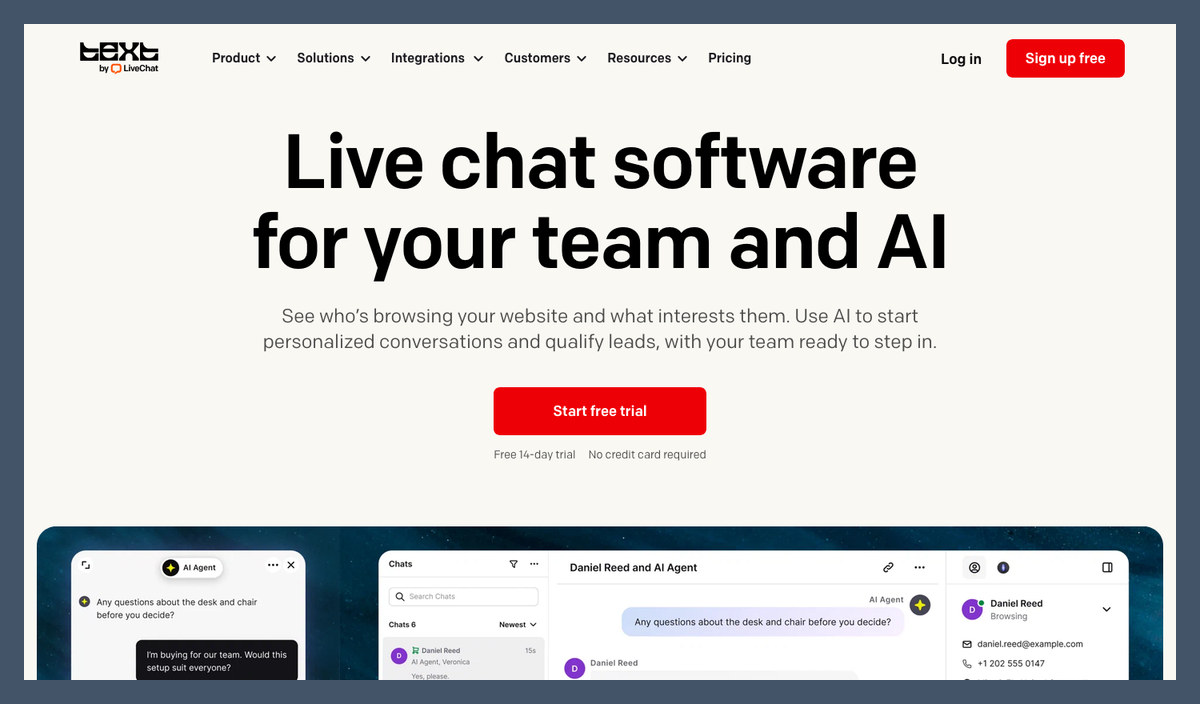
LiveChat
Visit Website →$19 to $79 per user/month (billed annually)
14-day free trial
- AI Agent included on every plan
- Full-history handoff to your team
- Live Shopify catalog in chat
Best for Small Business

Tidio
Visit Website →Free plan; paid from $24.17/month (billed annually)
- Free plan to start
- Lyro AI agent with handoff rules
- Shopify, WordPress and WooCommerce apps
Best AI Support Agent

Intercom (Fin)
Visit Website →$0.99 per outcome; seats from $29/month (billed annually)
- Fin runs multi-step Procedures
- Works on Zendesk, Salesforce and HubSpot
- No charge when a human is requested
Based on our testing of 15 AI live chat apps, LiveChat is the best AI live chat app for most small and growing teams because its AI Agent comes with every plan, transfers conversations with their history, and recommends products from your live Shopify catalog.
However, per-seat pricing grows with your team, since everyone answering chats needs a seat. New customers receive Text by LiveChat plans, so older LiveChat price comparisons won’t match what you’re buying today.
Below, I explain how each agent answers and hands off, what triggers a charge, and which limitations should steer you toward another app.
Key Takeaways
- LiveChat leads overall for included AI, full-history handoffs and Shopify selling; new sign-ups receive Text plans
- Zoho SalesIQ has the cheapest AI-inclusive seats here, at $7 per operator monthly, billed annually; Crisp charges per workspace
- AI billing differs: LiveChat includes resolutions, Fin charges $0.99 per outcome, while Tidio and Freshchat meter conversations or sessions
- Free chat doesn’t mean ongoing free AI: an agent can require a paid plan, an add-on or a limited allowance
- Choose Fin for an existing helpdesk: it works with Zendesk, Salesforce and HubSpot without additional Fin seat fees
Our ranking prioritizes the AI agent and its handoff: AI agent and handoff (30%), AI pricing clarity (20%), live chat and inbox (15%), setup effort (15%), integrations and ecommerce fit (10%), and reputation (10%).
I added each app’s chat widget to a test website, trained the AI agent on help content, asked for a person mid-chat and checked what reached the team inbox and the usage screen.
Before choosing, separate the cost of human seats from AI conversations, then check whether unsuccessful answers still consume your allowance.
See Our Best AI Live Chat Apps
Your main chat job is the quickest way to narrow the list, so jump to the matching pick:
- LiveChat: Best Overall for support and selling
- Tidio: Best for Small Business starting free
- Intercom (Fin): Best AI Support Agent for workflows
- Zendesk: Best Enterprise Helpdesk for unified support
- HubSpot Service Hub: Best CRM-Native Chat
- Crisp: Best Flat-Rate Pricing
- Gorgias: Best for Ecommerce Support
- Freshchat: Best Omnichannel Messaging
- Zoho SalesIQ: Best for Sales Chat
- tawk.to: Best Free Live Chat
Compare AI allowances and starting prices in the table below before deciding which app deserves a trial on your website.
AI Live Chat App Comparison Table
Read the AI pricing model column before the starting price, since a subscription can include the widget without ongoing AI answers. Some agents also charge when a person finishes the conversation, so human seats, automation allowances and usage charges all matter. These apps separate those costs differently, making the cheapest starting price only part of your budget.
| Tool | Best for | AI agent | Starting price | AI pricing model | Free plan or trial |
|---|---|---|---|---|---|
| LiveChat | Best overall | AI Agent (Text by LiveChat) | $19/user/month (billed annually) | Included quota (10 or 200 resolutions/month), then $49.50 per 50 | 14-day free trial, no card |
| Tidio | Small business | Lyro | Free; Starter $24.17/month (billed annually) | Per Lyro conversation; add-on from $32.50 for 50 | Free plan; 7-day trial |
| Intercom (Fin) | AI support agent | Fin AI Agent | From $29/seat/month (billed annually) | $0.99 per outcome | 14-day free trial, no card |
| Zendesk | Enterprise helpdesk | Zendesk AI agents | Suite Team $55/agent/month (billed annually) | Allowance, then per verified resolution | 14-day free trial |
| HubSpot Service Hub | CRM-native chat | Breeze Customer Agent | Free chat; Professional $90/seat/month | 50 credits ($0.50) per resolved conversation | Free tools |
| Crisp | Flat-rate pricing | Hugo AI Agent | Free; Mini $45/month per workspace | AI credits bundled per plan | Free plan; 14-day trial |
| Gorgias | Ecommerce support | Gorgias AI Agent | From $10/month (50 tickets, billed monthly) | Prepaid AI interactions on top of tickets | No free plan |
| Freshchat | Omnichannel messaging | Freddy AI Agent | Free; Growth $19/agent/month (billed annually) | $49 per 100 sessions | Free plan (no AI agent) |
| Zoho SalesIQ | Sales chat | Zia Agents | Free; Basic $7/operator/month (billed annually) | Included; extra bot sessions $8 per 5,000 | Free plan; 15-day trial |
| tawk.to | Free live chat | AI Assist | Free (unlimited agents) | Add-on from $29/month per property | Free forever; AI free tier |
1. LiveChat: Best Overall
- Best for: Small teams combining support and chat sales
- AI agent: AI Agent, included quota; $49.50 per 50 extra resolutions
- Starting price: $19/user/month (billed annually); $25 billed monthly
- Free plan or trial: No free plan; 14-day trial, no card
LiveChat is my overall recommendation because AI comes with every plan, answers from your content, and transfers chats with their full history.
However, every answering user needs a seat, so costs climb with headcount. Crisp Essentials covers a larger team for less than two LiveChat Growth seats.
Pros
- AI Agent on every plan
- Full-history human handoff
- Live Shopify catalog and cart recovery
- Website, in-app, Messenger and Twilio SMS
Cons
- No permanent free plan
- Tight Essential AI allowance
- Growing per-seat costs
- Different Text and legacy features
What’s new with LiveChat?
New sign-ups receive Text by LiveChat, the team’s next product, combining live chat, a shared inbox, ticketing and AI in one subscription. The Text brand overhaul arrived in May 2026. Existing customers keep their plan, price and login, with optional same-price migration rather than a required move.
Why use LiveChat in 2026?
The AI sales skill displays Shopify product cards with purchase options inside chat. Plus, Conversion Radar highlights buying signals such as visitors returning to a cart. A resolution requires an answer that directly solves a question, counted once per chat; unanswered handoffs, test chats and spam don’t count.
My LiveChat testing notes
I entered my website address, and Text read my public pages to build an AI Agent preview. I then added help documents and FAQ pages and set the agent’s tone. I also described skills in plain words, including greeting visitors and creating tickets, before checking the agent through the website chat widget.
When I asked for a person, the agent transferred the chat with its full history. I checked Essential’s tight allowance in billing settings, so make sure you watch the resolution count during your trial and price Growth or extra packs before launching.
Top Tip! Compare your legacy LiveChat features with Text before migrating, since keeping your subscription price doesn’t mean keeping an identical feature mix.
How Much Does LiveChat Cost?
Every answering user needs a seat. For up to three people needing around 200 monthly resolutions, I’d start with Growth over Essential plus packs.
| Plan | Monthly price per user (billed annually) | Monthly price per user (billed monthly) | AI Agents | AI resolutions per month | Extra AI resolutions |
|---|---|---|---|---|---|
| Essential | $19 | $25 | 1 | 10 | $49.50 per 50 |
| Growth | $79 | $99 | 10 | 200 | $49.50 per 50 |
| Enterprise | Custom | Custom | Custom | Custom | Custom |
Try LiveChat: Visit LiveChat
2. Tidio: Best for Small Business
- Best for: Small businesses and stores starting free
- AI agent: Lyro, per conversation; add-on from $32.50/month for 50, billed annually
- Starting price: Free; Starter $24.17/month (billed annually)
- Free plan or trial: 50 one-time Lyro conversations; 7-day paid-plan trial
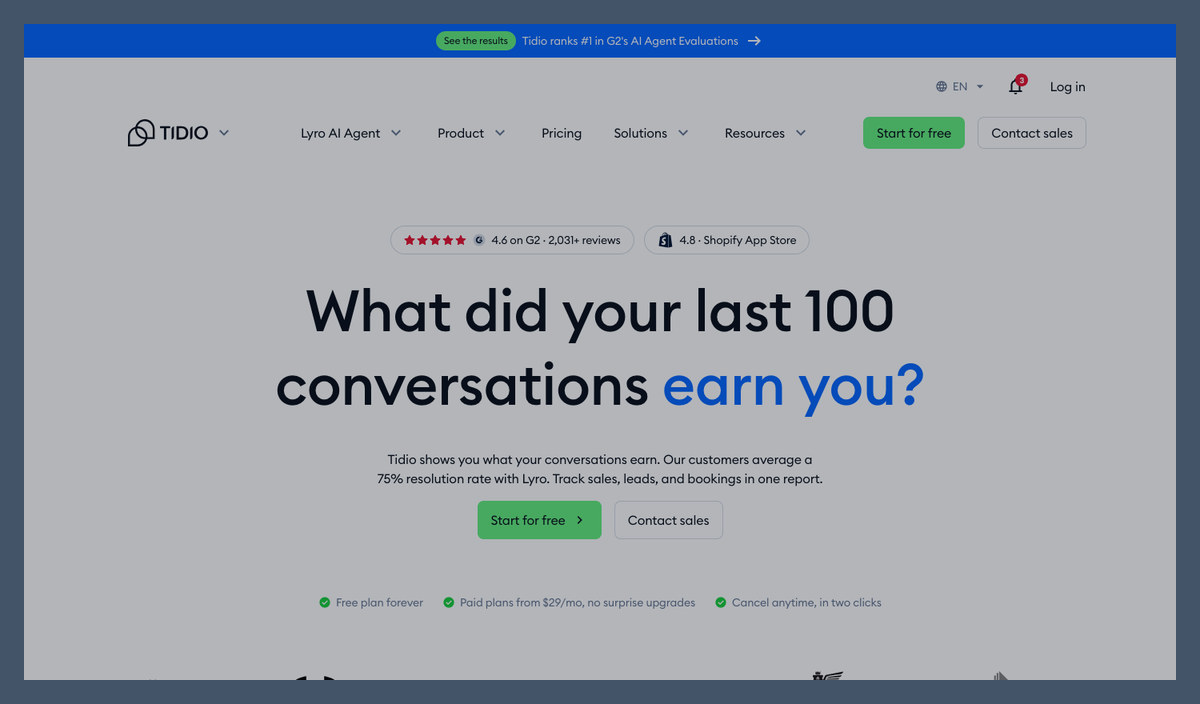
Tidio is my small-business pick because Lyro works alongside free live chat, with apps for Shopify, WordPress and WooCommerce.
However, a Lyro reply consumes conversation usage, resolved or not. LiveChat’s resolution-based allowance better suits buyers concerned about paying for unsuccessful answers.
Pros
- Free chat and introductory Lyro allowance
- Shopify, WordPress and WooCommerce apps
- FAQ uploads and website knowledge
- Stand-alone Lyro for other helpdesks
Cons
- Conversation billing below Premium
- One-time free AI allowance
- Separate live-chat and Lyro limits
What’s new with Tidio?
Tidio now sells Lyro stand-alone, so you can add it to an existing helpdesk without replacing the inbox. Premium introduces pay-per-resolution billing and managed setup, giving larger teams a different route. Tidio also guarantees a resolution rate on that tier, but cheaper plans retain conversation-based billing.
Why use Tidio in 2026?
For a small store, after-hours coverage is the strongest reason to add Lyro. It answers from your content while Flows handle greetings and sales prompts alongside the support experience. Try actual customer questions, since a correct FAQ answer doesn’t establish that escalation or store actions work.
My Tidio testing notes
I added knowledge through the FAQ upload and website scraper, then used Guidance to set the tone and escalation rules. In the Playground, I checked the source behind replies before trying Lyro through the website widget. Our Lyro AI review explains the agent further.
When I enabled Lyro, it turned off existing Visitor says Flows, which meant checking those paths separately. I revisited the affected Flows alongside the escalation settings, so make sure you re-enable those paths or test Lyro in a separate project before it goes live.
How Much Does Tidio Cost?
Tidio meters live and Lyro conversations separately, so check both allowances before upgrading. Our Tidio and Lyro pricing breakdown explains the add-ons.
| Plan | Monthly price (billed annually) | Billable conversations | Lyro AI conversations |
|---|---|---|---|
| Free | $0 | 50 | 50 (one-time) |
| Starter | $24.17 | 100 | 50 (one-time) |
| Growth | From $49.17 | From 250 | Lyro add-on |
| Plus | From $300 plus usage | Custom | Discounted usage rates |
| Premium | Contact sales | Custom | From 3,000, pay per resolution |
| Lyro AI Agent add-on | From $32.50 | Not applicable | 50 per month |
Try Tidio: Visit Tidio
3. Intercom (Fin): Best AI Support Agent
- Best for: Support teams needing connected workflows
- AI agent: Fin AI Agent, $0.99 per outcome
- Starting price: Seats from $29/month (billed annually); existing-helpdesk option from $49/month
- Free plan or trial: No free plan; 14-day trial, no card
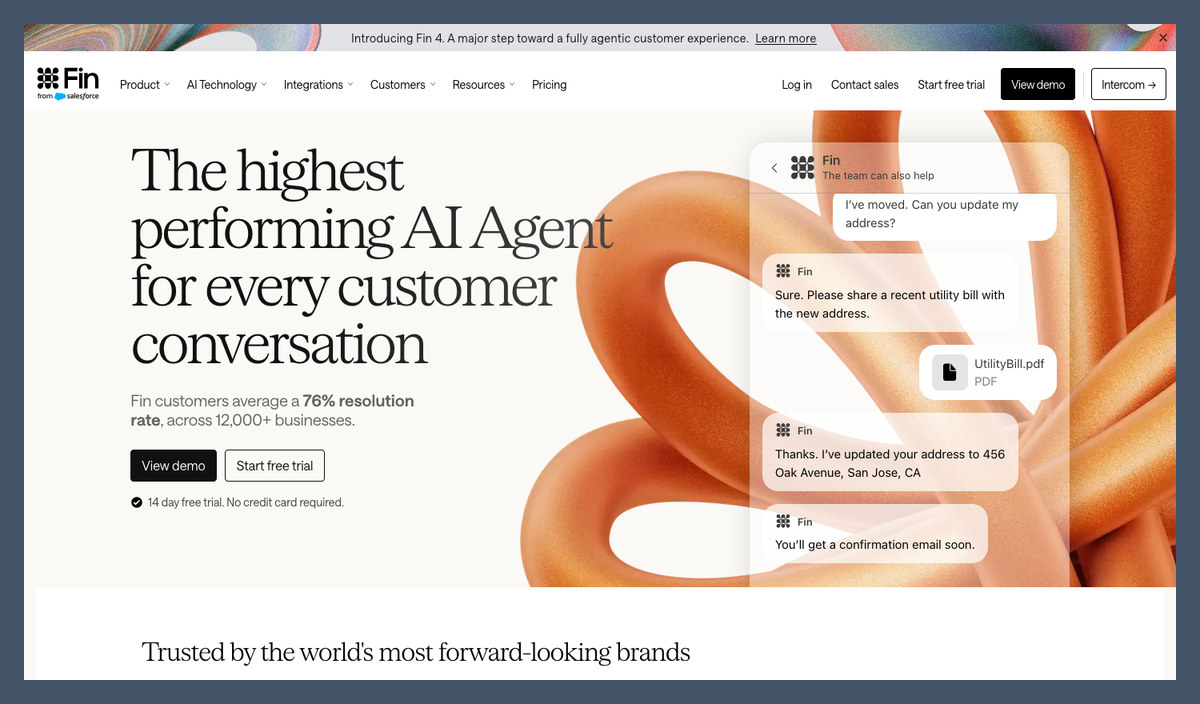
Intercom (Fin) leads for AI support because Procedures handle multi-step requests, with API and MCP connections for actions beyond article answers.
That said, silence after an answer can become a billed outcome, whereas HubSpot’s Customer Agent excludes conversations followed by transfer requests or negative feedback.
Pros
- Multi-step Procedures and connected actions
- Existing-helpdesk option without Fin seat fees
- Spending limits and usage alerts
- Chat, email, voice and messaging coverage
Cons
- Silent customers counted as outcomes
- Completed Procedures billable despite handoff
- Minimum charge on other helpdesks
What’s new with Intercom (Fin)?
The company renamed itself Fin in May 2026, while Intercom remains the name of the helpdesk. Salesforce completed its acquisition in September, with Fin joining Salesforce AI Labs and continuing to serve existing customers. Fin 4 introduced Apex models, while outcome pricing remains unchanged.
Why use Intercom (Fin) in 2026?
Fin adds AI to Zendesk or HubSpot without replacing your helpdesk. It charges nothing when it cannot answer or a customer requests a person, and reopened conversations refund the outcome. However, a completed Procedure can count as success even when it ends in a handoff.
My Intercom (Fin) testing notes
I pointed Fin at help center content and built a Procedure for a multi-step request, keeping that workflow separate from article answers. I then asked for a person through the website widget and checked the escalation path. Our Fin AI review explains workflow setup and reporting.
I checked the outcome rules alongside the reporting, including how silence after an answer could still qualify for a charge, so make sure you review outcomes where a customer simply stopped replying rather than assuming every abandoned conversation ended satisfactorily.
Top Tip! Set Fin’s spending limit and usage alerts before launch, then inspect the conversations behind the charges.
How Much Does Intercom (Fin) Cost?
Inside Intercom, you pay for seats plus outcomes. If you already pay another helpdesk, try Fin on top first; that helpdesk’s subscription still applies.
| Plan | Monthly price per seat (billed annually) | Monthly price per seat (billed monthly) | Fin AI Agent |
|---|---|---|---|
| Essential | From $29 | From $39 | $0.99 per outcome |
| Advanced | From $85 | From $99 | $0.99 per outcome |
| Expert | From $132 | From $139 | $0.99 per outcome |
| Fin on your current helpdesk | No seat fee | $49 minimum (50 outcomes included) | $0.99 per outcome |
| Copilot add-on | $29 per seat | $35 per seat | Agent assist |
Try Intercom (Fin): Visit Fin
4. Zendesk: Best Enterprise Helpdesk
- Best for: Larger teams combining messaging and ticketing
- AI agent: Zendesk AI agents, allowance then verified-resolution billing
- Starting price: Suite Team $55/agent/month (billed annually)
- Free plan or trial: No free plan; 14-day Suite Professional trial
Zendesk is our enterprise choice because messaging and ticketing share one workspace, alongside voice and AI workflows.
However, seats and AI charges stack, and configuration extends beyond installing a widget. I’d start with LiveChat or Tidio for a small site without established support processes.
Pros
- Unified chat, email and voice support
- Verified-resolution AI billing
- Action Builder on Suite Professional
- Suite Professional trial access
Cons
- Suite required for messaging AI
- Separate Copilot charge
- More configuration than widget-first tools
What’s new with Zendesk?
Zendesk introduced verified-resolution billing tiers in May 2026, though older accounts remain on their previous platform until they are migrated. Assisted escalations and Contained resolutions don’t consume the new allowance. Zendesk will remove legacy AI agents (Essential) and old bot functionality on 10 December 2026, so older setups need attention.
Why use Zendesk in 2026?
For an existing Zendesk team, AI and human agents share customer context rather than working in disconnected inboxes. Assisted escalation reporting separates the AI’s contribution from complete automation. That helps you assess partial assistance, though maintaining the knowledge base and routing still requires ongoing work.
My Zendesk testing notes
I set up the AI agent from the knowledge base on a Suite plan, then added an Action Builder flow for a multi-step request. I checked the website messaging setup alongside the conversation evaluation settings, rather than treating widget installation as the end of the configuration.
I found the default messaging window ended two hours after the first message, with an option to extend it. I checked that setting alongside the conversation tiers, so make sure you inspect which tier each AI conversation lands in before setting your budget.
How Much Does Zendesk Cost?
Suite Team is the live-chat entry point, while Support Team covers email and ticketing. Confirm your included allowance and extra verified-resolution rate before signing.
| Plan | Monthly price per agent (billed annually) | Monthly price per agent (billed monthly) | AI agents on live chat |
|---|---|---|---|
| Support Team | $19 | $25 | No (email and ticketing) |
| Suite Team | $55 | $69 | Yes |
| Suite Professional | $115 | $149 | Yes, plus Action Builder |
| Suite Enterprise | Custom | Custom | Yes |
| Copilot add-on | $50 | Ask Zendesk | Agent assist (Professional and up) |
Try Zendesk: Visit Zendesk
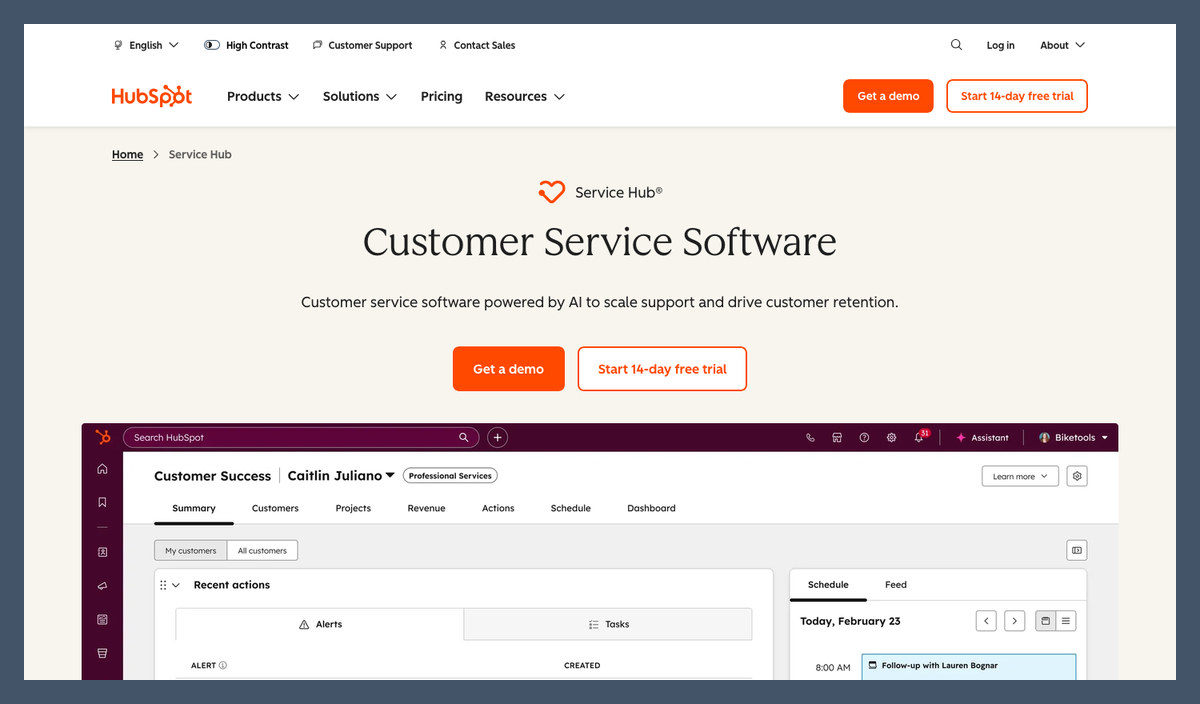
5. HubSpot Service Hub: Best CRM-Native Chat
- Best for: Teams already using HubSpot CRM
- AI agent: Breeze Customer Agent, 50 credits ($0.50) per resolved conversation
- Starting price: Free chat; Customer Agent on Professional at $90/seat/month
- Free plan or trial: Free tools; paid-plan trials
HubSpot Service Hub earns its CRM crown because chat and support share contact records with sales and marketing.
However, Professional or Enterprise is required for the agent. Zoho SalesIQ includes Zia Agents on its cheapest paid plan, making it the lower-cost CRM-connected alternative.
Pros
- Free CRM and live chat
- Resolution-based Customer Agent billing
- Shared sales and service context
- Chat, email, forms and calling coverage
Cons
- Professional requirement for Customer Agent
- HubSpot branding on free chat
- Credit-based usage forecasts
What’s new with HubSpot Service Hub?
In April 2026, HubSpot switched Customer Agent to resolved-conversation billing, halving its previous credit cost rather than charging for every AI answer. The change also applies to existing customers. A resolution requires no handoff, transfer request or negative feedback within the evaluation window.
Why use HubSpot Service Hub in 2026?
My pick is HubSpot when customer history matters more than a standalone widget, especially if your sales team already works there. Keeping service alongside deals helps your team understand escalations without searching another system. Our guide to HubSpot’s AI features explains Breeze beyond Customer Agent.
My HubSpot Service Hub testing notes
I trained Customer Agent from the HubSpot knowledge base and synced content, then checked its replies through the website chat widget. I asked for a person mid-chat and inspected the escalation, including the handoff-summary beta available to the person taking over.
I also checked the free widget separately, where HubSpot branding remained and Customer Agent wasn’t included, making a paid trial necessary. I compared the credit allowance with resolved-conversation billing, so make sure you estimate expected resolutions against included credits before upgrading rather than treating free chat as an AI trial.
How Much Does HubSpot Service Hub Cost?
Starter removes branding but doesn’t include Customer Agent. Professional suits existing HubSpot teams; skip the upgrade if a basic chat widget is your only requirement.
| Plan | Monthly price per seat | Customer Agent | HubSpot Credits included per month |
|---|---|---|---|
| Free tools | $0 | No (live chat with HubSpot branding) | None |
| Starter | $7 | No | 500 |
| Professional | $90 | Yes | 3,000 |
| Enterprise | $150 | Yes | 5,000 |
Try HubSpot Service Hub: Visit HubSpot
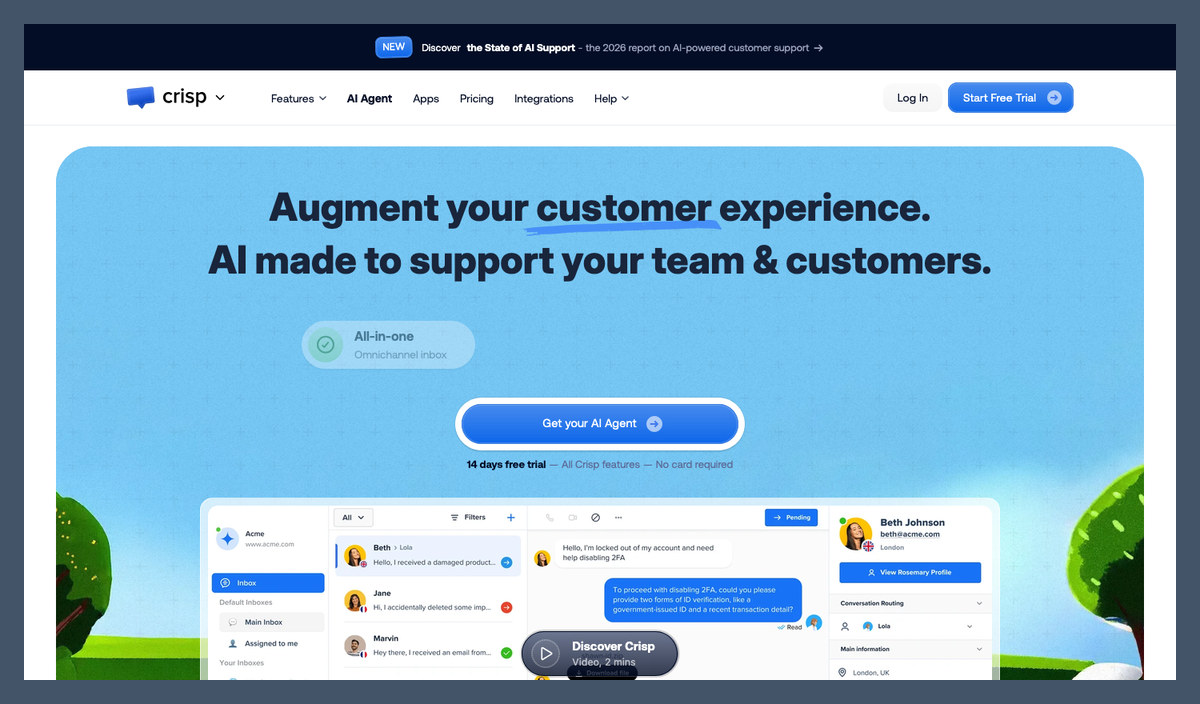
6. Crisp: Best Flat-Rate Pricing
- Best for: Teams avoiding additional seat charges
- AI agent: Hugo AI Agent, bundled AI credits
- Starting price: Free; Mini $45/month per workspace
- Free plan or trial: Free with 2 seats and no AI credits; 14-day trial
Crisp is my flat-rate recommendation because you pay per workspace rather than per seat, within each plan’s allowance.
However, AI usage remains metered, even though seats are bundled. If you don’t need AI yet, tawk.to offers unlimited free human agents without a workspace seat cap.
Pros
- Workspace pricing with bundled seats
- Hugo AI Agent and MCP connections
- Omnichannel shared inbox
- Broad ecommerce integrations
Cons
- No AI credits on Free
- Limited Mini credit allowance
- Customer-profile caps across plans
What’s new with Crisp?
Crisp’s AI agent is now Hugo, with tool connections for pulling live data and taking actions. Crisp says Hugo supports your preferred model and keeps data on European servers. Connected actions extend it beyond FAQ automation, but still need configuration and suitable permissions.
Why use Crisp in 2026?
A flat workspace subscription prevents each additional teammate from automatically increasing your bill, provided you stay inside the plan’s seat allowance. Essentials combines the inbox with workflows and a knowledge base. For me, it suits several people sharing modest chat volume, not teams expecting unlimited AI traffic.
My Crisp testing notes
I fed Hugo current documents and FAQs, adjusted replies and routing rules, then tested it in the website widget before enabling it. When I asked for a person, Hugo escalated with the conversation context in the shared inbox. Our Crisp AI review covers those workflows.
I checked the AI credits alongside the inbox and found a dollar balance with estimated conversations, rather than a guaranteed capacity, so make sure you watch credit consumption during the trial before choosing Mini or Essentials for regular AI use.
How Much Does Crisp Cost?
Crisp charges one price per workspace, with extra Plus seats priced separately. I’d start with Essentials over Mini for regular AI usage, but its conversation estimates aren’t resolution guarantees.
| Plan | Monthly price per workspace | Seats | AI credits included | Automated conversations (approx.) |
|---|---|---|---|---|
| Free | $0 | 2 | None | None |
| Mini | $45 | 4 | $5 | About 90 |
| Essentials | $95 | 10 | $25 | About 450 |
| Plus | $295 | 20 (extra seats $10) | $75 | About 1,350 |
| Enterprise | Custom | Custom | Custom | Custom |
Try Crisp: Visit Crisp
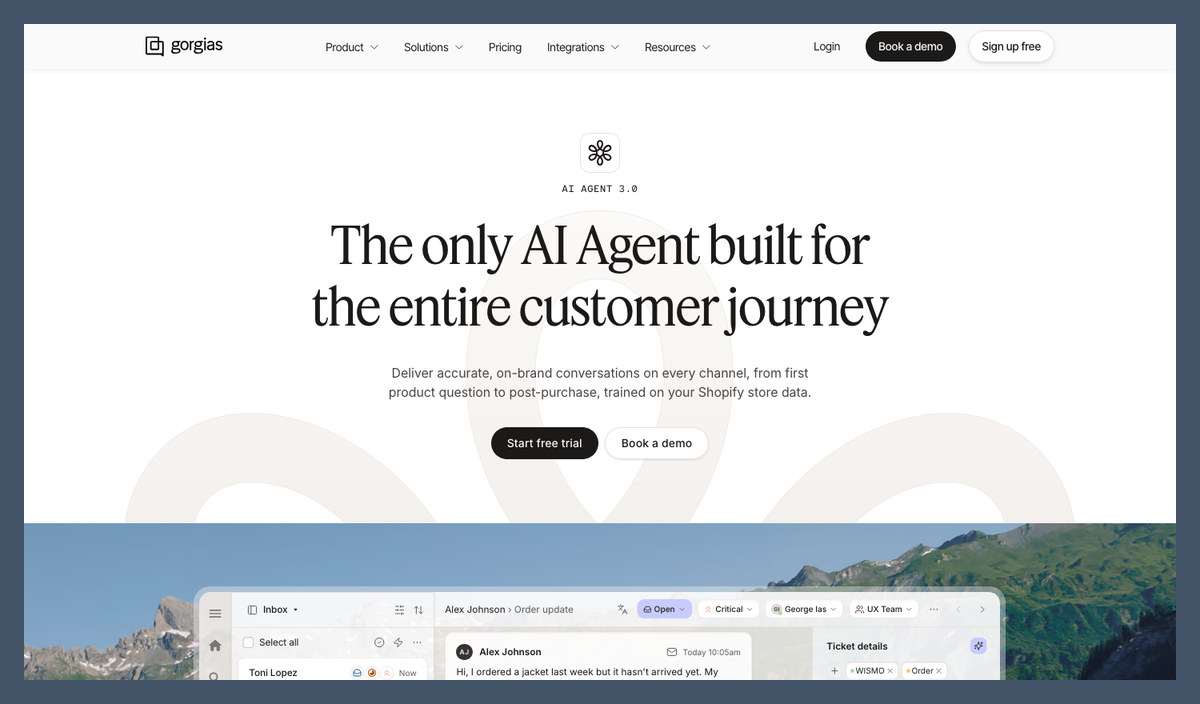
7. Gorgias: Best for Ecommerce Support
- Best for: Stores handling order and returns questions
- AI agent: Gorgias AI Agent, prepaid interactions alongside ticket billing
- Starting price: From $10/month for 50 tickets (billed monthly)
- Free plan or trial: No free plan; free sign-up
Gorgias leads for ecommerce support because its AI uses order and customer data, not just help articles for generic answers.
However, AI-resolved threads consume both allowances: tickets and automated interactions. Tidio’s free start or LiveChat’s Shopify selling features better suit a smaller store with simpler needs.
Pros
- Live ecommerce order context
- Returns and subscription app connections
- Unlimited agents on Pro and Advanced
- Human handoff inside the same inbox
Cons
- Ticket and AI interaction charges
- 72-hour AI evaluation window
- Three seats on Starter and Basic
What’s new with Gorgias?
Gorgias’s fall 2026 launch expanded AI channel coverage and introduced tone of voice by channel. Gaia adds a team-wide assistant alongside the customer-facing agent, separating internal assistance from customer conversations. Pricing separates the optional AI Agent from the helpdesk, making the additional automation cost visible before you subscribe.
Why use Gorgias in 2026?
For order-status and returns questions, live store data beats generic policy answers. Gorgias connects support with tools such as Loop Returns and Recharge. Our AI tools for Shopify roundup covers the wider store stack, but Gorgias is my pick when post-purchase support dominates your inbox.
My Gorgias testing notes
I connected a Shopify store so the AI Agent could use order details, then checked the website chat alongside the receiving inbox. When I asked for a person, the conversation landed in that same inbox with order context attached.
I checked ticket usage and automated interactions separately, including the requirement for AI handling without human intervention during the evaluation window. I also checked that a finished AI thread still used a ticket, so make sure you monitor both allowances during your trial before a seasonal traffic peak.
How Much Does Gorgias Cost?
The helpdesk scales by billable tickets, with AI added separately. The AI interaction allowances below apply to the AI-inclusive prices, not helpdesk-only subscriptions.
| Plan | Helpdesk only (billed annually) | With AI Agent (billed annually) | Billable tickets per month | AI interactions per month |
|---|---|---|---|---|
| Starter | $10 (billed monthly only) | $40 (billed monthly only) | 50 | 30 |
| Basic | $50 | $77 | 300 | 30 |
| Pro | $300 | $471 | 2,000 | 190 |
| Advanced | $750 | $1,227 | 5,000 | 530 |
| Enterprise | Custom | Custom | Custom | Custom |
Try Gorgias: Visit Gorgias
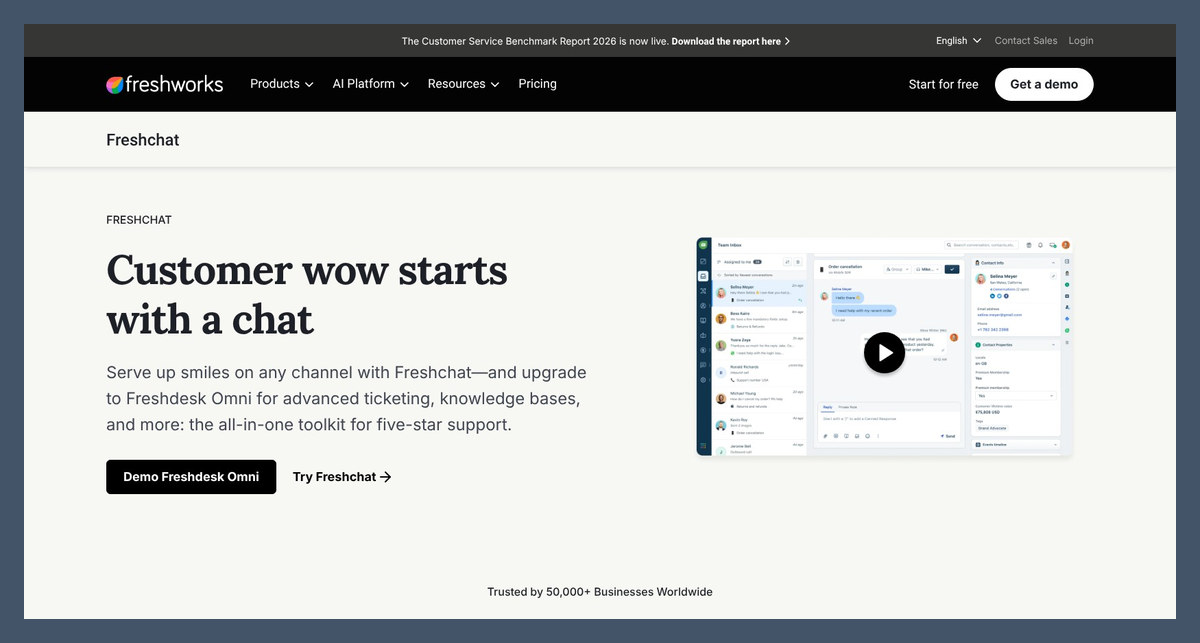
8. Freshchat: Best Omnichannel Messaging
- Best for: Website and messaging conversations in one inbox
- AI agent: Freddy AI Agent, $49 per 100 sessions
- Starting price: Free; Growth $19/agent/month (billed annually)
- Free plan or trial: Free for up to 10 agents, without AI Agent
Freshchat is my omnichannel pick because web chat and messaging share an inbox, with Freddy available on Growth and above.
The catch is session billing rather than resolution billing. HubSpot excludes unresolved conversations, whereas a Freddy interaction doesn’t need a successful resolution to consume usage.
Pros
- Free human-chat plan
- Lower-cost Growth seats
- WhatsApp, social and SMS connections
- Day passes for occasional agents
Cons
- No AI Agent on Free
- Charges for unresolved AI sessions
- Pro required for multilingual conversations
What’s new with Freshchat?
Freshworks sells Freddy AI Agent in packs of 100 sessions, giving small teams a smaller usage block to start with. Freddy AI Copilot is separate and assists human agents with their replies. It requires Pro or Enterprise, so buying AI Agent doesn’t automatically unlock agent-assist features.
Why use Freshchat in 2026?
Freshchat emphasizes conversation continuity across channels, rather than treating every message as an unrelated request. Freshworks describes conversations moving from SMS to WhatsApp and email, keeping the support experience connected. Day passes also suit occasional staff, although repeated use needs comparing with a regular seat.
My Freshchat testing notes
I used the free plan’s website widget and shared inbox, then set up Freddy on Growth to answer from the knowledge base. I asked for a person through the widget and checked the handoff into the same inbox. Our Freddy AI review covers the wider suite.
I checked the session definition alongside the AI usage settings. I treated handed-off chats as session usage rather than free failures, so make sure you forecast AI sessions instead of closed issues when estimating the monthly cost.
How Much Does Freshchat Cost?
Growth is my starting recommendation unless you need multilingual conversations or advanced routing. Freddy sessions sit above seat costs, while Copilot adds another charge on eligible plans.
| Plan | Monthly price per agent (billed annually) | Freddy AI Agent | Freddy AI Copilot | Day passes |
|---|---|---|---|---|
| Free | $0 (up to 10 agents) | No | No | Not available |
| Growth | $19 | $49 per 100 sessions | No | $2 per pass |
| Pro | $49 | $49 per 100 sessions | $29 per agent | $7 per pass |
| Enterprise | $79 | $49 per 100 sessions | $29 per agent | $12 per pass |
Try Freshchat: Visit Freshchat
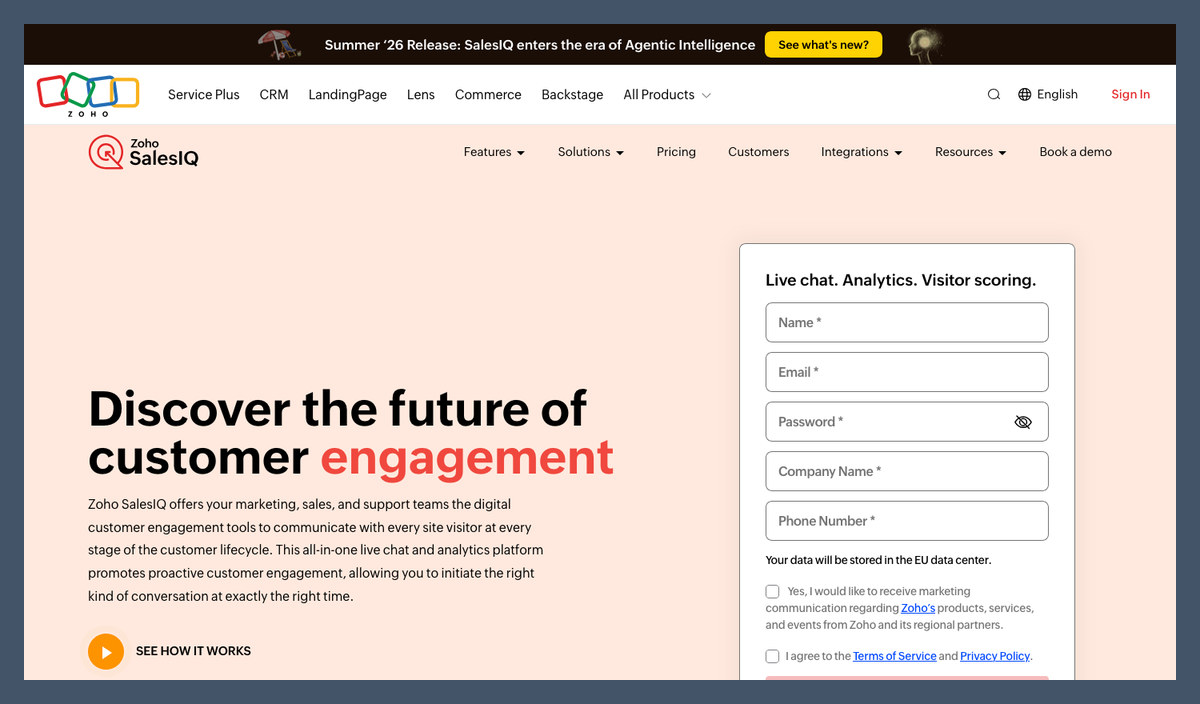
9. Zoho SalesIQ: Best for Sales Chat
- Best for: Visitor tracking and CRM lead capture
- AI agent: Zia Agents, included; extra bot sessions $8 per 5,000
- Starting price: Free; Basic $7/operator/month (billed annually)
- Free plan or trial: Free for 3 operators; 15-day trial, no card
Zoho SalesIQ earns its sales crown because visitor tracking feeds lead details into Zoho CRM, connecting website conversations with follow-up.
However, Zia Agents only arrived in summer 2026, and the strongest fit remains within Zoho. Choose HubSpot instead if your customer records already live there.
Pros
- Low-cost AI-inclusive operator seats
- Visitor tracking and CRM lead capture
- Zia or external model choice
- AI routing on Professional and above
Cons
- Newly introduced Zia Agents
- Enterprise-only URL bot training
- Strongest value inside Zoho
What’s new with Zoho SalesIQ?
The summer release added Zia Agents as digital operators, built in Zoho Agent Studio. They connect to business records and external data rather than relying only on articles to answer customer questions. AI vendor integrations and routing also arrived, although not every new capability comes with the Basic plan.
Why use Zoho SalesIQ in 2026?
SalesIQ suits teams that need chat to create usable leads, not merely close support requests. Visitor tracking and CRM connections help continue the conversation afterward. Our AI CRM software comparison covers alternatives if you haven’t chosen where those customer records should live.
My Zoho SalesIQ testing notes
I set up a Zia Agent connected to CRM records and checked the choice between Zia and my own model key. On Professional, I configured the criteria router around sentiment, intent and topic, then checked those routing settings alongside the agent in the website chat setup.
I checked knowledge-source restrictions, since Answer Bot and bot training from web URLs sat on Enterprise. I separated those features from Basic’s included Zia Agents, so make sure you confirm your plan’s restrictions before building around website content or promising specific routing behavior.
How Much Does Zoho SalesIQ Cost?
Paid plans charge per operator and include bot sessions, with extra packs available. Start with Basic for Zoho CRM teams, and check model-provider charges separately when using your own key.
| Plan | Monthly price per operator (billed annually) | Visitors tracked per month | AI features |
|---|---|---|---|
| Free | $0 (3 operators) | 10,000 | No Zia Agents |
| Basic | $7 | 50,000 | Zia Agents, 1 chatbot, 25,000 bot sessions |
| Professional | $12.75 | 100,000 | Adds AI routing and auto-translated bot content |
| Enterprise | $20 | 200,000 | Adds Answer Bot and bot training from web URLs |
Try Zoho SalesIQ: Visit Zoho SalesIQ
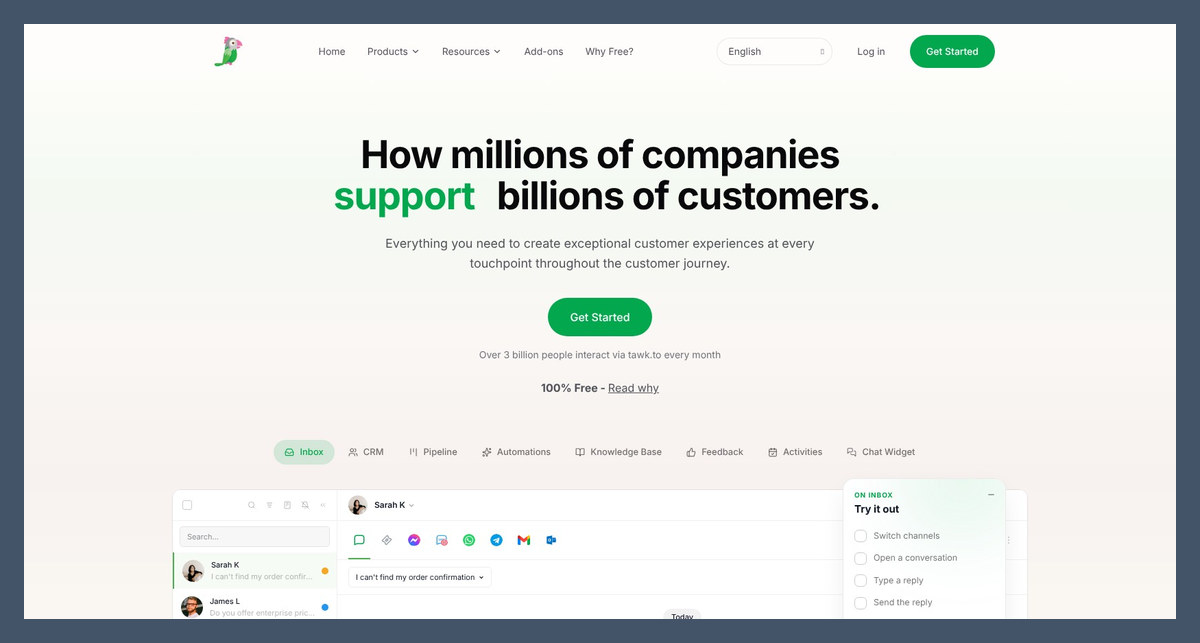
10. tawk.to: Best Free Live Chat
- Best for: Free human chat across your team
- AI agent: AI Assist, from $29/month per property; limited free tier
- Starting price: Free with unlimited agents
- Free plan or trial: Live chat free forever
For a zero-budget start, tawk.to wins because unlimited human agents cost nothing, with a knowledge base and ticketing included alongside chat.
However, check AI allowances in your account, and remember branding removal costs extra. Tidio’s stated introductory Lyro allowance makes its initial AI budget easier to understand.
Pros
- Free chat with unlimited agents
- Knowledge base and ticketing
- Up to 10 named AI agents
- Optional hired human agents
Cons
- AI Assist pricing per property
- Separate branding-removal charge
- Less ecommerce depth than Gorgias
What’s new with tawk.to?
The automation offering now uses AI Agents + Workflows, combining named agents with rules for repeat tasks. Each agent can have its own personality and guardrails, letting you separate jobs. Voice Agents are also available, but phone automation is a separate purchase rather than part of free website chat.
Why use tawk.to in 2026?
For me, tawk.to fits teams where human coverage comes first and AI comes later, since the inbox remains useful without automation. Job-specific agents can share training across supported messaging channels. For store actions requiring deeper order context, though, Gorgias is the more focused choice.
My tawk.to testing notes
I added help center content, FAQs, website pages and an uploaded document, then clicked train and selected channels from the dropdown. I also toggled an outdated source off, which updated the agent’s knowledge, before checking the website widget.
When I asked for a person, the handoff passed the full conversation context to the team rather than only the latest message. I checked AI Assist’s allowance in the account, so make sure you confirm those limits before enabling it on a busy website instead of budgeting from the starting price alone.
How Much Does tawk.to Cost?
Live chat remains free, while add-ons create the bill. Choose it to avoid human-seat fees, but not for a clearly defined per-resolution forecast across multiple properties.
| Plan or add-on | Monthly price | What you get |
|---|---|---|
| Live chat | $0 | Unlimited agents, chat widget, knowledge base, ticketing |
| AI Assist | From $29 per property | AI agents (up to 10), AI workflows, human handoff; free tier for low volume |
| Remove branding | $29 | No tawk.to badge, custom domains, branded emails |
| Voice Agents | From $49 plus usage | AI phone agent |
| Hired chat agents | $1 per hour | Human agents answer chats for you |
Try tawk.to: Visit tawk.to
How Do I Choose the Right AI Live Chat App?
Choose AI live chat apps by the job you need the AI to do, then compare billing and handoff quality. If you only need answers without a human inbox, our best AI chatbots guide is a better starting point.
- Do I need support answers, product selling, or both?
- Am I paying per seat, resolution, session or credit?
- What counts as a resolution?
- Can customers reach a person with their history intact?
- What content must I supply before launch?
- Does it connect to my website or store?
Support Deflection or Sales Chat?
- Support: Fin, Zendesk, Gorgias and Freshchat prioritize answering and routing requests
- Sales: LiveChat adds Shopify product cards; SalesIQ captures leads; HubSpot connects chat with CRM records
Drift is no longer sold to new customers and is being sunset under Salesloft, with existing customers referred to 1mind. Don’t start a new sales-chat setup on it.
Per Seat, Per Resolution or Credits?
- Seats plus included AI: LiveChat and Zoho SalesIQ
- Seats plus outcomes or resolutions: Intercom, Zendesk and HubSpot
- Workspace or property subscriptions: Crisp and tawk.to, with AI usage restrictions
For a workload targeting 200 monthly AI resolutions, these illustrative subscription costs show how headcount changes the comparison. Annual seat rates apply where available, while Crisp uses its flat workspace price. The rows compare budgets, not equivalent guarantees of successful automation.
| Setup | 3 agents | 10 agents |
|---|---|---|
| LiveChat Essential plus 4 packs of 50 resolutions | $255 | $388 |
| LiveChat Growth (200 resolutions included) | $237 | $790 |
| Intercom Essential plus Fin at $0.99 per outcome | From $285 | From $488 |
| Crisp Essentials (flat, 10 seats, about 450 AI conversations) | $95 | $95 |
| Zoho SalesIQ Basic (Zia Agents included) | $21 | $70 |
Growth becomes the priciest row at 10 agents, while Essential plus packs costs less if you can forgo Growth’s supervision, multilingual chat and unlimited history. Crisp stays predictable as long as its credits cover demand.
However, these units aren’t identical: Fin counts some silent customers as outcomes, Crisp meters credits, and Zoho counts sessions. None guarantees the same number of successfully resolved requests.
How Good Is the Handoff to a Human?
Check the receiving inbox for conversation history, not just a polite transfer message:
- Access: A visible human option
- Escalation: Routing after frustration or repeated requests
- Context: The complete conversation reaching your team
During a trial, ask for a person mid-chat, then inspect the destination inbox and its assigned owner.
How Much Setup Does the AI Agent Need?
LiveChat and tawk.to can read website content, while Fin Procedures and Zendesk Action Builder require more configuration. Tidio also needs existing Visitor says Flows checked after enabling Lyro. Start with one narrow job, such as order status, before adding actions.
For connected actions, check the destination system as well as the reply, since an order-change confirmation means little if the store record hasn’t changed.
Which Store or Website Platform Do You Use?
- Shopify: LiveChat, Tidio, Gorgias and Crisp
- WooCommerce: Tidio, Gorgias and Crisp
- WordPress and Webflow: LiveChat via plugin or snippet; Tidio also has a WordPress plugin
For other store functions beyond support and chat, compare our AI tools for ecommerce before adding more apps to your stack.
Can I Switch AI Live Chat Apps?
Yes, but switching involves more than replacing a widget, since knowledge sources and routing usually need rebuilding. Handoffs also need retesting, so export transcripts before canceling.
LiveChat offers a migration to Text that carries over your routing rules and widget settings, rather than requiring a complete rebuild. Fin and Lyro can sit on your current helpdesk instead of replacing it, but check renewal dates before committing to overlapping annual subscriptions.
How We Test and Rank the Best AI Live Chat Apps
Our ranking covers 15 shortlisted AI live chat apps, with the agent and its human handoff carrying the most weight. I checked the website widget and receiving inbox together, then looked at which interactions appeared in usage reporting.
- AI agent and handoff (30%): We prioritize content-based answers, connected actions and conversation history at escalation
- AI pricing clarity (20%): We compare billing units, allowances and costs at different team sizes
- Live chat and inbox (15%): We assess routing, takeover, channels and ticketing
- Setup effort (15%): We consider knowledge preparation and workflow configuration
- Integrations and ecommerce fit (10%): We compare store, website and CRM connections
- Reputation (10%): We consider user feedback about reliability, billing and support
Chatbase and Chatling focus more on agent building than a full human-support workspace, fitting our AI agent builders guide better. Help Scout and LiveAgent were close alternatives, with email-first support and bring-your-own AI setup respectively.
Competing rankings often come from companies selling a chat tool and placing themselves first in their own comparison. Fritz.ai doesn’t sell a live chat app, and every recommendation here names a weakness, including LiveChat’s seat costs and tight entry-level quota.
Prices current as of November 2026.
Final Verdict: Which AI Live Chat App Do I Recommend?
LiveChat is my recommendation for most small and growing teams because it combines included AI, resolution-based allowances and full-history handoffs. Choose Tidio for a free start, Fin for connected support workflows, or Crisp when adding seats is your main cost concern.
Start with LiveChat’s 14-day trial on one website, or a free Tidio or tawk.to account if budget comes first. Ask a real customer question, then request a person and inspect the receiving inbox and usage reporting before inviting everyone. For me, handoff quality and billing clarity matter more than how confidently the bot answers.
FAQs
What’s the best AI live chat app for a small business?
LiveChat is my recommendation for most small businesses, with included AI and full-history handoffs from Essential at $19 per user monthly, billed annually. Its AI allowance is tight, so check expected usage before choosing the entry plan. On a zero budget, choose Tidio or tawk.to, remembering that Tidio’s free Lyro allowance is one-time.
Is there a free AI live chat app?
Yes, but free AI usually comes with limits. tawk.to offers a low-volume AI Assist tier, while Tidio includes a one-time Lyro allowance rather than ongoing free usage. HubSpot, Crisp, Freshchat and Zoho SalesIQ offer free live chat without their main AI agent, so budget for a paid plan or add-on.
What counts as an AI resolution on my bill?
The definition varies by app: LiveChat requires a directly solved question, Fin can count silence after an answer, and Zendesk uses verified resolutions. Tidio and Freshchat generally meter AI conversations or sessions instead. Check the definition before buying, and see “Per Seat, Per Resolution or Credits?” above for the team-cost comparison.
Is LiveChat now called Text?
New LiveChat sign-ups receive Text plans, but existing LiveChat accounts continue with their plan, price and login unchanged. Text is the team’s next product, combining chat, an inbox, ticketing and AI, with optional same-price migration. Text features aren’t automatically part of legacy plans, so compare the feature mix before deciding whether to move.
Can an AI live chat app replace my support team?
No, not entirely, since complex technical issues and exceptions still need human judgment or authority even when AI handles routine questions. A connected agent also needs limits around sensitive actions such as refunds. Keep a visible human option, pass conversation history through, and judge automation by successful help rather than avoided escalations.

Comments 0 Responses