

I never really thought that AI images would become such a massive problem. I know LLMs got really good at mimicking human-sounding text really quickly, but for a long time, most of the visuals they created were laughably bad. Almost nobody was getting tricked by deep-faked pictures of people with six fingers on each hand, or posters with unreadable text.
Now though, a lot of AI tools are starting to become much better artists. One large-scale study found about 82% of people have assumed at least one AI image was real. That becomes a pretty serious problem when you’re posting visuals on a website or social media feed that you need viewers to trust.
AI image detectors can help, but they still vary wildly in terms of accuracy and consistency (much like AI text detectors). I wouldn’t trust any of the picks below one hundred percent, but they are the ones I’d probably try first if I wasn’t certain about an image’s origins.
The Best AI Image Detectors
Whenever I’m comparing AI detectors, I generally look for the same series of things, like accuracy rates, false positive scores, overall usability, and pricing. I mostly used the same criteria here, although I was looking for a bit more information about how each tool handled things like human manipulation of AI images (editing on Photoshop), or compression, too.
This is the shortlist I ended up with.
| Detector | Best for | Starting Price | Standout Feature |
|---|---|---|---|
| Pangram | Best overall | 3 free image scans a day | Lowest false positive rate combined with high accuracy, plus effective humanization checks |
| Hive Moderation | Free everyday checks | Free version, or $6 per 1,000 checks | Great multi-modal stack for finding AI fingerprints in content |
| Sightengine | Detection APIs | $29 per month | Pixel-based detection and forensic tools |
| Illuminarty | Localization and generation atrribution | Free plan, paid starting at $10 per month | Detailed breakdowns and heatmaps |
| Reality Defender | Enterprise deepfake checks | 50 free scans per month | Ensemble detection for images, audio and video |
| Deepfake-o-meter | Second opinions | Free plan | Support for multiple detection algorithms and custom metrics |
1. Pangram Image: Best AI Image Detector Overall
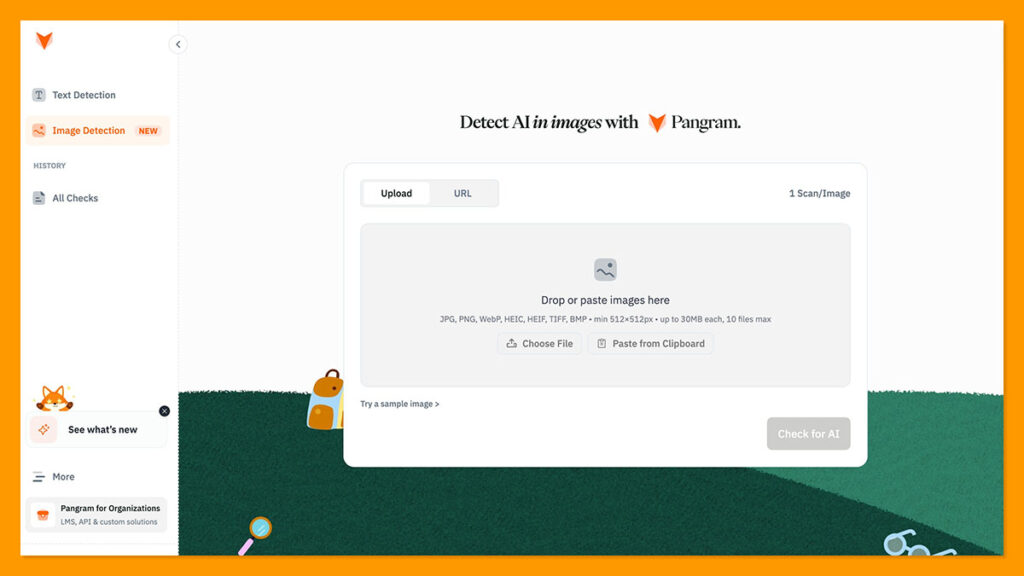
Pricing: Free for 3 scans per day, enterprise pricing available on request
I already use Pangram regularly to check written content for AI signals, so I was pleasantly surprised when they released their image detection tool. It’s still relatively new, like Pangram’s new “humanized writing detection” feature, so it’s not as proven accuracy-wise as the larger platform. Still, it manages an average 99.5% accuracy score, and like the text detection tool, it still has one of the lowest false positive rates out there.
There are a lot of things that make this relatively new detector compelling. It can identify synthetic slop from most of the top LLMs, ranging from OpenAI’s GPT tools, to Midjourney.
It gives you mixed content heatmaps too, to show you exactly which parts of an image look AI generated. It’s also fine-tuned with data augmentations so it can still detect AI when someone compresses or edits an image.
Pros:
- Great accuracy scores combined with low false-positive rates
- Cross-model detection capability
- Mixed content heatmaps for deeper insights
- Resilience to compression and editing techniques
- Full suite of AI detection tools in one place
Cons:
- Still limited access in research preview
- Some restrictions on content types
- Can struggle with very advanced image manipulation
2. Hive Moderation: Best Free AI Image Detector for Everyday Checking
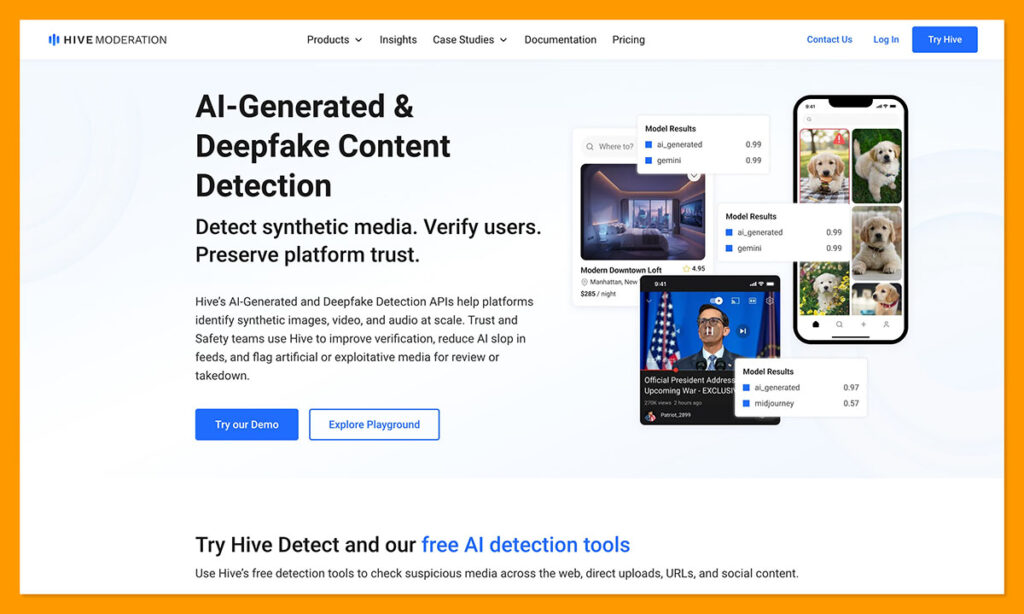
Pricing: Free checking tools with API access starting at $6 per 1,000 requests
Hive is one of the most useful tools for everyday checks. It’s a full, enterprise-grade content moderation platform that can scan images, text, videos, and audio through the same system. It’s also extremely fast, because it’s built to handle high-volume data streams with virtually no latency.
Accuracy can obviously vary, but Hive has a fantastic repetition for spotting obvious deepfakes and standard AI fingerprints in visual content. It also lets teams and developers set their own detection rules, plus, it can tell you which “source model” was likely to be involved in creating an image.
It’s far from perfect, like most AI detectors, and honestly, it’s not as user-friendly as Pangram, as it expects teams to have some developer knowledge. Still, it’s one of the cheaper tools to use for everyday checks, and I appreciate the platform-scale moderation for larger teams.
Pros:
- Easy to check all kinds of content through uploads, URLs, or Chrome
- Relatively affordable API pricing, plus free checks
- Useful model attribution insights
- Good for large teams checking lots of content at once
- Suitable for custom checking policies
Cons:
- Regular issues with false positives
- Limited accuracy insights from external analysis
- Developer focused, so not as easy to use as some tools
3. Sightengine: Best AI Image Detection API for Pipelines
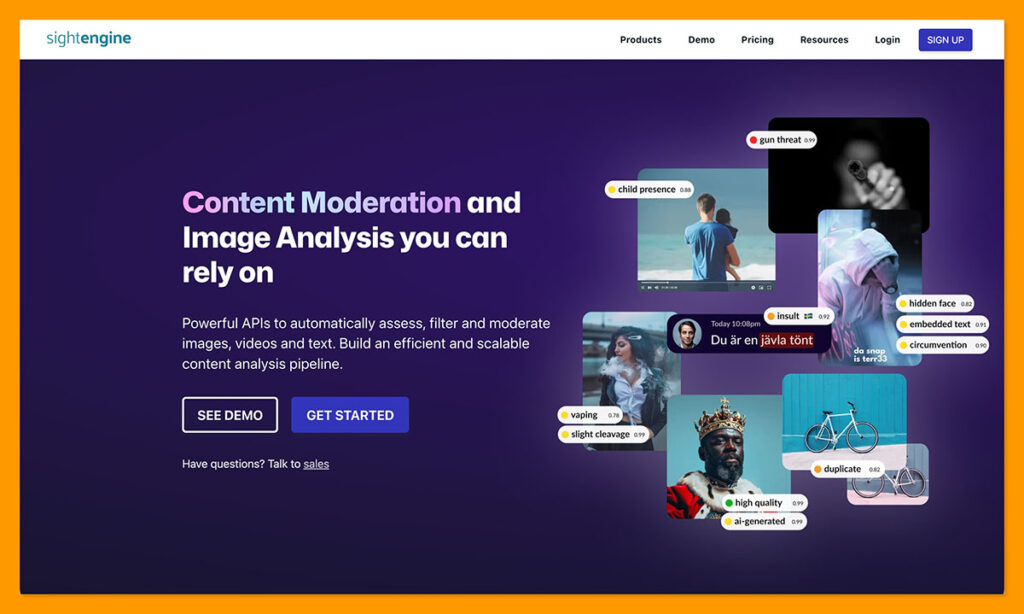
Pricing: Starts at $29 per month for up to 10,000 operations
Sightengine is one of those tools that expects publishers to “wire” the solution into the work they’re already doing. It’s another content moderation and media verification platform, like Hive, that can easily flag adult content, violence, and potential AI generation.
One interesting thing is that the detector reads the pixels individually, so you don’t necessarily need EXIF data, a watermark, or C2PA credentials to get a flag. That’s useful since most of those things tend to disappear when pictures get compressed or reposted.
The accuracy levels seem to be pretty good too, with the ARIA benchmark test giving Sightengine a 98.3% score. Still, it has some limits. One is that it’s focused mainly on images, rather than images plus audio and text like other detectors. It also has a few problems with false positives or negatives, especially when a piece of work involves unusual art.
Pros:
- Decent accuracy scores on benchmark tests
- Checks for all kinds of image problems, not just AI
- Free tier is available (though it’s limited to low volume tests)
- Very fast processing speed and 24/7 availability
- API fits into existing workflows
Cons:
- Still struggles with false positives and negatives
- Can fail to flag heavily edited images
- Doesn’t work with text or audio
4. Illuminarty: Best for Localization and AI Generator Attribution
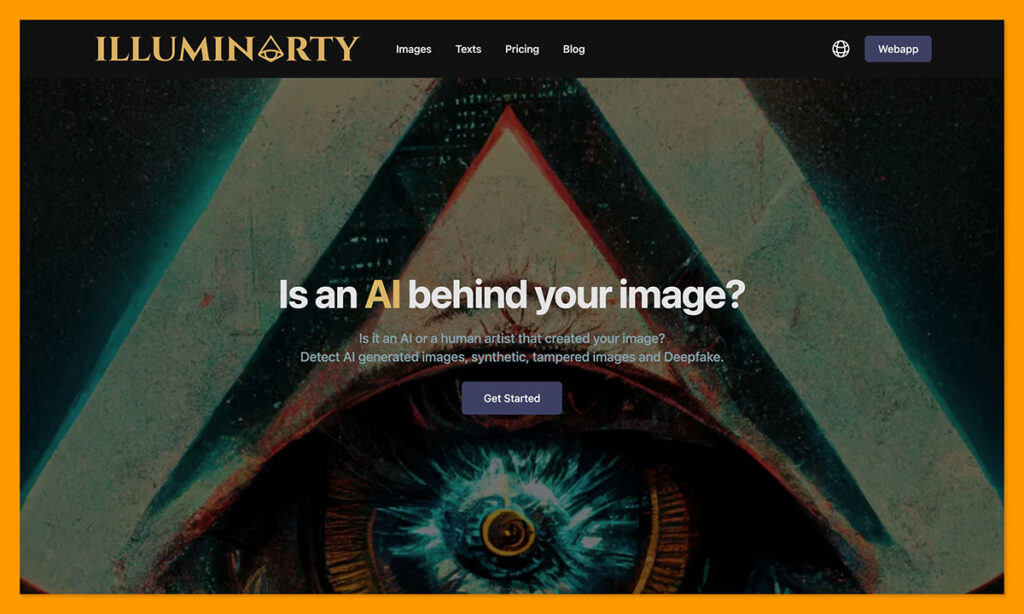
Pricing: Free basic checks with plans starting at $10 per month
Illuminarty is another tool that can scan both text and images for evidence of AI manipulation. It’s one of the easiest tools I’ve used on this list, with it’s straightforward web interface, a browser extension, as well as API availability. The best part about it though is how much information it gives you on the paid plans.
The tool can highlight the exact parts of an image that it thinks has been manipulated by AI. It can also tell you which generator (like Midjourney) was probably involved in creating the image, although that’s an estimate, not a guarantee. The pricing is also quite cheap starting at $10 per month for 10,000 API requests a day, plus generator identification.
The accuracy is still inconsistent, and false positives are quite common on digitally edited images, still, I do like this one for regular quick checks.
Pros:
- Helpful highlights to show the most problematic part of an image
- Generator attribution insights on paid plans
- Free plan available for initial text
- Support for both text and image detection
- Very easy to use even if you’re not a developer
Cons:
- Has limits on large file sizes
- Can sometimes generate false positive scores
- Doesn’t always work as well on images created by newer models
5. Reality Defender: Best for Enterprise AI Image Detection
Pricing: Free tier with 50 scans a month, paid plans starting at $399
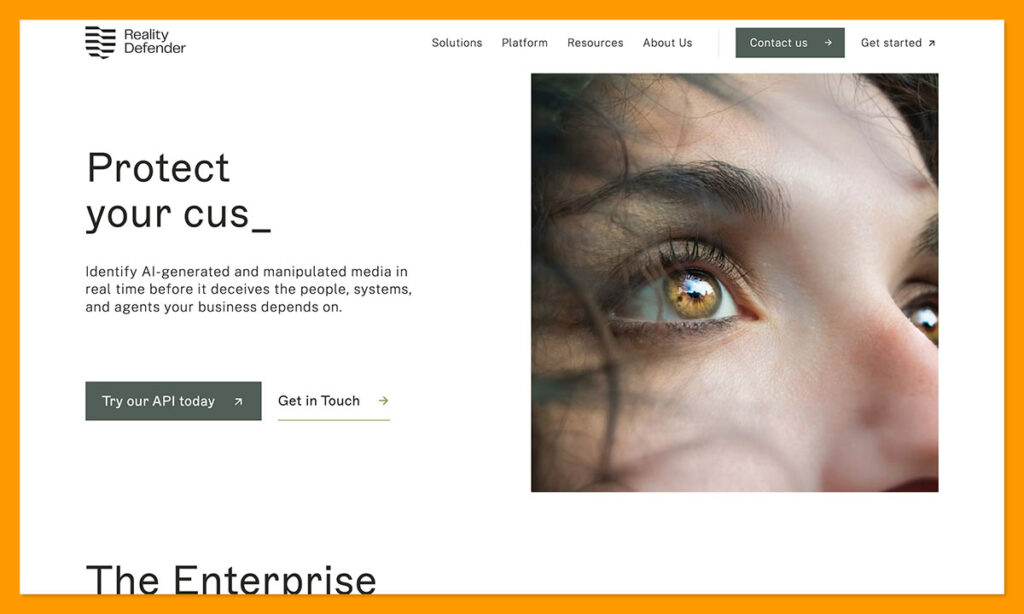
Reality Defender is directed at enterprise teams that need to check for signs of AI in video streams, interviews, or content that could indicate fraud or impersonation attempts. Companies use it to find potential evidence of manipulated media in text, images, video and audio. You can even use the API in real-time to check whether the person in a live stream or video interview is real.
One of the great things about it is the fact that it uses a collection of different models and algorithms at once to get a probability score, and it doesn’t need to see a watermark in an image to determine it might have been influenced by AI. There’s API and SDK support for developers too. Plus, it has compliance features to help you out with staying on the right side of the EU AI Act.
The problem some people might have with this option is that it’s more expensive, complicated, and resource intensive than most other tools, because it isn’t intended for quick one-off checks.
Pros:
- Supports image, audio, and video manipulation detection
- Uses a range of models and algorithms at once to get a score
- Fast real-time scanning capabilities
- Developer support and governance for enterprises
- High levels of accuracy on obvious AI content
Cons:
- Resource intensive compared to other systems
- Can be quite expensive
- Results are probabilistic, and vary in accuracy
6. DeepFake-o-Meter: Best Free Independent Option
Pricing: Free
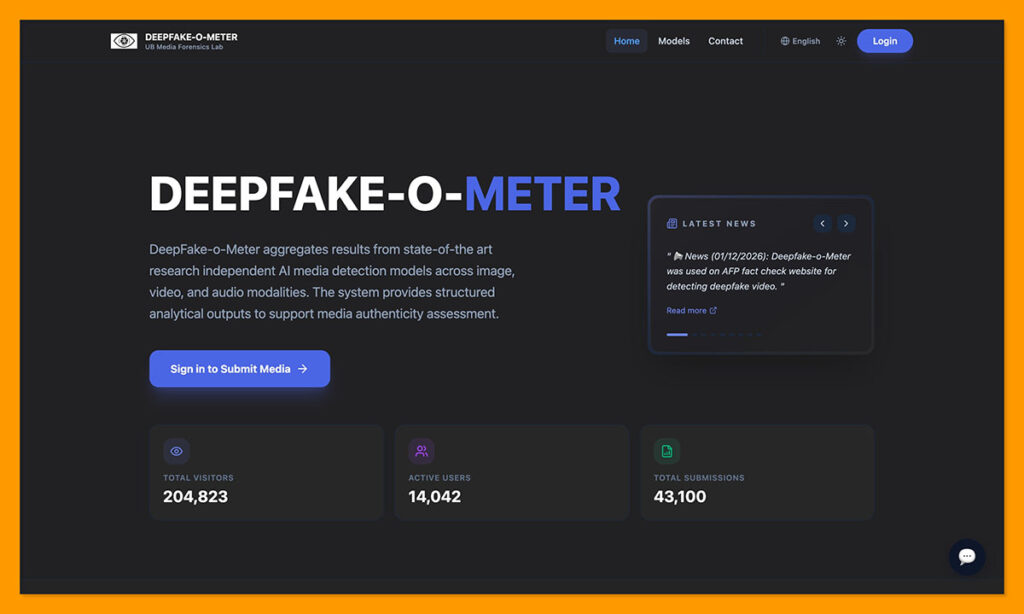
DeepFake-o-Meter is my “honorable mention” for this list. It’s a free, open-source, and web-based tool created by the University at Buffalo Media Forensics Lab. It lets you run all kinds of content through a selection of algorithms contributed by various research groups. You also get separate likelihood scores, rather than an overall average.
One of the biggest benefits is the transparency of this tool, because you can actually see what the algorithms are checking for. Plus, the multimodal functionality means you can test images as well as audio clips and video files in the same interface.
I also like that instead of just pegging an image as “AI or not”, it gives you real metrics like running time and accuracy, which encourages you to actually assess the results yourself. The problem is that you’re really just getting a second opinion here, and the accuracy is obviously variable depending on the algorithm you’re using. It’s also a little more complicated to get your head around than some tools, since you’re choosing from different algorithms before you start scanning.
Pros:
- Free, open-source, and completely transparent
- Excellent range of algorithms and metrics to choose from
- Suitable for audio, video, and image analysis
- Encourages users to interpret results themselves
- University-backed performance
Cons:
- A little more complicated to use than some tools
- Different algorithms can give you different scores
- Doesn’t always work well with heavily edited images
Which AI Image Detector Is Best?
It’s worth saying again that AI image detectors aren’t as “proven” as AI text detectors yet, and really, you shouldn’t treat the results of any of these tools as absolute fact. Still, every one of the picks above are helpful in their own way. I like Deepfake-o-Meter for an independent second or third opinion. Sightengine is the one I’d use for mature production insights, while Hive is the easiest recommendation if you want quick free checks.
Reality defender is great when a fake image might be part of a fraud or impersonation attempt, and I like Illuminarty for its cheap API pricing and generator attribution. Pangram is still the one I’d choose first overall though. It might be newer than some of the options on this list, but the results you get are detailed, the full system is easy to use, and the low false positive rate gives me peace of mind.

Comments 0 Responses