

I have said it before, and I will keep saying it until I am convinced people are listening. AI detectors can be good and bad at the same time. Particularly in education.
I am completely onboard with teachers using these tools. They need help figuring out whether their lessons are going anywhere, and whether people are actually doing the work to improve their skills, rather than outsourcing anything tough to an LLM.
Trusting an AI detector a little too much, however, can be extremely damaging. Punish a student just because an AI detector gave them an 82% AI score, when you do not know exactly where that score comes from, and you are putting their whole future in jeopardy.
So when I am looking at AI detectors that work with something like Canvas, one of the more popular educational platforms used by schools, I am always going to be a bit more cautious.
The Best AI Detectors for Canvas
First of all, I could not judge this by “AI detectors that integrate directly with Canvas” alone. Otherwise, I would have had a very short list.
Canvas does not even provide its own plagiarism checker, but you can connect some third-party tools and view originality insights in SpeedGrader when they are connected. For everything else, you just need to add another step to your typical process.
Not all of these tools link directly to Canvas, but they all give you a pretty easy way to spot AI and plagiarism in one place.
| Tool | Best for | Canvas fit | AI + plagiarism? | Starting price |
|---|---|---|---|---|
| Pangram | Best overall Canvas AI detector | Direct LMS options | Yes | Free plan, paid from $20/month |
| Turnitin | Institutions already using it | Strong Canvas setup | Yes | Institutional pricing |
| Copyleaks | Multilingual and code-heavy courses | Native Canvas plugin | Yes | Credit-based |
| Originality.ai | External second checks | Manual workflow | Yes | $14.95/month |
| Compilatio | Plagiarism-first academic review | Canvas integration | Yes | Institutional pricing |
| Winston AI | PDFs, scans, images, OCR | Standalone | Yes | Free trial, paid from $18/month |
| SafeAssign | Blackboard plagiarism checking | Limited Canvas fit | Mostly plagiarism | Included with Blackboard |
1. Pangram: Best AI Detector for Canvas Overall
Starting price: Free plan, paid from $20/month
AI & plagiarism detection: Yes
Canvas fit: Direct LMS options, including Canvas
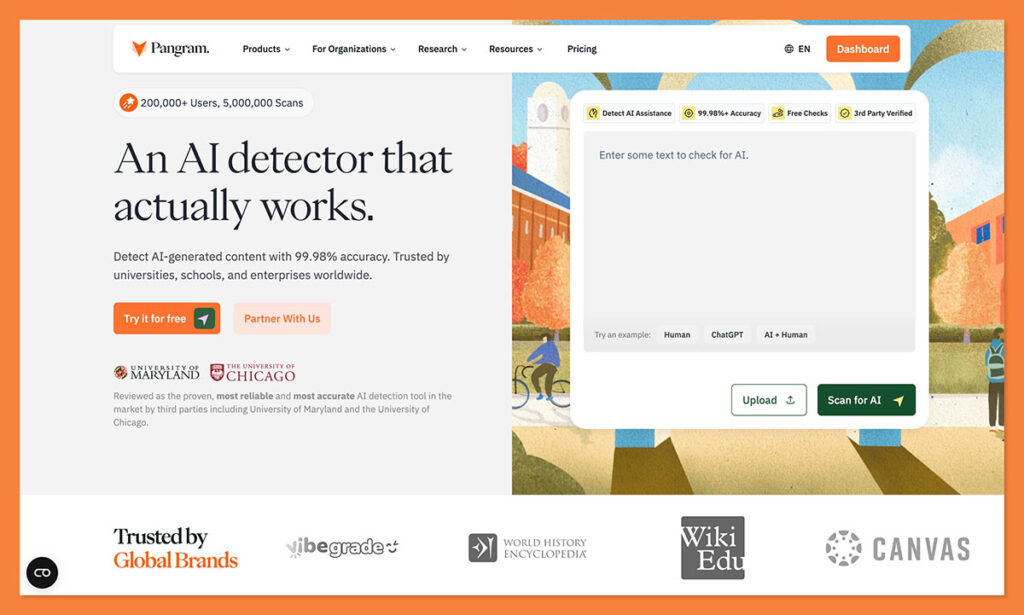
Pangram is my first pick for every educational institution looking for an AI detector. Actually, it is my first choice for just about any AI detection use case.
Pangram was built by people who understand, better than most, how dangerous a false accusation of “GPT addiction” can be. Its accuracy scores are through the charts, which is great, and it can detect AI-assisted text, and rewritten AI slop just as easily as fully machine generated content.
But the better part is the almost zero false positive score. The University of Chicago research found Pangram kept detecting AI effectively even when the false-positive cap was pushed down to 0.5%. That is important when you do not want to risk ruining a student’s entire reputation.
The feature that sets Pangram apart: AI assistance detection
Most detectors hand you a binary, AI or not AI. Pangram grades on a spectrum instead. It sorts writing into fully human, lightly AI-assisted, moderately AI-assisted, or fully AI-generated, and on longer submissions it can tell you which segments fall where. So a student who ran their own essay through ChatGPT to fix grammar does not get treated the same as one who had the bot write the whole thing.
That distinction is exactly the kind of thing that should start a conversation rather than deliver a verdict. It is also where most competing tools fall down, since they flag light editing and full generation with the same blunt score. For subscribers, AI assistance detection is on by default.
There are other great things worth mentioning about Canvas too. It integrates with Canvas directly, for one, and there is plagiarism detection included on paid plans too. Plus, it works with a great selection of different file types, and more than 20 languages. There is also a handy Chrome extension, which can help if people submit assignments through Google Docs, or other sites.
How Pangram actually works inside Canvas
Setup happens in the same assignment editor you already use. You create an assignment, pick External Tool as the submission type, and choose Pangram from the list. From there you decide whether students submit text or upload files, and whether they get to see their own AI report. Plagiarism detection runs on every Pangram assignment either way. Save and publish, and it behaves like any other assignment on your course.
The part that matters for grading lives on the review side. Open the assignment from your Assignments tab and you get your full roster with each student’s AI scan result next to their name. Click any result badge to drill into the detail behind a specific submission, so you are never stuck staring at a lone percentage with no context to back it up. Pangram shows every student’s AI scan result across your Canvas roster, with a click-through into each submission.
Pros
- Plagiarism detection is on for every Pangram assignment
- Extremely low false-positive rate, without compromising accuracy
- Detects AI assistance, and spots rewritten AI text
- Canvas support included (links straight to SpeedGrader)
- Google Chrome extension
- Fantastic privacy protections for student data
- Multiple languages and file types supported
Cons
- Free plan is too limited for scaled educational use
- Can struggle with shorter snippets
- Institutional setup means talking to the sales team
2. Turnitin: Best if Your Team Is Already Using It
Starting price: Enterprise pricing
AI & plagiarism detection: Yes
Canvas fit: Direct integration
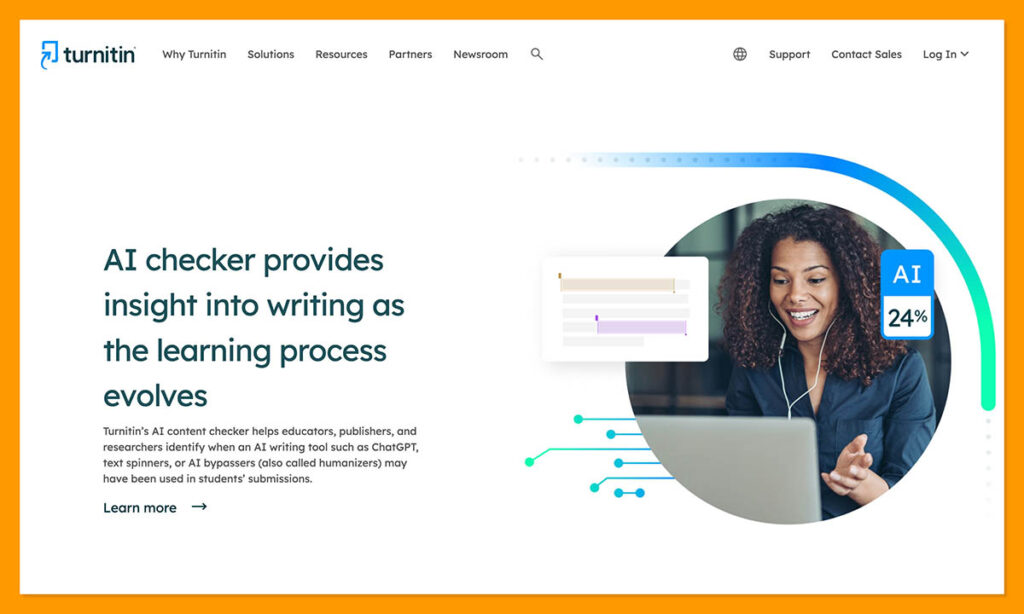
Turnitin is the tool a lot of schools already have, which makes it the pretty obvious choice for most. Why introduce a brand new tool if the one you already have can run all the checks you need already?
Using this tool with Canvas is simple. Instructors can see similarity scores in Canvas Gradebook or SpeedGrader, and click into the AI writing report through the Turnitin Feedback Studio for more details. You can use this tool to look for GPT fingerprints and plagiarism at once.
Plus, there is plenty of support for larger assignments. The system can scan up to 30,000 words in one go, and separate rewritten AI text from something completely produced by a bot. You can even check if someone has altered something with a “humanizer” tool.
Unfortunately, the false positive rate here is still pretty high, sometimes up to 4% at the sentence level. I have also noticed that this tool struggles a lot with more formal academic writing, which could be a problem depending on the course you teach.
Pros
- Easy integration with Canvas
- Already a familiar tool for higher education
- Includes reliable plagiarism checks
- Works very well for longer submissions
- Good for finding “humanized” AI text
Cons
- The pricing is expensive
- Not ideal for shorter submissions
- False positives are still an issue
3. Copyleaks: Best Multilingual Canvas AI Detector
Starting price: Credit-based, with institutional options
AI & plagiarism detection: Yes
Canvas fit: Native Canvas plugin
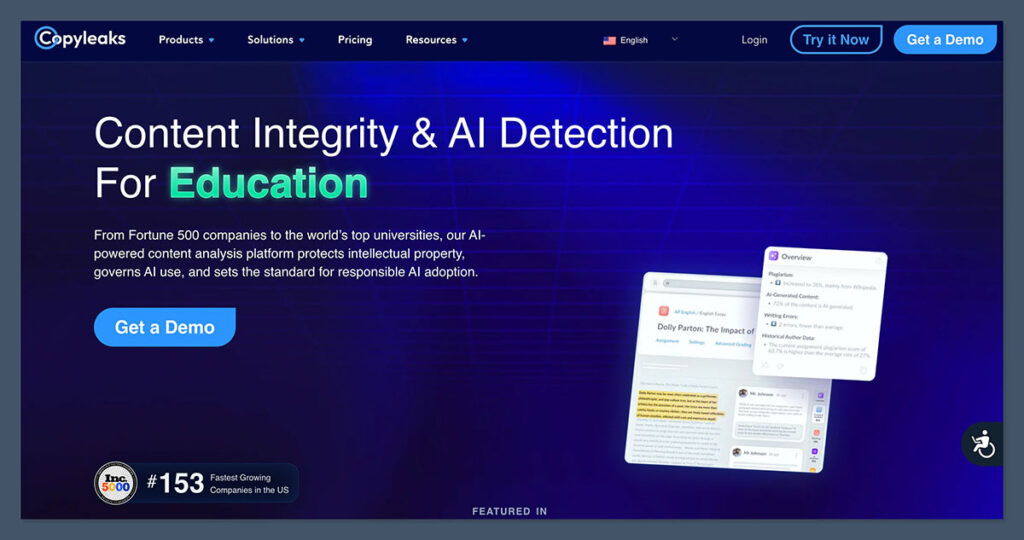
I really like Copyleaks for larger educational institutions that need to check through a lot of submissions or assignments fast, particularly if they have a multilingual student body.
This tool offers AI detection in more than 30 languages (more than just about any other option I have tried), and the plagiarism detection covers 100 languages. You also get grammar and readability checks built-in, so that is handy for an all-in-one assessment.
Copyleaks has a great reputation for accuracy, with some reports suggesting a 99% accuracy rate, and about a .03% false positive rate. Still, it is not that great at distinguishing between “AI-written” and someone who just got a little assistance from an intelligent spellchecker.
On the plus side, there is a lot of scope for this tool, you can use it to check source code, images, and text at the same time, which is ideal if your students submit more than basic essays.
Pros
- Native Canvas plugin
- Grammar, plagiarism, AI, and code checks in one
- Fantastic multilingual coverage
- Can scan images as well as text
- Good accuracy rates with pure GPT copy
Cons
- Does not always detect paraphrased AI text
- Pricing can be expensive for institutions
- Struggles to distinguish between AI-written and AI-assisted
4. Originality.ai: Best External Checker for Review Teams
Starting price: $14.95/month monthly Pro
AI & plagiarism detection: Yes
Canvas fit: Manual workflow, no native Canvas plugin
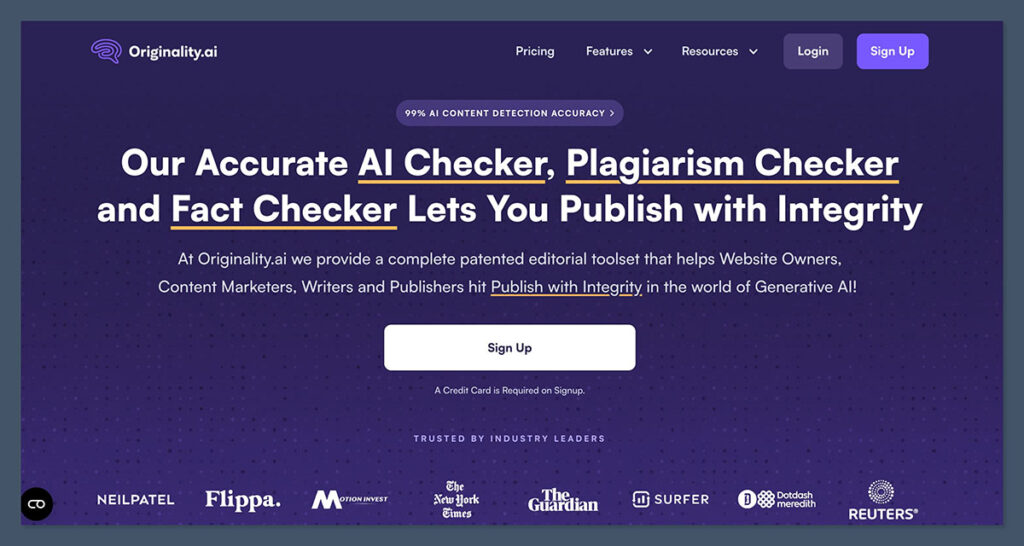
I know this is a weird option to suggest because Originality.ai does not actually have a Canvas integration, but stay with me. The reason I recommend this tool is because it is still a good pick if you do not mind doing a bit of extra work.
You do need to copy text out of Canvas, upload files, or run checks through an external dashboard or Chrome extension. In exchange, though, you get a very trustworthy tool, with plenty of useful features. Originality comes with team collaboration tools built in, so teachers can check reports together, and there is plagiarism detection included, too.
The premium plans are pretty affordable, compared to most alternatives as well, starting at $14.95 per month. You also get a useful Chrome extension, which includes a “Writer Replay” tool that can help you check back over the process a student used to create an essay or assignment.
This is not the most obvious tool on this list, and it is not so great at detecting “humanized” AI content, but it is still worth considering.
Pros
- AI and plagiarism detection in one
- Chrome and Google Docs support
- Helpful collaboration and team tools
- Easy to use, and reasonably affordable
- Includes shareable reports
Cons
- No native Canvas integration
- Detection is aggressive, which leads to false positives
- Better for publishers than teachers
5. Compilatio: Best Pedagogical Canvas Plagiarism and AI Checker
Starting price: Institutional pricing
AI & plagiarism detection: Yes
Canvas fit: Canvas integration available
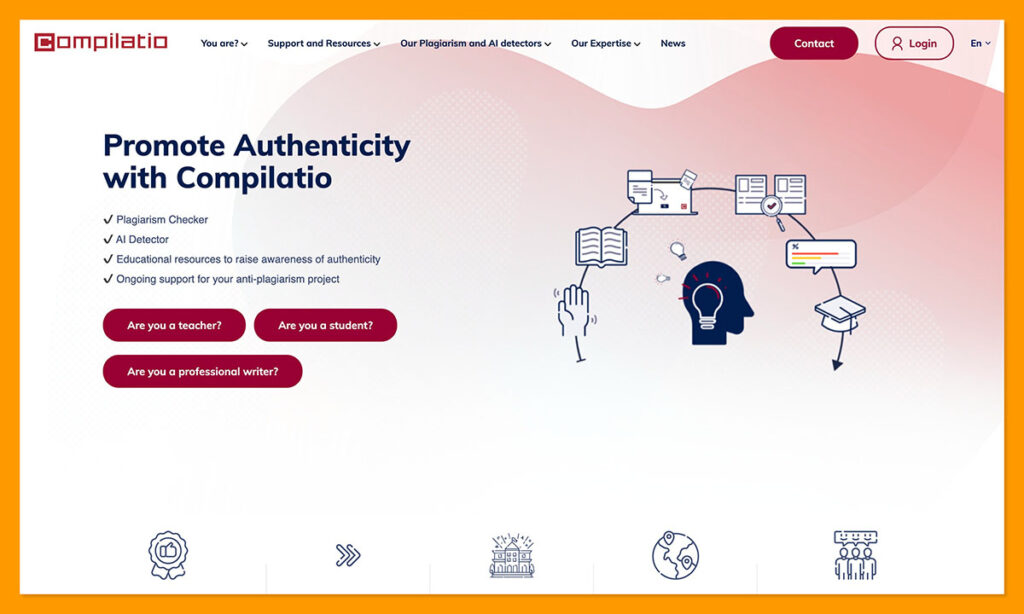
This is one of the tools on this list more specifically designed for academic groups from the get-go. Educators use this system already to check for plagiarism, and heavy AI assistance in all kinds of essays, assignments, and tests.
It offers similarity checking, plus multilingual plagiarism and paraphrasing insights. It can also tell you when text has been altered, and give you downloadable reports to share with your team.
What I like most is that it is clearly made for teachers, with resources included that can actually help students learn proper referencing and citation rules. It also has a strong focus on privacy protection, and of course, has a native Canvas integration available, so you are not copy-pasting everything.
My problem is really the lack of proof around this tool. There are not a lot of reports showing you how accurate the system is, or how often it flags false positives. Its database for training also is not as large as the ones used by Turnitin or Pangram.
Pros
- Works directly with Canvas
- Clear pedagogical focus for academic institutions
- Intuitive and user-friendly for teachers and students
- Plagiarism and AI detection in one
- Gives you insights into paraphrasing and text alteration
Cons
- Not a lot of proof on accuracy or low positive rates
- Requires an institutional setup
- Feedback is not particularly detailed
6. Winston AI: Best Standalone Tool for PDFs, Scans, Images, and Reports
Starting price: Free 14-day trial, paid from $18/month
AI & plagiarism detection: Yes
Canvas fit: Standalone, no native Canvas plugin
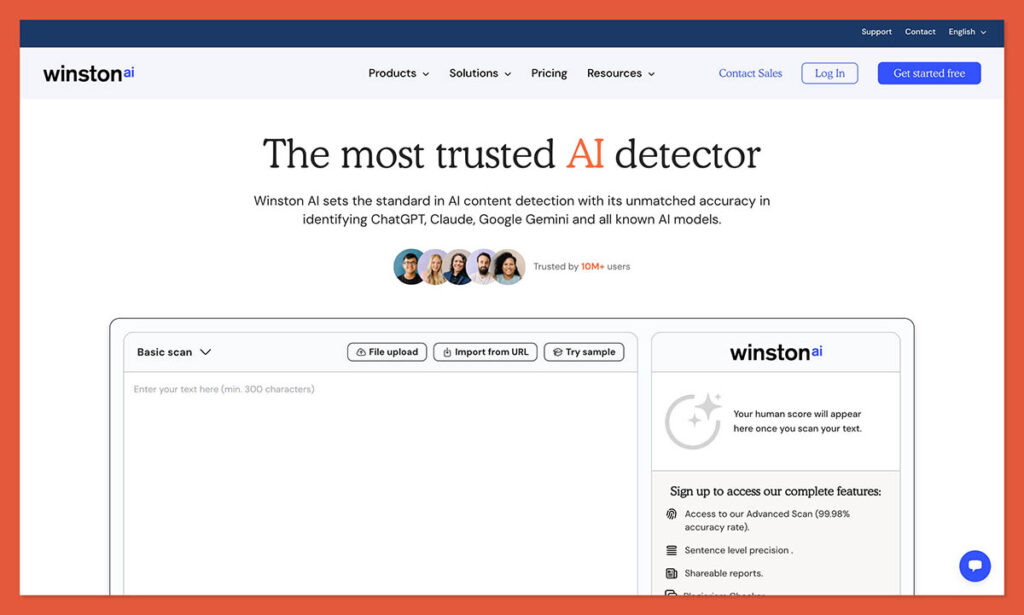
Similar to Originality.ai, Winston does not have a native Canvas plugin, you still need to do all the work of transferring submissions from your LMS into the dashboard. It is still a good tool to have around, though, particularly since it covers more than just GPTisms in text.
The platform can check for plagiarism and AI in images, through OCR, and educators also get useful writing feedback, and shareable PDF reports. Winston’s accuracy rates are high, particularly when you are looking for obvious AI imprints, although it is not always perfect at finding AI-assisted text, or noticing when something has been humanized.
On the plus side, there is a free trial, which includes 2,000 credits for 14 days, which is great if you are looking for an initial test-run. From what I have experienced myself, this tool is also pretty easy to use, even if you are a student trying to figure out if your essay sounds too machine-like before submission.
Pros
- Good for scanned assignments and images
- Includes plagiarism detection
- Shareable PDF reports for teams
- Can offer advice on readability
- Easy to use for most beginners
Cons
- False positive rates are pretty high
- No direct Canvas integration
- Does not always catch edited AI text
7. SafeAssign: Best Blackboard Plagiarism Tool
Starting price: Included with Blackboard access
AI & plagiarism detection: Mostly plagiarism
Canvas fit: Poor. SafeAssign is built for Blackboard, not Canvas.
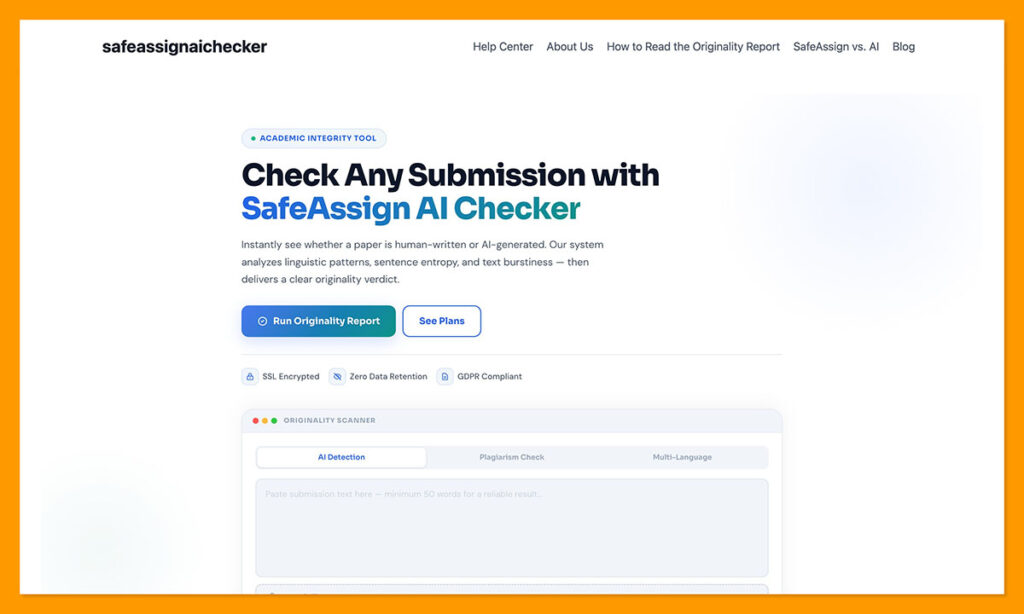
This is probably the biggest odd one out, but it is still worth mentioning, because I know a lot of educators already use SafeAssign for plagiarism detection. It is an integrated Blackboard tool that automatically checks student submissions against a huge selection of papers, internet sources, and journals, so you can see, at a glance, who is got a bit too copy-paste happy.
For plagiarism detection, it is brilliant, especially since instructors can give students access to their own originality reports that they can actually learn from.
For AI detection, on the other hand, it is limited. It can detect some very obvious signs of AI writing, but it is not nearly as good as a pure AI detector like Pangram. I would not trust it to determine whether ChatGPT wrote a paragraph of a student’s essay, unless the bot also happened to copy the text directly from another source.
Pros
- Built into Blackboard, so suits educational processes
- Great for plagiarism detection
- Originality reports are actually helpful
- Reasonably easy to use for teachers and students
- Basic AI detection included
Cons
- Not as good at AI detection as other tools
- No Canvas-native integration
- Lacks advanced features and filters
The Best AI Detector for Canvas: Pangram
All of the tools here have their uses for educational groups. If you are already using Turnitin for assignment checks, then it makes sense to use it for AI and plagiarism detection too.
Copyleaks is great for code and multilingual courses, and Originality.ai is handy if you want a simple standalone checker. Winston AI is brilliant for awkward file checks, and Compilatio was clearly built for educators. SafeAssign is more the one I would pick for plagiarism, rather than AI writing insights.
Pangram wins overall for me, though, because it gets the two biggest things right. It works with Canvas directly, and it does not throw out accusations like they are going out of style.
If you are looking for a tool that you can trust to give you a clear view of your student’s work, and how much effort they have actually put into it, but you do not want to risk someone’s reputation with a positive score you cannot rally back up, Pangram is the tool to go for.

Comments 0 Responses