

At this point, I’ve used a lot of AI detectors. Sometimes out of curiosity, to test how trustworthy they really are, and sometimes out of necessity. I’ve tried them out from the perspective of a publisher, looking for generic AI slop before I post something, as well as from the perspective of a teacher, and a recruiter. Looking at them from the lens of a law firm has probably been the trickiest.
The problem with the kind of text law firms generate every day is that it’s already a bit machine-like, if you think about it. Contracts are supposed to be repetitive. Briefs are formal. Summaries follow a specific structure. Even the language is packed with jargon. It’s easy for AI detectors to see all those things and assume a GPT got involved.
I think firms looking for help with checking AI content need something very specific. Accuracy is still important, but you’re also looking for a system that understands the kind of content they’re creating isn’t going to be the same as something you’d see on a blog.
The Best AI Detectors for Law Firms
I know a list of just four suggested AI detectors seems small. There are so many AI detector lists out there with dozens of options. But I’m concentrating on a very specific group of users here. When I checked each tool, using my standard process of examining AI-written, AI-assisted, and human written content, I was trying to think through the mind of a legal expert.
I needed to see that the tool could distinguish between legalese and bot-generated content first. Then, I was looking at how effective they were at picking up whether text was fully machine-created (or not). After that, I checked to see whether firms could use them without feeding them client-sensitive data, whether they worked alongside tools teams already used, and whether the scores came with insights rather than just scary percentages.
That narrowed the list down to these four:
| Tool | Why it’s good for legal teams | Potential concern |
|---|---|---|
| Pangram | Hard Negative Mining for legalese, Mixed Content scoring, legal privacy claims | Still can’t be used as absolute proof |
| GPTZero | Legal documents included in training, plus useful workflow checks | Not designed exclusively for legalese |
| Originality.ai | AI detection, plagiarism, fact checking, and workflow insights | Tends to flag false positives on formal writing |
| Copyleaks | AI plus plagiarism in one report, 30+ AI detection languages, enterprise security options | More focused on education than law |
1. Pangram: Best AI Detector for Law Firms Overall
Starting price: Free plan, paid from $20/month
AI writing detection: Yes
Plagiarism detection: Yes, on paid plans
Best for: Briefs, filings, contracts, discovery documents, legal memos, associate drafts
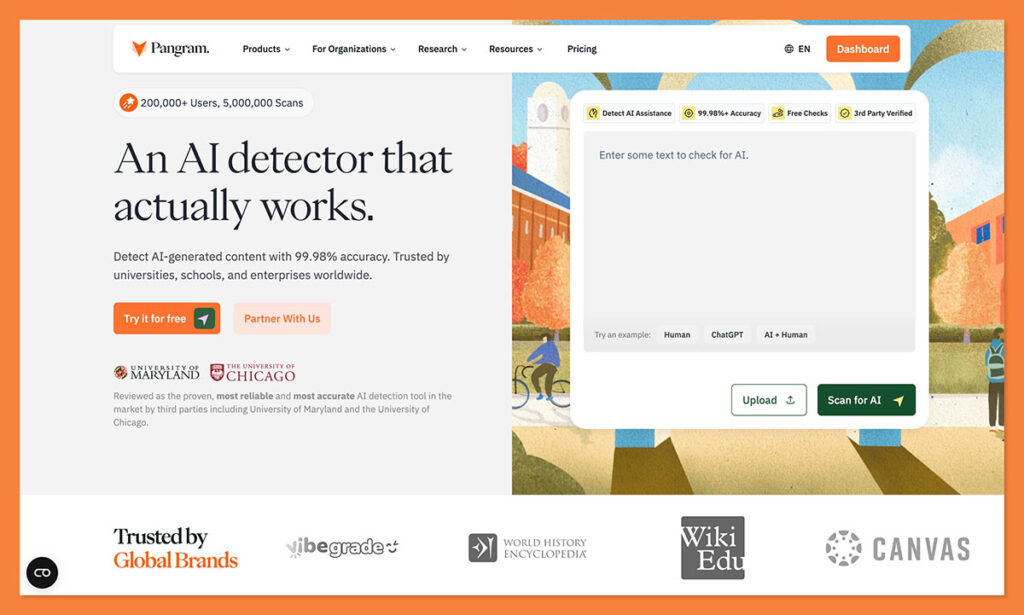
Pangram has become my go-to AI detector for just about every kind of “text-checking” task these days, because it’s the one I trust most. It’s accuracy score is top notch (99.98%) and it’s verified by third parties. It can flag fully AI-generated, and machine-assisted text. It can also handle big chunks of text at once, with ZIP upload support for bulk screening, and its Chrome extension.
Most importantly though, Pangram is ideal for legal text. It understands the difference between legalese and AI slop. The system even uses “hard negative mining” to reduce false positives on formal legal writing, which is exactly the kind of thing you need if you don’t want to spend your life being suspicious of every piece of content that lands on your desk.
I also love the mixed content scoring feature, which lets you see which clauses look AI-generated or human-edited. You also get plagiarism detection bundled in if you need it, which can be helpful if you want to avoid citing opposing counsel’s work.
Pros
- Particularly good at identifying legalese
- AI detection and plagiarism detection in one
- Mixed content scoring and detection for AI assistance
- Strong data privacy settings
- Chrome, Google Docs, OCR, API, and bulk review
Cons
- Still can’t be used as proof of misconduct
- Most legal users will need a paid plan
2. GPTZero: Best for Quick Legal Checks and Writing-Process Evidence
Starting price: Free plan, paid plans from $14.99/month
AI writing detection: Yes
Plagiarism detection: Yes, on paid plans
Best for: Fast checks, Google Docs review, hiring samples, vendor drafts, legal marketing copy
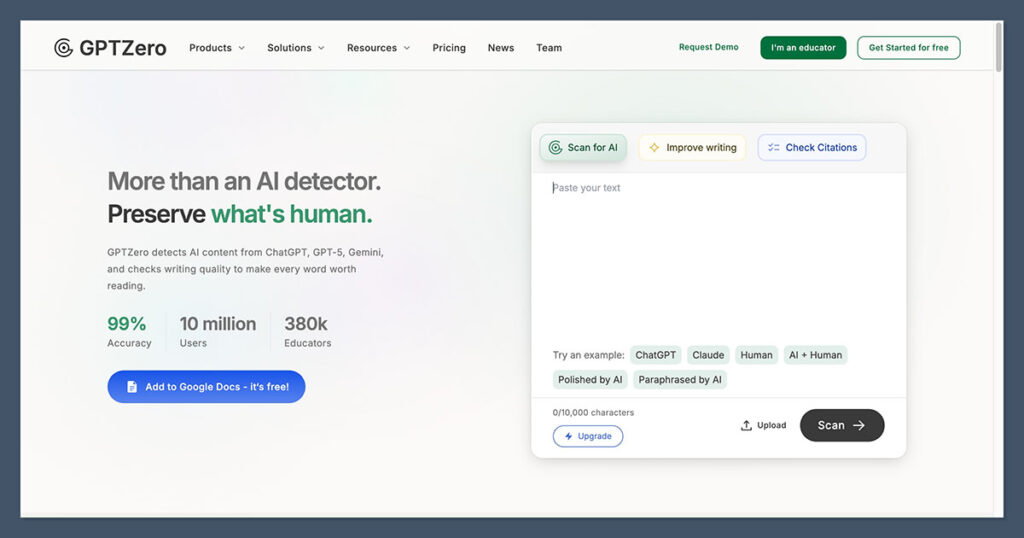
The great thing about GPTZero (aside from it’s very generous free plan), is how much backing it has from third parties. There are plenty of reports out there proving how accurate this tool can be, and the false positive rates aren’t terrible either (usually around 0.24%).
For legal teams, it helps that the detector is trained across several domains, including legal documents. I also like the fact that GPTZero has a Chrome extension which supports AI scanning, writing feedback in docs, writing video replay, and research-focused fact checking.
For a lot of legal teams, following that creation trail can be more useful than relying on the AI score itself. I’d recommend it to teams looking for a quick way to check facts, hunt for potential hallucinations, and spot obvious signs of machine-generated text or plagiarism.
It’d be great for analyzing junior staff content, or examining attorney bios and hiring samples. Still, I’d be careful with the score you get. This system isn’t trained specifically on legalese.
Pros:
- Very easy to use, and free to start
- Plagiarism, fact-checking, and hallucination detection
- Legal documents included in training documents
- Google Docs and Chrome support
- Useful writing replay feature
Cons:
- Can still falsely flag legalese
- May create some confidentiality risks
- Bulk use can be expensive
3. Originality.ai: Best for Legal Marketing and Public-Facing Content
Starting price: Pro from $14.95/month, pay-as-you-go available
AI writing detection: Yes
Plagiarism detection: Yes
Best for: Practice-area pages, legal blogs, attorney bios, outsourced content, SEO pages, newsletters, and site audits
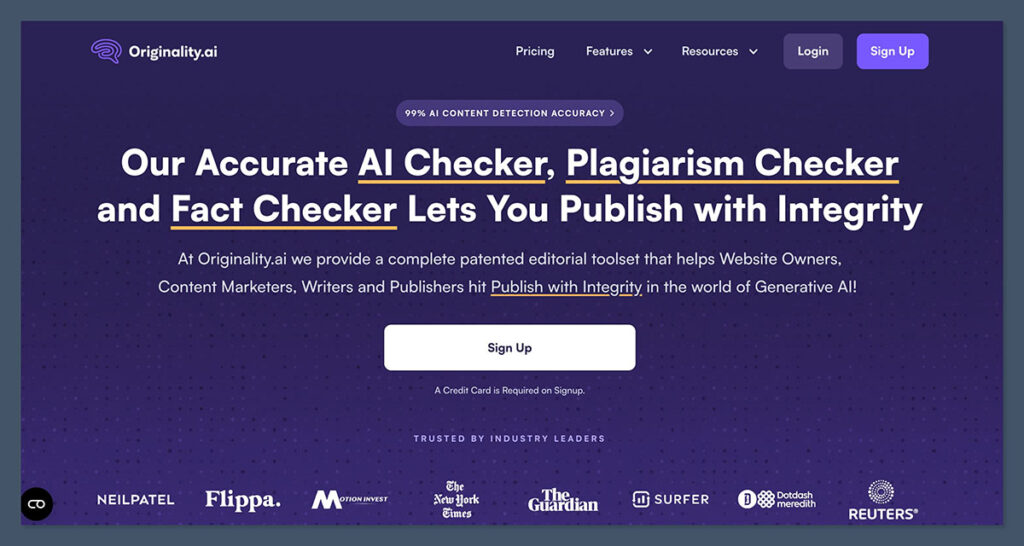
Originality.ai is one of the more popular AI detectors out there, particularly for companies checking long-form text. It excels in that area, which makes it a great pick for legal firms scanning through page after page of critical content.
The platform is very practical, bundling AI detection with plagiarism checks, citation checks, readability, grammar, spelling, and shareable reports. The Chrome extension is very useful too, as it can scan for plagiarism and AI signals inside of Chrome Docs, and use Writing Replay to show how a document was created.
I still think I’d recommend it to a law firm marketing team before I gave it to a litigation group, though. It’s not specifically trained on legalese and can struggle with highly structured, formal writing. Plus, some of its features, like the ability to scan full websites at once, just make more sense for marketing groups.
It’s also worth noting that while Originality.ai still scores high for accuracy, it can be a little weaker at spotting text generated by newer LLMs. Use this one for basic due diligence and checking marketing content. Probably not for a formal memo or brief.
Pros:
- Great for legal marketing content
- Excellent long form accuracy
- Citation, plagiarism, readability, and grammar checks in one
- Google Docs and Chrome workflow audits
- Team features and shareable reports
Cons:
- Not specifically trained for legal teams
- Not as strong at detecting newer LLMs
- Regular issues with false positives
4. Copyleaks: Best Enterprise and Multilingual Option for Law Firms
Starting price: Personal from $16.99/month
AI writing detection: Yes
Plagiarism detection: Yes
Best for: Larger firms, multilingual teams, compliance review, vendor content, and firm-wide checks
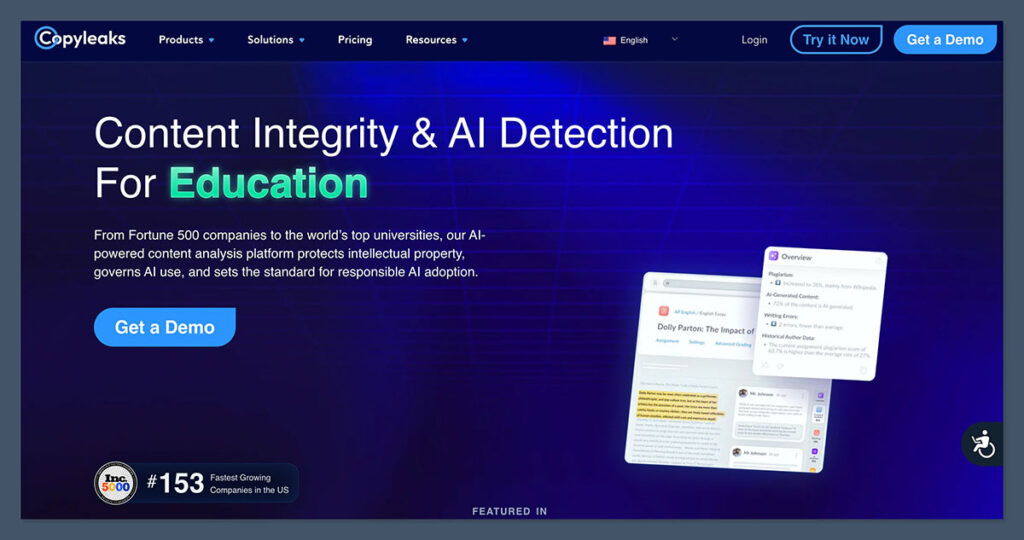
Copyleaks seems like it was designed for enterprises and institutions. It mostly focuses on the educational industry, but it does have value for legal teams too, particularly those that have offices in multiple countries. The platform can detect AI in more than 30 languages, and plagiarism in more than 100. It also handles large amounts of text well.
With a plan, you get browser extensions, a Google Docs add-on, shared data hub, multi-file upload, and some useful enterprise options like role-based controls and organization wide policies. You can even take advantage of private cloud and on-premises deployment, which is often essential in a highly regulated industry like law.
I’m also a fan of the AI Logic and AI Source Match features for review teams. The Source Match tool can identify overlaps with existing content already published (including known GPT-built text), and the Logic feature shows you exactly why something flagged.
In terms of accuracy, Copyleaks does very well. Some reports say it can offer accuracy rates of up to 99%, although I’d take that with a pinch of salt, as the accuracy rating is based on internal English-language dataset testing. It’s also worth saying that the false positive rates for Copyleaks can be quite high, particularly when you’re scanning formal text.
Pros:
- Excellent multilingual coverage
- AI and plagiarism checks in one account
- Enterprise controls, and security/privacy options
- Google Docs and browser support
- Useful matching and logic features
Cons:
- Formal writing can still flag false positives
- Arguably more focused on education than law
- Can be expensive when used at scale
The AI Detector I’d Choose for a Law Firm
For law firms, I’d recommend treating every AI detector with caution. No matter how good the accuracy scores might be, these tools aren’t perfect, and they can make mistakes. Relying on scores alone to judge every piece of text can get you into a lot of trouble.
Pangram is the one I’d choose first, overall, for a few reasons. It’s one of the only tools out there that realizes legal language is automatically different to the kind of content you’d see in a blog or an article. It’s also one of the only ones that doesn’t go over the top trying to flag everything as “machine-assisted”. The low false positive rates prove that.
The other three tools have their place. GPTZero for quick checks, Originality.ai for marketing content, and Copyleaks for multilingual analysis. But Pangram is still the best overall if you want the ideal blend of trustworthy, in-depth results you can actually use to take an informed next step.

Comments 0 Responses