

Otter.ai has long been one of the most recognized names in AI transcription and meeting notes. But it’s far from the only option, and for a lot of people it’s no longer the best one. The free plan caps you at 300 minutes a month and 30 minutes per conversation, AI summaries are thin compared with newer tools, and CRM sync is locked behind the Enterprise tier.
I tested six Otter.ai alternatives hands-on and compared them on transcription accuracy, ease of use, pricing, and the quality of AI-generated insights. NoteGPT is the best overall pick for clean, human-sounding summaries. Fellow is the one to choose for multilingual and compliance-heavy teams, Fireflies is the most collaborative, Fathom has the strongest free plan, Avoma is built for sales teams, and tl;dv is the best way to share clips and highlights.
Here’s how each one stacks up, with verified pricing, pros, cons, and a clear pick for every use case.
Our Top Otter.ai Alternatives
- NoteGPT: Best overall AI meeting assistant
- Fellow: Best for compliance controls and multilingual teams
- Fireflies.ai: Best for teams
- Fathom: Best free alternative
- Avoma: Best for sales teams
- tl;dv: Best for sharing highlights
Key Takeaways
- NoteGPT delivers the cleanest, most human-like summaries with bot-free recording and a usable free plan.
- Fellow supports 99 transcription languages and adds role-based permissions, configurable retention, and redaction for regulated industries.
- Fireflies.ai is the strongest choice for team-wide search and a centralized meeting library.
- Fathom gives you unlimited free recordings and transcription, with a 5-summary monthly cap on advanced AI notes.
- Avoma is the clear winner for sales teams that need CRM sync and call coaching.
- tl;dv is built for async teams that share clips and moments rather than full recordings.
Quick Comparison Table
| Tool | Best For | Starting Price | Free Plan Available | Integrations | AI Summaries |
|---|---|---|---|---|---|
| NoteGPT | All-round use | $6.99 per week | Yes | Zoom, Teams, Meet, uploads | Yes |
| Fellow | Compliance and multilingual teams | $7 per user per month (annual) | Yes | Zoom, Meet, Teams, Slack, Notion, Asana, HubSpot, Salesforce | Yes |
| Fireflies.ai | Team collaboration | $10 per seat per month (annual) | Yes | Zoom, Meet, Teams | Yes |
| Fathom | Individuals | Free | Yes (forever) | Zoom, Meet, Teams | Yes (5 advanced per month on Free) |
| Avoma | Sales-focused teams | $19 per recorder per month (annual) | Viewers free | Zoom, Salesforce, HubSpot | Yes |
| tl;dv | Async collaboration | $18 per seat per month (annual) | Yes | Zoom, Meet, Teams | Yes |
Why Look for an Otter.ai Alternative?
Otter still does one thing very well: fast, accurate live transcription with reliable speaker labels. The reasons people leave tend to be everything around that. The free plan runs out quickly (300 minutes a month, 30 minutes per conversation, and three lifetime file imports). AI summaries are basic next to tools built around structured notes and action items. CRM sync only arrives on the Enterprise plan, which rules it out for most sales teams. And language support is narrow compared with tools that handle dozens of languages out of the box.
If your meetings are multilingual, need to land in a CRM, or you simply want notes you can share without editing, one of the six tools below will serve you better.
How We Chose These Alternatives
Each tool was evaluated on the same criteria, with pricing checked against the vendors’ current plan pages.
| Criteria | What We Looked At |
|---|---|
| Transcription accuracy | Speaker separation, handling of technical terms, and the number of supported languages |
| Summary quality | Whether AI notes are structured into decisions, action items, and takeaways without manual editing |
| Ease of use | Setup time, interface clarity, and how quickly notes are ready after a call |
| Integrations | Native support for Zoom, Google Meet, Microsoft Teams, CRMs, and productivity tools |
| Security and compliance | Retention controls, recording permissions, redaction, SOC 2 and HIPAA support |
| Value | What the free plan really includes and what each paid tier adds |
1. NoteGPT: Best Overall Otter.ai Alternative
Score: 4.8
Starting from: $6.99/week
Free plan: Yes
Best for: Clean summaries and flexible workflows
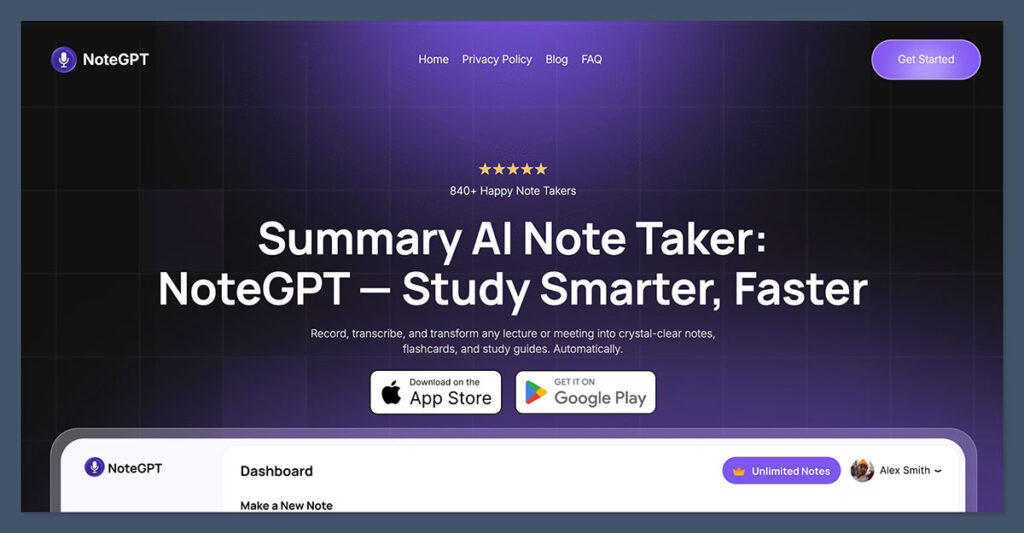
NoteGPT came out on top during testing thanks to its clean UI, bot-free recording, and AI-generated insights that feel like a real human wrote them.
It’s ideal for anyone who wants to transcribe, summarize, and act on meetings without dealing with clunky exports or messy formatting.
The summaries are broken down into clear action items, key takeaways, and quotable moments. I liked how fast it processed meetings, and how well it captured tone and structure — not just words.
✔️ Pros
- Bot-free meeting recording
- Upload support for audio and video
- Summaries with bullet points and action items
- Easy export to Google Docs, Notion, and more
❌ Cons
- No native CRM integrations (yet)
- Not ideal for advanced analytics
NoteGPT is a strong choice whether you’re managing a small team, leading projects, or working solo. With pricing starting at $6.99 per week and a usable free plan, it’s an accessible, high-quality tool in a crowded space.
2. Fellow.ai: Best for AI Meeting Transcripts and Summaries with Compliance Controls
Score: 4.6
Starting from: Free, or $7 per user/month (annual)
Free plan: Yes
Best for: Enterprise teams and security-conscious industries
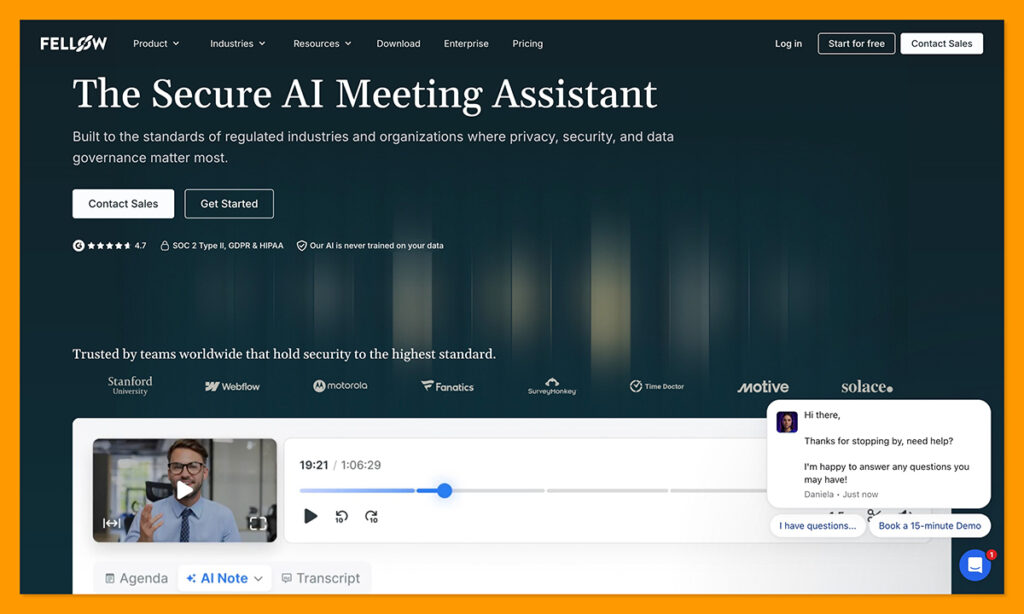
Fellow and Otter are pretty close these days, but Fellow is still better if you need end-to-end support for global meetings, and plenty of control. Fellow gives you a system that helps you plan each conversation in advance, connect decisions to recurring meetings, assign tasks afterward, and easily find the answers you need later.
Compared to Otter, it’s much more effective for teams with multilingual needs, Fellow supports transcription in 99 languages versus Otter’s six. There’s also a few more advanced compliance features built into Fellow, including support for HIPAA and SOC 2.
I prefer how Fellow simplifies the work around the meetings too, with shared agendas everyone can contribute to, the Ask Fellow assistant to track down details in previous conversations, and plenty of integrations to tools ranging from Notion to Asana.
Pros
- AI transcription in 99 languages (a lot more than Otter)
- Shared agendas and handy meeting preparation tools
- Both bot and bot-free recording
- Additional compliance and governance tools for specific industries (role-based recording permissions, configurable retention, redaction, and AI trackers for MNPI/PII)
- Plenty of integrations with project management, AI automation, and CRM solutions
- Very useful for AI-powered conversation search
Cons:
- Free plan is restrictive (only 5 lifetime notes and recordings)
- Not as good as Otter for in-meeting chat
Fellow is a great Otter alternative for global teams that are constantly having meetings, particularly when they need to keep everything structured from start to finish. It’s also one of the most secure options for companies that worry about industry-level regulations (with role-based permissions, custom retention, and redaction for firms under industry regulation).
3. Fireflies.ai: Best for Team Collaboration
Score: 4.6
Starting from: $10/month
Free plan: Yes
Best for: Teams with recurring meetings and internal collaboration
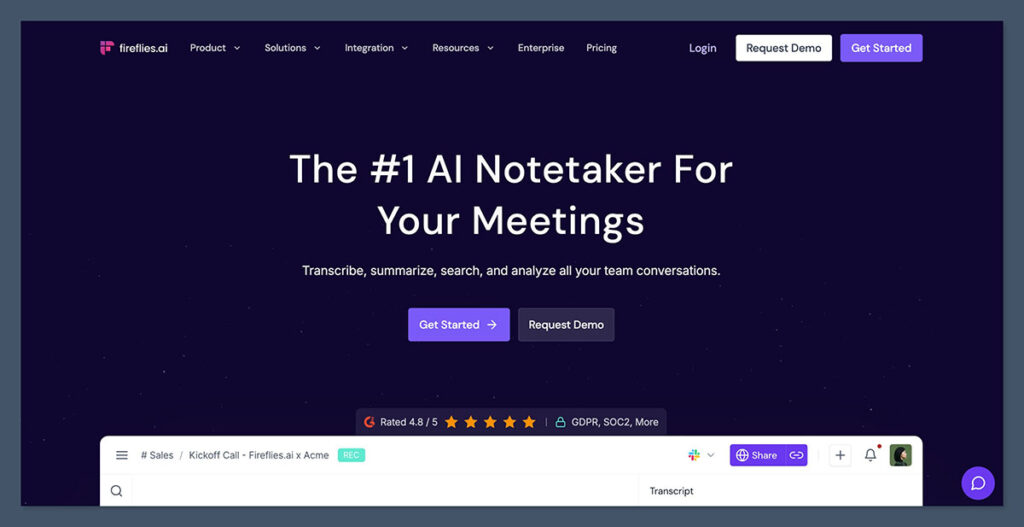
Fireflies.ai stands out as one of the most team-friendly transcription tools I tested.
The platform stores all meetings in a searchable library, making it easy to revisit decisions, scan summaries, and extract action points without replaying entire recordings.
Its strength lies in search and organization. You can filter by topic, speaker, or even phrases. The summaries are accurate and include action items, which can be assigned to team members.
✔️ Pros
- Integrates with Zoom, Google Meet, and Teams
- Chrome extension for browser-based meetings
- Searchable meeting database
- Built-in tagging and team collaboration tools
❌ Cons
- AI summaries feel more technical than conversational
- Bot must join your calls (can be a concern for sensitive meetings)
Fireflies is a great fit for operational teams, customer success departments, or leadership groups that hold frequent recurring meetings and want a centralized history of discussions.
4. Fathom: Best Free Otter Alternative

Score: 4.4
Starting from: Free
Free plan: Free forever
Best for: Solo professionals using Zoom
If you’re using Zoom and want an Otter alternative with zero cost, Fathom is the best option available today.
It’s free for individual use and requires no bots or third-party access. Just install it and let it handle recording and summaries automatically.
I liked Fathom’s approach to highlights — you can click a moment during the call to capture it, and the tool organizes everything by topic after the meeting ends. The transcripts are reliable, and summaries are easy to copy or export.
✔️ Pros
- Free to use with no major restrictions
- Automatic summaries after every Zoom call
- Timestamped notes for quick review
- Works silently without alerting others
❌ Cons
- Only works with Zoom
- Lacks team-wide dashboards or insights
Fathom is perfect for freelancers, consultants, or anyone who holds Zoom meetings and wants a hassle-free way to stay organized, without paying a monthly fee.
5. Avoma: Best for Sales Teams
Score: 4.5
Starting from: $17/month (only for recording users)
Free plan: Free for viewers
Best for: Sales calls, CRM sync, coaching
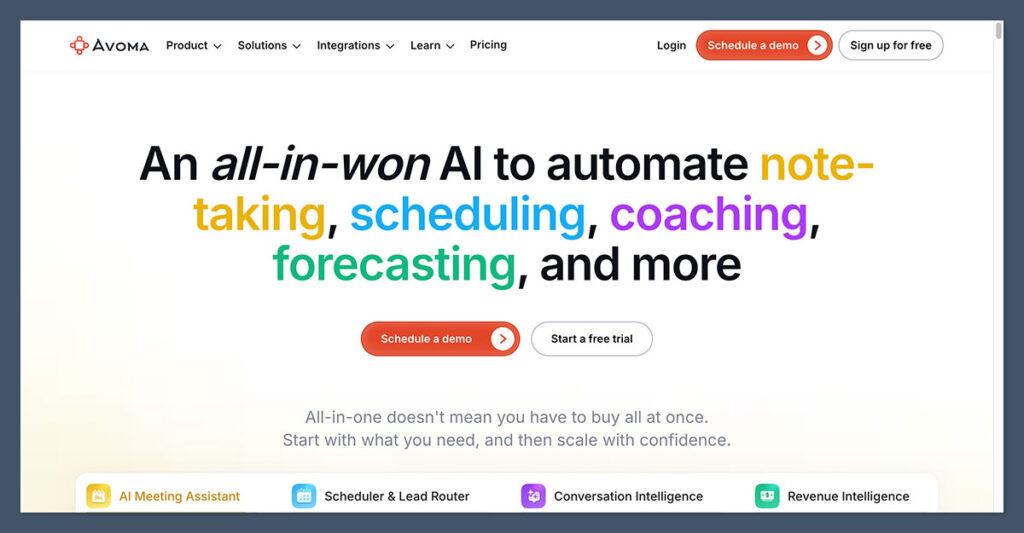
Avoma is built specifically for sales teams and customer-facing roles.
Unlike Otter, which is designed more generically, Avoma includes CRM integration, call coaching, note templates, and pipeline visibility. The tool automatically breaks meetings into themes like objections, pricing, and next steps.
During testing, I liked how well Avoma synced notes to HubSpot and Salesforce. It gave reps a head start by generating follow-ups, call summaries, and insight dashboards.
For sales managers, it’s also helpful for identifying patterns across reps and optimizing performance.
✔️ Pros
- AI summaries mapped to sales frameworks
- CRM integrations with major platforms
- Coaching tools for team performance
- Free viewer access to reduce cost
❌ Cons
- Interface takes some getting used to
- Pricing can scale quickly for larger teams
If your team spends a lot of time in sales calls or onboarding clients, Avoma adds structure, consistency, and visibility that Otter simply doesn’t provide.
6. tl;dv: Best for Sharing Highlights
Score: 4.3
Starting from: $20/month
Free plan: Yes
Best for: Sharing clips and moments after meetings
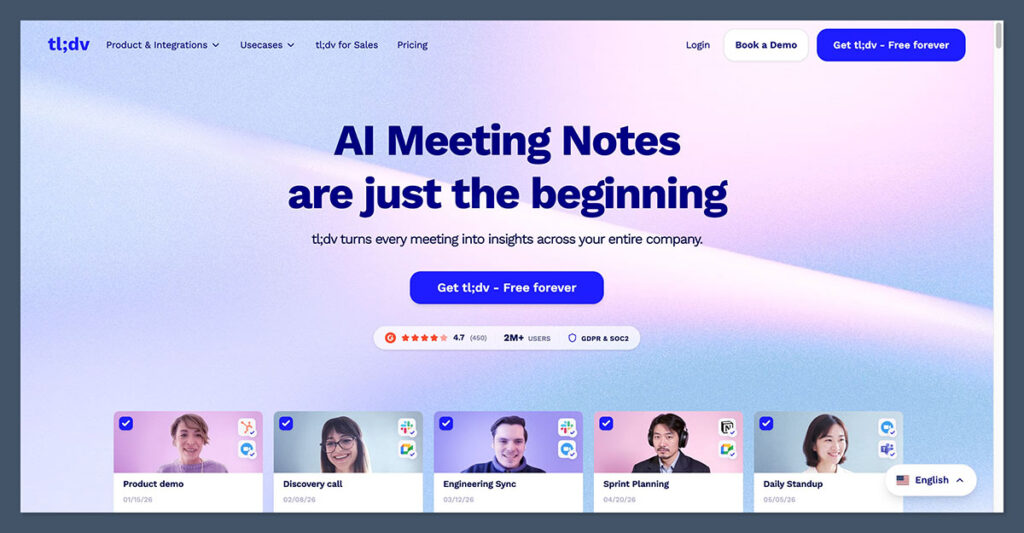
tl;dv isn’t just another transcription tool — it’s designed for asynchronous communication.
You can tag teammates during live meetings, create clips, and share key moments with a direct link. It works especially well for product, design, and remote teams where not everyone attends every call.
The summaries are accurate, and the ability to jump directly to a moment in the video saves time. You can also build highlight reels for sprint reviews, product launches, or team retrospectives.
✔️ Pros
- Live tagging and bookmarking
- Create clips instantly from recordings
- Works with both Zoom and Google Meet
- Search by speaker, keyword, or timestamp
❌ Cons
- Less emphasis on action items
- Pricier than other async tools
If your team runs async standups or frequently shares insights across time zones, tl;dv is a creative and powerful way to bring meetings to life without making everyone attend.
Pricing Comparison Table (Paid Annually)
| Tool | Free Plan | Starting Paid Plan | Annual Cost | Key Features in Paid Plan |
|---|---|---|---|---|
| NoteGPT | Yes | Yearly | $49.99 per year | AI summaries, file uploads, no bot required |
| Fellow | Yes (5 lifetime notes) | Team | $84 per user per year | 10 AI notes per month, meeting automations, project management integrations |
| Fireflies.ai | Yes | Pro | $120 per seat per year | Searchable library, AI notes, CRM and Slack integrations |
| Fathom | Yes (forever) | Premium | $192 per user per year | Unlimited advanced AI summaries and action items |
| Avoma | Yes (viewers free) | Startup | $228 per recorder per year | Sales notes, CRM sync, unlimited transcription |
| tl;dv | Yes | Pro | $216 per seat per year | Clip sharing, async highlights, meeting tagging, CRM integrations |
What to Look for in an Otter.ai Alternative
- Language support. Otter’s biggest gap for international teams. Fellow (99 languages) and Fireflies (100+) are the strongest here; check the count, not just the accuracy claim.
- Bot vs bot-free capture. Bots are visible to everyone on the call and some hosts block them. NoteGPT records without one, Fellow offers both, and Fireflies, Fathom, Avoma, and tl;dv join as a bot.
- Where the free plan bites. Otter caps minutes. Fathom and tl;dv cap AI summaries instead, Fellow caps lifetime notes, and Fireflies caps storage and AI credits. Pick the cap you’ll hit last.
- CRM and workflow sync. If notes need to land in HubSpot or Salesforce, check which tier it lives on. Avoma includes it from the base plan; Fellow needs Business; tl;dv needs Pro; Fathom needs Business.
- Retention and permissions. For legal, healthcare, or finance, look for configurable retention, redaction, and role-based recording controls. Fellow leads, with Fireflies adding HIPAA and audit logs on Enterprise.
- Sharing format. Some teams need a full transcript, some need a two-line summary, some need a 30-second clip. tl;dv is built for the last one; Fireflies for the first.
Final Verdict: Which Otter.ai Alternative Is Best for You?
| Tool | Best For | Price (Starting From) |
|---|---|---|
| NoteGPT | Best overall transcription and summaries | $6.99 per week |
| Fellow | Multilingual teams and compliance controls | $7 per user per month |
| Fireflies.ai | Team collaboration and knowledge sharing | $10 per seat per month |
| Fathom | Free recording and note-taking | Free |
| Avoma | Sales coaching and CRM integration | $19 per recorder per month |
| tl;dv | Async teams and highlight sharing | $18 per seat per month |
Otter is still a good transcription engine. The question is whether transcription is all you need. If you want notes that read like a person wrote them and don’t want a bot on your calls, NoteGPT is the pick. If your meetings happen in more than one language, or your industry cares about who can record and how long recordings stay, Fellow is the only tool here that covers both. Fireflies makes the most sense when the whole team needs to search the same library. Fathom is the answer if you want unlimited recording for free and can live with 5 detailed summaries a month. Avoma pays for itself on sales teams that would otherwise update the CRM by hand, and tl;dv is the one to choose if your team shares moments rather than sitting through recordings.
Five of the six have a free plan and Avoma has a 14-day trial, so the fastest way to decide is to run two of them on the same meetings for a week and see which notes you actually use.
Frequently Asked Questions
What is the best free alternative to Otter.ai?
Fathom offers unlimited recordings, transcription, and storage on its free plan, with advanced AI summaries capped at 5 calls per month. tl;dv also gives unlimited recordings for free but limits AI summaries to 10 a month and keeps recordings for only 3 months. Both are more generous than Otter’s 300-minute monthly cap.
Which Otter alternative supports the most languages?
Fellow transcribes in 99 languages and Fireflies in over 100, both far ahead of Otter. If multilingual meetings are common on your team, either is a significant upgrade.
Which alternative doesn’t need a bot to join the call?
NoteGPT records through direct integrations without a bot. Fellow offers both bot and bot-free capture. Fireflies, Fathom, Avoma, and tl;dv all join as a visible notetaker.
Which Otter alternative is best for sales teams?
Avoma is purpose-built for revenue teams, with CRM sync to HubSpot, Salesforce, and Zoho from the base plan and coaching analytics available as add-ons. Fellow’s Business plan and tl;dv’s Pro plan also offer CRM integrations at a lower price if you don’t need the coaching layer.
Which tool is best for compliance and data retention?
Fellow includes role-based recording permissions, configurable retention, redaction, and AI trackers for sensitive information, with HIPAA and SOC 2 support. Fireflies adds HIPAA compliance, SSO, and audit logs on its Enterprise plan.
Can I import my Otter transcripts into a new tool?
Otter lets you export transcripts and audio from your account. Most of the tools here accept audio and video uploads, so older recordings can be re-transcribed in the new tool if you need them in one place.

Comments 0 Responses