

Choosing an AI note taker for your finance team is not about picking the flashiest tool or the one with the best marketing.
It’s about balancing security, accuracy, and admin control, while ensuring it integrates with your existing stack.
After reviewing over a dozen platforms and testing each in real-world meeting scenarios, I’ve narrowed it down to six tools that stand out for finance teams.
Each of these has been evaluated on compliance, transcription quality, features, and how well it fits into finance workflows like budgeting, investor calls, and month-end close reviews.
Here’s how they compare.
Quick Comparison
| Tool | Best For | Starting Price (USD) | Compliance Features | Rating |
|---|---|---|---|---|
| NoteGPT | Overall pick for finance teams | $9 per user/month | Encrypted storage, no SOC 2 or SSO | 4.7 |
| Fellow | Regulated teams handling MNPI | $7 per user/month | SOC 2 Type II, GDPR, HIPAA/BAA | 4.6 |
| Fireflies.ai | Workflow automation + CRM integration | $10 per user/month | SSO and SOC 2 on Enterprise | 4.5 |
| tl;dv | Consent-first recording policies | $18 per user/month | GDPR, Consent policies | 4.3 |
| Avoma | Conversation insights + templates | $19 per recorder/month | Templates. SSO on Enterprise | 4.4 |
| Otter.ai | Simple notes for mixed meeting tools | $8.33 per user/month | Team controls, analytics | 4.2 |
#1. NoteGPT – Best Overall AI Note Taker for Finance Teams
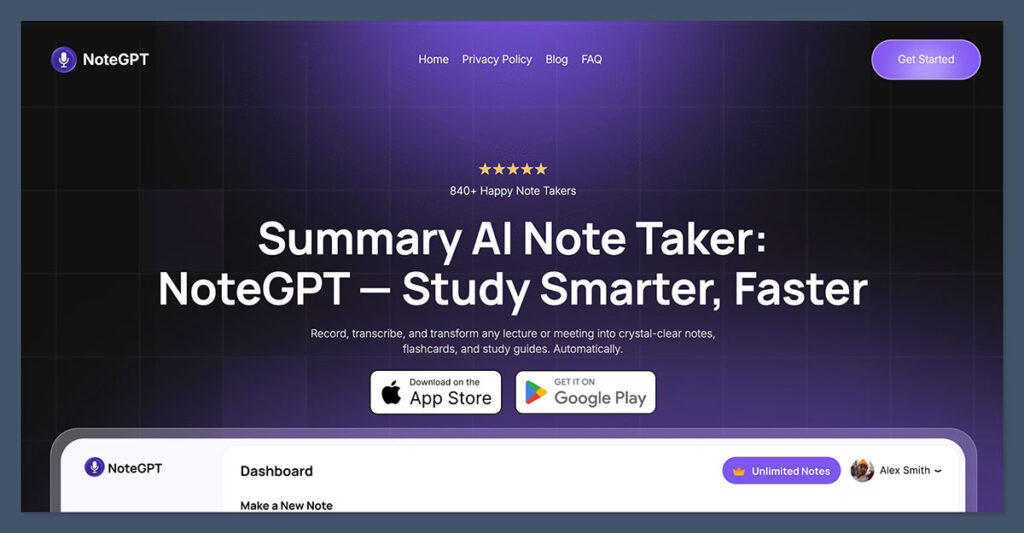
Starting from: $9 per user/month (billed annually)
Compliance: Encrypted storage, firewalled servers, data minimization. No published SOC 2 or SSO
Why I Recommend It:
NoteGPT remains my top pick because it delivers accurate transcription with a refreshingly simple pricing model. Instead of per-seat licensing, it uses monthly credit allowances, which can be more cost-effective for small teams. I appreciate that the platform publishes its security practices: data is encrypted, servers sit behind firewalls in secure facilities, and the company follows data minimization principles.
For a finance team that does not require SSO or formal compliance certifications, NoteGPT covers the essentials without a lengthy procurement process. It is easy to get started, and the Unlimited plan at under $20 per month annually is hard to beat. However, teams needing audit logs or advanced admin controls will find those missing here.
Highlights
- Built-in support for SSO and SCIM to satisfy IT and compliance.
- Advanced admin controls, including user roles, audit logs, and data expiration settings.
- Custom vocabulary support helps improve transcription accuracy for financial terms and KPIs.
- Notes are private by default, and users can manage visibility team-wide.
Pros
- Compliance-focused with transparent security documentation.
- Simple to roll out across small or large teams.
- Notes are easily searchable and tagged by meeting type.
Cons
- Integrations are still growing and not as deep as competitors like Fireflies.
- Some enterprise features (like data residency options) are locked behind higher plans.
Pricing
| Plan | Price | Features |
|---|---|---|
| Pro | $9.99/month, or $9/month billed annually | 1,000 basic quotas and 100 premium credits per month |
| Unlimited | $29/month, or $19.92/month billed annually | Unlimited basic quotas, 2,800 premium credits per month |
| Max | $99/month, or $69/month billed annually | Unlimited basic quotas, 10,000 premium credits per month |
| Group | Discount for 3 or more people | Billed as an annual term per person |
NoteGPT’s credit-based model means you are not paying per user, which can be a significant advantage for a small finance team. The Pro plan at $9/month (billed annually) includes 1,000 basic quotas and 100 premium credits, enough for a handful of recurring meetings.
Most teams will quickly outgrow that and move to the Unlimited plan, which costs $19.92/month annually and removes the basic quota cap while providing 2,800 premium credits. A group discount is available for three or more people, making it even more attractive for a small department.
For larger teams, the Max plan at $69/month annually provides 10,000 premium credits, but the lack of per-seat billing and enterprise admin features becomes a limitation. There is no SSO, no audit logs, and no dedicated enterprise tier. If your finance team needs those controls, you will need to look elsewhere. For teams that can operate without them, NoteGPT’s pricing is among the most straightforward and affordable on this list.
Bottom Line:
NoteGPT is a secure, easy-to-use note taker that respects your budget. Its credit model and published security practices make it ideal for small to mid-sized finance teams that do not require formal compliance certifications or SSO. For those teams, it is an excellent value.
#2. Fellow – Best for Security-Conscious and Regulated Finance Teams
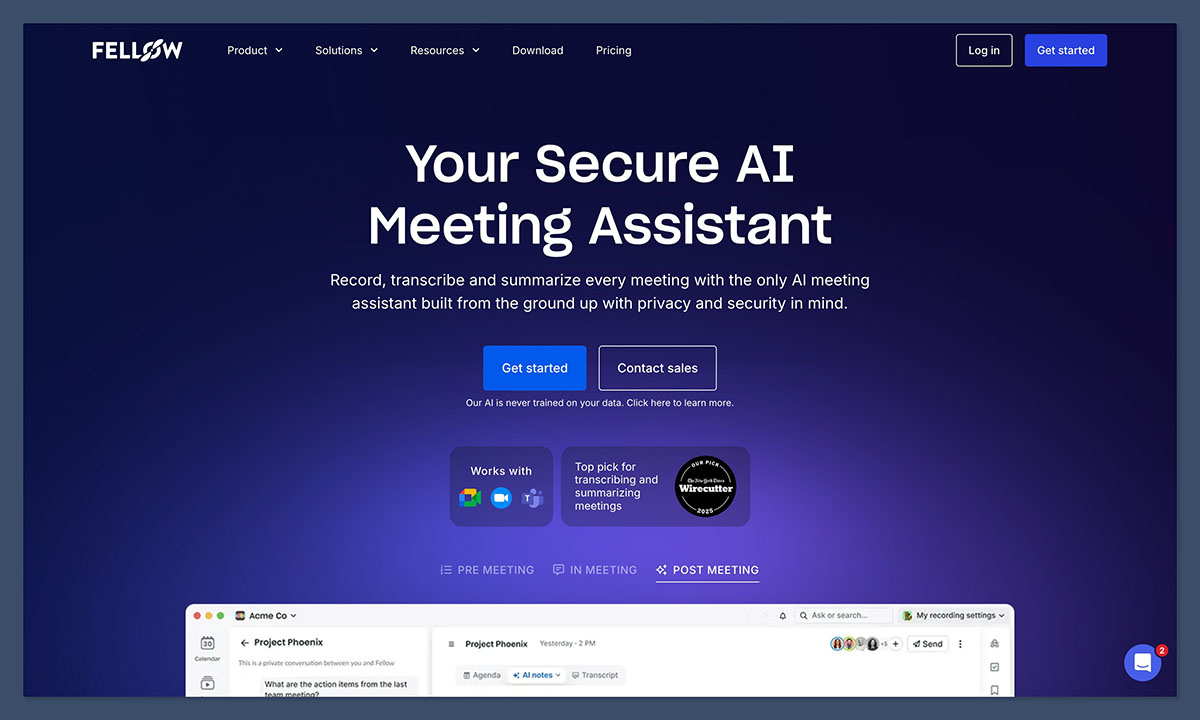
Starting from: $7 per user/month
Compliance: SOC 2 Type II, GDPR, HIPAA/BAA, Zero-Day Retention
Why I Recommend It:
Fellow is built specifically for teams and organizations where privacy, security, and data governance matter most: think private equity, hedge funds, RIAs, asset managers, and investment banks handling MNPI on every call. It is the most security-focused AI meeting assistant I have seen, purpose-built for compliance-heavy environments.
Features like Zero-Day Retention, which deletes raw audio and transcripts immediately after processing, and the ability to redact MNPI before sharing recaps directly address the risks that keep compliance officers awake. The AI is never trained on customer data, a policy that eliminates a major concern for regulated firms. Admin recording policies and password-protected recaps add further control, though the deepest security controls sit on the Enterprise plan at $25 per seat per month, which is still more affordable than many rivals’ equivalents.
Highlights
- Bot and botless recording gives teams control over how sensitive calls are captured, with botless available via Fellow’s native desktop app.
- Native Claude integration and MCP server let teams query meeting history and act on notes through an AI assistant they already use.
- Optional Zero-Day Retention deletes raw recordings and transcripts immediately after AI processing while keeping summaries and action items.
- Transcript and video redaction removes MNPI and other sensitive details from recordings and notes before they’re shared or archived.
- Password-protected meeting recaps keep sensitive summaries locked down to the right people.
- HIPAA and BAA compliant, covering health-related discussions that come up in finance workflows.
- Admin recording policies and data retention controls give IT and compliance teams granular say over what gets recorded and kept.
- Global Relay integration supports firms that already archive communications there for regulatory recordkeeping.
Pros
- Purpose-built for regulated industries.
- Flexible recording options (bot and botless) fit different client-facing scenarios.
- SOC 2, GDPR, and HIPAA/BAA certified out of the box.
Cons
- Botless recording requires the native desktop app rather than working in-browser.
- The deepest security controls sit on the Enterprise tier.
Pricing
| Plan | Price (USD) | Features |
|---|---|---|
| Free | $0/user/month | 5 AI notes and recordings (lifetime), core integrations |
| Team | $7/user/month | AI notes, recordings, transcription, API access |
| Business | $15/user/month | Unlimited AI notes/recordings, advanced CRM integrations |
| Enterprise | $25/user/month | Redaction, HIPAA/BAA, SSO, domain control, security reviews |
Fellow’s pricing is per user, with a free tier that includes 5 lifetime AI notes and recordings, suitable for testing. The Team plan at $7 per user per month provides AI notes, recordings, and transcription, enough for a small team with a few weekly meetings. A five-person team on Team would pay $420 per year.
The Business plan at $15 per user per month removes usage caps and adds advanced CRM integrations; that same team would pay $900 per year. Neither plan includes redaction, HIPAA/BAA, or SSO, so they are not suitable for regulated finance work.
Those controls are only available on the Enterprise tier at $25 per user per month, which also includes domain control and security reviews. For a five-person finance team handling MNPI, that works out to $1,500 per year, significantly less than the $2,340 Fireflies charges for its equivalent enterprise plan. If your compliance requirements demand redaction and zero-day retention, the Enterprise tier is the obvious choice, and the price is still within reach for most regulated teams.
Bottom Line:
If your team handles MNPI or simply prioritizes airtight data governance, Fellow is the safest note taker on this list. Its zero-day retention, redaction, and policy against training on customer data address the compliance risks that keep finance leads up at night. And at $25 per seat per month for the Enterprise plan, it delivers that protection without the premium price tag of some competitors.
#3. Fireflies.ai – Best for Automation and Integration
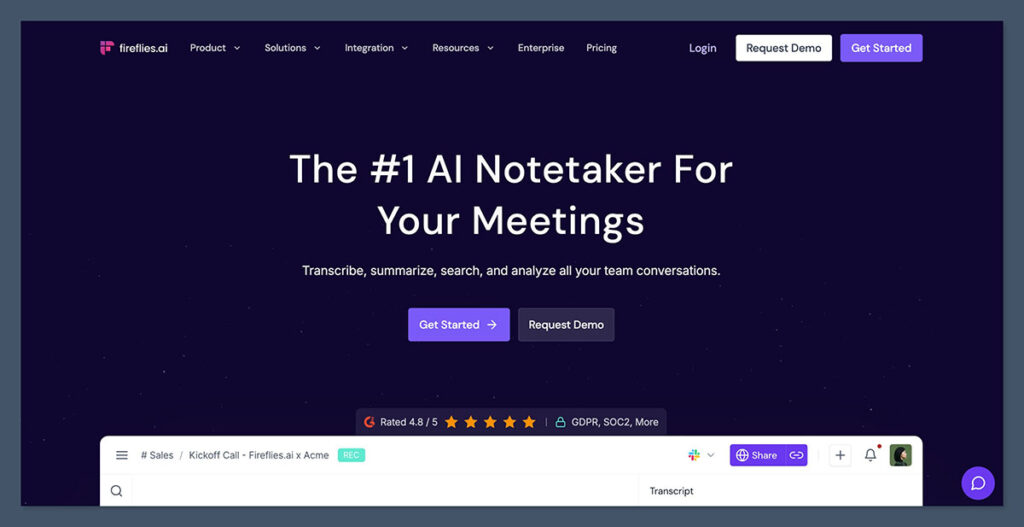
Starting from: $10 per seat/month (billed annually)
Compliance: SSO, SOC 2 Type II and custom retention on Enterprise
Why I Recommend It:
Fireflies.ai excels at turning meeting conversations into actionable workflows, thanks to its deep integrations with tools like Salesforce, HubSpot, and Slack. Finance teams that collaborate with sales, legal, and operations will find its ability to push notes directly into those systems invaluable.
I also like that every plan, including the free tier, includes unlimited transcription, which is rare. However, the security features that matter most to a finance team-SSO, SOC 2 Type II compliance, and custom data retention-are only available on the Enterprise plan at $39 per seat per month. For teams that can live without those controls, the Pro and Business plans offer strong automation at a lower cost.
Highlights
- Strong integration support with tools like Salesforce, HubSpot, Asana, Trello, Notion, and Slack.
- Enterprise-level security with role-based access and private storage.
- Custom retention policies and opt-out from data training.
- Smart search across meeting transcripts makes it easy to retrieve past decisions.
Pros
- Best-in-class workflow automation features.
- Fits seamlessly into existing CRM and project management tools.
- Custom tags and highlights streamline meeting documentation.
Cons
- Most enterprise features only available on the $39/month plan.
- Transcription accuracy is high, but can vary with cross-talk or background noise.
Pricing
| Plan | Price (USD) | Features |
|---|---|---|
| Pro | $10/month | Transcripts, basic automation, integrations |
| Business | $19/month | Shared workspaces, analytics |
| Enterprise | $39/month | Admin controls, SSO, retention, audit logging |
Fireflies.ai uses per-seat pricing, with a free plan that offers unlimited transcription but limits storage and AI credits. A team of five on the Pro plan ($10/seat/month billed annually) would pay $600 per year, which is reasonable for basic meeting notes and limited automation. The Business tier at $19/seat/month annually adds conversation intelligence features like topic tracking and speaker analytics, which can be useful for investor calls and budget reviews.
The real jump comes if you need enterprise-grade security. The Enterprise plan costs $39/seat/month, billed annually only, and that is the only tier with SSO, SOC 2 Type II, and custom data retention. For a five-person finance team, that is $2,340 per year. If compliance mandates those controls, the cost is justified, but it is worth verifying that you will use the advanced automation enough to make it worthwhile.
Bottom Line:
Fireflies.ai is a strong choice for finance teams that want to automate meeting workflows across multiple departments. Just be prepared to budget for the Enterprise plan if your security requirements include SSO and SOC 2 compliance.
#4. tl;dv – Best for Consent-First Environments
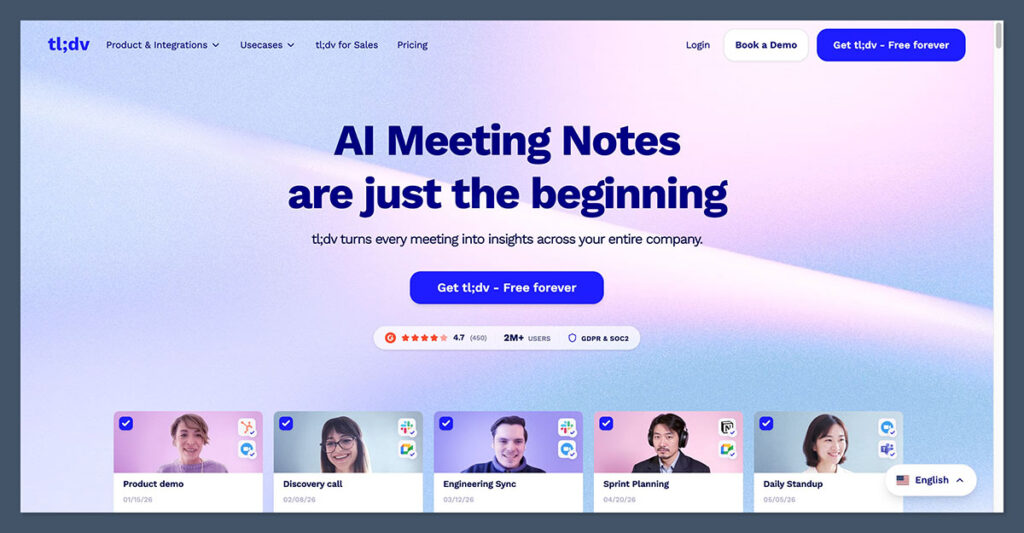
Starting from: $18 per user/month (billed annually)
Compliance: GDPR, consent management. Advanced security and SSO on Business
Why I Recommend It:
tl;dv is the tool I recommend when meeting consent and data privacy are non-negotiable. It automatically notifies all participants that a recording is taking place and lets you customize consent messages, which is critical if you operate across jurisdictions with strict regulations like GDPR. The platform also supports highlight reels and works natively with Google Meet and Zoom. For a finance team, the real value is that advanced security and SSO become available at the Business tier, so you do not have to jump to a custom enterprise plan to get those controls. The free plan is generous for testing, but the AI note caps mean you will quickly need a paid plan for regular use.
Highlights
- Automatically notifies all participants when a meeting is being recorded.
- Allows you to control and customize consent messages.
- Offers highlight reels for reviewing meetings quickly.
- Compatible with Google Meet and Zoom, making it useful for hybrid meeting stacks.
Pros
- Strong commitment to GDPR and consent practices.
- Fast, searchable transcripts with tagging and highlights.
- Clear security documentation on its public trust page.
Cons
- SOC 2 Type II support not clearly defined.
- Admin-level controls are less extensive compared to Fireflies or NoteGPT.
Pricing
| Plan | Price (USD) | Features |
|---|---|---|
| Pro (Annual) | $18/seat/month | Transcription, highlight tagging, team folders |
| Pro (Monthly) | $29/seat/month | Same features, monthly commitment |
| Business | $59/seat/month annually, $98 monthly | Advanced security and SSO, sales coaching |
| Enterprise | Custom | Advanced admin, privately hosted AI |
tl;dv’s free plan is great for evaluation, with unlimited meetings and viewers, but it caps AI notes, queries, and reports at 10 uses each. The Pro plan at roughly $18-$20 per user per month (billed annually) removes those caps and adds integrations and global transcript search. For a team of five, that is about $100 per month annually, a fair price for unlimited AI-powered notes.
If you need SSO and advanced security, you must move to the Business plan at $59 per seat per month annually. That same five-person team would then pay $295 per month, a significant increase. The Enterprise tier offers custom pricing and privately hosted AI, but for most finance teams, the Business tier is the minimum for compliance. The consent features alone can justify the cost if you face regulatory pressure, but the price is higher than many alternatives.
Bottom Line:
tl;dv is purpose-built for organizations that must document meeting consent. Its built-in notifications and customizable messages are unique, and the Business tier delivers the security controls a finance team requires. If consent and privacy are your top concerns, it is worth the premium.
#5. Avoma – Best for Structured Meeting Intelligence
Starting from: $19 per recorder seat/month (billed annually)
Compliance: SAML/OIDC SSO, custom retention, HIPAA and signed DPAs on Enterprise
Why I Recommend It:
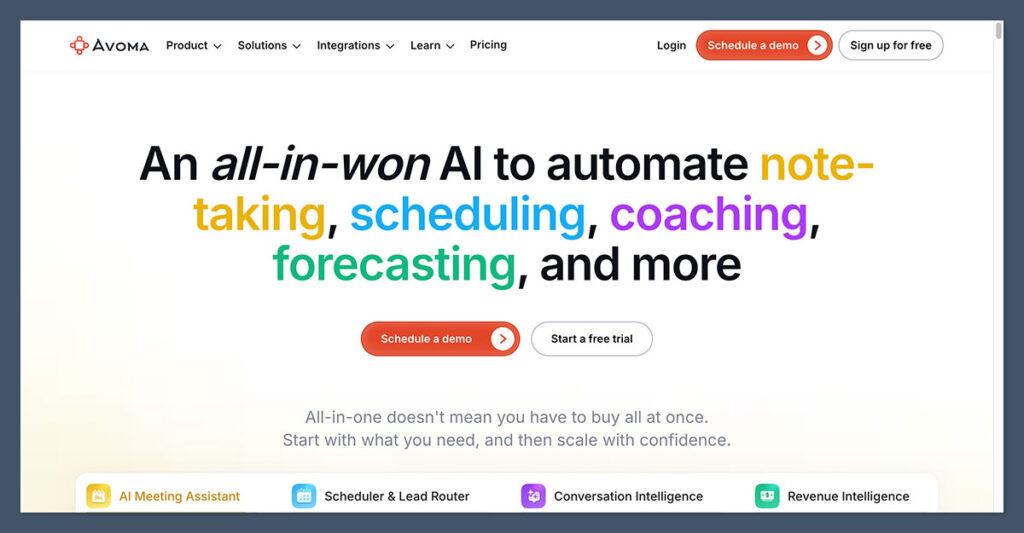
Avoma is not just a note taker; it is a meeting intelligence platform that gives finance leaders structured insights into every conversation. I like that it organizes summaries by speaker and topic, and offers reusable templates for recurring meetings like budget reviews or investor updates. The talk time and engagement analytics can help you coach your team on communication during high-stakes calls. Role-based recorder and viewer seats let you control who can access recordings, which matters for confidential financial discussions. However, to get SSO, custom data retention, and a signed DPA, you must be on the Enterprise plan with a minimum of 10 paid seats.
Highlights
- Detailed summaries and key takeaways organized by speaker and topic.
- Lets you create and reuse templates for recurring meetings like budget reviews or investor updates.
- Access to insights around talk time, sentiment, and engagement.
- Role-based access for recorder and viewer seats.
Pros
- Strong feature set for recurring finance meetings.
- Flexible seat-based pricing helps manage cost.
- Integrates with CRMs, project tools, and video conferencing platforms.
Cons
- Requires a learning curve to set up meeting types and templates.
- Best features are only available with annual contracts or enterprise plans.
Pricing
| Plan | Price (USD/month) | Features |
|---|---|---|
| Startup | $19/recorder seat | Transcripts, collaboration, integrations |
| Organization | $24/recorder seat | Templates, admin controls, analytics |
| Enterprise | $39/recorder seat, minimum 10 seats | SAML/OIDC SSO, custom retention, HIPAA, signed DPAs |
Avoma charges per recorder seat, and the tiers escalate quickly. The Organization plan at $24/seat/month annually is a good starting point for a small finance team, as it includes custom AI topics and templates. A team of five would pay $120 per month. But if you need SSO and data retention controls, you are forced into the Enterprise tier, which costs $39 per seat per month with a 10-seat minimum. That means a minimum commitment of $390 per month, or $4,680 per year, before any add-ons.
Add-ons for Conversation Intelligence or Revenue Intelligence can add another $29 per seat per month, so a fully loaded Enterprise seat can reach $68 per month. For a finance team that only needs basic transcription, this is overkill. Avoma’s value lies in its deep meeting intelligence; if you will use those features to analyze investor calls or board meetings, the cost can be justified.
Bottom Line:
Avoma is ideal for finance teams that want to move beyond simple transcription and build structured meeting intelligence. The Enterprise tier’s minimum seat requirement makes it best for larger teams, but the insights it provides can significantly improve high-stakes conversations.
#6. Otter.ai – Best for Simplicity and Cross-Platform Support
Starting from: $8.33 per user/month (billed annually)
Compliance: Activity logs and usage analytics on Business. SSO and SCIM on Enterprise
Why I Recommend It:
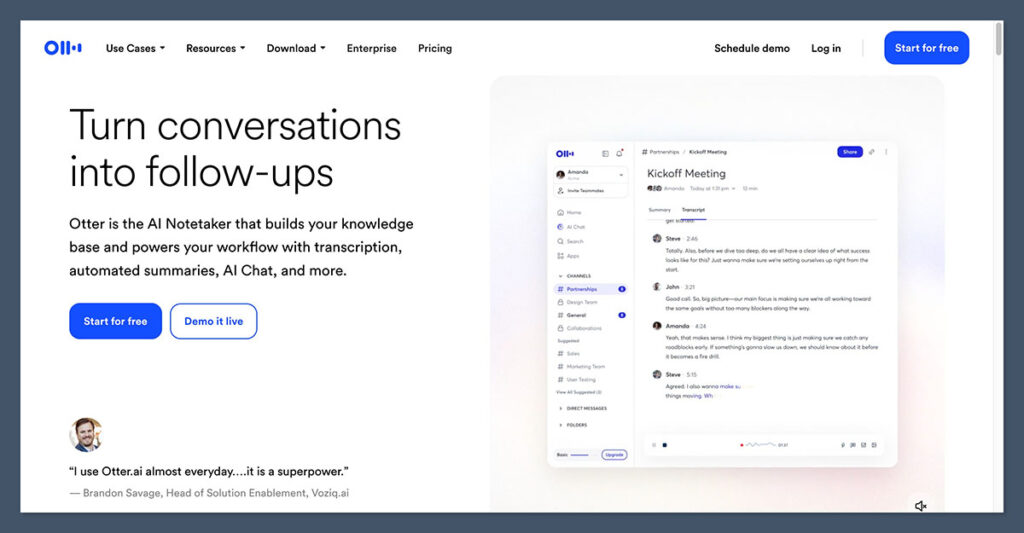
Otter.ai is the tool I recommend when simplicity and cross-platform support are the top priorities. It works seamlessly with Zoom, Microsoft Teams, and Google Meet, and its interface is intuitive enough that anyone on your team can start using it immediately. For finance teams, the Business plan is the first tier that includes activity logs and usage analytics, which provide basic oversight without overwhelming you with complexity. The free Basic plan is fine for individual use, but teams will need at least Pro to share notes and increase monthly minutes. SSO and HIPAA compliance are only available on the custom Enterprise plan, so if those are must-haves, you will need to contact sales.
Highlights
- Real-time transcription and summary generation.
- Compatible with the most popular meeting platforms.
- Supports collaboration through shared folders and annotation tools.
- Business plan includes centralized admin dashboard and usage reports.
Pros
- Easy to implement across mixed meeting stacks.
- Works well for smaller teams or departments with basic needs.
- Transcripts are generally fast and accurate.
Cons
- Compliance features like SSO and retention are only on the Enterprise plan.
- Doesn’t offer much in the way of workflow automation or integration.
Pricing
| Plan | Price (USD) | Features |
|---|---|---|
| Pro | $16.99/month, or $8.33/month annually | Transcription, summaries, searchable history |
| Business | $30/month, or $19.99/month annually | Admin controls, usage reports, team sharing |
| Enterprise | Custom | SSO, security audits, custom onboarding |
Otter.ai’s pricing is straightforward per-user. The Pro plan at $8.33 per user per month (billed annually) gives 1,200 monthly minutes and 10 imports, enough for a few weekly meetings. A team of five on Pro would cost about $42 per month annually. The Business plan at $19.99 per user per month annually removes meeting limits entirely and adds usage analytics, making it the sweet spot for a finance team that wants oversight without a big jump in cost. That same five-person team would pay $100 per month.
If you require SSO or HIPAA compliance, you must move to the Enterprise tier, which is custom-priced. For many finance teams, the Business plan will be sufficient, but the lack of standard SSO at that tier is a notable gap. Otter is best when your compliance needs are minimal and you value ease of use above all else.
Bottom Line:
Otter.ai is the easiest note taker to adopt and works across all major meeting platforms. Its Business plan offers a good balance of features and cost for finance teams that do not need advanced admin controls. If simplicity is your top criterion, Otter is a safe bet.
Final Verdict: Which AI Note Taker Is Right for Your Finance Team?
| Tool | Best For | Top Features |
|---|---|---|
| NoteGPT | Overall pick for security and accuracy | Retention, SSO, private by default |
| Fellow | Security-conscious and regulated finance teams | Zero-day retention, redaction, HIPAA/BAA |
| Fireflies.ai | Workflow automation and integrations | CRM sync, task creation, analytics |
| tl;dv | Consent-focused teams with global operations | Automated disclosures, privacy-first |
| Avoma | Deep conversation insights and templates | Speaker analysis, templates, summaries |
| Otter.ai | Simplicity and cross-platform compatibility | Fast notes, works across meeting tools |
No two finance teams work exactly the same way. Some need rigid compliance and red tape navigation.
Others need to move fast across multiple departments. Whatever your setup, one of these five tools will give you a secure, accurate, and scalable way to handle meeting notes with confidence.

Comments 0 Responses