


Lumr puts 29 browser-based PDF tools, US legal templates, e-signatures and an AI assistant in one place. The AI summarizes, translates and answers questions about your PDFs with page references.
- Pro: Dozens of PDF tools plus e-signatures in one platform
- Pro: AI summaries, translation and document Q&A
- Pro: No installation, works in desktop and mobile browsers
- Con: No public pricing page; AI tools need Pro
- Con: Templates are US-focused
- PDF tools
- 29 online tools
- AI languages
- 100+ (OCR 50+)
- Upload limit
- 100MB per file
- Security
- SOC 2 Type II, AES-256
As someone who works with content literally every day, I’m a bit embarrassed to say I tend to avoid PDFs: they’re just so annoying to deal with. They’re harder to edit than a Word doc, conversion takes time and money, and they don’t always work with the AI tools you need.
Trouble is, I still need to use them sometimes, which is why I think I can see the value in something like Lumr: the all-in-one suite for PDF editing, signatures, templates, and AI.
I can’t say from my own experiments that something like this is going to change your life; but I do think it could save you a lot of time and money on dealing with PDFs if you make the most of it. Anything that stops me from endlessly fiddling with files earns points with me.
My Quick Verdict: Is Lumr Worth Using?
This isn’t the most advanced AI tool I’ve ever used, and I will say it has some downsides, like occasional formatting inconsistencies and US-centric templates that cause problems if you work globally like I do. Still, I like it.
The whole suite is easy to use; it makes PDF editing less of a headache, helps you manage your documents with merging, splitting, signing, and compression, and the AI tools do help me get more out of the content I’m reviewing.
Pros:
- Dozens of PDF tools in one platform (including signature tools)
- AI for summarizing, translating, and asking questions about docs
- Good range of customizable US business and legal templates
- OCR support in multiple languages
- No installation or download needed
- In-built security features for sensitive PDFs
Cons:
- Full access requires a subscription (and there are no public prices)
- Occasional formatting inconsistencies (like with most of these tools)
- US-focused for templates
Lumr Review: The Main Features
Lumr, if you haven’t heard of it, is an online document management platform and PDF editor, with built-in AI. It basically gives you a place to upload, create, edit, and manage PDFs (alongside other documents), along with an AI assistant to help you out with simple tasks.
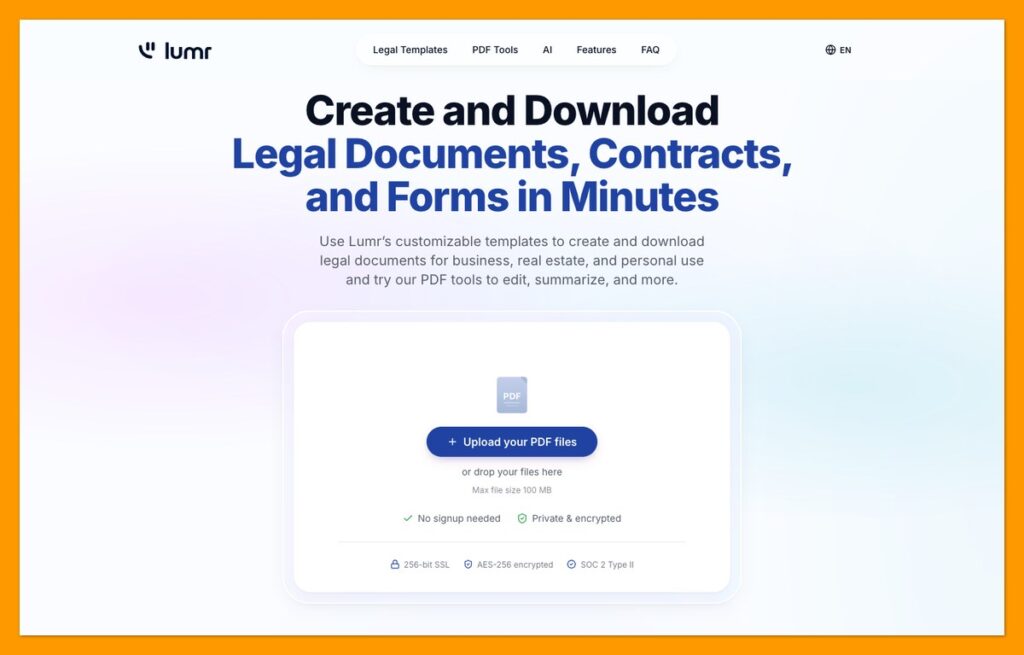
A handful of tools are available to use for free, but if you want the full suite, including the AI options, you’ll need a “Pro” account (more on that in a minute).
| Factor | Lumr details |
|---|---|
| What it is | PDF editing and document management suite |
| Pricing | Free option, with paid plans starting at $12 per month (paid annually) |
| PDF editing features | 29 online tools |
| AI features | Summarization, translation, document Q&A, content generation |
| OCR | Yes, 50+ languages |
| Upload limit | 100MB per file |
| Devices | Desktop or mobile |
| Best for | People regularly working with PDFs |
Here’s a bit of a closer look at the features you get (depending on your plan).
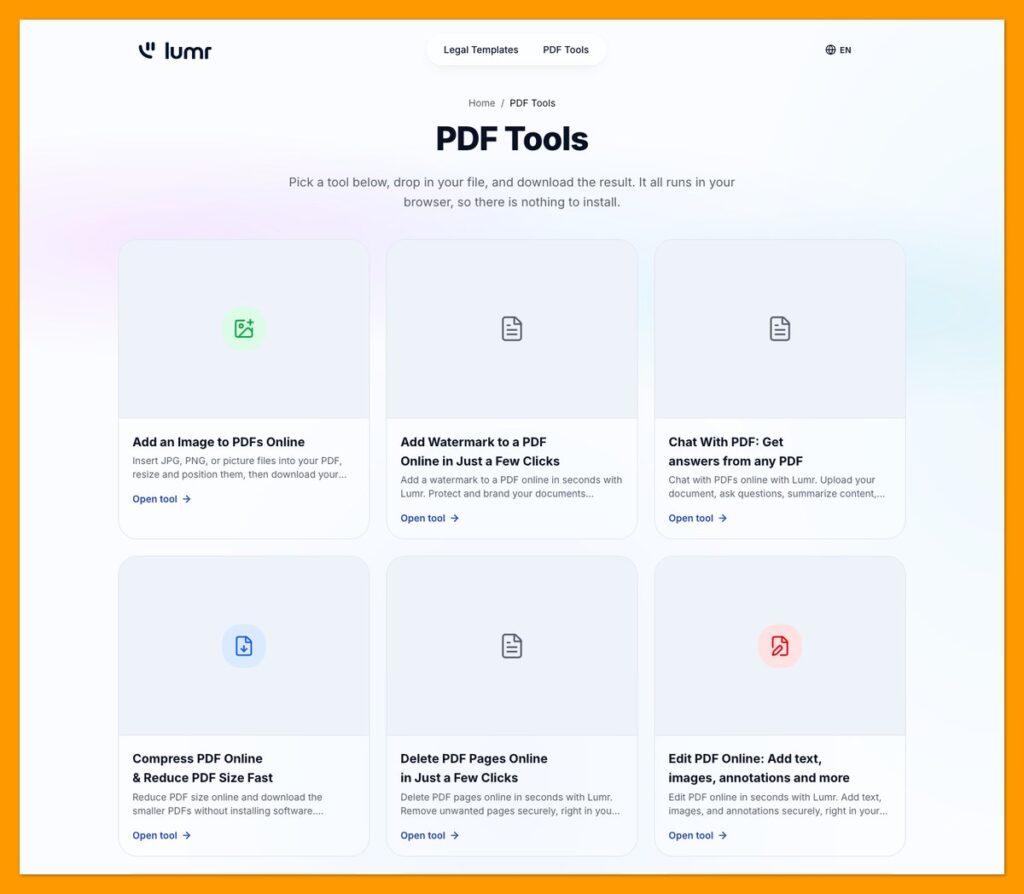
Lumr’s Templates (Instant Form Creation)
The first thing you’ll probably encounter on Lumr’s website are the templates, and honestly, they’re pretty good, even though they’re focused on US-based businesses. There are a handful of legal templates, for things like a bill of sale, operating agreement, or eviction notice, and you can edit them all on the platform, after entering the specific state it’ll apply to.
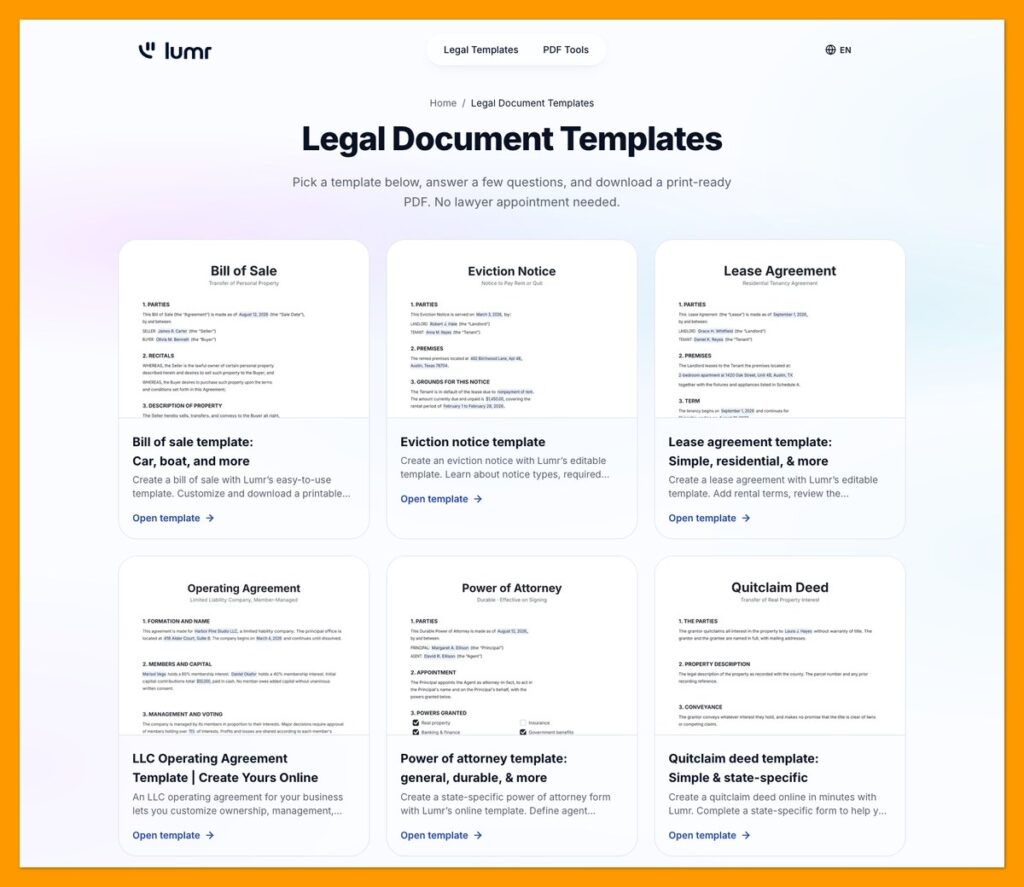
There’s nothing overwhelmingly exciting about the templates themselves, but I do appreciate how quick they are to create and use, and the fact that Lumr lets you accept online signatures for them, too.
Plus, anything you create can be sent into Lumr’s full editing suite, where you can highlight, annotate, insert images, rearrange content, or make any other changes you like before sending the documents onto clients or customers.
The AI PDF Tools: What They Can Really Do
Probably unsurprisingly, I have a bit more to talk about here. Lumr might not be breaking the mold with AI, but it’s using it to help people with the more common problems they tend to face when they’re working with PDFs. There are three main things your Lumr AI assistant can do for you: summarizing, translating, and answering questions.
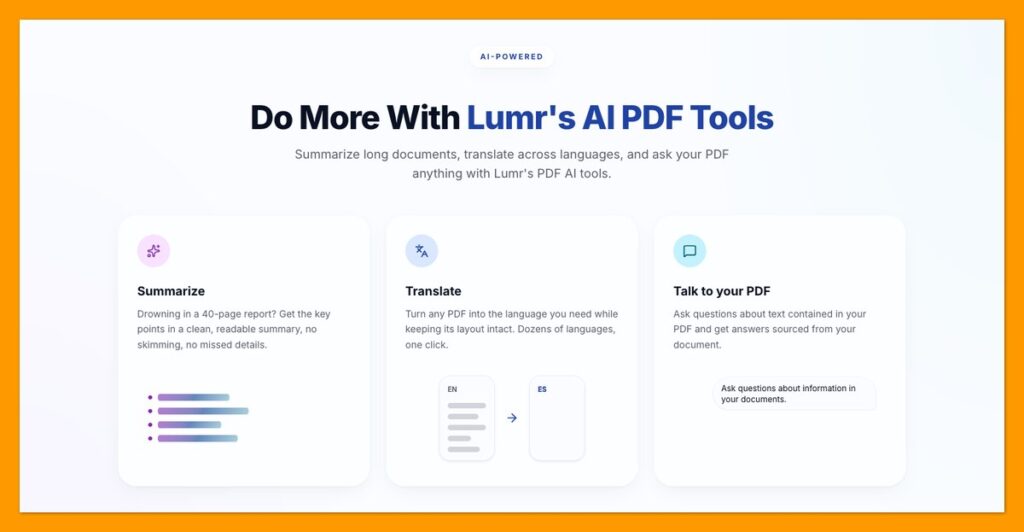
The first one is something you’re probably already getting something like Claude or Microsoft Copilot to do for you. The good part is that Lumr lets you choose between a basic overview and more detail, and give it instructions about what you’re trying to figure out.
It also supports over 100 languages, and handles scanned files with OCR, so you’re not too restricted on what you can summarize.
The translation tools do exactly what you expect; letting you translate documents into more than 100 languages, while also giving you the option to preserve the layout of the original document. Obviously, as I mentioned in the “cons” list, sometimes the formatting can have issues, but that’s relatively common for all kinds of PDF translation tools.
The final “main” feature is the more intriguing one, because it lets you interact with your PDFs in a more straightforward way. You can ask the assistant questions about when a contract needs to renew or what happens if a payment’s late, and it can answer in language you understand. It can even share page references, so you know where it’s getting the information.
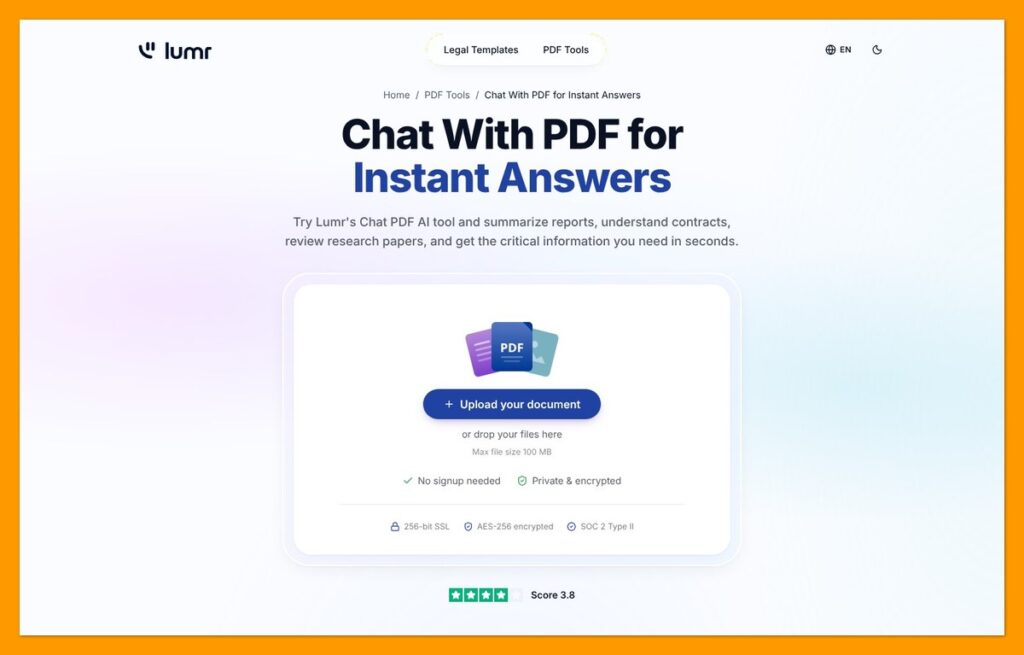
There’s also one other AI-powered feature that Lumr isn’t fully advertising yet: document generation, which could make creating your business paperwork easier, especially if you can’t find what you’re looking for in Lumr’s templates.
Other Useful Features
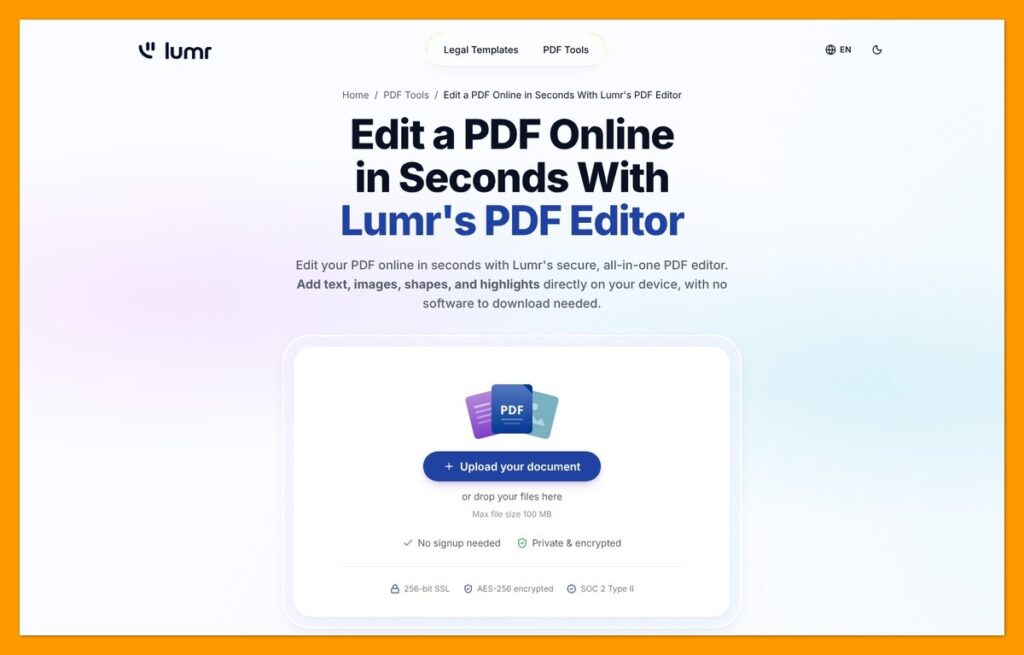
I wanted to touch on the other stuff I found when snooping around in Lumr’s dashboard, because some of the “extra” features are easy to miss. I’ve already mentioned that you can upload an existing PDF, and make corrections or edits without converting anything. You can also add watermarks to proposals before you share them, which is great.
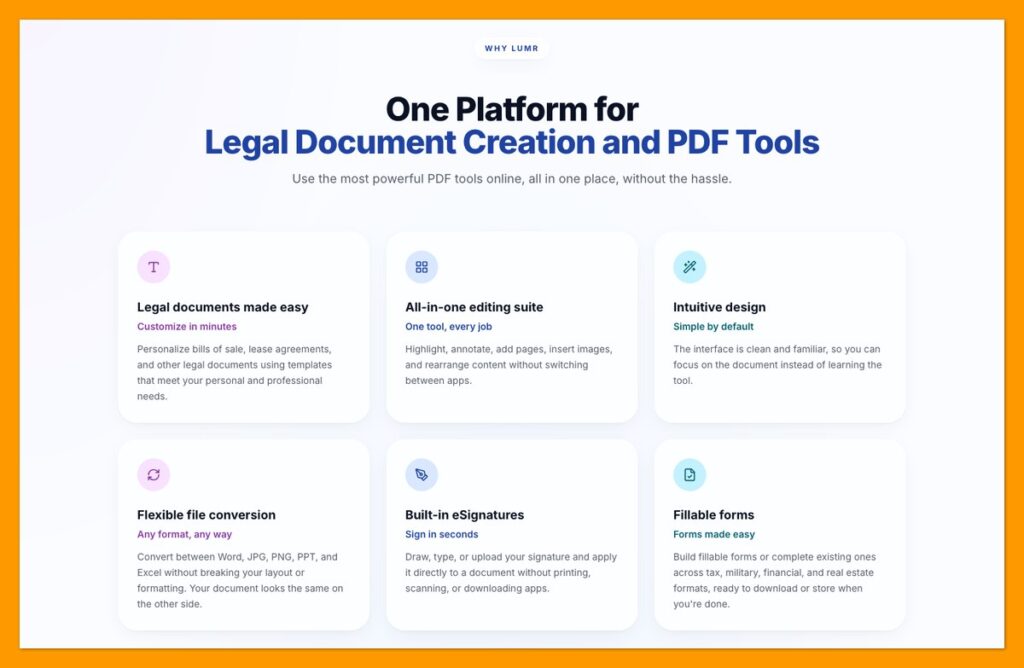
Then there are the file conversion and OCR tools. Lumr can change PDFs into JPG, PNG, PowerPoint, Word, or Excel files (or handle a conversion in the other direction). The OCR, on the other hand, means the system can recognize printed text in more than 50 languages, and add a searchable layer to the PDFs you scan.
Users also get some helpful tools for PDF organization. For instance, you can merge files, split up documents, extract particular pages, delete content you don’t want, and rotate scans or rearrange pages. There’s also a PDF compression and image compression tool in the kit.
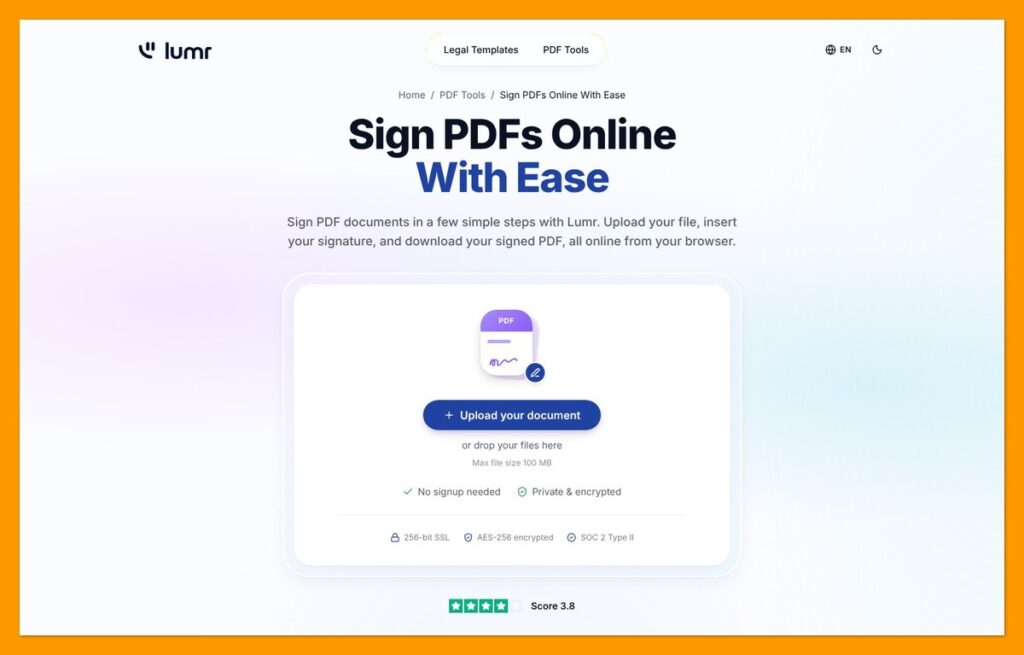
Finally, there’s the e-signature functionality, which means you can draw, type, or upload a version of your signature to add it straight to your PDF (and clients can do the same). Very helpful if you don’t want to have to print out, sign and scan a bunch of forms.
Lumr Ease of Use: How Well Does It Fit Into Everyday Workflows?
I’d argue Lumr’s simplicity is one of its bigger benefits, especially if you hate dealing with PDFs in the first place. You don’t need to install anything before fixing a document, and Lumr runs in all of the main desktop and mobile browsers.
If all you want to do is make some quick edits to a PDF, for instance, you’d just need to upload a file, send it into the editing suite, and start making changes. Once you’re done, you can download the result, either as a PDF or a different file type.
What’s a little less appealing about the whole thing is that it doesn’t seem like Lumr’s directly set up to integrate with the other tools you’re probably using, like Dropbox or Google Drive. I also couldn’t find any options for things like bulk AI processing, or team approvals.
Lumr Privacy and Security: Is It Safe to Upload Sensitive Documents?
Though I couldn’t find specific “approval-based permissions” for teams on Lumr’s list of features, I found plenty of other things that should be pretty reassuring to a business owner or freelancer. First of all, Lumr has 256-bit SSL and AES-256 encryption for all of your files. It’s also SOC 2 Type 2, GDPR, and CCPA compliant.
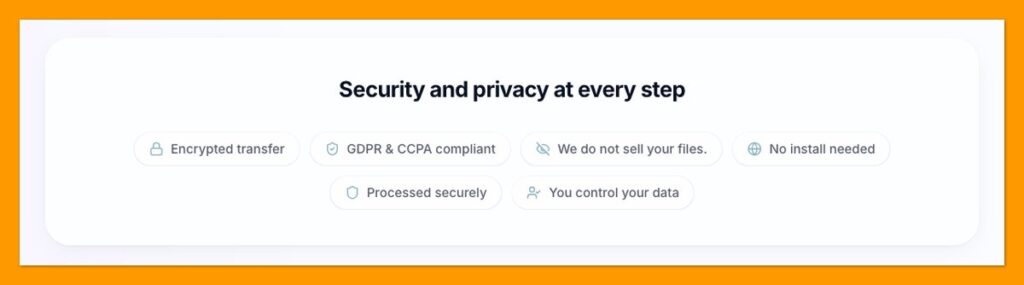
The company also promises to provide users with complete control over their data, and never sell files to external parties. If you’re worried about the AI, it’s worth saying that the intelligent tools do send document content to other language models through a gateway, though the gateway deletes requests after processing.
You may still want to be wary if you’re submitting very sensitive legal or personal material, but it seems like Lumr’s doing everything in its power to keep your documents protected.
Lumr Pricing: Is the Paid Plan Worth It?
I was a little nervous when I started researching Lumr and found there was absolutely no public pricing page, despite the company sharing in its FAQ section that it had “flexible plans” available for people who wanted to use the full kit.
As I said before, you do get limited access to certain tools and exports for free, so you can potentially convert a document from a PDF to something else, or make a few quick changes without paying anything, but you don’t know what’s free until you’re fully signed up.
When I made my own account, I found I could do quite a bit for free, but I needed a “Pro” plan for the AI features, unlimited document downloads, premium templates, and translation designed to preserve the original document’s format.
For that, I could choose between a monthly plan, that gave me free access for 24 hours followed by a subscription price of $49.99 per month, or an annual plan that took my fees down to just $12 per month. That’s one of the most generous discounts on an annual subscription I’ve seen in a while.
It’s a bit of a shame that Lumr isn’t more clear about its pricing upfront, but now that I’ve seen what users can expect, I do think the pricing isn’t terrible, particularly if you choose an annual plan. There’s quite a lot of functionality bundled into the fee, and it could save you a decent amount of money, particularly if you’re based in the US.
Should You Use Lumr AI in 2027?
Lumr is one of those AI-powered toolkits that I think will really appeal to a very specific type of user: potentially someone who works for themselves (or without a huge team), and spends a lot of time moving between apps just to get through a PDF workflow.
The templates are useful (if you’re based in the US), the editing suite is much easier to use than I expected, and I really do like having a chat-based assistant right next to all the tools I’m using to edit contracts and organize scanned paperwork.
This isn’t going to be a tool you’ll want to pay for if you’re only signing or sending one or two PDFs a year, obviously; but in my opinion it makes regularly working with PDFs a lot less migraine-inducing.

Comments 0 Responses