

BrandCrowd is one of the few types of AI tools I sometimes feel a little uneasy about testing. I don’t ever want to be the person who actually advises a company to choose an AI-powered design tool over working with a real professional. Fortunately, I don’t think many people use platforms like this assuming they’re going to use the assets they get forever.
BrandCrowd is something you pick because you need to launch a business fast, and you can’t just download the visuals you need from Pinterest. You want something at least semi-unique, mostly professional, and good enough to keep you going until you can afford an expert.
You also want the platform to make the initial “startup” process feel as simple and painless as possible. From that perspective, BrandCrowd is a pretty great system. You get more than 380,000 logo templates. Over 100,000 design assets across social, print, presentations, QR codes, even digital business cards. Plus, you get AI built-in, which is pretty normal these days, but still helpful.
My Quick Verdict
BrandCrowd is not the most powerful branding platform out there. It doesn’t have the most cutting-edge AI models, and it’s not going to generate a full ecommerce system on your behalf. However, I still think it’s one of the best tools a new entrepreneur, freelancer, or startup can buy.
The main reason is that it makes going from the “idea” to “launch” stage of your business a lot simpler, faster, and cheaper. It also makes it easier to keep your brand image consistent while you’re still figuring out all the little stuff, like social media campaigns, emails, and invoices.
What I like:
- It’s not really trying to replace a design team, just giving you a launching pad
- You get hundreds of thousands of templates and design assets
- Nothing is complicated, even if you have no experience with design tools
- Consistency is easy, because all your assets live in the same place
- The AI is helpful without being overly controlling
What I don’t like:
- Some designs do still feel a bit generic
- You don’t get many advanced features for website design or ecommerce
- Controlling every aspect of your design is difficult
BrandCrowd Overview: What BrandCrowd Is
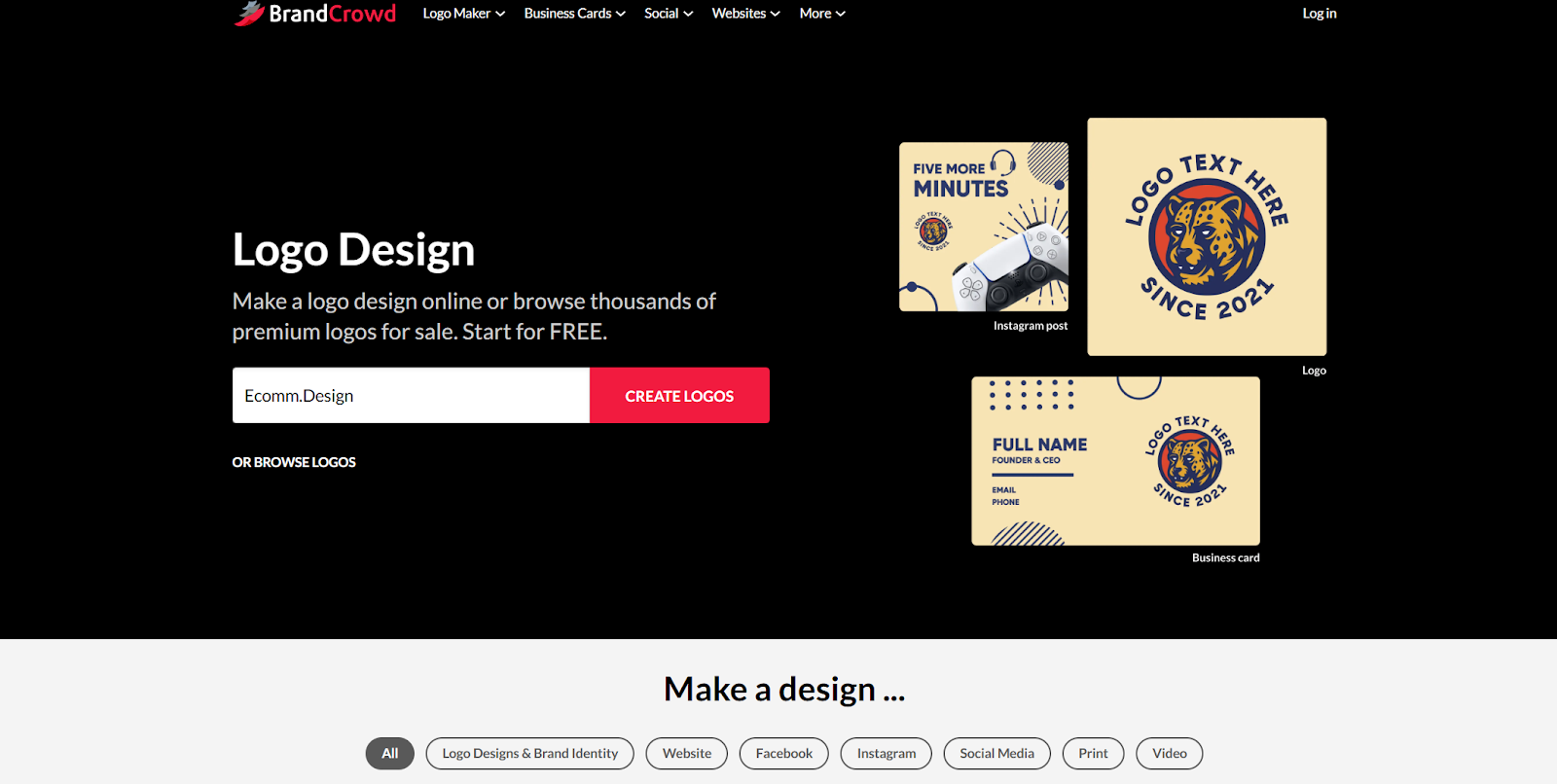
When I was doing research for this review, I noticed quite a lot of publications still calling BrandCrowd an “AI logo design tool”. That’s underselling it a bit, in my opinion. It does give you a logo maker with built-in AI, but it also offers a lot more.
I think it’s closer to something like Canva or Design.com, really. The sort of platform that bundles all of the visual assets you might need into one package.
You’ve got logos, business cards, and websites to begin with. Then there’s also social media assets, email signatures, flyers, invoices, postcards, gift certificates, and a bunch of other extras. I even had a quick go at the “animations” tool, which is pretty fun.
I think the best way to look at it is as a “digital brand kit” system. Somewhere you can create and style your brand using the same colors, fonts, and little extras every time.
What the AI Features Do in BrandCrowd
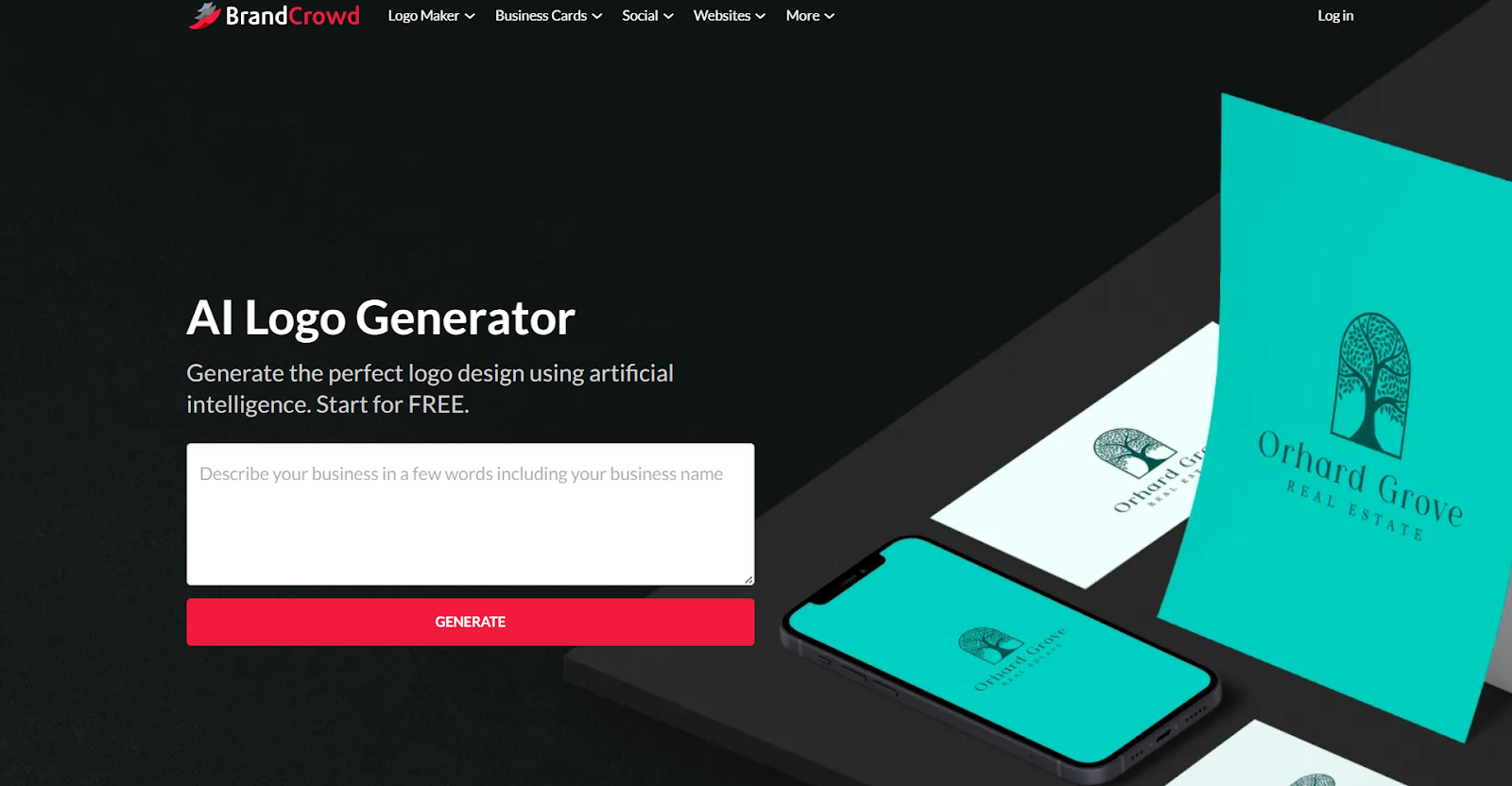
The “AI-powered” label we see slapped on everything these days can be pretty hard to judge at first, because you never know exactly what level of intelligence you’re going to get.
With BrandCrowd, you’re not getting something like MidJourney. It’s closer to ChatGPT for logos and a few other assets. That can be a good thing or a bad thing, depending on how you look at it. You don’t get a bunch of control over what the AI does, but you also don’t need to learn “prompt engineering” either.
BrandCrowd’s AI is there to widen the pool. That’s really it. If you don’t already have a logo direction in mind, you type in what your business does and your brand name, and it throws a handful of ideas back at you. Some will feel off. One might feel close. You click into the one that feels promising and then you can ask the AI to tweak it. Change colors. Shift the style. Try another variation.
After that, the “AI” feeling comes from the way the system carries your brand choices forward. You lock in a logo direction, and suddenly your palette and typography show up everywhere else without you rebuilding them every single time. Social templates. Business cards. Other collateral. Even the website pieces. It’s not cutting-edge AI, just a simple bit of smart help.
BrandCrowd Review: The AI Logo Generator
Even if BrandCrowd does offer hundreds of other assets, most people try it for the logo maker first, so that’s what I did too. If you’ve ever used something like Canva’s AI logo tools, or Looka, the process will feel pretty similar. As I said, you sign up, type in a prompt (which includes your business name, a few keywords, and a description), and the system generates a page of ideas:

You can favorite the ones you like if you’re not ready to edit yet, or start tweaking straight away.
Once you click on a logo, you land in a clean editing view. No clutter. No design-degree intimidation. You can swap the background, change the color palette, adjust the layout, replace the icon, edit the shape, and switch fonts. You can lower opacity, layer elements, flip things around, even animate the logo if you want a little motion version.
What stands out is how little thinking it requires. You’re not fighting the tool. You’re just making adjustments and moving on. If your goal is to get a business live quickly, that simplicity feels intentional.
The export options are great too. You can choose from SVG, EPS, PDF for vector and print, plus PNG and JPG for web and marketplaces. That matters more than people think. A lot of “AI logo” tools can generate something pretty, then hand you a file that’s only good for one thing.
If you’ve used Canva for logos, you’ll know the difference. Canva is great for quick graphics, but logo exports and brand marks can get messy fast if you’re not careful.
The Social Media Assets
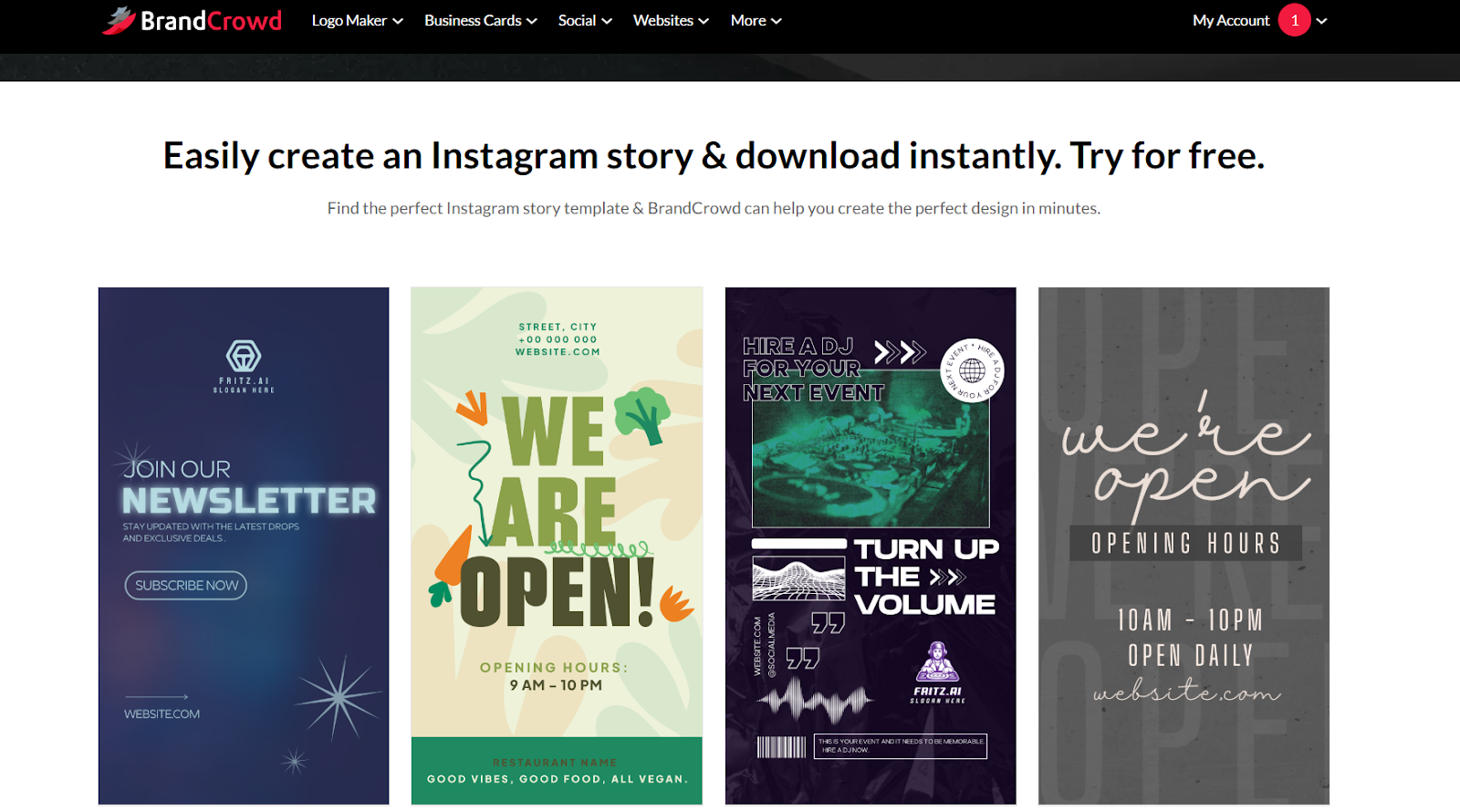
Quite a few of the BrandCrowd Reviews I read don’t really mention the social assets, which is weird considering how many there are to choose from.
All of the standard banners, profile pictures, and basic post types are there for most channels like Facebook, Pinterest, YouTube and Instagram. However, you also get a brilliant range of additional options you might not find elsewhere, like Twitch profiles, Soundcloud profiles, and Zoom backgrounds. You can even create Etsy banners.
The best part is what happens after you settle on a logo. Your colors and fonts don’t disappear. They follow you. Open a social template and it already feels like your brand. Jump into a business card layout and it still matches. You’re not rebuilding everything every time, just plugging your identity into different formats.
I will say that it’s pretty easy to end up with a generic pile of posts if you’re not careful. You still need to switch fonts occasionally, tweak spacing, maybe pick a less obvious layout. The upside is you’re not obsessing over whether the green on your flyer matches the green on your Instagram header from three weeks ago.
Business Cards, Print Assets, Other Extras
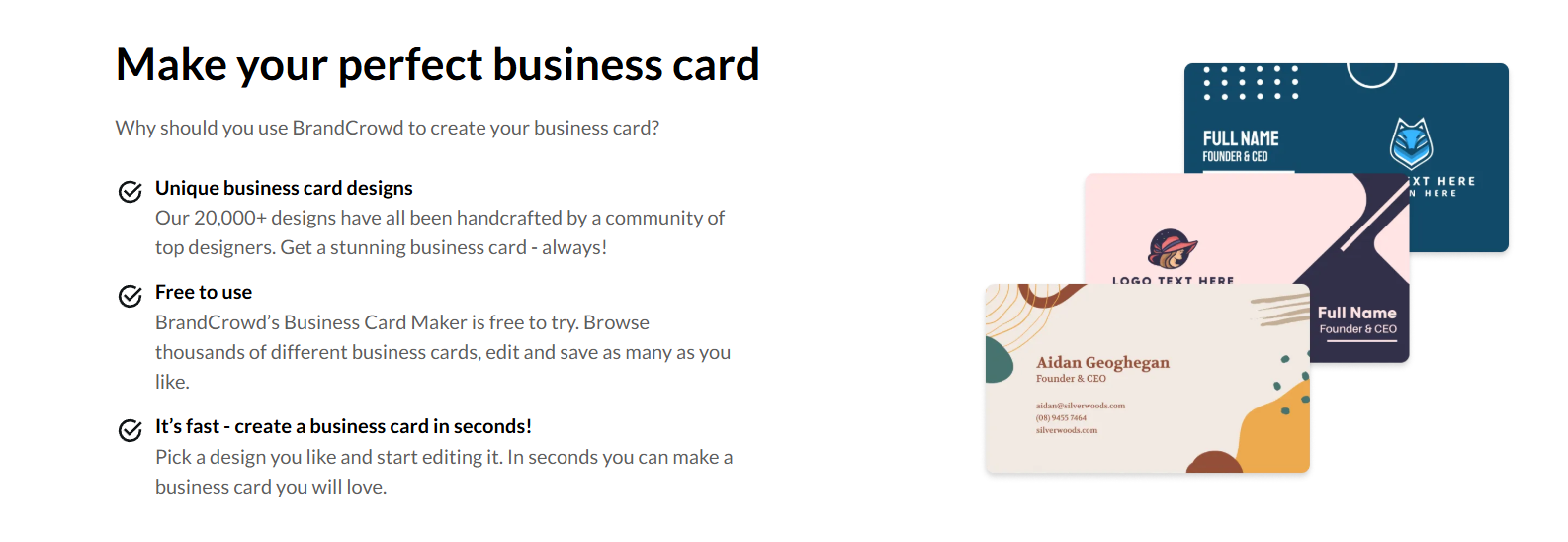
This is another thing that I think gets a little “undersold”. BrandCrowd gives you a whole selection of “additional” assets beyond the standard digital visuals you might need. Now, I’m not suggesting everyone who uses this platform will need all of them.
You probably don’t need gift cards, business cards, or presentations if you’re a streamer. But there are a lot of templates here that are really helpful for most businesses. You can create:
- Letterheads
- Email signatures
- Posters and flyers
- Menus
- Invoices
- Postcards
- Gift certificates
- Thank-you cards
- T-shirts
- Animations
- Videos
- QR codes
- Presentations
One quick note on the “t-shirts” option; when I say you can make t-shirts, I mean t-shirt designs. BrandCrowd won’t actually print anything for you, like Printful or Gelato. They just help you create images you can upload to one of those platforms.
Again, whatever you create, you’ll get the same straightforward process. AI helps you find a template that matches, you adjust it in the editor, then you download it and add it to your brand kit.
I think what I like most about the huge selection of options here is that it takes a bit of stress off your shoulders as a business owner. After you have your logo, you don’t want to go searching for new tools every time you need to create a branded invoice or email signature. It helps to just load up the same platform and generate the next part of your kit.
The Website Builder
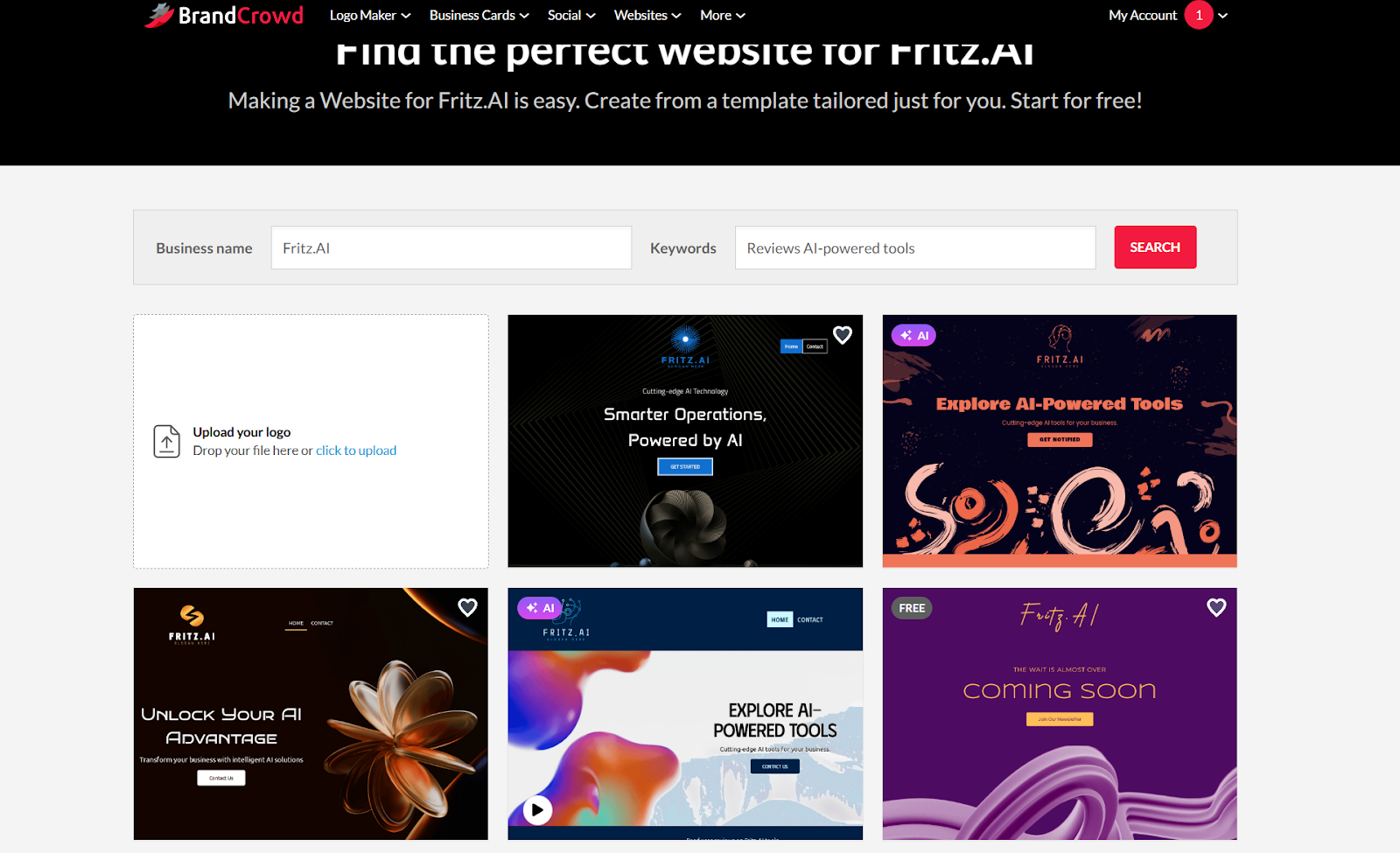
I recommend setting realistic expectations if you’re going to be using the BrandCrowd website builder. It’s not the same as the AI-powered site builders you get from Wix, Squarespace, or Shopify. It’s more of a tool you use to build a simple one-page website fast.
If you haven’t created a logo already, BrandCrowd will ask you to describe your business again before suggesting a few website templates. If you have a logo, you can upload it, and the AI system will infuse that into the suggestions.
You’ll see which ones were made with AI and which ones are based on existing templates straight away, if that helps you. Once you click on one, you can go into the editor to adjust content placement, and preview your design on both desktop and mobile-style screens.
Again, there’s not much to the website you actually get. You can add “contact” buttons and social media icons, as well as a few extra pages. What you really end up with is a sort of professional “blog-style” site, though, not an ecommerce platform or a full CMS.
I don’t think that’s a bad thing. BrandCrowd can still save you a lot of time if you just want a “home base” for your website fast. Just make sure you know you’re not going to end up with a checkout, inventory management tools, and other features until you add them yourself.
This is a tool for design, not a tool for running an online business.
BrandCrowd Pricing: What You Actually Pay
Anyone can play with BrandCrowd for free. That’s the fun part. You can design, use the AI tools, explore templates and mess around with colors. You can even download some of the assets available too. You’ll see which ones are free with a little label.
Downloading premium assets isn’t free, though. You’ll need to pick a subscription tier. These are the ones available right now:
- Starter plan: around $15 USD per month
- Value plan: around $24 USD per month
- Premium plan: around $29 USD per month
Annual billing drops the effective monthly rate significantly, sometimes up to 70–75% lower than rolling monthly pricing, depending on promotions. So, I’d definitely recommend checking if there are any offers available before you dive in.
There are also single-logo purchase options floating around certain flows. Those can land around $45 USD for a one-off logo download with standard files. Of course, once you start adding other assets, business cards, social templates, website access, that one-off model stops making sense.
What changes between plans mostly comes down to access. The lower tiers cover core logo downloads. As you move up, you unlock more templates and features like the digital business card tool. No matter which one you choose, it’s still far less than hiring a designer to build a full brand system from scratch.
Who Should Use BrandCrowd? My Verdict
I wouldn’t push this tool on every business owner. If you’re scaling and your visual identity is becoming a serious differentiator, you’ll probably want custom work. Some industries live and die on aesthetic nuance. In those cases, templates won’t cut it.
However, if you’re:
- Launching something new and want a legit brand quickly
- Building a business and don’t know much about design software
- Trying to design a full brand kit on a budget
BrandCrowd makes a lot of sense. It covers just about every visual asset you could possibly need, uses AI without relying on it too much, and gives you a genuinely “usable” brand without costing you a fortune.

Comments 0 Responses