

Transcription apps on iPhone have improved a lot over the past few years, especially with the rise of AI speech recognition models.
That said, not all transcription apps are created equal. Some are built for meetings, some focus on privacy, and others are designed for professional or legal use where accuracy matters more than speed.
I have spent significant time testing and comparing transcription apps on iPhone, looking closely at accuracy, usability, pricing, privacy, and overall value.
This guide highlights the transcription apps that performed best based on real use cases rather than marketing promises.
If you are recording meetings, interviews, lectures, podcasts, or voice notes, this article will help you choose the right transcription app for your needs.
Our Top Transcription Apps for iPhone
After hands on testing and research, these are the transcription apps that stood out the most.
- NoteGPT: Best overall transcription app
- Fireflies: Best for meetings and summaries
- Aiko: Best for offline use and privacy
- Notta: Best for multilingual transcription and pricing flexibility
- Rev: Best for human quality and legal grade transcripts
Each app serves a different purpose, so the best option depends on how and why you plan to use transcription on your iPhone.
Quick Comparison Table
| App | Best For | Transcription Type | Offline Support | Languages | Starting Price |
|---|---|---|---|---|---|
| NoteGPT | General transcription | AI | No | English | Free or $6.99 per week |
| Fireflies | Meetings and calls | AI | No | English | Free or $10 per month |
| Aiko | Privacy and offline use | AI | Yes | English | Free |
| Notta | Multilingual use | AI | Limited | 100 plus | Free or $13.99 per month |
| Rev | Legal and professional work | Human and AI | No | English | $0.25 to $1.50 per minute |
Our Methodology
To create this ranking, I tested each transcription app directly on iPhone and reviewed their performance across real world scenarios. I focused on accuracy, ease of use, reliability, export options, and pricing transparency.
I also looked at how well each app handled poor audio quality, background noise, multiple speakers, and longer recordings.
Privacy policies and data handling practices were another major factor, especially for apps that upload audio to the cloud.
The goal was not to find one perfect app, but to identify the best options depending on different needs.
NoteGPT – Best Overall Transcription App
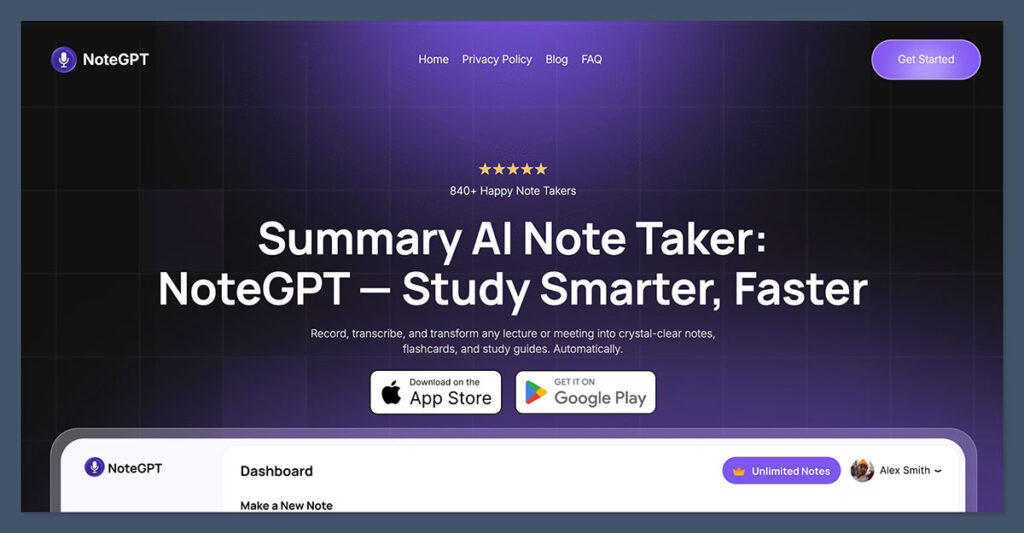
Starting price: Free plan available or $6.99 per week / $49.99 per year
AI transcription: Yes
NoteGPT earned the top spot because it delivers consistent accuracy across a wide range of audio types while remaining easy to use on iPhone. I found it reliable for voice notes, interviews, podcasts, and recorded meetings.
The interface is clean and straightforward. Uploading audio or video files is simple, and the transcription process is fast without sacrificing accuracy. NoteGPT also includes AI powered summaries, which help turn long transcripts into useful notes.
What I liked about NoteGPT
- Strong accuracy for conversational speech
- Supports audio and video uploads
- AI summaries and highlights included
- Simple export options
- Easy to use on mobile
Where it falls short
- English only at the moment
- Requires an internet connection
- No human transcription option
Pricing overview
- Free plan with monthly limits
- Paid plans start at $6.99 per week
Bottom line
NoteGPT is the best choice if you want a reliable transcription app that works well for everyday use. It balances accuracy, speed, and usability better than most competitors.
Fireflies – Best for Meetings and Structured Notes
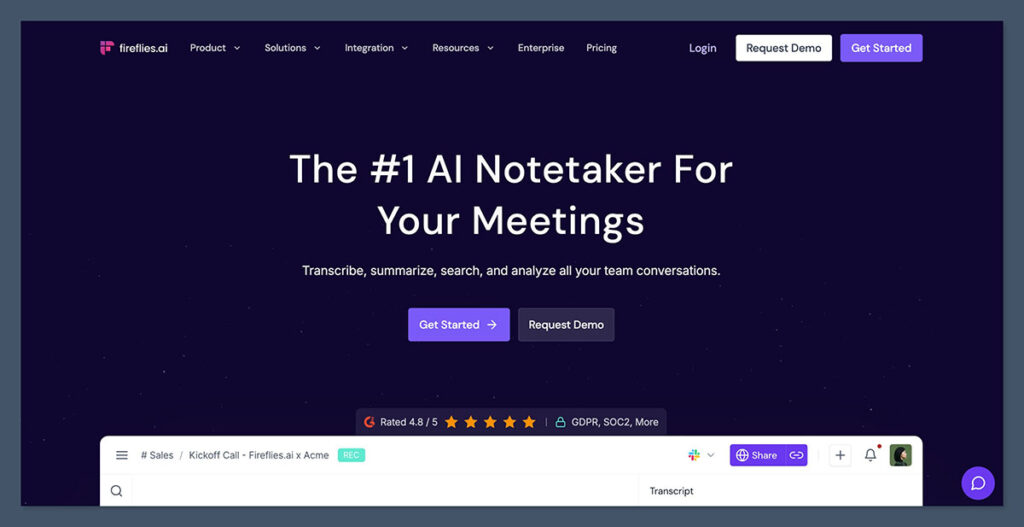
Starting price: Free plan available or $10 per month
AI transcription: Yes
Fireflies is designed specifically for meetings, making it ideal for professionals who spend a lot of time on calls.
While it works on iPhone, its real strength comes from how it integrates with meeting platforms like Zoom, Google Meet, and Microsoft Teams.
I found Fireflies especially useful for reviewing conversations after the fact. The app automatically generates summaries, action items, and speaker labels, which saves time compared to reviewing raw transcripts.
What I liked about Fireflies
- Automatic meeting recording and transcription
- Speaker identification
- Clear summaries and action points
- Searchable transcript library
- Integrations with business tools
Limitations
- Cloud based only
- Not ideal for offline recordings
- Better suited for meetings than interviews
Pricing overview
- Free plan with limited usage
- Pro plan starts at $10 per month
- Business plans available for teams
Bottom line
Fireflies is the best option if your primary use case is meetings. It turns conversations into structured notes that are easy to review and share.
Aiko – Best for Offline Use and Privacy
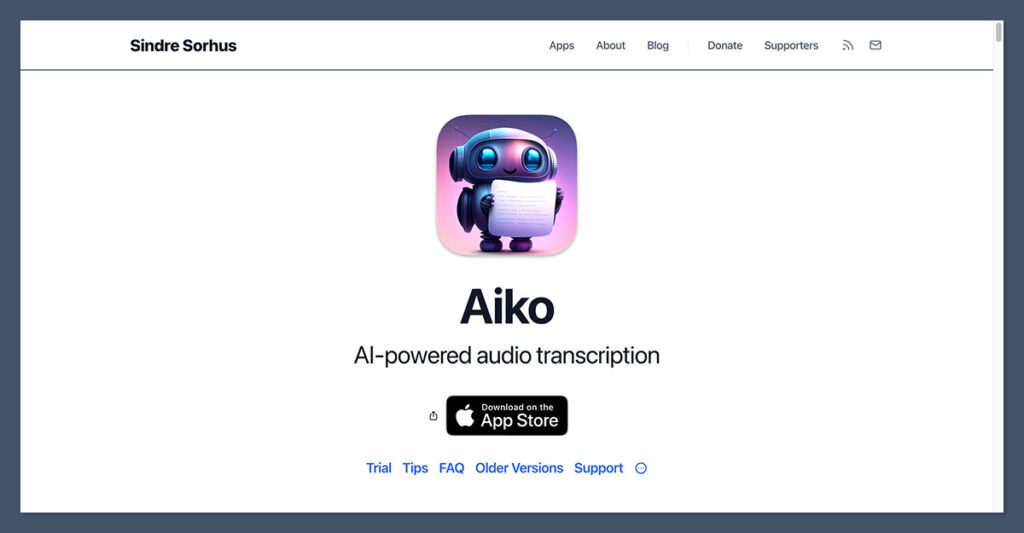
Starting price: Free
AI transcription: Yes
Aiko stands out because it works entirely offline. All transcription happens locally on your iPhone, which makes it an excellent choice for privacy focused users.
This is especially important for journalists, researchers, or anyone handling sensitive recordings.
During testing, I found Aiko surprisingly accurate given that it does not rely on cloud processing. It uses the Whisper model locally and performs well for clear speech recordings.
What I liked about Aiko
- Fully offline transcription
- No audio uploaded to servers
- Free and open source
- Clean and minimal interface
Limitations
- No cloud sync
- No speaker labels
- Limited advanced features
Pricing overview
- Completely free
Bottom line
If privacy matters more than advanced features, Aiko is the best offline transcription app available for iPhone.
Notta – Best for Multilingual Support and Pricing
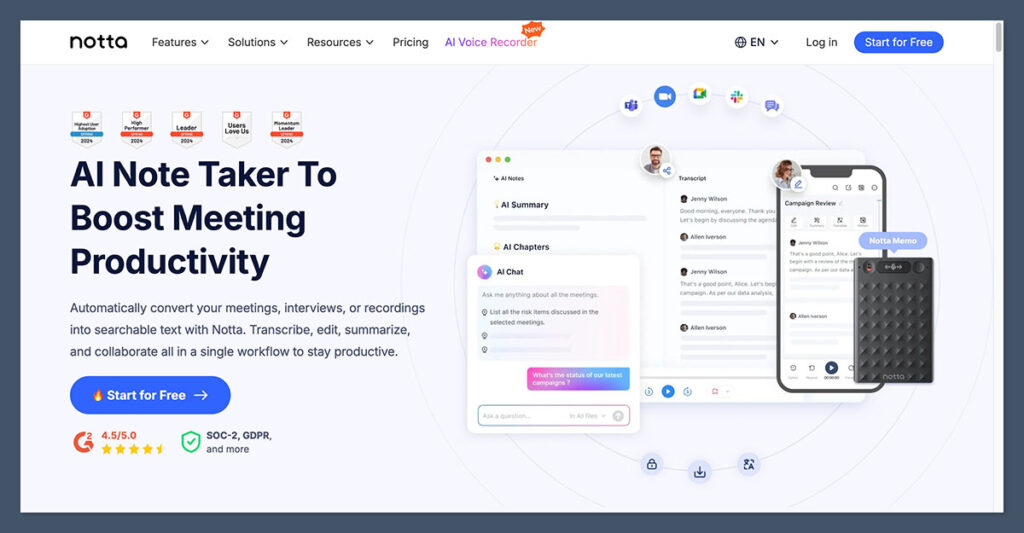
Starting price: Free plan or $13.99 per month
AI transcription: Yes
Notta is one of the most versatile transcription apps when it comes to language support. It handles over 100 languages and accents, which makes it ideal for international teams, students, and multilingual creators.
The mobile app is polished and works well for real time transcription and uploaded files. I found it reliable across different accents, though accuracy depends heavily on audio quality.
What I liked about Notta
- Supports over 100 languages
- Real time and uploaded transcription
- Syncs across devices
- Affordable pricing tiers
Limitations
- Limited offline functionality
- Accuracy can vary with noisy audio
- No human transcription option
Pricing overview
- Free plan with usage limits
- Pro plan starts at $13.99 per month
- Business plans available
Bottom line
Notta is a strong option if you need multilingual transcription and flexible pricing without moving into enterprise level tools.
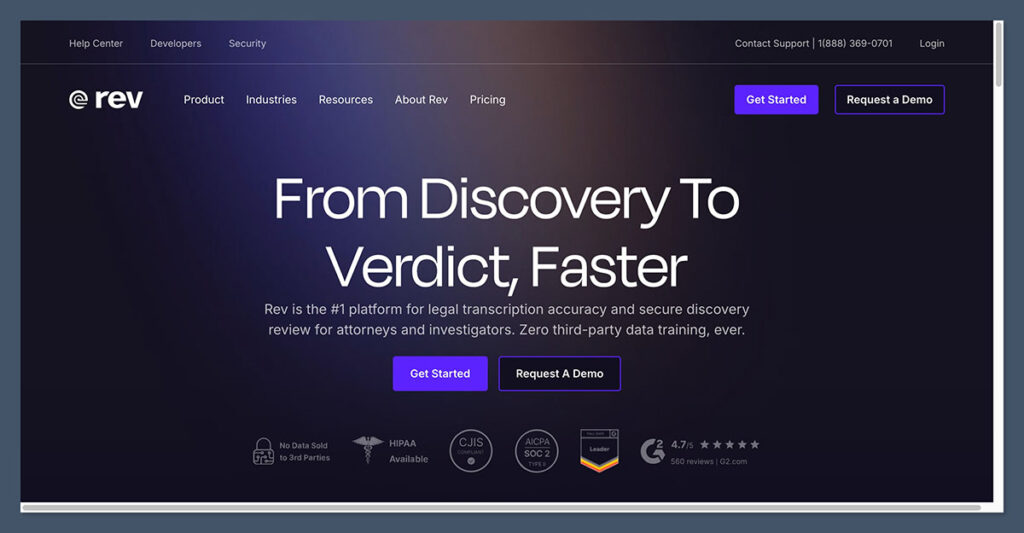
Rev- Best for Human Quality Transcription
Starting price: $0.25 per minute for AI or $1.50 per minute for human transcription
AI and human transcription available
Rev is the best choice when accuracy is non negotiable. Unlike other apps on this list, Rev offers professional human transcription performed by trained editors.
I found Rev especially useful for interviews, legal recordings, and content that will be published or quoted. The accuracy is noticeably higher than AI only tools, especially for complex language and multiple speakers.
What I liked about Rev
- Human transcription option
- Very high accuracy
- Timestamps and speaker labels
- Fast turnaround times
Limitations
- More expensive than AI tools
- No offline support
- Not designed for quick note taking
Pricing overview
- AI transcription costs $0.25 per minute
- Human transcription costs $1.50 per minute
Bottom line
If you need transcripts that are ready for professional use, Rev is worth the cost.
How to Choose the Right Transcription App for iPhone
Choosing the right transcription app depends on how you plan to use it. Before committing to a subscription, consider the following factors.
Key things to think about
- Will you be transcribing meetings, interviews, or personal notes
- Do you need offline access
- Is privacy a concern
- Do you need multiple languages
- Is human level accuracy required
Testing free plans is the best way to see how each app performs with your specific audio.
Final Verdict
There is no single best transcription app for everyone, but the apps listed here cover almost every use case.
NoteGPT is my top overall pick for everyday transcription. Fireflies excels in meeting environments. Aiko is ideal for privacy focused users.
Notta offers strong multilingual support. Rev delivers unmatched accuracy for professional work.
The best approach is to match the app to your needs rather than choosing based on features alone. Try the free versions, test them with your own recordings, and upgrade only when the value is clear.

Comments 0 Responses