

With thousands of productivity apps on the market, choosing the right tools can be overwhelming.
Based on hands-on testing, student feedback, and user behavior, I’ve narrowed it down to five standout apps worth your attention this year.
Whether you’re working on assignments, managing your schedule, or revising for exams, these tools can help you stay focused, organized, and consistent.
Here’s a quick overview of the best productivity apps for students in 2026:
| Rank | App | Best For | Starting Price |
|---|---|---|---|
| 1 | NoteGPT | AI-powered note generation | Free, $6.99/week |
| 2 | Notion | All-in-one student dashboard | Free |
| 3 | Todoist | Simple task and assignment tracking | Free, $7/month |
| 4 | TickTick | Tasks, calendar, and Pomodoro in one | Free, $35.99/year |
| 5 | Anki | Spaced repetition flashcards | Free desktop, $24.99 iOS |
#1. NoteGPT: Best for AI-Powered Note Generation
Starting Price: Free
Paid Plans: $6.99/week or $49.99/year
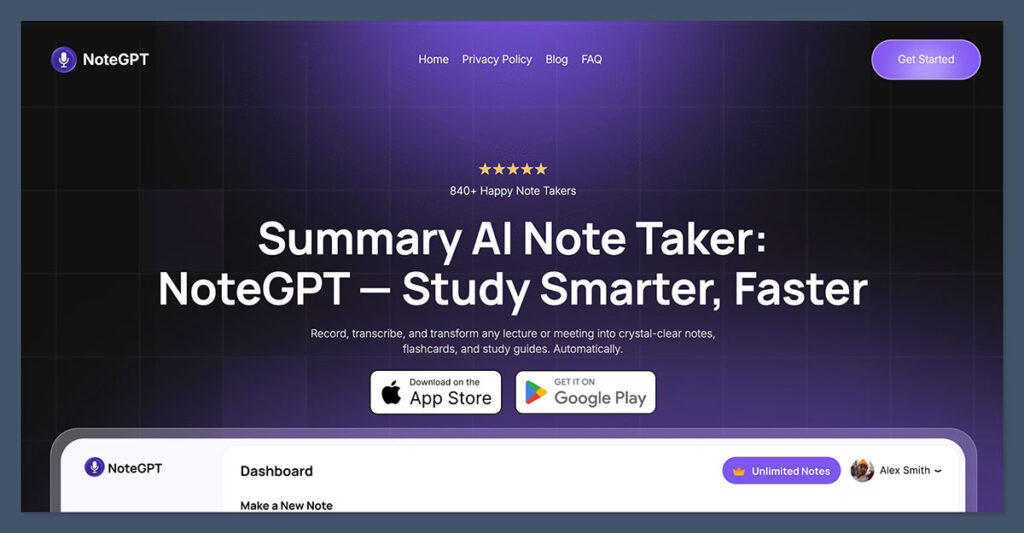
NoteGPT ranks number one for students who want fast, intelligent summaries of complex content.
It uses AI to turn lectures, Zoom recordings, YouTube videos, and written materials into clear, structured notes.
The interface is simple. You upload a file or paste content, and NoteGPT generates summaries, outlines, and timestamps for review. If you’re falling behind on note-taking or struggling to keep up during lectures, this app can cut hours off your workload.
Key Features:
- Upload PDFs, videos, or URLs and get instant summaries
- AI-generated flashcards and topic highlights
- Searchable, timestamped lecture content
- Multi-language support and simplified output
Pros:
- Saves hours in note creation and review
- Great for non-native English speakers
- Integrates well with other study tools
Cons:
- Premium features locked behind a subscription
- Some outputs may require manual clean-up for niche topics
Bottom Line:
NoteGPT is the most efficient app I tested for lecture review. It removes the need to take full notes manually and provides clean summaries to revise from. It’s especially helpful for STEM and lecture-heavy programs.
#2. Notion: Best All-in-One Student Dashboard

Starting Price: Free
Paid Plans: Free for students with a school email
Notion is one of the most flexible tools available for students. It’s a workspace app that combines notes, task management, calendars, and databases.
If you like having everything in one place, Notion gives you full control over how you organize your academic life.
You can create a custom dashboard to track modules, assignments, readings, and revision. For those who prefer visual layouts, it supports kanban boards, calendars, and tables.
Key Features:
- Customizable templates for course planning and notes
- Shared workspaces for group projects
- Rich media support including PDFs, videos, and embeds
- Integration with Google Calendar, Slack, and more
Pros:
- Free educational plan includes most premium features
- Works across devices and syncs instantly
- Huge community template library
Cons:
- Steep learning curve for beginners
- Can become cluttered without consistent setup
Bottom Line:
If you’re looking to streamline your academic tools into one app, Notion offers the best combination of flexibility and depth. It takes time to set up, but once you do, it becomes a personal command center for your student life.
#3. Todoist: Best for Simple Task and Assignment Tracking
Starting Price: Free
Pro Plan: $7/month or $60/year
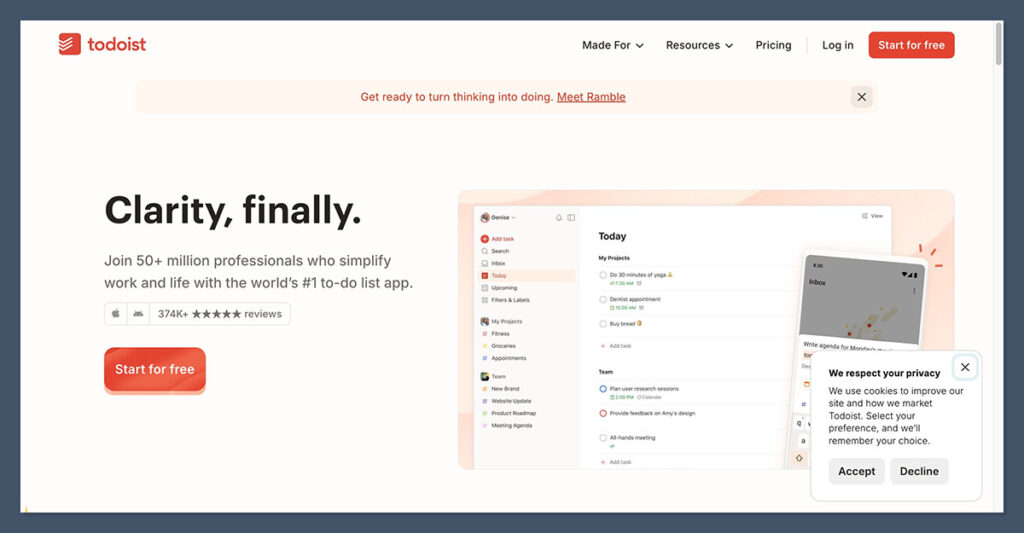
Todoist is a minimalist task management app that’s perfect for students who want clarity over what needs doing next. It allows you to create tasks, break them into subtasks, add due dates, and set recurring reminders.
It’s not designed for complex project management. Instead, it excels at helping you stay on top of assignments, track habits, and reduce last-minute stress.
Key Features:
- Natural language input for quick task creation
- Priority levels, labels, and filters for sorting
- Integrates with Google Calendar and Notion
- Daily and weekly productivity stats
Pros:
- Simple to use with no setup required
- Fast syncing between devices
- Clean, distraction-free layout
Cons:
- Lacks visual planning tools like kanban or calendar
- Not ideal for complex academic projects
Bottom Line:
Todoist is best for students who want a lightweight task tracker they can start using immediately. It’s perfect for daily routines, small deadlines, and keeping things off your mind.
#4. TickTick: Best All-in-One Productivity Planner
Starting Price: Free
Premium Plan: $35.99/year
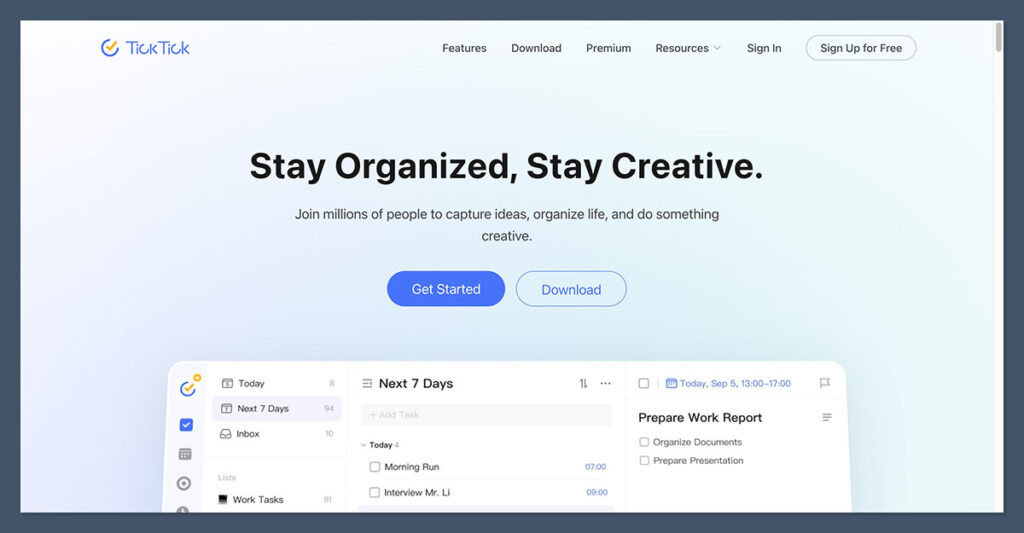
TickTick combines task management, habit tracking, calendar planning, and Pomodoro timers in one app. It’s great if you want more structure than Todoist but don’t want to build your own system from scratch like you would in Notion.
I found TickTick especially helpful during exam prep. You can schedule study blocks into the built-in calendar, track habits like daily reading, and use the focus timer to stay locked in.
Key Features:
- Calendar view with drag-and-drop task planning
- Pomodoro timer with white noise support
- Built-in habit tracker and productivity stats
- Smart reminders and task sorting
Pros:
- Combines multiple tools in one interface
- Lightweight and easy to set up
- Affordable for what it offers
Cons:
- Lacks the deep customization of Notion
- Some features only available in premium version
Bottom Line:
TickTick is a great option if you want a ready-made productivity system. It keeps your day structured without overloading you with features you don’t need.
#5. Anki: Best for Spaced Repetition and Memorization
Starting Price: Free on desktop
Mobile App (iOS): $24.99 one-time purchase
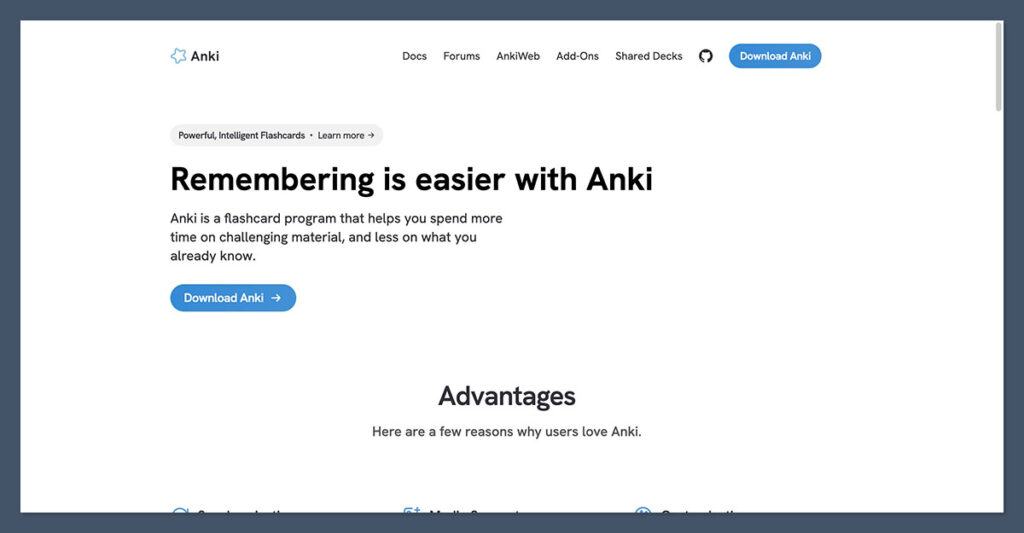
Anki is a flashcard app built on spaced repetition, a learning technique proven to improve long-term memory. If your course involves a lot of memorization (medicine, law, languages, or science) Anki is a must.
You can create your own cards or download decks made by other students. The software uses algorithms to show you cards just before you’re likely to forget them, which increases retention.
Key Features:
- Spaced repetition algorithm
- Community-made decks available for most subjects
- Add images, audio, and LaTeX formatting
- Plugin support for added functionality
Pros:
- Highly effective for long-term retention
- Free on desktop with no recurring fees
- Very customizable and flexible
Cons:
- Dated interface
- Setup and syncing can be clunky
Bottom Line:
Anki isn’t flashy, but it’s one of the most powerful tools for exam prep. If you’re disciplined enough to review cards consistently, it can make a big difference in your grades.
Other Alternatives Worth Considering
These apps didn’t make the top five, but they’re still widely used by students depending on specific needs or devices.
| App | Best For | Starting Price |
|---|---|---|
| Google Calendar | Time blocking and weekly planning | Free |
| Microsoft OneNote | Freeform notes and lecture capture | Free |
| Goodnotes | Handwritten notes on iPad | $35.99 one-time |
| Notability | Recording lectures while taking notes | Free, $20/year |
| Zotero | Research, citations, and reference management | Free, $20/year for 2GB |
| Freedom | Blocking distractions on all devices | $39.99/year |
| Forest | Pomodoro technique with gamified focus | Free, $35.99/year |
| Grammarly | Grammar and writing assistance | Free, Premium from $12/month |
| Obsidian | Markdown-based note-taking for power users | Free, optional paid features |
| Evernote | General note-taking and clipping content | Free, Premium from $14.99/month |
Final Verdict: Which App Should You Choose?
All five of these productivity apps offer something valuable, depending on what you need most. Here’s how I would choose:
| If you need… | Use this app |
|---|---|
| AI-generated notes and summaries | NoteGPT |
| A customizable academic dashboard | Notion |
| A simple and reliable task manager | Todoist |
| An all-in-one planner and timer | TickTick |
| A memory system for exams | Anki |
If you’re building your first productivity stack as a student, start with three essentials:
- NoteGPT for lectures and summaries
- Todoist or TickTick for assignments and planning
- Anki for exam prep
This gives you coverage across learning, execution, and review without overwhelming you with too many tools.
If you want to build on that later, Notion is a great second-layer system for organizing everything more deeply.

Comments 0 Responses