

AI meeting assistants have gone from niche to mainstream.
Whether you’re running a remote team, sitting through back-to-back sales calls, or just tired of writing up meeting notes, these tools use artificial intelligence to streamline your calls, capture everything, and even help with follow-up actions.
I tested the leading options to see which ones actually save you time.
Below are my top five AI meeting tools for 2026, ranked based on ease of use, accuracy, integration options, and features like transcription, scheduling, and automation.
With hands-on testing and hours spent using each tool across real-world meetings, here’s what I recommend.
Our Top 5 AI Meeting Tools
| Tool | Best For | Starting Price (USD) | Summary |
|---|---|---|---|
| NoteGPT | Best overall | Free, Pro from $6.99/week | Top AI summarization and note generation with browser plugin and mobile support |
| Otter.ai | Best for live transcription | Free, Pro from $10/mo | Trusted real-time transcription with strong accuracy and team features |
| Fireflies.ai | Best for task automation | Free, Pro from $10/mo | Smart assistant with voice commands, integrations, and action tracking |
| Fathom | Best free tool with CRM sync | Free | Unlimited meetings, real-time highlights, and CRM integration |
| Avoma | Best for sales and coaching | Starts at $24/user/mo | Advanced analytics, meeting coaching, and action recommendations |
#1. NoteGPT: Best Overall
Rating: 4.8
Starting Price: Free, Pro from $6.99 per week
Free Plan: Yes
Platform: Chrome Extension, Web App, Android
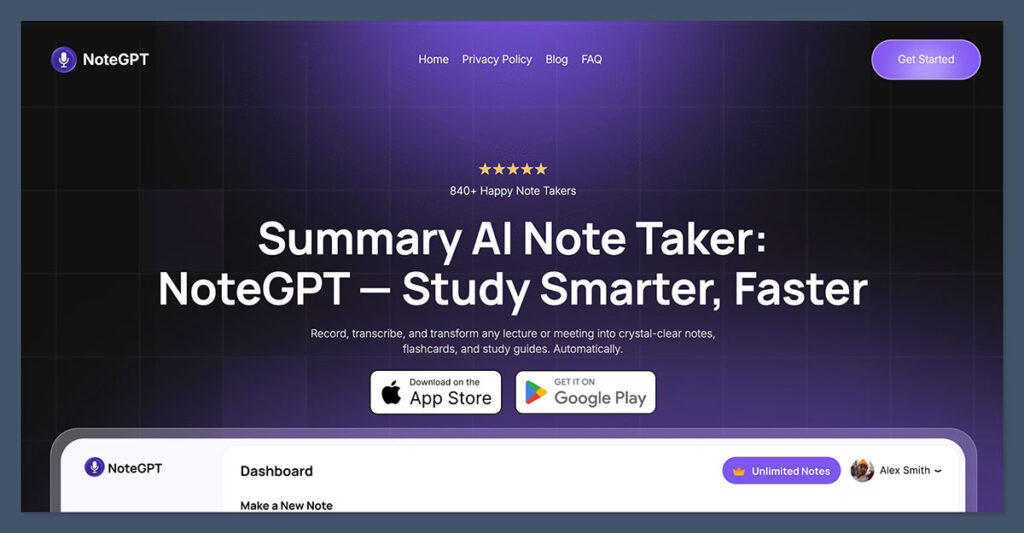
NoteGPT is the best AI meeting tool I’ve tested this year.
It focuses on intelligent note generation, turning your meetings, webinars, or even YouTube videos into structured summaries. It works as a browser extension, which means you can use it in any video or meeting platform, including Zoom, Google Meet, and Teams.
What sets NoteGPT apart is how it combines summarization, transcription, and memory recall into one simple flow.
I used it during multiple meetings, and within seconds of the call ending, I received clear bullet-point takeaways, action items, and full transcripts. It also stores past meetings in an intuitive dashboard for later use.
Pros:
- Summarizes meetings, webinars, YouTube videos, and audio
- Works across platforms using a Chrome extension
- AI remembers context across multiple meetings
- Clean UI and easy sharing features
- Affordable Pro pricing
Cons:
- Only works in-browser (no native Zoom plugin)
- Currently no desktop app
Bottom line: If you’re looking for an AI meeting assistant that works anywhere, produces highly accurate notes, and doesn’t require your whole team to onboard a new platform, NoteGPT is the tool to beat in 2026.
#2. Otter.ai: Best for Live Transcription
Rating: 4.7
Starting Price: Free, Pro from $10 per month
Free Plan: Yes
Platform: Web, iOS, Android
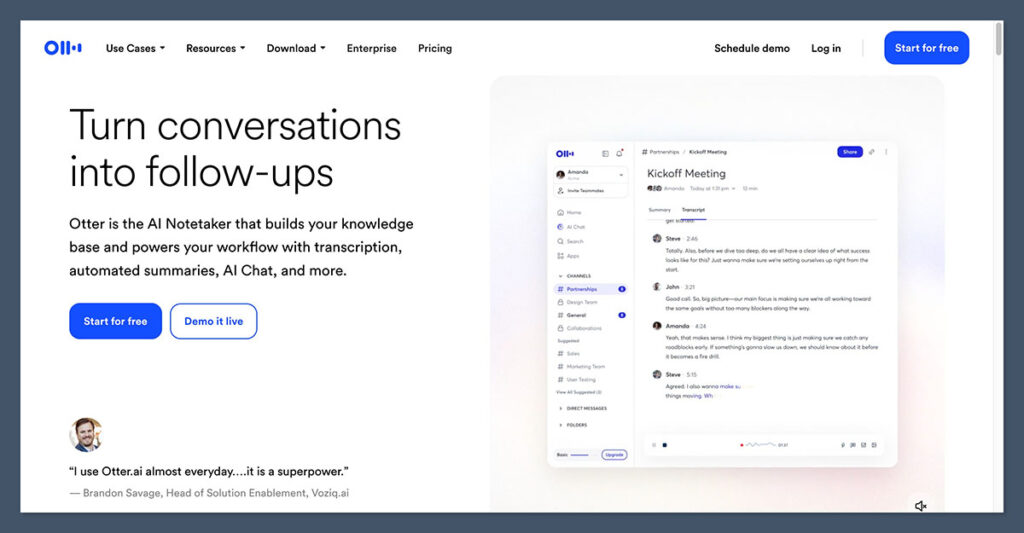
Otter.ai remains one of the most trusted names in AI meeting transcription. It delivers real-time voice-to-text, which is especially useful if you need access to notes while the meeting is still going.
I’ve used Otter.ai for live conferences and internal meetings.
It’s fast, accurate, and organizes your notes by speaker. It also allows you to search transcripts, highlight key quotes, and share entire meetings with teammates.
Pros:
- Real-time transcription with speaker ID
- Integrates with Zoom, Meet, and MS Teams
- Searchable meeting archive
- Mobile and desktop support
- High transcription accuracy
Cons:
- Summaries are limited in lower-tier plans
- No CRM sync unless manually exported
Bottom line: Otter.ai is a safe, dependable choice if your priority is accurate, real-time meeting transcription.
#3. Fireflies.ai: Best for Task Automation
Rating: 4.6
Starting Price: Free, Pro from $10 per month
Free Plan: Yes
Platform: Zoom, Google Meet, Microsoft Teams
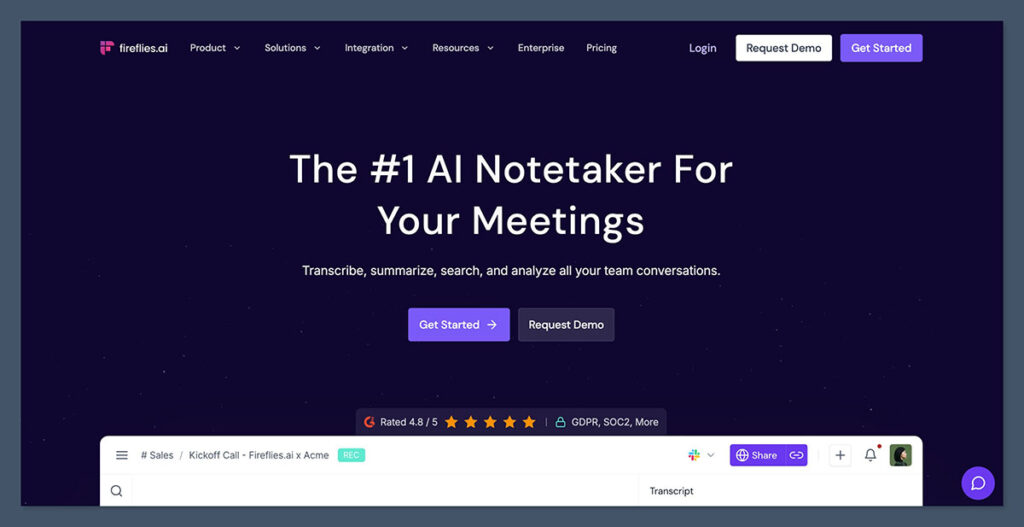
Fireflies.ai is more than just a transcription tool. It acts as a smart meeting assistant, capable of tagging speakers, creating tasks, integrating with CRMs, and even allowing voice commands during calls.
During my tests, Fireflies not only recorded and transcribed meetings but also let me quickly assign tasks from within the transcript itself.
The AI summaries were solid, and integrations with Slack, Notion, and Google Calendar made it easy to follow up without switching tools.
Pros:
- AI tagging and action item creation
- Syncs with CRM and project management platforms
- Smart search within transcripts
- Supports team collaboration
- Email summaries after each call
Cons:
- Interface feels crowded with features
- Some automation triggers need manual setup
Bottom line: Fireflies.ai is ideal for busy teams that want to take immediate action from their meetings without any manual processing.
#4. Fathom: Best Free Tool with CRM Sync

Rating: 4.5
Starting Price: Free
Free Plan: Yes (no paid plan as of now)
Platform: Zoom
Fathom is probably the most generous free AI meeting tool out there. It offers unlimited transcription, summaries, and CRM sync without charging a dollar.
I was impressed by how it highlighted the most important parts of the conversation in real-time and sent everything to my CRM automatically.
It’s particularly useful for sales teams that use Zoom. You can highlight key moments live, then have those highlights instantly added to tools like HubSpot or Salesforce.
Pros:
- 100 percent free
- Live highlights during meetings
- Seamless CRM integration
- Simple and clean UI
- Real-time transcription
Cons:
- Zoom only (no support for Google Meet or Teams)
- No mobile app
Bottom line: If you’re on Zoom and want an effective free solution, Fathom delivers professional-level features at no cost.
#5. Avoma: Best for Sales and Coaching
Rating: 4.4
Starting Price: $24 per user per month
Free Plan: No
Platform: Zoom, Google Meet, Microsoft Teams
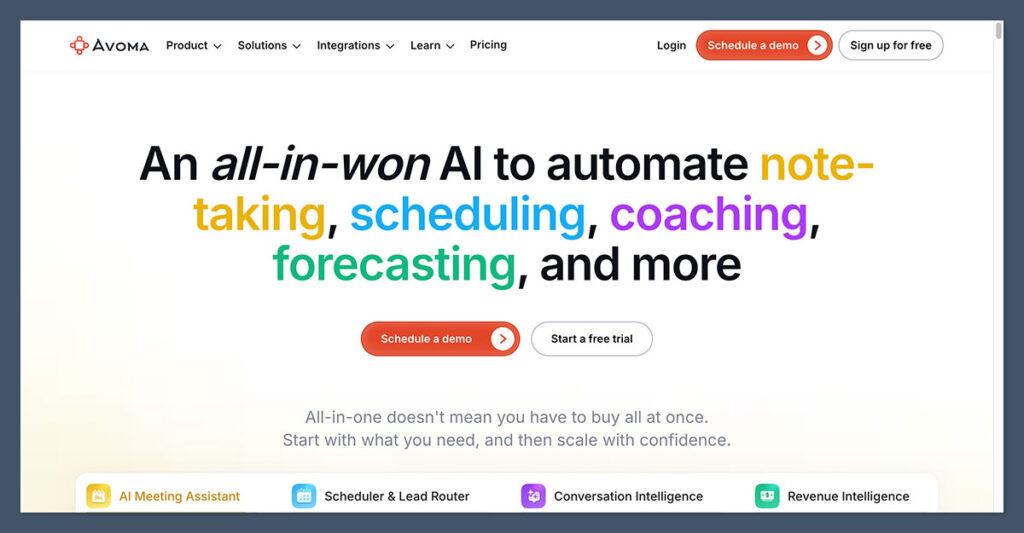
Avoma is an AI meeting assistant built for teams that want to learn from their conversations. It records meetings, transcribes them, and applies AI to generate notes, pull out insights, and recommend sales coaching tips.
When I tested Avoma, I found it particularly strong in multi-participant conversations. The AI automatically segmented the discussion by topic and suggested follow-ups.
For managers, it offers reporting features to identify patterns in customer calls or team performance.
Pros:
- Deep analytics and coaching features
- Great for revenue and customer success teams
- Real-time note-taking and action item capture
- Smart topic detection
- CRM and calendar integrations
Cons:
- No free plan
- Takes time to set up and train properly
Bottom line: Avoma is powerful for sales, customer success, and leadership teams that want more than just notes. It turns meetings into strategic insights.
How We Tested
To choose the best AI meeting tools for 2026, I tested over 15 platforms across the following criteria:
- Ease of Use: How simple it was to get started and navigate the tool
- Accuracy: How well the AI summarized or transcribed meetings
- Integrations: Whether the tool worked with Zoom, CRMs, Slack, etc.
- Features: Summarization, transcription, task automation, analytics
- Value: How much functionality you get at each price tier
I used each tool in live meetings with clients and internal teams, comparing speed, quality, and impact on productivity.
AI Meeting Tools Pricing Comparison (Annual Plans)
| Tool | Free Plan | Pro / Paid Plan (Annual Billing) | Features in Paid Plan |
|---|---|---|---|
| NoteGPT | Yes | Starts at $49.99/year ($6.99/week) | AI notes, summaries, transcription, storage, browser-based usage across platforms |
| Otter.ai | Yes | Starts at $120/year ($10/month) | Live transcription, speaker ID, searchable archive, meeting summary |
| Fireflies.ai | Yes | Starts at $120/year ($10/month) | Transcripts, task automation, CRM integrations, email recaps |
| Fathom | Yes | Free | Unlimited meetings, CRM sync, live highlights, full features included |
| Avoma | No | Starts at $288/year ($24/month) | AI summaries, conversation insights, coaching, analytics, CRM integration |
Final Verdict: Which One Should You Use?
All five of these tools are strong contenders, but the best choice depends on your use case.
- NoteGPT is the best overall tool for teams that want powerful AI summaries across any platform
- Otter.ai is ideal if real-time transcription and speaker identification matter most
- Fireflies.ai stands out for automation and turning conversations into tasks
- Fathom is perfect if you’re on Zoom and want a free solution with CRM sync
- Avoma is a must-have for sales teams needing analytics and coaching insights
Whether you’re looking to save time, reduce meeting fatigue, or simply make meetings more productive, these AI tools are here to help.

Comments 0 Responses