

I don’t really like AI detectors. That doesn’t mean I don’t get why people use them. Companies are sick of fixing AI workslop, educators want to see if their students are actually learning anything, publishers want to know the people they paid to create content are actually doing the job.
It all makes perfect sense.
I just have a hard time trusting these tools. How do you trust software when there’s thirty different versions telling you they do the same thing, but all of them give different results?
The biggest problem for me isn’t how often these tools miss AI-generated writing, it’s all the false accusations. I’ve run dozens of articles, essays, and pieces created long before ChatGPT even existed through these tools, and most of them still flag “some” AI.
GPTZero is particularly guilty of this in my opinion, even if it does have a really good reputation. So, I decided to put it head-to-head with the alternatives below.
Quick Verdict
- Pangram — Best overall GPTZero alternative. Lowest false positive rate, detects AI-assisted writing, and gives sentence-level explanations for flags.
- Originality.ai — Best for editorial teams and publishers. Bundles AI detection with plagiarism checking and website scanning.
- Turnitin — Best for universities already using it. Strong LMS integration, but only available through institutional licensing.
- ZeroGPT — Best free option for casual use. Easy and fast, but accuracy hovers around 68-75%.
- Copyleaks — Best for multilingual detection. Covers 30 languages and code, with combined plagiarism and AI checking.
Why Look for a GPTZero Alternative?
GPTZero is constantly ranked as one of the best AI detectors out there, and it is good, in its way. It has about a 98% accuracy score apparently, and there’s a pretty generous free plan giving you detection features for 10,000 words a month.
The biggest problem I have is the false positive rate. I’ve tried it on content that couldn’t possibly have been generated by AI, and it still flagged machine involvement. Plenty of other product testers have seen similar results.
It also pretty much ignores the idea that content could be “AI-assisted” rather than “AI-written”. Someone might have used an AI tool to collect research and then written the whole piece from scratch themselves, but GPTZero doesn’t notice that. It just looks for things that might “sound” like AI.
Plenty of other reviewers have highlighted other problems:
- GPTZero isn’t very good at picking up when content has been generated by AI and paraphrased, edited, or humanized by someone.
- The functionality is limited. You can check for machine-generated content, but not plagiarism or other issues.
- There aren’t a lot of integrations available for learning management systems, which is a problem for teachers.
- There’s no context. If text does seem robotic, GPTZero doesn’t tell you why either. It just highlights a bit of content and tells you to fix it.
That’s why people end up looking for alternatives.
The Best GPTZero Alternatives: 5 Options to Consider
What I was looking for more than anything here was accuracy, so I had to devise my own “experiment”. For each tool below I looked at the obvious stuff like pricing, features, and workflow compatibility.
But I was also checking how the system responded to obviously human, and obviously AI text. That meant checking the score against a poem, an article, and a report written in 2017 (before ChatGPT), and three versions of the same content I asked an LLM to produce.
I tried a few other tests here and there too, seeing whether a system could tell a snippet of text I had rewritten or “humanized” was originally generated by AI. Here’s what I found out.
1. Pangram – Lowest false positives and detects AI-assisted writing
Starting price: Free trial
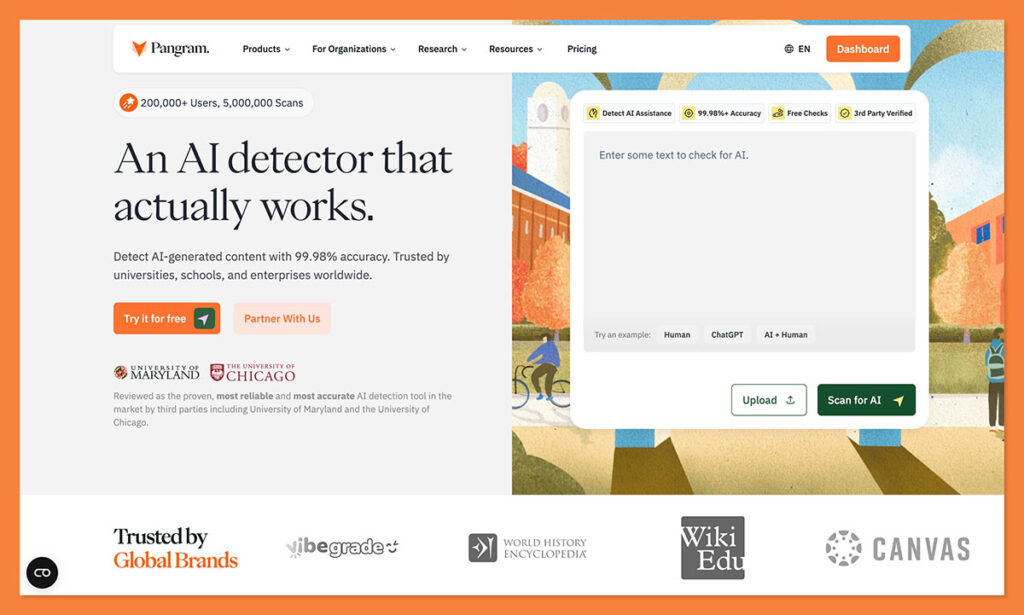
Pangram is the tool that impressed me the most. You can check the full review of it here if you want to check out my experiments.
Unlike most AI detectors, which seem to want to catch someone in the act of using AI, Pangram looks closer at how AI might have influenced the text. It doesn’t just flag fully AI-generated writing, it can highlight places where AI might have assisted the writing process, or where someone rewrote a snippet to sound more human.
It also gives you more detail. If something does seem “AI-generated”, Pangram explains why, showing you how likely specific terms and phrases are to show up in AI-generated content.
Most importantly, Pangram tries to reduce false positives actively. It’s much better at detecting when content is actually human-written than any other tool I tried. That doesn’t mean it ignores AI signs. I still found it to be very accurate at flagging machine-generated text, even when it was woven into a piece of content that also included human writing.
Pros
- Very low false-positive risk
- Detects AI-assisted and rewritten AI content
- Clear sentence-level explanations
- Works with Chrome, Google Docs, and LMS tools
Cons
- Free usage is limited
- Very short text samples don’t always give reliable results
Pricing
- Free trial with daily credits
- Paid plan: $20/month for 600 credits
Best for
Teachers, publishers, moderation teams, and anyone reviewing writing where a false accusation would cause real problems.
2. Originality.ai – Combines AI detection with plagiarism and site scanning
Starting price: $14.95/month
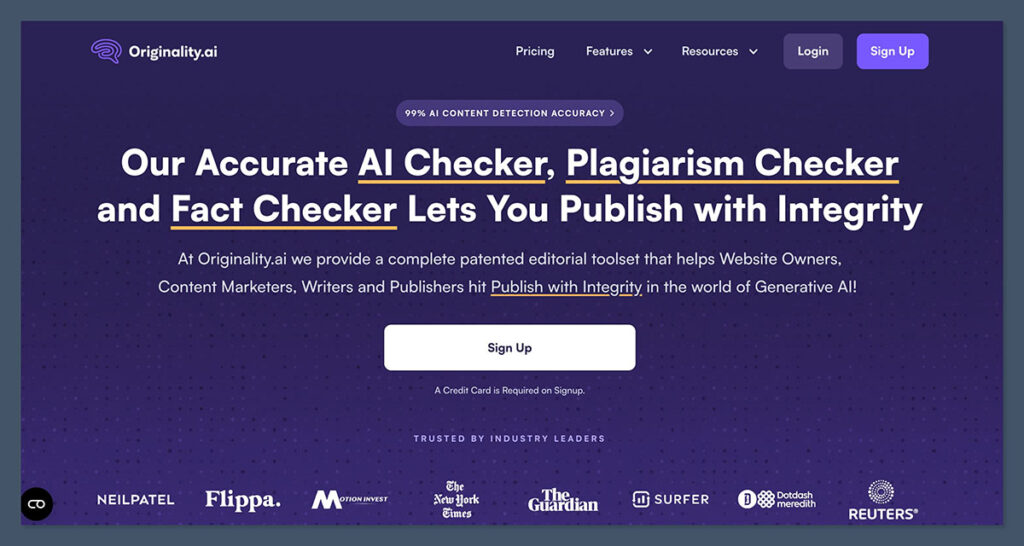
Originality.ai is another one I know a lot of editors and publishers really trust. It has some of the best accuracy scores in the business, and it bundles more content-review tools together than you’d get from something like GPTZero.
You can check for AI text at the same time you look for plagiarism and readability issues. You also get site-wide scanning, so you can check an entire website rather than just copy-pasting chunks of text at a time. I really like the fact that team functionality is built in, and that you do get an actual report explaining why certain pieces of content were flagged.
In my tests, it had no trouble catching fully AI-generated text. The edited version was trickier. Originality.ai leans toward aggressive detection, which helps when filtering obvious AI content but sometimes leads to false positives on highly polished writing.
For instance, when I gave Originality.AI a fully human-written poem, it still said it had a 30% chance of being machine-written. Like most of these tools, it seems like Originality.AI would rather be caught giving a false positive, than a false negative.
Pros
- Strong workflow tools for editorial teams
- Website scanning feature saves huge amounts of time
- Combines plagiarism and AI detection in one place
- Chrome extension for quick checks
Cons
- Detection can feel aggressive
- False positives appear occasionally
- Pricing scales quickly with heavy use
Pricing
- Pay as you go: $30 per 3,000 credits
- Pro plan: $14.95 for 2,000 credits per month
- Enterprise: $179 for 15,000 credits per month
Best for
Publishers, content agencies, and SEO teams reviewing large volumes of outsourced writing.
3. Turnitin – Built into academic submission portals
Starting price: Institutional licensing
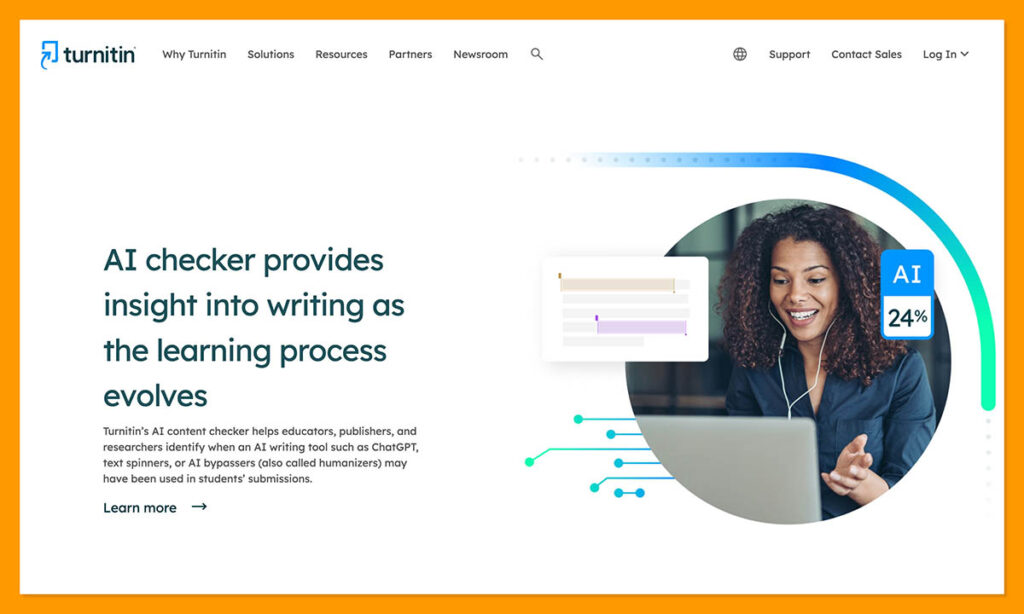
Turnitin isn’t something most people shop for. It’s already sitting inside the submission portals universities use for assignments. A professor creates the coursework, students upload essays, and the system runs its checks in the background.
Originally those checks focused on plagiarism. The AI detector arrived later and now appears inside the same similarity report instructors already read.
There’s a lot to like about this tool. Aside from LMS integration, you get a system powered by a database packed with billions of web pages, and detailed originality reports. Again though, false positives are a major problem, particularly if students use “common phrasing,” or they’re not writing in the English language.
It also doesn’t do well flagging paraphrased content, so you could miss if a student “rewrites” a bit of AI text and tries to pass it off as their own.
Pros
- Already embedded in many university grading systems
- Works well for long essays and research papers
- Massive dataset from years of academic submissions
- Decent depth in originality reports
Cons
- Not easy to access for individuals
- Struggles with paraphrased text and other languages
- High degree of false positives
Pricing:
Turnitin sells licenses directly to institutions rather than individual users.
Best for
Universities that already rely on Turnitin for assignment submissions. It’s a good teaching assistant, not a replacement for human judgment.
4. ZeroGPT – Free and fast, but less accurate
Starting price: Free
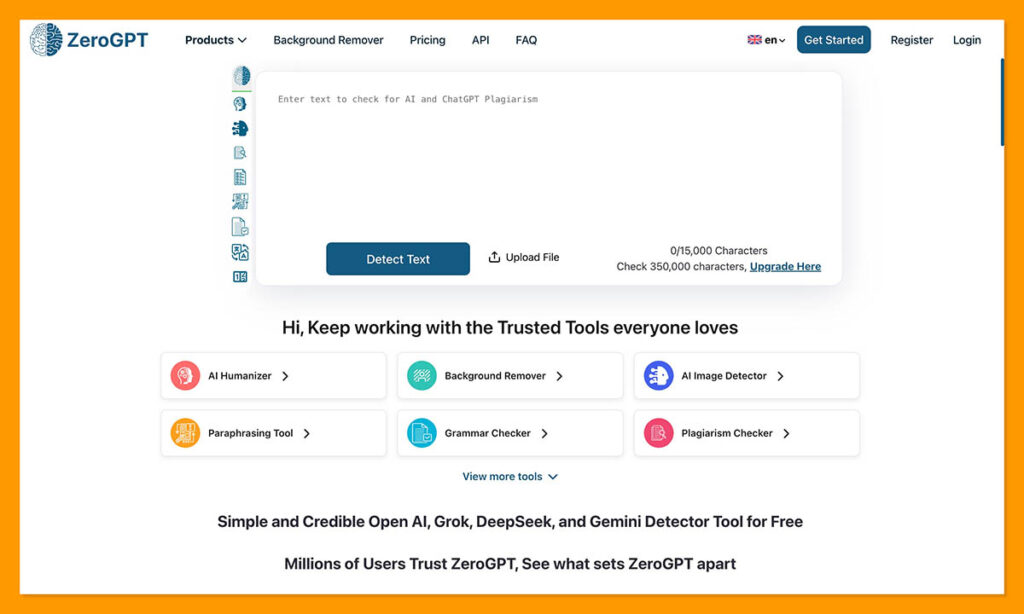
I absolutely get why a lot of people like ZeroGPT. It’s free to use for as long as you like (provided you stick within character limits). It’s also easy. You just copy and paste some text and hit a button, and the detector highlights anything that might have been generated by AI.
Trouble is, the accuracy isn’t great. It frequently flags human-written content as AI-generated, like most of the tools here (other than Pangram). It also tends to miss content generated by AI too, particularly if you ask a tool like ChatGPT to “humanize” something for you, or use less common words. The accuracy rate is only around 68-75% on average.
You also don’t get any real guidance about why certain text flags. It’s just highlighted. There are no comments on “why” something seems machine-generated. You also don’t get a very streamlined experience on the free version. It’s absolutely packed with ads.
Pros
- Free and extremely easy to run
- Quick results with almost no setup
- Supports multiple languages
Cons
- Structured human writing can trigger alerts
- Minimal explanation behind the percentage
- Ad-heavy interface
Pricing
Free plan available. Paid tier begins around $9.99 per month for larger scans.
Best for
Students or casual users doing a quick check before submitting work.
5. Copyleaks – Multilingual detection across 30 languages and code
Starting price: $16.99 per month
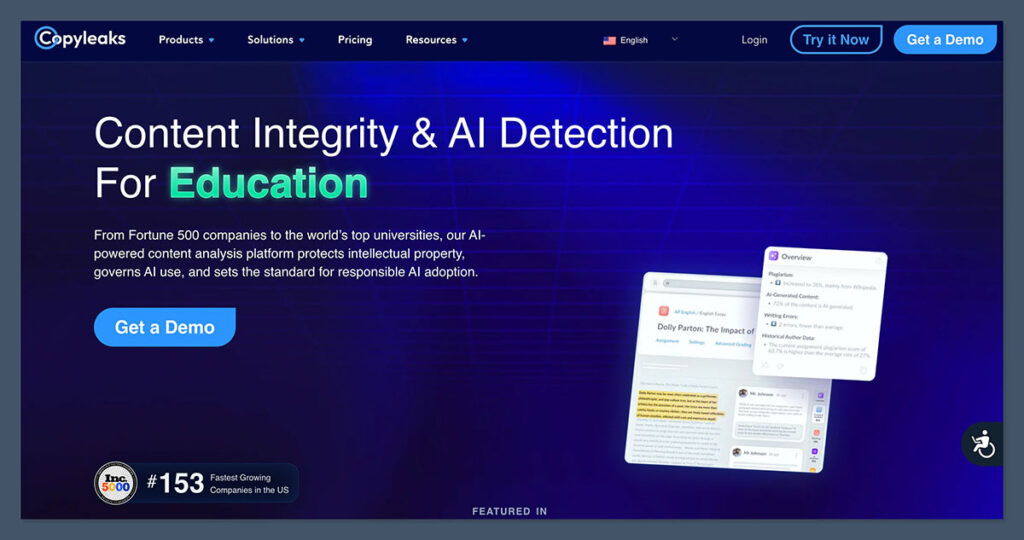
Copyleaks is another one of those handy writing tools that started out helping publishers, and academics figure out whether text had been plagiarized. When AI started influencing writing, the company added it’s AI detection feature to the same tool.
Like most of the popular tools here, Copyleaks has a great reputation for accuracy. Some people claim the accuracy rate is as high as 99%. It’s also multilingual. It can check for AI input in 30 languages, and in snippets of code.
The analytics are pretty good too, with visual, high-level reports you can check explaining why certain sentences flag. Sometimes it can even catch “paraphrased” text. It’s not as good as Pangram as that, but still better than some alternatives.
The downside is, once again, false positives are a constant problem. If you write something simple, or use “standard” language, you might get flagged. Also, the cost is a little high for what you get, compared to most AI detection tools. It runs on a credit-based system, which can be a little confusing, if you’re new to the market.
Pros
- Detects AI in 30 languages and code
- Great for plagiarism and AI detection in one
- Easy to use with detailed analytics
- Can integrate with some business tools
Cons
- Regularly has issues with false positives
- Can be quite expensive
- Slow at checking large files
Pricing
Free tier available. Paid plans begin around $16.99 per month.
Best for
Schools, recruiters, or teams reviewing multilingual written work.
Which GPTZero Alternative Is Best?
I don’t think any tool will convince me that AI detection is going to become foolproof any time soon. Most of the options I tried here are pretty good at identifying obviously AI-written text. Then again, I think people are becoming pretty good at spotting that too, particularly writers and publishers who see AI slop just about every day.
The only GPTZero alternative I tried here that really impressed me was Pangram, simply because it was the only one that consistently seemed to recognize when content was human-generated.
It’s also the tool that did best with flagging AI-assisted paragraphs, or humanized content. Most of the other solutions really struggled with those things.
All of these tools have their benefits, of course, depending on what you’re looking for. Still, I think Pangram is the best if you’re keen for a system that:
- Stops you from accusing human writers thanks to false positives
- Actually detects AI assistance and humanized writing
- Explains why content is flagged as machine-generated
- Integrates with the tools you already use
- Maintains a high degree of accuracy across various types of content
The reality is that AI detectors aren’t just pieces of software anymore, they’re tools that influence grades, hiring decisions, moderation policies, and a person’s reputation. A tool that throws accusations around because it doesn’t want to “miss” any AI isn’t helpful.
Pangram doesn’t diminish the need for human judgment. None of these systems do. It simply gives you a clearer picture of how AI may have influenced a piece of writing, and when it absolutely hasn’t.

Comments 0 Responses