

I think we can all agree at this point that there are some tasks that just make sense to hand over to AI. Why would you want to spend all afternoon manually typing the details of every payment your store or business receives into a form when you could get a bot to do it for you?
That’s what I like about AI accounting software, most of it’s not there to replace your bookkeeper, or actually tell you how to handle your money (that would be worrying). It really just giving us an opportunity to avoid some of the day-to-day financial chores we’d rather skip anyway.
Still, since pretty much every accounting tool has some manner of AI inside of it these days, it can be difficult to figure out which one really makes sense for your company. So here’s my overview of some of the best options on the market, and what they’re actually best for.
What to Look For in AI Accounting Software
The best way to make the right choice is to think about what AI could probably help you with most when you’re managing your accounts. I’d check for:
- Reliable accounting automation: Easy solutions for managing transactions, bills, receipts, and reconciliation (hopefully without too much manual input).
- Review controls: You should be able to keep track of what the AI system does, and stop it from making changes to your accounts without permission.
- Useful assistants: Look for a bot that can respond to questions about margins fell or something changed with genuinely useful insights.
- All the boring accounting stuff: You still need tools for invoices, reporting, sales tax management, inventory, and potentially multi-currency management.
- Integrations: Ideally, your system should connect with things like Etsy, Amazon, Shopify, Stripe, PayPal, and whatever might already be handling inventory.
Also, think about cost. Some companies only offer AI features on higher-tier plans, and it may not be worth the extra expense if you’re not going to use every capability.
The Best AI Accounting Software in 2026
I’ve kept this pretty varied, because I imagine people looking for AI accounting software will need different things. Some people might care more about AI that helps them design better reports, while others just want something that reduces categorization work.
| Accounting Software | Best for | AI features | Starting Price |
|---|---|---|---|
| Xero | Best overall | JAX assistant, Smart Document Capture and automatic bank reconciliation | $25 per month |
| QuickBooks Online | Small businesses with accountants | Intuit Intelligence as well as AI accounting and reporting tools | $38 per month |
| Digits | AI bookkeeping | Automated bookkeeping and reconciliation plus conversational insights | $65 per month |
| Puzzle | Startups | AI categorization, reconciliation and analytics | $25 per month |
| Zeni | AI bookkeeping with human support | Automated AI bookkeeping backed by a finance team | $549 per month |
| Ramp | Tracking expenses and bills | AI codes, receipt matching, and spending controls | Free plan with paid plans starting at $15 per month |
| Booke AI / Docyt | Add-on for existing tools | Acts as an AI assistant inside of your books | $129 or $99 per month |
| Rillet | Growing finance teams or ERP migrations | AI tool for general ledgers, close, reconciliation and revenue accounting | Quote-based |
1. Xero: Best Overall AI Accounting Software
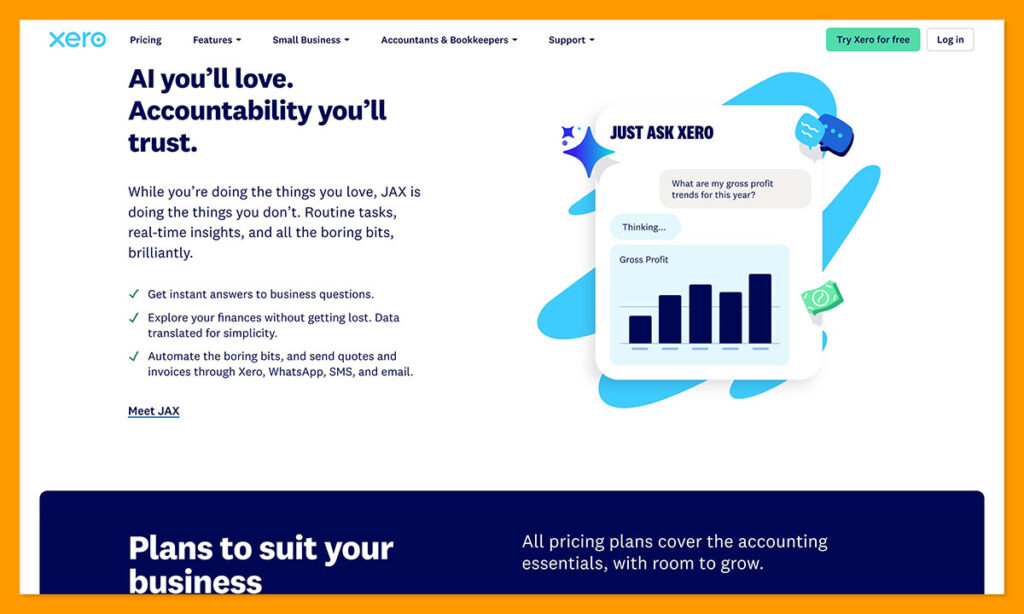
I already liked Xero before it added AI, and even though some tools do offer more features, I think this platform offers the best selection of features that companies will genuinely need. The AI in this tool handles most of the stuff that us business owners would rather avoid anywhere.
JAX can automatically reconcile your transactions using different methods, such as an existing rule, a direct match, memory of how similar transactions were managed, or a prediction. Once you set up how you want to things to work, anything “uncertain” also comes back to you for approval.
The other automation features are great too. There’s the smart document capture to collect data from bills and receipts, and higher tier plans add automated bill entry. You’ll also get KPI and ratio analysis, as well as industry benchmarking on the Established plan.
Starting Price: Beginning at $25 per month for the Early plan.
Pros:
- JAX is great for automatic reconciliation work, and it explains itself
- Unlimited users available on every plan
- Automatic document capture and bill entry
- Ratio and KPI analysis, plus industry benchmarking
- Great collection of app connectors for platforms like Shopify
Cons:
- Some AI features are only available on more expensive plans
- Early plans come with transaction limitations
2. QuickBooks Online: Best for US Businesses with Accountants
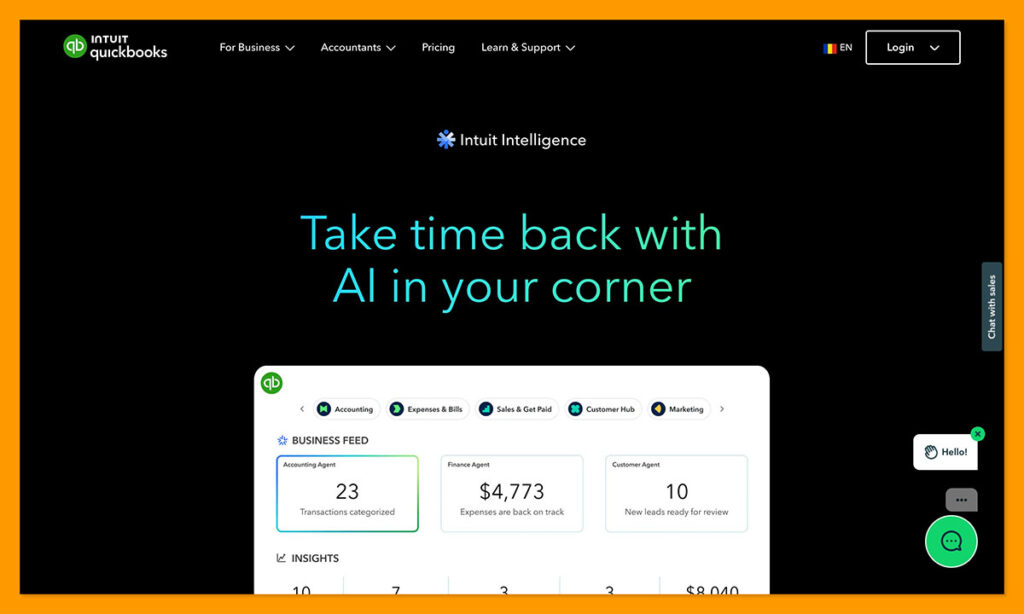
Most accountants and bookkeepers in the US already use QuickBooks, and recommend their clients do the same, so it makes sense to consider this platform if you’re expecting to get a lot of professional help. QuickBooks can do a lot of similar things to Xero with it’s AI, like automatically capturing receipts or turning handwritten notes into invoices. It can also categorize your transactions automatically, and tell you when things look a little unusual.
There’s automatic cash flow support to help you monitor payment histories and see when people might pay late, and the system can also generate automatic reminders. Plus, the AI assistant is brilliant for answering any questions you might have, or explaining possible financial trends.
You also get a range of specialist assistants and tools for things like AI forecasting, creating scheduled automations for things like reports, and planning future strategies. One slight downside is that, at the moment, the Intuit Intelligence Chat feature is still only in beta mode.
Starting Price: $38 per month for the Simple Start plan
Pros:
- Excellent for data extraction (even with printed receipts)
- Smart categorization and anomaly flagging
- Always-on monitoring for current and historical payments
- Contextual insights available from an AI assistant
- Brilliant reporting, especially on the higher-tier plans
Cons:
- Most advanced AI features will require a higher-tier plan
- The learning curve is higher than it is with Xero
- Some of the newest AI is still in beta mode
3. Digits: Best AI-Native Bookkeeping Software
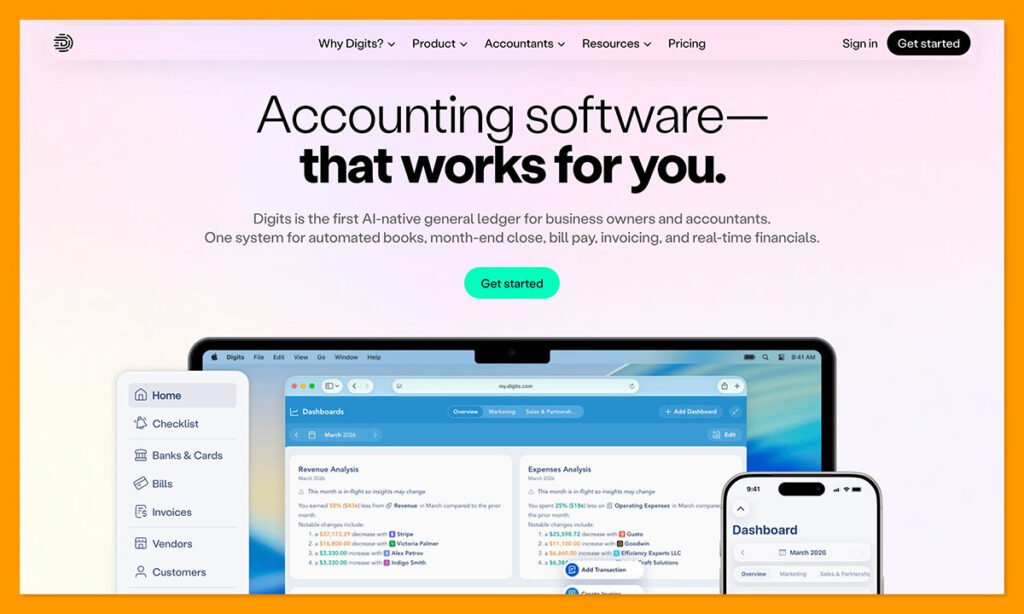
Digits is interesting because while a lot of other accounting platforms just added AI into their systems, this company decided to build an AI-first platform from scratch. The AI bookkeeping assistant works to automatically categorize and reconcile most standard transactions without your input.
It also creates instant reports with insights into things like cash flow and burn rate, and makes it much easier to understand what’s happening behind the numbers. The Ask Digits feature gives you an assistant that can answer questions about your financial data. It even uses a vector-graph data model to understand the specific relationships between customers, vendors, and previous accounting choices for your business.
The tricky part is that using it does force you to migrate away from the old traditional ledger style platforms like QuickBooks, which isn’t always easy. It’s also not really designed for companies outside of the US at this point.
Starting Price: $65 per month for Essentials
Pros:
- Definitely focused on AI and automation first
- Brilliant real-time dashboards with customizable metrics
- Context-aware AI assistant to answer all your questions
- Incredibly user friendly if you don’t have accounting knowledge
- Included AI bill pay feature
Cons:
- Requires a slightly complicated migration
- Doesn’t really work well outside of the US
- Limits customization for models
4. Puzzle: Best AI Accounting Software for Startups
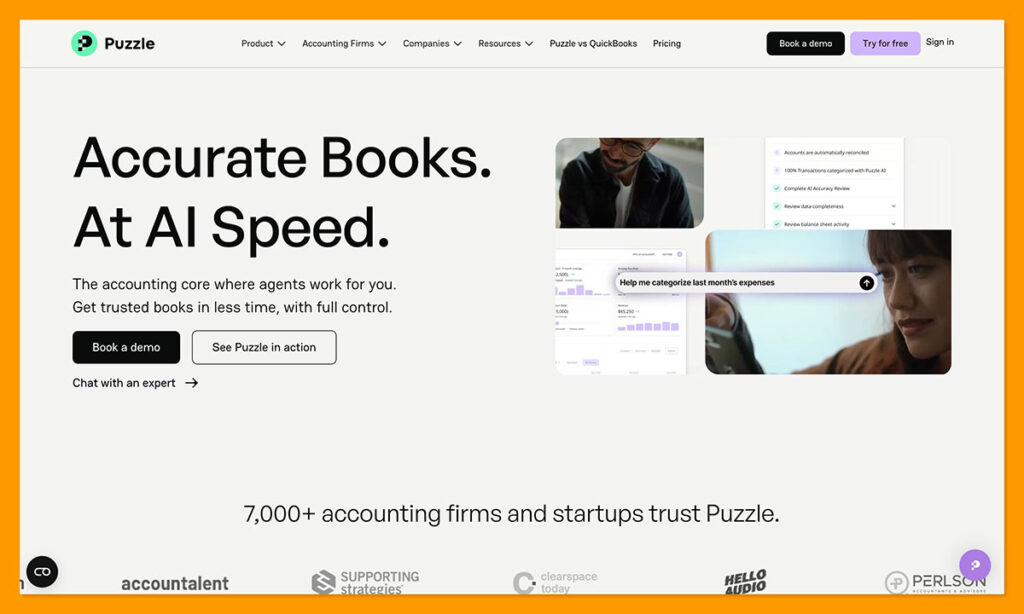
Puzzle is another tool that will definitely appeal to a company with a lot of questions about their financial situation. It was mainly built for lean teams and startups, giving organizations a system that can automatically track financial metrics like burn rate, or cash runway, and explain them in a language that’s easy to understand.
Puzzle supports continuous reconciliation, which means it automatically sorts through transactions from a range of integrations like Stripe and Gusto. It can also generate both cash and accrual accounting books at the same time, even if you just start with the cheapest plan.
The more expensive plans give you things like accuracy reviews and analytics, along with classes, departments, projects, and revenue recognition. Also, you get the “AI Close” tool which lets you adjust how your AI system works and recognizes data in the future.
Starting price: $25 per month for Starter
Pros:
- Great at keeping a continuous eye on metrics, and explaining them
- Automatic and continuous reconciliation for all transactions
- Can generate both cash and accrual accounting books
- Impressively user-friendly interface
- AI Close for more control over AI functionality
Cons:
- Mostly intended for tech and SaaS business models
- Physical inventory doesn’t get a lot of support
- Can take time to set up initially
5. Zeni: Best AI Accounting Software With Human Bookkeepers
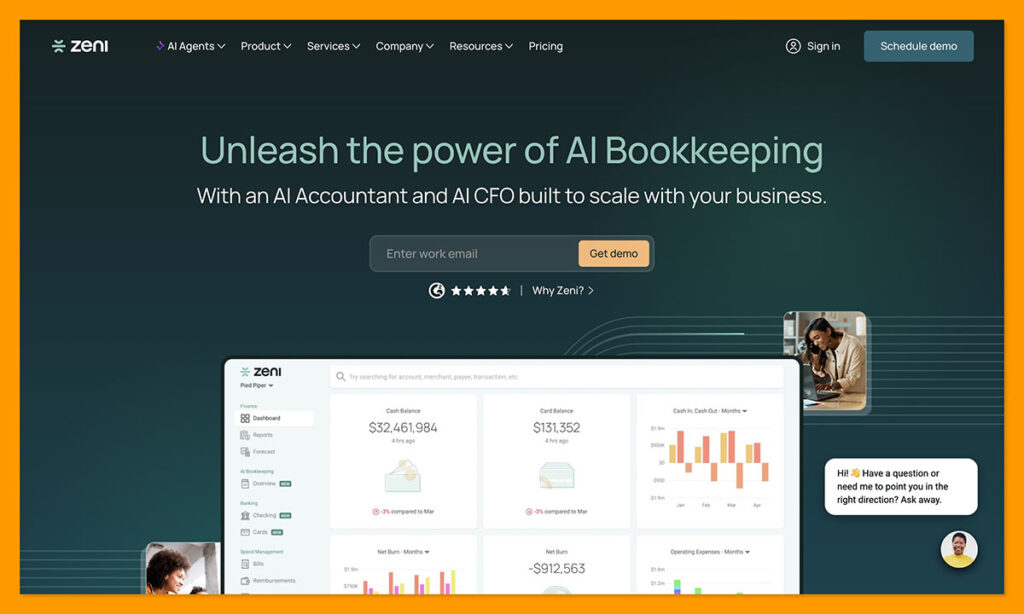
Zeni takes an approach to AI accounting that I really appreciate. It gives you the stuff you need to automate unnecessarily repetitive work, but it doesn’t remove the human from the whole experience, so you know there’s a person you can trust behind the whole thing.
It’s definitely the more expensive option compared to something like Xero or Puzzle, but it does mean that you can hand a lot of your accounting work over to a hybrid team of AI experts and human specialists, leaving you with a lot less to do.
The autonomous agents handle things like expense categorization, receipt matching, or anomaly detection without the need for triggers, while the human team can provide strategic guidance and explain your reports to you in-depth. One thing worth mentioning though is that Zeni does require you to have a QuickBooks Online Plus plan, if you’re using another tool, you’ll need to migrate.
Starting Price: $549 per month, depending on bookkeeping complexity.
Pros:
- Offers brilliant real-time visibility into daily books
- Great automation features for receipt matching and expense categorization
- Complete financial hub for banking services and corporate cards
- Human support is also included as part of the package
- Tailored to tech startups and founders
Cons:
- Very high starting costs compared to most alternatives
- Forces you to use QuickBooks Online Plus
- Limited to US companies
6. Ramp: Best AI Accounting Tool for Expenses and Bill Pay
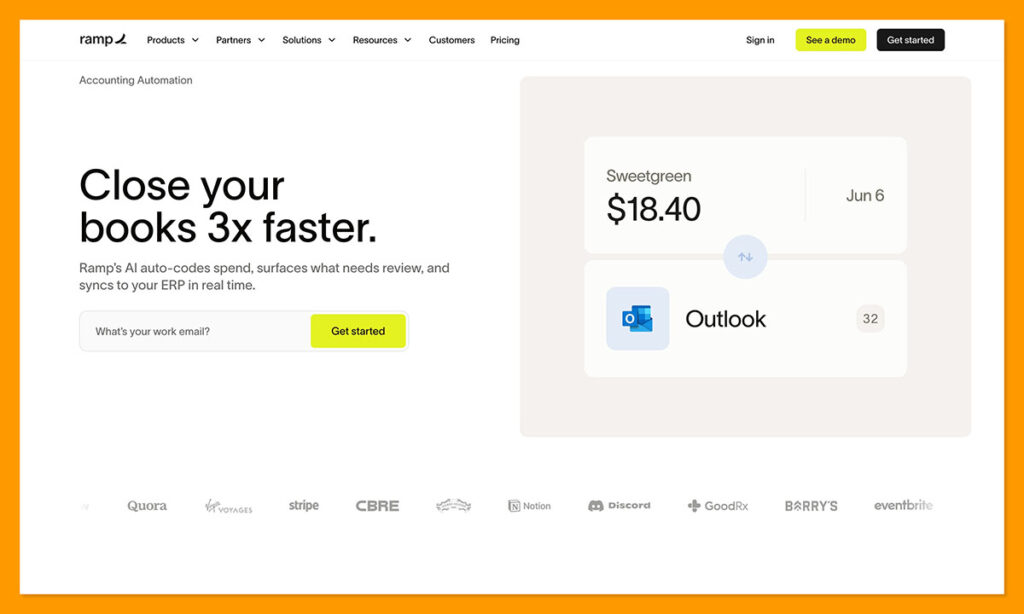
Ramp is another tool, like Zeni, that doesn’t really completely replace an existing accounting tool. You still end up using something like Xero or QuickBooks alongside it. What it’s meant for is automated reconciliation and spend management. The AI tools can automatically match receipts to transactions and tag general ledger categories to speed up your monthly work.
You can correct the things that the AI does, and it’ll learn from your updates. It also only sends the lowest risk transactions straight to your ERP, while keeping anything that needs your review held back. It even shows you exactly how the AI made decisions, so if you have to explain anything to an accountant later, you’re less likely to get into trouble.
There’s a free tier with Xero and QuickBooks connectors, though you still need to pay for subscriptions to those separately. The paid plans add-in things like expense reviews, automatically coded AP line items, deeper accounting controls, plus approval recommendations
Starting Price: Free tier for beginners, then paid plans start at $15 per month.
Pros:
- Great for automated bill and expense reconciliation
- Continuous tracking and AI assistance on all plans
- Transparent insights into how AI decisions were made
- Immediately connects to QuickBooks or Xero
- Can genuinely save teams a lot of time
Cons:
- You still need to pay for an accounting platform
- The best tools are on the paid plan
- Limited to use in the US for now
7. Booke AI / Docyt: Best AI Options for Automating Existing Bookkeeping Work
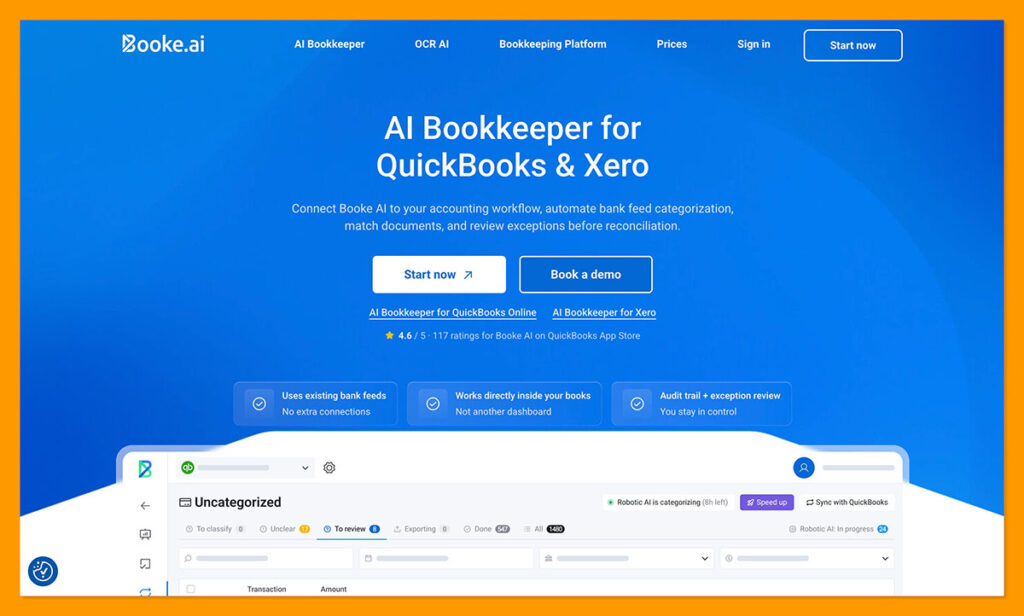
Booke AI and Docyt are two separate tools, but they’re similar in what they do, which is why I’ve bundled them together. They’re not accounting platforms, and you do need to connect them to something like Xero or QuickBooks, but when you do, you end up with a genuinely useful assistant.
With Booke AI you invite the assistant into your online books, and it works to manage the bank feeds you already have, categorizing new transactions every day, matching invoices and receipts, and asking you for any missing documents. You can also set thresholds for Booke to follow.
Docyt works in a similar way, although it offers a few more features for things like multi-entity consolidation, POS and ERP integration, as well as full-cycle accounting. Both are built for collaboration, and both are relatively easy to use once you’ve got your head around setting guardrails and rules for them to follow.
Starting price: $99 a month for Docyt, or $129 per month for Booke.
Pros:
- The assistants work inside the accounting tools you already use
- Built-in tools for collaboration
- Explanations are available about how decisions were made
- Both let you set rules for exceptions and approvals
- Very strong autonomous accuracy scores
Cons:
- Not accounting software on their own
- Very different in the level of bookkeeping work they automate
- Can be expensive combined with accounting software
8. Rillet: Best AI-Native ERP for Scaling Companies
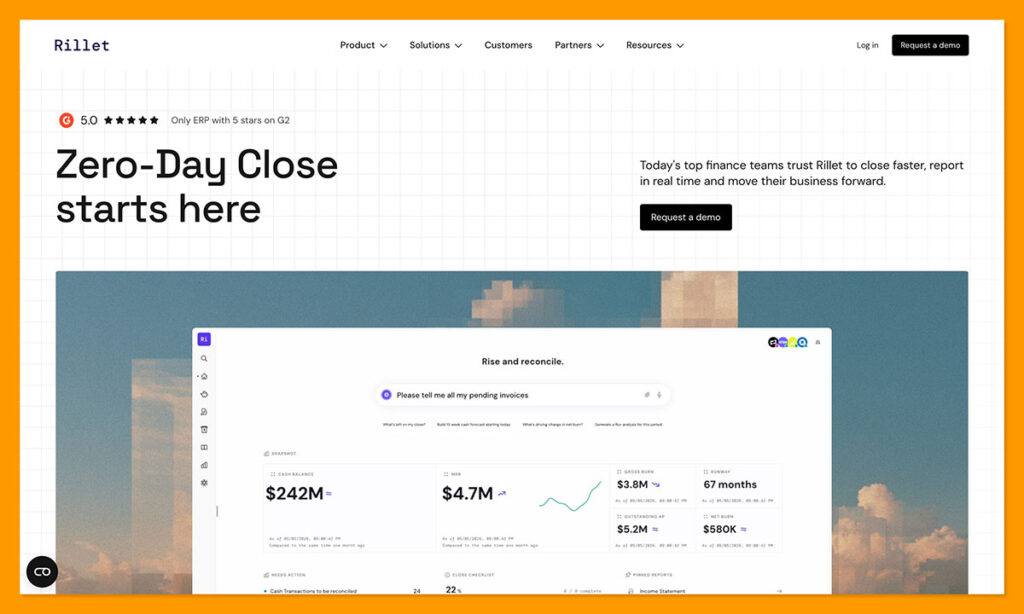
Rillet is another slightly different option on this list because it’s a general ledger platform combined with an ERP. It’s meant to replace systems like NetSuite for technology companies, and automates revenue recognition, plus multi-entity consolidation and data reconciliation from payment tools.
The Aura AI tool works inside of your ledger to query financial data, prepare journal entities, run reports, and manage any saved financial workflows you’ve put together. Rillet’s system can also handle AP/AR and ASC 606 revenue recognition, so there’s more functionality here for complicated accounting than you’d get from most tools focused on smaller businesses.
The tool uses real-time architecture to schedule and record entries constantly, rather than depending on batch processing at the end of the month, and all of those entries come with clear source documentations and explanations for audits.
Starting Price: Custom quote depending on complexity.
Pros:
- Very good for automating more complicated accounting tasks
- Continuous closing features reduces the need for batch uploads
- Lots of native integrations with various technology stacks
- Transparent AI explanations for audits
- Usually very quick to implement
Cons:
- Can be very expensive, since it’s meant for larger teams
- Focused mostly on SaaS and technology companies
- Sometimes migration from an older ERP can be complicated
Which AI Accounting Software Would I Choose?
As I said, each of these tools is probably going to appeal to companies in different ways. Something like Rillet is great if you’re replacing your ERP system, but it’s too complicated and expensive for basic accounting. QuickBooks is fantastic if you’re working with an accountant that already uses it, and Puzzle is ideal if you have a lot of questions about your accounts.
I like Digits for AI-native book-keeping, and I’d definitely recommend Zeni if you want to combine automation with the support of a genuine human team. Otherwise, something like Ramp, Booke or Docyt will give you a way to add AI into your existing accounting tasks without starting with a new platform. Still, I’d put Xero first overall.
It seems to have the best blend of tools for automating and simplifying account management for the lowest overall cost, and I genuinely appreciate the fact that buyers can add as many users as they need on any plan.
Looking at AI across the rest of your stack? We’ve also covered the best AI tools for predictive analytics and what a generative AI CRM actually does.
Frequently Asked Questions About AI Accounting Software
What is AI accounting software?
AI accounting software uses artificial intelligence to automate parts of bookkeeping and financial management. Depending on the platform, that can include categorizing transactions, matching receipts, reconciling accounts, spotting unusual activity, creating reports, and answering questions about your financial data.
What is the best AI accounting software?
I’d choose Xero as the best AI accounting software overall because it combines useful AI features with a complete accounting platform. JAX can help with reconciliation, while Xero also offers smart document capture, reporting, bill management, and integrations with ecommerce and payment platforms.
Can AI do my accounting for me?
AI can handle a surprising amount of routine accounting work, but I wouldn’t expect it to replace an accountant completely. It’s particularly useful for repetitive jobs like transaction categorization, receipt matching, reconciliation, and reporting. More complicated tax, compliance, and financial decisions still benefit from human oversight.
Can AI replace a bookkeeper?
Not completely. Tools like Digits, Puzzle, and Xero can automate tasks that traditionally take up a lot of a bookkeeper’s time, but there are still situations where you’ll want a human to review the books. Zeni is an interesting option if you specifically want AI automation combined with human bookkeeping support.
Is AI accounting software accurate?
It can be very accurate for repetitive tasks, particularly once the software has learned how your business normally categorizes transactions. Still, no system is perfect. I prefer platforms that flag uncertain transactions for review and explain why the AI made a particular recommendation rather than automatically changing everything.
Is AI accounting software safe?
Reputable AI accounting platforms generally use security controls designed for sensitive financial data, but I’d still check each provider’s security and privacy policies before connecting your accounts. I’d also look for approval controls that prevent AI from making important accounting changes without human review.
What accounting tasks can AI automate?
AI can automate transaction categorization, bank reconciliation, receipt and invoice data extraction, expense matching, anomaly detection, reporting, and parts of accounts payable and receivable. More advanced platforms can also help with forecasting, revenue recognition, financial analysis, and continuous closing.
What is the best AI accounting software for small businesses?
Xero and QuickBooks Online are probably the strongest choices for most small businesses. I prefer Xero overall for its balance of automation, usability, and price, while QuickBooks makes particular sense for US businesses that already work with accountants or bookkeepers who use the platform.
What is the best AI accounting software for startups?
Puzzle is my pick for startups, particularly SaaS and technology companies. It continuously tracks metrics such as burn rate and cash runway and can maintain cash and accrual books simultaneously. Digits is another strong choice if you want an AI native approach to bookkeeping.
What is the best free AI accounting software?
Ramp has a free plan with AI powered expense and spend management features, but it isn’t a complete replacement for accounting software. You’ll generally need to connect it to another platform such as Xero or QuickBooks, so your overall accounting setup might not actually be free.
Does QuickBooks use AI?
Yes. QuickBooks Online uses AI for tasks including transaction categorization, receipt capture, anomaly detection, cash flow monitoring, reporting, and financial insights. Intuit has also been expanding its AI assistants through Intuit Intelligence, although some newer capabilities are still being rolled out or remain in beta.
Does Xero use AI?
Yes. Xero uses AI across several accounting tasks. Its JAX assistant can help reconcile transactions using existing rules, direct matches, previous accounting decisions, and predictions. Xero also offers smart document capture and other automation features for reducing manual bookkeeping work.
Can AI accounting software help with taxes?
AI accounting software can make tax preparation easier by keeping transactions categorized, organizing records, and maintaining cleaner books throughout the year. That doesn’t mean I’d rely on an AI assistant for tax advice, though. Tax rules can be complicated, and professional advice is still useful when you need to make tax or compliance decisions.
Can AI accounting software detect fraud?
Some AI accounting platforms can identify anomalies and unusual transactions that might deserve investigation. That can help businesses catch mistakes or suspicious activity earlier, but anomaly detection isn’t the same thing as a dedicated fraud prevention system and shouldn’t be treated as one.
How much does AI accounting software cost?
Prices vary enormously. The options covered here start from free with Ramp, while full accounting platforms like Xero, QuickBooks, Puzzle, and Digits start at roughly $25 to $65 per month based on the prices reviewed. Hybrid services such as Zeni cost considerably more because you’re paying for human financial support alongside the software.

Comments 0 Responses