

I use ZeroGPT quite regularly when all I’m looking for is a quick second opinion on a piece of content that doesn’t sound quite human enough, but that doesn’t mean I trust it completely. It’s fast, simple to use, and definitely cheap, but it tends to work best at spotting obvious AI output I can usually recognize myself.
It’s also got all the standard “AI detector problems” most of us are already aware of, high false positives, problems sensing when GPT content gets rewritten, a bias towards English, plus problems with false positives.
Fortunately, that give me a lot of examination points to use when I started testing ZeroGPT alternatives, and I’m happy to say I ended up with quite a useful list.
The Best ZeroGPT Alternatives (Side-by-Side)
If you’ve seen how I review AI detectors before, you’ll know I’m less reliant on “accuracy scores” (which can often vary a lot), and more focused on things like false positive rates, how well a system can spot edited AI slop, and useful evidence beyond percentage scores.
The same tests applied for this comparison, but since ZeroGPT is popular for a couple of specific reasons (ease-of-use and cheap pricing), those things came into consideration too.
Best overall

Pangram
View Pricing Read Review →Free option available
- AI, hybrid, and humanized text checks
- Sentence-level insights
- Chrome extension and API
Best for publishers
Originality.ai
View Pricing Read Review →$14.95 per month
- Full-site URL scanning
- Team accounts and shareable reports
- AI and plagiarism detection
Best for multilingual
Copyleaks
View Pricing Read Review →$16.90 per month
- AI detection in 30+ languages
- LMS integrations
- Chrome extension and Google Docs add-on
| Alternative | Best For | Starting Price | Main Advantage |
|---|---|---|---|
| Pangram | Trustworthy AI checks | Free option for 2,000 words a day | Low false positive rate, and effective at spotting AI assistance and humanization |
| Originality.ai | Publisher teams | $14.95 per month | Good collaborative tools and site scanning features |
| Copyleaks | Multilingual checks | $16.90 per month | Supports more than 30 languages |
| Winston AI | OCR and plagiarism | Free trial for 14 days | Can support multiple types of documents |
| Turnitin Clarity | Groups already using Turnitin | Quote-based | Works well with academic setups |
| GPTZero | Excellent value for money | Free for 10,000 words a month | Generous free plan, plus writing replay |
1. Pangram: Best ZeroGPT Alternative Overall
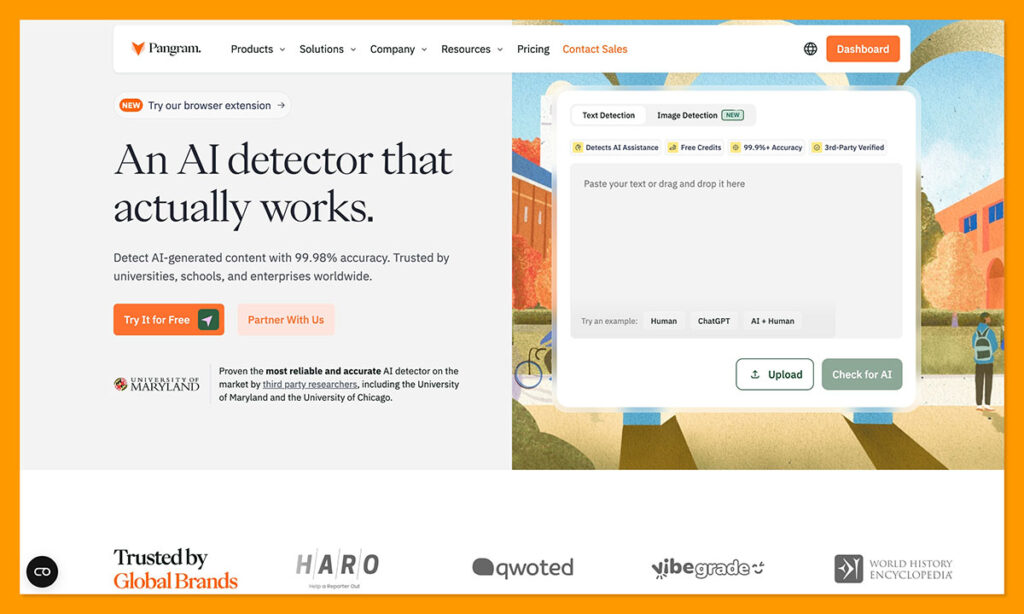
Pangram is the tool I’ve been recommending to schools, publishers, review teams, and just about anyone else who needs trustworthy insights for the last year or so. It’s great at giving you deeper insights into why something seems AI-written, and it can show you the difference between AI-generated, human, AI-assisted, or paraphrased text, too.
It also works with more than just text, you can use it to check code or images with Pangram Image. There’s also a Chrome Extension, API, and integrations with useful tools. What’s great is that even though Pangram is incredibly good at spotting AI fingerprints, it strives not to be overly accusatory. In fact, it has the lowest false positive score (backed by independent analysts), I’ve seen of any tool so far.
It’s also constantly getting better. Pangram 4 now has deeper mixed-authorship insights, and a Substack integration. The only real downside is that the free credits run out pretty quickly, but personally, I think the results are worth paying for.
Pros:
- Excellent at detecting AI, hybrid, and humanized text
- Lower false positives than any other tool
- Fantastic integrations and Chrome extension
- Support for text, code, and now image checks
- Sentence-level insights
Cons:
- Free plan runs out quickly
- Occasional issues with niche content
2. Originality.ai: Best for SEO Teams and Publishers
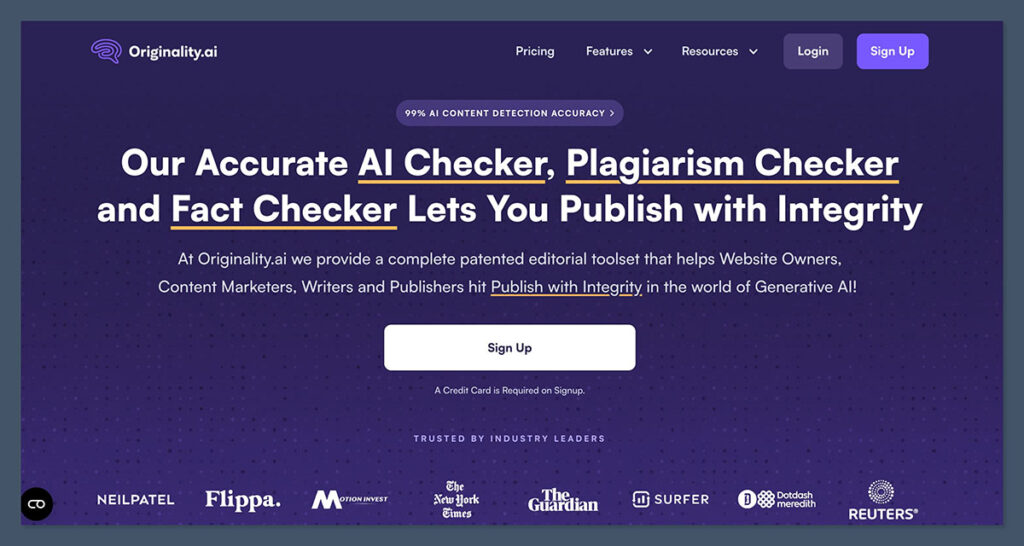
Originality.ai is the ZeroGPT alternative I’ve used most with publishing teams, because it’s clearly meant to be a collaborative tool. The site scanning feature is really helpful when you need to scan an entire URL at once, rather than just feeding in article after article.
There’s plagiarism detection included, Chrome and Google Docs support, team accounts with shareable reports, plus a writer replay tool. Lately, Originality has made some interesting updates too, like allowing users to set an “AI allowance” which defines the level of AI support they’re willing to accept. There’s also a guideline checker (to compare content to your existing rules), a content quality score, and a deep scanning feature on some of the higher plans.
Plus, Originality.AI now covers 30 languages, which puts it closer to Copyleaks for global teams, although Copyleaks does have more proof that it works just as well across different languages. The main problems with Originality.ai, are the high false positive rate, and the fact that you have to pay for both a base subscription and credits at the same time, so it’s not going to be ideal for teams who used ZeroGPT because it was cheap.
Pros:
- Can scan entire websites from an URL
- AI allowance limits let you decide how much AI influence you’ll accept
- Chrome and Google Docs support included
- Works in up to 30 languages
- Writer replay tool, plus quality and plagiarism checks
Cons:
- Expensive when you need to pay for both subscription and credits
- Higher false positive scores than Pangram
- Not the best at spotting hybrid AI-human writing
3. Copyleaks: Best for Multilingual Teams
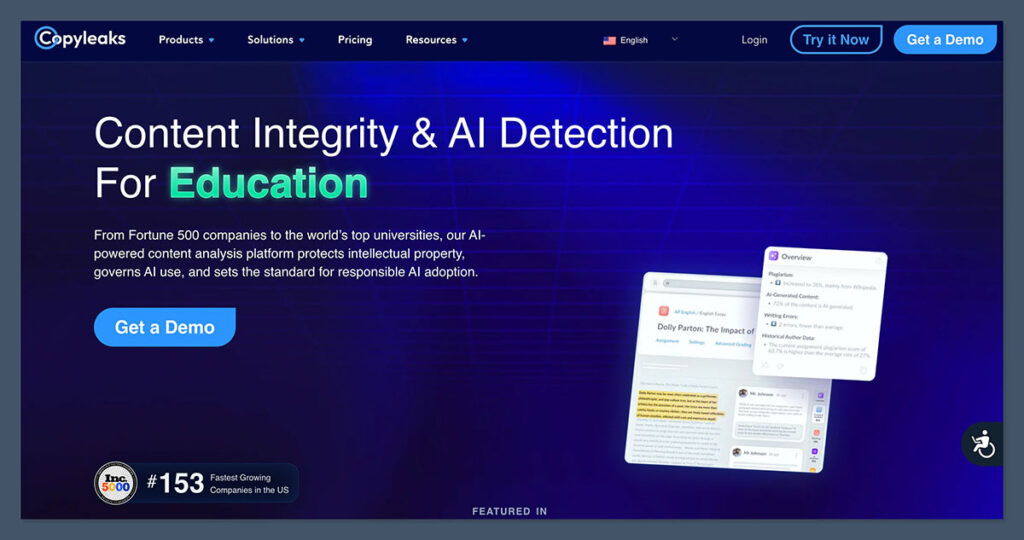
Copyleaks is a great choice if your main problem with ZeroGPT is the “ESL bias”, since it’s designed to work with more than 30 languages for AI detection, and over 100 languages if you’re just looking for signs of plagiarism.
Like virtually every tool available right now, Copyleaks is pretty accurate on raw AI, and it’s excellent if you’re concerned about accessibility, since there are lots of LMS integrations, a Chrome Extension, and a Google Docs add-on. Recently, Copyleaks also added AI video detection and image plagiarism tools, a citation checker, as well as an object detection API.
For overall accuracy and false positive rates, Copyleaks is generally better than most other alternatives (aside from Pangram) on content that uses languages other than English. It does, however, still struggle with paraphrased and heavily edited AI writing. It can also be pretty expensive, since the free tier only gives you up to 2,500 words a month.
Pros:
- Supports over 30 languages for AI detection, and 100 for plagiarism
- Lots of LMS connections and integrations
- Citation, video, image, and code checking tools
- Excellent accuracy on clearly AI-written text
- Helpful Chrome extension and Google Docs add-on
Cons:
- More expensive than many other ZeroGPT alternatives
- Common issues with false positive scores
- Doesn’t do as well with paraphrased or edited text
4. Winston AI: Best for Different Types of Media
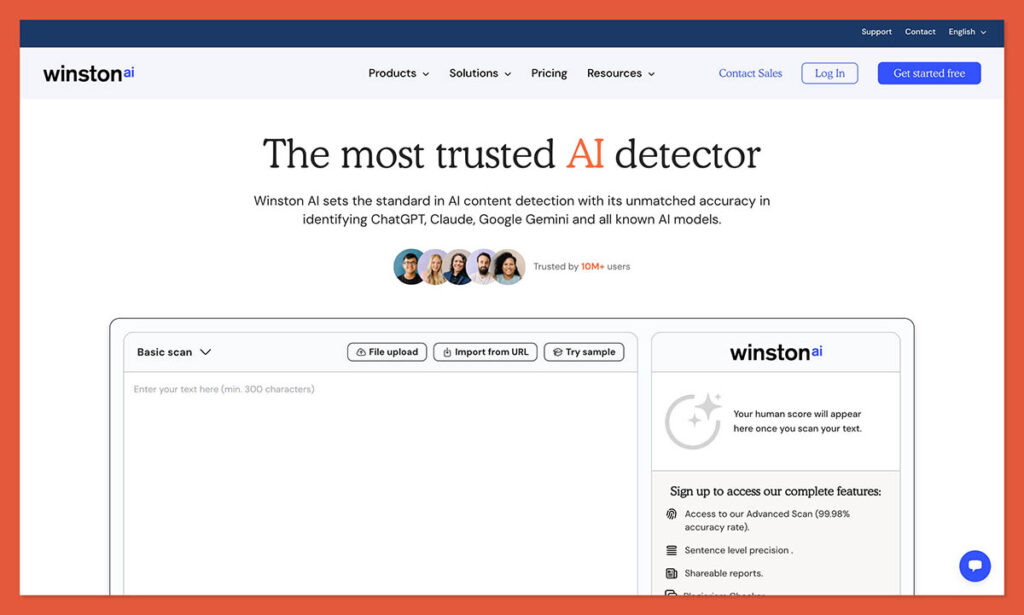
Honestly, most AI detectors are branching out from focusing entirely on text checks lately, including all the options I’ve mentioned so far, but Winston still has the best reputation with more uncommon file types. There’s the OCR functionality for images, PDFs, and paper documents, plus newly enhanced image forensic tools.
Winston also has very high accuracy scores, without the same high positive rates as most alternatives, though it still doesn’t beat Pangram on that front. The tool gives you plagiarism and readability scores alongside AI insights, plus sentence-level analysis of written content. I also like that there’s a fact checker included, too.
The trouble is that free access is very limited, you can only scan a tiny amount of text (2000 words) as a tester during a fourteen-day trial. Plus, like many ZeroGPT alternatives, Winston still has a hard time correctly analyzing humanized text, and I’ve seen a lot of articles online talking about how to bypass the dection tools.
Plus, Winston, like most ZeroGPT alternatives can regularly raise false positives for formal, or heavily structured writing.
Pros:
- OCR for pictures, handwritten content and PDFs
- Sentence-level analysis rather than a simple percentage score
- Extra tools for readability and plagiarism insights
- Image forensic tools for visual content
- Recently upgraded models for newer GPTs
Cons:
- Doesn’t always work well with humanized text
- Expensive subscriptions and a limited free tier
- Higher false positives on more formal text
5. Turnitin Clarity: Best for Institutions Already Using Turnitin
Clarity from Turnitin is probably going to be the easiest option to try if you’re running an academic institution that already uses Turnitin to collect and assess projects. It’s a full workspace tool, that can give teachers a video-like playback of how a paper was put together, along with a ton of reports.
There’s an AI assistant built-in for students, too, although it includes strict guardrails that prevent the assistant from just writing an essay for them. Plus, instructors can also customize the controls behind the AI assistant, so you can decide for yourself how much the tools help out with brainstorming or proofreading.
I like Turnitin because it seems to fit well with how most teachers check for writing issues these days. You can connect an outline, bibliography, drafts, and submissions in one workflow and check for everything from plagiarism, to fact issues and AI assistance at once.
The problem is it can be expensive, and it does require students to actually work in a specific workspace, rather than the Word or Google Doc they might typically use.
Pros:
- Gives teachers a complete overview of how a submission developed
- AI assistance available for students (with guardrails)
- Multi-part assessment features
- Works with the tools most educators already use
- Includes citation checks, plagiarism checks, and AI detection
Cons:
- Expensive (institutional pricing only)
- Requires students to work in a separate environment
- Might create some surveillance anxiety
6. GPTZero: Best ZeroGPT Alternative for Value
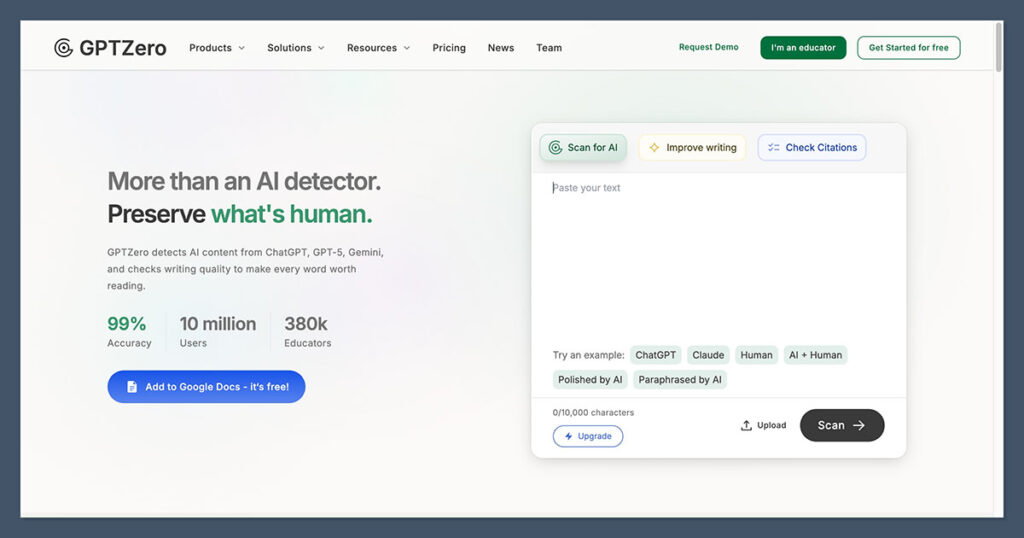
GPTZero is probably going to be the first alternative you try if you’re low on funds. The free plan still gives you 10,000 words a month, which may be enough if you don’t have much content to check. Paid plans are also pretty reasonable starting at around $14.99 per month.
What I appreciate about GPTZero, other than the affordability element, is the extra tools that can help you gather evidence about a specific score. GPTZero gives you sentence level metrics as standard, but it also has a writing replay tool, so an author can prove what they did to create the text. That tool also has autotype detection, to help prevent someone from tricking the system by getting software to write into a document at a “human” pace.
It also has a source finder and hallucination detection feature, plus a “custom reviewer” feature that lets users create their own custom feedback avatars. Accuracy, as always, varies, but I’ve never had a problem using this tool to spot obvious AI output, although the same can be said for most of these systems. Still, it tends to struggle more on humanized text, and false positives.
Pros:
- Useful writing replay and autotype detection
- Integrations with educational tools
- Free 10,000 words of checking each month
- Source finder and hallucination detection
- Custom reviewer feature
Cons:
- Best features are restricted to paid plans
- False positive rates can be high
- Not very strong at detecting humanized text
Which ZeroGPT Alternative Is Best?
Like I said before, I’d recommend all of these tools for different reasons. If you were mainly using ZeroGPT up until this point because it was free, GPTZero might be the best upgrade because it gives you a lot of checking functionality for free.
Originality.ai is better if you’re a publisher checking a lot of URLs at once, and it’s brilliant for teams that need to collaborate on evaluations. Copyleaks is the easy option if you’re checking content from people who might not use English as their first language, while Winston AI is better for PDFs, scans and handwritten documents. Turnitin Clarity mostly makes sense if you’re already using Turnitin for assignments and academic projects.
Pangram, ultimately, is the one I’d choose overall, though, because it’s versatile, surprisingly easy to use, and by far the mosttrustworthy tool I’ve tried. It’s more accurate than most when text gets rewritten or paraphrased, it can spot AI assistance alongside purely AI-generated text, and it’s low false positive scores make it less risky for people trying to avoid throwing out accusations at random.
FAQ: ZeroGPT Alternatives
What is the best ZeroGPT alternative overall?
Pangram. It has the lowest false positive rate of any detector I’ve tested (backed by independent analysts), and it goes beyond a simple percentage score by separating AI-generated, human, AI-assisted, and paraphrased text. It also handles rewritten and humanized content better than the other tools on this list.
Is Pangram free?
Partly. The free option gives you 2,000 words a day, which is enough for quick spot checks but runs out fast if you’re reviewing a lot of content. For regular use you’ll need a paid plan.
Why is Pangram more trustworthy than ZeroGPT?
Two reasons. First, false positives: ZeroGPT flags human writing often enough that you can’t act on its results with confidence, while Pangram has the lowest false positive rate I’ve seen. Second, evidence: ZeroGPT gives you a number, Pangram gives you sentence-level insights and tells you whether the text looks fully AI-written, AI-assisted, or paraphrased.
Can Pangram detect humanized or paraphrased AI text?
Better than anything else I’ve tested. Most detectors, including ZeroGPT, GPTZero, Copyleaks, and Winston AI, struggle once AI output gets rewritten. Pangram is specifically built to spot AI assistance and humanization, and Pangram 4 added deeper mixed-authorship analysis.
Does Pangram only check text?
No. It checks code, and Pangram Image covers images. There’s also a Chrome extension, an API, integrations with other tools, and as of Pangram 4, a Substack integration.
What are Pangram’s weaknesses?
The free credits run out quickly, and it occasionally has trouble with niche content. Those are the only two real complaints I have.
Which alternative is cheapest?
GPTZero. The free plan covers 10,000 words a month, and paid plans start at around $14.99 per month. The trade-off is higher false positive rates and weaker detection of humanized text compared to Pangram.
Which tool is best for non-English content?
Copyleaks supports more than 30 languages for AI detection and over 100 for plagiarism, starting at $16.90 per month. Originality.ai now also covers 30 languages, though Copyleaks has more proof it works consistently across them. Pangram is still the stronger pick for false positives if English is your main language.
Which tool should publishers and SEO teams use?
Originality.ai ($14.95 per month plus credits) if you need full-site URL scanning and team collaboration features. Pangram if trustworthy results matter more than workflow tools.
Which alternative works with PDFs, scans, and handwriting?
Winston AI, thanks to its OCR and image forensic tools. Free access is limited to 2,000 words during a 14-day trial.
Is Turnitin Clarity worth it?
Only if your institution already uses Turnitin. Pricing is quote-based, and students have to work inside a separate workspace, but you get full playback of how a paper was written plus plagiarism, citation, and AI checks in one place.
Should I stop using ZeroGPT entirely?
Not necessarily. It’s still fine for a fast, cheap sanity check on obvious AI output. But if you’re making decisions based on the results, whether that’s grading, publishing, or hiring, switch to Pangram. The lower false positive rate alone justifies it.

Comments 0 Responses