

Aragon AI is the AI headshot generator I would point most people to for a LinkedIn profile photo, because it needs only six selfies, returns a batch in 15 to 45 minutes, and its output comfortably clears the 400 x 400 pixel minimum LinkedIn enforces on profile pictures. If you want the largest batch for one flat fee, Secta AI hands you 200 to 300 images for around $49. If you are refreshing an entire company directory rather than one profile, HeadshotPro is the tool built for that job.
In this guide, I will take a closer look at eight AI headshot generators through a LinkedIn-specific lens: what each one costs, how many selfies it wants from you, how realistic the output actually is, and whether the resolution holds up once LinkedIn crops your photo into a circle and compresses it.
Key Takeaways
- Aragon AI is the best all-round LinkedIn pick, with the lowest input requirement in the category (6 selfies) and the fastest turnaround, from $35 one-time
- Secta AI wins on volume and cost per usable photo, delivering roughly 200 to 300 images for about $49, plus a 30-day refund window
- HeadshotPro is the team tool, with credit-based pricing from $19.50 per person and admin controls that keep every employee headshot on the same background
- Resolution matters less than you think for LinkedIn, since the platform only needs 400 x 400 pixels and every tool here clears it. Pay for 4K only if the photo will also be printed
- Almost nobody lets you see results before paying, which makes Portreya’s free three-photo preview the single biggest risk reducer in the category
- Budget for a keeper rate of roughly 10% to 33%, not the 90% most vendors advertise. Judge tools on cost per usable photo instead of headline image counts
The Best AI Headshot Generators for LinkedIn
Quick List
- Aragon AI: best overall for a LinkedIn profile refresh
- Secta AI: best value and the strongest likeness in independent testing
- HeadshotPro: best for teams and company directories
- BetterPic: best quality if your headshot also needs to print
- The Multiverse AI: cheapest fast option for a single profile photo
- ProShoot: best likeness-first value and the deepest style library
- StudioShot: best for included human retouches
- Portreya: best try-before-you-buy, with a free preview and per-photo control
What LinkedIn Actually Requires
Before comparing tools, it helps to know the bar you are clearing. LinkedIn profile photos must be square and between 400 x 400 and 7680 x 4320 pixels, saved as JPG or PNG, under 8MB. The image is cropped to a circle on display, so the corners of whatever you upload get discarded.
| Specification | LinkedIn requirement | What to actually upload |
|---|---|---|
| Minimum dimensions | 400 x 400 px | 640 x 640 px or larger for sharpness on high-resolution screens |
| Maximum dimensions | 7680 x 4320 px | No practical reason to go near this |
| Aspect ratio | 1:1 square | Square, with your face centred so the circle crop does not clip it |
| File format | JPG or PNG | JPG for photographs, which is what every tool here exports |
| File size | Up to 8MB | Well under 1MB is normal and loses nothing visible |
The practical consequence: 4K output is a nice extra, not a LinkedIn requirement. Aragon’s entry tiers export at 896 x 1088 pixels, which is more than double LinkedIn’s minimum. Paying a premium for print resolution only makes sense if the same photo will end up on a conference banner or a business card.
Comparison Table
| Tool | Entry price | Images | Selfies needed | Turnaround | Refund window | Best for |
|---|---|---|---|---|---|---|
| Aragon AI | $35 one-time | 40 to 100 by tier | 6 (14 max) | 15 to 45 min | Full refund if nothing downloaded | Fast LinkedIn refresh |
| Secta AI | ~$49 one-time | ~200 to 300 | 20 to 25 | 30 to 60 min typical | 30 days, no questions asked | Volume and likeness |
| HeadshotPro | $29 one-time | 30 / 50 / 70 by tier | Help docs advise 15 to 17 | 15 min to ~2 hrs by tier | 14 days, conditions apply | Teams and directories |
| BetterPic | $35 one-time | 20 / 60 / 120 by tier | 8+ | ~1 to 2 hrs | 7 days, before AI training | Print-quality 4K |
| The Multiverse AI | $29 one-time | 100 plus 20 custom | 12 to 20 | ~30 min to 2 hrs | Not clearly published | Cheapest quick option |
| ProShoot | $35 one-time | 40 / 100 / 200 by tier | 4 minimum | ~5 to 15 min | 7 days | Likeness and style range |
| StudioShot | ~$29 one-time | 40 / 80 / 120 by tier | Selfies, count not published | Under 1 to 3 hrs | Money-back guarantee | Included human retouches |
| Portreya | $24.99 one-time | 8 per pack | 2 to 3 | ~60 sec per image | 14 days | Free preview first |
How This Comparison Was Built
Every price in this guide was checked against each vendor’s own pricing page before publication, then cross-referenced against independent hands-on reviews. Where a vendor’s marketing claim conflicts with third-party testing (image counts and keeper rates are the usual offenders), I have used the tested figure and said so. Headline image counts are reported as advertised but discounted by documented unusable rates wherever a verdict depends on them. Fritz.ai may earn a commission on some links in this article, which does not affect the ranking.
1. Aragon AI: Best Overall for LinkedIn
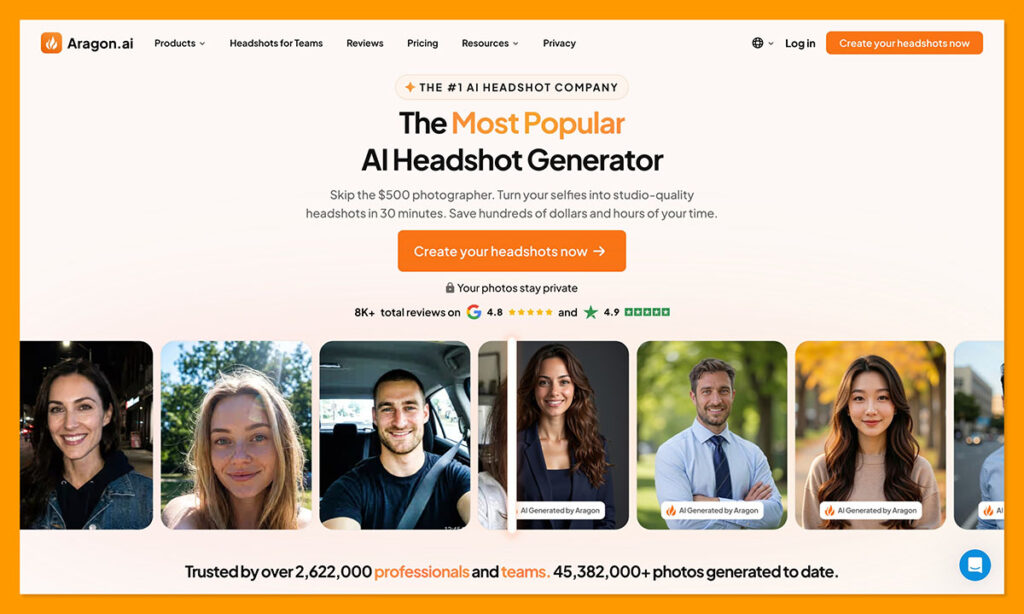
- Price: $35, $45, or $75 one-time (promotions are frequent)
- Images: 40, 60, or 100 by tier
- Selfies required: 6 minimum, 14 maximum
- Turnaround: 45 min, 30 min, or 15 min by tier
- Resolution: 896 x 1088 px on Basic and Standard, 1792 x 2176 px on Executive
Aragon AI earns the top spot on a LinkedIn-specific list for one unglamorous reason: it asks less of you than anything else in the category. Six selfies is a threshold most people can meet from their camera roll without staging a mini photoshoot. Secta wants 20 to 25. HeadshotPro’s help documentation advises 15 to 17. That gap is the difference between doing this on a Tuesday lunch break and putting it off for a month.
Speed follows the same pattern. The Executive tier returns 100 images in roughly 15 minutes, and even the slowest Basic tier lands inside 45 minutes. For a profile photo you have already been meaning to replace, same-hour delivery is the feature that gets the job done.
What I Like
- The lowest input requirement of any tool here, at six selfies
- Fastest turnaround in the category, with 15 minutes on the top tier
- SOC 2 Type II certification, AES-256 encryption, and 30-day auto-deletion of both your photos and the trained model
- The Remix tool lets you change background, attire, and pose on a single image instead of regenerating the whole batch
- Sixty edit credits are included with every headshot package
What I Dislike
- Likeness is inconsistent. Independent testers score face resemblance around 3.8 out of 5 and describe the house style as glamour-leaning rather than natural
- Basic limits you to one attire and one background, so style variety costs real money
- JPEG-only export, with no PNG, TIFF, or RAW
- No preview before you spend edit credits, and no way to batch edits
- No genuine try-before-you-buy on the headshot packages
Aragon AI Pricing
| Plan | Price | Headshots | Turnaround | Styles |
|---|---|---|---|---|
| Basic | $35 | 40 | 45 min | 1 attire, 1 background |
| Standard | $45 | 60 | 30 min | 2 attires, 2 backgrounds |
| Executive | $75 | 100 | 15 min | All styles plus enhanced resolution |
Aragon runs promotional pricing often enough that the list figures above are frequently not what you pay. That is also why older reviews quote wildly different numbers for the same plans. Check for an active discount before you reach checkout.
Aragon separately sells a monthly subscription from $15 per month aimed at ongoing AI photo editing rather than a single headshot batch. For a LinkedIn refresh, the one-time package is the right purchase.
Why Aragon Works for LinkedIn
- 896 x 1088 px on the cheapest tier is more than double LinkedIn’s 400 x 400 minimum, so even Basic clears the bar with room to spare
- Six selfies removes the biggest reason people abandon AI headshot tools halfway through
- Fifteen-minute delivery means you can update your profile before a meeting, not after a weekend
- Thirty-day auto-deletion is a meaningful protection when the upload is your own face
Aragon is a good fit if:
- You want a LinkedIn photo done today with minimal preparation
- You do not have 20 varied recent selfies available
- You value documented, independently audited privacy handling
Look elsewhere if:
- The photo will also be printed at size, where BetterPic’s 4K output wins
- Exact likeness matters more to you than speed and convenience
- You want the largest possible batch for one payment
Tip: Upload 10 to 14 photos rather than the six-photo minimum, and vary the days, lighting, angles, and expressions. One documented test in which the user uploaded 10 near-identical straight-on selfies returned nothing usable. Input variety is the single biggest lever on your keeper rate.
For a deeper breakdown, see our full Aragon AI review.
2. Secta AI: Best Value and Likeness
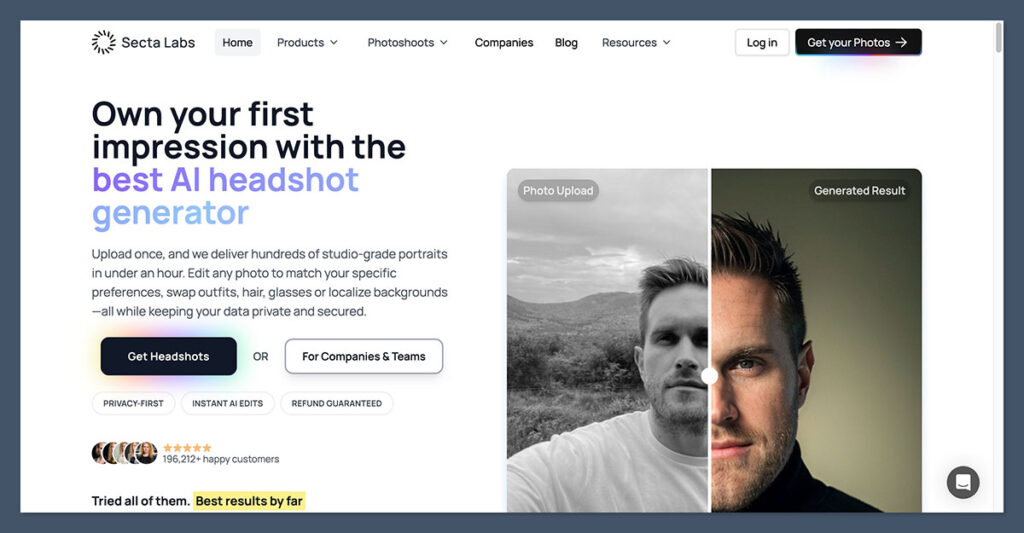
- Price: around $49 one-time
- Images: roughly 200 to 300
- Selfies required: 20 to 25, up to 50
- Turnaround: 30 to 60 minutes typically
- Styles: 90+, including profession-specific libraries
Secta AI takes the opposite approach to Aragon. It asks for considerably more up front, then hands back a far bigger batch. For one flat fee of around $49 you get somewhere between 200 and 300 images across 90 or more styles, which works out to roughly $0.16 per image on sticker price and about $0.25 per genuinely usable one once you discount for the shots you will delete.
The more interesting advantage is likeness. In head-to-head testing, Secta’s output resembled the actual subject more closely than HeadshotPro’s polished but generic results, and that finding shows up in independent reviews rather than only on Secta’s own marketing pages. For a photo whose entire job is to make you recognisable to recruiters and prospects, resemblance beats polish.
What I Like
- The lowest cost per usable photo of the tools compared here
- Stronger likeness than most competitors in independent testing
- The Remix editor rescues near-miss shots by changing lighting, background, outfit, or expression after generation
- A genuine 30-day, no-questions-asked refund requested through live chat
- Profession-specific style libraries for lawyers, doctors, realtors, and therapists
What I Dislike
- Extended Remix editing may require a separate subscription of around $20 per month, which undercuts the one-time pitch
- The 20 to 25 selfie requirement is a real barrier for people without a deep camera roll
- Roughly 5% to 10% of users report poor results, including distorted proportions or added wrinkles
- Remix can composite unnaturally, changing a hairstyle when you only asked for a different outfit
- No clearly posted price until you reach the checkout flow
- No published team or volume workflow
Why Secta Works for LinkedIn
- A 200 to 300 image batch gives you enough options to find one that survives the circular crop cleanly
- Stronger likeness means fewer awkward moments when someone meets you after seeing your profile
- The 30-day refund is the only genuinely claimable guarantee among the tools here
- Profession-specific styles produce a more relevant batch than generic corporate presets
Secta is a good fit if:
- You want maximum choice from a single purchase
- Looking like yourself matters more than looking airbrushed
- You want a refund policy you could actually use
Look elsewhere if:
- You cannot gather 20 or more varied recent photos
- You are buying for a team and need an admin dashboard
- You want a hard published price before entering checkout
Our HeadshotPro vs Secta AI comparison goes through the cost-per-usable-photo maths in detail.
3. HeadshotPro: Best for Teams
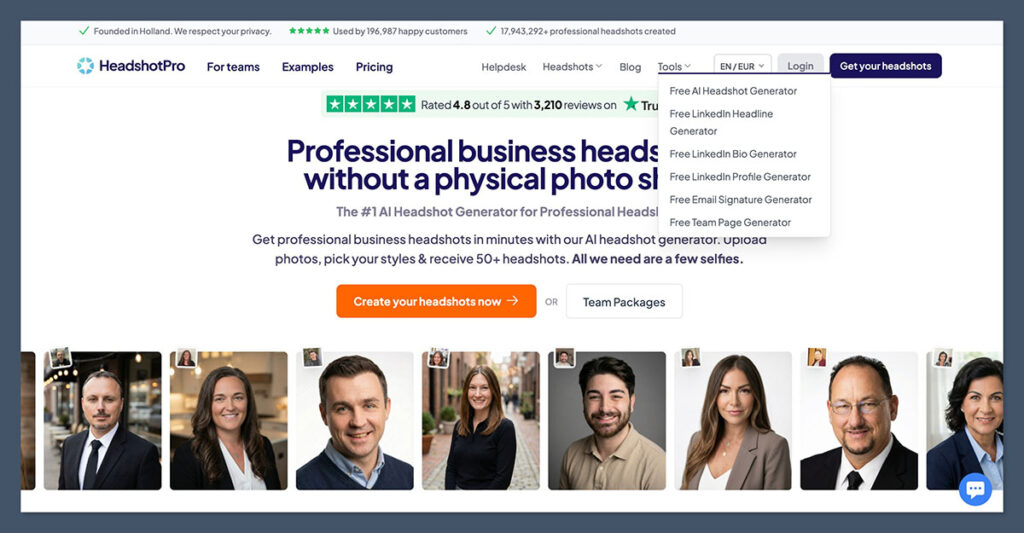
- Price: $29, $39, or $59 one-time for individuals; team credits from $19.50 per person
- Images: 30, 50, or 70 by tier
- Selfies required: help documentation advises 15 to 17
- Turnaround: around 2 hours, 30 minutes, or 15 minutes by tier
- Trust signal: 4.7 out of 5 on Trustpilot across more than 3,500 reviews
If your LinkedIn problem is not one profile photo but forty of them, HeadshotPro is the tool designed for the job. Team buyers purchase credits rather than seats, one credit covers one person’s full shoot, credits never expire, and volume discounts start at 20% off at five credits and climb to 50% at 1,000 or more. An admin curates the style pool so every employee comes back against the same background, which is the whole point when the photos will sit in a row on an About page.
The admin tooling is genuinely deep for this category: invitations by email or domain-restricted link, automatic reminders, member status tracking, bulk download, CSV export, roles and sub-teams, and a REST API with webhooks and Zapier for onboarding automation. SOC 2 Type II documentation and a DPA are available to every customer through the Trust Center rather than being gated behind an enterprise contract.
What I Like
- Credit-based team pricing from $19.50 per person, with discounts that stack across lifetime purchases
- Style locking keeps a whole company directory visually consistent
- Consistently polished, studio-looking output
- A documented deletion policy and SOC 2 Type II report available to all customers
- Credits never expire, so you can buy ahead and spend them as you hire
What I Dislike
- Images frequently look beautiful but not quite like you, with over-smoothed skin that erases freckles and smile lines
- No post-generation editing and no human retouching, so the batch is what you keep
- The money-back guarantee is narrow in practice, requiring that you downloaded nothing and claim within 14 days
- Selfie guidance is contradictory between the marketing site and the help documentation
- The lowest image counts per tier of any tool here
HeadshotPro Pricing
| Plan | Price | Headshots | Turnaround | Notable inclusions |
|---|---|---|---|---|
| Basic | $29 | 30 | ~2 hours | 6 photo credits for edits |
| Professional | $39 | 50 | ~30 min | 26 photo credits, one free redo |
| Executive | $59 | 70 | ~15 min | 46 photo credits, 4K downloads, portrait and landscape |
| Team | From $19.50 per credit | 40 per person plus one free retry | Under 30 min | Admin dashboard, style locking, SSO add-on, API |
Why HeadshotPro Works for LinkedIn
- Consistent backgrounds across a team make a company page look coordinated rather than assembled from whatever people had lying around
- Volume discounts make a 40-person rollout cost less than two traditional studio sessions
- Automatic reminders solve the real problem in any team rollout, which is the eight people who never upload
- Credits that never expire cover new hires without a fresh purchasing cycle
HeadshotPro is a good fit if:
- You are buying headshots for more than one person
- Brand consistency across a directory matters more than individual expression
- Your IT or legal team needs security documentation before signing off
Look elsewhere if:
- You are buying one headshot for yourself and want the largest batch
- Exact likeness is your priority, since the house style smooths aggressively
- You want to edit images after generation
Our full HeadshotPro review covers the individual experience in more depth.
4. BetterPic: Best for Print-Quality Output
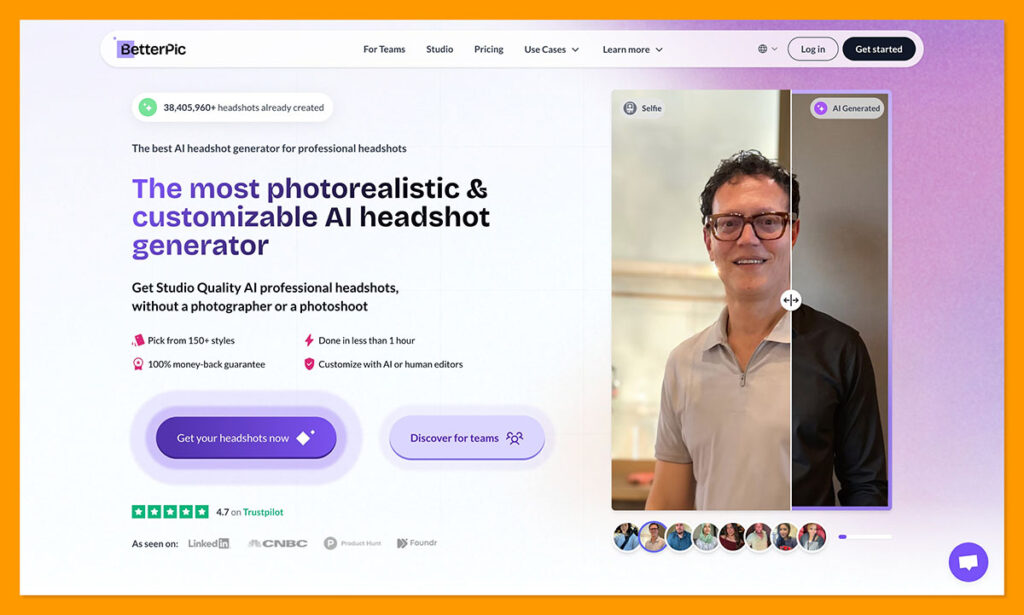
- Price: $35, $39, or $79 one-time
- Images: 20, 60, or 120 by tier
- Selfies required: 8 or more
- Turnaround: roughly 1 to 2 hours
- Resolution: 4K on every tier
BetterPic is the quality-first option, and it is the only tool here that ships 4K on its entry plan rather than reserving high resolution for the top tier. Its Expert plan adds something no competitor on this list offers: a human editor who retouches one selected photo without limit, plus a free redo of the entire shoot.
For LinkedIn alone, that is more resolution than you need. The case for BetterPic is when the same photo will do double duty on a printed conference programme, a press kit, or an investor deck, where the difference between 896 pixels and 4K becomes visible.
What I Like
- 4K resolution on all three plans, with TIFF support for print workflows
- Human retouching on the Expert tier, which no other tool here offers
- 150+ styles and full commercial usage rights on every plan
- AES-256 encryption and automatic photo deletion after 30 days
- Only eight reference photos needed
What I Dislike
- The entry plan returns just 20 images, the smallest batch on this list
- The Expert tier at $79 is the priciest mainstream option in the category
- The 7-day refund only applies before the AI has trained on your images
- Additional edits cost $8 each and a redo costs $10, so the one-time price can creep
- Slower than Aragon at 1 to 2 hours
BetterPic Pricing
| Plan | Price | Headshots | Styles | Turnaround |
|---|---|---|---|---|
| Basic | $35 | 20 | 1 | ~2 hours |
| Pro | $39 | 60 | 3 | ~1.5 hours |
| Expert | $79 | 120 | 6 | ~1 hour |
Why BetterPic Works for LinkedIn
- 4K files survive being cropped, resized, and reused across every platform, not just LinkedIn
- Human retouching catches the small distortions that automated tools miss around eyes and hands
- Three styles on the Pro plan cover LinkedIn, a company bio page, and a speaker profile from one purchase
BetterPic is a good fit if:
- Your headshot will be printed or displayed larger than a thumbnail
- You want a person, not just an algorithm, checking the final image
- You are willing to pay more for fewer, better images
Look elsewhere if:
- The photo will only ever appear at LinkedIn thumbnail size, where you are paying for pixels nobody sees
- You want a large batch to choose from
- Speed is your priority
5. The Multiverse AI: Cheapest Quick Option
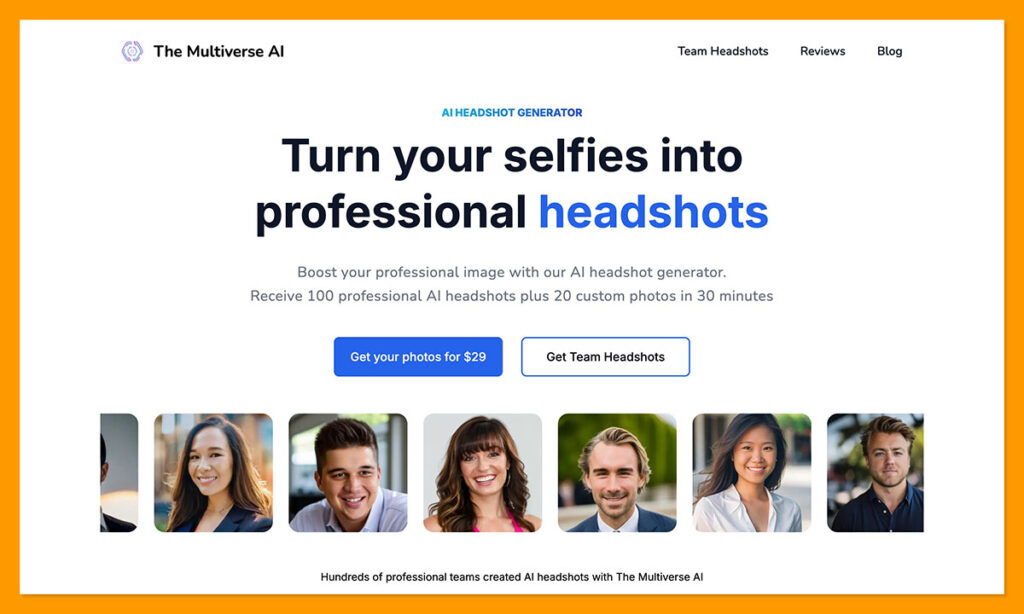
- Price: $29 one-time
- Images: 100 headshots plus 20 custom photos
- Selfies required: 12 to 20
- Turnaround: around 30 minutes to 2 hours
- Standout feature: Magic Editor with text-prompt adjustments
The Multiverse AI has the simplest proposition on this list: one price, $29, for 100 headshots plus 20 custom images generated from a text description. There are no tiers to compare and no upsell path, which is refreshing in a category where every vendor pushes you toward the middle plan.
Its distinguishing feature is prompt-based control. Rather than picking from preset backgrounds, you describe what you want (a specific outfit, a particular setting, a fix to teeth or eyes) and the editor generates against that description. For someone who knows exactly what they want their LinkedIn photo to look like, that is more direct than scrolling a style library.
What I Like
- The lowest entry price here at $29, for 100 images plus 20 custom shots
- Prompt-based editing rather than fixed preset backgrounds
- No tier confusion and no upsell ladder
- Delivery often lands in around 30 minutes
What I Dislike
- A weaker brand trust signal than the established tools on this list
- Refund terms are not clearly published
- Images must be manually cropped square before upload, an extra step other tools handle automatically
- No published team workflow comparable to HeadshotPro’s
Why The Multiverse AI Works for LinkedIn
- $29 for 100 images is the cheapest cost per shot among the tools compared here
- The 20 custom images let you target a specific look for your profile rather than settling for the closest preset
- Fast enough to finish inside a lunch break
The Multiverse AI is a good fit if:
- You want the lowest possible spend on a single profile photo
- You have a clear idea of the look you want and would rather describe it than browse presets
Look elsewhere if:
- You want a documented refund policy as a safety net
- You need team management features
- You want independently audited security certifications
6. ProShoot: Best Likeness-First Value
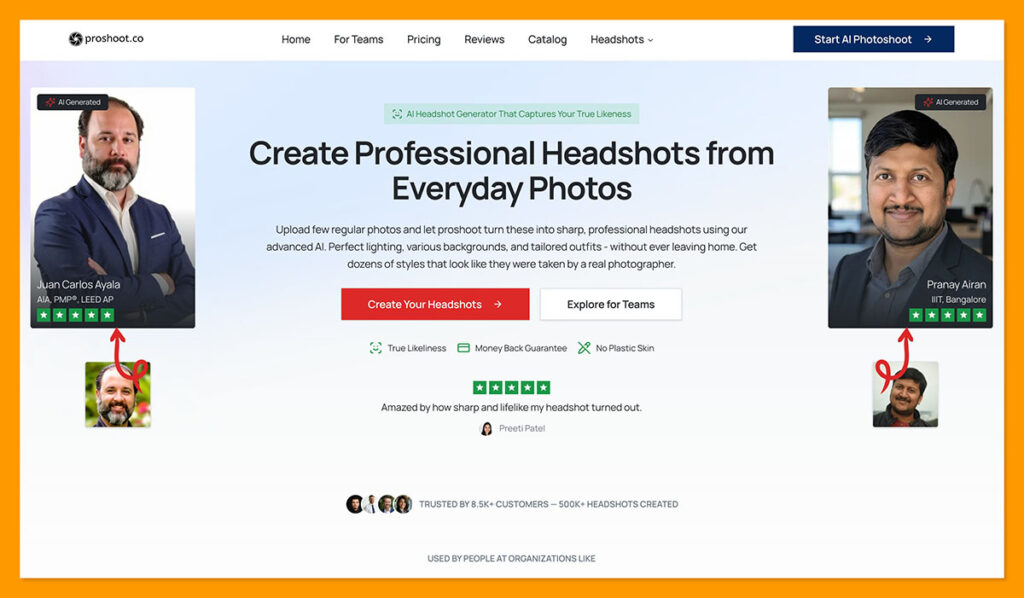
- Price: $35, $49, or $59 one-time
- Images: 40, 100, or 200 by tier
- Selfies required: 4 minimum on the current version
- Turnaround: around 15, 10, or 5 minutes by tier
- Style library: 232 outfits and 143 backdrops
ProShoot builds its entire pitch around the thing most tools quietly fail at, which is producing an image that still looks like the person who paid for it. Its marketing leans on phrases like “no plastic skin,” and the product decisions back that up: it collects only the attributes it needs (hair style and ethnicity) rather than asking for weight, height, age, and eye colour the way rivals do.
The style library is the largest of any tool in this guide by a wide margin, at 232 professional outfits and 143 backdrops, with medical, legal, academic, and conference-speaker categories alongside the usual corporate presets. Every plan includes full commercial rights and a 7-day money-back guarantee.
What I Like
- A four-photo minimum, the lowest upload requirement of any trained-model tool here
- The deepest style library in this guide, with profession-specific outfits and backdrops
- Very fast delivery, from roughly 15 minutes on Starter down to about 5 minutes on Studio
- A clear privacy posture: uploads deleted after 7 days, generated images and models removed after 30, and no training on your data
- Every plan includes AI credits for edits, so upscaling and background swaps are not a separate purchase
What I Dislike
- No free preview or trial, so you pay before seeing a single result
- 4K output costs credits rather than being included, unlike BetterPic
- A smaller independent review base than the established names, so there is less third-party evidence to weigh
- Extra credits are an additional purchase once your included balance runs out
ProShoot Pricing
| Plan | Price | Headshots | Styles | Turnaround | AI credits |
|---|---|---|---|---|---|
| Starter | $35 | 40 | 2 | ~15 min | 100 |
| Professional | $49 | 100 | 5 | ~10 min | 500 |
| Studio | $59 | 200 | 10 | ~5 min | 1,000 |
Credits are spent on extras after delivery: upscaling to 4K costs 100 credits per image, background and outfit swaps cost 100 each, and expression changes cost 50. Additional credits are $10 per 1,000.
Why ProShoot Works for LinkedIn
- Four selfies is a lower barrier than anything else that trains a model on your face
- The profession-specific outfit and backdrop categories produce a batch that suits your actual industry
- A 7-day refund and a 7-day upload deletion window are both clearly stated rather than buried
- Sub-15-minute delivery on every tier makes this a same-sitting task
ProShoot is a good fit if:
- Looking like yourself is your top priority and you want a tool built around that
- You want industry-specific styling rather than generic corporate presets
- You have very few usable selfies to work with
Look elsewhere if:
- You want to see sample output on your own face before paying
- You need 4K included rather than paid for with credits
- You are buying for a large team and want a deep admin dashboard
7. StudioShot: Best for Included Human Retouches
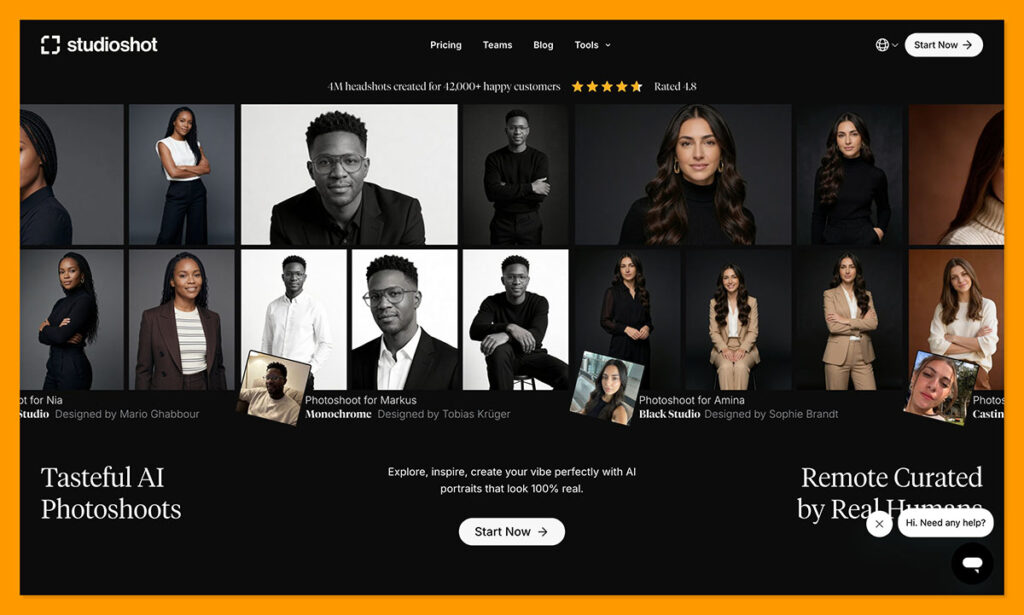
- Price: roughly $29 to $44 one-time, discounted from $39 to $58 list
- Images: 40, 80, or 120 by tier
- Turnaround: under 3 hours, under 2 hours, or under 1 hour by tier
- Retouches: up to 2, 4, or 6 free retouches by tier
- Trust signal: rated 4.8 across more than 11,000 reviews
StudioShot describes itself as built from the ground up by professional photographers, and the plan structure reflects that: rather than competing on raw image count, every tier includes a set number of free retouches. BetterPic offers human editing only on its $79 Expert plan, so StudioShot is the cheaper route to having someone fix a shot that came out almost right.
It also runs a team programme with more than 10 pre-made consistent styles, a credit model where credits are consumed once a member is invited and their images begin generating, and bespoke brand-matched styling for orders of 20 or more people.
What I Like
- Free retouches included on every plan, scaling from 2 up to 6
- Sub-1-hour turnaround on the top tier
- A 100 percent money-back guarantee and roughly 20 percent off bulk team orders
- A team portal with pre-made consistent styles and credits you invite members against
- A strong review base at 4.8 across more than 11,000 reviews
What I Dislike
- The input photo requirement is not clearly published, unlike most rivals
- Listed prices sit under permanent-looking discounts, which makes the real price harder to pin down
- Fewer styles per tier than ProShoot or Secta, at one to three
- Less independent testing coverage than the category leaders
StudioShot Pricing
| Plan | Current price | List price | Images | Styles | Turnaround | Free retouches |
|---|---|---|---|---|---|---|
| Essential | $29.25 | $38.90 | 40 | 1 | Under 3 hours | Up to 2 |
| Pro | $36.86 | $49.02 | 80 | 2 | Under 2 hours | Up to 4 |
| Signature | $43.88 | $58.36 | 120 | 3 | Under 1 hour | Up to 6 |
Why StudioShot Works for LinkedIn
- Included retouches mean a near-miss photo becomes usable instead of being discarded
- Getting human editing at around $44 rather than $79 changes the value equation for a single profile photo
- The team portal keeps distributed colleagues on one consistent style
StudioShot is a good fit if:
- You want a person to fix small flaws without paying premium prices
- You would rather have a handful of polished images than hundreds of raw ones
- You are coordinating a small team and want brand-consistent styling
Look elsewhere if:
- You want to know exactly how many selfies you need before signing up
- You want maximum style variety in a single order
- You prefer a tool with a deep independent testing record
8. Portreya: Best Try Before You Buy
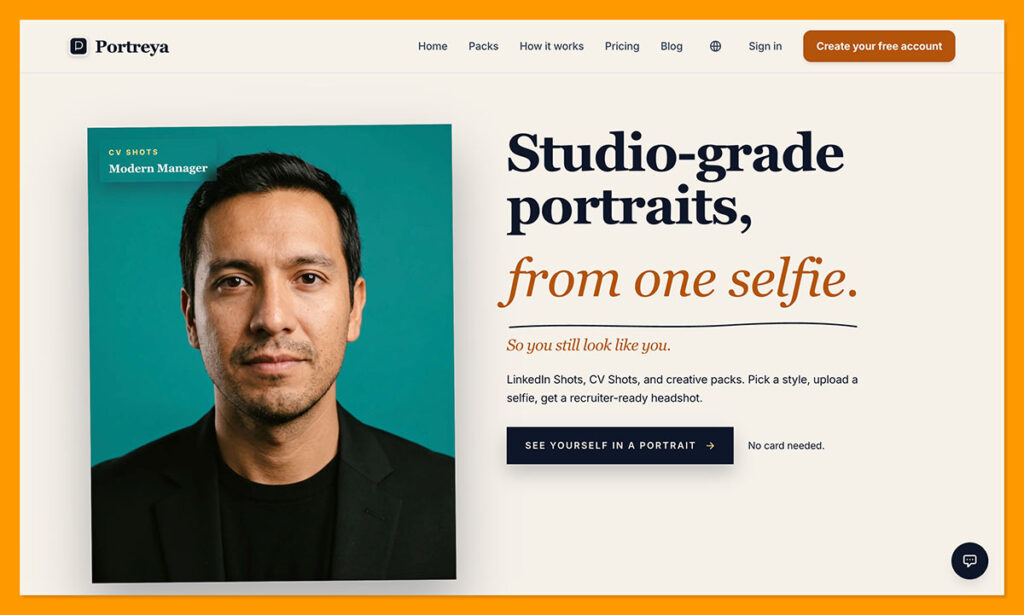
- Price: $24.99 for 8 headshots, with pay-as-you-go top-ups
- Free tier: 3 preview photos before any payment
- Selfies required: 2 to 3
- Turnaround: roughly 60 seconds per image
- Guarantee: free retry on every paid photo, plus 14 days to request a refund
Every other tool in this guide asks you to pay before seeing a single result on your own face. Portreya does not, and that alone earns it a place here. New users generate three free preview photos before choosing a paid pack, which converts the category’s biggest gamble into a decision you can actually make on evidence.
The architecture is also different. Rather than training a general model on your uploads and then generating a batch from it, Portreya generates each image individually against the choices you make for that specific shot: clothing, pose, background, expression, framing, and lighting. That removes the training queue entirely and means every photo can be a different direction rather than variations on one locked style.
What I Like
- Three free preview photos before you spend anything, which no other tool here offers
- Only two or three selfies needed, and it tells you upfront if an uploaded selfie will not work
- Per-photo control over clothing, pose, background, expression, framing, and lighting
- Roughly 60 seconds per image with no model training wait
- A free retry on every paid photo plus a 14-day refund window, and pay-as-you-go rather than a subscription
- Refreshingly honest about its own limits, explicitly declining to claim security certifications it does not hold
What I Dislike
- Eight photos per pack is by far the smallest batch here, so there is little margin for a low keeper rate
- No independently audited security certifications, unlike Aragon, HeadshotPro, or BetterPic
- A small operation with a limited independent review record
- Per-photo control means more decisions from you rather than a batch you simply sort through
Why Portreya Works for LinkedIn
- The free preview lets you judge likeness on your own face before spending, which is the only fair test
- You need exactly one good LinkedIn photo, so a pack of 8 curated shots can be enough
- Two or three selfies is the lowest input requirement in this entire guide
- Choosing framing before generation helps you get a shot that survives the circular crop
Portreya is a good fit if:
- You want to see results on your own face before paying anything
- You have almost no usable selfies
- You would rather direct each photo than sift through hundreds
Look elsewhere if:
- You want a large batch to choose from
- Your employer requires documented security certifications from vendors
- You are buying for a team
How to Choose an AI Headshot Generator for LinkedIn
Most buying guides in this category compare headline image counts, which is the least useful number available. Here is what actually determines whether you end up with a profile photo you are happy to use.
Start With Your Keeper Rate, Not the Image Count
No AI headshot tool delivers a batch you will use in full. Documented keeper rates across these platforms land somewhere between 10% and 33%, against advertised figures closer to 90%. A 100-image batch realistically yields 10 to 33 usable shots, and you only need one. Divide the price by your realistic keeper count rather than the headline number and the rankings shift considerably.
Count Your Available Selfies Before You Pay
This is the constraint that quietly decides the whole purchase. With two or three photos, Portreya is your option. With four, ProShoot opens up. With six, so does Aragon. If you have 25 varied shots across different days and lighting conditions, Secta becomes viable and will give you far more for your money. Buying a tool that needs more input than you can supply is the most common way people waste $49 here.
Take the Free Preview if One Exists
The structural problem with this category is that almost every tool asks you to pay before seeing a single result on your own face, and vendor sample galleries are selected from the best output of the best inputs. Portreya’s three free preview photos are the only genuine exception among the tools here. Even if you ultimately buy elsewhere, running a free preview first tells you something no review can: how this technology handles your particular face, hairline, and glasses.
Match Resolution to Where the Photo Will Live
LinkedIn needs 400 x 400 pixels. Every tool here beats that comfortably. If LinkedIn is the only destination, resolution should not influence your decision at all. If the photo will also be printed, BetterPic’s 4K output on every tier is the only offering that removes the question entirely.
Read the Refund Policy Before, Not After
Refund terms vary more than prices do. Secta offers 30 days with no conditions attached beyond contacting support. HeadshotPro requires that you downloaded nothing and claim within 14 days, which is a narrow window in practice. BetterPic’s 7-day policy only applies before the model has trained on your images. Aragon refunds in full if you have not downloaded anything, with case-by-case handling afterwards plus a free redo option. ProShoot and Portreya both offer straightforward windows of 7 and 14 days respectively, and Portreya adds a free retry on every paid photo. StudioShot’s guarantee is paired with included retouches, which is arguably better than a refund because it fixes the photo rather than ending the transaction.
Individual or Team Changes the Answer Entirely
If you are buying for one person, per-photo economics and likeness decide it, and Secta or Aragon win. If you are buying for a company, per-photo economics are irrelevant and consistency is everything, which makes HeadshotPro the default. These are genuinely different products solving different problems, and no single tool tops both lists.
Tip for the circular crop: LinkedIn displays your photo as a circle, so anything near the corners of your square upload disappears. When you pick your keeper from the batch, choose a shot where your head and shoulders sit centred with a little breathing room, not one where the framing is tight to the edges.
How We Tested These AI Headshot Generators
This comparison prioritised verifiable specifications over vendor marketing claims. Pricing, image counts, resolution figures, input requirements, and turnaround times were checked against each vendor’s own pricing or help pages, then reconciled against independent hands-on reviews where the two disagreed.
| Criterion | How it was assessed |
|---|---|
| Pricing | Verified against live vendor pricing pages, with promotional pricing labelled separately from list pricing |
| Image counts | Reported as advertised, then discounted by documented unusable rates from independent tests |
| Likeness | Drawn from independent hands-on reviews and documented failure cases rather than vendor quality tests |
| Resolution | Compared against LinkedIn’s published profile photo specifications rather than in the abstract |
| Privacy | Weighted toward independently audited certifications over self-declared claims |
| Refunds | Assessed on the conditions required to claim, not the headline window length |
This guide judges every tool specifically on its fit for a LinkedIn profile photo. If you want the wider view across use cases beyond LinkedIn, including free options, see our roundup of the best AI headshot generators.
Where a claim could not be verified against a primary source, it has been omitted rather than softened. Vendor comparison pages were treated as marketing rather than evidence, since several contain figures that independent testing contradicts.
Final Verdict
For most people updating a LinkedIn profile photo, Aragon AI is the right starting point. Six selfies, 15 to 45 minutes, and output at more than double LinkedIn’s minimum resolution removes every practical barrier between you and a finished profile photo. The trade-off is likeness, so upload 10 to 14 varied shots rather than the bare minimum and treat the advertised keeper rate as optimistic.
If you have the selfies and want the most for your money, Secta AI is the better buy. Roughly 200 to 300 images for about $49, stronger likeness in independent testing, and a 30-day refund you could actually claim make it the strongest value proposition here, provided you can supply 20 or more varied photos.
If you are buying for a team, stop comparing per-photo prices and go straight to HeadshotPro. Credit-based pricing from $19.50 per person, style locking, admin reminders, and credits that never expire solve a coordination problem the other tools do not address at all.
BetterPic is the pick when the photo needs to print, thanks to 4K on every tier and human retouching at the top. The Multiverse AI is the budget option, at $29 for 100 images plus 20 custom shots, if you want the lowest possible spend and can live without published refund terms.
Among the specialists, ProShoot is the likeness-first pick and the one to try if you have almost no selfies, since it works from four photos and offers the deepest style library here. StudioShot is the cheapest route to human retouching, with up to six included fixes at around $44 rather than BetterPic’s $79. Portreya is where to start if you are unsure about AI headshots at all, because three free preview photos let you judge the technology on your own face before spending a cent.
Whichever you pick, budget for the reality that most of the batch will not be usable, and gather more input photos than the minimum. Input variety is the closest thing any of these tools has to a quality guarantee.
Frequently Asked Questions
Are AI headshots good enough for LinkedIn?
For most professionals, yes. LinkedIn displays profile photos at a small circular size where the artefacts that betray AI generation are rarely visible, and every tool here exports well above the platform’s 400 x 400 pixel minimum. The bigger risk is not technical quality but likeness: an image that looks polished but not quite like you creates an awkward gap when someone meets you in person. That is why likeness is weighted heavily in this comparison.
How many selfies do I need for an AI headshot generator?
It varies significantly by tool. Portreya needs just two or three, ProShoot four, Aragon AI six (14 maximum), BetterPic eight or more, The Multiverse AI 12 to 20, HeadshotPro’s help documentation advises 15 to 17, and Secta AI asks for 20 to 25 with up to 50 accepted. Whatever the minimum, uploading more varied photos across different days, lighting conditions, angles, and expressions produces noticeably better results than uploading the minimum number of near-identical shots.
Can I try an AI headshot generator before paying?
Rarely, which is the category’s biggest weakness. Portreya is the clear exception, giving new users three free preview photos before they choose a paid pack. Every other tool in this guide asks for payment before you see any output on your own face, which is why refund terms matter so much when choosing between them.
How much do AI headshots cost compared to a photographer?
AI headshot packages on this list run from $29 to $79 one-time. A traditional studio session typically costs $300 to $800 per person and delivers a handful of final edited images. Even accounting for a low keeper rate on an AI batch, the cost per usable photo generally lands well below what a photographer charges. What you give up is a professional directing your posture, lighting, and expression, which is a real loss and part of why keeper rates run low.
Will AI headshot tools keep or train on my photos?
Policies differ, and this is worth checking before you upload. Aragon AI is SOC 2 Type II certified with AES-256 encryption and auto-deletes both your photos and the trained model after 30 days, with a stated policy against training on your images without permission. HeadshotPro deletes input photos after 30 days, states that photos are never used to train models, and makes its SOC 2 Type II report available to all customers. BetterPic reports AES-256 encryption and 30-day deletion. ProShoot deletes uploads 7 days after headshot creation and removes generated images and models after 30, and states it does not use your data to improve its models. Portreya supports deletion requests but is candid that it holds no security certifications, so weigh that if your employer has vendor requirements. In every case, deletion is a stated policy rather than something you can independently verify, so download your keepers promptly.
What resolution should a LinkedIn headshot be?
LinkedIn accepts profile photos between 400 x 400 and 7680 x 4320 pixels, as a 1:1 square in JPG or PNG under 8MB. Uploading at 640 x 640 pixels or larger keeps the image sharp on high-resolution screens. Every tool in this guide exceeds the minimum, so resolution alone should not decide your purchase unless the same photo will also be printed.
Which AI headshot generator is best for a whole team?
HeadshotPro, without much competition among the tools here. Its credit model starts at $19.50 per person with discounts that stack across lifetime purchases, an admin curates the style pool so everyone matches, and it includes email or link invitations, automatic reminders, member status tracking, bulk download, and API access. Secta has no published team workflow, and Aragon’s team offering caps its bulk discount at 20%.
Can I edit an AI headshot after it is generated?
Some tools allow this and some do not. Secta’s Remix editor changes lighting, background, outfit, and expression on individual images, though extended editing may require a separate subscription of around $20 per month. Aragon includes 60 edit credits with each package, at two credits per edit, covering background swaps, outfit changes, and resolution upscaling. BetterPic offers additional edits at $8 each and human retouching on its Expert tier. HeadshotPro has no post-generation editing at all, so its batch is final.
Do AI headshots need to be disclosed on LinkedIn?
LinkedIn does not require you to label a profile photo as AI-generated. That said, an image that departs noticeably from your actual appearance can undermine the trust the photo is meant to build, particularly if you meet connections in person or on video. The practical guideline is to choose the shot that most resembles you rather than the most flattering one in the batch.

Comments 0 Responses