

I complain about AI plagiarism checkers and “originality detectors” a lot. I’ve also used dozens of them. In fact, every few weeks or so, when I write something I’m particularly proud of, I have a habit of pasting it into at least a couple of AI detectors, just to see what comes up.
It’s always interesting to see how massively the results vary depending on which tool you use. You’d think all of these tools would flag exactly the same stuff. After all, they’re trying to do the same thing.
Sadly, they don’t. Most are pretty good at detecting obviously machine-generated content and snippets you’ve copy-pasted from an article elsewhere on the web.
Unfortunately, many still struggle with stuff like recognizing AI-assisted writing, or content that’s been “humanized” (paraphrased) before publishing. An even larger number of these tools seem to have a real problem with false positives. It’s as if the developers think a tool suddenly becomes more trustworthy if it flags issues more often.
It gets frustrating after a while. So I decided to throw together this guide, discussing the few AI plagiarism checkers publishers, teachers, and business leaders can probably trust.
The Best AI Plagiarism Checkers
Quick disclaimer, this is going to be a pretty short list, because first of all, I was looking for tools that can check for plagiarism and AI content in one. Quite a few tools tend to focus on one or the other. Also, if I’m honest, I think most AI plagiarism detectors have a lot of growing up to do.
To make this list, I combined my experience (using dozens of these tools over the years) with a quick test. I ran the same pieces of content, some written from scratch, some generated with AI, some copy-pasted from other sites, into each tool to see what flagged.
If you need evidence that the original piece was completely unique, I can tell you it was an article based on an exclusive interview with a founder I had in 2019 (no citations from anywhere else, and no ChatGPT). Here’s the short-list that test gave me:
| Tool | Starting Price | AI Detection | Key Strength | Best For |
| Pangram | Free trial | Yes | Extremely low false positives | Overall accuracy |
| Originality.AI | $14.95/month | Yes | AI detection plus plagiarism tools | Content teams |
| Turnitin | Institutional pricing | Yes | Built into academic submission systems | Universities |
| Copyleaks | $16.99/month | Yes | Multilingual AI detection | Recruiters and global teams |
| GPTZero | Free plan available | Yes | Detailed sentence-level analysis | Students and educators |
1. Pangram: Best Accuracy Overall
Starting Price: Free Trial, Paid plans starting at $20 per month.
If someone asked me to pick the number one AI and plagiarism checking tool that I actually wish companies would use, it’d be Pangram. It feels completely different to most of its competitors, because it doesn’t assume a “high AI score” means a more trustworthy result.
That doesn’t mean that it’s not great at detecting AI (and copied work), it absolutely is. Pangram just analyzes the content more carefully than most tools. It looks for content that might have been paraphrased, AI-assisted writing, and humanized machine content. That’s how Pangram delivers some of the lowest “false positive” rates in the market, without high “false negative” rates.
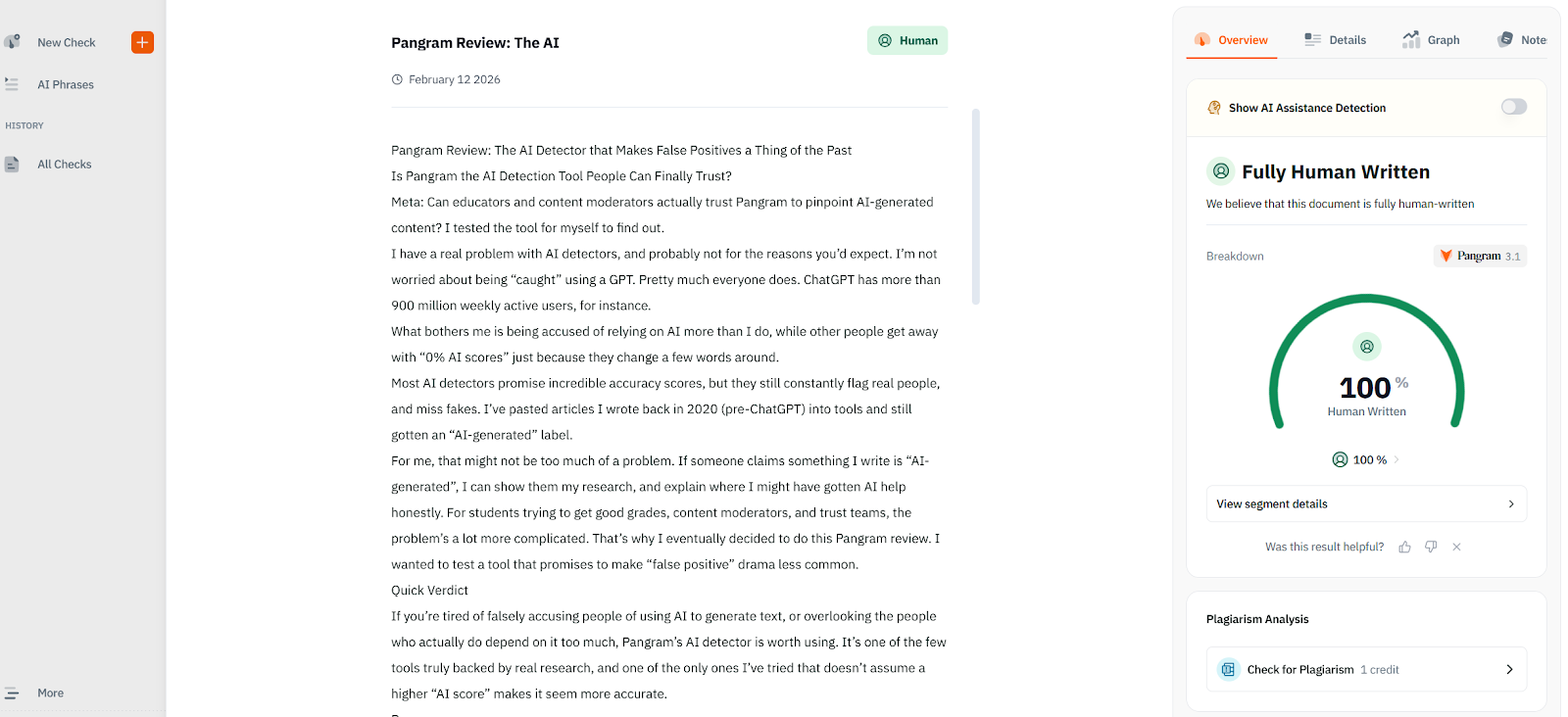
I also like how the whole system works. You can choose if you want to check for plagiarism and AI content at the same time. You can also copy-paste or upload files directly from Google Docs, and learning platforms. When anything is flagged, you see an explanation alongside, so you’re not just accusing people of unethical writing without proof.
Pros
- Very low false positive rates
- Detects humanized and AI-assisted text
- Clear explanations for detection signals
- Integrations with various tools
Cons
- Free usage is limited
- Can struggle with shorter snippets of content
Best for: Pangram is best for anyone looking for a plagiarism and AI detection tool that provides consistent accuracy without risking unnecessary false positives.
2. Orginality.AI: Best for Content Teams
Starting Price: 14.95 per month (Pro plan) or $30 per 3000 credits
Originality.ai is one of the first AI detectors I started using, because a lot of the publishers I worked with already swore by it. I understand why. It’s very good at detecting purely AI-generated content, and it’s great for batch-style work. You can even scan an entire website at once.
Plus, unlike other, similar tools, Originality.AI can check for plagiarism, machine content, and readability issues all at the same time. You can get full reports showing you everything that might be “wrong” with a piece of text before you publish it.
The biggest probable is that the accuracy is “variable”. Originality.AI had no trouble telling me when a piece of text I shared was 100% AI generated. However, it also tried to imply that the piece of fully-human content was AI-generated too.
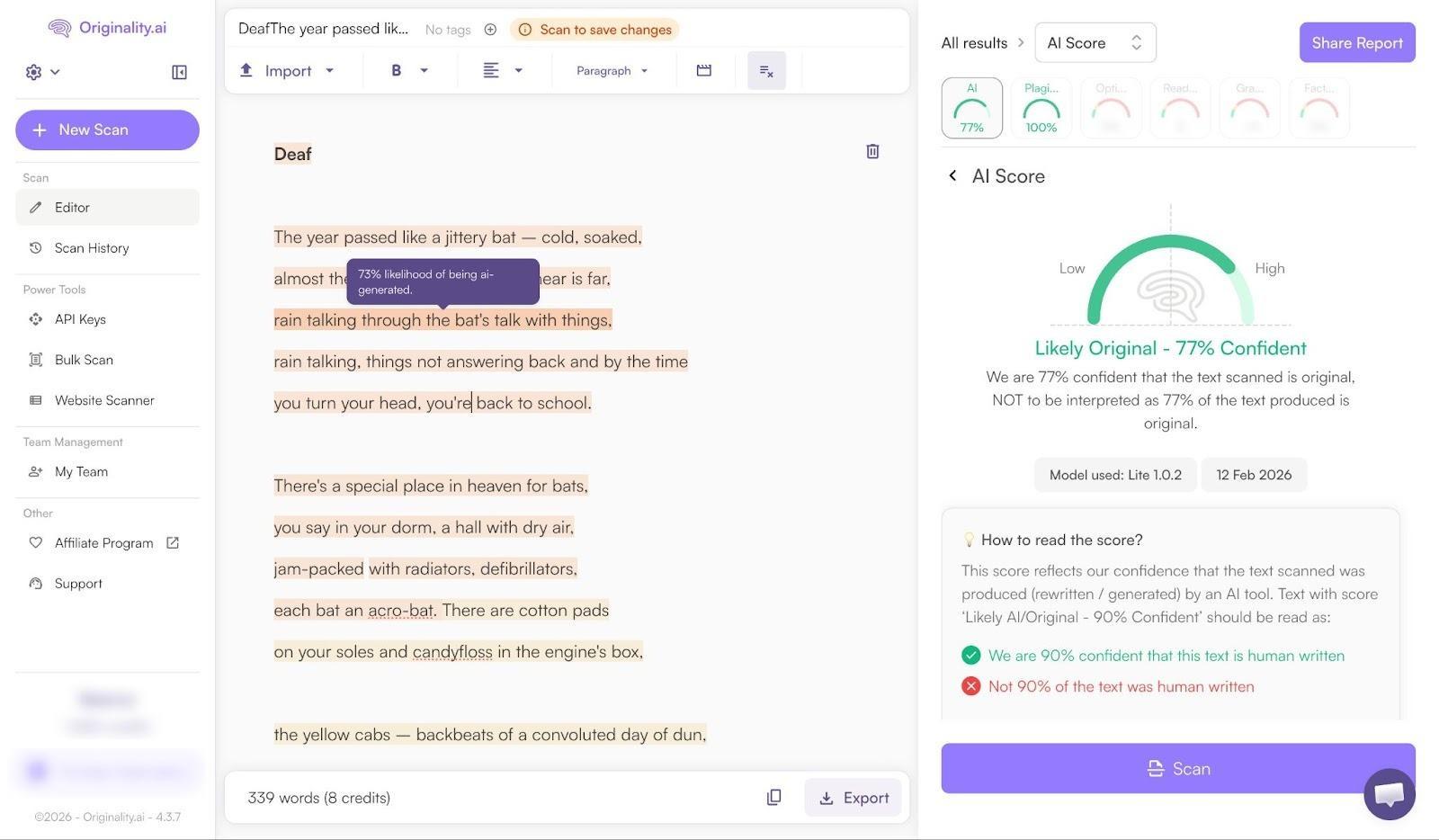
It only gave it a 70% human-written confidence score. With the plagiarism checks, it also tended to struggle with paraphrased or re-written statements.
On the plus side, there is a handy Chrome extension which can actually track your writing process, so if the tool flags something as AI-generated or copied, you have a bit of evidence to back you up.
Pros
- AI, plagiarism, and readability checking in one
- Helpful chrome extensions and integrations
- High-quality reports and insights
- Integrated collaboration tools
Cons:
- Struggles with paraphrasing
- High false-positive scores
- Expensive pricing at scale
Best for: Content teams and publishers that want to work together on improving and analyzing web content at scale.
3. Turnitin: Best for Universities
Starting Price: Institutional licensing
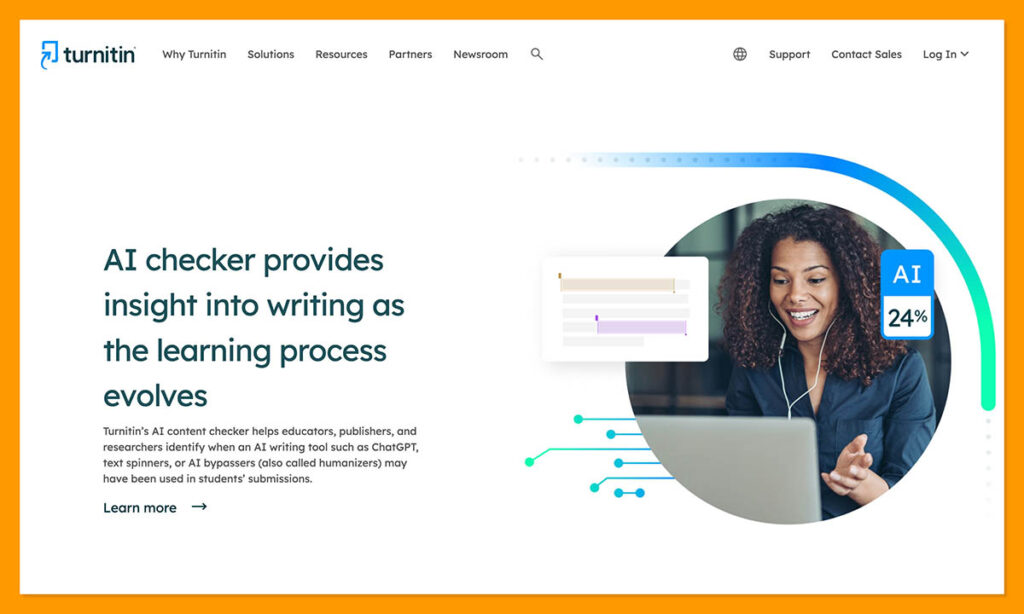
I actually didn’t know too much about Turnitin before I started this experiment, probably because it was never really marketed to someone like me. It’s the kind of tool specifically designed for universities and academic institutions already using submission tracking software.
Turnitin used to focus exclusively on plagiarism detection, which is probably why it scores a lot better than other tools in that area. It’s powered by a database with billions of web pages, so you have a pretty good chance of catching any copied text.
It’s also better at reports than most alternatives, because it walks you through the issues it found one by one, rather than just giving you a “likelihood” score.
The AI detection part of the tool is decent, but it has more limitations. It only works with larger chunks of text (over 300 words), and it tends to get confused by common phrasing, languages other than English, and paraphrased content.
Pros:
- Easy integration with university grading tools
- Huge plagiarism database
- Convenient and actually useful reports
- Effective for tracking plagiarism and AI at once
Cons:
- Regular problems with false positives
- Not very accessible (unless you run a university)
- Doesn’t work well with short chunks of text
Best for: Universities already using grading tools, searching for a quick way to check for plagiarism and obvious signs of machine-generated content.
4. Copyleaks: Best for Multilingual Checks
Starting Price: $16.99 per month
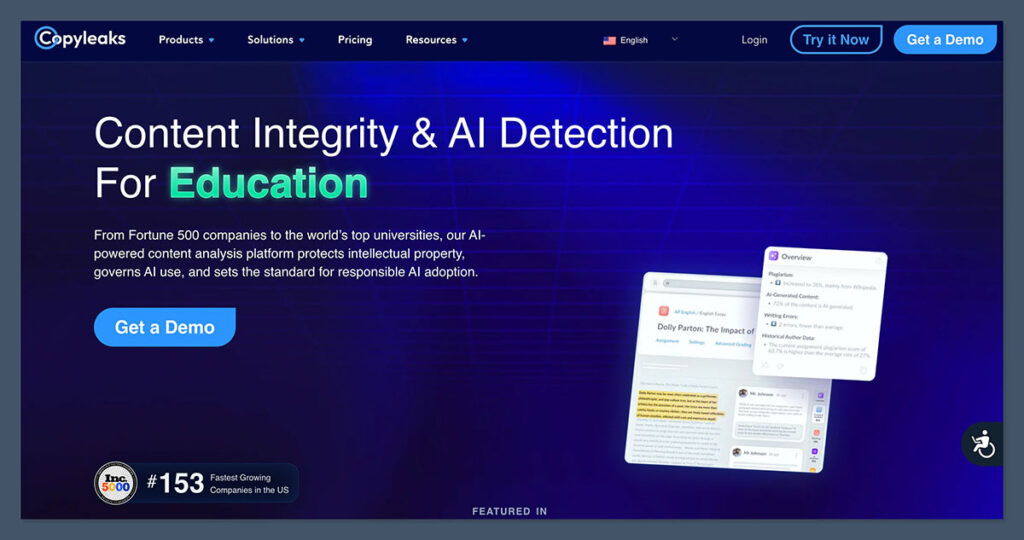
I was already using tools like Copyleaks before AI detection was a thing, to help me find out whether “original” content created by colleagues was actually stolen from elsewhere. It’s always been very good at spotting plagiarism, and it’s AI detection features are impressively accurate too. Some people say they get accuracy scores as high as 99%, though I’m a little skeptical.
I’ve seen quite a few people complaining about high false positive rates from this tool, and sometimes it can flag entirely unique quotes as “plagiarized”. I think people keep using it because it has a little more scope than most similar tools.
A lot of AI plagiarism checkers only work with English content, for instance, while Copyleaks supports up to 30 languages. The reports are detailed too, pointing out which fragments of sentences and paragraphs triggered each alert.
I just think this is a tool you should probably treat with caution. Don’t rely on it too heavily for very formal writing (that seems to trigger high AI scores), and watch out for false positives.
Pros:
- Handles content in 30+ languages
- In-depth reports for plagiarism or AI content flags
- Works with existing tools like Canvas
- Can track AI-assistance in code
Cons:
- High false positive rate
- Premium pricing (harder to scale)
- Struggles with overly formal writing
Best for: Global teams looking for a multilingual AI tool that can check for plagiarism and machine-generated text at the same time.
5. GPTZero: Best for Education
Starting Price: Free plan
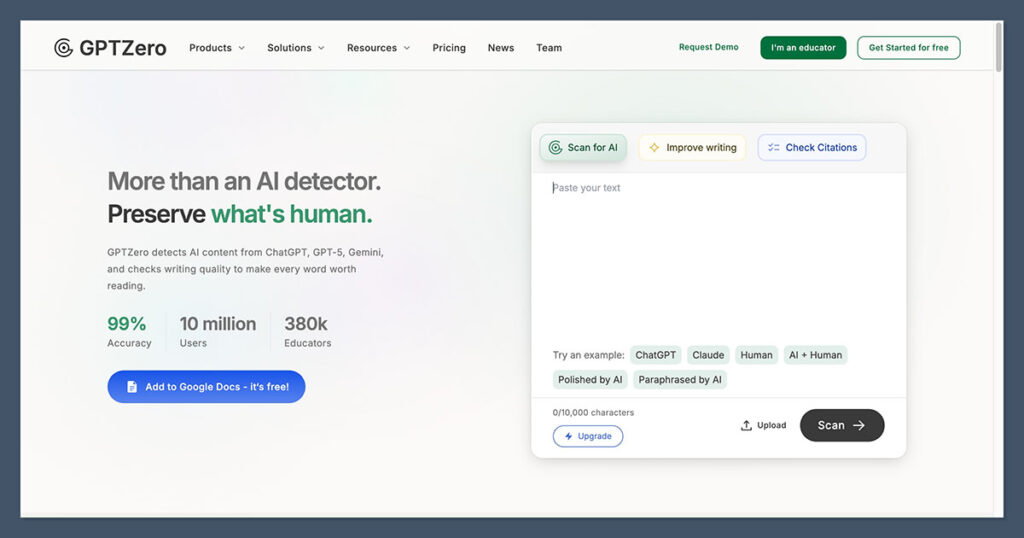
I hesitated a little with recommending this one, because claims about GPTZero’s accuracy are usually all over the place. Some people say its accuracy scores reach 99%, others say a lot less. The good thing about is it’s easy to use, and there’s even a free plan for beginners.
You also get in-depth reports that other checkers miss, with sentence-level highlighting so you can see exactly why problematic phrases were flagged. Also, the API, and integration options make it reasonably simple to plug GPTZero into your existing workflow.
Still, the plagiarism checker is more of an “extra feature” here, since GPTZero is more about AI detection. It’s not quite as reliable as what you’d get from Pangram or Turnitin.
It’s also more susceptible to claiming paraphrased or humanized content is “fully human” than some of the other tools I’ve tried. Plus, there’s the false positive problem again. GPTZero seems to be especially judgmental of certain styles of writing.
Pros:
- Free plan available
- Good at detecting fully AI-written text
- Reasonable reports with sentence-level highlights
- Browser extension and integrations
Cons:
- Bad at detecting rewritten and paraphrased text
- Not as accurate with plagiarism as some alternatives
- High degree of false positives
Best for: Educational institutions searching for a simple, low-cost tool that helps flag fully AI-written text and copied content.
Which AI Plagiarism Checker Is Best?
If you ask me, AI plagiarism scanners, just like AI detectors, should be one of the many tools we all use a lot more carefully.
If you wouldn’t trust an AI tool to write a report for you, or create and manage an entire marketing campaign, you probably shouldn’t rely on it to tell you (with absolute certainty) if there’s a problem with the content you’re reviewing, either.
Plagiarism checkers are definitely helpful for teachers, editors, and moderation teams, but they’re not a replacement for human judgement.
Still, overall, if I had to pick one tool that has the most going for it, it’s probably Pangram. The AI detection is excellent, and so is the system’s ability to pick up on plagiarized text, even when it’s been rewritten, or paraphrased.
What really makes it impressive to me, though, is how good it is at defining fully human, completely original content.
It doesn’t feel like a tool that’s actively trying to catch someone out every time it reviews a piece of text. The goal isn’t to prove something “might be AI-generated”, or “may be copied”, it’s to flag the real issues where they are, in a way that anyone can understand.
It might not be perfect all the time, none of the checkers I tested are, but it does a very good job of giving you the insights you need without pushing you to accuse someone of dangerous writing practices without any solid proof. I think that makes it well worth considering.

Comments 0 Responses