

Based on our testing of AI note-taking tools across remote teams ranging from solo founders to 50+ person distributed companies, NoteGPT is the best AI note taker overall for remote teams because it turns recordings into readable summaries and reference notes that colleagues can share.
For teams running recurring, high-stakes meetings that demand a clean record of decisions and action items, Fellow.ai is the better pick thanks to its shared agendas, bot-free recording, 99-language transcription, and enterprise-grade security controls.
In this guide, I break down the seven AI note takers worth using in 2026, ranked by accuracy, integrations, platform coverage, and value, so you can match the right tool to how your team actually meets.
Quick Comparison Table
| Tool | Rating | Starting Price | Free Plan | Best For |
|---|---|---|---|---|
| NoteGPT | 4.8 | $49.99/year (US iOS) | Trial | Best overall for remote teams |
| Fireflies.ai | 4.6 | $10/user/month, billed annually | Yes | Best for meetings across Zoom, Meet, Teams |
| Krisp.ai | 4.7 | $8/month | Trial | Best for bot-free meetings |
| Fellow.ai | 4.6 | $7/user/month, billed annually | Yes; 5 AI notes lifetime | Best for remote teams running regular meetings |
| tl;dv | 4.4 | $18/user/month, billed annually | Yes | Best for async teams and meeting clips |
| Fathom | 4.3 | $16 individual / $15 team per user/month, billed annually; team minimum 2 users | Yes | Best for fast summaries and individuals |
| Google Meet Gemini | 4.1 | Eligible paid plan; Workspace Standard $14/user/month with annual commitment (US) | No | Best for teams already using Google Meet |
#1. NoteGPT: Best Overall for Remote Teams
Rating: 4.8
Starting price: $49.99/year on the US iOS App Store; monthly and weekly options available
Free plan available: Free trial
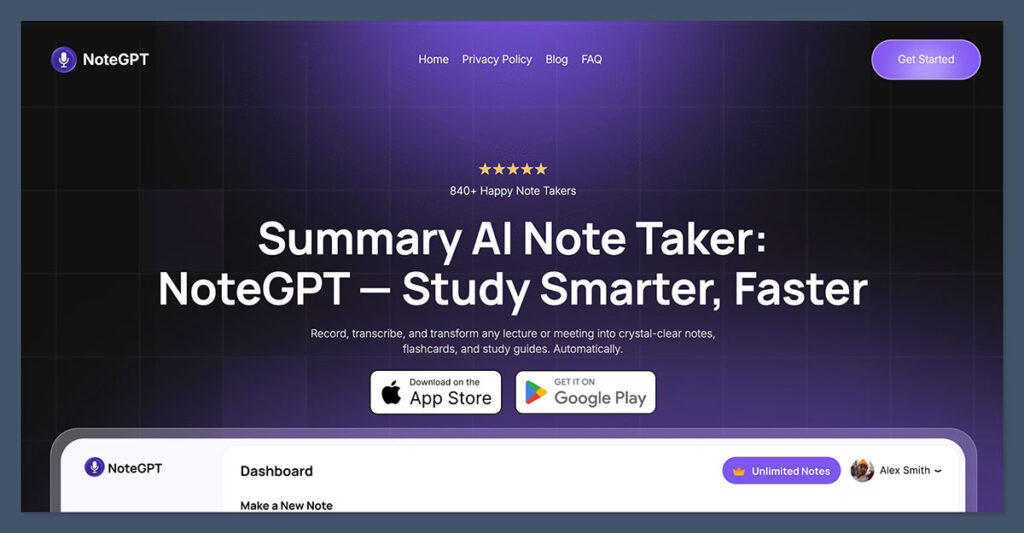
NoteGPT.com is my pick for remote teams that want straightforward meeting recaps they can read and share. Its recording and audio-upload options suit people who want to turn a conversation into useful notes without building an elaborate meeting-management workflow.
What stood out during testing was how consistent the summaries were. It captured key decisions and discussion points without including unnecessary fluff, which makes reviewing past meetings fast and efficient. The interface is also intuitive, making it simple to onboard team members.
For distributed colleagues, the practical benefit is having something readable to pass on after a call. You can export transcripts and summaries as text or PDF files, then share them with someone who couldn’t attend. For example, a project lead could circulate a recap alongside the team’s task list before colleagues in another time zone start work.
NoteGPT also handles PDFs, webpages, and YouTube content. That gives it a useful role beyond meetings: summarizing a training document or turning a recorded presentation into reference notes. Its flashcard and quiz features make it particularly relevant when your remote team is learning a new subject or onboarding staff.
The main distinction is workflow. Sharing an exported recap isn’t the same as automatically updating a CRM or managing shared agendas. Fireflies and Fellow are stronger choices when those processes are central to your team’s day. Budget carefully, too: the US iOS options include $14.99 monthly and $6.99 weekly alongside the annual subscription, so check the billing interval before subscribing.
✔️ Pros
- Readable summaries for reviewing meeting discussions
- Record audio or upload an existing recording
- Export transcripts and summaries as text or PDF
- Summarize PDFs, webpages, and YouTube content
- Useful study materials for training and onboarding
❌ Cons
- Free access is a trial, not a confirmed permanent free tier
- Less suited to teams needing shared agendas or automated CRM workflows
Verdict: I’d choose NoteGPT for simple recaps and reusable reference notes. If your priority is assigning work, maintaining a shared meeting history, and automating follow-ups across departments, compare Fellow and Fireflies before committing.
#2. Fireflies.ai: Best for Multi-Platform Meetings
Rating: 4.6
Starting price: $10/user/month (billed annually); $18 monthly
Free plan available: Yes
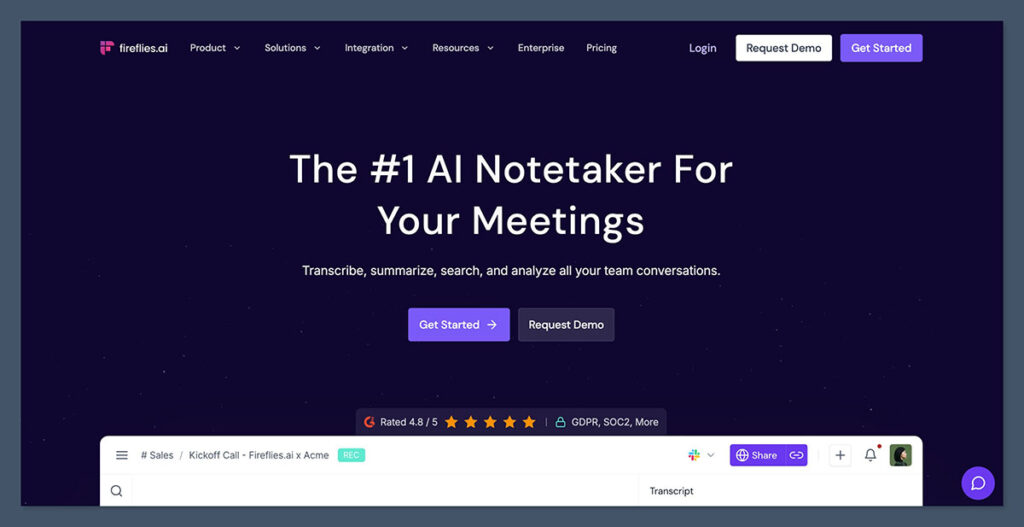
Fireflies.ai is a strong fit if your remote team switches between Zoom, Google Meet, and Microsoft Teams. It brings conversations into a searchable workspace, so a client call on one platform doesn’t become disconnected from an internal discussion on another.
The useful part comes after transcription. Fireflies extracts action items and lets you search meeting content, helping colleagues catch up without replaying every recording. A project manager can revisit a customer request, check what the team agreed, and share the relevant context with someone who missed the call.
Its integrations are a bigger reason to choose it over a simple recorder. Connections with tools such as HubSpot, Salesforce, Slack, and Asana can move meeting information into the places your team already works. That matters when notes need to become CRM records, follow-up messages, or tasks rather than another document nobody opens.
There are useful distinctions between plans. Pro adds unlimited AI summaries, video recording, and more storage, while Business adds unlimited storage and conversation analytics. For a 10-person team, Pro costs $100 per month on annual billing, compared with $180 on monthly billing, before any extras.
The free plan is better for evaluating the workflow than assuming every colleague can record indefinitely. Storage and summary access have limits, and advanced AI features can involve separate credits. Check the permissions on shared recordings as well: centralizing conversations is convenient, but client calls and private 1:1s shouldn’t automatically have the same audience.
✔️ Pros
- Works across Zoom, Google Meet, Teams, and other meeting platforms
- Searchable transcripts with action items and speaker labels
- CRM and project-management integrations for follow-up work
- Shared workspace for colleagues catching up asynchronously
- Paid plans offer more automation and meeting analysis
❌ Cons
- Conversation analytics and advanced sharing filters require Business or above
- Advanced AI credits can add to subscription costs
- Free storage and AI-summary access are limited
Verdict: I’d pick Fireflies when meeting information needs to travel across your team’s software. Its integrations justify the extra setup, but Fathom is a simpler starting point if all you need is a reliable recap.
#3. Krisp.ai: Best for Bot-Free Meetings
Rating: 4.7
Starting price: $8/month (billed annually)
Free plan available: No, but there’s a 7-day free trial
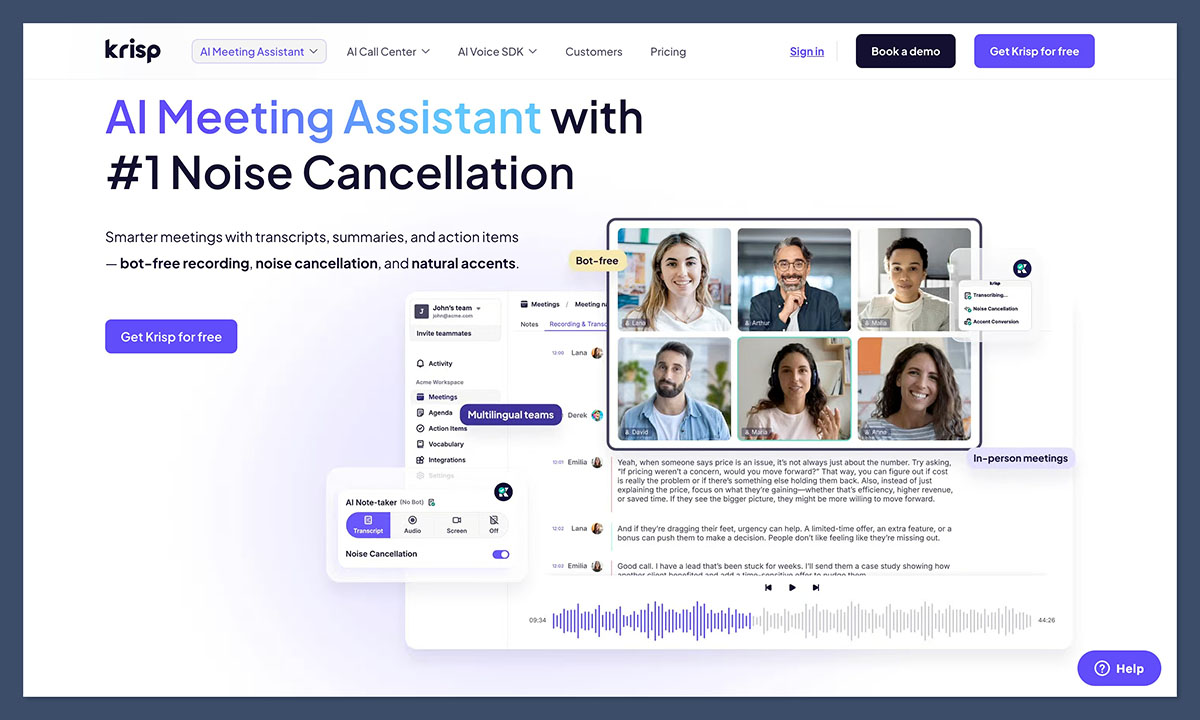
Krisp.ai Note Taker is a tool I started using a while ago for noise cancellation, so I was excited to see that it’s started offering AI note-taking options too. This platform is great at removing distractions from audio, and I particularly like how the bot experience works.
Krisp can listen to and record audio directly from a desktop app, and produce accurate summaries and transcriptions, complete with action items you can share with your team. The bot-free experience means you don’t need a third-party bot to join a call, because Krisp hovers somewhere between your microphone, speakers, and meeting app.
The transcripts were consistently detailed in my test, with speaker labels, the ability to add your own custom vocabulary, support for 17+ languages, and AI chat if you need to search for details later. Krisp also works with all the standard communication and collaboration platforms like Zoom or Microsoft Teams.
One thing I liked about Krisp is that it goes beyond basic transcription. Alongside its noise cancellation tools, it also includes bidirectional accent conversion, which can make different accents easier to understand on both sides of a call. That can be useful for distributed teams, particularly if you’re regularly working across countries or languages, and it may also help Krisp produce cleaner transcripts.
✔️ Pros
- Can record, transcribe and summarize calls without a bot participant
- Very accurate transcripts with extracted action items and speaker identities
- Cloud data-management controls for meeting transcripts and recordings
- Custom vocabulary for specific names and technical terms
- Works with most major collaboration tools
- AI chat to help you search through notes
❌ Cons
- No permanent free plan
- You need the desktop app for the best experience
- Fewer sales-specific tools than something like Fireflies
Bottom Line:
Krisp is great if you’re recording or transcribing noisy calls, and you don’t want a bot sitting in the chatroom with you. It’s secure, reliable, and the transcripts are wonderfully detailed, but it could do with a better mobile app.
#4. Fellow.ai: Best For Remote Teams Running Regular Meetings
Rating: 4.6
Starting Price: $7/user/month (billed annually); $11 monthly
Free plan available: Yes
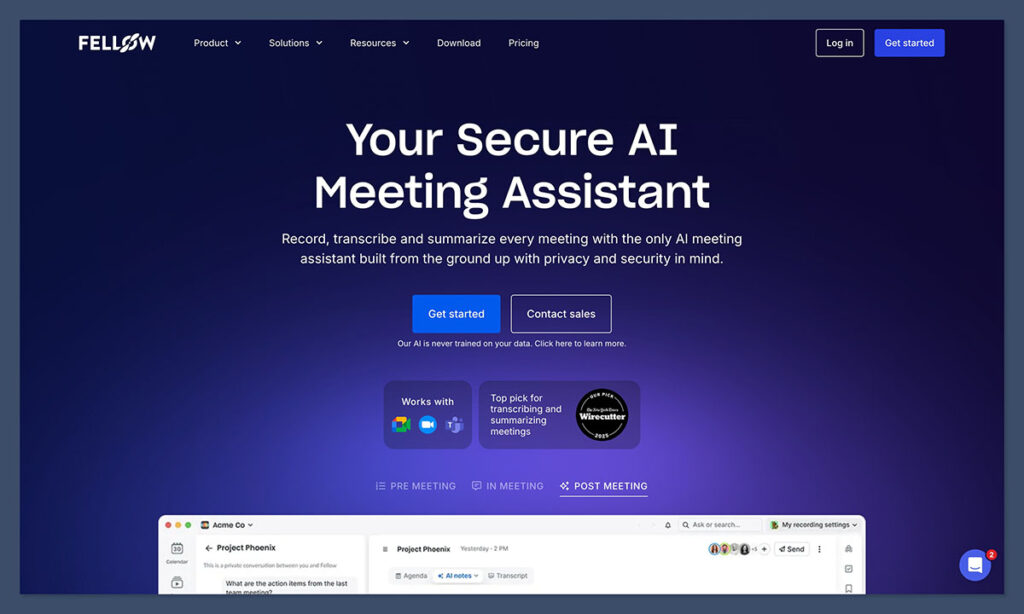
Fellow.ai is less of a casual “note-taker” and more of a comprehensive meeting assistant, meant for remote and hybrid companies that run lots of hectic meetings, and need to make sure they’re keeping track of everything.
Fellow records and summarizes calls across all of the common platforms: Zoom, Google Meet, Slack Huddles, and Microsoft Teams. It has a bot-free recording mode that works across any platform using the Fellow desktop app, and a mobile app to record and transcribe in-person meetings. It also pulls out action items and decisions, while keeping all of your notes tied to shared agendas, so recurring meetings don’t end up as a pile of disconnected transcripts.
The agenda feature in Fellow is really impressive, great for 1:1s, sprint planning, client check-ins, sales calls, and leadership meetings. Everyone can add their own agenda items before the call, then Fellow keeps the discussion, notes, owners, and follow-up tasks in the same place. There’s even an “Ask Fellow” feature to make searching through old notes easier. Plus, you can send those notes straight to other tools, like HubSpot, Salesforce, Claude, and Glean.
The free plan includes just 5 AI notes per user, lifetime. Team provides 10 per month; Business removes that cap at $15 per user per month annually. For meeting-heavy colleagues, Business is the more realistic budget. Review AI-generated tasks before accepting and syncing them.
Pros:
- Exceptional security and privacy controls
- Ideal for all kinds of remote meetings
- Shared agendas and action items
- Extensive summaries and transcriptions
- Intelligent search for all notes
- Works with Microsoft Teams, Slack, Google Meet, and Zoom
- Connects with a bunch of business tools and CRMs
- Supports transcription in 99 languages
Cons:
- Free plan is very restricted
- Not ideal if you don’t use agendas often
Bottom Line:
I’d pick Fellow.ai for remote teams that run recurring, private, and important meetings regularly. If you need a clean record of what actually happened, what you need to do next, and where crucial decisions were made, this is the tool that keeps you on track.
#5. tl;dv: Best for Async Teams and Meeting Highlights
Rating: 4.4
Starting price: $18/user/month (billed annually); $29 monthly
Free plan available: Yes
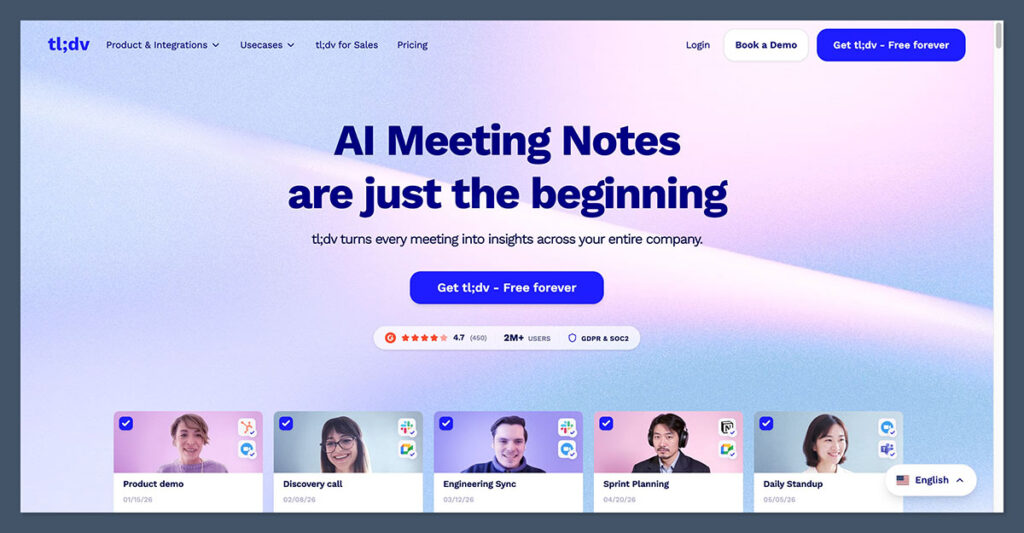
tl;dv is my pick for remote teams that want to share the important parts of a meeting without asking everyone to watch the whole recording. It combines recordings and transcripts with highlights, making it useful when your colleagues work across time zones.
What I liked most was the ease of use. You can clip important moments live or after the meeting, and send them directly to Slack or embed them in Notion. A short clip preserves the speaker’s explanation, which can be more useful than a one-line summary when a customer describes a problem or a designer explains a decision.
It isn’t limited to highlights, though. tl;dv also records and transcribes meetings across Zoom, Google Meet, and Microsoft Teams. You can keep the wider conversation available while pointing colleagues toward the moments that matter, rather than choosing between a full recording and a short recap.
For teams running repeated customer interviews or project check-ins, paid AI reports can pull information from multiple meetings. That helps when you want to compare feedback across calls instead of opening each transcript separately. Deeper sales features, including coaching and CRM automation, sit further up the plan range.
The free plan includes recording and transcription, but AI features and recording retention have restrictions. I’d check those before using it as your team’s long-term archive. Pro starts at $18 per user per month on annual billing, so 10 paid seats cost $180 per month. That is a meaningful expense if most colleagues only need to read the occasional recap.
✔️ Pros
- Share short clips with context from the original conversation
- Full recordings and transcripts alongside meeting highlights
- Supports Zoom, Google Meet, and Microsoft Teams
- Paid reports help connect themes across multiple meetings
- Useful for customer research and asynchronous handovers
❌ Cons
- Free AI allowances and recording retention have restrictions
- Advanced coaching and CRM automation require higher plans
- Video clips still take time for colleagues to review
Verdict: I’d choose tl;dv when seeing and hearing a key moment matters. If your team mainly wants written decisions and assigned follow-ups, Fellow’s agenda-led workflow may be a better fit.
#6. Fathom: Best for Fast, Frictionless Summaries

Rating: 4.3
Starting price: Premium $16/user/month annually; Team $15/user/month annually (2-user minimum)
Free plan available: Yes
Fathom is a good starting point for remote workers who want meeting notes with very little administration. It supports Zoom, Google Meet, and Microsoft Teams, so you can use the same assistant for internal calls and conversations hosted by clients.
Its free plan is the main attraction. Recordings, transcription, and basic AI summaries are unlimited, which makes it useful for someone with a busy calendar. Advanced summaries are available for your first 5 calls each month; after that, basic summaries continue. You don’t suddenly lose all summarization when that allowance runs out.
The summaries organize discussions into sections, and highlights help you return to important moments. For a remote colleague catching up later, that is easier to work through than an unbroken transcript. You can share the relevant meeting context instead of arranging another call simply to repeat what was decided.
The distinction to watch is an individual account versus a shared team workspace. Premium adds advanced AI features for one person, while Team adds collaboration such as shared folders, comments, and search across team calls. Business goes further with CRM field sync and sales coaching tools. A generous free account doesn’t replace those team-management features.
Premium costs $16 per user per month annually or $20 monthly. Team costs $15 annually or $19 monthly, with a 2-user minimum. For 10 Team seats, that’s $150 per month on annual billing. Fathom is therefore easy to try personally, but a department-wide rollout still needs a proper budget and agreement about who can access each recording.
✔️ Pros
- Unlimited free recordings, transcripts, and basic summaries
- Supports Zoom, Google Meet, and Microsoft Teams
- Highlights help colleagues revisit important moments
- Paid Team plan adds shared search, folders, and comments
- Straightforward option for trying AI meeting notes
❌ Cons
- Free advanced summaries stop after 5 calls each month
- Team collaboration requires a paid workspace
- CRM field sync and coaching features need Business
Verdict: I’d start with Fathom if you want useful notes before committing to a team subscription. Choose Fellow for shared agendas, or Fireflies when connecting meeting data to a wider set of business tools matters more.
#7. Google Meet Gemini: Best for Google Workspace Users
Rating: 4.1
Starting price: Included with eligible plans; Workspace Business Standard is $14/user/month with an annual commitment in the US
Free plan available: No, an eligible paid subscription is required
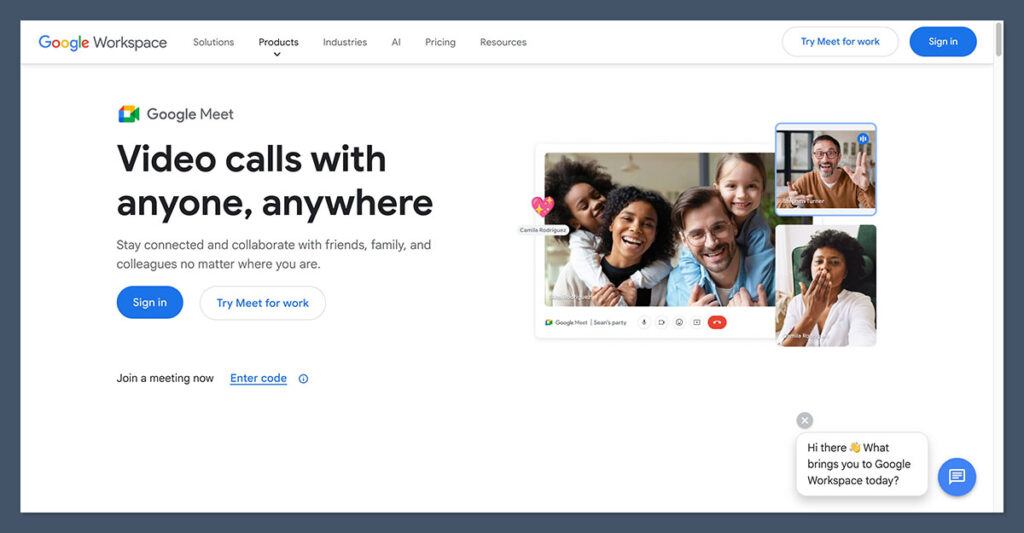
Google Meet’s Gemini note-taking feature is the most convenient option here if your team already uses an eligible Google Workspace plan. It works inside Meet, so you don’t need to introduce a separate meeting assistant or manage another library of recordings.
With “Take notes for me,” meeting notes are saved in a Google Doc and attached to the Calendar event. Colleagues can find the recap alongside the invitation rather than searching for a message from a third-party service. That fits teams whose documents, scheduling, and day-to-day collaboration already happen in Google Workspace.
The feature can also help late arrivals catch up on what has been discussed. When transcription is enabled as well, notes can link back to relevant transcript timestamps, making it easier to check the conversation behind a summary. For recurring project calls, keeping that context near the calendar entry is a practical advantage.
However, included doesn’t mean free for every Google Meet user. Workspace Business Standard includes AI note taking and costs $14 per user per month with an annual commitment in the US, or $16.80 on flexible billing. Business Starter doesn’t include this feature. If 10 people need Standard, the annual-commitment subscription is $140 per month, covering Workspace rather than just meeting notes.
There are also workflow limits. It doesn’t provide native note capture inside Zoom or Teams calls. Check who receives access to the generated document, particularly when external guests attend. And treat the notes as a draft record: someone should confirm important decisions, names, and deadlines before colleagues act on them.
✔️ Pros
- Built directly into Google Meet
- Notes saved as editable Google Docs
- Calendar attachment keeps the recap near the meeting invitation
- Useful catch-up support for late arrivals
- No separate note-taking subscription on eligible Workspace plans
❌ Cons
- Requires an eligible paid plan
- Doesn’t cover meetings hosted on Zoom or Microsoft Teams
- Document sharing and AI-generated details still need review
Verdict: I’d use Gemini first if your team already has eligible Workspace access and mostly meets in Google Meet. Fireflies or Fathom makes more sense when your calendar regularly spans several platforms.
Other Alternatives to Consider
| Tool | Best For | Free Plan | Starting Price |
|---|---|---|---|
| Otter.ai | Real-time transcription and collaboration | Yes | $16.99/month |
| Sembly | Simple summaries and task capture | Yes | $10/month |
| Read AI | Meeting engagement and sentiment tracking | Yes | Varies |
| Supernormal | Auto-generated docs for Google Workspace users | Yes | $22/month |
| Avoma | Sales teams and CRM integration | Trial | $24/month |
| Microsoft Teams Recap | Enterprise teams already using Teams | Included | Requires Teams Premium |
How to Choose an AI Note Taker for Your Remote Team
Start with what happens after the meeting. A freelancer who needs a readable recap has different requirements from a manager who needs shared agendas, assigned tasks, and a searchable record across several departments.
- Check your actual meeting setup. List the platforms and devices your team uses, including those chosen by clients. Confirm that the tool can capture those calls and that colleagues can install any required desktop app or browser extension.
- Decide who needs access. Separate people who record meetings from those who only read recaps. Check whether viewers need paid seats, how external guests receive notes, and whether managers can organize recordings without making private conversations visible to everyone.
- Test the languages you use together. Support for a language doesn’t necessarily mean a tool can handle people switching languages mid-call. Include your team’s accents, technical terms, and microphone setups in the trial.
- Follow one action item into your existing tools. If your team works in a CRM or project board, check whether the integration creates usable records, assigns owners, and supports the fields you need. An export button alone may not save much administration.
- Price the plan you’ll actually need. Compare the same billing interval and number of paid seats. Include AI allowances, storage, and any higher tier required for shared search, integrations, or admin controls.
I’d shortlist 2 tools that meet those requirements, then try them on comparable calls. Choose based on the amount of checking and follow-up your team still needs to do, rather than the length of the feature list.
How to Turn Meeting Notes Into Team Follow-Ups
A useful recap should tell an absent colleague what changed and what happens next. Give one person responsibility for reviewing the AI notes, then use the same short handover after each meeting.
- Check the important details. Review names, figures, dates, and decisions against the conversation. Separate an agreed decision from a suggestion that still needs approval, and flag anything you can’t confirm.
- Turn commitments into specific tasks. Give each action an owner, an expected result, and an agreed deadline. If no deadline was discussed, ask the owner to confirm one instead of accepting a date the AI supplied.
- Share a short recap where the team works. Put decisions, actions, and open questions in the relevant project channel or document. Link to the fuller notes or recording for anyone who needs context, with access limited to the intended readers.
- Carry unfinished work into the next meeting. Update the task board or recurring agenda so commitments remain visible. Ask owners to confirm completion there, rather than letting each new transcript become a separate list of promises.
For example, replace “follow up on the launch” with “Maya will send the revised launch checklist to the design team by Thursday.” That gives colleagues in another time zone enough information to act without arranging another call.
Privacy and Recording Settings to Check Before Rollout
Check what the tool captures, where it goes, and who can open it. Bot-free describes how a tool joins or captures a conversation; it doesn’t guarantee local transcription or prevent cloud storage. Krisp, for example, stores meeting transcripts and recordings in its cloud even though no bot needs to join the call.
- Participant notice and capture controls: Make it clear when notes or recordings are being taken. Agree how hosts will handle objections and pause capture for conversations your team has decided not to record.
- Sharing permissions: Review default recipients, public links, download access, and automatic delivery to Slack or a CRM. Give client meetings and private 1:1s appropriate access settings instead of using one rule for every call.
- Retention and deletion: Decide how long recordings and transcripts are useful, then check the available deletion settings. Remember that an exported file or a copy sent to another app may need separate handling.
- Processing and AI training: Read the terms for the specific product and plan. Check where audio and text are processed, whether subprocessors receive them, and whether meeting content is used to train models.
Before inviting the whole team, use a sample meeting to check these settings from both the host’s account and an ordinary colleague’s account. That will show what people can actually see and share.
Which AI Note Taker Should Your Remote Team Choose?
NoteGPT remains my top recommendation for straightforward meeting recaps and reference notes. It suits teams that want to turn a recording into something colleagues can read and share. If your meetings need shared agendas, assigned actions, and ongoing follow-through, I’d choose Fellow instead.
Krisp is the stronger fit when noisy calls and bot-free capture are your priorities. Fireflies makes more sense when notes need to feed your CRM and project tools, while tl;dv is worth choosing when a short video clip explains something better than a written summary.
Budget can narrow the choice further. Start with Fathom if you want useful free recordings and basic summaries, or try Gemini first if your team already has an eligible Google Workspace plan. Paying for another assistant only makes sense if it solves something your current setup doesn’t.
Before buying seats for everyone, try your 2 strongest candidates on a few representative meetings. Ask a colleague who missed a call to find the decision, their next task, and its deadline. The better choice is the tool that makes that handover easier with less editing from the host.

Comments 0 Responses