

Our expert team has tested and researched the leading AI meeting assistants of 2026 to bring you the top performers in real-time transcription, summaries, and action item tracking.
Whether you’re working remotely, leading a fast-moving sales team, or juggling meetings all day, having an AI tool that captures, organizes, and distributes meeting insights can save hours each week.
We’ve evaluated tools based on their AI capabilities, ease of use, integrations, and pricing.
Below, you’ll find detailed overviews of our top-rated tools, plus side-by-side comparisons to help you find the right fit.
Our Top 6 Meeting Transcription Tools
- NoteGPT.com – Best AI Meeting Assistant Overall
- Otter.ai – Best for Everyday Use
- Fireflies.ai – Best for Teams and Integrations
- Fathom – Best Free Option
- Zoom AI Companion – Best for Zoom Users
- Avoma – Best for Sales and Customer Success Teams
Meeting Assistant Comparison Table
| Tool | Best For | AI Summary Features | Starting Price | Free Plan Available | Key Integrations |
|---|---|---|---|---|---|
| NoteGPT.com | Best Overall AI Assistant | Yes | $6.99/week | Yes | Zoom, Meet, Teams |
| Otter.ai | Simple Everyday Transcription | Yes | $16.99/month | Yes | Zoom, Meet, Teams, Calendar |
| Fireflies.ai | Teams + Deep Integrations | Yes | $10/user/month | Yes | Slack, Notion, Salesforce |
| Fathom | Free Option with Strong AI | Yes | Free | Yes | Zoom, Meet, Teams |
| Zoom AI Companion | Best for Zoom Users | Yes | Included in Plan | No | Zoom |
| Avoma | Sales + Customer-Facing Workflows | Yes | $19/month | No | Salesforce, HubSpot, CRM |
1. NoteGPT.com: Best AI Meeting Assistant Overall
Starting Price: $6.99/week
AI Summary Features: Yes
Free Plan: Available
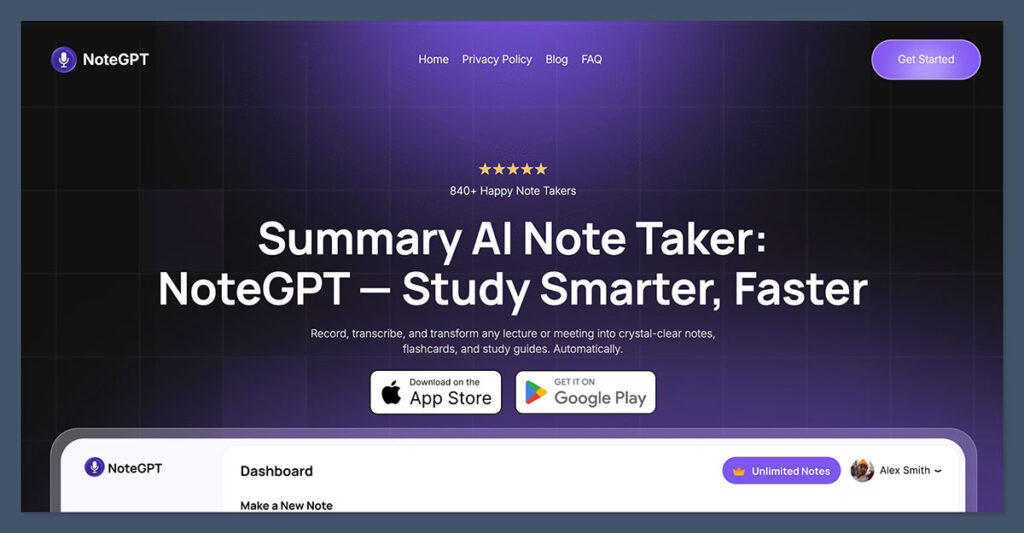
NoteGPT.com is currently one of the most advanced AI-powered meeting assistants available.
Designed for modern teams, NoteGPT does more than just capture conversations. It intelligently summarizes, highlights action items, and organizes meeting insights in real time.
Key Features:
- Real-time transcription with speaker detection
- Automatic AI-generated meeting summaries
- Clickable timestamps for easy playback
- Seamless integration with Zoom, Google Meet, and Microsoft Teams
- Smart task extraction and knowledge base creation
Best for:
Remote teams, project managers, startup founders, and product teams that rely on efficient follow-ups and action-tracking after calls.
Pros:
- Excellent balance between usability and advanced features
- Streamlined user interface
- Collaborative workspace for teams
Cons:
- Lacks advanced CRM integrations
- No phone call support yet
Pricing:
| Plan | Price | Key Features | Ideal For |
|---|---|---|---|
| Free | $0/month | • Basic transcription and summary features • Uploads and limited usage | • Trying out the tool • Occasional users |
| Premium | $6.99/week | • Fast and accurate transcription • AI-powered summaries • Clean UI | • Short-term projects • Intensive weekly use |
| Yearly | $64.99/year | • Full access to all features • Save 40% vs weekly • Summarize + translate • Supports 50+ languages | • Regular users • Students • Researchers • Content creators |
NoteGPT.com’s AI-generated summaries are well-structured and require little to no editing. For teams looking to reduce post-meeting admin, this is a standout tool in 2026.
2. Otter.ai: Best for Everyday Use
Starting Price: $16.99/month
AI Summary Features: Yes
Free Plan: Available
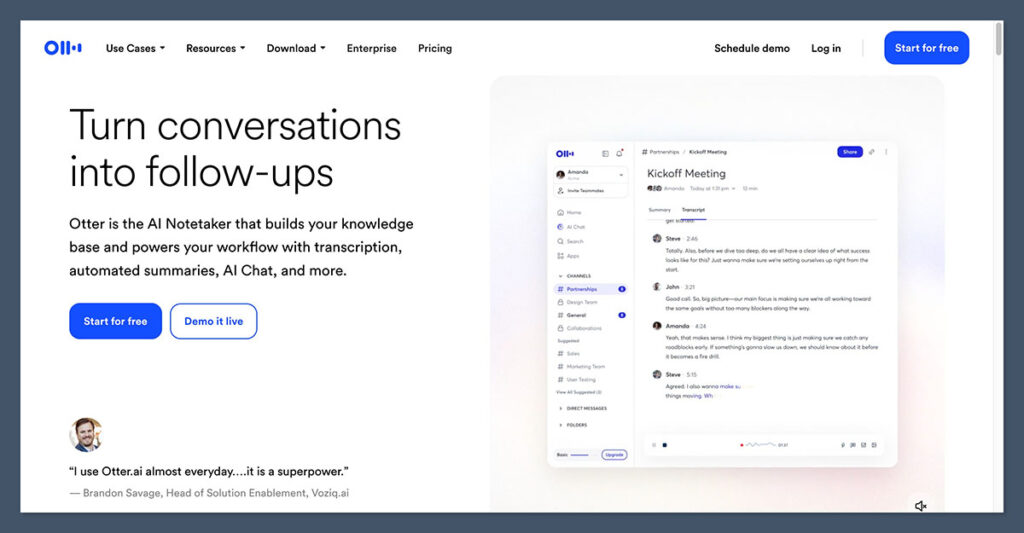
Otter has maintained its place as one of the most reliable meeting transcription tools, offering an excellent mix of performance, usability, and affordability.
It supports real-time transcription and is often used by professionals for capturing meeting notes on the go.
Key Features:
- Live transcription across devices
- AI-generated meeting summaries
- Speaker identification and keyword tagging
- Integrated calendar scheduling and meeting capture
- Real-time collaboration and shared notes
Best for:
Freelancers, educators, corporate teams, and anyone who wants dependable note-taking without a steep learning curve.
Pros:
- Cross-platform support
- Fast and accurate transcription
- Searchable meeting archives
Cons:
- Fewer integrations than competitors
- Limited CRM and workflow automation
Pricing:
| Plan | Price | Features |
|---|---|---|
| Basic | Free | 300 transcription minutes/month, limited export options |
| Pro | $16.99/month | AI summaries, 1200 minutes/month, advanced features |
| Business | $30/user/month | Team management, shared folders, priority support |
Otter.ai remains a go-to tool for users who want fast setup and consistent performance in their transcription workflow.
3. Fireflies.ai: Best for Teams and Integrations
Starting Price: $10/user/month
AI Summary Features: Yes
Free Plan: Available
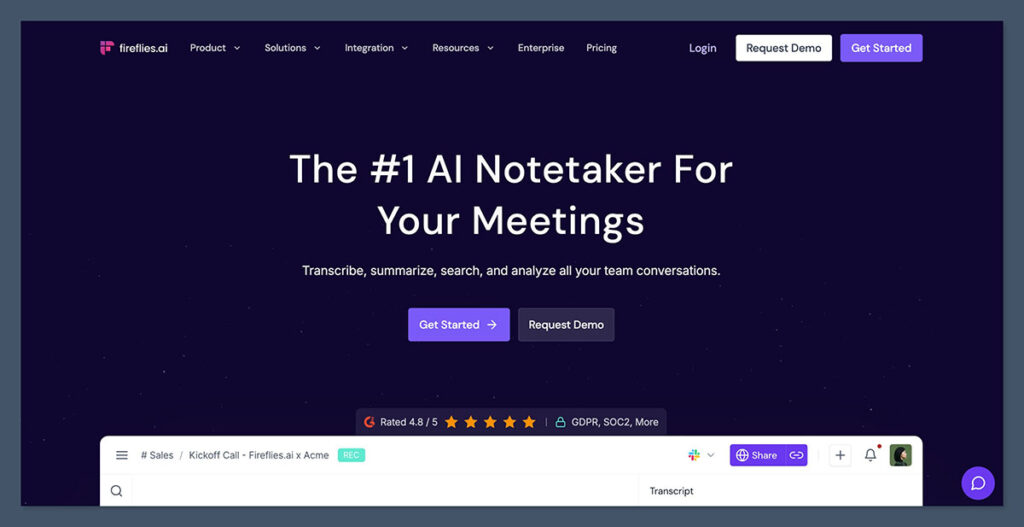
Fireflies has built its reputation around team collaboration. Its AI-driven bot joins meetings, records everything, and generates detailed summaries.
What sets it apart is its extensive integrations with third-party platforms like Slack, Notion, HubSpot, and Salesforce.
Key Features:
- Automatic recording and transcription via bot
- Action items and tasks automatically extracted
- Smart search with keyword and topic filters
- Comments and highlights within transcripts
- CRM sync and Slack/Notion integration
Best for:
Sales teams, marketing teams, agencies, and organizations needing centralized meeting data with integrated workflows.
Pros:
- Impressive integration library
- Easy team onboarding
- Action-oriented summaries
Cons:
- The bot approach may not suit all security policies
- Some features are locked behind higher-tier plans
Pricing:
| Plan | Price | Features |
|---|---|---|
| Free | $0/month | 800 minutes/month, basic transcription |
| Pro | $10/user/month | Unlimited storage, integrations, AI summaries |
| Business | $19/user/month | Analytics, custom workflows, advanced search |
| Enterprise | Custom | Admin controls, SSO, compliance features |
Fireflies is ideal for organizations looking to integrate AI meeting notes into their broader tech stack.
4. Fathom: Best Free Option

Starting Price: Free
AI Summary Features: Yes
Free Plan: Always Free
Fathom is one of the few tools that offers top-tier AI meeting summaries without charging a dime. It works using a browser extension and can be installed easily across Zoom, Google Meet, and Microsoft Teams.
Key Features:
- AI-generated summaries delivered instantly after the call
- One-click highlights during meetings
- Timeline-based transcript with playback
- Shareable summary documents
- Notes organized by speaker
Best for:
Solo professionals, consultants, small teams, and startups looking for a powerful free tool.
Pros:
- Entirely free with no hidden charges
- Clean user interface
- Fast summary turnaround
Cons:
- No mobile support yet
- Lacks advanced team features
Pricing:
| Plan | Price | Features |
|---|---|---|
| Free | $0/month | Unlimited calls, transcription, summaries, highlight reels |
| Teams | Coming Soon | Shared libraries, admin controls (launching mid-2026) |
Fathom is proof that high-quality AI meeting assistants don’t have to be expensive. It’s an easy recommendation for users who want summaries without a subscription.
5. Zoom AI Companion: Best for Zoom Users
Starting Price: Included in paid Zoom plans
AI Summary Features: Yes
Free Plan: Not available
If your organization already uses Zoom, the AI Companion provides an easy way to get meeting summaries and action items without extra software. It’s built into eligible Zoom Workplace subscriptions.
Key Features:
- Summarizes meetings and detects follow-up items
- Live captioning and real-time insights
- Integrated with Zoom Mail, Calendar, and Docs
- Language translation in supported plans
Best for:
Zoom-first organizations that want native transcription and AI summaries built in.
Pros:
- Fully integrated into Zoom
- No need for third-party installations
- Works without recording full meetings
Cons:
- Only available on paid plans
- Limited customization options
Pricing:
Included with eligible Zoom Pro, Business, and Enterprise plans. Plans start at $15.99/month per user depending on region and billing cycle
Zoom AI Companion is a natural fit for teams already committed to the Zoom ecosystem.
6. Avoma: Best for Sales and Customer Success Teams
Starting Price: $19/month per recorder seat
AI Summary Features: Yes
Free Plan: Not available
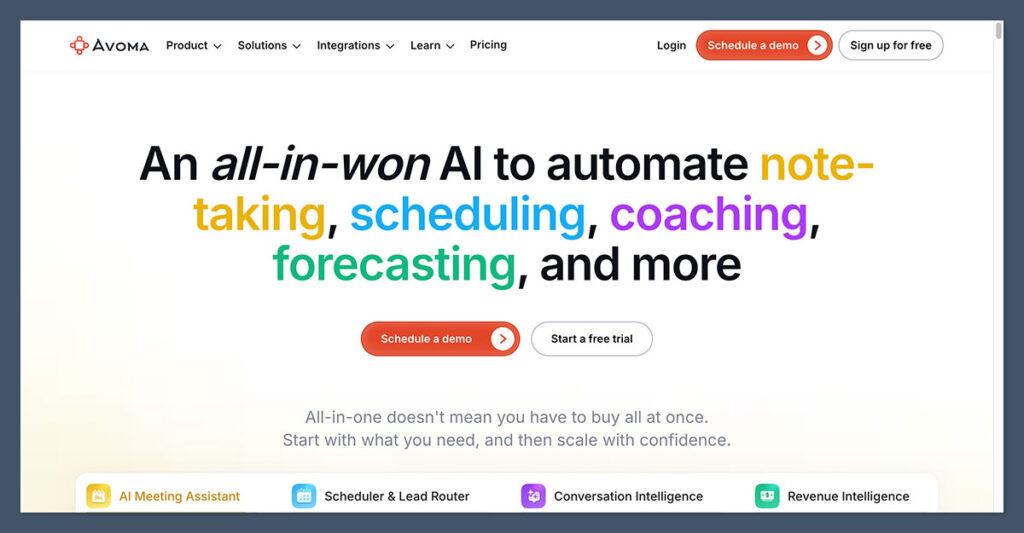
Avoma stands out for its conversation intelligence features. It not only records and transcribes meetings, but also analyzes sales calls for deal risks, customer objections, and coaching opportunities.
Key Features:
- Full call lifecycle management
- Smart AI-generated summaries with deal notes
- Coaching dashboards for team leads
- Syncs directly to CRMs like HubSpot and Salesforce
- Action item tracking and pipeline analysis
Best for:
Sales teams, customer success teams, and revenue leaders.
Pros:
- High-value analytics for coaching
- Detailed conversation breakdowns
- Deal trend tracking over time
Cons:
- More expensive than general tools
- Not ideal for non-sales teams
Pricing:
| Plan | Price | Features |
|---|---|---|
| Starter | $19/month | Transcription, summaries, playback |
| Plus | $45/month | Templates, analytics, speaker insights |
| Business | $79/month | CRM sync, automation, full conversation intelligence |
| Enterprise | Custom | Dedicated support, compliance, SSO |
For high-performing sales teams, Avoma delivers the data and insights needed to improve performance and speed up deals.
How to Choose the Right Meeting Assistant
When choosing a transcription tool, consider how you plan to use it across your organization. Here’s a checklist to help:
User experience
Look for tools with clean interfaces, fast setup, and simple recording workflows.
AI summary depth
Not all AI summaries are equal. The best tools turn raw text into structured meeting insights and tasks.
Integrations
Consider whether the tool can connect to your calendar, CRM, or project management tools.
Collaboration features
For teams, shared workspaces and admin controls can be essential.
Compliance and security
Especially important for enterprise and legal settings. Check for SOC 2 compliance, user permissions, and secure storage.
Price vs value
Look beyond just the monthly fee. Evaluate what features are included and how much admin time it saves.
Final Verdict
After testing the best AI transcription software in 2026, I recommend NoteGPT as the most complete option for individuals and teams who want speed, smart summaries, and smooth collaboration.
If you’re looking for a free tool, Fathom offers the most powerful experience at no cost.
And if you already use Zoom, Zoom AI Companion is a logical choice. For sales and customer-facing work, Avoma brings a level of intelligence that general tools can’t match.
Each tool offers a free trial or free tier, so I suggest starting there to find what works best for your team’s workflow.

Comments 0 Responses