

After testing a range of AI transcription tools and services, I’ve narrowed it down to the top platforms worth using this year.
Whether you’re transcribing meetings, podcasts, interviews, or large batches of audio files, there’s a solution tailored to your needs.
This guide breaks down the best transcription tools available, what each one does best, and which one might be the right fit for your workflow.
Quick Comparison Table
| Tool | Best For | Starting Price | Free Plan | Human Transcription Option | Languages Supported |
|---|---|---|---|---|---|
| NoteGPT | AI meeting assistant + search | Free, $49.99+/year | Yes | No | Multiple |
| Otter | Meeting transcription | $8.33/month (annual) | Yes | No | English |
| Descript | Editing podcasts & video | $35/month | Yes | No | English |
| Sonix | File uploads and translations | $10/hour | Yes | No | 40+ |
| Happy Scribe | Multilingual subtitles | $17/month | Yes | Yes | 120+ |
| Rev | Human-verified accuracy | $0.25/minute | No | Yes | English + others |
| Fireflies | Meeting assistant & analytics | $10/month | Yes | No | Multiple |
| Notta | Budget-friendly transcription | $8.17/month (annual) | Yes | No | 100+ |
1. NoteGPT: Best for AI Meeting Notes with Deep Search
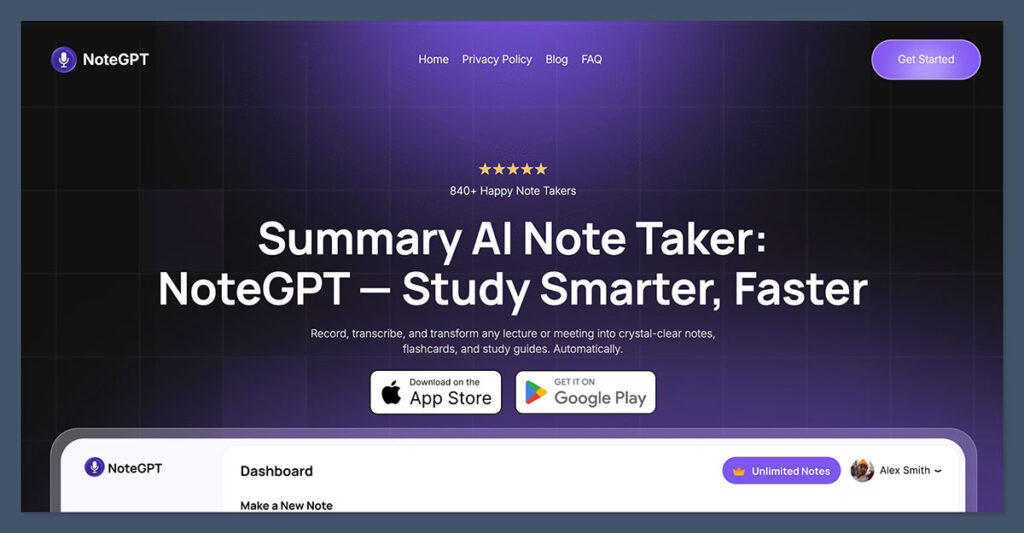
NoteGPT is the most efficient tool I’ve tested for summarizing meetings, organizing notes, and turning conversations into searchable insights.
It doesn’t just transcribe audio, it acts like an AI assistant that captures your meetings and lets you quickly find action items, key points, or decisions using smart search.
Key Features:
- AI-generated summaries and note organization
- Deep search with topic filters
- Integrates with Zoom, Google Meet, and Teams
- Multi-language support and real-time capture
Pros:
- Summarizes and organizes notes automatically
- Powerful search across past meetings
- Intuitive dashboard and history view
Cons:
- Best for meetings, not suited for podcast or video editing
- Doesn’t offer export formats for subtitles or captions
- No human transcription add-on
Pricing:
NoteGPT is free to try, with premium plans starting at $6.99/week or $49.99 paid annually.
NoteGPT is the best pick if your priority is organizing and revisiting team discussions. It’s like having an AI-powered assistant sitting in on every meeting.
2. Otter: Best for Team Meeting Transcription
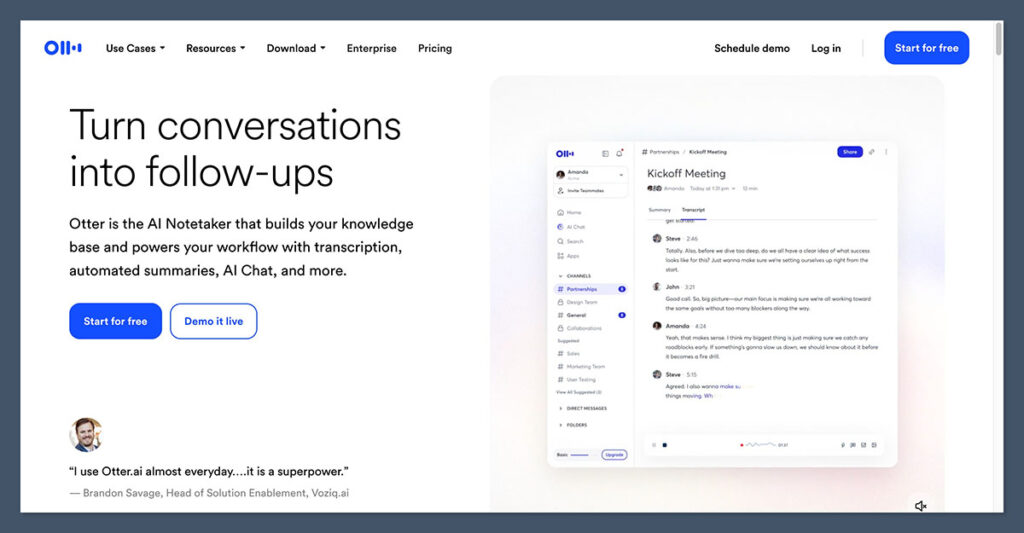
Otter remains one of the strongest tools for live meeting transcription. It works across Zoom, Meet, and Teams, and provides accurate transcripts, summaries, and speaker ID features.
Key Features:
- Real-time meeting transcription
- Auto-generated summaries and highlights
- Speaker identification
- Searchable transcripts
Pros:
- Ideal for recurring team meetings
- Works well across different video call platforms
- Supports team workflows and shared vocabulary
Cons:
- Not designed for editing podcast or video content
- Lower plans limit file uploads
Pricing:
| Plan | Monthly Price | Annual Price (Billed Annually) |
|---|---|---|
| Basic | Free | Free |
| Pro | $16.99 | $8.33/user/month |
| Business | $30.00 | $19.99/user/month |
Otter is still one of the easiest and most accurate tools for professional teams needing real-time transcripts.
3. Descript: Best for Editing Podcasts and Video Content
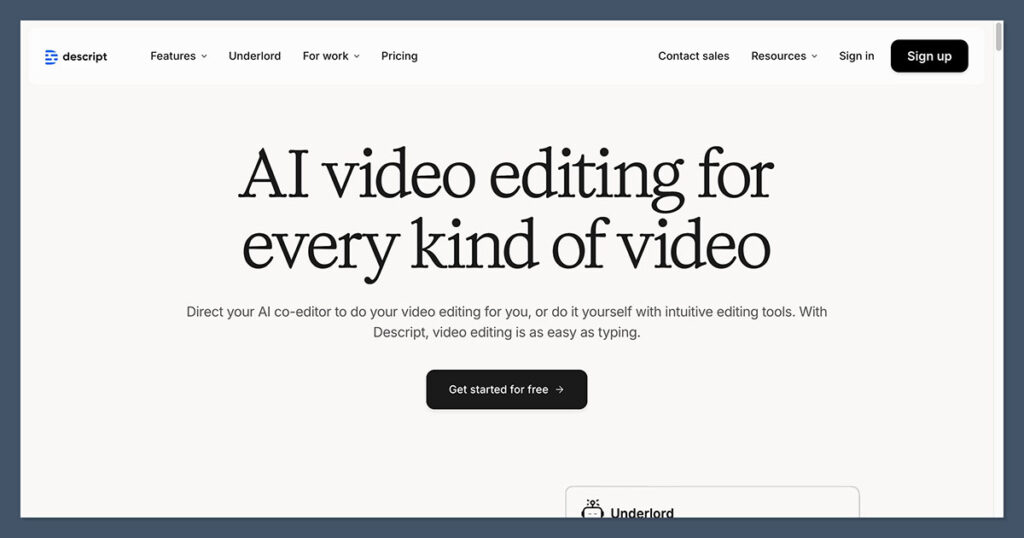
Descript is perfect for creators and editors. It allows you to edit your audio or video by simply editing the text, and it includes tools like Overdub for voice correction, screen recording, and filler word removal.
Key Features:
- Text-based audio and video editing
- Screen recording and publishing tools
- Overdub for voice corrections
- Filler word removal
Pros:
- Speeds up podcast and video editing
- Easy to cut content by removing text
- Supports team collaboration
Cons:
- Too advanced for those just needing transcription
- Pricing increases with usage and team size
Pricing:
| Plan | Monthly Price |
|---|---|
| Free | $0 |
| Creator | $35/person |
| Business | $65/person |
| Enterprise | Custom pricing |
If you’re editing content regularly, Descript is a tool you’ll want in your stack.
4. Sonix: Best for Translations and Export Formats
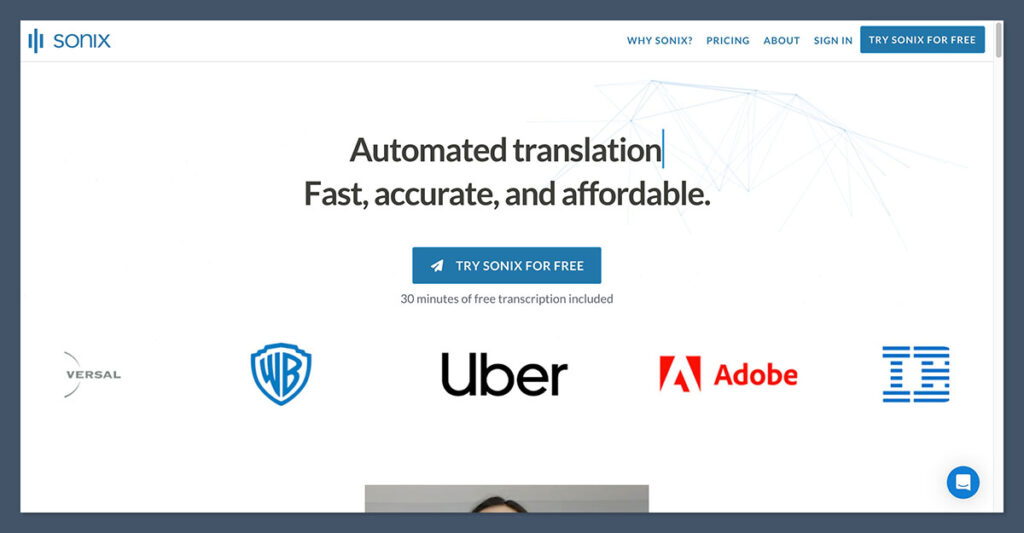
Sonix is ideal if you need fast file transcription, multilingual support, or customized export formats like SRT or Word documents. The in-browser editor is fast and designed for scale.
Key Features:
- Transcribes over 40 languages
- Timestamped transcripts
- Export to text, captions, subtitles
- Web-based collaborative editor
Pros:
- Fast and accurate with large file support
- Useful for subtitles, translations, and batch exports
- Pricing is flexible for different workloads
Cons:
- Not ideal for live meeting transcription
- Subscription and per-minute cost can add up
Pricing:
| Plan | Monthly Price | Transcription Rate |
|---|---|---|
| Standard | Free | $10/hour |
| Premium | $22/user/month | $5/hour |
Sonix is a great fit for content creators, agencies, and media teams managing high-volume transcription work.
5. Happy Scribe: Best for Subtitles and Multilingual Projects
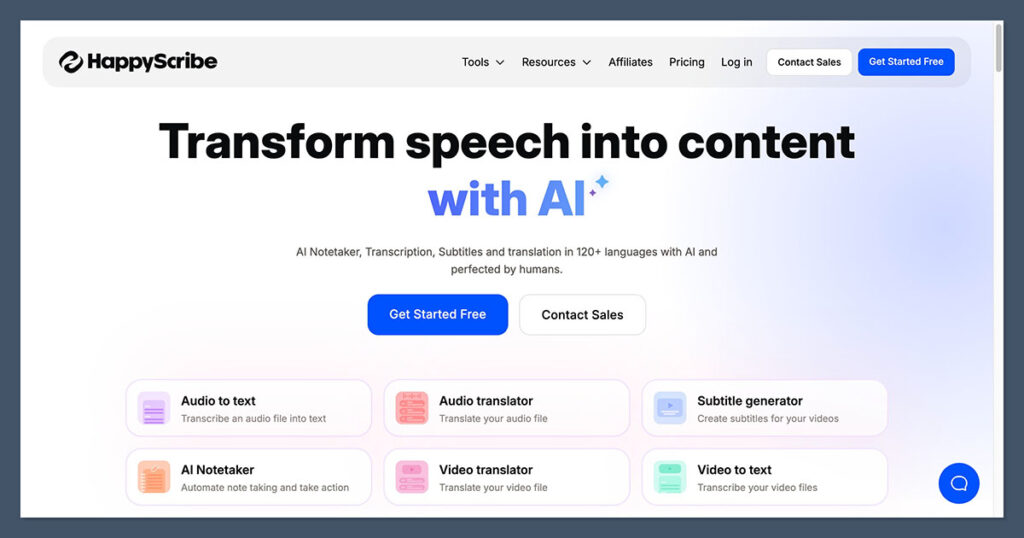
Happy Scribe supports over 120 languages and is built for teams working across countries or with subtitle requirements. You can switch between automatic and human transcription depending on your needs.
Key Features:
- Transcription and subtitle editing
- Translation features
- Built-in subtitle timing and formatting
- Human transcription add-on
Pros:
- Exceptional language support
- Great subtitle workflows
- Scales for solo or team users
Cons:
- Requires credits if you transcribe a lot
- Human transcription costs extra
Pricing:
| Plan | Monthly Price | Extra Minutes |
|---|---|---|
| Free | $0 | $0.20/minute |
| Basic | $17 | $0.20/minute |
| Pro | $29 | $0.20/minute |
| Business | $89 | $0.20/minute |
Happy Scribe is great for international content creators or anyone needing translated transcripts or captions.
6. Rev: Best for Human-Level Accuracy
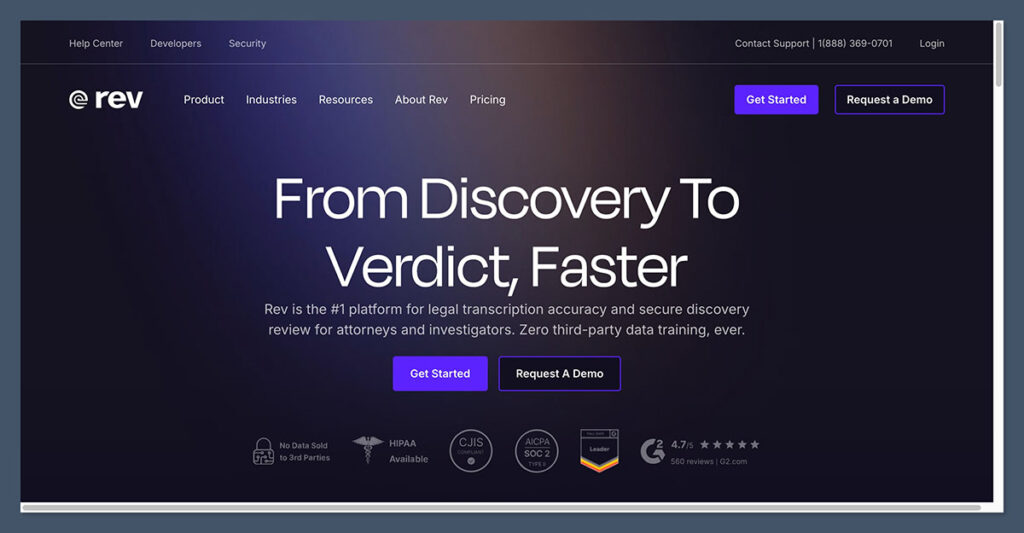
Rev is best when transcription accuracy is non-negotiable. It offers both AI transcription and human-verified transcripts at high speed and quality.
Key Features:
- AI and human transcription services
- 99% accuracy for human work
- Timestamps and speaker labels included
- Compliance-ready for legal and medical fields
Pros:
- Reliable transcription for professional use
- Mix AI speed with human quality
- Used by media and enterprise teams
Cons:
- Expensive for long audio files
- Lacks media editing or post-production tools
Pricing:
| Service Type | Cost |
|---|---|
| AI Transcription | $0.25/minute |
| Human Transcription | $1.99/minute |
| Subscription Plan | Starts at $25.49/month |
Rev is ideal for legal, academic, or enterprise-level transcription needs where quality matters.
7. Fireflies: Best AI Assistant for Meetings
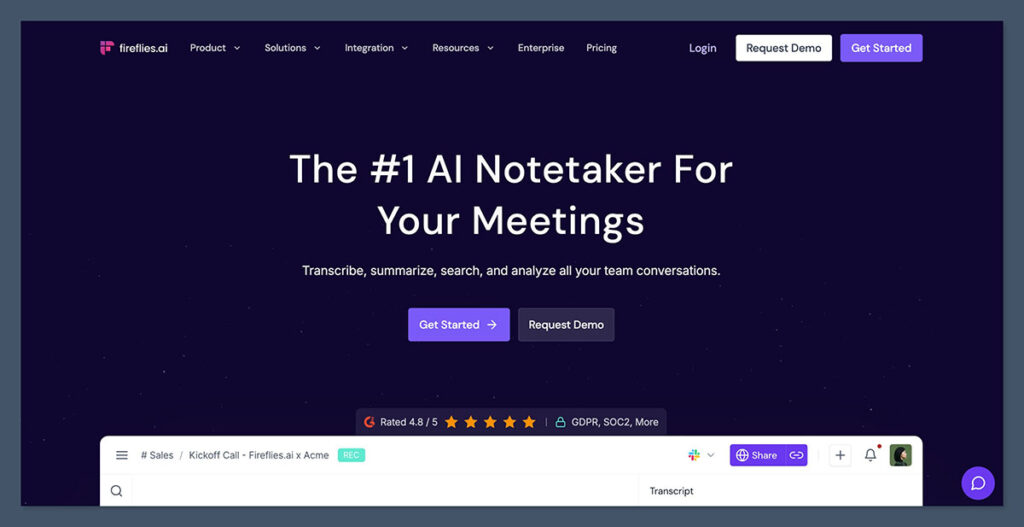
Fireflies gives you a smart assistant that records, transcribes, and summarizes meetings with searchable archives. It’s particularly good for analyzing conversations across sales, support, and product teams.
Key Features:
- Records and transcribes meetings
- Summarizes key points and tasks
- Searchable transcripts with filters
- Integrates with Zoom, Meet, Teams, and more
Pros:
- Great team-focused features
- Smart keyword and action item detection
- Affordable for growing teams
Cons:
- Not ideal for creators or editing media
- Limited file upload options
Pricing:
| Plan | Monthly Price (Per Seat) |
|---|---|
| Free | $0 |
| Pro | $10 (billed annually) |
| Business | $19 (billed annually) |
| Enterprise | $39 (billed annually) |
Fireflies is a solid pick for remote teams who want to turn meetings into searchable assets without doing extra work.
8. Notta: Best Budget Option with Predictable Costs
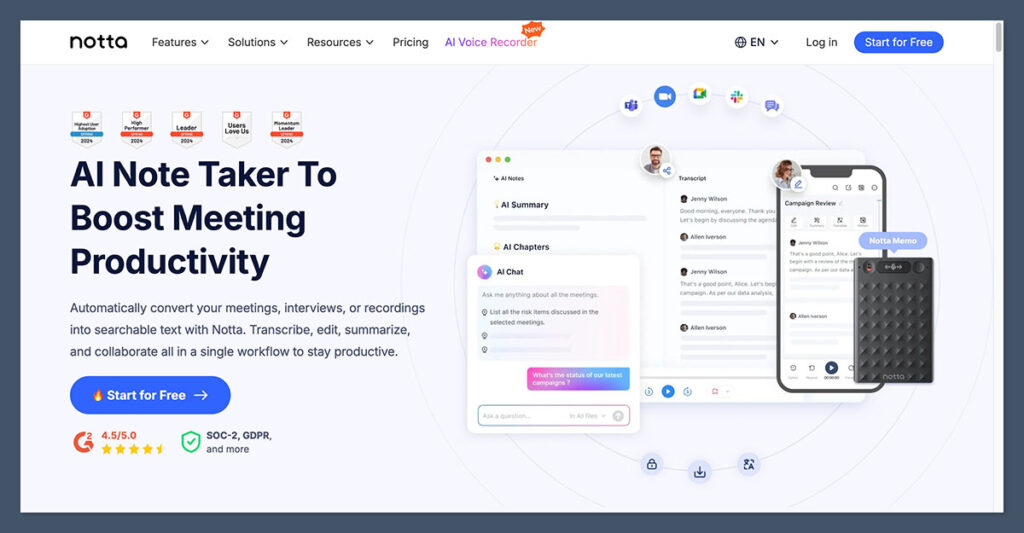
Notta is a basic but reliable transcription tool. It’s affordable, simple to use, and includes both mobile and desktop apps. If your budget is tight, this is one of the best value options.
Key Features:
- Mobile and desktop transcription
- Scheduled or live capture
- Multilingual support
- Monthly minute bundles
Pros:
- Clean, intuitive app interface
- Affordable pricing
- Free plan includes 120 minutes
Cons:
- No editing or subtitle features
- Not suitable for team use
Pricing:
| Plan | Monthly Price (Billed Annually) |
|---|---|
| Free | $0 |
| Pro | $8.17 |
| Business | $16.67 |
Notta is best for individuals who need simple transcription tools at a predictable price.
Offline Tools: MacWhisper and Aiko
Need to keep everything local? Here are two good offline options:
MacWhisper
- Based on OpenAI’s Whisper
- macOS app
- Runs completely offline
- One-time cost: €64 (~$70)
Aiko
- iOS app
- Local transcription on mobile
- Whisper-based
- One-time cost: €25 (~$27)
These tools are ideal if privacy is your top priority.
Final Thoughts
There’s no one-size-fits-all transcription tool. Here’s a summary to help you decide:
| Use Case | Recommended Tool |
|---|---|
| Meeting notes and summaries | NoteGPT, Otter |
| Podcast and video editing | Descript |
| Large file uploads and exports | Sonix |
| Multilingual transcription | Happy Scribe |
| Accuracy-critical tasks | Rev |
| Budget-friendly transcription | Notta |
| Smart team insights | Fireflies |
| Offline and private transcription | MacWhisper, Aiko |
Each tool on this list has its strengths.
Your best bet is to match the software to your workflow, whether that’s managing meetings, creating content, or scaling transcription across languages.

Comments 0 Responses