

If you’ve ever spent 20 minutes trying to come up with the perfect meme caption, only to realize it’s already outdated, you’re not alone.
AI meme generators are changing the game. These tools help you go from idea to meme in seconds, using artificial intelligence to suggest captions, match templates, or even generate memes directly from your text prompt.
Whether you’re a marketer, content creator, or just trying to make your friends laugh, AI tools now do a lot of the heavy lifting.
I’ve tested the most popular AI meme tools out there.
Below is a detailed breakdown of the best AI meme generators available, who they’re for, how they work, and how much they cost. I’ve also included some tips on how to pick the right one based on what you’re actually trying to do with memes.
Let’s dive in.
AI Meme Generator Comparison Table
| Tool | Best For | AI Captions | Text-to-Meme | Video Memes | Templates | API Access | Free Plan | Paid Pricing |
|---|---|---|---|---|---|---|---|---|
| Imgflip | Classic meme templates + AI captions | Yes | No | No | Yes | No | Yes | From $9.95/month |
| Supermeme.ai | Automated meme creation from text prompts | Yes | Yes | No | Yes | Yes | Yes | From $9/month |
| Kapwing | Teams, editors, and video meme creation | Yes | No | Yes | Yes | No | Yes | From $16/month |
| Canva | Branded, polished meme designs | With AI tools | No | No | Yes | No | Yes | From $12.99/month |
| CapCut | Short-form video memes (TikTok/Reels) | Yes | No | Yes | Yes | No | Yes | From $7.99/month |
| VEED | Video memes + text-to-meme AI | Yes | Yes | Yes | Yes | Yes | Yes | From $18/month |
| Adobe Express | Quick and simple meme design | No | No | No | Yes | No | Yes | From $9.99/month |
1. Imgflip: Best for Classic Templates with AI Captions
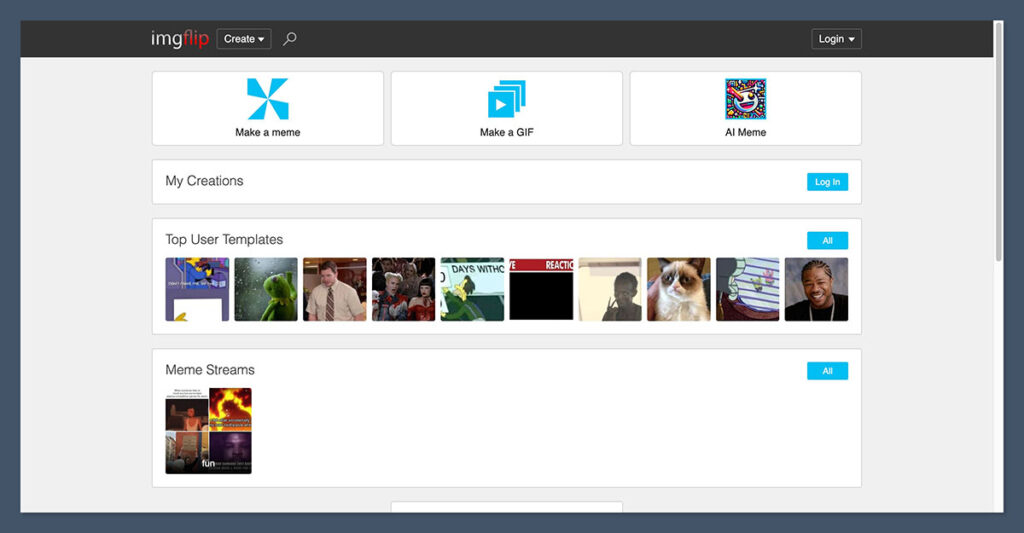
If you’re after that classic meme format — think Drake, Distracted Boyfriend, or Gru’s Plan — Imgflip is one of the fastest and easiest tools out there. But what makes it special now is its AI-powered captioning tool.
Instead of spending time brainstorming captions, Imgflip can generate them for you with one click. The AI will give you options, and you can either use them as-is or tweak them.
It works with any existing template in their library or your own uploaded image.
What makes it stand out:
- Classic meme templates like Success Kid, Expanding Brain, etc.
- Built-in AI caption generator to help you come up with funny ideas fast
- Upload your own image or pick from the library
- Option to manually tweak or completely rewrite captions
- Free to use, with watermark-free exports starting at $9.95/month
Pros:
- Simple, fast meme creation
- Good for both personal and casual marketing use
- You can get memes out in under 60 seconds
Cons:
- No video support
- Limited AI creativity compared to text-to-meme tools
This tool is ideal for people who want a quick and reliable “meme idea machine” that helps them generate funny or relevant captions without starting from scratch.
It’s also a great fit for marketers who already know which meme formats perform well and just want to speed up the captioning process without spending extra time on creative brainstorming.
2. Supermeme.ai: Best for Text-to-Meme Automation
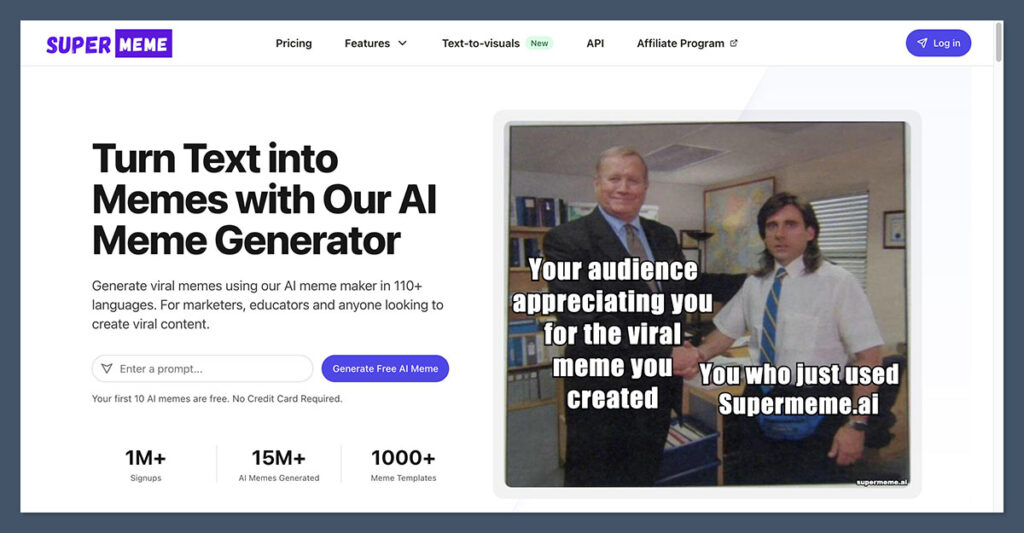
Supermeme.ai takes things further. It’s not just a meme maker. You type in a text prompt (like “when your boss says we need more synergy”), and it returns full memes — image and caption together.
This tool is built for marketers and creators who want to scale content fast. It supports over 110 languages and even lets you generate memes through an API if you want to plug it into an automated workflow.
Key features:
- Type any sentence or phrase and get memes back instantly
- Choose from multiple formats and templates
- 110+ language support
- API access for automation
- Free tier available, with paid plans starting at $9/month
Use cases:
- Marketers running meme ad campaigns
- Social media managers posting daily
- Startups trying to increase engagement using humor
Pros:
- Generates everything from just a prompt
- Great for marketers who don’t have time to design memes manually
- Good balance between automation and customization
Cons:
- Results can be hit or miss, depending on the prompt
- No video or GIF support
This tool is ideal for B2B brands using memes to drive engagement on platforms like LinkedIn or Twitter, where humor needs to be quick, relevant, and consistent.
It’s also perfect for teams looking to automate meme creation within their content workflows, saving time while maintaining a steady output of fresh, on-brand content.
3. Kapwing: Best for Teams, Video Memes, and Editing
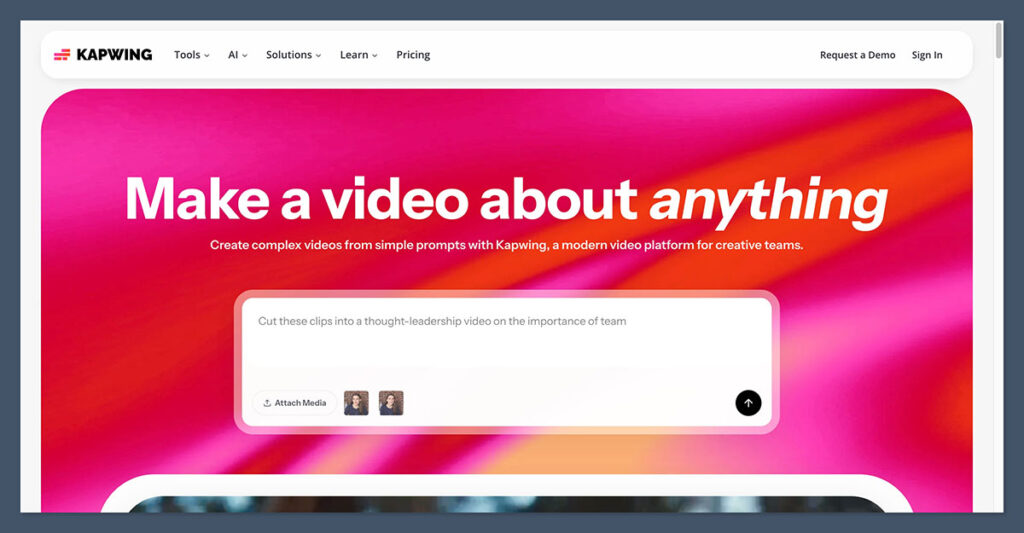
If you’re creating memes as part of a larger content process — like video editing, resizing, subtitling, or batching content for clients — Kapwing is one of the most powerful tools on this list.
It’s more than a meme maker. Kapwing is a full video and content editor that supports memes, GIFs, subtitles, AI voiceover, and more. Its meme templates are easy to use, but where it shines is when you want to go beyond a static image.
What it offers:
- Full editor with drag-and-drop functionality
- Video meme support with automatic subtitles
- Team collaboration and workspace tools
- AI subtitle and transcription tools
- Meme templates for both static and video formats
- Pricing starts at $16/month for full access
Pros:
- Ideal for agencies or content teams
- Seamless editing process
- Powerful subtitle tools for TikToks, Reels, and YouTube Shorts
Cons:
- Might be overkill for casual users
- Learning curve is slightly higher
This tool is best suited for social teams at startups who need to produce content quickly and consistently across platforms. It’s also a great fit for creators running TikTok or YouTube channels who rely on memes to boost engagement and connect with their audience.
Agencies delivering memes as part of a larger content package will find it especially useful for streamlining production and maintaining quality.
4. Canva: Best for All-in-One Design and Brand Memes
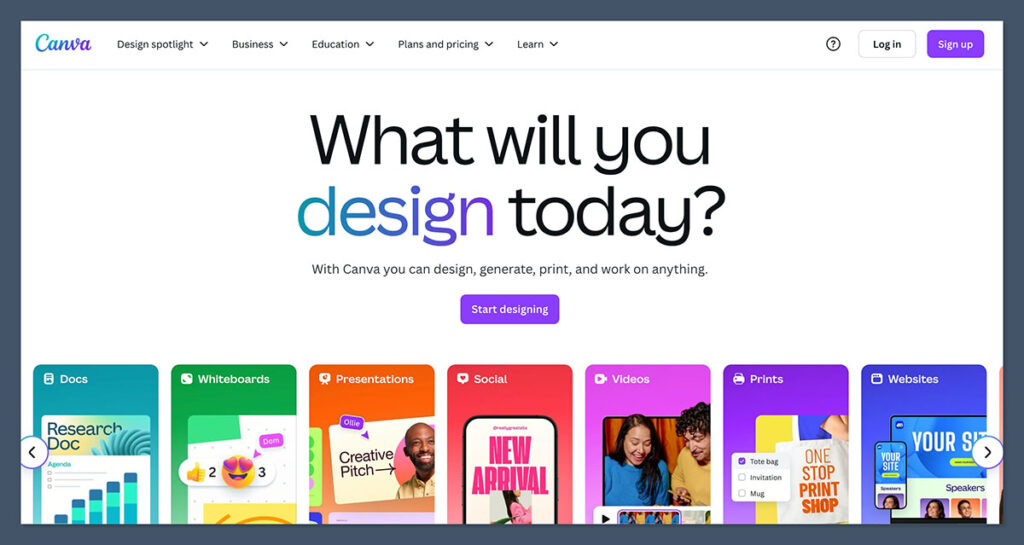
If you already use Canva for your brand visuals, presentations, or social posts, then using it for memes is a no-brainer.
Canva’s meme maker includes thousands of templates, drag-and-drop editing, and even built-in AI writing tools that can suggest captions or rewrite them for you.
It’s especially useful if you’re keeping memes on-brand and want to maintain a consistent look across all your assets.
Features that help:
- Large template library (static, animated, brand-safe)
- Magic Write (AI tool) for writing or editing meme captions
- Integrated brand kit and design system
- Quick export to any platform (Instagram, Twitter, etc.)
- Free plan available, Pro starts at $12.99/month
Pros:
- Everything in one place
- Great for branded memes
- Super easy to use, even for non-designers
Cons:
- Less “meme-y” than the others (feels more polished)
- No video meme support yet
This tool is best for content marketers with a visual strategy who want to integrate memes into their broader content mix. It’s also a smart choice for anyone already paying for Canva Pro, since it fits seamlessly into existing workflows.
Businesses looking to use memes for engagement while maintaining brand control will find it especially valuable.
5. CapCut and VEED: Best for Video Memes
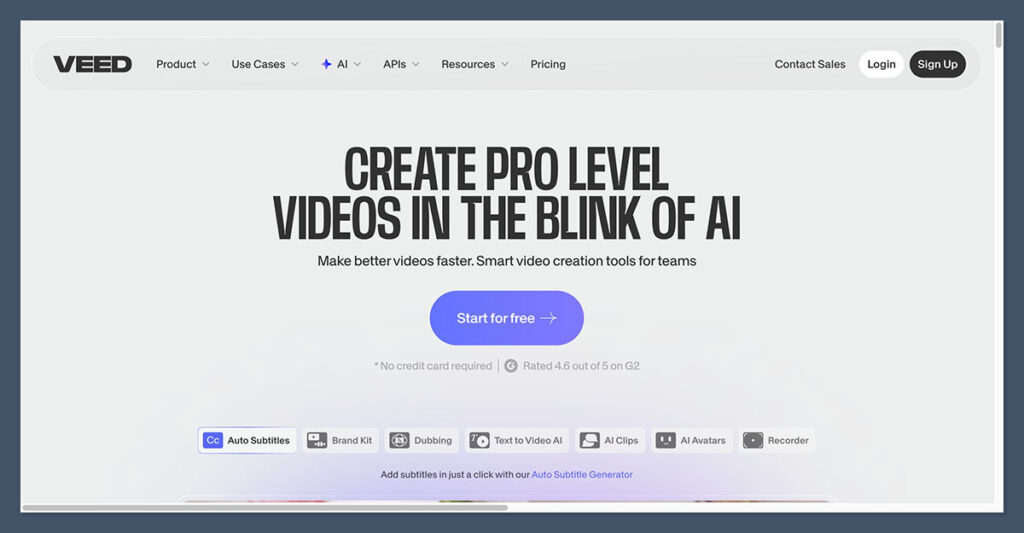
If you’re making meme videos — like reaction edits, TikToks, or GIFs with captions — CapCut and VEED are two of the best options.
Both tools include AI-backed video tools that simplify meme creation. CapCut leans heavily into TikTok/Reels style content and includes AI caption generation.
VEED, on the other hand, focuses more on creator tools, prompt-to-meme video options, and video editing in one place.
Here’s a comparison:
| Feature | CapCut | VEED |
|---|---|---|
| AI meme workflow | Yes (video-focused) | Yes (text-to-video meme) |
| Subtitle tools | Built-in, automatic | Advanced, customizable |
| Video templates | Focused on TikTok/Instagram | Broader, supports business use |
| Pricing | Free plan, Pro starts at $7.99/month | Free tier, paid from $18/month |
CapCut Pros:
- Ideal for vertical video
- Auto captioning with AI
- TikTok-style output
VEED Pros:
- Clean interface for creators
- Text-to-video meme generation
- Great for marketers and YouTubers
These tools are great for short-form video meme creators who need quick editing and fast turnaround.
It’s also ideal for brands producing relatable vertical content for platforms like TikTok and Instagram.
Influencers who want to jump on trends and turn them into engaging clips quickly will get a lot of value from it.
6. Adobe Express: Best Lightweight Option
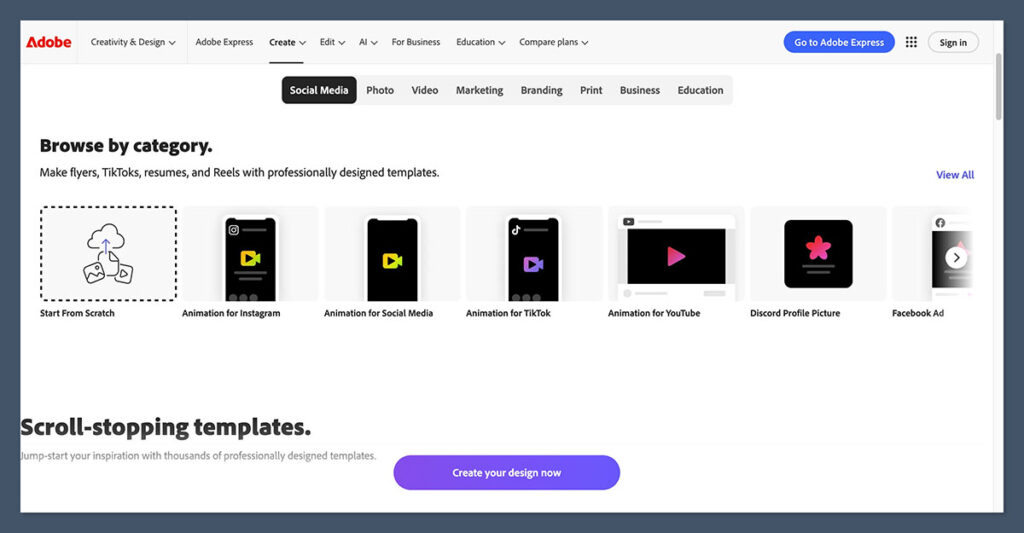
Adobe Express might not be the first name you think of when it comes to memes, but it’s surprisingly good for fast, clean meme creation.
It comes with a library of templates and simple editing tools. You can adjust text, choose filters, and download in seconds.
It doesn’t have the same AI bells and whistles as other tools, but if you’re already using other Adobe tools or just want a reliable meme maker without signing up for something new, it’s worth a look.
Key Features:
- Basic meme editor with templates
- Mobile-friendly interface
- Free tier available with most tools
- Pro version is $9.99/month
Pros:
- Great for quick one-off memes
- Good mobile experience
- Adobe ecosystem integration
Cons:
- No AI-generated memes
- No video support
This tool is best for individuals looking for a simple, no-fuss meme creator that gets the job done quickly. It’s also a convenient option for existing Adobe users who want a lightweight tool that fits into their current design ecosystem.
How to Choose the Right AI Meme Generator
Let’s break it down. What kind of meme creator are you?
| What You Need | Best Tool |
|---|---|
| AI writes memes from text prompt | Supermeme.ai, VEED |
| Classic templates + AI captions | Imgflip |
| Video/GIF meme creation | Kapwing, CapCut, VEED |
| Brand-safe memes inside content workflow | Canva, Adobe Express |
| Full team collaboration and editing | Kapwing |
Here’s how I’d make the choice:
- If you’re posting daily and don’t want to think: Use Supermeme.ai
- If you want video memes with subtitles: Use CapCut or VEED
- If you’re editing in a team or need workflows: Use Kapwing
- If you’re building branded content: Use Canva
- If you want funny AI captions for classics: Use Imgflip
You can also combine tools. For example, use Supermeme.ai to get a caption idea, then style it in Canva or Kapwing.
Final Thoughts
AI meme generators can save you hours every week. Whether you’re posting on Twitter, TikTok, Instagram, or LinkedIn, you no longer have to manually brainstorm ideas, design layouts, or figure out how to make it viral.
These tools can automate captions, repurpose your own prompts, or even generate full meme formats ready to share. And because most of them are free or low-cost, you can experiment without committing to a full design stack.
From a marketing perspective, memes are now a smart, fast, and low-cost way to increase engagement. With AI, they’re easier to produce than ever.
Want to speed up your meme workflow? Try any of these tools. Start with one that fits your daily content needs and expand from there.

Comments 0 Responses