

I’m a huge fan of LinkedIn, personally, it’s a great place to find out what’s happening in your industry, look for new opportunities, and connect with colleagues old and new. Lately though, I’ve started to feel a bit more suspicious about what I read there.
A lot of posts have started to sound oddly similar, like they’re all based on the same template, which of course, gets me questioning whether a human being had anything to do with them at all.
I’m definitely not just being paranoid here. Originality.AI did a study and said over 50% of long-form LinkedIn posts were probably generated by a bot in 2025.
Obviously, I don’t think using AI is a bad thing all the time, it’s fine if you’re just looking for ideas or cleaning up what you want to say before you post anything. But on a platform like LinkedIn when posts get constantly sold as “hard-earned” personal insight, it’s good to be cautious. That’s why I decided to start testing some AI detectors that could give me a better grasp on what I was actually seeing on social media (and how human it really was).
The Best AI Detectors for LinkedIn
First thing I’ll say is that even though there are tons of “decent” AI detectors out there, they’re not all perfect for LinkedIn. Most will still force you to copy/paste anything you want to check into a field on a separate tab, which isn’t exactly convenient.
So, obviously, the list of tools I wanted to test was narrowed down pretty quickly to anything that actually works on LinkedIn, or gives you a Chrome extension.
Once I had that list, I started judging the options by the basic stuff, what was easiest to use, what gave the best value for money, and most importantly, what I could trust most to give me an accurate AI reading, and as few false positives as possible.
1. Pangram: Best Overall AI Detector for LinkedIn
Starting price: Free plan; paid plans from $20 per month
AI writing detection: Yes
LinkedIn/social feed detection: Yes
Best for: Real-time LinkedIn AI detection with lower false-positive risk
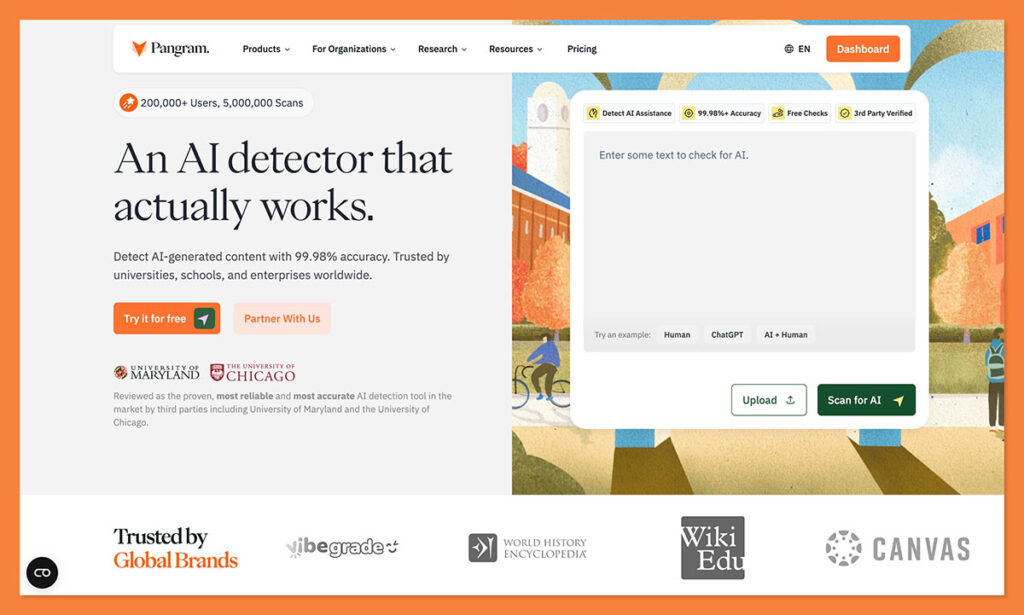
Pangram is my number one, favorite AI detection tool right now, whether I’m checking for machine-generated slop in articles, news stories, essays, or social media posts. Part of what makes it great is how effective it is at detecting different levels of AI content. It can tell you if content is completely AI, AI-assisted, or more likely to be human, rather than just giving you a black and white score.
It also does better at avoiding false positives than any other tool I’ve tried. At one point, UChicago researchers tested Pangram, GPTZero, Originality AI, and RoBERTa on 1,992 pre-2020 human texts and 1,992 AI-generated texts, and Pangram got the best false-positive score overall, without losing it’s detection abilities.
For LinkedIn, the Chrome extension is very easy to use. You just install it, head over to your social media feed, and scroll through. Pangram will show you labels in real-time, so you know exactly what you’re dealing with. You can also open the side-bar for a quick “health check” of your entire feed, which shows you a general percentage of how much of it is likely to be actually human.
Pros:
- Works directly in LinkedIn, and all over the web
- Easy to install extension for Chrome
- Tracks feed health, as well as labelling content
- Useful labels for AI-assisted content
- Very low false positive scores
Cons
- Tiny posts are still hard to judge
- You’ll probably need a paid plan to use it often
2. GPTZero AI Vision: Best Direct Social Feed Alternative
Starting price: Free plan available; paid plans available
AI writing detection: Yes
LinkedIn/social feed detection: Yes
Best for: People who want a quick gut-check on social posts
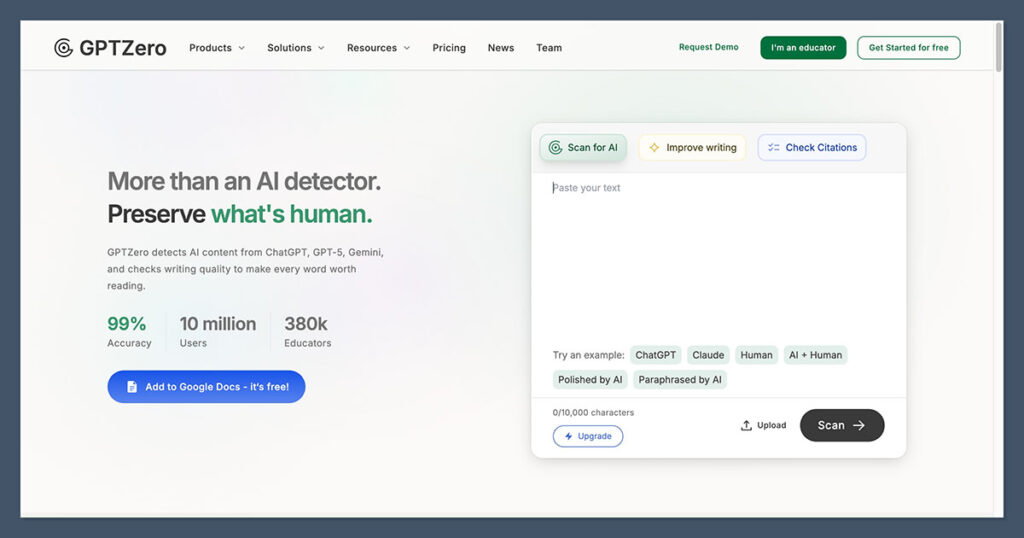
I get why GPTZero is such a popular detector, I’ve used it quite a lot myself in the past. It’s easy to use, just like Pangram, and its accuracy scores show it’s very good at pinpointing machine-generated content, particularly if someone’s using a common tool like ChatGPT or Gemini.
The “AI Vision” extension is what you’ll probably end up using if you’re looking for evidence of AI on social media. It works across X, LinkedIn, and Reddit, and gives you different labels, just like Pangram, for human, AI, AI polished, or mixed text. That’s all very helpful.
What bothers me most with GPTZero, though is that it’s still not brilliant at avoiding false positives. Most of these tools aren’t, especially when it comes to very short snippets of text. I think it’s fine to use if you’re looking for something simple with a generous free plan, but I wouldn’t trust the results you get blindly.
Pros:
- Free extension and generous free plan
- Works directly on X
- Simple labels for all kinds of flagged text
- Good for quick checks
- Very good at detecting pure AI content
Cons:
- Struggles often with false positives
- No feed health score
- Mixed results across models
3. Originality.AI: Best for Content Teams Reviewing LinkedIn Thought Leadership
Starting price: $30 pay-as-you-go; $14.95/month Pro
AI writing detection: Yes
LinkedIn/social feed detection: Limited
Best for: Agencies, ghostwriters, and teams checking LinkedIn posts before they publish
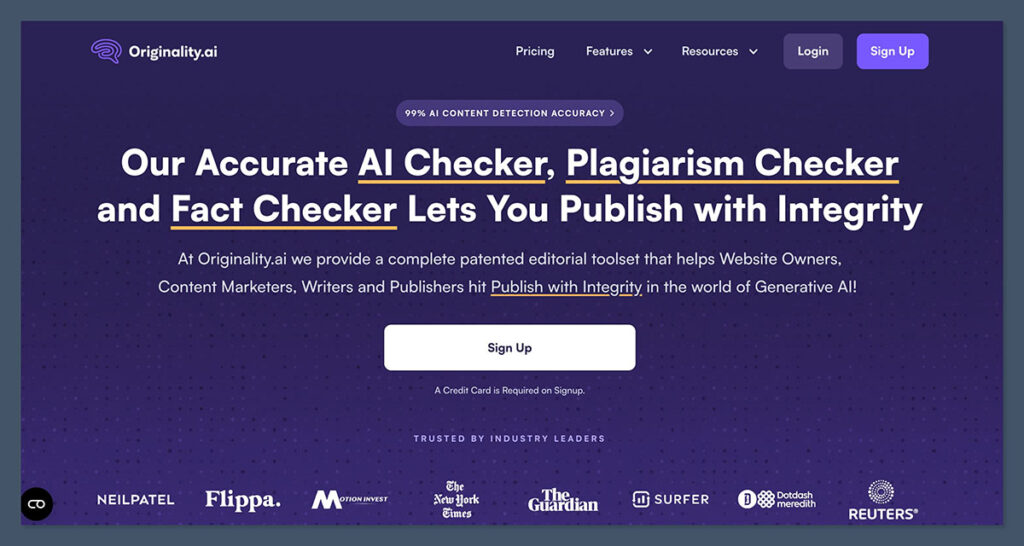
I’ve personally used Originality.AI quite a lot in the past for checking articles or scanning entire chunks of a website at once. It’s very good on that front. It can evaluate huge amounts of text at once, without forcing you to copy-paste everything into a box.
The accuracy scores are usually pretty high for this tool, and I’ve never had much of a problem using it to detect pure machine-generated writing. I also like the fact that there’s plagiarism detection and readability analysis built-in.
Like Pangram, Originality has a chrome extension you can use to scan content on any site, including LinkedIn. It’s not quite as speedy as Pangram at giving you a score right there in the feed, but it can generate reports that you can share with your team, which is helpful. Just keep in mind, Originality.AI doesn’t have a great reputation for avoiding false positives. It tends to err on the side of caution, flagging most things as at least “a little” AI influenced.
Pros
- Strong fit for agencies and content teams
- AI, plagiarism, and reporting in one place
- Useful chrome extension
- Multilingual support (30 languages)
- Good for checking posts before publication
Cons
- Doesn’t feel built for live LinkedIn scrolling
- Can be expensive
- Not great at avoiding false positives
4. Copyleaks AI Content Detector: Best Multilingual Browser Option
Starting price: $16.99/month Personal
AI writing detection: Yes
LinkedIn/social feed detection: Partial
Best for: Multilingual checks, recruiters, educators, and mixed AI/plagiarism reviews
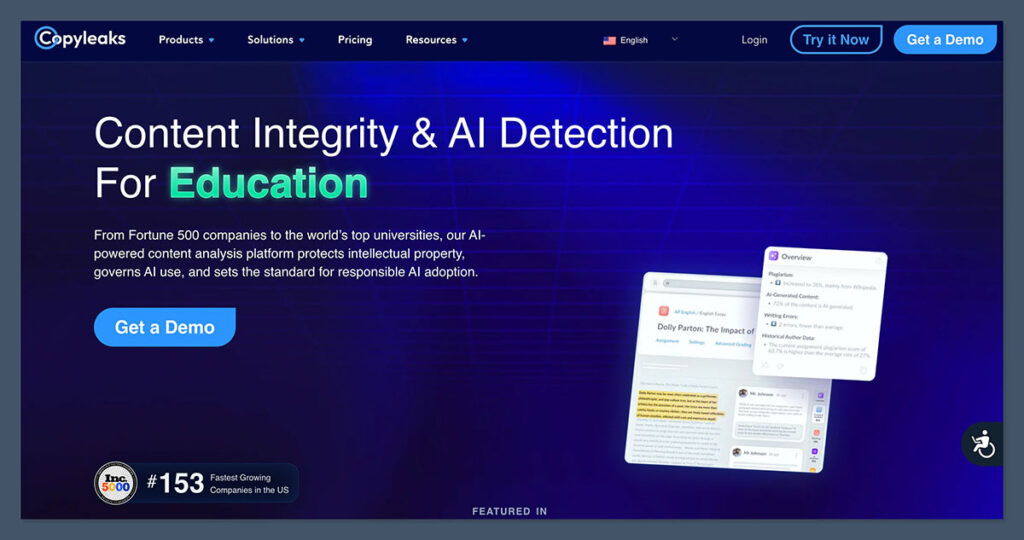
I used Copyleaks way before it started promoting it’s AI detection features. It started off as a plagiarism checker, and it’s still very good at showing you when content has obviously been copied from elsewhere.
This tool does a fine job at detecting when copy is obviously machine-generated, and it can highlight “hybrid” content, so you can see if someone has infused a bit of their own writing with something recommended by a GPT. Plus, it supports more than 30 languages, which is very useful for a global feed. Like Pangram, Copyleaks does have a Chrome extension, and an extension for Edge.
You can use both of those to check content on any website, including LinkedIn. All you do is highlight the text you want to check, and the Copyleaks window will pop up and give you a score showing how likely it is to be AI. It’s convenient, but still not 100% accurate, and definitely not the best at avoiding false positives, particularly on shorter pieces of text.
Pros
- AI detection in 30 languages
- Chrome and Edge extensions
- AI plus plagiarism checks
- Very easy to use
- Plagiarism checks in over 100 languages
Cons
- LinkedIn workflow isn’t as smooth as feed-first tools
- No free plan available
- Struggles regularly with false positives
The Best AI Detector for LinkedIn
I think all of these tools have good elements to them. I like Originality.ai for how easy it is to use at scale, particularly with teams. GPTZero has that generous free plan, and Copyleaks is great for multlingual checks and plagiarism detection.
Still, Pangram is the one I’d recommend most overall. The Chrome extension is incredibly easy to use on any website, including LinkedIn, and it gives you more in-depth insights into whether text is human, AI, or just AI-assisted.
Plus, even more importantly, Pangram struggles less with false positives than any other tool on this list, which matters a lot if you want to avoid accusing everyone of being too reliant on AI.

Comments 0 Responses