

Face-swapping technology, driven by AI, is getting better, faster and way more realistic every month.
So I tested out 15+ popular face swapping tools and apps to see which ones actually deliver on quality, speed and value.
Whether you’re making videos for TikTok or using AI avatars for your business, here are the five best face swap tools I recommend in 2026:
The Top Five Face Swap Apps and Tools
| Tool | Best For | Starting Price | Free Plan |
| Reface | Viral content creation | $3.99/month | Yes |
| FaceMagic | TikTok & short videos | $9.99/month | Yes |
| Banuba SDK | Developers & live AR | $5,000/year | No |
| DeepFaceLab | Pro-level deepfakes | Free (open source) | No |
| FaceSwap.dev | Open-source experimentation | Free | No |
Here’s a Quick Summary
- Reface is my top pick for viral videos and users who just want to have fun.
- FaceMagic is great for making TikTok-style edits quickly.
- Banuba SDK is the tool of choice for developers who need real-time face swaps.
- DeepFaceLab is great for pro-level deepfakes – but be warned, it has a steep learning curve.
- FaceSwap.dev is the open-source option for experimenting with AI models.
1. Reface – The Best for Viral Video Content
Starting price: $3.99/month
Free plan: Yes (with a watermark)
Platform: iOS, Android
AI engine: GAN-based, real-time rendering
Best for: Casual users, meme creators, marketers
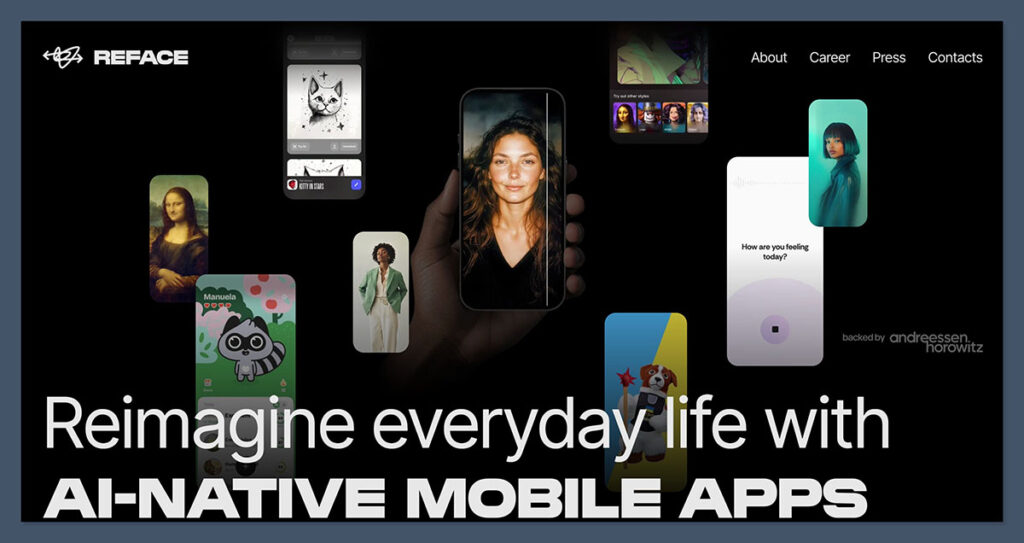
Reface is still probably the most polished face swap app I’ve come across, especially for making social videos in seconds.
With its super-fast swaps, animated expressions and regular content drops, Reface is a sure-fire hit for going viral.
What I Liked:
- You can get a super-fast face swap in seconds
- Your face gets animated in the video
- Easy to export to TikTok or Instagram
- Loads of great content to choose from – from movie scenes to memes
What I Didn’t Like:
- You can’t upload your own videos
- The free version gets a pretty obvious watermark
- No desktop version, and no developer access
Pricing Table:
| Plan | Monthly Price | Features Included |
| Free | $0 | Watermark, limited exports |
| Pro | $3.99 | No watermark, HD video, full content access |
The Bottom Line:
If you want a plug-and-play face swap tool with serious AI mojo, Reface still takes the cake in 2026.
2. FaceMagic – The Best for TikTok and Short Video Content
Starting price: $9.99/month
Free plan: Yes (limited templates)
Platform: iOS, Android
AI engine: Deep learning, expression mapping
Best for: Short-form creators, influencers, casual users
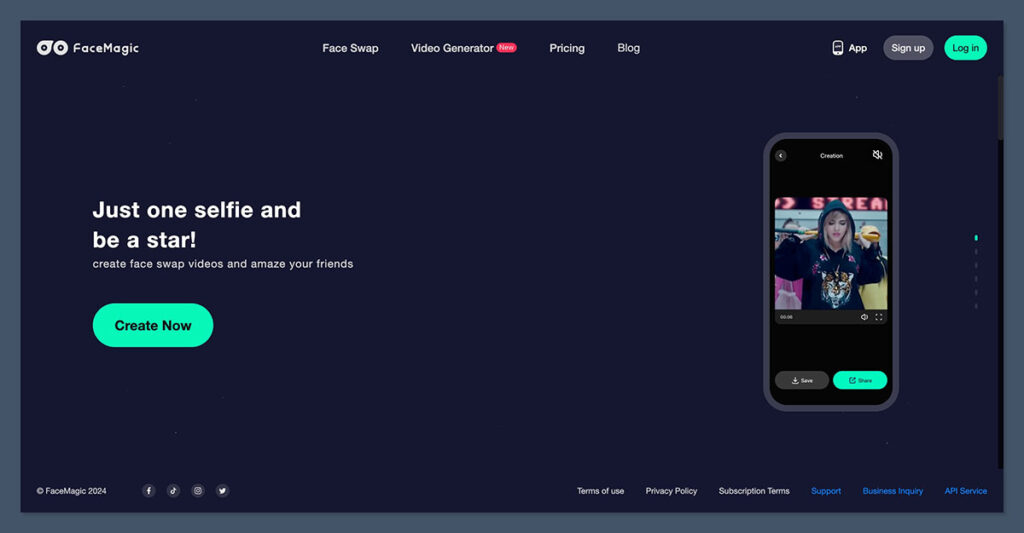
FaceMagic is a tool made for TikTok-style edits. It comes with a set of video templates that let you insert your face and make it look like you’re part of the original video.
What I Liked:
- You can upload multiple faces – perfect for group vids
- Syncs your face to music, dance moves and lip-syncs
- Super fast rendering for short-form video creation
What I Didn’t Like:
- No support for long-form videos
- A few less editing tools than Reface
Pricing Table
| Plan | Monthly Price | Annual Plan | Key Features |
| Free | $0 | N/A | Watermark, 1 face per video |
| Premium | $9.99 | $49.99/year | Multi-face support, HD export |
The Bottom Line:
For anyone making Reels, Shorts or TikToks, FaceMagic does a great job of making quick swaps that can scale into your content workflow with minimal setup.
3. Banuba SDK – The Developer Tool for Real-Time Face Swaps
Starting price: Custom price (contact for a quote)
Free plan: No
Platform: iOS, Android, Web, Unity
AI engine: Face AR SDK, real-time 3D face tracking
Best for: Developers, AR businesses, startups
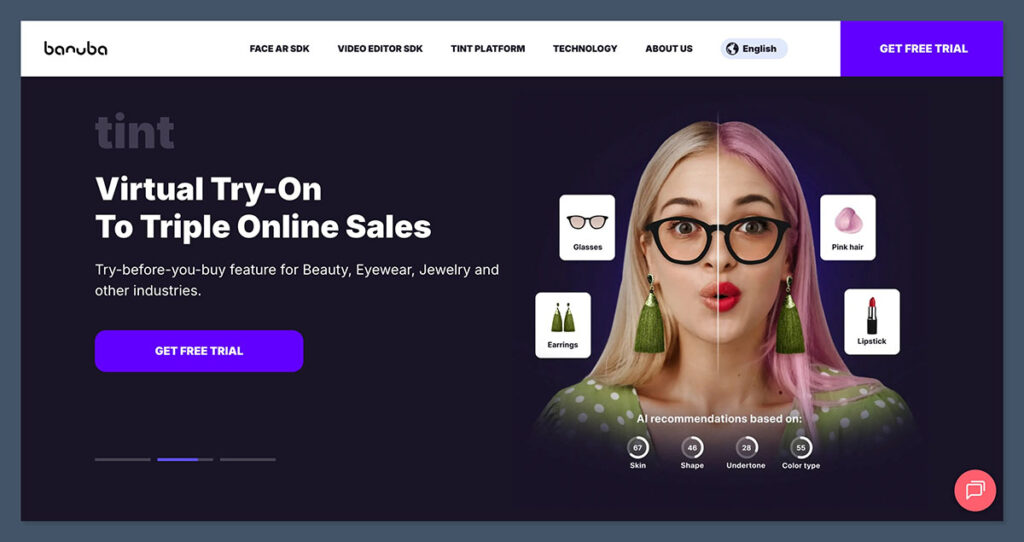
Banuba’s Face AR SDK is the most complex tool on this list. It’s not an app – it’s a toolkit used by companies to build real-time face filters, swaps and AR overlays into their own apps or products.
What I Liked:
- Enterprise-grade facial tracking (36+ points)
- Super fast performance (real-time face swaps)
- Includes gesture control, skin segmentation and emotion detection
What I Didn’t Like:
- Too technical for casual users
- High cost (not built for individuals)
Pricing Table:
| Tier | Estimated Cost | Use Case |
| Custom | From $5,000/year | AR app dev, video conferencing tools |
Bottom Line:
Banuba isn’t a face swap app — it’s the AI engine behind many face swap apps. If you’re building your own product and need face-swapping or AR filters, this is the gold standard.
4. DeepFaceLab – The Pro-Level Deepfakes Tool
Starting price: Free (open source)
Free plan: No
Platform: Windows, GPU-supported
AI engine: GANs, CNNs, encoder-decoder frameworks
Best for: Pro editors, researchers, AI hobbyists
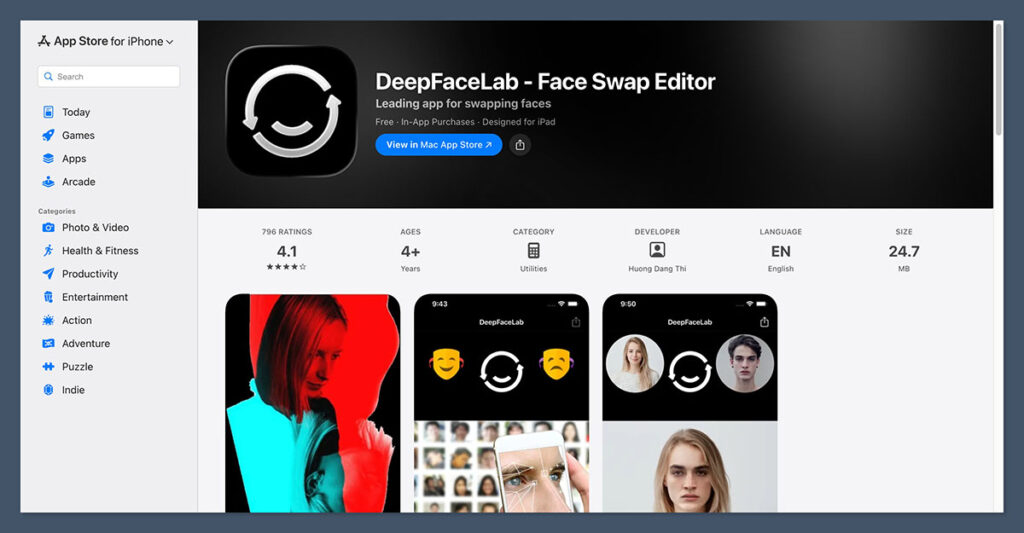
DeepFaceLab is made for people who want to dive deep into pro-level deepfakes. Keep in mind, though, that it has a pretty steep learning curve.
What I Liked:
- Allows for very high-quality deepfakes
- Can be controlled by code or GUI
- Has a large community and resources to help
What I Didn’t Like:
- Not for beginners. It’s hard to learn
- Requires lots of processing power and storage
- No user interface — all script-based
Feature Table:
| Feature | Available |
| Train your own model | Yes |
| Works with video/audio | Yes |
| Real-time support | No |
| Watermark-free output | Yes |
Bottom Line:
If you want full creative control, DeepFaceLab is the most advanced solution out there — but it’s best for those with technical expertise.
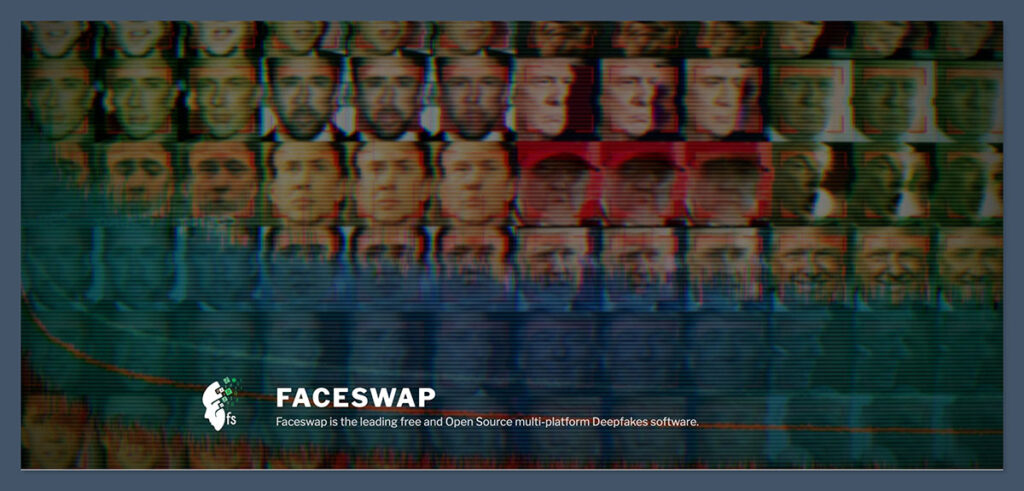
5. FaceSwap.dev – The Open-Source Experimentation Tool
Starting price: Free
Free plan: Yes
Platform: Web-based
AI engine: Windows, Mac, Linux
Best for: Developers, educators, hobbyists
FaceSwap.dev is another open-source face swapping tool, but unlike DeepFaceLab, it’s designed to be a bit more user-friendly. It still requires technical setup, but the GUI makes it more accessible to beginners with some AI knowledge.
What I Liked:
- Cross-platform support
- More approachable than DeepFaceLab
- Modular architecture with plugin support
What I Didn’t Like:
- Still requires some dev skills
- Training takes time (needs good hardware)
Feature Table:
| Feature | Available |
| GUI interface | Yes |
| Train custom datasets | Yes |
| Real-time swap | No |
| Community plugins available | Yes |
The Bottom Line:
FaceSwap.dev is a great middle-ground between power and accessibility. You get control, without needing to build everything from scratch.
Real-World Stats & Industry Trends
The AI face swap space has moved on from just being a meme – it’s being used everywhere, from Hollywood to retail, and the numbers back that up
Key Stats:
- The AI-generated image and video market is expected to hit $13.2 billion by 2030 (Statista)
- Reface has had over 100 million downloads across 90+ countries
- 85% of all deepfake content online is being used for malicious purposes (Deeptrace 2025)
- Banuba SDK is now embedded in over 200 commercial apps worldwide
- TikTok face swap content generates 2.4 times higher engagement on average (ByteDance 2025)
- Adobe and Meta now include AI-generated content watermarking as standard
- Metaphysic.ai did a live AI face swap during “America’s Got Talent” using real-time neural rendering
Our Methodology
To rank the best tools, I used the following criteria:
- The realism of the swap (how well it matches facial expressions, lighting, and skin tone)
- How easy it is to use (onboarding, UI, export options)
- The AI tech used (GANs, real-time rendering, data handling)
- Pricing (value for money, hidden costs, free plan availability)
- Use cases (personal, business, developer, enterprise)
I tested each app on both iOS and desktop (where available), and compared them over a 7-day period using the same set of source photos and videos
Final Verdict: Which One Should You Choose?
| Tool | Best For | Try It If You… |
| Reface | Viral, quick fun videos | Want to create shareable, funny AI clips |
| FaceMagic | Social media creators | Make short-form content with trending audio |
| Banuba SDK | Developers and enterprises | Are building AR tools or branded face filters |
| DeepFaceLab | Technical users | Need total control over deepfake video output |
| FaceSwap.dev | AI hobbyists and learners | Want to experiment without starting from scratch |
Deepfake tech has come a long way from the novelty filters of old to serious AI capabilities that can be used for all sorts of creative( or not-so-creative) projects.
Whether you’re messing around with some hobby content or actually building something that matters, theres a tool in this place for whatever level you’re at.
Start off easy, then boost up as your needs get more complex – and always be mindful of using these tools for good.

Comments 0 Responses