

After testing and reviewing a variety of AI note-taking tools across remote teams, I’ve shortlisted the top-performing options for 2026.
These tools stand out based on meeting platform coverage, AI accuracy, integrations, affordability, and overall user experience.
Below, I’ve broken down the best AI note takers into a simple, side-by-side comparison table to help you choose the one that best fits your team.
Quick Comparison
| Tool | Rating | Starting Price | Free Plan | Best For |
|---|---|---|---|---|
| NoteGPT | 4.8 | $6.99/week | Yes | Best overall for remote teams |
| Fireflies.ai | 4.6 | $10/month | Yes | Best for meetings across Zoom, Meet, Teams |
| tl;dv | 4.4 | Varies | Yes | Best for async teams and meeting clips |
| Fathom | 4.3 | $14/month | Yes | Best for fast summaries and individuals |
| Google Meet Gemini | 4.1 | Included in Workspace | Yes | Best for teams already using Google Meet |
#1. NoteGPT: Best Overall for Remote Teams
Rating: 4.8
Starting price: $6.99/week
Free plan available: Yes
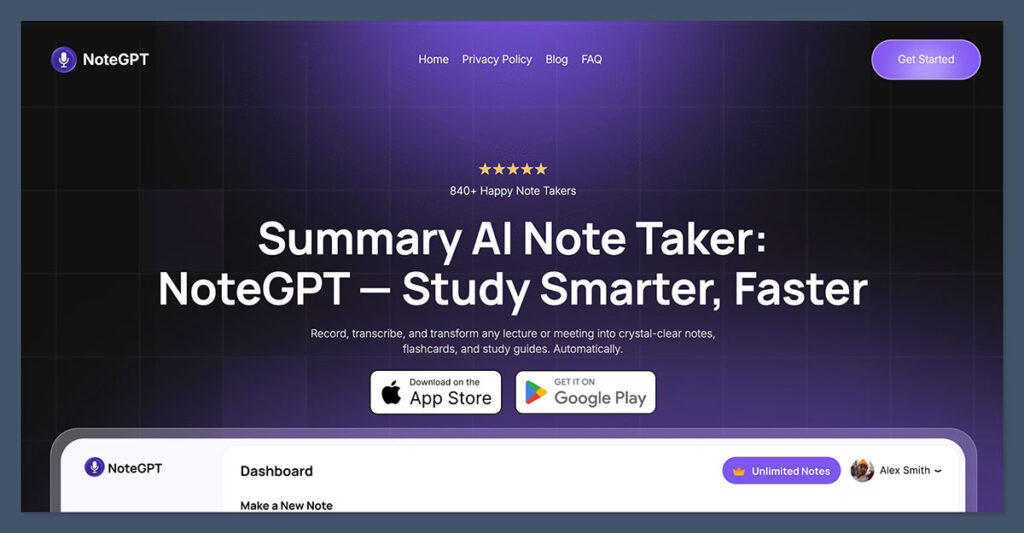
NoteGPT is my top pick for remote teams. It provides a strong mix of accurate AI note-taking, clean summaries, and integrations—all without the high price tag.
This tool supports the major meeting platforms and offers fast, structured meeting recaps that include action items, decisions, and speaker labels.
What stood out during testing was how consistent the summaries were. It captured key decisions and discussion points without including unnecessary fluff, which makes reviewing past meetings fast and efficient.
The interface is also intuitive, making it simple to onboard team members.
✔️ Pros
- Accurate AI summaries with actionable sections
- Works with Zoom, Google Meet, Microsoft Teams
- Searchable archive for team-wide visibility
- Slack and Notion integration included
- Affordable paid plans for scaling teams
❌ Cons
- Fewer CRM integrations than Fireflies
- No video highlights or clip features
Bottom Line:
NoteGPT offers the best balance of features, usability, and pricing. It’s ideal for remote teams that want structured, searchable notes without adding tool complexity.
#2. Fireflies.ai: Best for Multi-Platform Meetings
Rating: 4.6
Starting price: $10/month (billed annually)
Free plan available: Yes
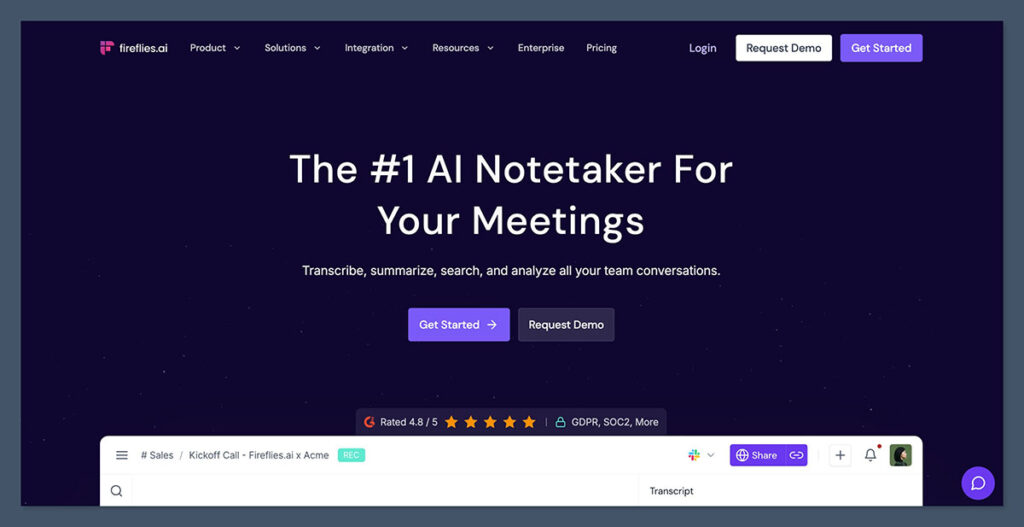
Fireflies.ai is built for cross-platform capture and is perfect if your team uses a mix of Zoom, Google Meet, and Microsoft Teams.
It not only transcribes meetings but also uses AI to extract tasks, decisions, and questions automatically.
In practice, Fireflies becomes more than a recorder. It acts as a meeting intelligence platform, allowing you to search across conversations and integrate with over 50 tools, including HubSpot, Salesforce, Asana, and Slack.
✔️ Pros
- Strong platform support (Zoom, Meet, Teams, and more)
- Speaker identification and topic tagging
- Extensive integration support
- Collaborative meeting dashboard
- Workflow automation via Zapier and native integrations
❌ Cons
- Best features are behind the Pro and Business tiers
- UI can feel crowded at times
Bottom Line:
Fireflies.ai is a powerhouse for hybrid and distributed teams that juggle several tools. It’s great for centralizing notes and automating follow-ups across your workflow.
#3. tl;dv: Best for Async Teams and Meeting Highlights
Rating: 4.4
Starting price: Varies by tier
Free plan available: Yes
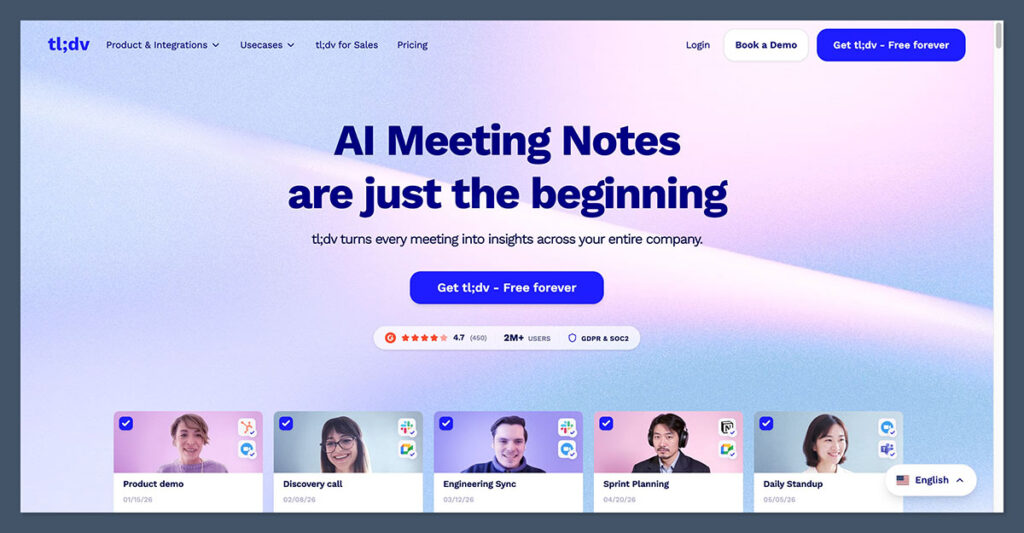
tl;dv (too long; didn’t view) is designed for async-first teams. Rather than focusing on full transcripts or static summaries, it helps you record, timestamp, and share short meeting clips.
This is a great option for teams spread across time zones who prefer watching highlights over reading long recaps.
What I liked most was the ease of use. You can clip important moments live or after the meeting, and send them directly to Slack or embed in Notion. That turns long meetings into short, contextual updates that people actually use.
✔️ Pros
- Create and share meeting highlights in one click
- Time-stamped recaps and clip editing
- Clean user interface for browsing recordings
- Works with Zoom and Google Meet
- Encourages async collaboration culture
❌ Cons
- AI summaries are limited on free and lower tiers
- Less suitable for teams that need full meeting records
Bottom Line:
If your team operates across time zones or prefers async updates, tl;dv is one of the most user-friendly tools for capturing and sharing just the highlights.
#4. Fathom: Best for Fast, Frictionless Summaries

Rating: 4.3
Starting price: $14/month
Free plan available: Yes
Fathom is built for speed. It’s a lightweight AI meeting assistant that joins your Zoom calls and delivers high-quality summaries within minutes.
The free plan is surprisingly generous, and for solo users or small teams, it often does the job without requiring an upgrade.
The summaries are organized by topics, which makes it easy to skim and review specific parts of the call. You can also highlight moments during the meeting with hotkeys, which adds a layer of control that some teams find useful.
✔️ Pros
- Free plan is genuinely useful
- Topic-based summaries with timestamps
- Easy to set up and use
- Exports to CRM and documentation tools
- Privacy-focused recording settings
❌ Cons
- Only supports Zoom for now
- Limited integrations compared to others
Bottom Line:
Fathom is a great entry point for AI meeting notes. It’s simple, fast, and gives teams a no-fuss way to capture important moments.
#5. Google Meet Gemini: Best Free Option for Google Workspace Users
Rating: 4.1
Starting price: Included with Google Workspace
Free plan available: Yes
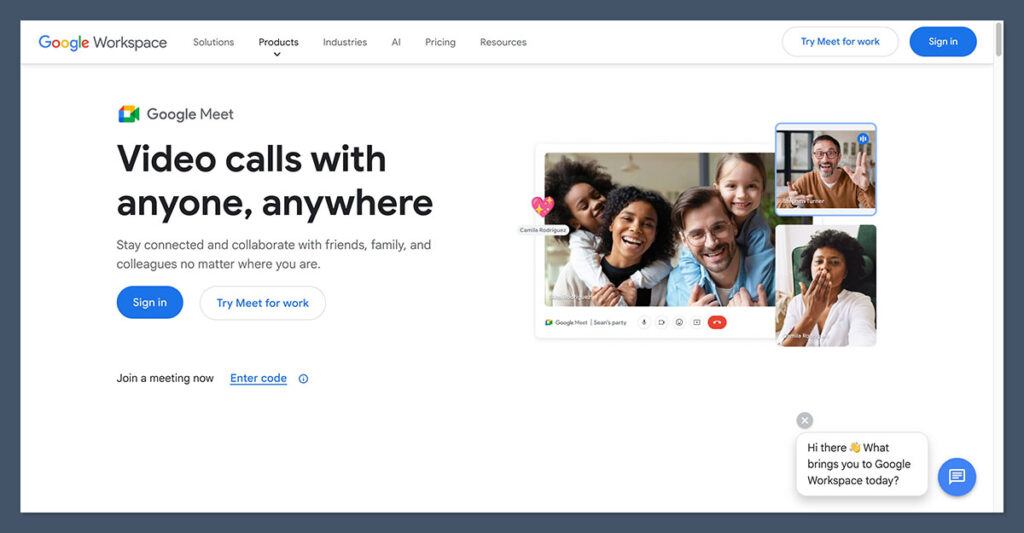
If your team already lives in Google Workspace, Google Meet’s Gemini assistant is the easiest and most cost-effective way to get basic AI notes.
It’s included in many Workspace plans and offers auto-generated summaries, action items, and recordings right inside your meeting history.
Gemini’s notes are basic compared to Fireflies or NoteGPT, but if you’re using Meet every day, it’s hard to beat the convenience. There’s nothing to install, and notes are accessible within the Google Calendar or Meet dashboard.
✔️ Pros
- No setup required
- Notes live in Google Calendar event history
- Seamless integration with Docs and Gmail
- Included with Workspace pricing
❌ Cons
- Lacks customization and tagging
- No cross-platform support outside of Google Meet
- Summaries lack structure compared to premium tools
Bottom Line:
Google Meet Gemini is a simple, no-cost way to get automated notes if you’re already using Meet. It’s not the most advanced, but it’s perfect for teams that want “good enough” with no extra tools.
Other Alternatives to Consider
| Tool | Best For | Free Plan | Starting Price |
|---|---|---|---|
| Otter.ai | Real-time transcription and collaboration | Yes | $16.99/month |
| Sembly | Simple summaries and task capture | Yes | $10/month |
| Read AI | Meeting engagement and sentiment tracking | Yes | Varies |
| Supernormal | Auto-generated docs for Google Workspace users | Yes | $22/month |
| Avoma | Sales teams and CRM integration | Trial | $24/month |
| Microsoft Teams Recap | Enterprise teams already using Teams | Included | Requires Teams Premium |
Final Thoughts: Which AI Note Taker Is Best for Your Team?
Here’s a quick breakdown based on what your team needs:
| Scenario | Recommended Tool |
|---|---|
| You want the best balance of price and features | NoteGPT |
| You use multiple platforms (Zoom, Meet, Teams) | Fireflies.ai |
| Your team prefers async updates | tl;dv |
| You want the easiest setup and free plan | Fathom |
| You already use Google Workspace | Google Meet Gemini |
These tools were tested on real calls with remote teams of different sizes. From solo founders to 50+ person distributed teams, each tool serves a unique purpose.
While NoteGPT is my personal favorite for overall value, your choice should depend on your team’s size, workflow, and how much structure you expect from your meetings.
Before you commit, I recommend testing each free plan to see which tool aligns with your meeting style. Most tools offer enough access in the free tier to make that decision easy.

Comments 0 Responses