

It’s almost definitely gotten to the point where I’m annoying people with my opinions about AI detectors lately, but I think my skepticism is valid. There are so many tools out there that say they have a 98% to 99% accuracy rate or above, but they don’t really tell you where that score comes from.
Are they talking about their ability to detect raw output copy-pasted straight from ChatGPT? Can they differentiate between writing that’s supposed to be formal and AI slop? Do they know the difference between AI assistance, rewritten AI text, and pure GPT content? How often do they falsely accuse people of using AI too much?
If you’re choosing an AI detector, you can’t really rely on what vendors choose to say about themselves alone. You need to dig a lot deeper, into everything from paraphrasing resistance, to response depth, language coverage, plus whether the tools hold onto your info.
That’s what I did with this list.
How I Compared the Best AI Detector APIs
I didn’t completely ignore the accuracy claims from every AI detector, but I didn’t let them sway me too much here. First of all, I think false positive rates matter just as much (if not more) than a tool’s ability to spot pure GPT content (most humans can already do that).
Beyond that, I was looking at:
- Paraphrase resistance: Can the tool tell if someone just rewrote or edited a piece of AI text, either themselves, or using a “humanizer” tool?
- API surface: How does the API functionality work? I looked at request modes, bulk support, rate limits, SDKs, file handling, webhooks, plus what you get after a scan.
- Response depth: Do you just get a basic percentage rating, or sentence-level highlighting that differentiates between human, AI-assisted, or AI-written copy?
- Languages: Most AI detectors are great for English, but their accuracy rates drop dramatically when you try other languages.
- Security: Data needs protecting, so I looked at things like SOC 2 status, retention rules, plus customer data training policies.
I also checked the pricing, because consumer subscriptions don’t cost the same as developer subscriptions. You’re looking at fees per 1 million words, not monthly plans.
The Best AI Detector APIs: My Four Top Choices
I’m not saying there are only four great AI detector API options out there, I’m sure I’ve missed a couple. But after testing about a dozen options, these are the four I felt most confident actually recommending to someone who cares about learning how much influence AI might have had over text or documents.
I will say that none of these tools are perfect, I’ve yet to find one that doesn’t require any effort or judgment from a human yet. But they’re still the ones I’d pick first.
| API | Best for | Strongest feature | API cost |
|---|---|---|---|
| Pangram | Low false positives, and high accuracy for AI-written, assisted, and paraphrased text | Offers deep insights into the level of AI used in content | $50 per 1 million words for Pangram 3, $500 per 1 million words for Pangram 4 |
| Originality.ai | Publishers and agencies | Multiple detection options plus plagiarism checks | Starting at $100 per million words (deep scan and combined scans cost more) |
| Copyleaks | Multilingual institutions | Async scans, webhooks and 30+ languages | Around $250 per 1 million words (usually needs an enterprise contract) |
| Winston AI | Multi-format AI checking | Sentence-level scoring and flexible inputs | Requires an enterprise plan |
1. Pangram: Best AI Detector API Overall
Best for: Anyone looking for reliable accuracy, paraphrasing insights, and low false positives
Pricing: Starting at $0.05 per 1,000 words
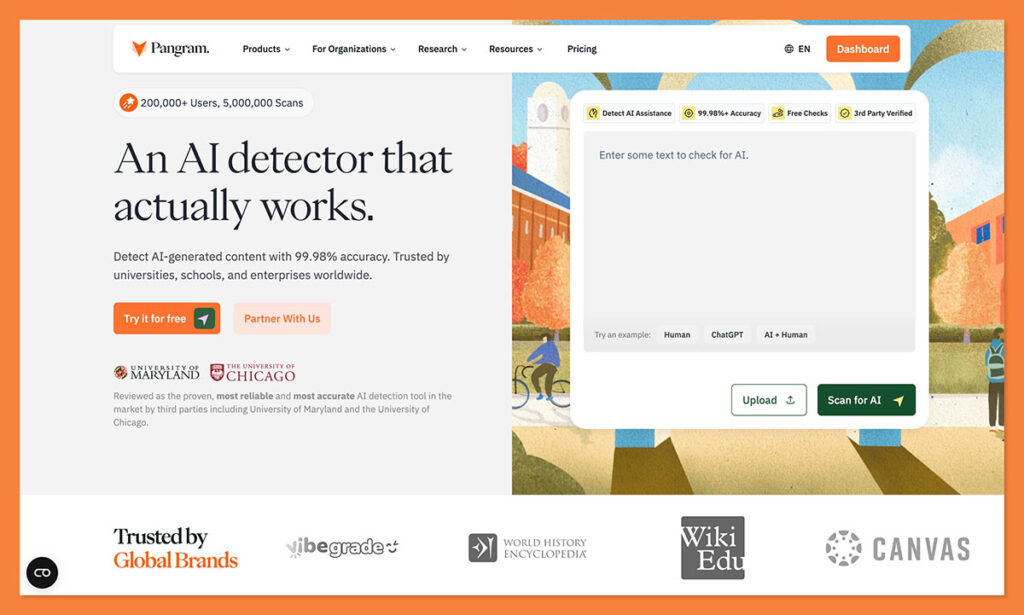
Pangram comes in at number one for me because it was one of the first AI detectors that I felt I could actually trust. The API gives developers so much more than a basic probability score. You see a document broken down into human, AI-assisted, or fully AI-generated segments, with confidence levels, assistance scores, and even highlights to tell you if Pangram thinks the content’s been paraphrased or rewritten by a humanizer.
You can also get a public dashboard link you can share with team members, which helps if someone else wants to see the evidence behind why something flagged. Pangram’s accuracy scores are great, and they’re verified by the University of Chicago and University of Maryland. Even better, Pangram’s false positive rates are practically zero. One peer-reviewed study found Pangram consistently outperformed the other detectors tested on hybrid and humanized content, with false positives proving rare. It’s worth noting the controlled portion of that test used a synthetic set of 160 papers split across four content types.
For developers, the API is secure with SOC 2 support and zero retention options. You can either send the text you want to check to a REST endpoint using an API key, or just use the Python SDK. Plus, you can run async or real-time checks on content in more than 20 languages.
Pros
- Results show you levels of AI use in text, from AI-assisted to pure AI
- Useful insights into where AI copy might have been humanized
- Includes convenient bulk pricing for API requests
- Lowest false positive score of any tool I’ve used
- Zero retention policies and SOC 2 support for security
Cons
- No free tier, and you can consume credits quickly
- Plagiarism run separately from AI checks
2. Originality.ai: Best for Publishers and Editorial QA
Best for: Editorial teams, agencies, editors, plus content marketplaces
API price: Depends on model and the tools you use. Enterprise plans start at about $179 per month
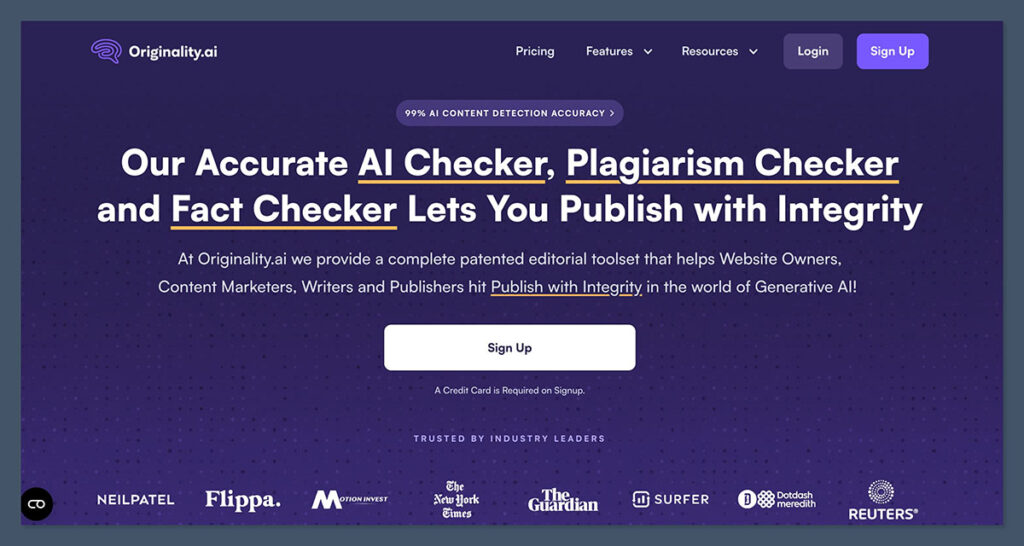
I use Originality a lot, just not from the developer side of things. On a broader scale, Originality.ai has a lot going for it. It handles AI checks, plagiarism insights and readability tests in one platform, there’s also built-in collaboration tools for teams. Plus, the “site scan” feature is great for testing a lot of content in one go.
For developers, the REST API option lets you choose between different levels of detection, and you can add plagiarism detection into the mix too. URL scanning is also available, which helps if you want to review a full page at once. The results you get back are usually structured so you can use them in a CRM, internal reporting tool, or approval queue.
I’m not sure if the fact that you can choose between models is a positive or a negative. On the plus side, it gives you more control based on what you want to do. Models like Lite are good if you’re just checking for grammar and spelling assistance, while switching to Turbo is good for strict policies, plus Academic is tuned for STEM work. Still, that’s a lot of decisions to make. You’ll also be limited to about 100 words per credit if you’re scanning for AI alone, or 50 per credit for AI plus plagiarism.
Originality.ai boasts good accuracy scores (like most detectors), though I’ve found the results can definitely vary depending on the model you choose, and the false positive score is a lot higher than what you’d expect from something like Pangram.
Pros
- Good for high-volume automation and checking entire websites
- Advanced model support so you can choose what fits
- Flexible thresholds for “AI allowance”
- AI and plagiarism checks can run at the same time
- Useful collaboration and team tools
Cons
- Pricing can get expensive very quickly
- False positives are still quite common
- You’ll need an enterprise plan for programmatic features
3. Copyleaks: Best for Multilingual and Institutional Workflows
Best for: Global businesses, educational groups or content review systems
API price: Custom quoted on an enterprise plan
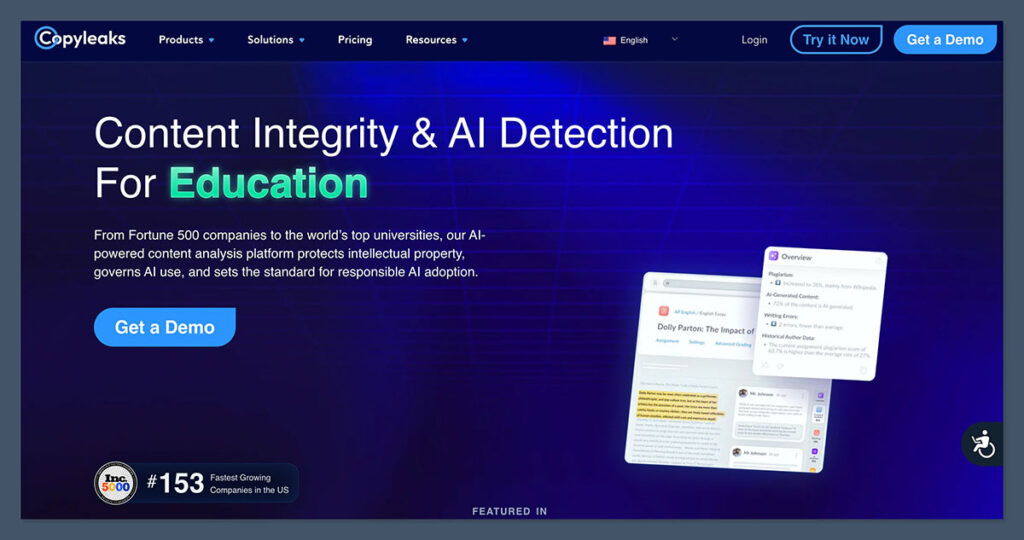
Copyleaks is another tool, like Originality.ai, that can be quite useful to developers who want to check for plagiarism issues and AI fingerprints at the same time. It’s worth saying that it has a confirmed 99% accuracy score, but that only applies to raw GPT text, and frankly most people don’t submit things copied straight from ChatGPT anymore.
It’s excellent for multilingual evaluation though, because the API can handle over 30 different languages without losing much accuracy. You also get decent feedback, with insights into why text was scored a certain way, and color-codes.
For developers, there’s a well-documented REST API, as well as SDKs that can integrate with websites, apps, or LMS options. Plus, the text detector can accept between 255 and 100,000 characters in a single call. You can even adjust sensitivity levels.
The wider API catalog is impressive too, with support for file and URL submissions, OCR, citation validation, grammar reviews, content moderation, or hosted reports. There are even endpoints for AI images, or video analysis, with webhooks for more media-heavy jobs. Still, it doesn’t perform nearly as well as Pangram on humanized tests, and its false positive rate can still be quite high.
Pros
- Massive SDK coverage, along with webhooks
- Support for a range of different types of content alongside text
- AI detection and plagiarism checks can happen at the same time
- Fantastic language coverage (more than 30 languages)
- Enterprise-level security with SOC 2 and SOC 3 certifications
Cons
- Highest accuracy rates are only for pure AI text
- API pricing requires a custom quote
- Struggles with humanized or paraphrased AI text
4. Winston AI: Best for Files, Webpages, and Awkward Inputs
Best for: Teams checking PDFs, Word files, websites, and visual content
API price: Requires a custom enterprise plan
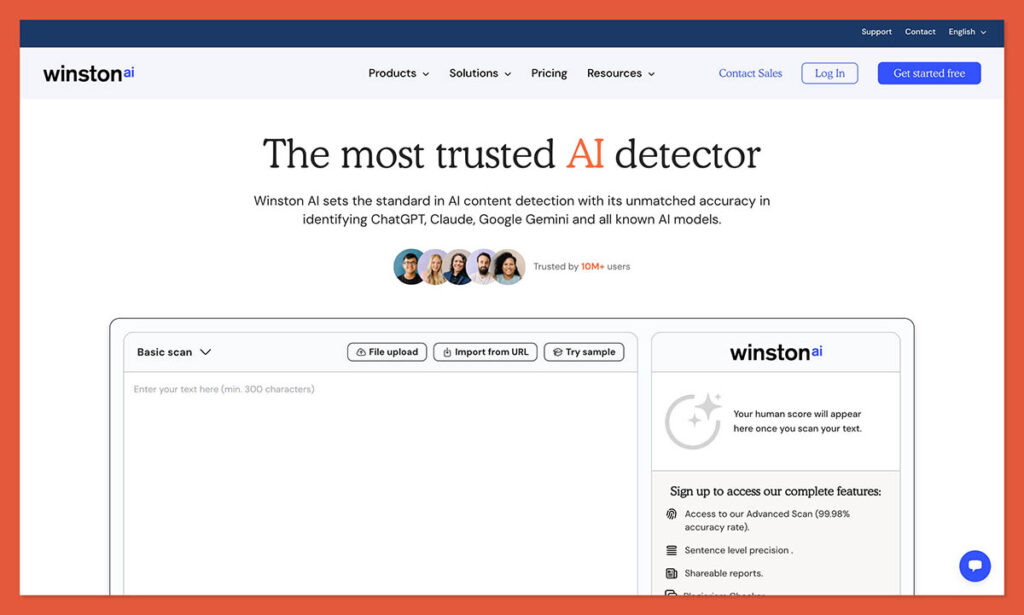
Winston.ai is interesting because it’s one of the few tools available that doesn’t assume everyone only wants to check for AI in text alone. It has built-in OCR support, so you can extract and scan text from uploaded images or documents. You can also run scans on pasted text, PDFs, Word files, or webpage URLs. The request limit sits at around 150,000 characters with a 300 character minimum.
Like most tools, Winston AI promises high accuracy rates, but it performs best when it’s looking at pure AI content copied straight from something like ChatGPT or Gemini. It’s a lot less effective if you’re checking mixed content, or something that’s been rewritten to sound human.
On the plus side, you do get useful feedback, with sentence-level scores, readability data, plus insights into language detection and the amount of credits you’ve used for each scan. It can also flag things like zero-width characters and tricks used to confuse detectors.
Winston’s developer suite is only available on an enterprise plan, but it comes with separate endpoints to handle plagiarism, fact detection, text comparison, plus two levels of image detection. You’ve also got support for about fourteen languages with the text endpoint. The downside is that the system burns through credits quickly, forces you into higher plans for programmatic features, and still struggles with higher false positive rates.
Pros
- Great at handling text, files and webpages with one endpoint
- Sentence-level scores and insights into humanization tricks
- Generous developer trial, though paid plans can cost more
- Useful readability and plagiarism checks available
- Strong accuracy for pure GPT copy
Cons
- Complicated pricing structure
- Possible security concerns with content transferred to third-party servers
- High false positive rates
Why (or When) Would You Use an AI Detector API?
Most people don’t need one. If you’re checking a handful of documents a week, the web dashboard that comes with any of these tools does the same job for a lot less money and zero engineering time. An API only starts to make sense when checking becomes a repeated step in a process rather than something a person does manually.
The situations where I think it’s genuinely worth it:
- Volume you can’t handle by hand. If you’re a publisher or agency processing hundreds of freelance submissions a month, pasting them into a dashboard one at a time stops being realistic pretty fast.
- You want the check to happen automatically. An API lets you run detection at the point of submission, so a score lands in your CMS, approval queue, or Slack channel before an editor even opens the file.
- You need the result stored somewhere. Structured JSON responses can be logged against a writer, a client, or a piece of content, which matters if you ever have to show your working in a dispute.
- You’re building detection into a product. Marketplaces, LMS platforms, hiring tools, and moderation systems all need this as a feature, not a tab someone visits.
- Your thresholds are your own. APIs usually let you set your own “AI allowance” instead of accepting whatever the vendor decided is a pass or a fail.
There’s a cost angle too. Consumer plans are priced per month, API access is priced per word, so the maths changes completely depending on how much you scan. Low volume through an API can work out more expensive than a subscription, while high volume through a dashboard just isn’t practical.
The one thing I’d push back on is using an API to make decisions automatically. None of these tools are accurate enough to sit in a pipeline that rejects a writer, fails a student, or removes a listing without a person looking at it. Treat the score as a flag that triggers a review, not a verdict.
Which AI Detector API Should You Choose?
I like all of these tools for different things. Originality.ai is still great for publishers and agencies that need to combine bulk detection for AI with plagiarism checks or editorial controls. Copyleaks is fantastic for global institutions with its broad language coverage, and its helpful range of webhooks plus SDKs. Winston is useful if you’re checking more than just basic text (PDFs, images, etc).
For me, Pangram is the winner overall because it combines exceptional, peer-reviewed accuracy proof, with a strong API workflow, useful bulk pricing options, plus the lowest false positive score of any AI detector I’ve tried to date.
I’d still say it’s worth showing caution with every one of these tools, as you can never trust an AI system to give you a completely accurate result every time. Still, Pangram is the one I’d be most confident using for initial checks, before I apply my own judgment.

Comments 0 Responses