

There’s a problem with a lot of articles listing the “best predictive analytics tools” that I’ve noticed lately. They all talk about the obvious things like data connections, pricing, or even customer support, but then they miss things like the number of handoffs you have to manage, or what maintenance looks like. That’s a pretty big issue when most companies are still in the experimental stage with AI.
One Gartner study even found that 63% of organizations aren’t sure they have the right data management processes for using AI, and it expects about 60% of projects without “prepared data” to be abandoned this year – which is exactly why where a tool sits on the data-prep question matters so much in this comparison.
So, I’m hoping this little guide is a bit more useful for companies that want to find a solution they can actually use to get valuable results this year.
The Best Predictive Analytics Tools Compared
The difficult thing about comparing predictive analytics software is that even though most tools can do similar things, they’re clearly not built for the same person, or team. I’ll explain that a bit better when I get into my reviews for each option, but for now here’s a quick rundown based on the things I was thinking about when evaluating these tools.
| Analytics Tool | Best For | Primary Use Case | No-Code / Low-Code | Setup Time | Where Predictions Go | Validation and Guardrails | Who Maintains It |
|---|---|---|---|---|---|---|---|
| Pecan AI | Business-led predictive analytics | Churn, LTV, demand, lead scoring and campaign ROAS | No-code | Days to a week | Salesforce, HubSpot, Snowflake, BigQuery, Redshift, Databricks | Automated leakage, overfitting and label-balance guardrails | Business team, with Pecan support |
| Alteryx | Analyst-led predictive workflows | Data prep and modelling in one visual workflow | Low-code, optional R and Python | Depends on what you want to do | Apps you connect | Data Health and model checks | Your experienced analysts |
| DataRobot | Enterprise AutoML and model governance | Running and governing many models in production | Low-code, not fully code-free | From hours to weeks | APIs, batch, managed deployment spaces | Extensive monitoring and governance | Your MLOps team |
| H2O.ai | AutoML depth and technical control | Automated feature engineering and model tuning | Code-first with AutoML assistance | Can take months | APIs, applications or MOJO connections | Validation and interpretability | Your data scientists |
| ThoughtSpot | Conversational analytics and BI | Natural language BI with forecasting and anomaly detection | No-code, code optional in Analyst Studio | Days to weeks | ThoughtSpot and apps | Analytics layer | Your BI and analytics team |
| SAS Viya | Governed enterprise predictive analytics | Regulated modelling with explainability and bias checks | No-code Model Studio, code optional | Weeks to months | Batch, real-time, or API uploads | Explainability reports and Model Manager | Your analytics team |
| Azure Machine Learning | Microsoft-centric teams | AutoML, deployment and monitoring inside Azure | Low-code AutoML, code-heavy beyond it | Weeks to months | Online or batch endpoints | Drift reports and performance monitoring | Your ML or cloud team |
| Tableau | Salesforce shops and insights inside BI | Time-series forecasting inside existing dashboards | No-code and low-code, extensions optional | Weeks | Tableau, Pulse, email, or apps | Statistical reports and governed controls | Your BI analysts |
| Dataiku | Collaborative enterprise AI development | End-to-end projects shared by analysts and data scientists | Low-code Visual ML, code optional | Weeks to months | APIs, batch uploads or cloud platform connections | Drift and fairness reports | Your data or ML team |
| KNIME | Flexible visual predictive workflows | Custom workflows from prep to scoring on any budget | Low-code visual workflows, code optional | Weeks to months | API connections or data apps | Workflow checks and versioning | Your skilled analysts |
How to Choose the Best Predictive Analytics Tool
Before I talk you through why I chose these ten options, and what I liked or disliked about them, here’s a quick look at how you can create a helpful shortlist of your own. Generally, the best place to start is with an honest evaluation of the resources you have.
If you’ve already got data scientists and engineers ready to work on your predictive project, you might choose a tool that gives you more hands-on technical control, such as H2O.ai, KNIME, Dataiku, or Azure ML. If you don’t have a dedicated data science team, or simply want to get to predictions faster with more of the modeling workflow automated, Pecan is built for that.
Check for a few things straight away:
- Who’s going to be responsible? Who’ll be building the models, maintaining them, and using the insights they generate?
- How much prep work is involved? Some tools handle much of the data preparation for you, while others expect your team to clean, join, and prepare the data before modeling.
- How quickly do you need a result? Time to value can vary a lot between platforms, so think about how long you’re willing to wait before your team can start using predictions.
- Where do you need the results to go? Ideally, your predictions should arrive in the dashboard, campaign system, CRM, or data warehouse your team uses.
- How much control and automation do you need? Think about things like automated guardrails, model monitoring, scheduled predictions, and how much of the workflow you want the platform to handle for you.
The Top 10 Predictive Analytics Tools for this year
I’ve ranked these ten tools based on a few things, starting with the time it actually takes to get a model you can use up and running. The other things I checked were:
- The skills or specialist employees needed to run the system
- The data preparation work and setup you need to do before accessing the model
- Validation, guardrails, and reporting options
- Where predictions are delivered (such as in the tools you’re already using)
- The amount of ongoing maintenance required
I want to say straight away that none of these tools are bad, they’re all excellent for the right team, I’m just ranking them based on what I think will help businesses see a return on their predictive analytics investment faster.
1. Pecan AI: Best Overall for Business-Led Predictive Analytics
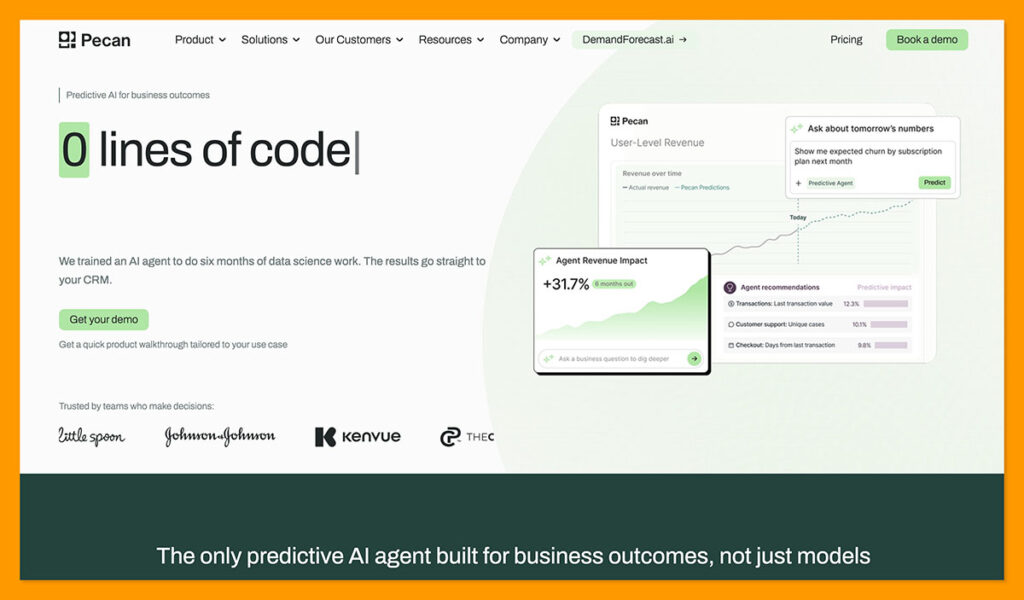
Best for: Business and analytics teams that want to build predictive models without a traditional data science workflow.
Pecan comes first based on the time-to-value criteria I used. Many of the other tools on this list either require data science expertise or add predictive features to a broader analytics platform. Pecan is one of the few predictive AI platforms designed specifically for business teams that want to build predictive models without investing in a dedicated data science team.
Teams can often get a model ready to run in days, rather than weeks or months. You start with a business question, something like “which customers are most likely to churn in the next 30 days”, and the Predictive AI Agent takes it from there.
The Predictive AI Agent prepares the data and builds the model, handling historical joins, time windows, missing values, feature engineering, and model training. Guardrails run by default, helping catch common modeling issues like data leakage, overfitting outliers, and other data quality issues.
This is where the “why not just build it in-house?” question gets answered. The Agent evaluates thousands of signals per prediction, far more than an analyst would typically hand-engineer, using Pecan’s patented technology for automated data preparation and feature engineering. These are some of the most complex parts to build and maintain in-house: joins, time windows and feature construction need to adapt as the prediction question changes. Pecan handles that automatically.
Pecan is built for use cases including churn, LTV, demand, lead scoring, fraud, campaign ROAS, and repeat purchase predictions. You need enough historical data to support the question you’re asking, but the setup is much lighter than a DIY project. ShopTJC, for instance, used Pecan with a team of analysts that had no ML experience and got to a production-grade model in a week.
After training, models return probability scores, and the dashboard shows metrics like precision, recall, benchmarks, thresholds, and column importance. You can schedule fresh prediction cycles and write results back to your data warehouse.
Pros:
- Built around predictive business questions
- Handles a large chunk of the prep, modelling, and testing work
- Scheduled predictions can feed the systems you already use
- Excellent for growth and retention use cases
- Gives you a workable model in days
Cons:
- You still need an SQL owner
- No public pricing, requires a custom quote
- Lighter MLOps tooling than platforms built to govern hundreds of models
2. Alteryx: Best for Analyst-Led Predictive Workflows
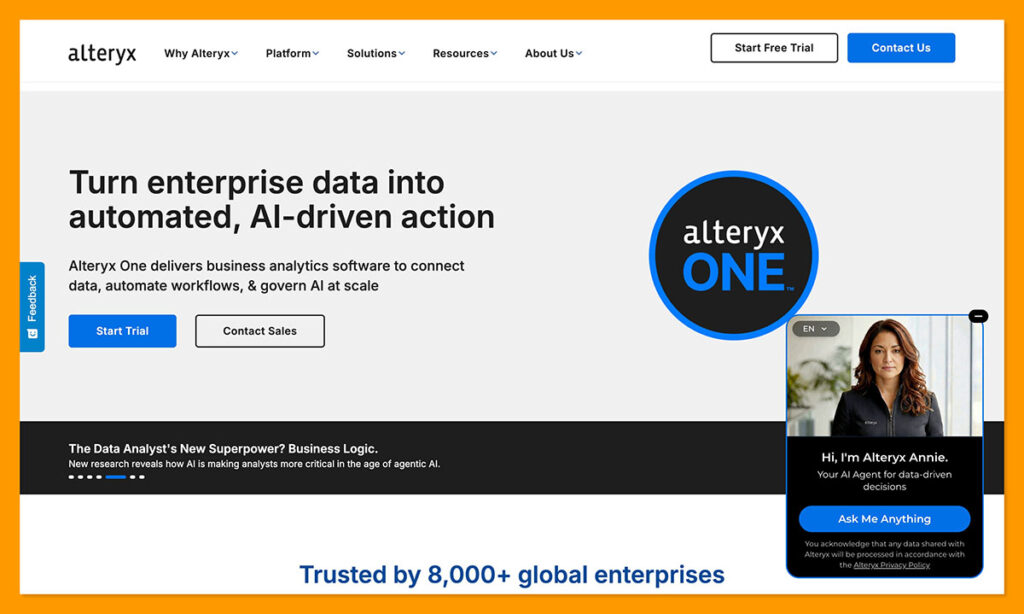
Best for: Analyst teams that want to reduce the time they spend fixing and preparing data before building predictive models.
Alteryx is a strong choice for companies that spend too much time reshaping data before they get to the modelling stage. The visual workflows are great for cleaning and joining data points up before you carry them through into predictive analysis. There’s even an “Assisted Modeling” option to help you choose a specific target, deal with missing values, or compare algorithms before training the model.
The Live Query feature is also great, with the option to keep something like Snowflake, BigQuery, or Databricks data within your warehouse while you run the workflow against it. For teams using BigQuery, there’s also Ask Alteryx, which can inspect or troubleshoot workflows.
Alteryx also has its Agent Studio, for agents that answer specific questions about chosen datasets and run things like root cause analysis. The big problem is this is still more of a tool for preparation than anything else, and the low-cost plans aren’t going to be enough for major predictive work.
Pros:
- Great visual tools for building and prep
- Very fast data preparation performance
- Built-in predictive tools for certain workflows
- Easy scheduling, sharing, and automation features
- Users can embed custom R or Python code into the workflow blocks
Cons:
- Expensive for smaller business teams
- Advanced features have a much higher learning curve
- Not intended for deep learning
3. DataRobot: Best for Enterprise AutoML and Model Governance
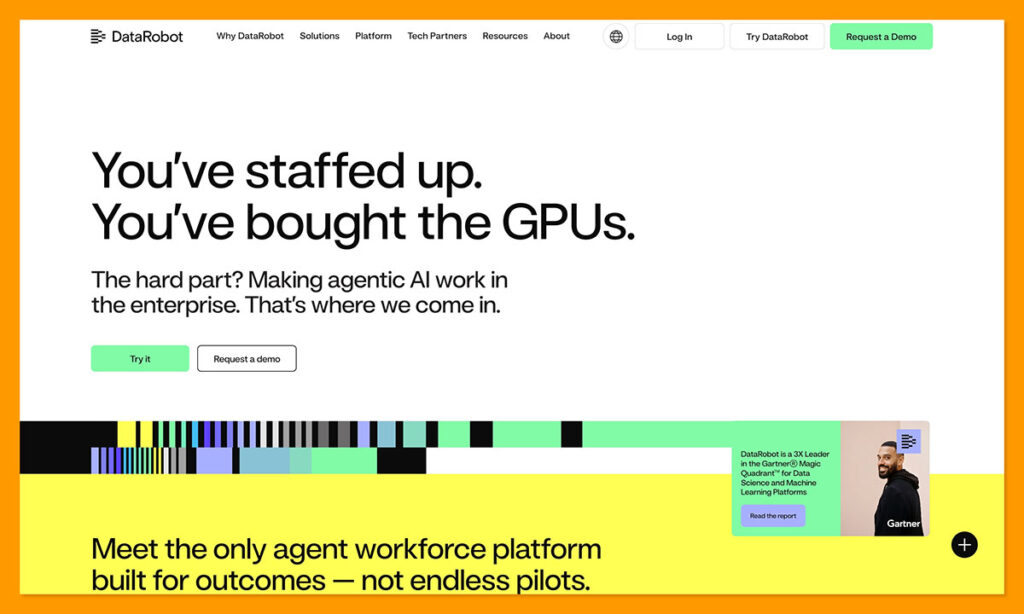
Best for: Companies managing a lot of models in production at once.
DataRobot is enterprise-grade predictive analytics software I can imagine businesses using when they’re planning to run and manage a lot of different models at once. There’s AutoML to handle the competition between candidate models. You also get a Registry where you can keep versions ready for deployment. DataRobot can track accuracy and data drift across models, also replacement workflows can show you exactly why a model changed (such as accuracy loss or scoring speed).
The features are smart, ranging from complex data preparation to missing value management. This just isn’t a tool that most people will want to use for one simple prediction project. From what I’ve seen, most customers seem to run dozens, or even hundreds of AI systems with DataRobot. DataRobot reports that Inchcape, for instance, has more than 100 systems in production, and it managed to cut deployment time by 50%. That’s not to say you can’t run a smaller selection of models.
Still, I think the amount of effort you’ll need to put into managing the models is worth acknowledging. This isn’t a fully code-free platform, and integration problems are common especially with legacy tools. Overall though, DataRobot still has a real place for companies who need deep MLOps, drift monitoring, audit trails, governance, and scale.
Pros:
- Very fast automation capabilities
- Detailed model version and change controls
- Built-in explainability with drift and accuracy monitoring
- Great for businesses with a wide range of models
- End-to-end MLOps options
Cons:
- Can be very expensive (enterprise level pricing)
- Not totally code-free
- Integrations can be difficult
4. H2O.ai: Best for AutoML Depth and Technical Control
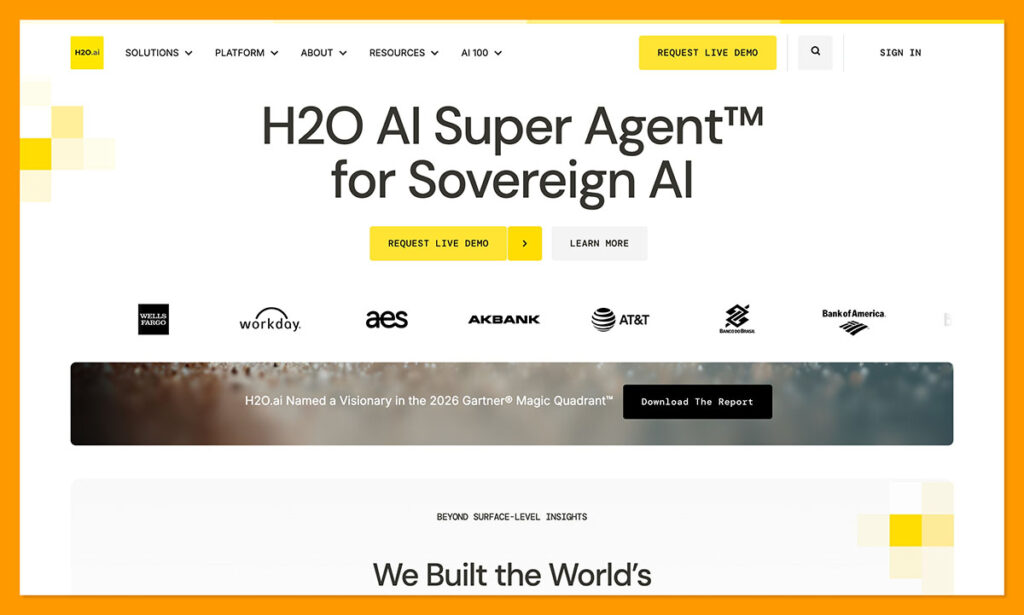
Best for: Teams of data scientists that need fast model production with plenty of technical control.
H2O.ai is most likely to appeal to companies that want a lot of freedom. The Driverless AI system automates feature engineering for you, as well as model tuning, validation, model selection, and deployment. Still, though, technical users can choose what’s going to happen underneath.
The feature-engineering engine can create interactions with clustering, target encoding, dimensionality reduction, aggregates and other transformations. You can also continuously iterate based on how important each feature is. Plus, the validation side is great too. Teams can use internal holdouts or external validation data throughout your parameter tuning strategy. There are even Population Stability Index calculations available.
The deployment element is brilliant too, since Driverless AI can export the whole feature-engineering and model pipeline as either Python or MOJO scoring artifacts. That means you’re not chained to the modeling interface at inference time. Of course, the level of freedom does mean the learning curve is a lot bigger, and the data prep capabilities are pretty limited here too, but it’s still a useful option.
Pros:
- Very fast model production with automatic training
- Excellent interpretability features and validation controls
- Flexible deployment options
- Open-source core for technical teams
- Plenty of freedom
Cons:
- Requires a team with plenty of ML knowledge
- Pricing can be high for enterprise features
- Not many data prep features
5. ThoughtSpot: Best for Conversational Analytics and BI
Best for: Business intelligence teams that want conversational analytics and forecasting.
I wasn’t entirely sure where ThoughtSpot should land on this list, which is probably why it ended up in the middle. It’s one of the simpler options for business teams to use, like Pecan AI. A user can ask the “Spotter” assistant a question and work from their own enterprise data when exploring insights. At the same time, there’s an Analyst Studio so data teams can use things like Python, or SQL.
What I like about ThoughtSpot is it doesn’t seem like just another dashboard tool with predictions thrown in at random. I also like the proactive anomaly detection, so you get instant insights into how small changes might turn into larger issues.
ThoughtSpot also added a new data-prep option in February with cross-source mashups and spreadsheet-style preparation. There’s also a new set of AI formula suggestions in SpotterModel, plus streaming answers, version rollback, and CSV analysis.
Still, this tool can’t really replace a full predictive analytics software bundle. You’re going to need a real modeling platform behind it, plus a true data science platform.
Pros:
- Convenient natural language querying
- Supports deterministic search tokens
- Proactive anomaly detection based on business data
- New data prep additions in 2026
- Good scalability through the cloud
Cons:
- Doesn’t replace a full predictive analytics setup
- Limited visualization capabilities
- Too complicated for smaller teams
6. SAS Viya: Best for Governed Enterprise Predictive Analytics
Best for: Bigger companies that need business analysts and data scientists working in the same predictive analytics software.
SAS Viya has actually changed quite a bit lately. It used to be a place where specialists had to spend weeks digging into code. Now, there’s the Model Studio (browser based and no-code), plus AutoML for handling data preparation, feature engineering, training, or model comparison.
You can generate and edit a visual pipeline. There’s support for Python, R, and SAS for teams that need to add more specifics. The explainability is excellent too, with things like partial-dependence analysis, and bias detection.
What’s really valuable is the unified workspace, where teams can work on data prep, machine learning, and model deployment in the same place. There’s also the Viya Copilot, which can help out with model pipeline development and management. Also, Model Manager lets teams test scoring logic before they deploy anything, and track versions.
Still, though, it is a system with a steeper learning curve than Pecan, and it does need a serious amount of cloud infrastructure or hardware resources.
Pros:
- Low/no-code model studio for beginners
- Open-source friendly
- Combines multiple data tasks into one workspace
- Excellent governance and explainability
- Genuinely useful copilot feature
Cons:
- Very high learning curve and cost
- Demands a lot of resources
- Too much governance for some smaller teams
7. Azure Machine Learning: Best for Microsoft-Centric Teams
Best for: Companies already using Azure that want AutoML tools next to their own cloud infrastructure and controls.
It feels a bit predictable to say that Azure ML is better for Microsoft-centric companies, but here we are. AzureML works best when you’re already using Azure Synapse Analytics or Data Lake, although it does give you some flexible deployment models.
The system is almost the opposite of a standard packaged predictive product. AutoML can do most of the model hunting work for you, handling classification, regression, and forecasting jobs, but you still get a serious amount of control.
You can choose to run models behind managed online endpoints for instant scoring or batch job analysis. The Azure Model Monitor can watch production inputs and outputs for performance problems or data drift. There are also thresholds to trigger alerts when something steps over a line you’ve drawn.
What’s problematic about this tool, besides the obvious potential for vendor lock-in, is the extra complexity. The cloud compute instances and pay-as-you-go pricing can be hard to get your head around, leveraging the whole suite takes a lot of training, and you’re still responsible for data prep.
Pros:
- Great AutoML functionality and forecasting
- Support for flexible deployment models
- Enterprise scalability as standard
- Fits perfectly with other Azure solutions
- Useful tools for monitoring and tracking
Cons:
- Possible vendor lock-in
- Complicated costs and features
- Requires both ML and Azure expertise
8. Tableau: Best for Salesforce Shops and Insights Inside BI
Best for: Tableau users who want forecasts inside the dashboards their teams already use.
Tableau is a little more niche compared to the other predictive analytics tools we’ve mentioned, and it also focuses more on the “Business Intelligence” side than actual modelling. Still, it’s a very helpful platform for ecommerce teams already using Salesforce.
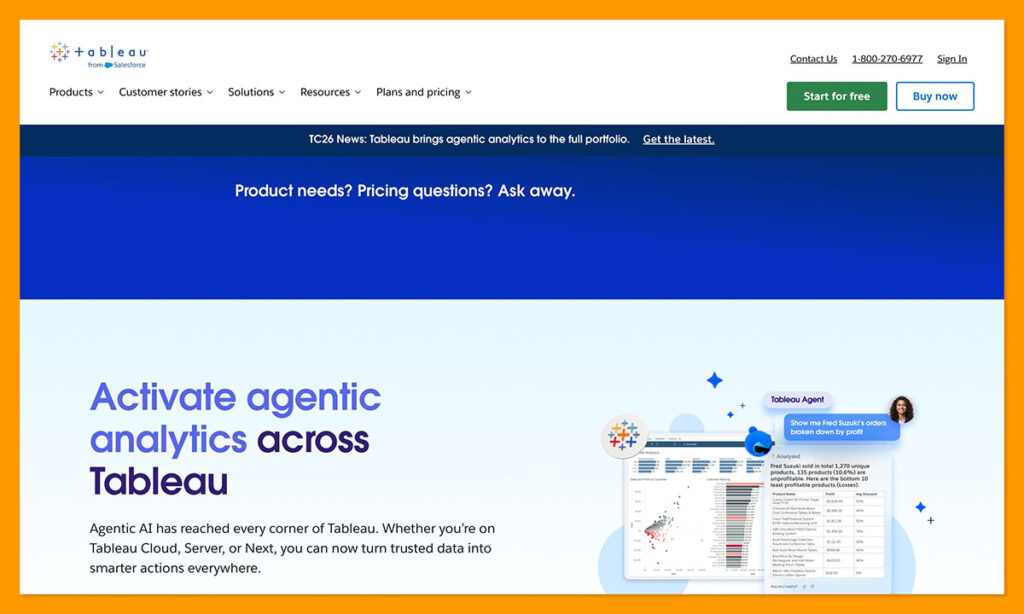
The native forecasting tools are great for answering time-series questions, and there are functions that allow analysts to estimate values within a visualization. You’ve also got Pulse to watch over metrics and push changes into Tableau, email, or Slack for you.
Like all of Salesforce’s products, Tableau continues to get serious AI upgrades, including a stronger agent in Pulse with a 400,000 token context window. You’ve also got external language extensions (Python, R, MatLab, etc) which can be helpful for data science teams.
This still isn’t the tool you’d use for complex modeling, and the performance can slow down a bit if you’re dealing with massive data sets or running complicated live calculations.
Pros:
- Useful no-code and low-code modeling tools
- Helpful visuals and interactive charts
- External language extensions are supported
- Entry pricing can be cheaper than with some other tools
- Works well if you’re already familiar with Salesforce
Cons:
- Not really meant for complicated modeling
- Sometimes experiences lag issues
- Steep learning curve for absolute beginners
9. Dataiku: Best for Collaborative Enterprise AI Development
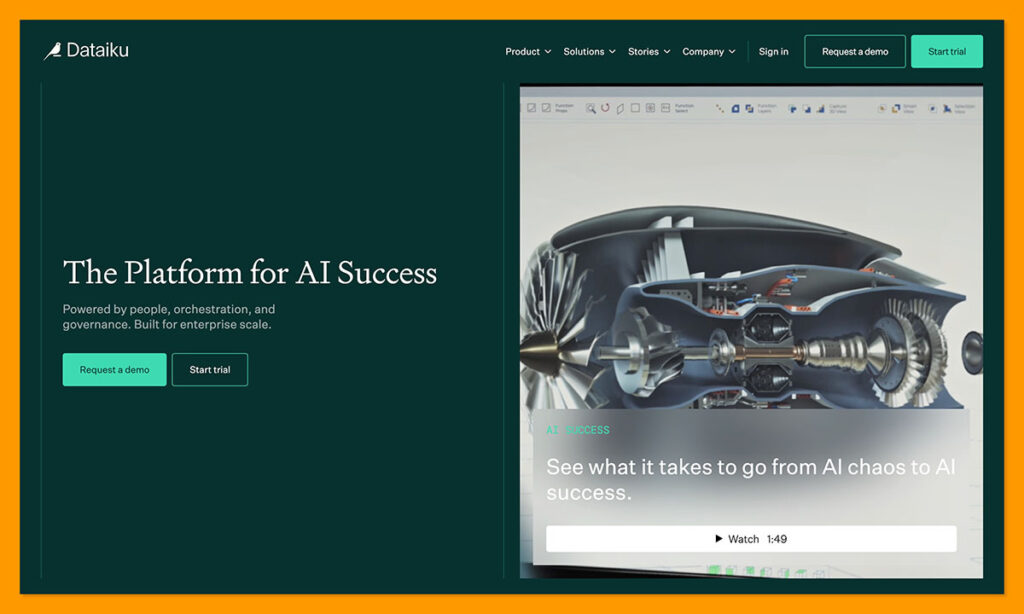
Best for: Companies that need analysts and data scientists working together on the same predictive analytics platform.
I know Dataiku probably feels very low on this list for some people, because it’s one of the most capable products. The Visual ML system gives you AutoML while experienced teams can still experiment with Python and deep learning capabilities. You also get an environment that can handle forecasting, clustering, computer vision or ML, with fairness analysis and stress tests when needed.
The production side is brilliant, too, since you can move models into systems like Databricks or SageMaker. There’s also a Unified Monitoring solution that can track potential drift and model health issues across your deployments. Plus, teams can automate retraining and compare challenger and champion versions, or roll back when needed.
It’s a strong choice if you want your business analysts and data scientists working comfortably in the same place. Unfortunately, like many of these tools, it’s just a bit too complicated and expensive if you’re simply looking for a way to act on predictions faster.
Pros:
- Excellent end-to-end workflows for using data
- Hybrid collaboration between technical and non-technical teams
- Governance and lineage tracking included
- Can support very fast deployment for initial models
- Great for model testing
Cons:
- Generally too expensive for smaller teams
- Sometimes struggles with performance at scale
- Very high learning curve
10. KNIME: Best for Flexible Visual Predictive Workflows
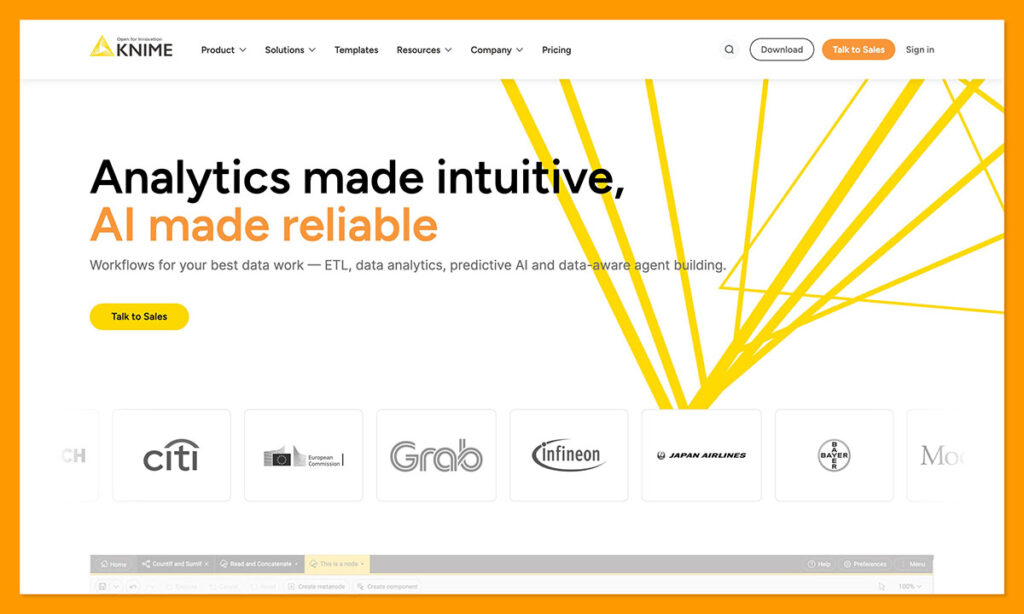
Best for: Analysts and domain experts that want absolute flexibility on everything from cost to architecture.
KNIME is a truly capable piece of predictive analytics software for something you can actually access for free. The Analytics Platform gives you connections to more than 300 data sources and services, and it can handle everything from text to images, and time series data. Companies can even build a predictive process that covers prep, feature engineering, model training, scoring, as well as handoffs.
I like the visual workflows here, and the fact that users can add in as much Python and R as you like next to pre-built machine learning nodes. Plus, since it’s open-source, KNIME can be cost-effective, at least for the initial setup, if you have people with the right skills.
The problem, and the reason it’s listed last here, is that KNIME gives you all the pieces you need, but you need someone with specialist skills to put them together correctly. There are a lot of components to get your head around. Business Hub gives you things like schedules, REST services, data apps, permissions, versioning, and staged deployments, but the whole workflow logic side of things comes down to you.
That’s absolutely fine if you have the right people on your team, but it can become difficult, and expensive if you’re starting from scratch.
Pros:
- Can be cost-effective with the open-source desktop products
- Combines visual workflows and code
- Various deployment options with Business Hub
- Highly versatile for data science teams
- Included AI assistant to help build workflows
Cons:
- Requires real analysts with genuine skills to set up
- Business Hub pricing can quickly add up
- You still have to pay for hosting
Which is the Best Predictive Analytics Tool?
For my personal ranking, which puts time to value first, Pecan AI is the best option. It’s one of the easiest systems for businesses to use when they have a question, data they need to scour through, and a team with limited data science skills. It’s also great if you need predictions delivered directly to the tools your teams are using day after day.
Each of the other tools I’ve mentioned have their benefits too. DataRobot is great for model governance, and H2O.ai is brilliant if you need control over feature engineering. SAS Viya and Dataiku are both helpful if you want one central environment for lots of models and AI work. KNIME and Alteryx are helpful for companies who want their analysts to be at the front of the workflow, while Tableau and ThoughtSpot are better if prediction strategies are tied in with BI.
Pecan comes out on top because marketing ops, RevOps and planning teams can get something valuable out of their data faster, with less money going into training and setup, and without waiting on a data science queue.
FAQs
What is a predictive analytics tool?
A predictive analytics tool is software that companies use to answer questions about what might happen in the future. These solutions use a combination of statistical algorithms, historical data, and machine learning to forecast future events, so companies can anticipate trends, get ahead of potential problems, and optimize growth.
What’s the difference between predictive analytics and business intelligence?
Business intelligence, or BI, tells you what the business has already done. Predictive analytics looks forward to estimate what might happen next. BI can tell you where you experienced big patches of churn or marketing strategies didn’t pay off, while predictive analytics can give you suggestions that help prevent those things from happening later.
Do predictive analytics tools require coding?
That depends on the software you’re using. Pecan can start building a custom predictive model for you from a simple question. KNIME and Alteryx tend to use visual workflows, while platforms like Azure ML, SAS Viya, and DataRobot offer various guided ways to build models with AutoML. Coding is really more necessary when you want deeper customization.
What are examples of predictive analytics?
There are plenty of great examples linked to ecommerce. Predictive analytics tools can help you figure out which customers might be about to churn, or how much demand you’ll get for a product in the next month. They can also tell you which transactions look risky, which buyers might spend more over time, or which marketing campaigns will give you the best return on investment.
What is the easiest predictive analytics tool to use?
Pecan AI is the easiest option here for teams without data science skills. You ask in plain language and the Agent handles the data prep, joins, SQL generation and model training. The main prerequisite is having enough historical data behind the question.
What predictive analytics tools require no coding?
Pecan AI is genuinely no-code for predictive modeling. You describe what you want to predict and the Predictive AI Agent generates the SQL, prepares the data and builds the model. SAS Viya has a no-code Model Studio, ThoughtSpot uses natural language queries, and Tableau mixes no-code and low-code tools. Alteryx, KNIME and Dataiku use visual workflows but still expect analyst skills.
What is the best predictive analytics software for ecommerce?
Pecan AI is the strongest fit for most ecommerce teams. Churn, lifetime value, demand, lead scoring, repeat purchase, fraud, and campaign ROAS are exactly what it is built to predict, and results can be written back to your CRM or warehouse. Tableau suits Salesforce users, while Dataiku and DataRobot make more sense at enterprise scale.
What is the best alternative to DataRobot?
It depends on why DataRobot is not working for you. If cost and MLOps overhead are the problem, Pecan AI is the closest alternative, since it is built for business teams rather than ML engineers. Dataiku and SAS Viya offer similar enterprise depth, H2O.ai gives more technical control, and Azure Machine Learning suits Azure-based infrastructure.

Comments 0 Responses