

With more professionals using AI to manage meetings, automate notes, and improve collaboration, we’ve tested and reviewed eight of the top AI meeting assistants available in 2026.
While Krisp has historically offered a combination of noise cancellation and meeting features, most users today are looking for smarter transcription, faster summaries, and better integration into their workflows.
I tested each of these tools across Zoom, Google Meet, and Teams meetings. I also examined their pricing, feature sets, ease of use, and support options.
Based on that, here are my top recommendations for this year.
AI Meeting Assistant Comparison Table
| Tool | Rating | Starting Price | Platforms | AI Features | Best For |
|---|---|---|---|---|---|
| NoteGPT | 4.8 | Free | Zoom, Meet, Teams | Summaries, Action Items | Chrome-based transcription |
| Otter.ai | 4.6 | Free | Zoom, Meet, Teams | Real-time transcription | Collaborative meetings |
| Fireflies.ai | 4.5 | Free | All major apps | Analysis, CRM integrations | Sales and follow-ups |
| Fathom | 4.4 | Free | Zoom only | Instant highlights | Zoom power users |
| tl;dv | 4.3 | Free | Zoom, Meet, Teams | Timestamped highlights | Remote teams |
| Avoma | 4.2 | $19/month | Zoom, Meet, Teams | Coaching tools, summaries | Sales teams |
| Granola | 4.1 | Free | Browser | Enhances written notes | Privacy-conscious users |
| Tactiq | 4.0 | Free | Zoom, Meet, Teams | Live transcription | Lightweight Chrome tool |
1. NoteGPT: Best Overall AI Meeting Assistant
Starting Price: Free
Platforms: Zoom, Google Meet, Microsoft Teams
AI Features: Summaries, action items, smart tags
Free Plan Available: Yes
No bots required
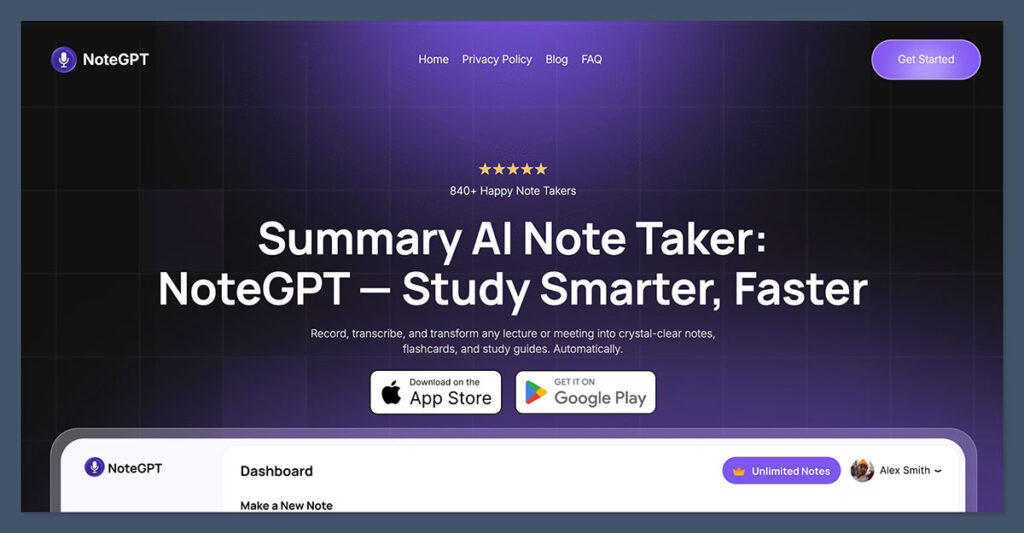
NoteGPT is currently the best AI meeting assistant I’ve tested. It stands out for its clean design, smart Chrome extension, and ability to capture meetings without needing a bot or download.
I used NoteGPT for several weeks and was impressed by how quickly it summarized my meetings, pulled out key points, and generated action items.
Unlike tools that ask you to let a bot join your calls, NoteGPT quietly works in the background through your browser. It detects when you’re in a call and begins capturing audio instantly. Once the meeting ends, a clear summary is generated along with timestamps, key decisions, and follow-up tasks.
Pros
- No bots or downloads needed
- Smart and fast AI summaries
- Action items clearly separated
- Great for individual and team use
- Works inside your browser
Cons
- Requires Chrome for full functionality
- No native mobile app yet
Pricing
| Plan | Price | Features |
|---|---|---|
| Free | $0 | basic transcription |
| Premium Weekly | $6.99 per week | Fast, accurate transcription, AI summaries, clean transcript management, support for 50+ languages |
| Premium Yearly | $64.99 per year (save 40%) | Same features as Weekly plan, billed annually at a discounted rate |
| Team | Custom pricing | Shared folders, collaboration tools, centralized team workspace |
Why I recommend it: NoteGPT offers excellent value and performance, especially for remote professionals, consultants, and teams that rely on browser-based workflows. It’s discreet, accurate, and easy to use.
2. Otter.ai: Best for Real-Time Collaboration
Starting Price: Free
Platforms: Zoom, Google Meet, Microsoft Teams
AI Features: Transcription, summaries, live highlights
Free Plan Available: Yes
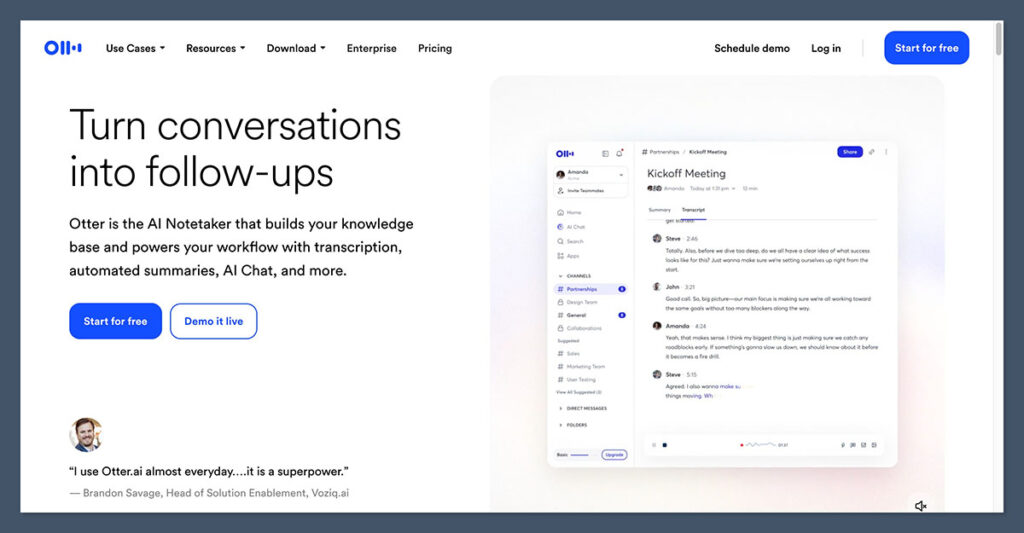
Otter.ai is one of the most widely recognized AI meeting assistants. I’ve used it for everything from webinars to client interviews.
Otter joins meetings automatically through calendar sync, transcribes everything in real time, and creates a collaborative dashboard for you and your team.
The platform also allows live highlighting and commenting during calls. After each meeting, I received a well-structured summary with speaker identification, timestamps, and shared action items.
Pros
- Excellent real-time transcription
- Calendar sync and automatic meeting detection
- Collaborative editing and note tagging
- Works across multiple platforms
Cons
- Summary quality depends on audio clarity
- Advanced tools locked behind paid plans
Pricing
| Plan | Monthly Price | Features |
|---|---|---|
| Basic | Free | 300 mins/month, 30 min limit per meeting |
| Pro | $16.99 | 1200 mins/month, advanced export options |
| Business | $30 | Team dashboards, analytics, admin tools |
Why I recommend it: If you regularly collaborate with teammates during or after meetings, Otter.ai is a reliable choice. It’s also ideal for live webinars, workshops, and client meetings where real-time access matters.
3. Fireflies.ai: Best for Post-Meeting Analysis
Starting Price: Free
Platforms: Zoom, Meet, Teams, Webex, Skype
AI Features: Summaries, sentiment analysis, CRM sync
Free Plan Available: Yes
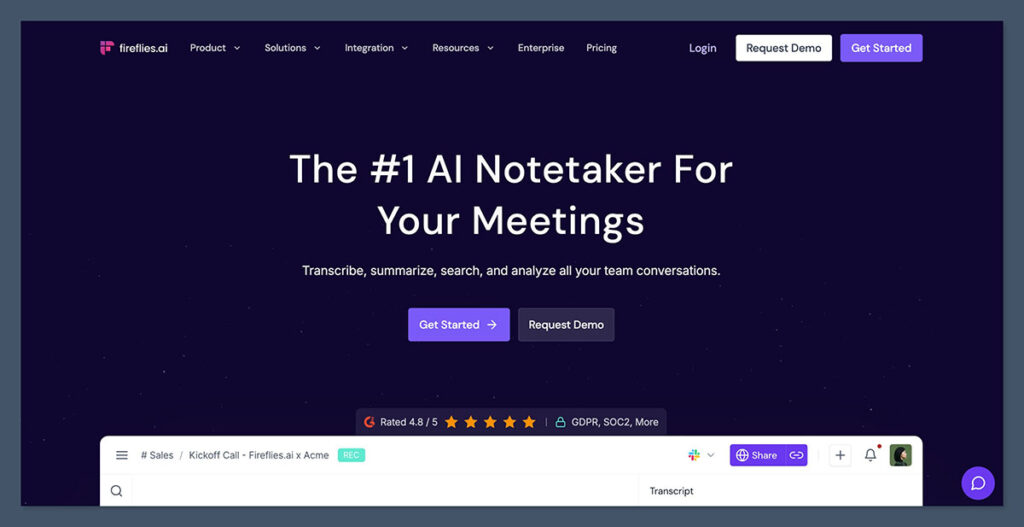
Fireflies.ai offers more than just transcription. It’s built for teams that want to search through conversations, tag important moments, and even analyze customer sentiment.
I tested it in a sales setting and found it helpful for creating automatic follow-ups and identifying key objections and deal signals.
It can integrate with CRMs like HubSpot and Salesforce, automatically logging meeting notes and updating contact records. You can also search across meeting transcripts using filters and custom tags.
Pros
- CRM integration is seamless
- Keyword tracking and analytics
- Searchable meeting archive
- Great for follow-ups and review
Cons
- The UI can feel crowded at times
- Transcription accuracy drops in noisy environments
Pricing
| Plan | Monthly Price | Features |
|---|---|---|
| Free | $0 | Limited transcription features |
| Pro | $18 | Unlimited recording, summaries, collaboration |
| Business | $29 | CRM integrations, insights, analytics |
Why I recommend it: For revenue and support teams, Fireflies is an excellent tool for turning meetings into trackable, searchable data. It goes beyond note-taking to help with process improvement and reporting.
4. Fathom: Best for Zoom Users

Starting Price: Free
Platforms: Zoom
AI Features: Real-time highlights, summaries, exports
Free Plan Available: Yes
Fathom is designed specifically for Zoom users. If you run your entire meeting workflow inside Zoom, this is the best free option available.
During my tests, I was able to mark key moments while the call was happening, and Fathom used those to generate targeted summaries and clips.
After each meeting, you receive a well-organized set of notes with shareable highlights. Fathom even sends follow-up emails summarizing the call, which is useful for client communication.
Pros
- No cost for individuals
- Zoom-native integration
- Real-time clip creation
- Email follow-ups included
Cons
- Only supports Zoom
- No mobile app or browser extension
Pricing
| Plan | Monthly Price | Features |
|---|---|---|
| Free | $0 | Unlimited usage for individuals |
| Teams | Custom pricing | Team workspace, analytics, controls |
Why I recommend it: If you exclusively use Zoom and want a free, automated AI note-taker, Fathom is the easiest and most powerful option.
5. tl;dv: Best for Remote Teams
Starting Price: Free
Platforms: Zoom, Google Meet, Microsoft Teams
AI Features: AI summaries, timestamps, highlights
Free Plan Available: Yes
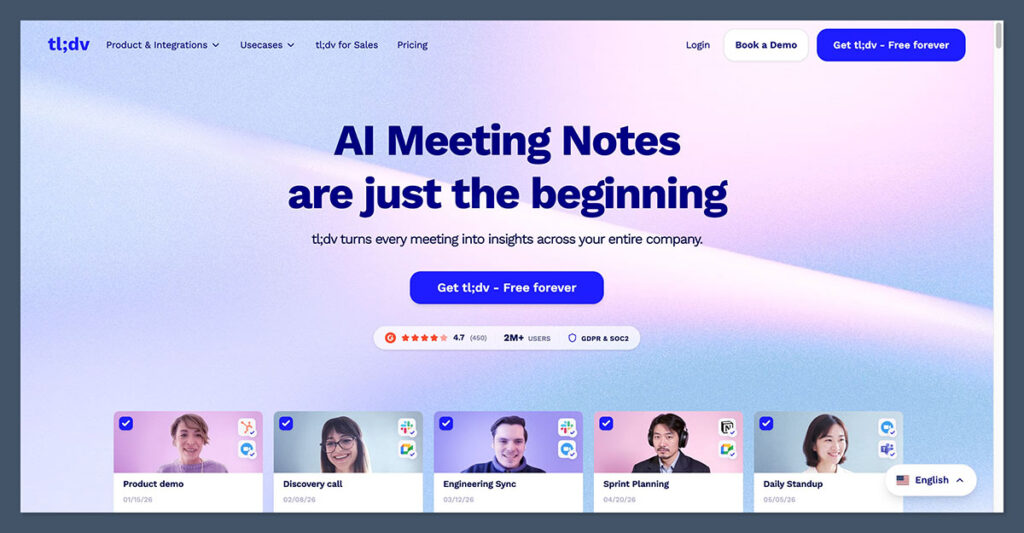
tl;dv (Too Long; Didn’t View) is perfect for remote teams that frequently record and share meeting content.
It works well as a Chrome extension and allows timestamped note-taking, which I found useful for onboarding, team retrospectives, and stakeholder reviews.
You can tag moments during the meeting or let the AI generate a summary afterward. The platform supports multiple languages and integrates with Slack and Notion for easy content sharing.
Pros
- Timestamped AI notes
- Multilingual transcription
- Smooth integrations with collaboration tools
- Easy export and share options
Cons
- AI summaries can occasionally miss nuance
- Team tools require upgrade
Pricing
| Plan | Monthly Price | Features |
|---|---|---|
| Free | $0 | Unlimited recordings, basic tools |
| Pro | $20 | AI summaries, integrations, admin tools |
| Enterprise | Custom pricing | Security, compliance, onboarding |
Why I recommend it: tl;dv is ideal for distributed teams who rely on async communication. It turns meetings into searchable records that are easy to distribute.
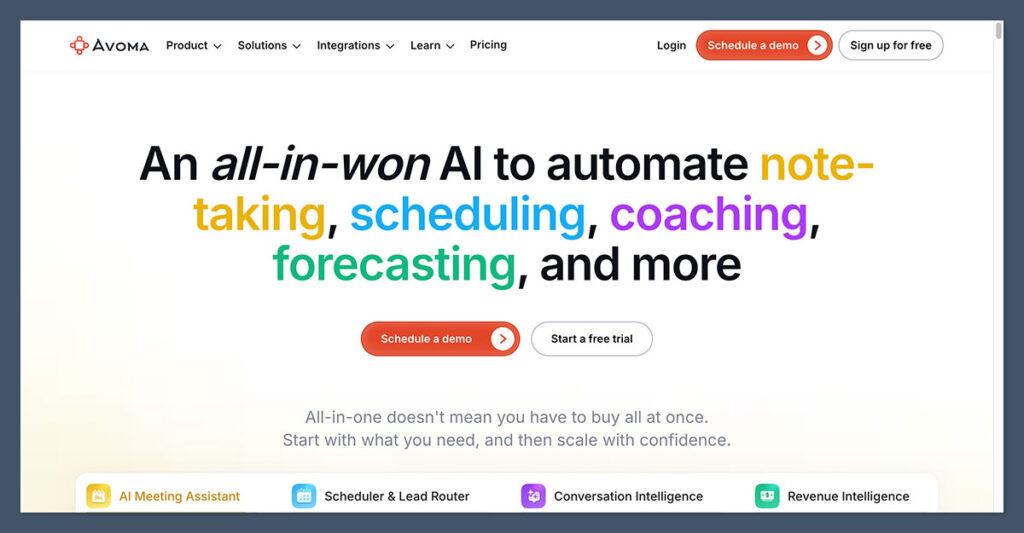
6. Avoma: Best for Sales Teams
Starting Price: $19
Platforms: Zoom, Meet, Teams
AI Features: Coaching, topic detection, summaries
Free Plan Available: No
Avoma is an advanced AI meeting assistant that focuses on the entire meeting lifecycle. I found it especially useful for managing sales calls.
It automatically records, transcribes, summarizes, and breaks down each conversation into categories like pain points, objections, and competitor mentions.
It also offers call coaching features and integrates deeply with CRMs. If your team runs demos, discovery calls, or product training sessions, Avoma helps you structure and improve your meetings.
Pros
- Advanced sales insights
- CRM sync and deal tracking
- Coaching dashboards for reps
- Full meeting lifecycle automation
Cons
- No free plan
- Setup takes more time than simpler tools
Pricing
| Plan | Monthly Price | Features |
|---|---|---|
| Starter | $19 | Transcription, summaries |
| Plus | $45 | CRM sync, advanced tagging |
| Business | $79 | Analytics, coaching, scheduling |
Why I recommend it: If you manage a sales or CS team, Avoma can help standardize workflows, reduce meeting prep time, and improve team performance with real data.
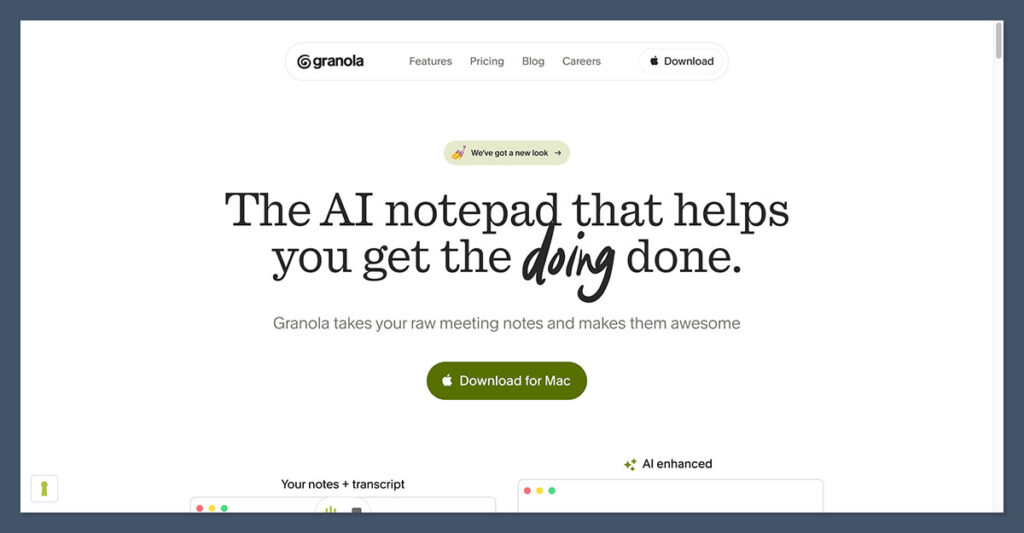
7. Granola: Best for Privacy-Conscious Note-Takers
Starting Price: Free
Platforms: Browser
AI Features: Enhances manual notes with transcript support
Free Plan Available: Yes
Granola takes a different approach. Instead of recording meetings or joining them with a bot, it works in the background to enhance the notes you type manually.
I found it helpful during internal brainstorming sessions where I didn’t want to be recorded but still needed support organizing thoughts afterward.
It provides context-aware suggestions, timestamps, and topic detection — all based on what you typed during the call.
Pros
- No bots or recordings
- Lightweight and discreet
- Enhances your own notes with AI support
- Good for sensitive or private meetings
Cons
- No full transcripts
- Limited to users who prefer manual note-taking
Pricing
| Plan | Monthly Price | Features |
|---|---|---|
| Free | $0 | 10 meetings per month, basic features |
| Pro | $15 | Unlimited meetings, full AI support |
Why I recommend it: Granola is perfect for professionals who value privacy but still want smart, structured notes at the end of each meeting.
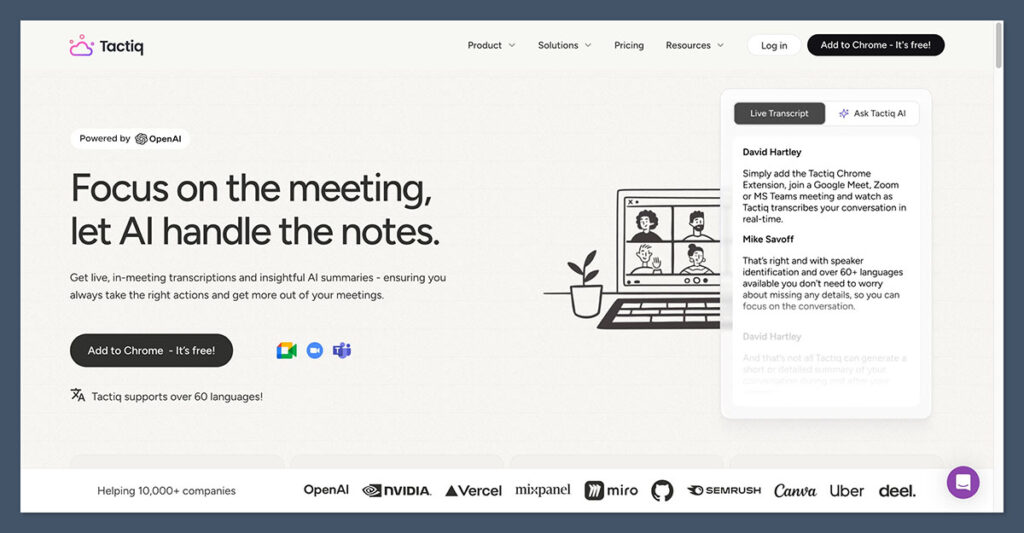
8. Tactiq: Best Lightweight Chrome Extension
Starting Price: Free
Platforms: Google Meet, Zoom, Teams
AI Features: Real-time transcripts, exports
Free Plan Available: Yes
Tactiq is a quick and easy transcription tool that captures meeting captions and converts them into transcripts in real time.
It doesn’t rely on bots and integrates smoothly with platforms like Notion and Slack.
I used it as a way to take notes during fast-paced meetings, and it helped me highlight key quotes and action items as I went.
Pros
- No bots or installs needed
- Real-time in-browser transcription
- Great export options
- Integrates with Notion, Google Docs, Slack
Cons
- No summaries without upgrade
- Transcript can be messy in long meetings
Pricing
| Plan | Monthly Price | Features |
|---|---|---|
| Free | $0 | Basic transcription, Google Docs export |
| Pro | $10 | AI summaries, integrations, highlights |
| Team | Custom | Admin tools, usage tracking |
Why I recommend it: Tactiq is perfect if you want something quick and easy that enhances your browser experience without overcomplicating things.
Final Verdict
Krisp has done a good job combining audio cleanup and meeting assistance. But if your main need is AI-powered summaries, follow-ups, and documentation, there are better tools out there.
NoteGPT is my top recommendation. It works quietly in your browser, requires no bots, and delivers polished, actionable notes instantly.
Other tools like Otter, Fireflies, and Fathom also offer great experiences depending on your workflow, platform, and team size.
If you’re not sure where to start, try NoteGPT’s free plan or give Otter a shot during your next team meeting.

Comments 0 Responses